
为照片添加音乐或音频
将一张静态图片和一首歌合成可随处发布的视频。上传照片和音频,或从免版税曲库中挑选音轨,然后用 EchoWave 的在线视频编辑器导出 MP4,直接发布到 Instagram、TikTok、WhatsApp 或 YouTube。免费开始,无需下载,手机同样可用。


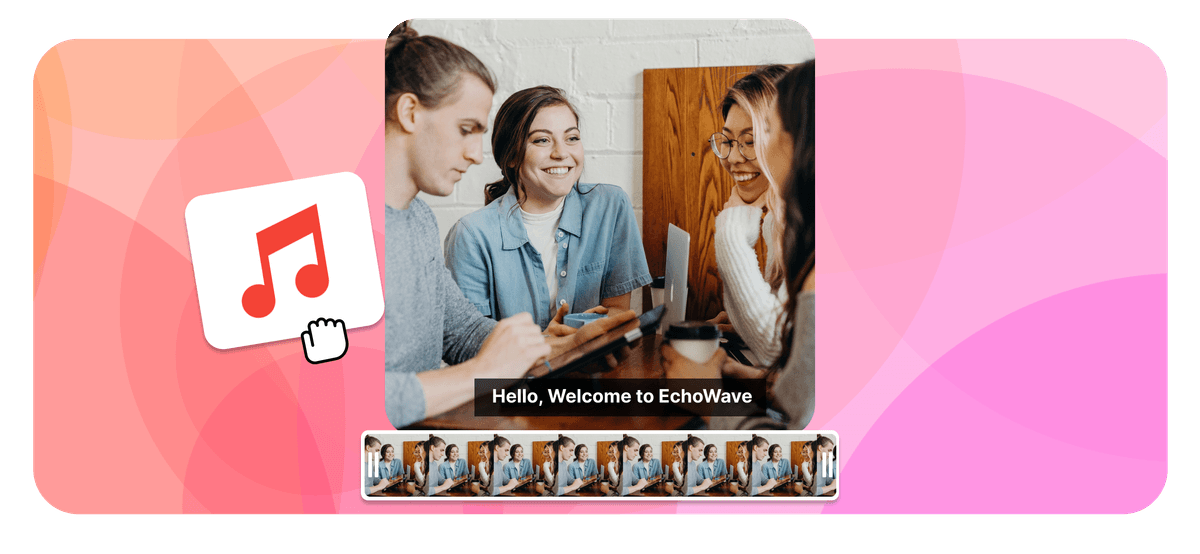
为照片添加音乐或音频 Features


全球数千家企业都在使用 EchoWave





如何为照片添加音乐
三个简单步骤,在浏览器中将静态图片变成随时可分享的视频。
-
1. 上传你的照片
将 JPG、PNG、WebP 甚至 iPhone HEIC 格式的照片拖放到编辑器中。选择画布比例(9:16 竖屏、1:1 方形或 16:9 宽屏),或让画布自动适配图片尺寸。

-
2. 添加音乐或音频
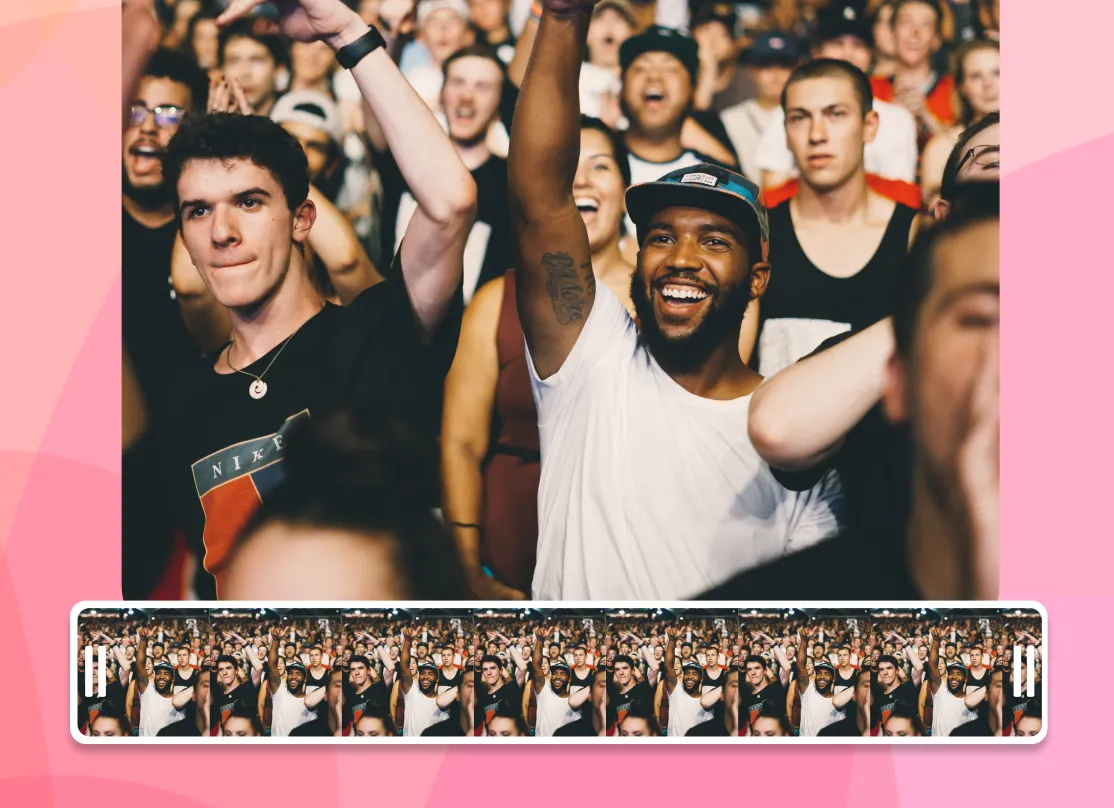
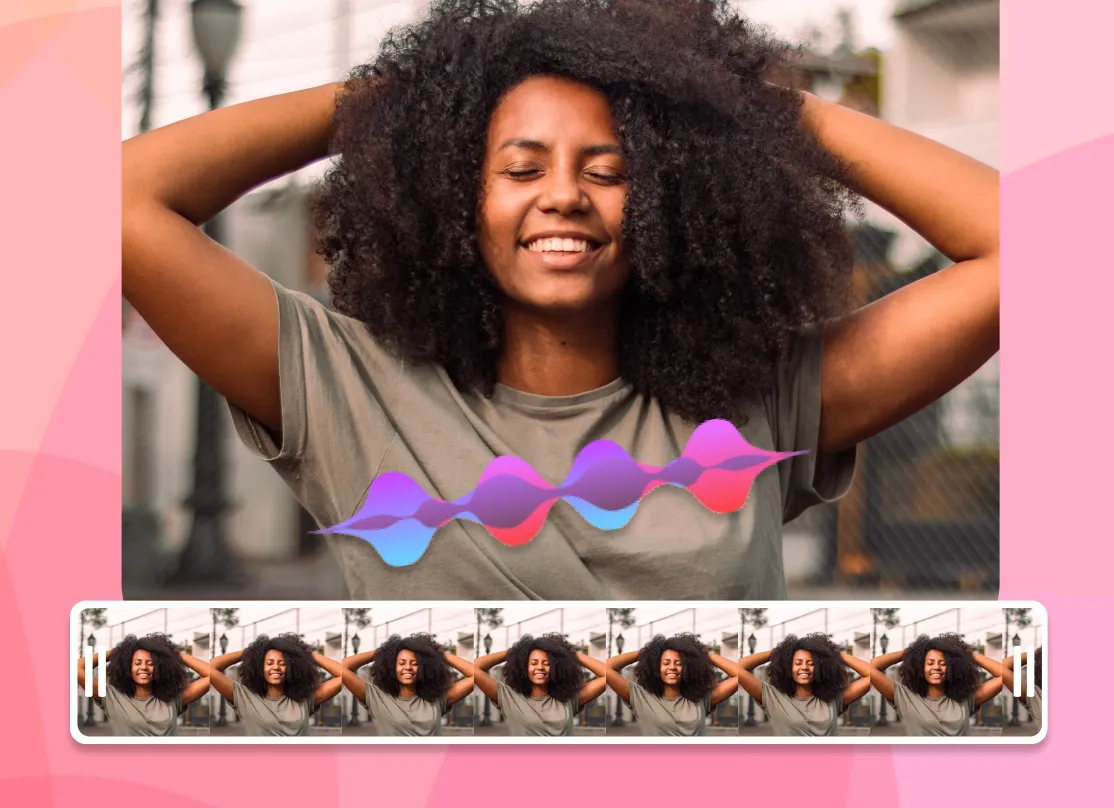
上传 MP3、WAV 或 M4A 文件,从免版税曲库中选择歌曲,或生成 AI 配音。裁剪音频至所需片段,调整音量,并可添加音频可视化效果,让声音"看得见"。
-
3. 导出并分享
点击导出,EchoWave 将渲染一段在整首歌时长内持续显示照片的 MP4 视频。下载后即可发布到 Instagram、TikTok、WhatsApp 或 YouTube。
用户如何评价 EchoWave
Photo + audio = video
Why adding sound to a photo makes a video
Image files like JPG and PNG cannot hold sound, because there is no audio track inside a photo. EchoWave does what every professional tool does and merges your picture and your audio into an MP4 video. Your photo stays on screen for the full length of the track, and the result plays anywhere a video plays, from Instagram and TikTok to WhatsApp, YouTube, and your camera roll.
Any photo plus any song becomes an MP4 that plays everywhere
-
10+ image formats
including iPhone HEIC
-
12+ audio formats
MP3, WAV, M4A and more
-
Up to 4K export
-
Files up to 1 GB
The full toolkit
More than a photo audio mixer
EchoWave is a complete online editor, so adding a song to a picture is just the start. Everything below works on the same canvas, with no extra apps.
-
Use your own audio
Upload an MP3, WAV, or M4A. It can be a song, a voice note, or a podcast clip. If you can play it, you can put it on a photo.
-
Royalty-free music library
No track on hand? Browse built-in royalty-free background music and add it to your photo without copyright worries.
-
Music visualizers
Add an animated waveform or spectrum that moves with the beat, so your still photo never looks static.
-
AI voiceover
Type a script and lay a natural AI voice over your picture, with no microphone needed. Great for narrated posts and tributes.
-
Trim, fade, and mix
Cut the audio to the exact section you want, set the volume, and fade in or out for a clean finish.
-
Subtitles and text
Add captions and titles over your image, which is ideal for feeds that autoplay on silent.
-
Any aspect ratio
One click switches the canvas between 9:16, 1:1, and 16:9, framing your photo for the platform you're posting to.
-
HD and 4K export
Export a crisp MP4. Free exports carry a small EchoWave watermark, and paid plans remove it and unlock 4K.
Built for sharing
The right size for every platform
A photo with music only works if the platform accepts the file. Pick a preset and EchoWave frames your picture to fit.
-
9:16 Vertical
- TikTok
- Instagram Reels & Stories
- YouTube Shorts
- WhatsApp Status
-
1:1 Square
- Instagram feed
- X
-
16:9 Widescreen
- YouTube
- presentations
- web
| Platform | Best size | Max length | Good to know |
|---|---|---|---|
| Instagram Reels | 9:16 · 1080×1920 | 3 min | Under 90 seconds tends to reach further |
| Instagram Story | 9:16 · 1080×1920 | 60 s per card | Longer videos split into cards |
| TikTok | 9:16 · 1080×1920 | 10 min | Keep mobile uploads under 287 MB |
| YouTube Shorts | 9:16 · 1080×1920 | 3 min | 9:16 is required for the Shorts shelf |
| WhatsApp Status | 9:16 | 90 s | Keep the file under 16 MB |
| YouTube | 16:9 · 1920×1080 | Up to 12 hours | The standard for full uploads |
Platform limits as published, June 2026.
Ideas
What people make with one photo and one song
-
Share a song with cover art
Put album or single artwork behind a track and post your music to YouTube, Reels, or TikTok.
-
WhatsApp status with music
A photo with background music makes a 90-second status that friends stop to hear.
-
Birthday & anniversary wishes
Put their favourite song on a photo and send a greeting that feels like a gift.
-
Memorial tributes
Pair a treasured photo with a meaningful piece of music for a respectful, shareable remembrance.
-
Podcast & audio clips
Turn a quote from an episode into a photo and waveform clip, also known as an audiogram.
-
Voice notes on photos
Merge a photo and audio of a recorded message to make a picture that speaks.
Any device
Add music to a photo on iPhone, Android, Windows, or Mac
EchoWave runs in the browser, so the steps are the same on every device and there is nothing to install from an app store.
-
iPhone (Safari)
Upload straight from your camera roll, and HEIC photos work without conversion. Add your song, export, and save the MP4 back to Photos. The built-in Photos app cannot export a video with a custom song, but this can.
-
Android (Chrome)
Android has no universal built-in photo-music tool. Open the editor in Chrome, upload your image and MP3, and download the finished video to your gallery.
-
Windows
Skip the project setup in the Photos app. Drag a picture and an MP3 into the browser editor, line them up, and export. There is nothing to install.
-
Mac (Safari or Chrome)
Faster than building an iMovie timeline for one image. Upload, add audio, and export an MP4 in about a minute.
Compare
How EchoWave compares to other photo and music tools
| Feature | EchoWave | Kapwing | Clideo | addmusictophoto.com |
|---|---|---|---|---|
| Works in the browser, no install | Yes | Yes | Yes | Yes |
| Royalty-free music library | Yes | Yes | No | No |
| Music visualizers on photos | Yes | No | No | No |
| AI voiceover (text to speech) | Yes | Yes | No | No |
| Subtitles & text styling | Yes | Yes | No | No |
| Aspect ratio presets (9:16, 1:1, 16:9) | Yes | No | Yes | No |
| iPhone HEIC photos | Yes | No | No | No |
| 4K export available | Yes | No | No | No |
| Image formats accepted | JPG, PNG, HEIC, WebP, GIF + more | JPEG, PNG | JPEG, TIFF, PNG, GIF | JPEG only |
Based on what each tool advertises on its own add audio to image page as of June 2026. A dash means the feature is not mentioned there. EchoWave's 4K export and watermark removal are part of paid plans.
Private by default
Uploads travel over an encrypted connection and live in your project, where only you can access them. They are only used to create your video, and you can delete projects whenever you like. Read more on our security page.
Add music to your photo now
Start free. Upload a picture and give it a soundtrack.

关于 EchoWave 团队
EchoWave 是一款浏览器端视频与音频编辑器,由 Lemon Vault LLC 自 2018 年持续开发。编辑器的开发团队亲自撰写这些指南,并在发布前于真实应用中测试每一个步骤。
常见问题
关于在线为照片和图片添加音乐、歌曲及音频的快速解答。
如何为照片添加音乐?
将照片上传至 EchoWave 编辑器,添加音频文件或从免版税曲库中选择一首歌,然后点击导出。编辑器会将图片与声音合并成一个 MP4 视频。在整段音频的时长内,你的照片始终显示在画面中,随时可下载分享。
JPEG 或 PNG 照片能包含声音吗?
不能。JPEG、PNG 等图片格式只存储像素数据,照片文件内没有音轨。要将图片与声音结合,需要创建视频文件(通常为 MP4),MP4 可同时包含图像和音频流。这正是本工具为你生成的内容。
为照片添加音频是免费的吗?
是的。EchoWave 免费套餐即可为照片添加音乐或音频并导出视频,无需付费。免费导出会附带一个小的 EchoWave 水印;升级到付费套餐可去除水印,并解锁 4K 导出。
导出的视频会有水印吗?
使用免费套餐时,导出视频会带有一个小的 EchoWave 标识。如需去除水印,升级到付费套餐后即可完全移除,同时还能获得更高分辨率的导出选项,包括 4K。
支持上传哪些图片和音频格式?
图片:JPG、PNG、WebP、GIF、BMP、TIFF、SVG、AVIF 及 iPhone HEIC/HEIF。音频:MP3、WAV、M4A、AAC、OGG、Opus、FLAC、AIFF 及 WMA。支持最大 1 GB 的文件,成品视频导出为 MP4 格式。
成品视频是什么格式?
MP4——兼容性最广的视频格式。可在 iPhone、Android、Windows 及 Mac 上原生播放,并可直接上传至 Instagram、TikTok、YouTube、WhatsApp 和 Facebook。
如何在 iPhone 上为照片添加音乐?
在 Safari 中打开 EchoWave 编辑器,从相册上传照片(HEIC 格式无需转换),添加你的歌曲,然后导出。Apple 的照片 App 虽然可以用 Apple Music 曲目制作"回忆",但无法导出;而浏览器工具可生成真正的 MP4,你可以随时保存和分享。
如何在 Android 上为照片添加音乐?
Android 没有适用于所有设备的内置音乐配图工具。在 Chrome 中打开编辑器,上传图片和 MP3,下载 MP4 到相册即可。无需安装任何 App。
如何制作带音乐的 Instagram 照片视频?
选择 9:16 预设适用于 Reels 和 Story,或选 1:1 用于动态帖子,添加音轨后导出。Reels 控制在 90 秒以内效果最佳,最长允许 3 分钟。
WhatsApp 状态视频最长可以多久?
最长 90 秒,文件大小建议控制在 16 MB 以内。使用 9:16 竖屏预设,将歌曲裁剪至所需片段,导出后即可直接上传到状态。
能使用自己的 MP3 或录音吗?
可以。上传你拥有的任意音频,例如歌曲、语音备忘或播客片段,也可以在编辑器中通过文字生成 AI 配音。支持裁剪、调节音量及添加淡入淡出效果。
照片会在整首歌期间持续显示吗?
是的。默认情况下,视频时长与音频相同,照片在整个过程中保持显示。你也可以先裁剪音频,让视频时长完全符合你的需求。
照片能随音乐"动起来"吗?
可以。添加音乐可视化效果,动态波形、音频柱或频谱就会随节拍在照片上方跳动。这是让静态图片焕发生机的最简单方法。
我的文件安全吗?
上传文件通过加密连接传输,并存储在你的项目中,仅你本人可以访问。文件仅用于生成视频,你可以随时删除项目。详情请参阅我们的安全页面。
















