
2026 年 11 款最佳 Veed alternative(Veed.io 替代方案)
VEED 把方案改成了围绕 AI 点数,它的免费版仍然限制在 720p、10 分钟,并带水印。我们首推切换到 EchoWave:这是一款浏览器视频编辑器,免费方案可处理 60 分钟的视频,快捷工具导出无水印。下面按排名列出免费和更便宜的选择,也包括 VEED 仍然领先的地方。



EchoWave:在线视频编辑器





人们为什么要找 Veed.io 替代方案
VEED 是目前功能最强的浏览器编辑器之一,这恰恰是它的定价让人肉疼的原因。免费方案把导出限制在 720p 和 10 分钟,加水印,并且只含有限的 AI 点数。付费方案按年付费每位用户每月 10 到 35 美元,按月付费大约翻倍,而且所有 AI 功能都从年度点数额度里扣;用户反映视频还没做完,点数就已经用光。在 Trustpilot 上,VEED 约 3,500 条评价的评分为 4.1 星,主要的投诉集中在自动续费扣款、拒绝退款和难以取消订阅。评论者还反映,编辑器处理较长或较大的素材时很吃力。
我们如何挑选:我们在浏览器里测试了每一个替代工具,在 2026 年 8 月核对了每个定价页面,并特别关注每个免费版实际上能让你发布什么,因为这正是 VEED 最先让大多数人失望的地方。
简而言之: 想要可用的免费版和统一定价的创作者,EchoWave 是最佳的综合替代;想免费获得无水印的 1080p 导出,选 Clipchamp;宁愿编辑文字稿也不愿编辑时间轴的播客主,选 Descript。
2026 年最佳 Veed.io 替代方案排名
每一项都在浏览器里测试过。价格核对于 2026 年 8 月。
- 1
EchoWave
Our pickBest overall for creators who want VEED's everyday jobs without the credit meter
从 VEED 换过来,你会得到真正可用的免费版:完整的编辑器和 90 多种工具,视频最长 60 分钟而不是 10 分钟,以及导出完全无水印的专用快捷工具(剪切、裁剪、压缩、转换)。自动字幕能识别所说的语言,附带 176 种字幕预设和卡拉 OK 动画,快速字幕免费。付费方案很简单:按年付费每月 9 美元即可在 1080p 下去除水印,每月 17 美元(按年付费)加上 4K,每个方案按每位用户计费。
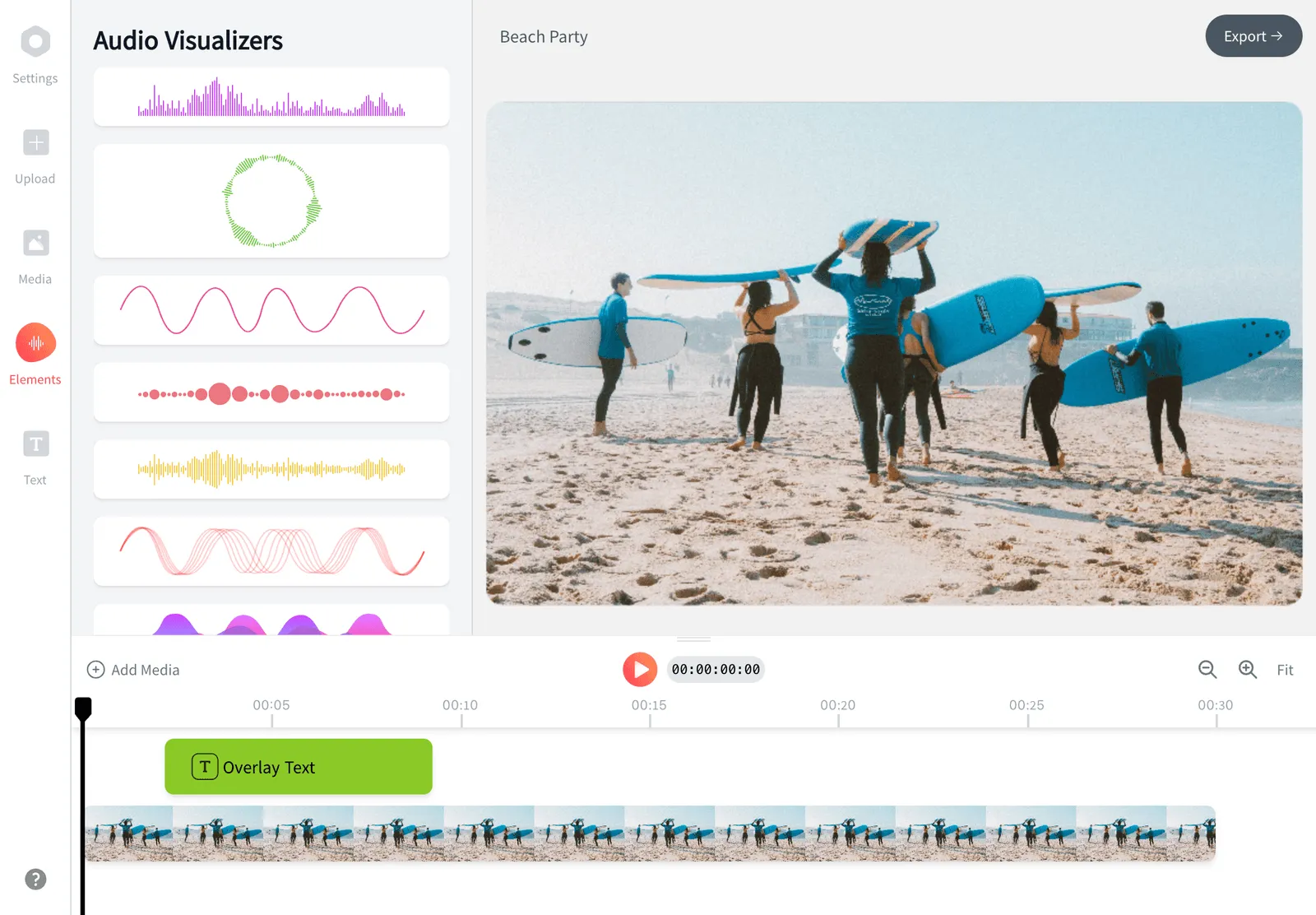
不变的是:你仍然在浏览器里剪辑,无需安装,可以录屏或录摄像头,也能生成文字转语音配音。改进的是:VEED 并不主打的音频优先工具,比如音乐可视化和音频波形视频生成器。坦率的提醒:VEED 在 AI 虚拟人和它的文字生成视频模型 Gen-AI Studio 上仍然领先,它按席位计费的团队工作区也更适合较大的内容团队。EchoWave 不生成虚拟人或文字生成视频片段。
- Pricing:
- Free plan; paid from $9/mo billed annually
- Free plan:
- Free forever: full editor, 720p exports with a small badge; quick tools export with no watermark
- Best for:
- Creators and small teams doing captions, social clips, and audio-first video on a budget
Pros
- Free plan handles 60-minute videos; VEED free caps exports at 10 minutes
- Quick tools (trim, crop, compress, convert) export with no watermark, even free
- Auto subtitles with language detection, 176 presets, karaoke styles
- 按年付费每月 9 美元起,适用于一位用户
- Dedicated music visualizer, audiogram, and waveform video tools
- Starts instantly with no install
Cons
- Free full-editor exports are 720p with a small badge
- No AI avatars or text-to-video generation
- Templates come from your own projects; there is no public template gallery
- 2
CapCut
capcut.comThe template king, if you accept the watermark and opaque pricing
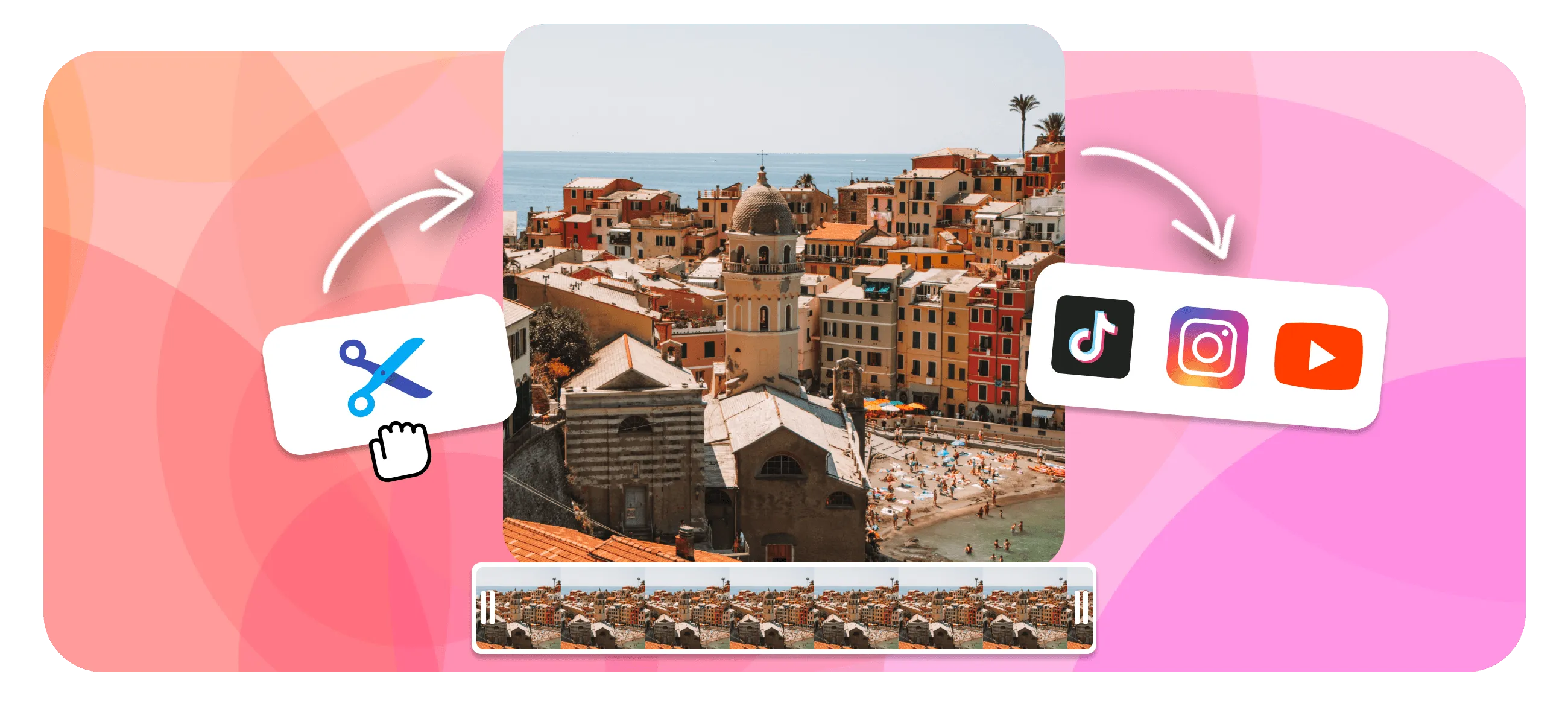
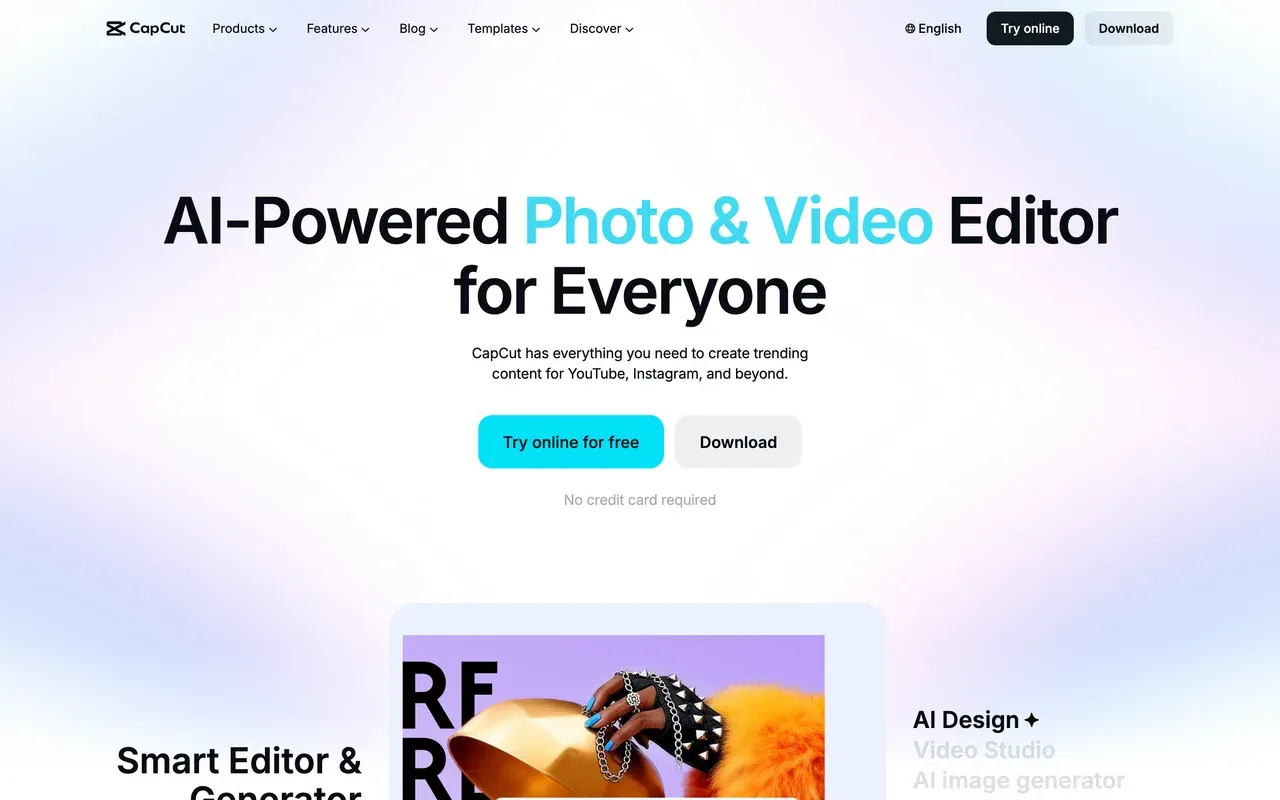
CapCut 满足的是和 VEED 不同的需求:趋势模板(多达 87 万以上)和一款精致的、移动端优先的编辑器,而不是 AI 生成套件。核心剪辑功能保持免费,包括多轨时间轴、关键帧和色键抠像,项目在手机、桌面和网页之间同步。
2025 年的收紧确实存在:免费导出现在带水印,分辨率上限约为 1080p,自动字幕等原本免费的功能移到了 Pro 里,价格在 2025 年底的调整中大约翻了一倍。CapCut 不公布价格表;它的帮助页面说费用因地区、设备和促销而异,美国的价格追踪站一致报告标准版为每月 9.99 美元,Pro 为每月 19.99 美元或每年 179.99 美元。如果你对 VEED 按席位计费感到不满,CapCut 未公开的按设备定价也未必会更舒服。
- Pricing:
- Reported around $9.99/mo (Standard); CapCut publishes no price list
- Free plan:
- Core editing free; exports watermarked and capped around 1080p
- Best for:
- Short-form TikTok and Reels creators who live inside trends and templates
Pros
- Best-in-class mobile editing with 870K+ templates
- Free tier keeps the full timeline, keyframes, and chroma key
- Cross-device projects across mobile, desktop, and web
- Tight TikTok export integration
Cons
- Watermark on free exports since the 2025 changes
- Auto captions and many formerly free features now need Pro
- No public pricing; cost varies by region and device
- 3
Kapwing
kapwing.comPolished team repurposing in the browser, with even tighter meters than VEED
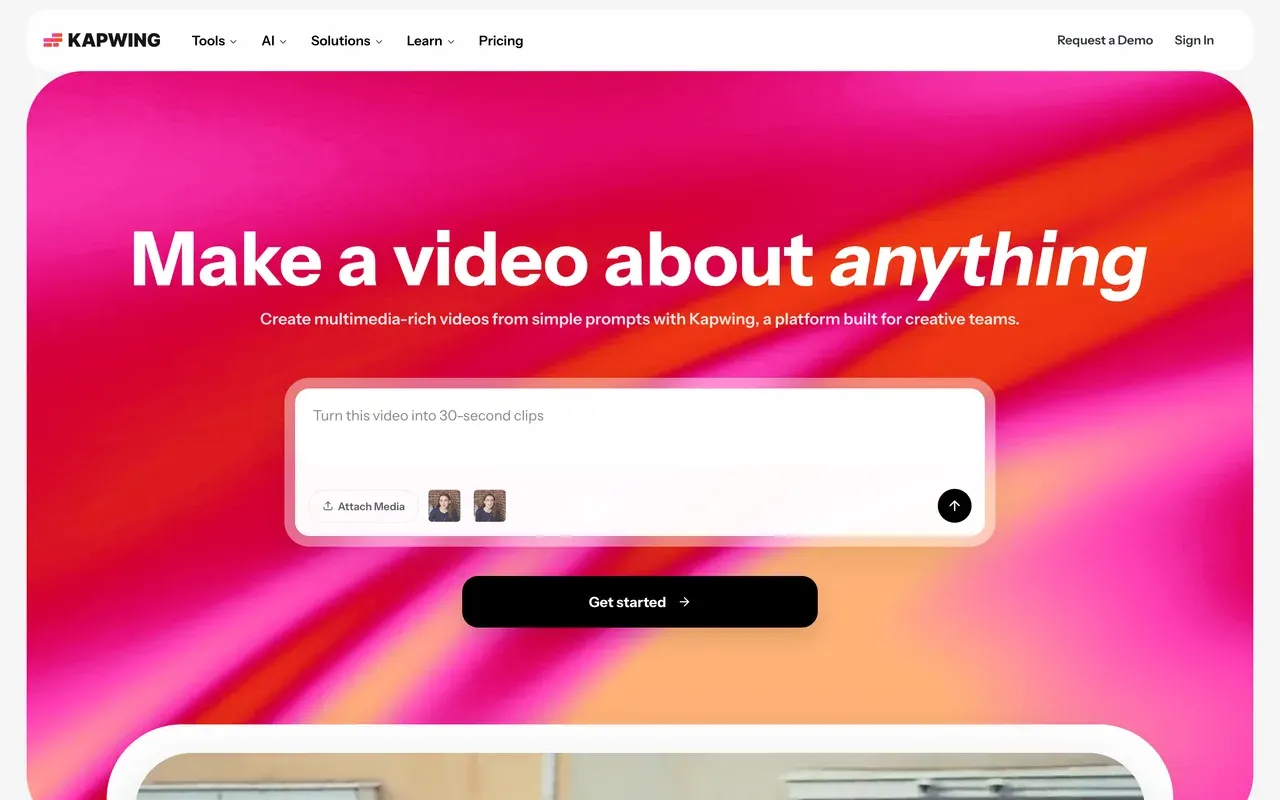
Kapwing 在气质上最接近 VEED:面向社交和营销团队的浏览器平台,有准确的字幕、翻译,以及能根据提示词创建和编辑项目的 Kai AI 助手。团队可使用共享工作区和浏览器内审阅。
不过它的额度比 VEED 更严。免费方案最多导出一分钟的 720p 视频并带水印,项目三天后会被删除。Pro 按年付费每月 16 美元(按月付费 24 美元),按成员计费,每月提供 1,000 分钟字幕额度。评论者对易用性评价很高(G2 4.1),但反复出现的投诉和 VEED 如出一辙:较长项目导出失败或很慢,以及僵化的计费和不退款政策。
- Pricing:
- From $16/mo per member billed annually ($24 monthly)
- Free plan:
- 1-minute watermarked 720p exports; projects deleted after 3 days
- Best for:
- Marketing teams subtitling and repurposing short clips together in the browser
Pros
- Clean subtitle and translation workflow, top-rated ease of use
- Team workspaces with in-browser review and commenting
- Kai AI assistant can generate and edit projects from prompts
- Strong repurposing toolkit: resize, smart cut, templates, screen recording
Cons
- Free tier is demo-only: 1-minute cap and 3-day project retention
- Export failures and lag reported on longer projects
- No refunds after upgrading; per-member pricing adds up
- 4
Descript
descript.comEdit by transcript instead of timeline
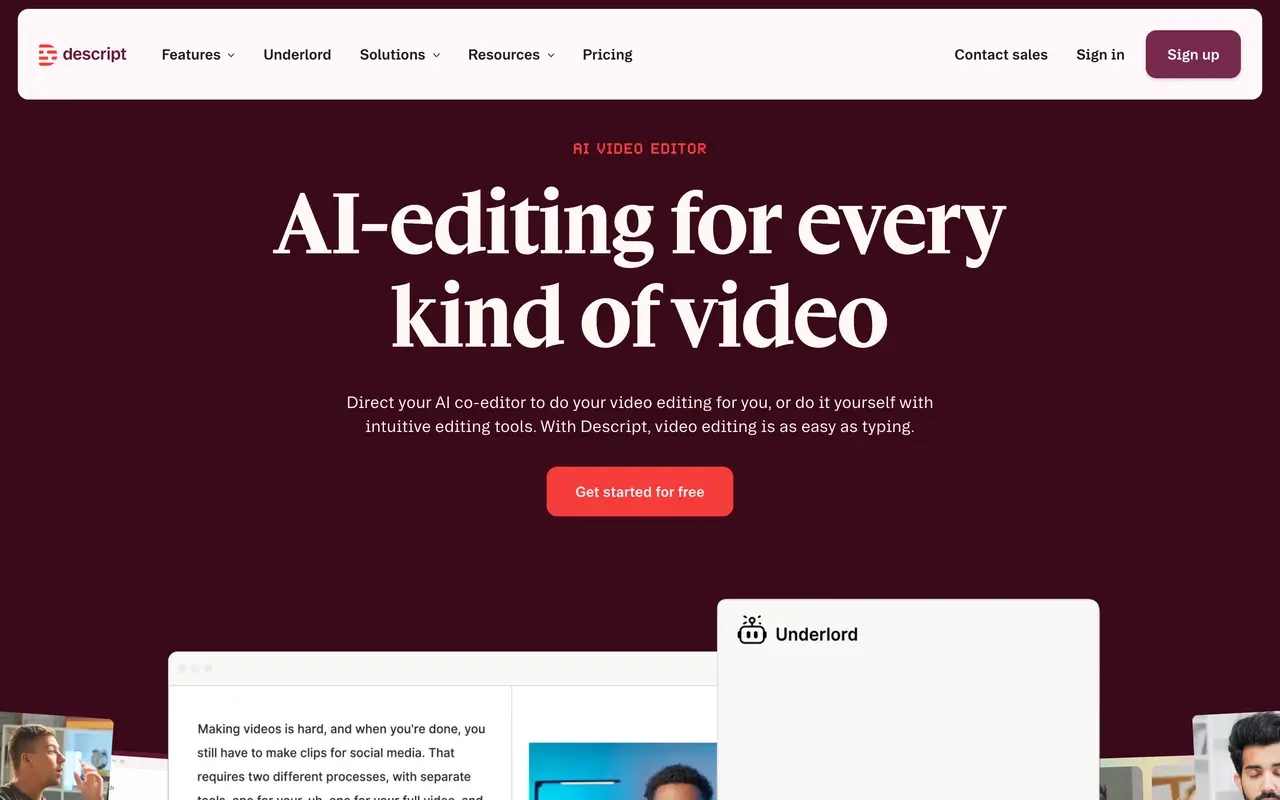
Descript 用开创品类的文字式剪辑取代了 VEED 以时间轴为先的工作流:先转写录音(25 种语言,准确度业内领先),再通过删除文字来剪辑视频。它的播客工具集非常出色,包括多轨剪辑、Studio Sound、口头语删除,以及能根据一条提示词执行多步剪辑的 Underlord AI 协作剪辑师。
需要注意的地方:2025 年底的定价引入了媒体时长加 AI 点数的双重计量,用户抱怨一个月的点数一天就没了。Hobbyist 按年付费每月 16 美元,含 10 小时媒体;Creator 按年付费每月 24 美元,加上 4K。老用户还反映,重建后的编辑器在较长项目上会崩溃和卡顿,与传统编辑器相比,精确到帧的时间轴操作依然笨拙。
- Pricing:
- From $16/mo billed annually (Hobbyist; $24 monthly)
- Free plan:
- 60 transcription minutes/month, 100 one-time AI credits, 720p export
- Best for:
- Podcasters and talking-head creators who edit by transcript
Pros
- Best text-based editing workflow anywhere
- Excellent podcast tools: multitrack, Studio Sound, filler-word removal
- Underlord AI co-editor handles multi-step edits from one prompt
- Screen and remote recording built into the same tool
Cons
- Dual meter (media hours plus AI credits) makes costs unpredictable
- Stability complaints on long projects since the editor rebuild
- Weak fit for frame-precise, effects-heavy timeline editing
- 5
Clipchamp
clipchamp.comThe rare free editor with watermark-free 1080p
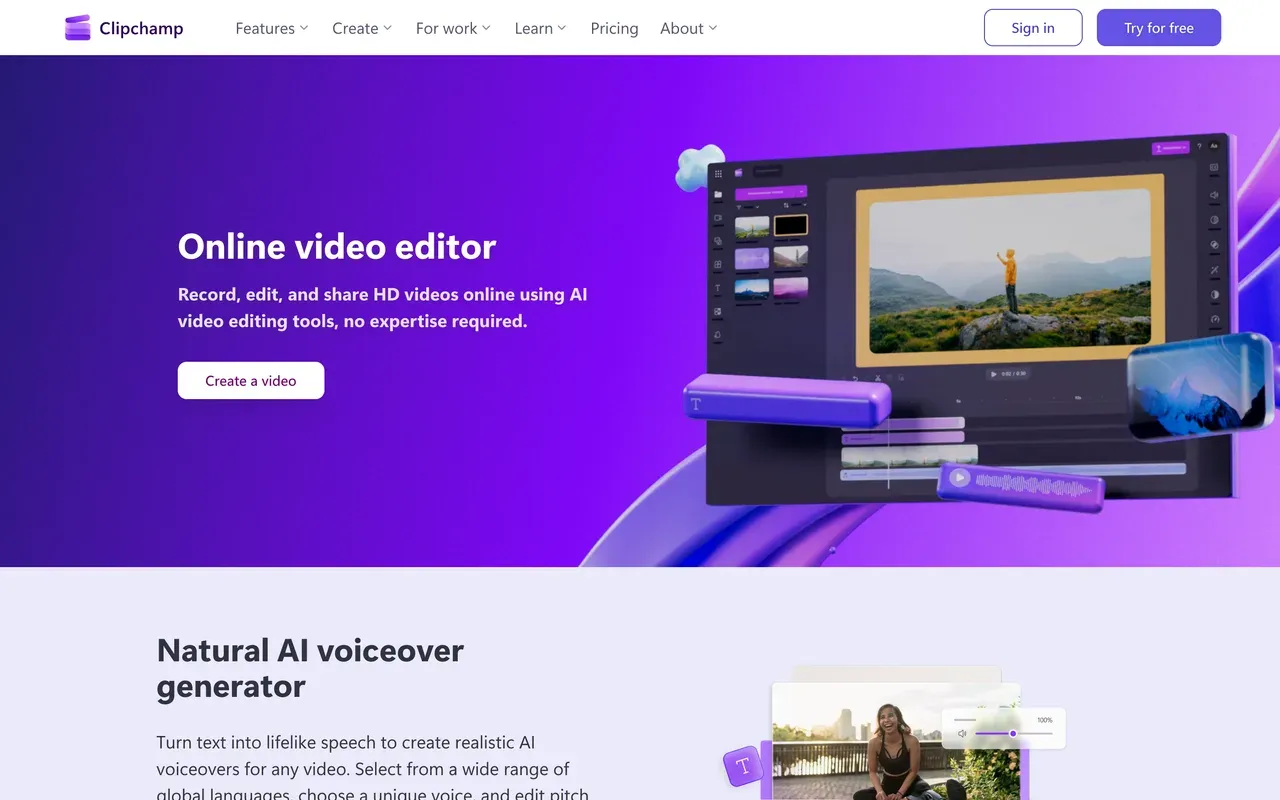
如果 VEED 的水印就是你的全部问题,Clipchamp 能以 0 美元解决:免费导出是无水印的 1080p,是这个品类里最慷慨的免费政策。它内置于 Windows 11,可录屏和录摄像头,还包含 AI 配音(400 多种声音)和 80 多种语言的自动字幕。
代价是深度。评论者认为它的工具集比 VEED 浅,特效和关键帧有限,对自动 AI 结果评价不高。它只在 Chrome 和 Edge 上有官方支持,没有 Mac 桌面应用,4K 导出需要 Premium(每月 11.99 美元)或 Microsoft 365 套餐,这显然是微软希望你最终去的地方。
- Pricing:
- Free; Premium $11.99/mo (also bundled with Microsoft 365)
- Free plan:
- Watermark-free 1080p exports with free stock and filters
- Best for:
- Windows users who need quick, watermark-free 1080p edits for free
Pros
- Watermark-free 1080p exports on the free plan
- Built into Windows 11, nothing to install there
- Beginner-friendly with screen, camera, and voice recording
- AI voiceovers and auto subtitles in 80+ languages
Cons
- Shallow feature set; pros outgrow it quickly
- Officially supported only in Chrome and Edge, no Mac app
- 4K locked behind Premium or Microsoft 365
- 6
Flixier
flixier.comFast cloud renders, now wrapped in AI credits
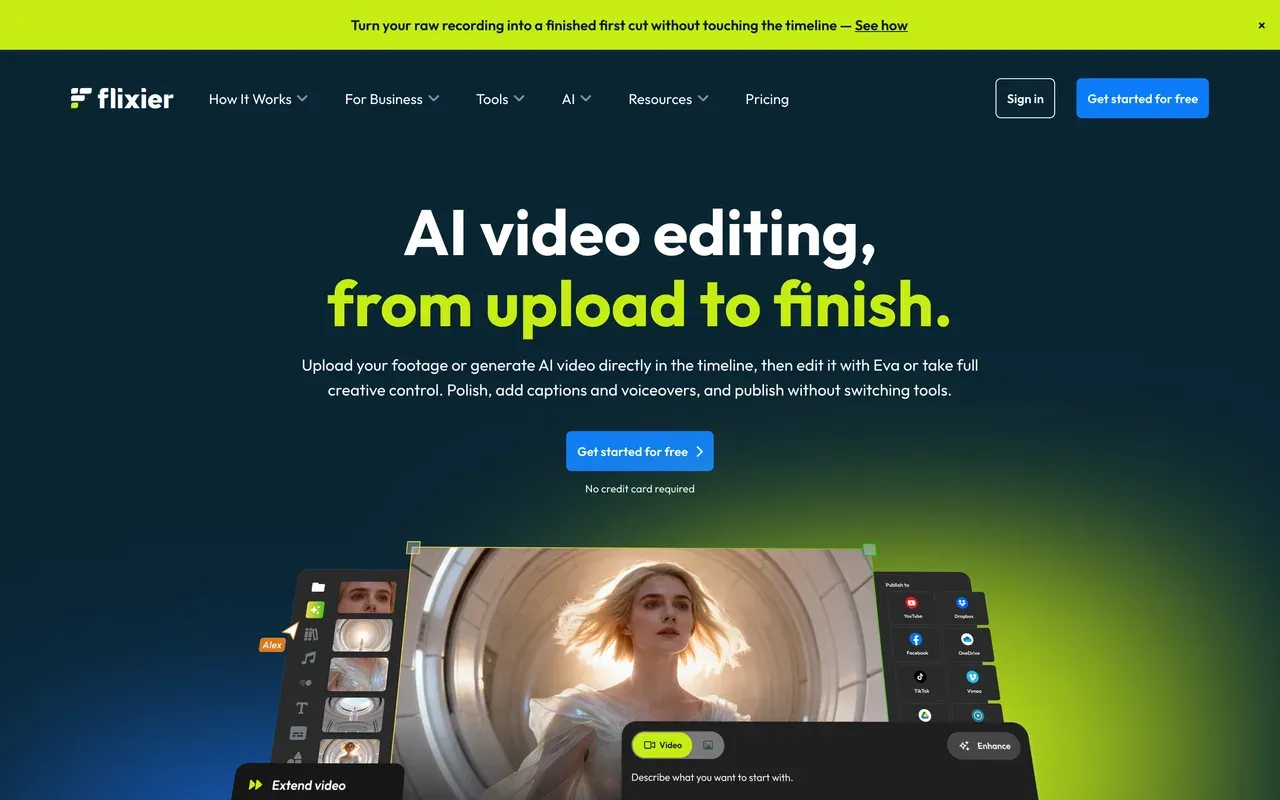
Flixier 对 VEED 的卖点是速度:云端渲染通常一分钟内就能完成导出,不受你硬件的影响,还有评审者无需账号的实时协作。它之后转向了 AI 优先,在时间轴内用 Sora 2 和 Veo 3.1 等当前模型生成内容。
为了 AI 而切换之前,请先算算点数:一段 8 秒的 Veo 3.1 片段要花 12,800 点,比 Creator 方案每月 10,000 点的全部额度还多。免费版每月允许 10 分钟的 720p 导出并带水印,Starter 每席位每月 19 美元,导出上限为每月 60 分钟。Trustpilot 平均 4.2 分,反复出现的投诉是取消后仍被重复扣费。
- Pricing:
- From $19/mo per seat (Starter); Creator $39/mo
- Free plan:
- 10 export minutes/month at 720p with watermark, 5 subtitle minutes
- Best for:
- Creators on weak hardware who want fast cloud exports
Pros
- Cloud exports typically finish in under a minute
- Runs well on low-spec machines, no install
- In-timeline AI generation with current models (Sora 2, Veo 3.1)
- Collaboration with timestamped comments, no reviewer signup
Cons
- AI credits vanish fast: one 8-second Veo clip can exceed a month's allowance
- Starter's 60-minute monthly export cap is tight
- Recurring cancellation and rebilling complaints on Trustpilot
- 7
InVideo
invideo.ioPrompt-to-video generation, metered hard
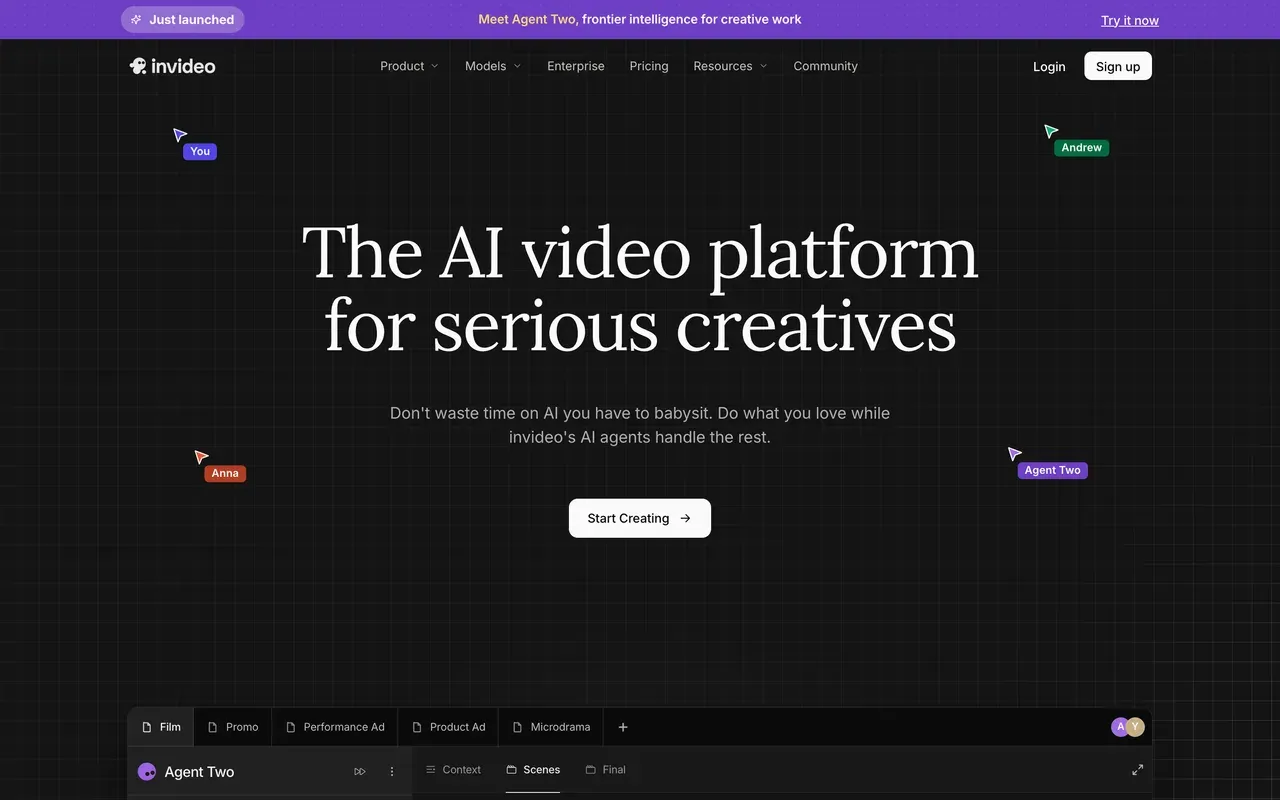
VEED 是在编辑器里加了一个 Gen-AI Studio,而 invideo 则是全力押注:Agent Two 能根据一条提示词生成完整的视频,从脚本到配音再到剪辑,调用 200 多个模型,包括 Sora 2 和 Veo 3.1。如果真正的需求是以提示词为先的生成,它在这一页的所有工具里生成能力最强。
风险在于经济账。点数是唯一的货币,不会结转,生成失败也照样消耗点数,生成的内容不可用也会因实时计算条款而被拒绝退款。各档价格在注册前是隐藏的;第三方报告 Plus 约为每月 25 美元。Trustpilot 上 AI 产品为 3.4 分,旧版 Studio 编辑器为 2.1 分。
- Pricing:
- Reported around $25/mo (Plus); prices login-gated
- Free plan:
- Small credit allocation, weekly export cap, watermark on every export
- Best for:
- Prompt-first creators and faceless channels generating videos from text
Pros
- Generates complete videos from one prompt, script to edit
- Aggregates 200+ AI models including Sora 2 and Veo 3.1
- Stock access bundled on paid plans
- Mobile apps and real-time collaboration
Cons
- Credits burn on edits and failed generations, with no rollover and refused refunds
- Prices not shown publicly; cost only clear after signup
- Trustpilot 3.4 (AI product) and 2.1 (legacy Studio)
- 8
Submagic
submagic.coCaption-first short-form suite
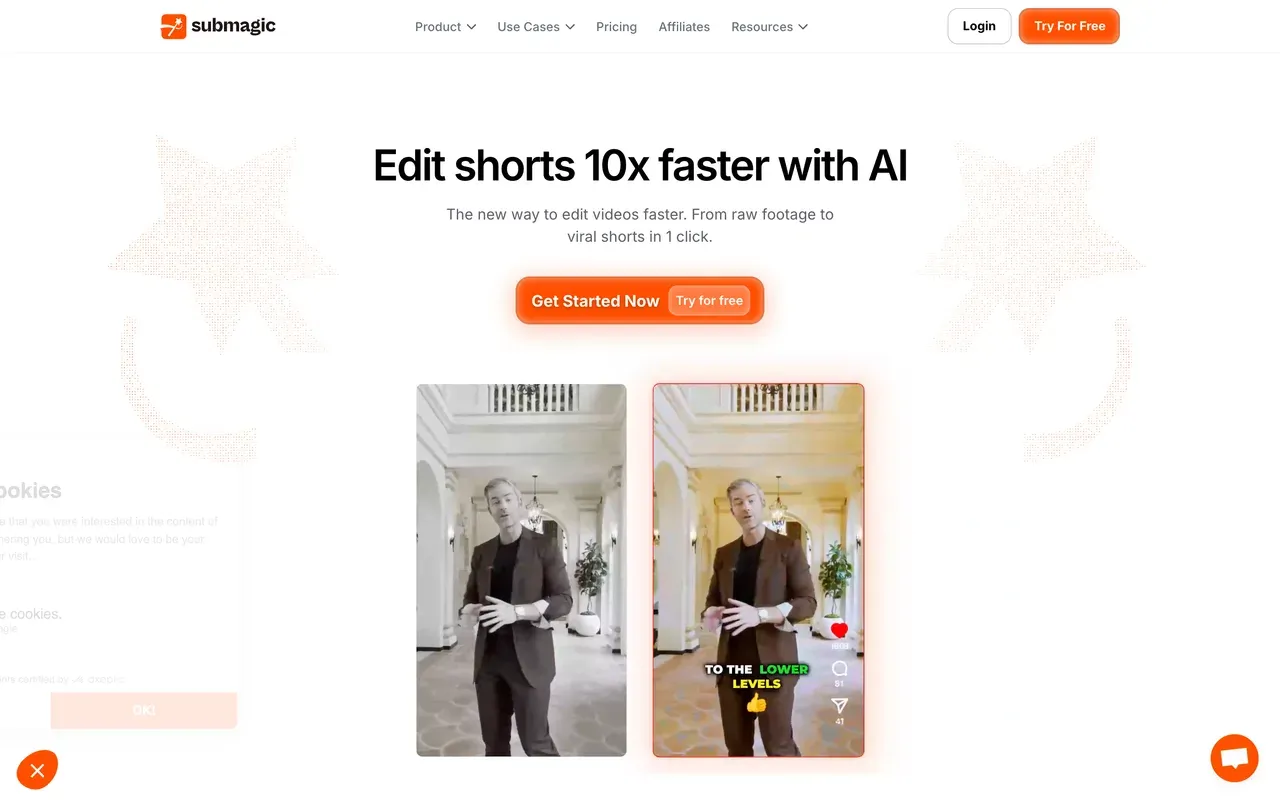
如果你主要用 VEED 给短视频加字幕,Submagic 是更锋利的工具:123 种语言的流行字幕模板,宣称准确率约 99%,另有一键自动剪辑,可加入变焦、转场、音效和静音剪切。它甚至涵盖了 VEED 的一项专长,提供拥有 120 多个虚拟人的 AI Avatar Studio。
问题出在结构上:方案同时限制视频数量和单个视频的长度(Starter 按年付费每月 12 美元,允许 15 个视频,每个最长 2 分钟),而剪辑长视频需要另付每月 19 美元的 Magic Clips 附加包。Trustpilot 上的评论者称赞响应迅速的支持,但指出了意外的年度续费和严格的不退款立场。最适合输入素材本来就很短的情况。
- Pricing:
- From $12/mo billed annually (Starter; $19 monthly)
- Free plan:
- 3 videos/month, 90-second and 200MB caps, watermark
- Best for:
- Short-form creators styling sub-5-minute clips with trendy captions
Pros
- Standout caption styles, 123 languages, ~99% claimed accuracy
- One-click auto-editing: zooms, transitions, sound effects, silence removal
- AI Avatar Studio with 120+ avatars
- Built-in scheduler and a public API
Cons
- Caps both video count and per-video length on every plan
- Long-video clipping costs an extra $19/mo (Magic Clips add-on)
- Surprise annual renewals reported on Trustpilot
- 9
FlexClip
flexclip.comThe budget template editor
FlexClip 在价格上比 VEED 更低:无水印 1080p 按年付费每月 11.99 美元起,配有 6,000 多个模板、400 万以上的素材,以及简单的 AI 工具,包括文字和网址生成视频。对以模板为先的营销短片来说,它是最便宜的正经选择之一。
免费方案比看起来更粗糙:导出上限为 720p,并带有一段无法移除、3 到 4 秒的 FlexClip 片头动画。评论者反映较长视频渲染很慢(一段 7 分钟的视频大约要 15 分钟),时间轴也有限,比不上完整的编辑器。AI 点数很少,Plus 每年仅 3,600 点,即使是付费的 Plus,每个项目的素材也只限 5 个视频和音频。
- Pricing:
- From $11.99/mo billed annually (Plus; $19.99 monthly)
- Free plan:
- 720p, 10-minute videos, mandatory FlexClip intro animation on exports
- Best for:
- Beginners making quick template-based social videos on a budget

Pros
- Cheap watermark-free 1080p at $11.99/mo billed annually
- 6,000+ templates and 4M+ stock assets
- Easy for non-editors: pick, swap, export
- AI text, article, and URL-to-video tools included
Cons
- Forced intro animation on all free exports
- Slow renders on longer or high-res projects
- 1080p ceiling on Plus; limited timeline control
- 10
Adobe Express
adobe.comDesign-first, with honest free video basics
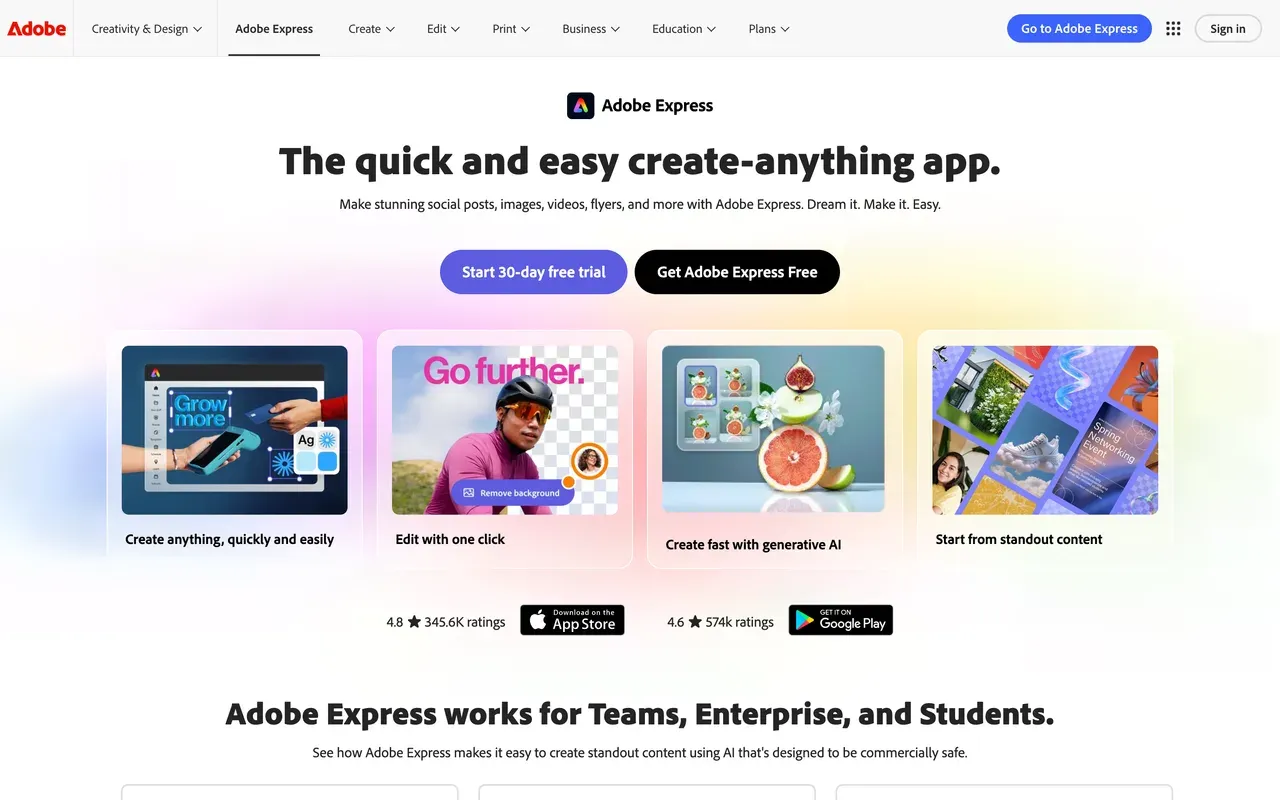
Adobe Express 是从设计入手的:模板、品牌套件和快捷操作(视频加字幕、调整尺寸、剪切、转换),视频是附加上去的。它的免费版在一点上明显比 VEED 友好:没有水印,视频最长 30 分钟,不过 4K 和 2 小时的视频需要每月 9.99 美元的 Premium。Clip Maker 能把长录像变成带字幕的社交短片,Premium 则解锁 3.5 亿以上的 Adobe Stock 素材和商用安全的 Firefly AI。
它不是时间轴编辑器,Adobe 自己的论坛里也有视频上传失败、编辑过的视频无法加载的问题帖。更深入的剪辑会把你推向 Premiere。如果你生活在 Adobe 生态里,视频只是你制作的多种格式之一,那就选它。
- Pricing:
- Free; Premium $9.99/mo
- Free plan:
- No watermark, videos up to 30 minutes, limited premium templates and AI
- Best for:
- Social media managers making branded graphics plus quick captioned clips
Pros
- Free exports carry no watermark
- Huge licensed template and Adobe Stock library on Premium
- Quick actions for one-off jobs: caption, resize, trim, convert
- Content scheduler publishes straight to social channels
Cons
- Not a multi-track timeline editor
- Recurring video bugs reported on Adobe's own forums
- Best value depends on buying into the Adobe ecosystem
- 11
Clideo
clideo.comOne-shot utility tools with a cheap Pro plan
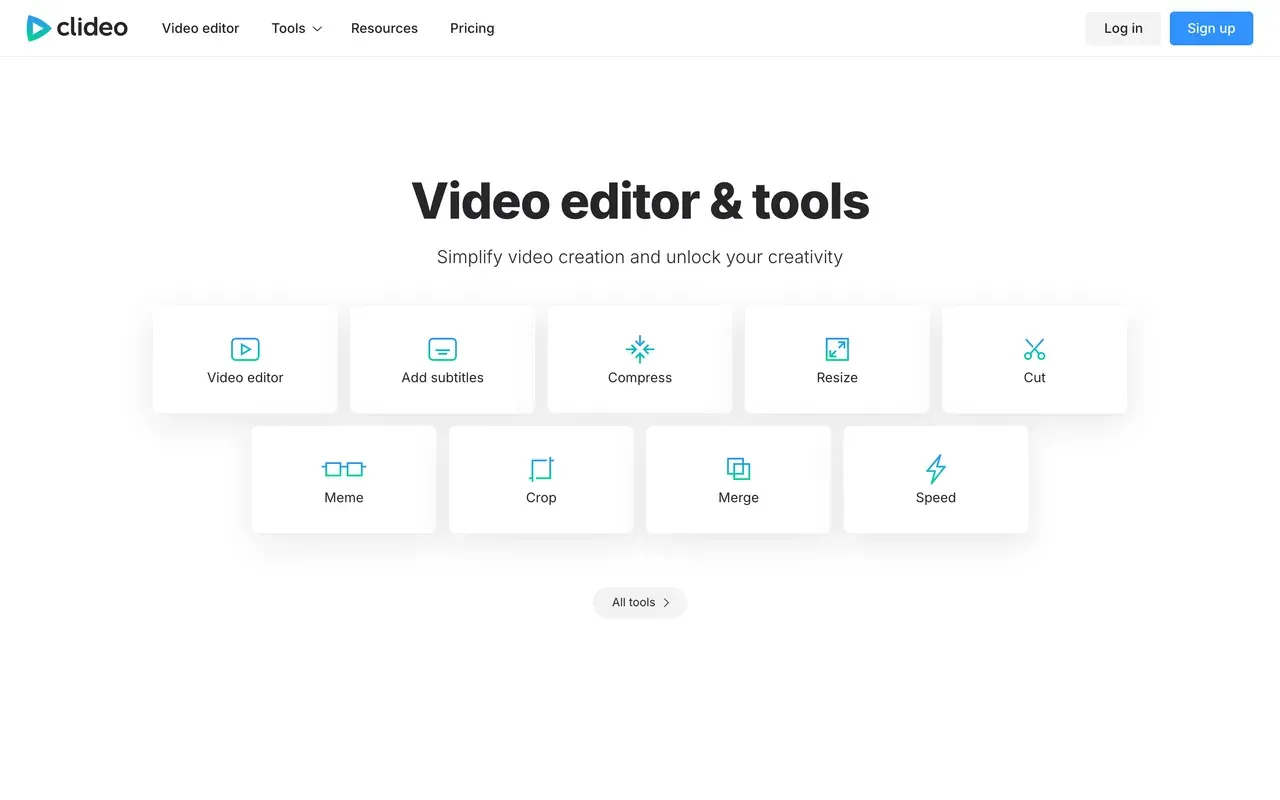
Clideo 与其说是编辑器,不如说是 50 多个单一用途的浏览器工具:剪切、合并、压缩、裁剪、转换、字幕。对于快速的小任务,它比 VEED 更简单,Pro 是这一页上最便宜的付费方案,按年付费每月 6 美元,文件上限 4GB,并支持批量处理。
有两个问题。每个免费导出都带水印,哪怕只是简单的裁剪,免费上传上限为 500MB,处理也更慢。还没法把步骤串起来,所以多步剪辑意味着反复的上传和下载。值得一提:EchoWave 的同类快捷工具不付费就能无水印导出,所以买 Clideo Pro 做实用任务之前,先试试它们。
- Pricing:
- Pro from $6/mo billed annually ($9 monthly)
- Free plan:
- All 50+ tools usable free; watermark on every export, 500MB file cap
- Best for:
- One-off utility jobs: trim, compress, convert, quick subtitles
Pros
- Dead simple, zero learning curve
- Cheapest Pro plan in this comparison ($6/mo annual)
- Works in any browser on any device
- Covers 50+ separate tools including subtitles and GIF makers
Cons
- Watermarks every free export, even basic crops
- One tool at a time; no way to chain edits
- Billing and cancellation complaints on Trustpilot
Veed.io 与 EchoWave 一览
| Feature | EchoWave | Veed.io |
|---|---|---|
| Usable free tier | Yes, free forever: full editor with 90+ tools, videos up to 60 minutes | 720p cap, 10-minute max export, 2GB storage, limited AI credits |
| Watermark-free exports on free | Yes, on quick tools (trim, crop, compress, convert); small badge in the full editor | No, free exports are watermarked |
| Starting paid price | $9/mo billed annually (Creator; $19 monthly) | $10/mo billed annually (Creator; $20 monthly) |
| Per-seat pricing | 每个方案一位用户;团队席位按方案价格逐个收费 | Yes, every plan is priced per user |
| AI usage meter | No credits for everyday editing, captions, or exports | All AI features draw from a yearly credit allowance |
| Subtitles and captions | Auto-transcribe with language detection, 176 presets, karaoke styles | Strong subtitle and translation workflow; unlimited auto subtitles start on the paid Creator plan |
| Audio and visualizer tools | Yes, dedicated music visualizer, waveform videos, audiograms, podcast-to-video | Not a focus; VEED centers on AI generation, avatars, and captions |
| Max export resolution | 1080p on Creator, 4K on Pro, 8K on Ultra | 720p on the free plan; paid-tier caps not clearly published on the pricing page |
| Platforms | Browser first, plus desktop apps for Mac, Windows, and Linux | Web browser; mobile apps secondary |
| Privacy and AI training | Files processed for your session, not used to train AI models | No equivalent commitment found on the pages we checked |
| Billing flexibility | Flat monthly or annual plans; purchasing-power pricing in many countries | Monthly billing runs roughly 2x the annual rate; auto-renewal complaints dominate its Trustpilot reviews |
最佳免费 Veed.io 替代方案
想要真正能发布内容的免费版,有两个选择最突出。EchoWave 的免费方案提供完整编辑器,视频最长 60 分钟,快捷工具导出无水印。Clipchamp 在画质上更进一步:0 美元就能无水印导出 1080p,不过工具集更浅,而且只在 Chrome 和 Edge 上有官方支持。CapCut 的免费编辑器仍然很强大,但自 2025 年起,它的免费导出带水印,自动字幕也移到了 Pro 里。
没有水印的 Veed.io 替代方案
大多数搜索 VEED 去水印的人,真正需要的是一款一开始就能干净导出的编辑器;把水印从做好的视频里抹掉会降低画质,效果也很少好看。免费的办法:EchoWave 的快捷工具,例如视频压缩,导出没有水印,Clipchamp 的免费 1080p 导出也没有品牌标记。要完全干净的导出,最便宜的付费办法是用于实用任务的 Clideo Pro(按年付费每月 6 美元),以及用于完整编辑器的 EchoWave Creator(按年付费每月 9 美元)。
最便宜的 Veed.io 替代方案
按年付费计算,Clideo 是离开 VEED 最便宜的选择,每月 6 美元,不过它一次只能做一件事,不是编辑器。EchoWave 是最便宜的完整编辑器,按年付费每月 9 美元即可导出无水印 1080p。FlexClip 按年付费每月 11.99 美元,模板和素材库很大,但上限是 1080p。作为对比,VEED 最便宜的无水印方案是 Creator,按年付费每月 10 美元,按用户计费,AI 用年度点数计量。
最适合字幕的 Veed.io 替代方案
字幕方面的搜索通常归结为额度。EchoWave 可自动转写并识别语言,有 176 种字幕预设和卡拉 OK 逐词高亮,可导入 SRT/VTT(下载字幕文件需要付费方案),快速字幕免费。Submagic 是短视频专家:123 种语言和流行风格的模板,但方案限制视频数量和长度。Descript 最适合长内容的说话类视频:先转写,再通过编辑文字来剪辑视频。



为什么大家转向 EchoWave

关于 EchoWave 团队
EchoWave 是一款浏览器端视频与音频编辑器,由 Lemon Vault LLC 自 2018 年持续开发。编辑器的开发团队亲自撰写这些指南,并在发布前于真实应用中测试每一个步骤。
Veed.io 替代方案常见问题
最好的免费 Veed.io 替代方案是什么?
如果你想要一个免费编辑器搞定所有事,选 EchoWave:免费方案包含拥有 90 多种工具的完整编辑器,可处理最长 60 分钟的视频,导出 720p 并带小标志,而剪切、裁剪、压缩和转换等快捷工具导出无水印。如果无水印的免费 1080p 比深度更重要,Clipchamp 是这份清单里最强的纯免费方案。VEED 自己的免费版把导出限制在 10 分钟和 720p,带水印,AI 点数有限。
有什么比 Veed.io 更便宜?
有几个选择比 VEED 的 Creator 方案(按年付费每月 10 美元,按月付费 20 美元,按用户计费)更便宜。Clideo Pro 按年付费每月 6 美元,提供无水印的实用工具。EchoWave Creator 按年付费每月 9 美元,用于 1080p 的完整编辑器,还有让它在许多国家更便宜的购买力定价。据报告 CapCut 的标准版约为每月 9.99 美元,不过 CapCut 不公布价格表。FlexClip Plus 按年付费每月 11.99 美元。请记住,VEED 按用户计费,按月付费的价格大约翻倍。
怎么去掉 Veed.io 的水印?
正当的办法是升级到 VEED Creator(按年付费每月 10 美元),它会去除水印。那些把水印模糊或裁掉的工具会降低画质,效果也很少干净。更便宜的办法,是用一个根本不加水印的工具导出:EchoWave 的快捷工具(剪切、裁剪、压缩、转换)在免费方案下导出无水印,Clipchamp 也能免费导出无水印的 1080p。任何一个付费的 EchoWave 方案,也会去掉完整编辑器导出里的小标志。
Veed.io 和 EchoWave 该选哪个?
如果你需要 AI 虚拟人、它的文字生成视频模型 Gen-AI Studio,或者按席位计费的团队工作区,并且你的用量符合年度点数额度,就选 VEED。如果你想要一个能发布内容的免费方案(60 分钟的视频、无水印的快捷工具)、按年付费每位用户每月 9 美元起的定价、免费的快速字幕,以及 VEED 并不主打的音乐可视化和 audiogram 等音频优先工具,就选 EchoWave。
Veed.io 的免费方案够用来发布内容吗?
对大多数频道来说,不够。免费导出限制在 720p 和 10 分钟,带强制水印,AI 功能只能用有限的点数;评论者把它形容为演示级,而不是可正式使用的方案。用来试用编辑器没问题。如果你需要不花钱就能发布,EchoWave 的免费方案(720p、60 分钟的视频、无水印的快捷工具)或 Clipchamp 免费的无水印 1080p 是现实的选择。
Veed.io 和 CapCut 哪个更好?
是两种不同的东西。VEED 是浏览器端套件,有出色的字幕、AI 工具集,以及按年付费每月 10 美元起的按用户方案。CapCut 是诞生于手机端、由模板驱动的编辑器,有 87 万以上的模板和与 TikTok 的深度整合,但它的免费导出现在带水印,自动字幕移到了 Pro 里,价格不公布,还因地区和设备而异。追逐潮流的短视频创作者往往更喜欢 CapCut;生活在浏览器里、需要大规模字幕的团队倾向于 VEED。EchoWave 取两者之间,有统一定价和可用的免费版。
做播客,选 Veed.io 还是 Descript?
通常是 Descript。按文字稿剪辑、Studio Sound 和口头语删除,比 VEED 的时间轴更适合播客的工作流程,不过 Descript 把媒体时长和 AI 点数分开计量,用户反映点数很快用完。如果你想要没有点数计量的播客工具,EchoWave 在统一定价的方案里包含文字式剪辑(删字即剪)、口头语和静音删除、播客转视频和 audiogram,免费版也能处理一小时的节目。
有开源的 Veed.io 替代方案吗?
这一页上的工具都不是开源的,我们也没有找到一款能诚心推荐给这种工作流的开源浏览器编辑器。如果你搜索的目的是避免订阅,而不是审查代码,现实的答案是 EchoWave 的免费方案(带有无水印的快捷工具),以及 Clipchamp 免费的无水印 1080p 导出。两者都可以在浏览器中使用,无需安装。
哪个 Veed.io 替代方案有 AI 虚拟人?
虚拟人是 VEED 最难被替代的地方,EchoWave 也没有尝试这一块。在这份清单里,Submagic 提供有 120 多个虚拟人的 AI Avatar Studio,用于不用出镜的视频;invideo 则用 200 多个模型根据提示词生成整支视频,包括主持人。两者都用点数计量,所以在承诺之前请先估算你每月的用量。如果虚拟人只是偶尔用到而不是核心需求,保留一个最低档的方案来做虚拟人,其余都在统一定价的编辑器里完成,可能更便宜。
坦率的结论
我们如何核对
以上说法所依据的来源,核对于 2026 年 8 月:
- VEED 定价 (veed.io) (veed.io)
- Trustpilot 上的 VEED 评价 (trustpilot.com) (Trustpilot)
- CapCut Pro 多少钱 (capcut.com) (CapCut Help)
- Kapwing 定价 (kapwing.com) (kapwing.com)
- Descript 定价 (descript.com) (descript.com)
- Clipchamp 定价 (clipchamp.com) (clipchamp.com)
- Flixier 定价 (flixier.com) (flixier.com)
- invideo 点数如何运作 (invideo.io) (invideo Help)
- Submagic 定价 (submagic.co) (submagic.co)
- FlexClip 定价 (flexclip.com) (flexclip.com)
- Adobe Express 定价 (adobe.com) (adobe.com)
- Clideo 定价 (clideo.com) (clideo.com)
本页上的每一条竞品说法,都已于 2026 年 8 月 3 日对照上述来源重新核实。
价格和限制经常变化。如果这里有任何内容已过时,请发邮件到 hello@echowave.io,附上链接,我们会更正。我们的编辑政策说明了我们如何测试和更新对比内容。
Trademark and comparison notice. Veed.io and all related names, logos, product names and trademarks are the property of their respective owners. EchoWave is an independent product and is not affiliated with, associated with, authorised by, endorsed by, sponsored by, or in any way officially connected to Veed.io or its owners. Any third-party names, logos and trademarks are used here only to identify and compare the products honestly (nominative fair use) and do not imply any endorsement, partnership or affiliation.
This comparison reflects EchoWave's own opinion and our understanding of publicly available information believed accurate at the time of writing. Third-party features, pricing and availability change frequently and can vary by region, so figures may be out of date; please confirm the current details on Veed.io's official website before making a decision. EchoWave makes no representation or warranty as to the accuracy or completeness of any third-party information shown here. If you believe anything on this page is inaccurate or out of date, please contact us and we will review it promptly.