
The 11 Best Veed.io Alternatives in 2026
VEED restructured its plans around AI credits, and its free tier still caps you at 720p, 10 minutes, and a watermark. EchoWave is our top pick to switch to: a browser video editor whose free plan handles 60-minute videos, with quick tools that export watermark-free. Free and cheaper options are ranked below, including where VEED still wins.



The 11 Best Veed.io Alternatives in 2026 Features
Trusted by thousands of creators worldwide





Why people look for a Veed.io alternative
VEED is one of the most capable browser editors around, and that is exactly why its pricing stings. The free plan caps exports at 720p and 10 minutes, adds a watermark, and includes only limited AI credits. Paid plans run $10 to $35 per user per month billed annually, roughly double that month to month, and every AI feature draws from a yearly credit allowance; users report burning through credits before finishing a single video. On Trustpilot, where VEED holds 4.1 stars across roughly 3,500 reviews, the dominant complaints are auto-renewal charges, refused refunds, and hard-to-cancel subscriptions. Reviewers also report the editor struggling with long or heavy footage.
How we picked: we tested every alternative in the browser, checked each pricing page in August 2026, and paid special attention to what each free tier actually lets you publish, since that is where VEED disappoints most people first.
TL;DR: EchoWave is the best overall alternative for creators who want a usable free tier and flat pricing; Clipchamp if you want watermark-free 1080p exports for free; Descript for podcasters who would rather edit the transcript than the timeline.
The best Veed.io alternatives in 2026, ranked
Every pick tested in the browser. Prices checked August 2026.
- 1
EchoWave
Our pickBest overall for creators who want VEED's everyday jobs without the credit meter
Switching from VEED gets you a genuinely usable free tier: the full editor with 90+ tools, videos up to 60 minutes instead of 10, and dedicated quick tools (trim, crop, compress, convert) that export with no watermark at all. Auto subtitles transcribe 50+ languages with 170+ caption presets and karaoke animations, and free fast subtitles have no monthly minute cap. Paid plans are flat: $9/mo billed annually removes the watermark at 1080p, $17/mo billed annually adds 4K, and there is no per-seat trap on Basic or Pro.
What stays the same: you edit in the browser with no install, record your screen or camera, and generate text-to-speech voiceovers. What improves: audio-first tools VEED does not center on, like the music visualizer and audio waveform video generator. The honest caveat: VEED still wins on AI avatars and its Gen-AI Studio of text-to-video models, and its per-seat team workspaces suit bigger content teams. EchoWave does not generate avatars or text-to-video clips.
- Pricing:
- Free plan; paid from $9/mo billed annually
- Free plan:
- Free forever: full editor, 720p exports with a small badge; quick tools export with no watermark
- Best for:
- Creators and small teams doing captions, social clips, and audio-first video on a budget

Pros
- Free plan handles 60-minute videos; VEED free caps exports at 10 minutes
- Quick tools (trim, crop, compress, convert) export with no watermark, even free
- Auto subtitles in 50+ languages, 170+ presets, karaoke styles, no monthly minute cap on free fast subtitles
- Flat $9/mo annual entry with no per-seat pricing on Basic or Pro
- Dedicated music visualizer, audiogram, and waveform video tools
- Starts instantly with no account, no install
Cons
- Free full-editor exports are 720p with a small badge
- No AI avatars or text-to-video generation
- Templates come from your own projects; there is no public template gallery
- 2
CapCut
capcut.comThe template king, if you accept the watermark and opaque pricing
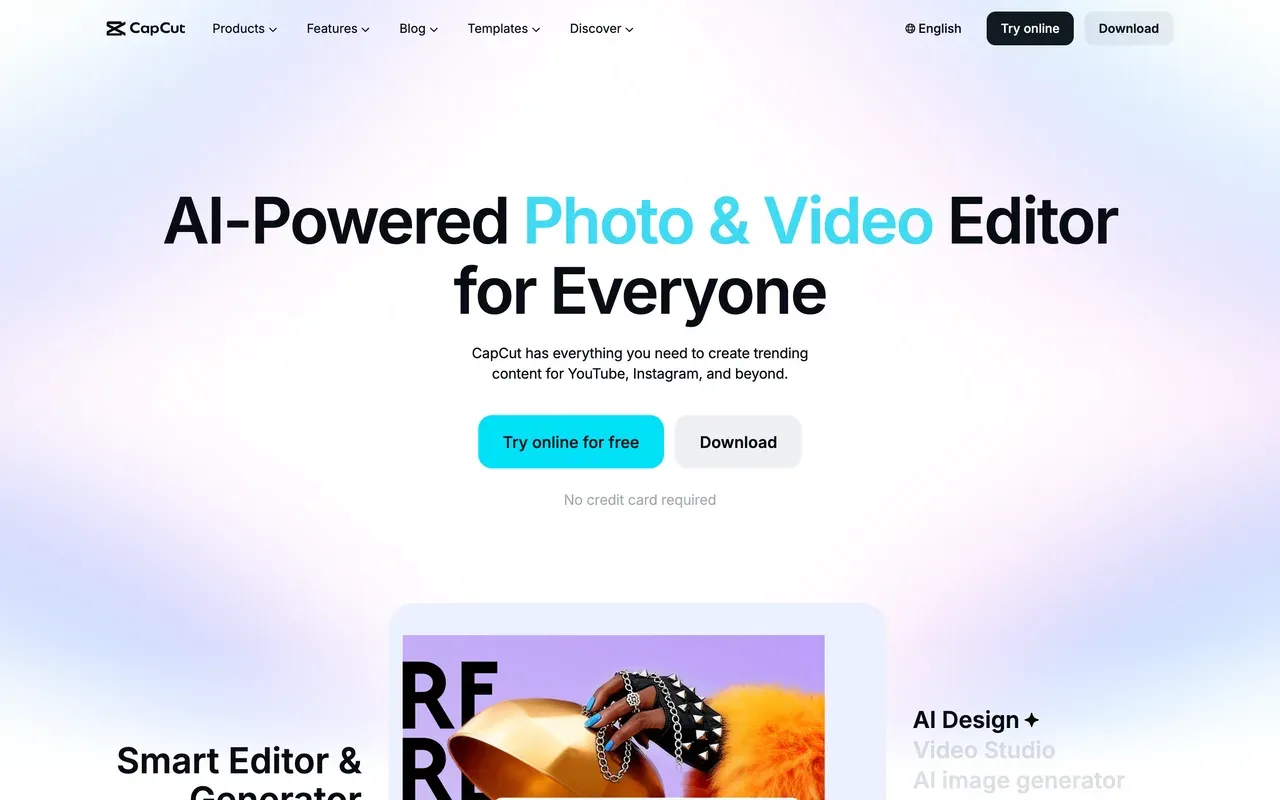
CapCut answers a different itch than VEED: trend templates (870K+ of them) and a polished mobile-first editor rather than an AI generation suite. Core editing stays free, including the multi-track timeline, keyframes, and chroma key, and projects sync across mobile, desktop, and web.
The 2025 squeeze was real, though: free exports now carry a watermark and cap around 1080p, formerly free features like auto captions moved behind Pro, and prices roughly doubled in the late-2025 restructure. CapCut publishes no price list; its help page says cost varies by region, device, and promotions, and US trackers consistently report Standard at $9.99/mo and Pro at $19.99/mo or $179.99/yr. If VEED's per-seat billing annoyed you, CapCut's unpublished per-device pricing may not feel much better.
- Pricing:
- Reported around $9.99/mo (Standard); CapCut publishes no price list
- Free plan:
- Core editing free; exports watermarked and capped around 1080p
- Best for:
- Short-form TikTok and Reels creators who live inside trends and templates
Pros
- Best-in-class mobile editing with 870K+ templates
- Free tier keeps the full timeline, keyframes, and chroma key
- Cross-device projects across mobile, desktop, and web
- Tight TikTok export integration
Cons
- Watermark on free exports since the 2025 changes
- Auto captions and many formerly free features now need Pro
- No public pricing; cost varies by region and device
- 3
Kapwing
kapwing.comPolished team repurposing in the browser, with even tighter meters than VEED
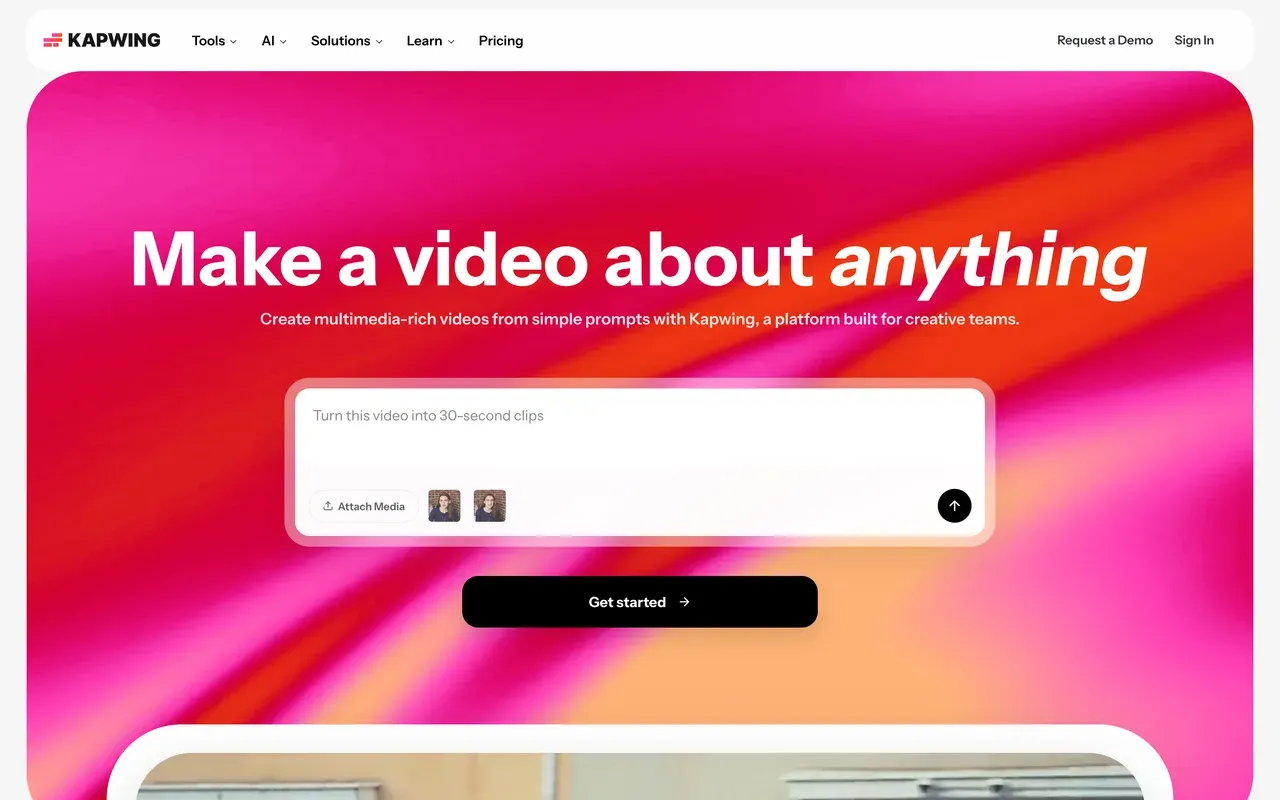
Kapwing is the closest cultural match to VEED: a browser platform for social and marketing teams with accurate subtitles, translation, and a Kai AI assistant that can build and edit projects from prompts. Teams get shared workspaces and in-browser review.
The meters are stricter than VEED's, though. The free plan exports a maximum of one minute at 720p with a watermark, and projects are deleted after three days. Pro at $16/mo billed annually ($24 monthly) is priced per member and allots 1,000 subtitle minutes a month. Reviewers rate the ease of use highly (G2 4.1), but the recurring complaints mirror VEED's: failed or slow exports on longer projects, plus rigid billing with a no-refund policy.
- Pricing:
- From $16/mo per member billed annually ($24 monthly)
- Free plan:
- 1-minute watermarked 720p exports; projects deleted after 3 days
- Best for:
- Marketing teams subtitling and repurposing short clips together in the browser
Pros
- Clean subtitle and translation workflow, top-rated ease of use
- Team workspaces with in-browser review and commenting
- Kai AI assistant can generate and edit projects from prompts
- Strong repurposing toolkit: resize, smart cut, templates, screen recording
Cons
- Free tier is demo-only: 1-minute cap and 3-day project retention
- Export failures and lag reported on longer projects
- No refunds after upgrading; per-member pricing adds up
- 4
Descript
descript.comEdit by transcript instead of timeline
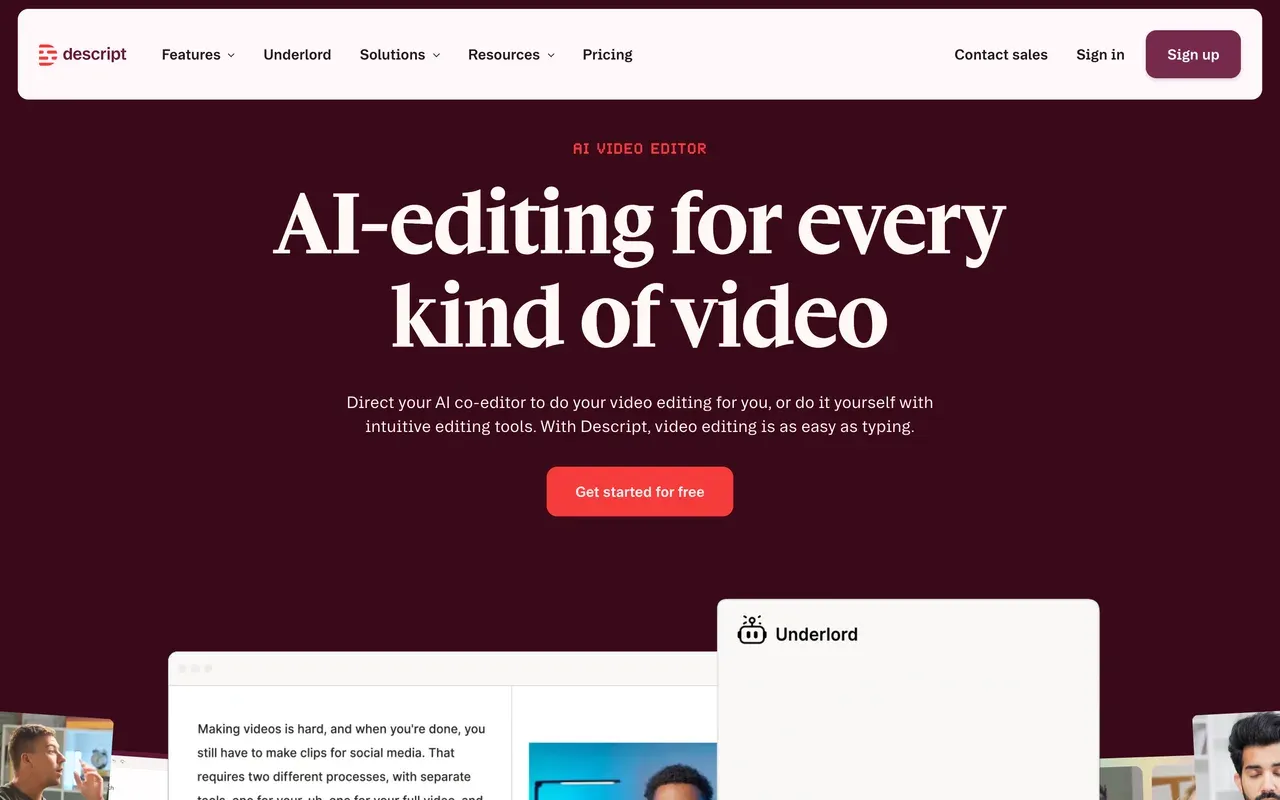
Descript replaces VEED's timeline-first workflow with category-defining text-based editing: transcribe the recording (industry-leading accuracy in 25 languages), then cut the video by deleting words. Its podcast toolkit is excellent, with multitrack editing, Studio Sound, filler-word removal, and the Underlord AI co-editor that executes multi-step edits from one prompt.
The caution flags: late-2025 pricing introduced a dual meter of media hours plus AI credits, and users complain a month's credits can vanish in a day. Hobbyist starts at $16/mo billed annually with 10 media hours; Creator at $24/mo billed annually adds 4K. Long-time users also report crashes and lag in the rebuilt editor on longer projects, and frame-precise timeline work remains clunky compared with a conventional editor.
- Pricing:
- From $16/mo billed annually (Hobbyist; $24 monthly)
- Free plan:
- 60 transcription minutes/month, 100 one-time AI credits, 720p export
- Best for:
- Podcasters and talking-head creators who edit by transcript
Pros
- Best text-based editing workflow anywhere
- Excellent podcast tools: multitrack, Studio Sound, filler-word removal
- Underlord AI co-editor handles multi-step edits from one prompt
- Screen and remote recording built into the same tool
Cons
- Dual meter (media hours plus AI credits) makes costs unpredictable
- Stability complaints on long projects since the editor rebuild
- Weak fit for frame-precise, effects-heavy timeline editing
- 5
Clipchamp
clipchamp.comThe rare free editor with watermark-free 1080p
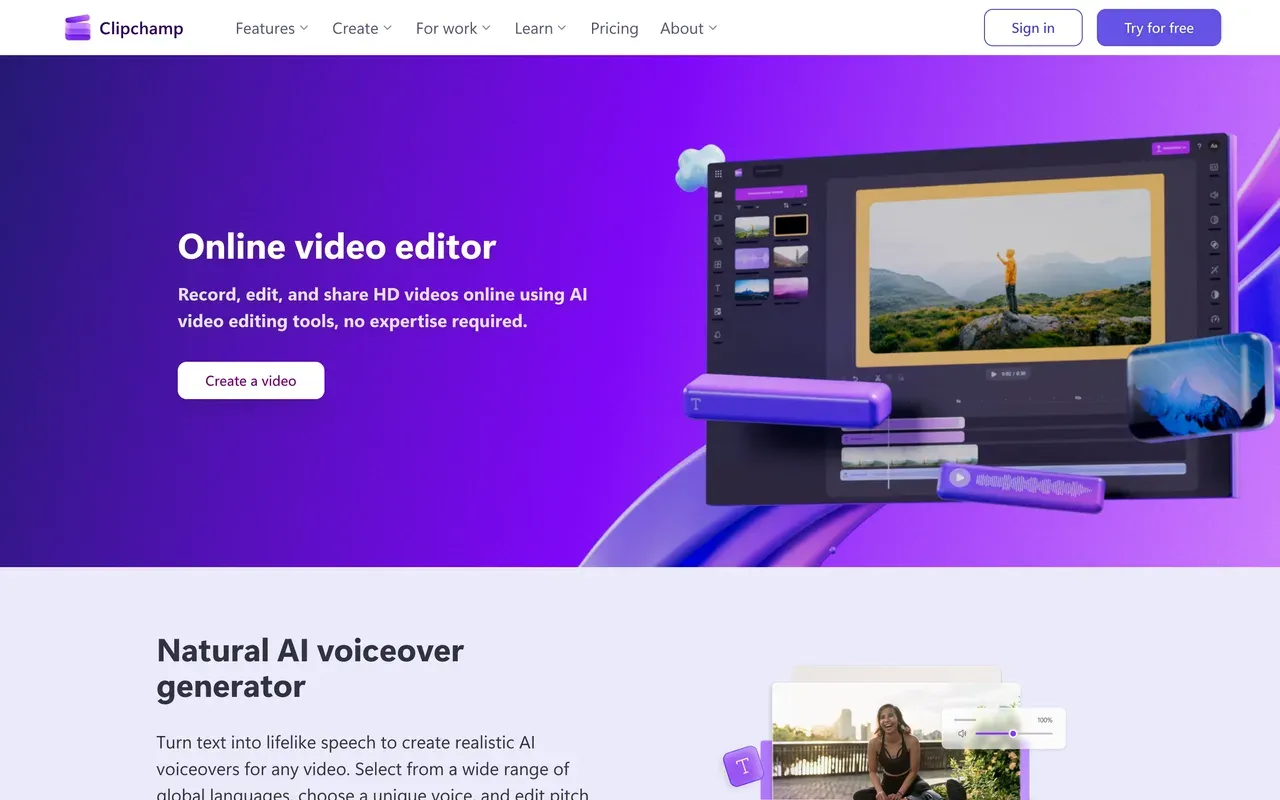
If the VEED watermark is your whole problem, Clipchamp solves it for $0: free exports are 1080p with no watermark, the most generous free policy in this category. It ships inside Windows 11, records screen and camera, and includes AI voiceovers (400+ voices) plus auto subtitles in 80+ languages.
The trade-off is depth. Reviewers call the toolset shallow next to VEED's, with limited effects and keyframing, and rate the automatic AI results poorly. It is officially supported only in Chrome and Edge, there is no Mac desktop app, and 4K export requires Premium ($11.99/mo) or a Microsoft 365 bundle, which is clearly where Microsoft wants you to end up.
- Pricing:
- Free; Premium $11.99/mo (also bundled with Microsoft 365)
- Free plan:
- Watermark-free 1080p exports with free stock and filters
- Best for:
- Windows users who need quick, watermark-free 1080p edits for free
Pros
- Watermark-free 1080p exports on the free plan
- Built into Windows 11, nothing to install there
- Beginner-friendly with screen, camera, and voice recording
- AI voiceovers and auto subtitles in 80+ languages
Cons
- Shallow feature set; pros outgrow it quickly
- Officially supported only in Chrome and Edge, no Mac app
- 4K locked behind Premium or Microsoft 365
- 6
Flixier
flixier.comFast cloud renders, now wrapped in AI credits
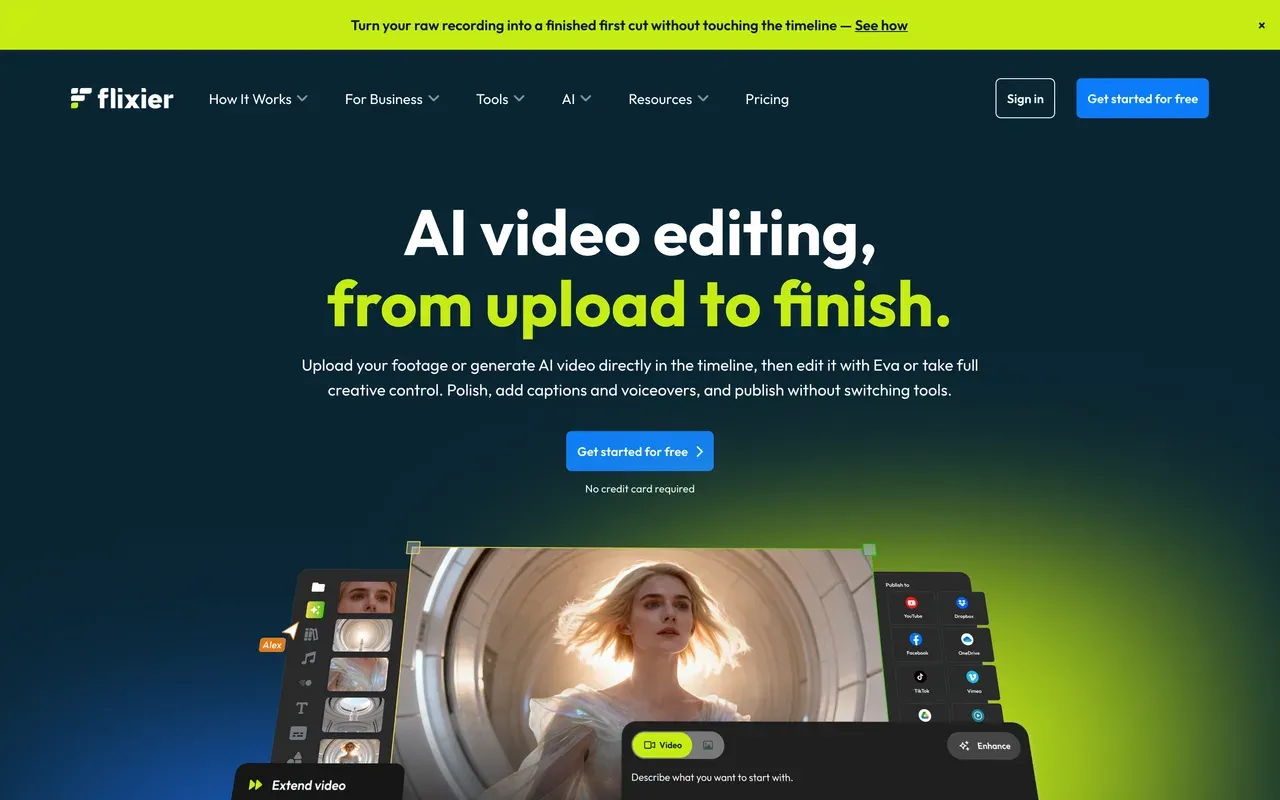
Flixier's pitch against VEED is speed: cloud rendering that typically finishes exports in under a minute regardless of your hardware, plus real-time collaboration where reviewers do not need accounts. It has since pivoted AI-first, with in-timeline generation using current models like Sora 2 and Veo 3.1.
Watch the credit math before switching for the AI: one 8-second Veo 3.1 clip costs 12,800 credits, more than the Creator plan's entire 10,000 monthly allowance. The free tier allows 10 export minutes a month at 720p with a watermark, and Starter at $19/mo per seat caps exports at 60 minutes a month. Trustpilot shows a 4.2 average with recurring complaints about rebilling after cancellation.
- Pricing:
- From $19/mo per seat (Starter); Creator $39/mo
- Free plan:
- 10 export minutes/month at 720p with watermark, 5 subtitle minutes
- Best for:
- Creators on weak hardware who want fast cloud exports
Pros
- Cloud exports typically finish in under a minute
- Runs well on low-spec machines, no install
- In-timeline AI generation with current models (Sora 2, Veo 3.1)
- Collaboration with timestamped comments, no reviewer signup
Cons
- AI credits vanish fast: one 8-second Veo clip can exceed a month's allowance
- Starter's 60-minute monthly export cap is tight
- Recurring cancellation and rebilling complaints on Trustpilot
- 7
InVideo
invideo.ioPrompt-to-video generation, metered hard
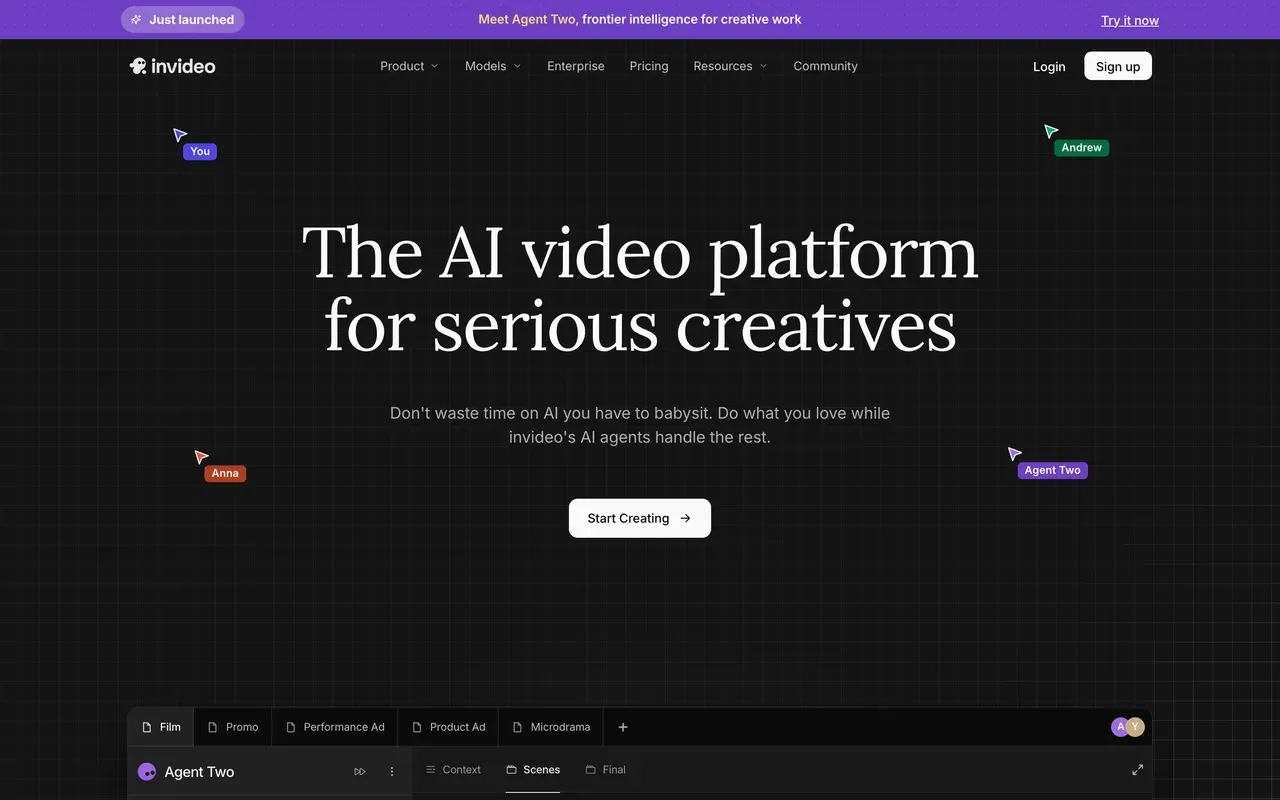
Where VEED added a Gen-AI Studio to an editor, invideo went all in: Agent Two generates finished videos, script to voiceover to edit, from a single prompt, drawing on 200+ models including Sora 2 and Veo 3.1. If prompt-first generation is the actual job, it out-generates everything else on this page.
The economics are the risk. Credits are the only currency, they do not roll over, failed generations still consume them, and refunds for unusable output are refused under a real-time compute clause. Tier prices are hidden until you sign up; third parties report Plus around $25/mo. Trustpilot sits at 3.4 for the AI product and 2.1 for the legacy Studio editor.
- Pricing:
- Reported around $25/mo (Plus); prices login-gated
- Free plan:
- Small credit allocation, weekly export cap, watermark on every export
- Best for:
- Prompt-first creators and faceless channels generating videos from text
Pros
- Generates complete videos from one prompt, script to edit
- Aggregates 200+ AI models including Sora 2 and Veo 3.1
- Stock access bundled on paid plans
- Mobile apps and real-time collaboration
Cons
- Credits burn on edits and failed generations, with no rollover and refused refunds
- Prices not shown publicly; cost only clear after signup
- Trustpilot 3.4 (AI product) and 2.1 (legacy Studio)
- 8
Submagic
submagic.coCaption-first short-form suite
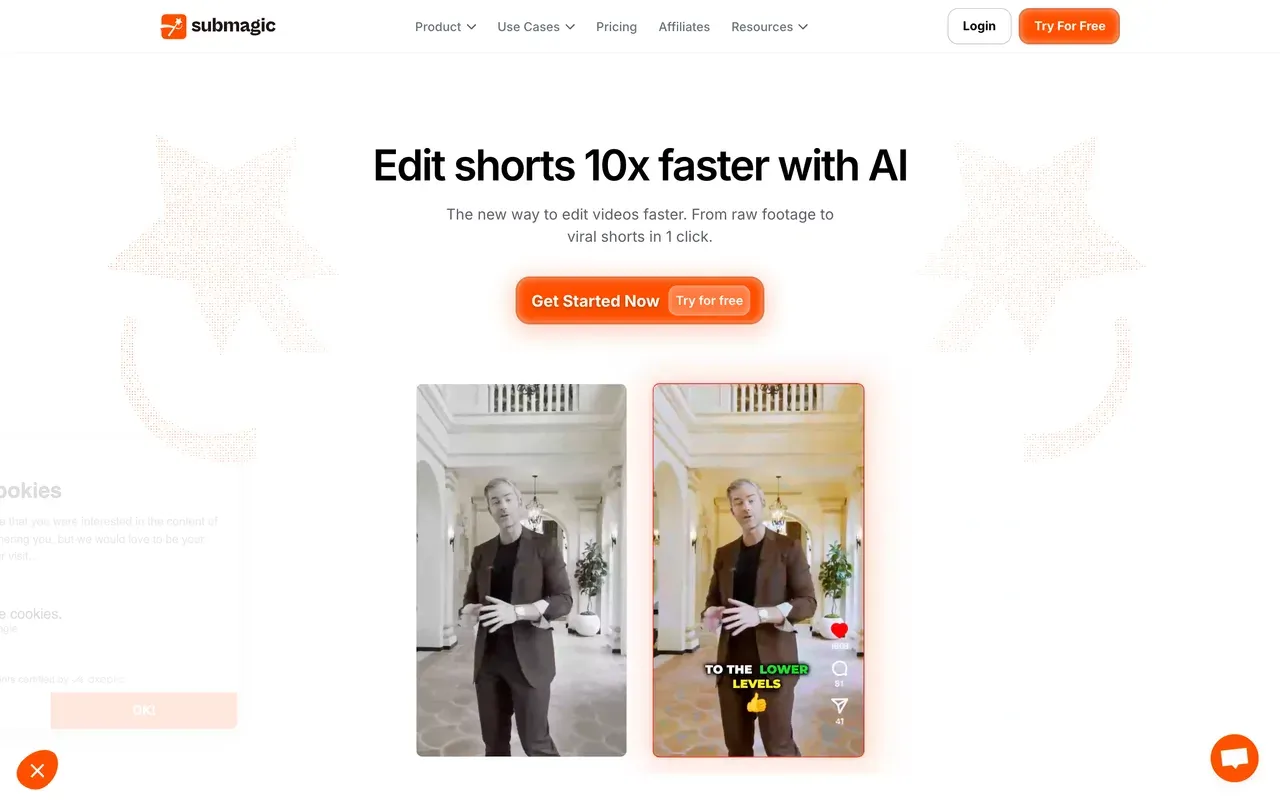
If you mostly used VEED for captions on short clips, Submagic is the sharper tool: trendy caption templates in 123 languages with a claimed ~99% accuracy, plus one-click auto-editing that adds zooms, transitions, sound effects, and silence cuts. It even covers one VEED specialty with an AI Avatar Studio of 120+ avatars.
The structure is the catch: plans cap both video count and per-video length (Starter at $12/mo billed annually allows 15 videos of up to 2 minutes), and clipping long videos requires the separate Magic Clips add-on at $19/mo. Trustpilot reviewers praise the fast support but flag surprise annual renewals with a strict no-refund stance. Best when your inputs are already short.
- Pricing:
- From $12/mo billed annually (Starter; $19 monthly)
- Free plan:
- 3 videos/month, 90-second and 200MB caps, watermark
- Best for:
- Short-form creators styling sub-5-minute clips with trendy captions
Pros
- Standout caption styles, 123 languages, ~99% claimed accuracy
- One-click auto-editing: zooms, transitions, sound effects, silence removal
- AI Avatar Studio with 120+ avatars
- Built-in scheduler and a public API
Cons
- Caps both video count and per-video length on every plan
- Long-video clipping costs an extra $19/mo (Magic Clips add-on)
- Surprise annual renewals reported on Trustpilot
- 9
FlexClip
flexclip.comThe budget template editor
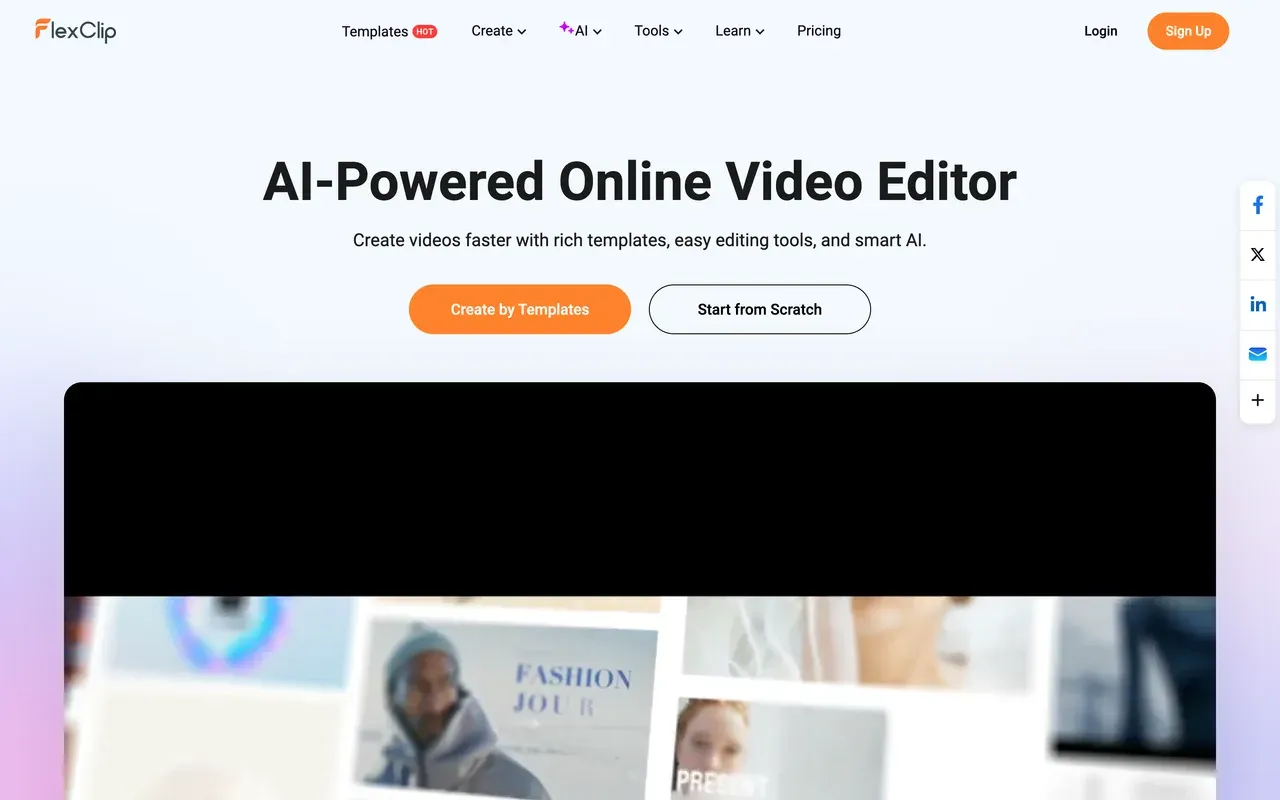
FlexClip undercuts VEED on price: watermark-free 1080p starts at $11.99/mo billed annually, backed by 6,000+ templates, 4M+ stock assets, and simple AI tools including text and URL-to-video generation. For template-first marketing clips it is one of the cheapest serious options.
The free plan is rougher than it looks: exports cap at 720p and carry a mandatory 3 to 4 second FlexClip intro animation you cannot remove. Reviewers report slow renders on longer videos (a 7-minute video taking around 15 minutes) and a limited timeline that falls short of a full editor. AI credits are small and annualized at 3,600 per year on Plus, and even paid Plus caps stock at 5 videos and audios per project.
- Pricing:
- From $11.99/mo billed annually (Plus; $19.99 monthly)
- Free plan:
- 720p, 10-minute videos, mandatory FlexClip intro animation on exports
- Best for:
- Beginners making quick template-based social videos on a budget
Pros
- Cheap watermark-free 1080p at $11.99/mo billed annually
- 6,000+ templates and 4M+ stock assets
- Easy for non-editors: pick, swap, export
- AI text, article, and URL-to-video tools included
Cons
- Forced intro animation on all free exports
- Slow renders on longer or high-res projects
- 1080p ceiling on Plus; limited timeline control
- 10
Adobe Express
adobe.comDesign-first, with honest free video basics
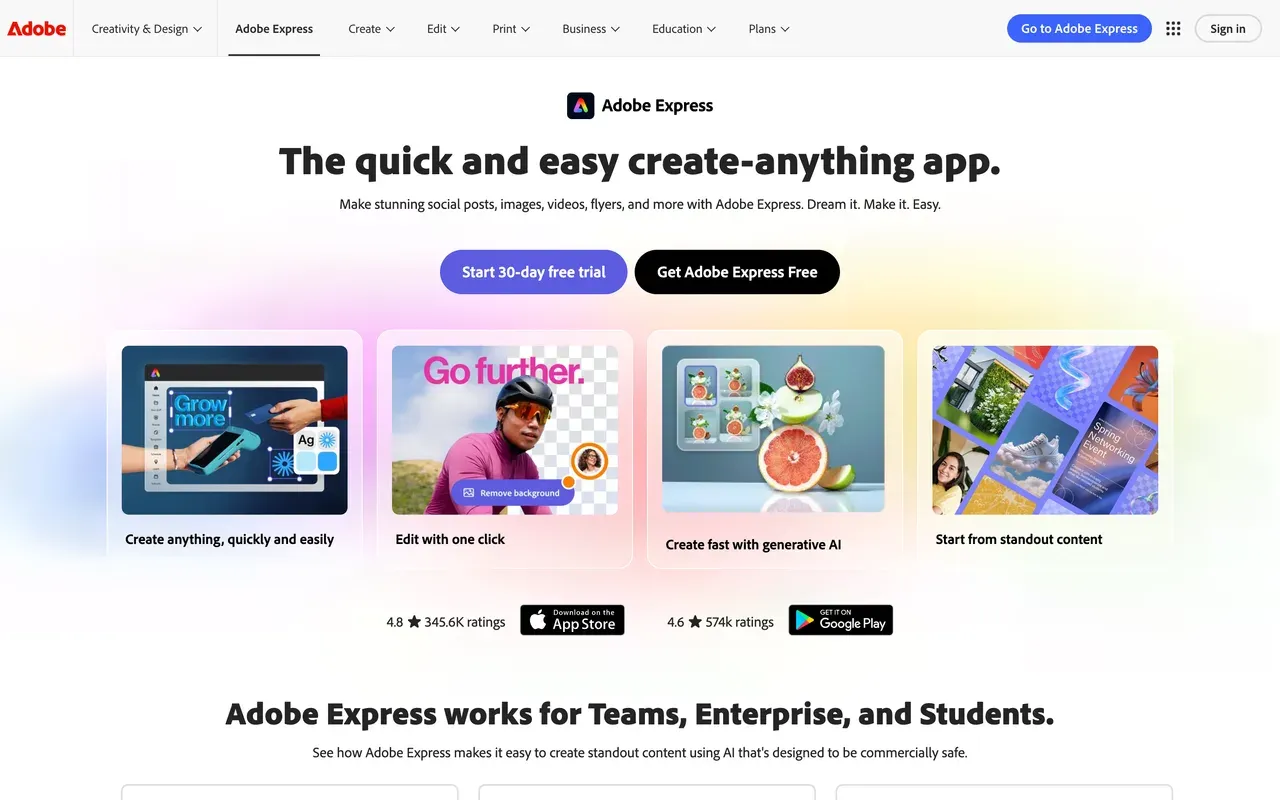
Adobe Express approaches from design: templates, brand kits, and quick actions (caption video, resize, trim, convert) with video bolted on. Its free tier is friendlier than VEED's in one clear way: no watermark, and videos up to 30 minutes, though 4K and 2-hour videos need Premium at $9.99/mo. The Clip Maker turns long recordings into captioned social clips, and Premium unlocks 350M+ Adobe Stock assets with commercially safe Firefly AI.
It is not a timeline editor, and Adobe's own forums carry bug threads about video uploads failing and previously edited videos not loading. Deeper edits push you toward Premiere. Pick it if you live in the Adobe ecosystem and video is one of several formats you produce.
- Pricing:
- Free; Premium $9.99/mo
- Free plan:
- No watermark, videos up to 30 minutes, limited premium templates and AI
- Best for:
- Social media managers making branded graphics plus quick captioned clips
Pros
- Free exports carry no watermark
- Huge licensed template and Adobe Stock library on Premium
- Quick actions for one-off jobs: caption, resize, trim, convert
- Content scheduler publishes straight to social channels
Cons
- Not a multi-track timeline editor
- Recurring video bugs reported on Adobe's own forums
- Best value depends on buying into the Adobe ecosystem
- 11
Clideo
clideo.comOne-shot utility tools with a cheap Pro plan
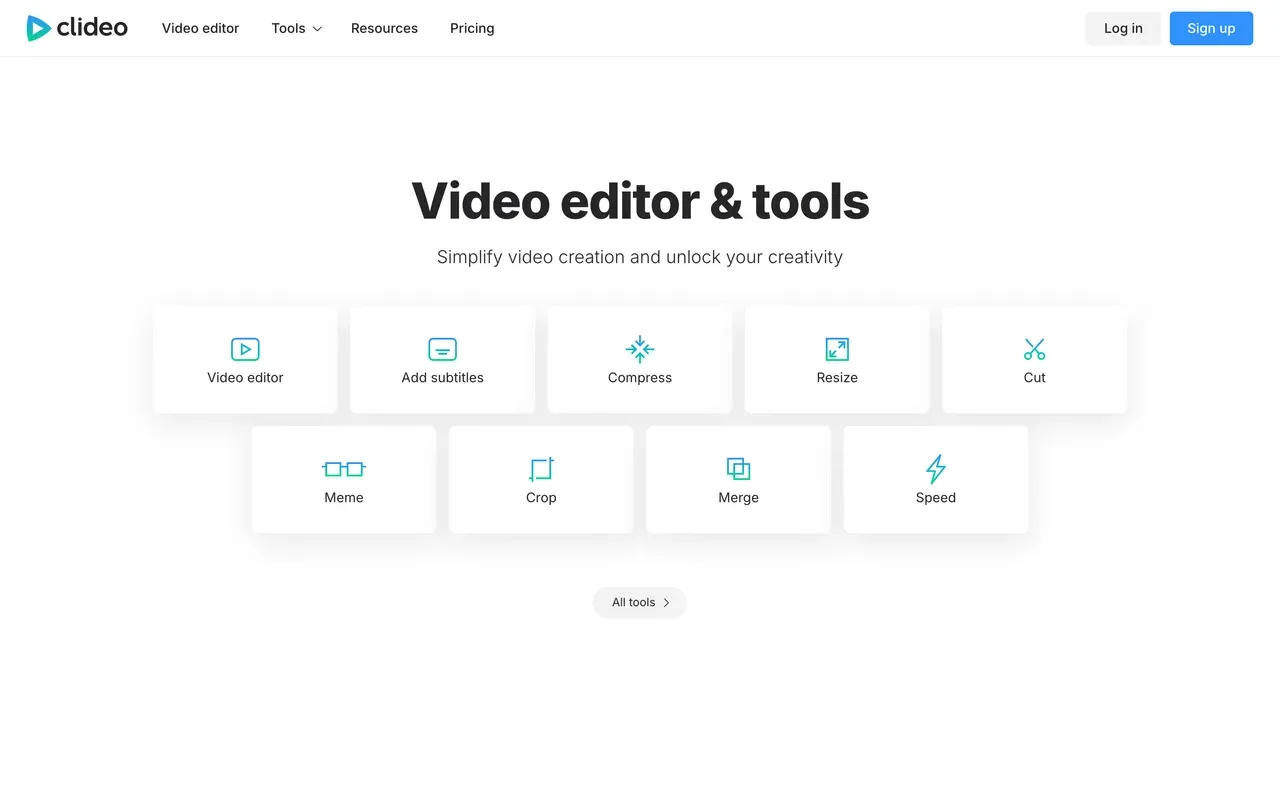
Clideo is not an editor so much as 50+ single-purpose browser tools: trim, merge, compress, crop, convert, subtitles. For quick jobs it is simpler than VEED, and Pro is the cheapest paid plan on this page at $6/mo billed annually with a 4GB file limit and batch processing.
Two catches. Every free export is watermarked, even a trivial crop, and free uploads cap at 500MB with slower processing. There is also no way to chain steps, so a multi-step edit means repeated upload and download cycles. Worth noting: EchoWave's equivalent quick tools export watermark-free without paying, so try those before buying Clideo Pro for utility work.
- Pricing:
- Pro from $6/mo billed annually ($9 monthly)
- Free plan:
- All 50+ tools usable free; watermark on every export, 500MB file cap
- Best for:
- One-off utility jobs: trim, compress, convert, quick subtitles
Pros
- Dead simple, zero learning curve
- Cheapest Pro plan in this comparison ($6/mo annual)
- Works in any browser on any device
- Covers 50+ separate tools including subtitles and GIF makers
Cons
- Watermarks every free export, even basic crops
- One tool at a time; no way to chain edits
- Billing and cancellation complaints on Trustpilot
Veed.io vs EchoWave at a glance
| Feature | EchoWave | Veed.io |
|---|---|---|
| Usable free tier | Yes, free forever: full editor with 90+ tools, videos up to 60 minutes | 720p cap, 10-minute max export, 2GB storage, limited AI credits |
| Watermark-free exports on free | Yes, on quick tools (trim, crop, compress, convert); small badge in the full editor | No, free exports are watermarked |
| Starting paid price | $9/mo billed annually (Basic; $19 monthly) | $10/mo billed annually (Creator; $20 monthly) |
| Per-seat pricing | No per-seat trap on Basic or Pro | Yes, every plan is priced per user |
| AI usage meter | No credits for everyday editing, captions, or exports | All AI features draw from a yearly credit allowance |
| Subtitles and captions | Auto-transcribe 50+ languages, 170+ presets, karaoke styles; no monthly minute cap on free fast subtitles | Strong subtitle and translation workflow; unlimited auto subtitles start on the paid Creator plan |
| Audio and visualizer tools | Yes, dedicated music visualizer, waveform videos, audiograms, podcast-to-video | Not a focus; VEED centers on AI generation, avatars, and captions |
| Max export resolution | 1080p on Basic, 4K on Pro, 8K on Business | 720p on the free plan; paid-tier caps not clearly published on the pricing page |
| Platforms | Browser first, plus desktop apps for Mac, Windows, and Linux | Web browser; mobile apps secondary |
| Privacy and AI training | Files processed for your session, not used to train AI models | No equivalent commitment found on the pages we checked |
| Billing flexibility | Flat monthly or annual plans; purchasing-power pricing in many countries | Monthly billing runs roughly 2x the annual rate; auto-renewal complaints dominate its Trustpilot reviews |
Best free Veed.io alternative
For a free tier you can actually publish from, two picks stand out. EchoWave gives you the full editor free forever with videos up to 60 minutes, and its quick tools export with no watermark. Clipchamp goes further on quality: watermark-free 1080p exports at $0, though the toolset is shallower and it only officially supports Chrome and Edge. CapCut still has a deep free editor, but since 2025 its free exports carry a watermark and auto captions sit behind Pro.
Veed.io alternative without a watermark
Most people searching for a VEED watermark remover really need an editor that exports clean in the first place; scrubbing a mark out of finished footage degrades the video and rarely looks right. Free routes: EchoWave's quick tools, like the video compressor, export with no watermark, and Clipchamp's free 1080p exports are unbranded. The cheapest paid routes to fully clean exports are Clideo Pro at $6/mo billed annually for utility jobs and EchoWave Basic at $9/mo billed annually for the full editor.
Cheapest Veed.io alternative
Counting annual billing, Clideo is the cheapest way off VEED at $6/mo, though it is one tool at a time, not an editor. EchoWave is the cheapest full editor at $9/mo billed annually for watermark-free 1080p, with no per-seat pricing. FlexClip sits at $11.99/mo billed annually with big template and stock libraries but a 1080p ceiling. For contrast, VEED's cheapest watermark-free plan is Creator at $10/mo billed annually, per user, with AI metered by yearly credits.
Best Veed.io alternative for subtitles
Subtitle searches usually come down to caps. EchoWave auto-transcribes 50+ languages with 170+ caption presets and karaoke word highlighting, imports and exports SRT/VTT, and free fast subtitles carry no monthly minute cap. Submagic is the short-form specialist: 123 languages and trend-styled templates, but plans cap video count and length. Descript fits long-form talkers best: transcribe first, then cut the video by editing the text.
How to switch from Veed.io to EchoWave
There is no import ritual: bring your source files and rebuild your workflow in a few minutes.
-
1. Upload your footage
Open the online video editor and drop in video, audio, or images. No signup, no install, and nothing to configure.

-
2. Edit, caption, convert
Cut on the multi-track timeline, style captions from 170+ presets with auto subtitles, add a voiceover, or run a quick convert job on the same file.

-
3. Export and publish
Download free at 720p with a small badge, or from $9/mo billed annually for clean 1080p; see pricing. Quick tool jobs export with no watermark.

Why people switch to EchoWave

About the EchoWave team
EchoWave is a browser-based video and audio editor built by Lemon Vault LLC since 2018. The people who build the editor write these guides and test every step in the production app before publishing.
Veed.io alternative FAQ
What is the best free Veed.io alternative?
EchoWave, if you want one free editor for everything: the free plan is free forever, includes the full editor with 90+ tools, handles videos up to 60 minutes, and exports 720p with a small badge, while quick tools like trim, crop, compress, and convert export with no watermark. If free 1080p with zero watermark matters more than depth, Clipchamp is the strongest pure free deal on this list. VEED's own free tier caps exports at 10 minutes and 720p, watermarked, with limited AI credits.
What is cheaper than Veed.io?
Several options undercut VEED's Creator plan ($10/mo billed annually, $20 monthly, per user). Clideo Pro is $6/mo billed annually for watermark-free utility tools. EchoWave Basic is $9/mo billed annually for the full editor at 1080p, with purchasing-power pricing that makes it cheaper in many countries. CapCut's Standard tier is reported around $9.99/mo, though CapCut publishes no price list. FlexClip Plus is $11.99/mo billed annually. Remember VEED bills per user and roughly doubles the rate on monthly billing.
How do I remove the Veed.io watermark?
The legitimate route is upgrading to VEED Creator ($10/mo billed annually), which removes it. Tools that blur or crop watermarks out of finished video degrade quality and rarely look clean. The cheaper fix is exporting from a tool that never adds one: EchoWave's quick tools (trim, crop, compress, convert) export watermark-free on the free plan, and Clipchamp exports watermark-free 1080p for free. Any paid EchoWave plan removes the small badge from full-editor exports too.
Veed.io vs EchoWave: which should I pick?
Pick VEED if you need AI avatars, its Gen-AI Studio of text-to-video models, or per-seat team workspaces, and your usage fits a yearly credit allowance. Pick EchoWave if you want a free plan you can publish from (60-minute videos, quick tools without watermarks), flat pricing from $9/mo billed annually with no per-seat math, captions without monthly minute caps on free fast subtitles, and audio-first tools like music visualizers and audiograms that VEED does not center on.
Is Veed.io's free plan good enough to publish with?
For most channels, no. Free exports are capped at 720p and 10 minutes, carry a mandatory watermark, and AI features draw on limited credits; reviewers describe it as demo-grade rather than a working tier. It is fine for testing the editor. If you need to publish without paying, EchoWave's free plan (720p, 60-minute videos, watermark-free quick tools) or Clipchamp's free watermark-free 1080p are the practical choices.
Veed.io or CapCut: which is better?
Different animals. VEED is a browser suite with strong subtitles, an AI toolkit, and per-user plans from $10/mo billed annually. CapCut is a template-driven editor born on mobile, with 870K+ templates and deep TikTok integration, but its free exports now carry a watermark, auto captions moved behind Pro, and pricing is unpublished and varies by region and device. Trend-chasing short-form creators tend to prefer CapCut; teams that live in the browser and need captions at scale lean VEED. EchoWave splits the difference with flat pricing and a usable free tier.
Veed.io or Descript for podcasts?
Descript, usually. Editing by transcript, Studio Sound, and filler-word removal fit podcast workflows better than VEED's timeline, though Descript meters media hours and AI credits separately and users report credits running out fast. If you want podcast tools without a credit meter, EchoWave includes text-based editing (delete words to cut), filler and silence removal, podcast-to-video, and audiograms on flat plans, with a free tier that handles hour-long episodes.
Is there an open source Veed.io alternative?
None of the tools on this page are open source, and we have not found an open-source browser editor we would honestly recommend for this workflow. If the goal behind the search is avoiding subscriptions rather than auditing code, the practical answers are EchoWave's free plan, which is free forever with watermark-free quick tools, and Clipchamp's free watermark-free 1080p exports. Both run in the browser with nothing to install.
Which Veed.io alternative has AI avatars?
Avatars are where VEED is hardest to replace, and EchoWave does not attempt them. On this list, Submagic ships an AI Avatar Studio with 120+ avatars for no-filming videos, and invideo generates entire videos, presenters included, from prompts using 200+ models. Both meter usage with credits, so estimate your monthly volume before committing. If avatars are occasional rather than core, it can be cheaper to keep a minimal plan for them and edit everything else in an unmetered editor.
The honest verdict
Try the free Veed.io alternative Free forever, no credit card
Open the editor and start cutting in your browser right now. No account required.
Get Started →
How we checked
Sources we relied on for the claims above, as checked August 2026:
- VEED pricing (veed.io) (veed.io)
- VEED reviews on Trustpilot (trustpilot.com) (Trustpilot)
- How much does CapCut Pro cost (capcut.com) (CapCut Help)
- Kapwing pricing (kapwing.com) (kapwing.com)
- Descript pricing (descript.com) (descript.com)
- Clipchamp pricing (clipchamp.com) (clipchamp.com)
- Flixier pricing (flixier.com) (flixier.com)
- How do invideo credits work (invideo.io) (invideo Help)
- Submagic pricing (submagic.co) (submagic.co)
- FlexClip pricing (flexclip.com) (flexclip.com)
- Adobe Express pricing (adobe.com) (adobe.com)
- Clideo pricing (clideo.com) (clideo.com)
Every competitor claim on this page was re-verified against the sources above on August 3, 2026.
Pricing and limits change often. If anything here is out of date, email hello@echowave.io with a link and we'll correct it. Our editorial policy explains how we test and update comparisons.
Trademark and comparison notice. Veed.io and all related names, logos, product names and trademarks are the property of their respective owners. EchoWave is an independent product and is not affiliated with, associated with, authorised by, endorsed by, sponsored by, or in any way officially connected to Veed.io or its owners. Any third-party names, logos and trademarks are used here only to identify and compare the products honestly (nominative fair use) and do not imply any endorsement, partnership or affiliation.
This comparison reflects EchoWave's own opinion and our understanding of publicly available information believed accurate at the time of writing. Third-party features, pricing and availability change frequently and can vary by region, so figures may be out of date; please confirm the current details on Veed.io's official website before making a decision. EchoWave makes no representation or warranty as to the accuracy or completeness of any third-party information shown here. If you believe anything on this page is inaccurate or out of date, please contact us and we will review it promptly.























































