
Birthday Video Maker, Online and Free
Turn your photos, clips, and favourite song into a personalised birthday video right in your browser. Add names, captions, and effects, then export to share. No software to install and nothing to start.


Birthday Video Maker, Online and Free Features
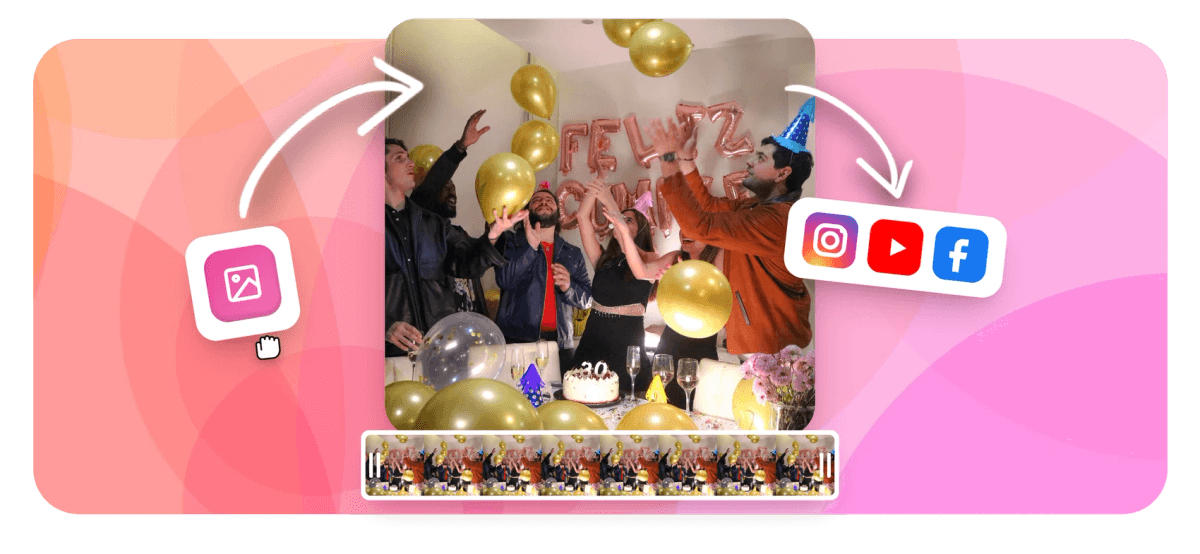
EchoWave is a free online birthday video maker that builds a finished clip from your own photos, video, music, and text, all in the browser. It works as a happy birthday video maker for any age: drop in the pictures, pick a song, type the birthday wishes, then arrange the order on a timeline and export a shareable MP4. Here you can create birthday video online free, with nothing to install and no login needed to start.
What you can build with this birthday video maker
This is a full editor pointed at one job: a video for someone's birthday. A few of the most common formats people make here:
- A photo slideshow that walks through favourite pictures, one moment per slide, set to a birthday song.
- A birthday montage, where this birthday montage maker mixes still photos with short video clips from over the years.
- A group message video where you stitch together short clips that friends and family recorded separately.
- A vertical greeting sized for Instagram Stories, Reels, TikTok, or a WhatsApp status.
- A funny birthday video built from bloopers, in-jokes, and silly clips for a laugh.
- A title card or animated card with the person's name, an age, and a short message over a background.
Because you start from a blank timeline rather than a fixed template, you control the pacing, the song, the captions, and how long each photo holds on screen. That matters: a 30 second Reel and a three minute slideshow that plays at a party are built very differently, and you are not locked into one shape.
How the editor works in detail
You begin by uploading your media. Photos and clips go straight onto the timeline as segments, and you reorder them by dragging. Each photo has a duration you can set, so a slow, sentimental section can breathe while a fast montage cuts every second or two. A good starting point is two to three seconds per photo, then adjust to fit the beat of the music.
Next comes audio, which turns this into a birthday video maker with song built in. You can add a song or backing track from your own files, trim it to the part you want, and line up the build of the music with the photos. Match a big chorus to the best picture and the video instantly feels intentional rather than random. Pairing photos and songs this way is what makes a birthday slideshow feel personal. You can also drop in AI tools while you edit: AI assistance can help tidy a clip or suggest improvements as you build the birthday video.
Text is where a birthday video earns its name. Add text for the person's name, their age, an inside joke, or a short wish, and choose the font, colour, and timing so each caption appears with the right photo. Layered on top you can place shapes, stickers, and simple effects to frame the celebration.
When the order, timing, and captions feel right, you preview the whole thing, fix anything that drags, and export. The result is a standard video file you can download and post anywhere.
Pick the right size for where it is going
The single biggest quality decision is the aspect ratio, because every platform crops differently. Set this before you build so nothing important gets cut off.
- 9:16 (vertical) for Instagram Reels and Stories, TikTok, YouTube Shorts, and WhatsApp status. This is the format most birthday videos are shared in now.
- 1:1 (square) for an in-feed Instagram or Facebook post, where square keeps faces centred and large.
- 16:9 (widescreen) for YouTube, for playing on a TV at a party, or for sending as a file by email.
- 4:5 (portrait) for an Instagram feed post, which takes up more screen than square without going fully vertical.
Keep faces and text away from the very edges so the captions survive each platform's crop. If you are unsure, 9:16 is the safe default for phone-first sharing and 16:9 is best for a big screen.
Length, music, and how many photos
There is no fixed limit on length, but the platform you post to has one. Instagram Reels and TikTok run up to 90 seconds and up to 3 minutes in newer formats, an Instagram feed video can run to about 10 minutes, and YouTube has no practical ceiling. For a slideshow that plays at a gathering, two to four minutes holds attention; for social, shorter wins.
Work backwards from the song. A typical 30 second Reel fits roughly 10 to 15 photos at two seconds each, while a three minute slideshow comfortably holds 60 or more. If you have a lot of pictures, group them by year or by person rather than dumping them in randomly, and let the soundtrack set the rhythm of the cuts.
For music, you can upload the track you actually want. Keep in mind that copyrighted songs can trigger muting or limited reach on some platforms, so for public posts an original or licensed track is the safer choice. For a private video you are sending to one person, that is rarely an issue.
Supported formats and export
Upload common image types (JPG, PNG, HEIC, WebP) and the usual video containers (MP4, MOV, WebM). Audio can be MP3, WAV, M4A, or AAC. Processing runs on EchoWave's own media service, so files the browser cannot fully decode on its own are still handled server-side, which means HEIC photos from an iPhone and less common video codecs upload fine.
Exports come out as MP4 (H.264), the format every phone, social app, and player accepts without conversion. You choose the resolution before downloading, up to 1080p, which is the right target for both social feeds and a TV screen. The finished file uploads cleanly to Facebook, Instagram, TikTok, or YouTube, so making a birthday video on Facebook is just a matter of posting the MP4 to your timeline or a friend's.
A free birthday video maker on any device
EchoWave runs in the browser, so there is no app to download and this online birthday video maker with photos works on Windows, macOS, Chromebook, Android, and iPhone or iPad. A laptop with a real timeline is the most comfortable way to arrange a longer slideshow; a phone is fine for a quick vertical greeting. Use an up to date version of Chrome, Edge, Safari, or Firefox.
Your photos and clips are uploaded over an encrypted connection only so the editor and the rendering service can build your video. They are not posted anywhere or sold, and a birthday video is yours.
This is a free birthday video maker online: you can build the entire video, preview it, and edit it without paying, and there is no login required to begin. Exports on the free plan carry a small EchoWave watermark, which you can remove by upgrading to a paid plan. If you specifically need a clean file with no mark, EchoWave's dedicated quick tools for trimming, cropping, and compressing export with no watermark.
How to Make a Birthday Video Online
Build a personalised birthday video from your own photos, clips, and music in a few minutes. No login is needed to start.
-
1. Upload your photos and clips
Open the editor and add the photos and video clips you want to feature. Drag them into the order you like on the timeline and set how long each photo stays on screen.

-
2. Add music, text, and effects
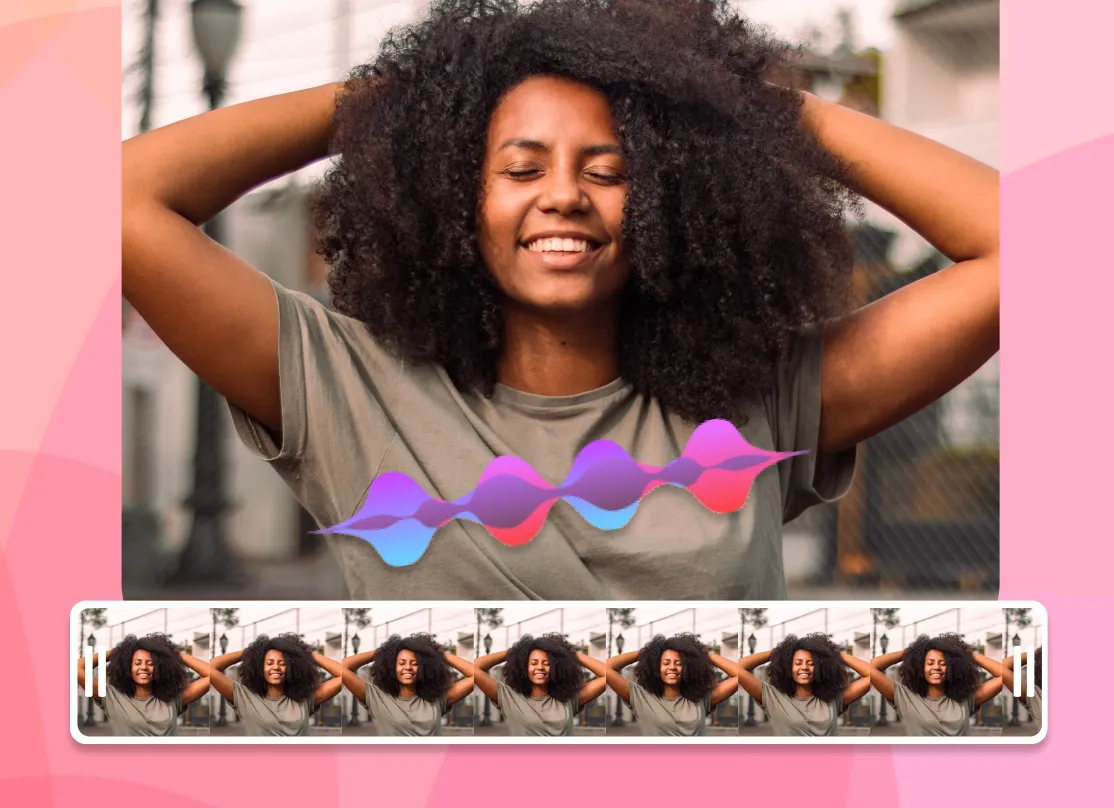
Drop in a song or backing track, then add text for the name, age, and birthday wishes. Pick fonts and colours, line up the captions with the photos, and choose your aspect ratio for the platform you are posting to.
-
3. Preview and export
Play the whole video, fix any timing that feels off, then export an MP4 in up to 1080p. Download it and share to social, send it directly, or play it on a TV.
What people are saying about EchoWave
Make birthdays extra special with personalised videos and slideshows.

About the EchoWave team
EchoWave is a browser-based video and audio editor built by Lemon Vault LLC since 2018. The people who build the editor write these guides and test every step in the production app before publishing.
Frequently Asked Questions
Is the birthday video maker free?
Yes. You can build, edit, and preview the whole birthday video for free without paying. Exports on the free plan include a small EchoWave watermark, which you can remove by upgrading to a paid plan.
Do I need to sign up or log in?
No login is needed to start creating. You can upload photos, add music, and edit straight away. You will be asked to create an account when you want to export and download the finished video.
Can I add my own music to the birthday video?
Yes. You can upload your own song and trim it to the section you want. Note that copyrighted tracks can be muted or limited on some social platforms, so for public posts an original or licensed track is safer.
How do I add the person's name and birthday wishes?
Use the text tool to add the name, age, and any message you like. You choose the font, colour, and timing so each caption appears with the right photo. See adding text to video for more.
Can I make a birthday montage from photos and video clips?
Yes. As a birthday montage maker, EchoWave lets you combine still photos and short video clips on the same timeline and reorder them freely, which is exactly how a montage or compilation is built.
Is this a happy birthday video maker online free with a song?
Yes. It is a happy birthday video maker online free: add your photos, drop in a birthday song, and write the wishes, all without paying. There are also AI tools in the editor to help polish the result while you build.
What size should a birthday video be for Instagram or TikTok?
Use 9:16 (vertical) for Reels, Stories, TikTok, and WhatsApp status, 1:1 (square) for a feed post, and 16:9 (widescreen) for YouTube or playing on a TV. Set the aspect ratio before you build so nothing gets cropped.
How long should a birthday slideshow be?
For social, keep it short: around 30 to 60 seconds holds attention. For a slideshow played at a party, two to four minutes is comfortable. A good rule is about two to three seconds per photo, adjusted to the music.
How many photos can I include?
There is no hard limit. A 30 second video fits roughly 10 to 15 photos at two seconds each, while a three minute slideshow holds 60 or more. Group them by year or by person so it stays easy to follow.
What formats can I upload, and what does it export?
Upload common photos (JPG, PNG, HEIC, WebP), video (MP4, MOV, WebM), and audio (MP3, WAV, M4A, AAC). The video exports as an MP4 in up to 1080p, which plays on any phone, social app, or TV.
Do I need any video editing experience?
No. The editor uses drag-and-drop on a visual timeline, so adding photos, music, and text is straightforward even if you have never edited a video before.
Is there an app, or does it work on my phone?
EchoWave runs in the browser, so there is no app to install and it works on a computer, Android, or iPhone. A laptop is easiest for a longer slideshow; a phone is fine for a quick vertical greeting.
Are my photos kept private?
Your photos and clips are uploaded over an encrypted connection only so the editor and rendering service can build your video. They are not posted publicly or sold.
Ready to make a Birthday Video? We have a free plan!
No credit card required. The free plan includes a small Echowave.io watermark, removable on a paid plan.
Get Started























































