
Lyric Video Maker
Turn a song into a finished lyric video in your browser. Upload your track and this AI lyric video maker adds lyrics to your video automatically, syncing the words to the beat, then style the fonts, animations, and a background or waveform. No editing skills needed, and it is free to start with no signup.


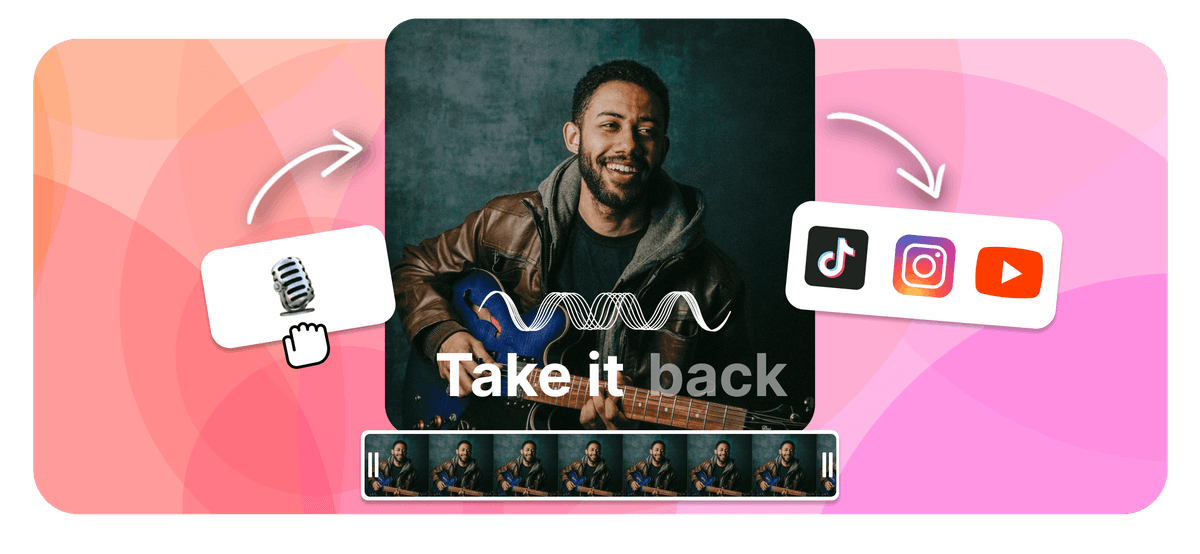
Lyric Video Maker Features
EchoWave is a free lyric video maker that runs online in your browser. To make a lyric video, upload your song, then add the words by typing them in or letting the AI lyric video maker transcribe and auto-sync them to the beat. Style the fonts and animations, add a background image, video, or waveform, set the aspect ratio, then export an MP4 right in your browser. As a lyrical video maker it works the same for any track, and it is free to start.
Echowave is used by thousands of businesses around the world





How to make a lyric video
Go from a raw song to a finished lyric video in four steps, all in your browser.
-
1. Upload your song
Drop in an MP3, WAV, M4A, or AAC. EchoWave reads the audio and gets it ready for lyrics, with no software to download.

-
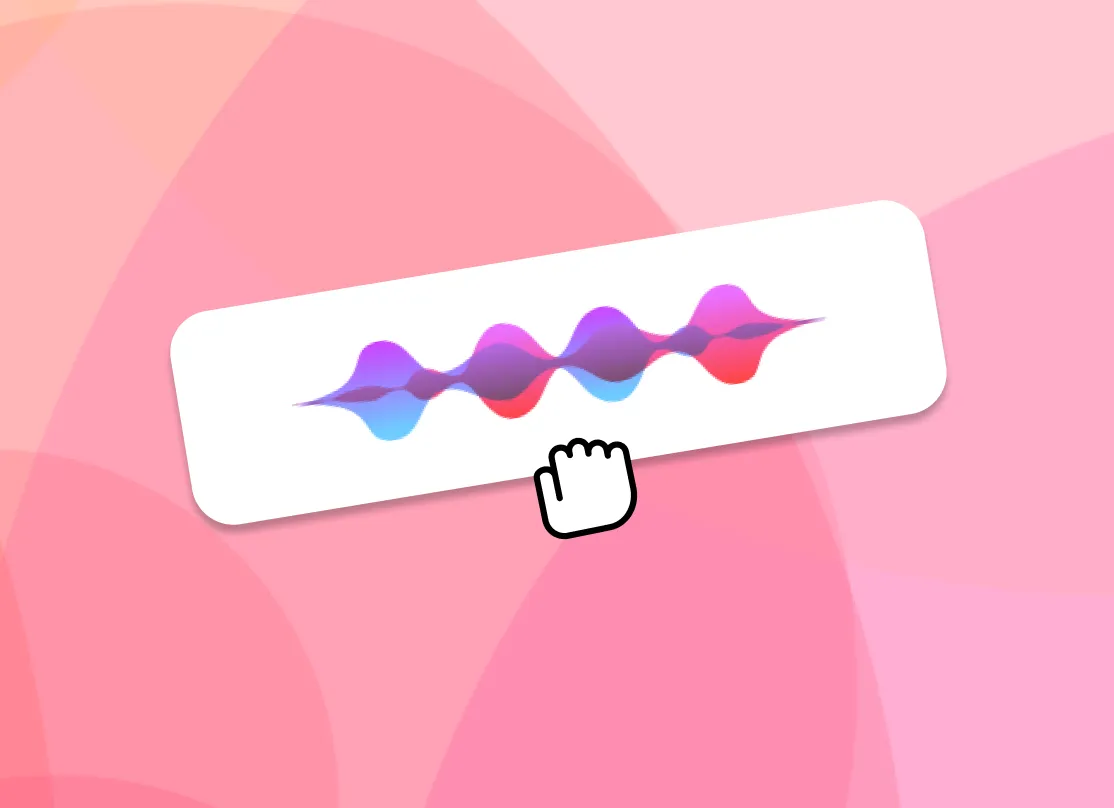
2. Add lyrics (AI or manual)
Let the AI auto-transcribe the song and sync the lyrics to the audio, or type them in yourself. Either way you can fine-tune the timing of each line.
-
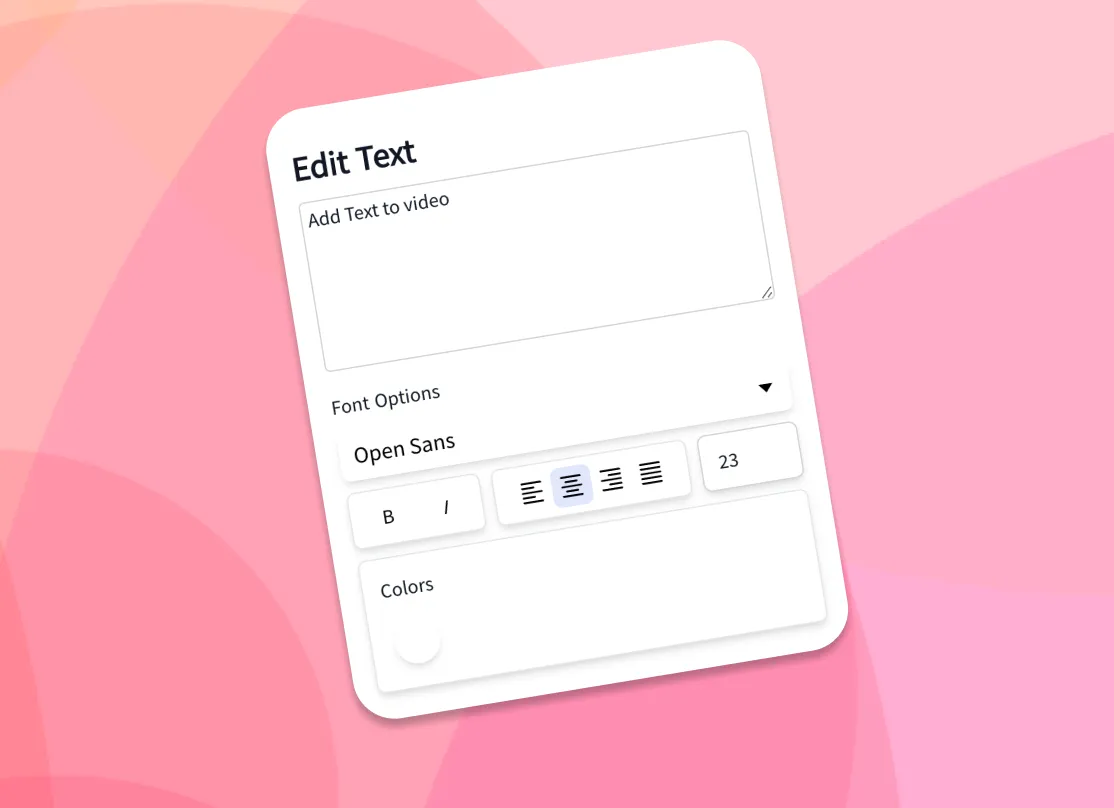
3. Style text and background
Choose fonts, colors, and animated effects, then add your own background image or video, or a music visualizer or waveform.
-
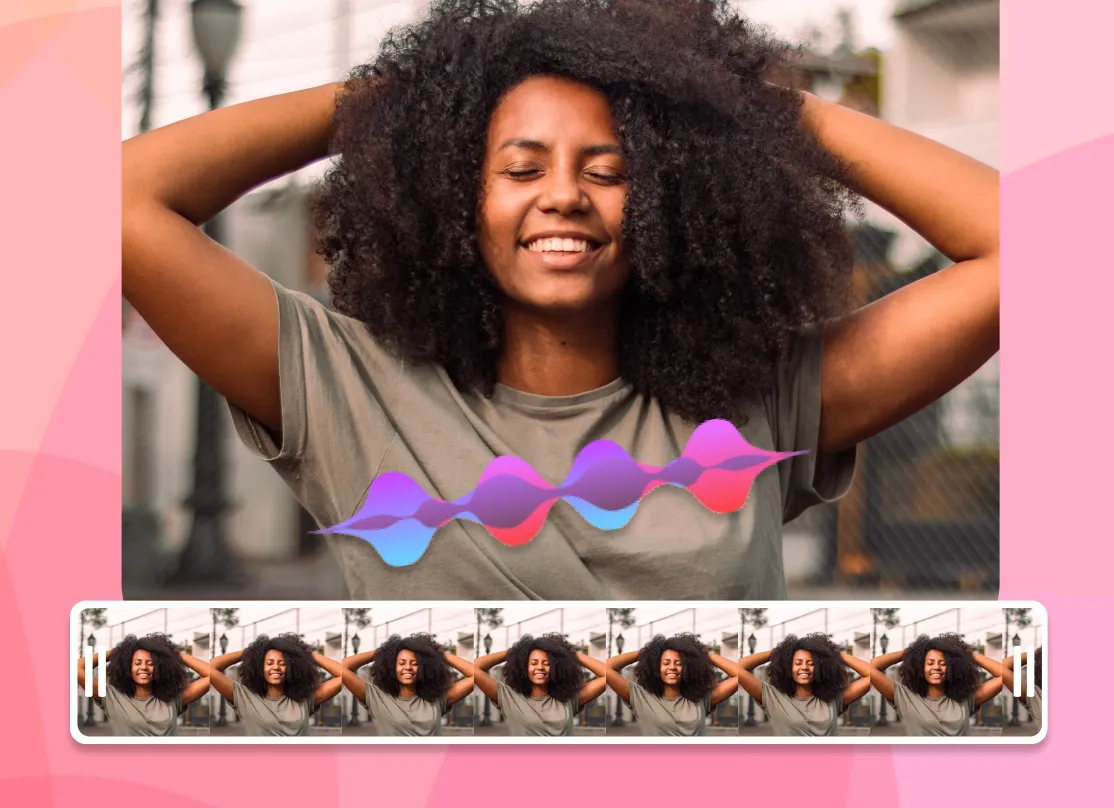
4. Export MP4
Pick the aspect ratio for your platform, render, and download your lyric video as an MP4, ready to share.
How creators use EchoWave in real projects
AI lyric video maker: auto lyrics generator and beat sync
The slowest part of making a lyric video by hand is typing the words and dragging each line so it lands when it is sung. As an auto lyrics generator, EchoWave's AI handles both. Drop in a song and the AI transcription listens to the vocals, writes out the lyrics, and time-stamps each line so the words appear in time with the audio. This is how you add lyrics to video automatically: the AI does the transcription and the sync, with no manual typing required. If you already have the lyrics, paste them in and the AI still aligns them to the track for you.
That auto-sync is what separates a real lyric video generator from a plain caption tool. You get a full first pass in seconds, then open the timeline to nudge any line that needs adjusting: shift a line a few frames, split a long line in two, or stretch a held note so the word stays on screen as long as the singer holds it. Auto transcription works best on clear lead vocals; dense mixes, heavy effects, or fast rap can need a few manual edits, which is why the line-by-line controls are always there.
Animate the lyrics so they move with the song
Static captions sit flat on the screen. Animated lyrics carry the energy of the track, and that is what people actually watch and share. EchoWave gives you a library of fonts, colors, outlines, and kinetic text effects, so words can fade, slide, pop, scale, or type on in time with the music. Pick a ready-made style to get a polished look in one click, or build your own and reuse it across every line for a consistent look from start to finish.
Because the text is tied to the synced timing, the animations land on the beat automatically. A few practical tips from making a lot of these: keep one or two lines on screen at a time rather than a full verse, use a font size large enough to read on a phone, and add a subtle shadow or outline so the words stay legible over a busy background. High contrast between the text and the backdrop is the single biggest factor in whether a lyric video reads well at a glance.
Backgrounds, waveforms, and visualizers
A lyric video is more than text, so EchoWave lets you set the backdrop however you like. Upload your own image or video background, or drop in a music visualizer or animated waveform that reacts to the track. Use album art, a brand color, a looping clip, or a gradient to match the mood of the song. You can layer more than one element too: a video background behind a waveform behind the lyrics. To add song lyrics to a photo online, set a still image as the background and let the words animate over it for a simple photo lyrical video.
For a clean, low-effort look, a single dark background with bright animated text reads well on every platform and keeps file sizes down. For a richer scene, a slow-moving video loop under a reactive waveform gives the frame motion even during instrumental sections. Everything renders into one MP4 with the audio baked in, so what you preview is exactly what you download.
Free to start, no signup
Supported formats and export specs
EchoWave accepts the common audio formats for your song, including MP3, WAV, M4A, and AAC, plus image backgrounds (JPG, PNG, WebP) and video backgrounds (MP4, MOV, WebM). The browser cannot always read every exotic codec the way a desktop app can, so if a file does not preview cleanly, re-saving it as a standard MP3 or MP4 usually fixes it.
Exports are H.264 MP4 with the audio muxed in, which plays everywhere and uploads directly to every social platform. Pick your aspect ratio before exporting so the video fills the frame instead of sitting in letterbox bars. Render time depends on the length of the song and the resolution; a typical three to four minute track exports in a couple of minutes. For most songs, 1080p is the right balance of quality and file size.
Sizes for TikTok, YouTube, Instagram, and Reels
Every platform wants a different shape, so set the canvas size up front and your lyric video fills the frame on upload:
- TikTok, Instagram Reels, and Stories: 9:16 vertical, 1080 by 1920.
- YouTube: 16:9 widescreen, 1920 by 1080, or 9:16 for Shorts.
- Instagram feed: 1:1 square (1080 by 1080) or 4:5 portrait (1080 by 1350).
- Facebook and X: 16:9 or 1:1 both work well in-feed.
The workflow is the same for all of them: upload the song, let the AI sync the words, style the text and background, choose the preset, and export. If you are posting the same song to several places, export the vertical 9:16 cut for short-form first, then duplicate the project and switch to 16:9 for the full YouTube version without redoing the timing.
Who uses a lyric video maker, and when
Independent musicians use a lyric video maker as the cheapest way to get a new single onto YouTube while the official music video is still in the works, since a lyric video can go live the same day a track drops. Labels and managers use them to push pre-saves and announce release dates. Creators and fans make them for favorite songs, covers, and karaoke-style clips. Podcasters and brands use the same workflow to turn an audio quote or jingle into a captioned clip for social.
A lyric video earns its place when the words matter and the budget or timeline does not allow a full shoot. It keeps a song discoverable on search and feeds, gives listeners something to watch, and is quick enough to make that you can ship one for every release. Everything runs in your browser, your files are processed locally in the page rather than sitting on a server, and you only pay if you want to remove the watermark or export at a higher resolution.

About the EchoWave team
EchoWave is a browser-based video and audio editor built by Lemon Vault LLC since 2018. The people who build the editor write these guides and test every step in the production app before publishing.
Frequently Asked Questions
How do I make a lyric video for free?
EchoWave is a free lyric video maker. Upload your song, add the lyrics with AI auto-sync or by typing them in, style the fonts and background, then export and download an MP4. It is free to start with no signup, and the only paid extras are removing the watermark and higher-resolution output.
How do I add lyrics to a video automatically?
EchoWave's AI transcribes the song and auto-syncs each line to the audio so the words appear when they are sung. You can then fine-tune the timing of any line on the timeline.
Is there a free AI lyric video maker?
Yes. EchoWave's AI lyric sync, fonts, animations, and backgrounds are free to use and run entirely in the browser, with no software to download.
Will my lyric video have a watermark?
Exports from the full editor include a small EchoWave watermark on the free plan, which you can remove anytime by upgrading. Our dedicated quick tools, like crop, trim, and compress, export with no watermark.
Can I add my own background image or video?
Yes. Upload any image (JPG, PNG, WebP) or video (MP4, MOV, WebM) as the backdrop, or use an animated waveform or music visualizer that reacts to the track.
How do I sync the lyrics with the music?
The AI syncs every line automatically when it transcribes the song. To adjust, open the timeline and shift, split, or stretch any line so it lands exactly on the vocal.
Can I customize fonts, colors, and animations?
Yes. There are multiple fonts, colors, outlines, and kinetic text effects, plus ready-made styles you can apply in one click and reuse across every line.
What audio and video formats does EchoWave support?
It accepts MP3, WAV, M4A, and AAC audio, plus JPG, PNG, WebP images and MP4, MOV, WebM video for backgrounds. Exports are H.264 MP4 with the audio included.
What size should a lyric video be for TikTok, YouTube, and Instagram?
Use 9:16 (1080 by 1920) for TikTok, Reels, and Shorts; 16:9 (1920 by 1080) for YouTube; and 1:1 or 4:5 for the Instagram feed. EchoWave has presets for each, so pick one before you export.
How long does it take to make a lyric video?
With AI auto-sync, a first draft of a three to four minute song takes a few minutes. Styling and fine-tuning the timing add a little more depending on how polished you want it.
Can I make a lyric video for YouTube?
Yes. Set the canvas to 16:9 for a standard YouTube upload or 9:16 for Shorts, then export the MP4 and upload it. Lyric videos are a fast way to get a new single on YouTube while a full video is in production.
Do I need to download or install any software?
No. The lyric video maker runs in your browser on desktop and mobile, and your files are processed locally in the page rather than uploaded to a server.
Ready to make a lyric video? Free to start, no signup
Free to start, browser-based, with no signup and no software to install.
Get Started























































