
Photo Video Maker Online, Free with Music
Turn a folder of photos into a finished video right in your browser. Add a music track, text, transitions, and motion, then export a slideshow ready for Instagram, TikTok, YouTube, or a wedding screen.


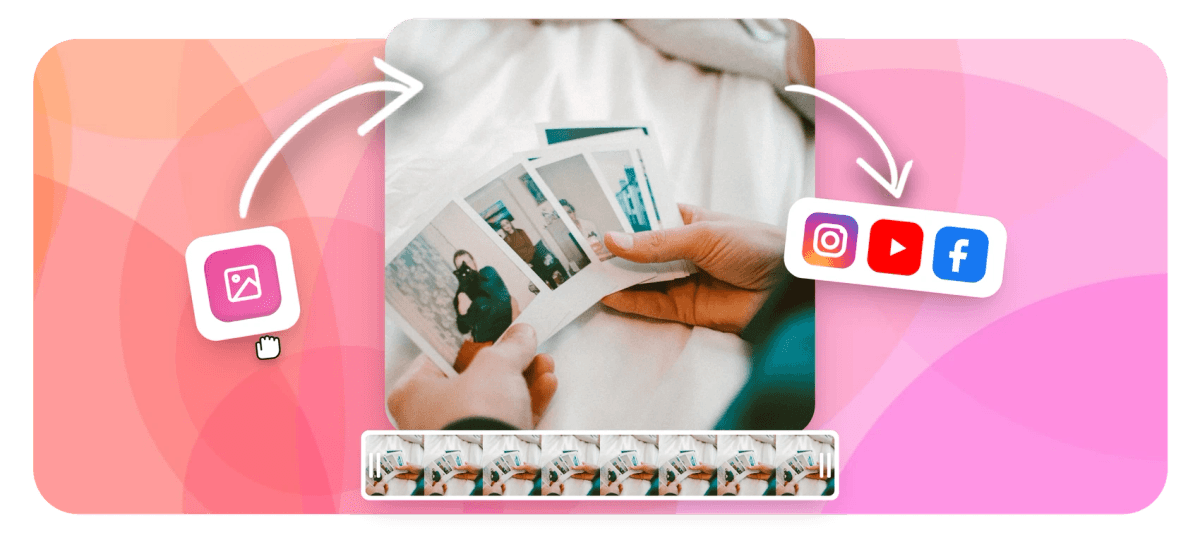
Photo Video Maker Online, Free with Music Features
Echowave is used by thousands of businesses around the world





A photo video maker turns a set of still images into a single video file, adding music, text, transitions, and timing so the photos play in sequence. EchoWave is a free online photo to video maker: you upload your pictures in the browser, drop in a song, set how long each photo holds on screen, and export an MP4. Turning pictures to video is free, works on any modern device, and needs no software install or sign-up to start.
How the EchoWave photo video maker works
Everything happens on a timeline, the same way professional editors build a sequence. Each photo becomes a clip you can drag, reorder, and resize. You decide how many seconds each image stays on screen (three to five seconds per photo is the comfortable range for most viewers), then layer a music track underneath the whole sequence.
From there you have real editing control rather than a fixed template. You can add titles and captions over any photo, apply a transition such as a fade or slide between images, zoom or pan across a picture so a still shot gains movement, and trim the music so it ends cleanly with the last slide. When the video looks right in the preview, you export it as a standard MP4 that plays everywhere.
Because EchoWave runs in the browser, there is nothing to download and your photos load straight from your device. The full editor is free to use; free exports carry a small EchoWave watermark, which you can remove on a paid plan.
What you can make with it
The same photo slideshow maker with music covers a lot of common projects, from a photo montage video maker for socials to a photo collage video maker for events, so you are not hunting for a separate app each time:
- Wedding and anniversary slideshows. Set photos to a meaningful song and aim for a five to seven minute run time, which is the length most couples and guests find comfortable on a big screen.
- Birthday and memorial tributes. Pair portraits with a slow track and gentle fades. If you want a dedicated flow for this, the birthday video maker starts from the same engine.
- Instagram Reels, TikTok, and YouTube Shorts. Build a vertical 9:16 photo montage with on-beat transitions and bold text captions.
- Real estate and product galleries. Show a property or a product range as a clean, narrated walkthrough with your logo on screen.
- Travel recaps and event highlights. Combine trip photos into a shareable recap with a soundtrack, ready to post the same day.
Supported photo and video formats
You can upload the file types phones and cameras actually produce. For images that means JPG, PNG, WebP, and HEIC (the default iPhone format), plus animated GIF. You can also drop in short video clips alongside your photos in MP4, MOV, or WebM, which is useful when you want a few moving moments mixed into a stills sequence.
Exports are H.264 MP4, the format every social platform, phone, and TV accepts without conversion. If you already have a finished video and only need to change the container or codec, the dedicated video converter handles that with no watermark.
Picking the right aspect ratio and length
Match the shape of the video to where it will be seen. Use 9:16 (1080 by 1920) for Instagram Reels, TikTok, and YouTube Shorts, since that vertical frame fills a phone screen with no black bars. Use 1:1 (1080 by 1080) for square feed posts, and 16:9 (1920 by 1080) for YouTube, a TV, or a projector at an event.
Length depends on the purpose. Social clips land best under 60 seconds, so 12 to 20 photos at roughly three seconds each fits neatly. A wedding or memorial slideshow can run five to ten minutes, which is around 60 to 90 photos. As a rough rule, plan on about 15 to 20 photos per minute of video and let the song you choose set the overall pace.
Adding music the right way
Music carries a photo video more than any transition does, which is the whole point of a photo slideshow with music. If you have been searching how to make a video with pictures and music, the workflow is simple: you upload your own audio file (MP3, WAV, M4A, or AAC) and trim it to fit, or layer a track from your library. Set the photo timing so key images land on the chorus or a beat change, and add a short fade out on the music so the video does not cut off abruptly.
One practical note on rights: tracks from streaming services are licensed for personal listening, not redistribution, so a public post on YouTube or Instagram can be flagged or muted. For anything you publish, use music you own or a royalty-free track. If your project is built around a song, the music video maker and add audio to video tools are tuned for exactly that.
Privacy, devices, and browser support
Editing runs in your browser, so your photos load locally rather than sitting on a third-party feed you cannot see. EchoWave works in current versions of Chrome, Edge, Safari, and Firefox on Windows, macOS, ChromeOS, iPhone, iPad, and Android. A laptop or desktop gives you the most comfortable timeline space, but the editor is fully usable on a tablet and on a phone for quick edits. Nothing needs to be installed, so this photo to video maker online free runs anywhere, and the same project opens from any device when you are signed in.
How to Make a Video from Photos with Music
Creating a video from your photos takes three short steps in EchoWave. Combine your pictures, add the music that fits the mood, and export a finished video that tells your story.
-
1. Upload your Photos
Open the editor and add your images. Drag them into the order you want, set how long each photo stays on screen, and choose a transition such as a fade or slide between them.

-
2. Add Music
Drop in a track to set the mood. You can upload your own background music, trim it to length, and time key photos to land on the beat for a polished result.

-
3. Export Your Video
When the preview looks right, export your photo video as an MP4. Pick the aspect ratio that fits the platform, then share it on social media or with friends and family.
How creators use EchoWave in real projects
One Photo and Video Maker for Every Project

About the EchoWave team
EchoWave is a browser-based video and audio editor built by Lemon Vault LLC since 2018. The people who build the editor write these guides and test every step in the production app before publishing.
Frequently Asked Questions
How do I make a video from photos with music online?
Open the EchoWave editor, upload your photos, and arrange them on the timeline in the order you want. Add a music track, set how long each photo holds on screen, then export the finished video as an MP4. It runs in your browser with no software to install.
Is the EchoWave photo video maker free?
Yes. EchoWave is a free online photo to video maker: you can upload photos, add music, apply transitions, and export a video at no cost. Free exports include a small EchoWave watermark, which you can remove by upgrading to a paid plan.
How do I turn pictures into a video?
Upload your pictures, drag them into order on the timeline, and set how long each one stays on screen. Add music and transitions, then export. This is all a photo to video maker does, and EchoWave runs it free in your browser, so turning pictures to video takes a few minutes.
Does my photo video have a watermark?
Free exports from the full editor carry a small removable EchoWave watermark. A paid plan exports with no watermark. EchoWave's dedicated quick tools, such as crop, trim, compress, and convert, always export with no watermark.
Can I add my own music to the slideshow?
Yes. Upload your own audio file in MP3, WAV, M4A, or AAC and trim it to fit the video. For anything you publish online, use music you own or a royalty-free track so the post is not flagged or muted.
What photo formats can I upload?
You can upload JPG, PNG, WebP, HEIC (the iPhone format), and animated GIF. You can also mix in short video clips in MP4, MOV, or WebM alongside your photos.
What aspect ratio should I use for Instagram and TikTok?
Use 9:16 (1080 by 1920) for Instagram Reels, TikTok, and YouTube Shorts so the video fills a phone screen. Use 1:1 for square feed posts and 16:9 for YouTube or a projector.
How many photos should a slideshow have?
Plan for roughly 15 to 20 photos per minute, or about three to five seconds per image. A 60 second social clip suits 12 to 20 photos, while a five to seven minute wedding slideshow uses around 60 to 90.
How long should a wedding slideshow be?
Five to seven minutes is the sweet spot most couples and guests find comfortable on a big screen. Beyond about ten minutes, attention tends to drift, so trim to your strongest photos and set them to one or two songs.
Can I animate or add motion to a still photo?
Yes. You can apply a slow zoom or pan across a photo so a still image gains gentle movement, and add fade or slide transitions between images to keep the sequence flowing.
Do I need to download or install anything?
No. EchoWave runs entirely in the browser on Chrome, Edge, Safari, and Firefox, across Windows, macOS, iPhone, iPad, and Android. Your photos load from your own device, not a public feed.
What format does the finished video export in?
Photo videos export as H.264 MP4, the format every social platform, phone, and smart TV plays without conversion. If you later need a smaller file, run it through the video compressor.
Ready to turn your photos into a video? We have a free plan!
No credit card required. Our free plan includes a small Echowave.io watermark.
Get Started →























































