
Video Thumbnail Grabber: The Exact Frame, As an Image
Scrub to the perfect moment, step frame by frame, and export that exact frame as a PNG or JPG at the video's full resolution. Free, in your browser, no screenshots involved.


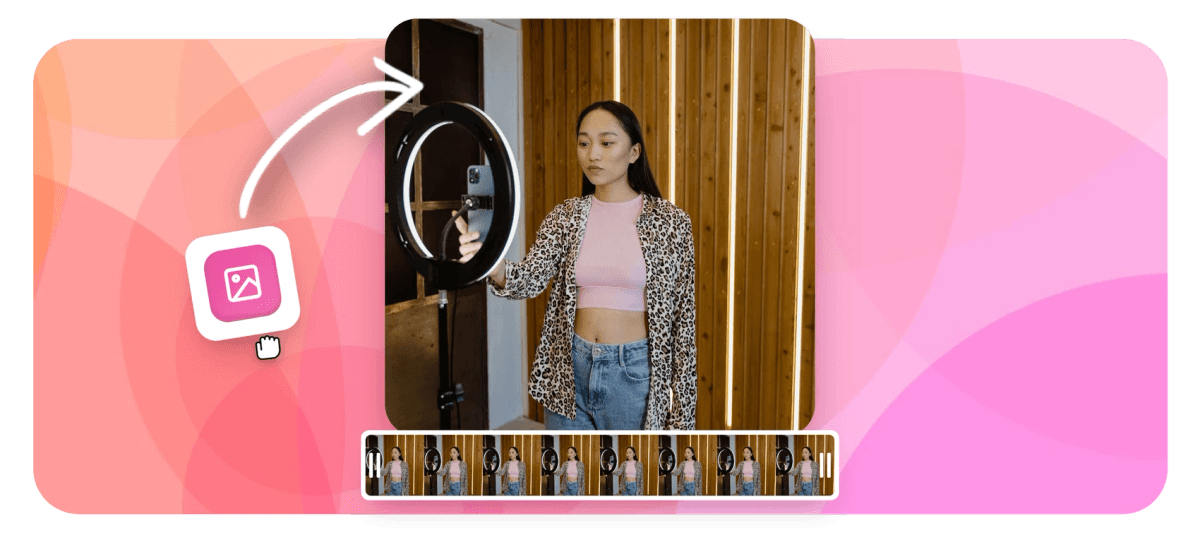
Video Thumbnail Grabber: The Exact Frame, As an Image Features
EchoWave's tools are used by YouTubers, marketers and editors worldwide





Frame extraction
Stop screenshotting your own videos
Screenshots of a paused player pick up compression smears, player UI and whatever resolution your window happened to be. A thumbnail grabber decodes the actual video frame and saves it as an image at the source's real resolution. EchoWave gives you a scrubber for speed and frame-step buttons for precision, one second or a single frame at a time, then exports PNG for perfect quality or JPG for small files. The grabbed frame is ready for YouTube thumbnails, article covers and social cards, or for a round trip through the video editor to add text and branding.
-
±1 frame
Frame-accurate stepping, about 0.04s per tap
-
PNG or JPG
Lossless quality or compact size, your choice
-
Full resolution
The image matches the video's native resolution
-
Free
No signup needed to grab a frame
What you get
Precision tools for a one-frame job
Finding the frame is the hard part, so that is where the controls are.
-
True Frame Extraction
The export decodes the exact frame from the video file itself, no player overlay, no window-size scaling, no double compression from a screenshot pipeline.
-
Scrub Plus Frame Stepping
Fly through the clip with the scrubber, then close in with one-second and single-frame steps until the eyes are open, the ball is mid-air and the text is legible.
-
Smart Starting Point
The picker starts a quarter of the way into the clip, past the black frames and fade-ins where good thumbnails rarely live.
-
PNG or JPG Output
Choose PNG when the image will be edited further or contains sharp text, JPG when upload size matters. Either way the dimensions match the source video.
-
Chain Into the Suite
Take the grabbed frame into other EchoWave tools: use it as a cover in the add image to MP3 tool, or drop it back into the video editor as an overlay or end card.
-
Works With Common Formats
MP4, MOV, WebM and other standard uploads are supported, phone footage and screen recordings included.
How it works
How to grab a thumbnail from a video
Four steps to the perfect still.
-
Upload Your Video
Drag the clip into the thumbnail tool. It loads in the player with the picker set a quarter of the way in.
-
Find the Moment
Scrub close, then use the step buttons to move by one second or one frame until the exact right image is on screen.
-
Choose PNG or JPG
Pick the output format: PNG for lossless quality, JPG for a smaller file.
-
Grab and Download
EchoWave extracts that exact frame at the video's full resolution and downloads it as your image.
Who uses it
One frame, many jobs
-
YouTubers
Grab the expressive frame as the base for a thumbnail, then add text and graphics on top in your design tool of choice.
-
Bloggers and Publishers
Pull article covers and inline stills straight from the footage the story is about.
-
Social Managers
Feed posts, link cards and community tab images all start as the best frame of an existing video.
-
Podcasters
Capture guest stills from recorded sessions for episode art and promo graphics.
-
Ecommerce Sellers
Turn product demo footage into listing photos without a separate photo shoot.
-
Editors and Archivists
Export reference frames for shot lists, storyboards and continuity checks.
Grab your thumbnail now
Frame-accurate extraction at full resolution. Free, in your browser.
What creators say after trying EchoWave

About the EchoWave team
EchoWave is a browser-based video and audio editor built by Lemon Vault LLC since 2018. The people who build the editor write these guides and test every step in the production app before publishing.
Thumbnail grabber FAQ
How do I get a thumbnail image from a video?
Upload the video to EchoWave's thumbnail grabber, scrub to the moment you want, fine-tune with the frame-step buttons, choose PNG or JPG and download. The tool extracts the actual frame from the video file at its native resolution, which is cleaner than screenshotting a paused player.
Why is this better than taking a screenshot?
A screenshot captures whatever your screen shows: the player's compression artifacts, its UI if it fails to hide, and dimensions limited by your window and display scaling. Frame extraction decodes the original video frame directly, so the image is the full native resolution of the file with no overlay and no second round of quality loss.
Can I step through the video frame by frame?
Yes. Alongside the scrubber there are step buttons that move one second or one single frame, roughly 0.04 seconds, in either direction. That is how you land the frame where the eyes are open and the motion is sharp.
Should I choose PNG or JPG?
PNG is lossless: ideal if the frame will be edited further, layered into a thumbnail design or contains fine text. JPG is much smaller and fine for direct use on the web. Both come out at the video's full resolution.
What resolution will my thumbnail be?
The same as the source video: a 1080p video yields a 1920x1080 image, a 4K video yields a 3840x2160 image. If you need YouTube's recommended 1280x720, grab from any HD source and scale down in your design tool; scaling down preserves quality.
Can I grab multiple frames from one video?
Yes, run the tool again for each moment; the upload is already there, so subsequent grabs are quick. Editors pulling many stills for a storyboard can repeat scrub-step-grab in a tight loop.
Does it work with 4K video?
Yes. The extraction happens server-side from the uploaded file, so high-resolution sources come out at their full size regardless of your device's screen.
Is the thumbnail grabber free?
Yes, it is free to use online with no download. Upload, pick the frame, and save the image.
Ready to grab the perfect frame?
Frame-accurate, full resolution, PNG or JPG. Free online.
Get Started →























































