
GIF to Video Converter
Turn an animated GIF into a small, smooth video file that plays on phones and the web. Free, in your browser, with no signup and no watermark.


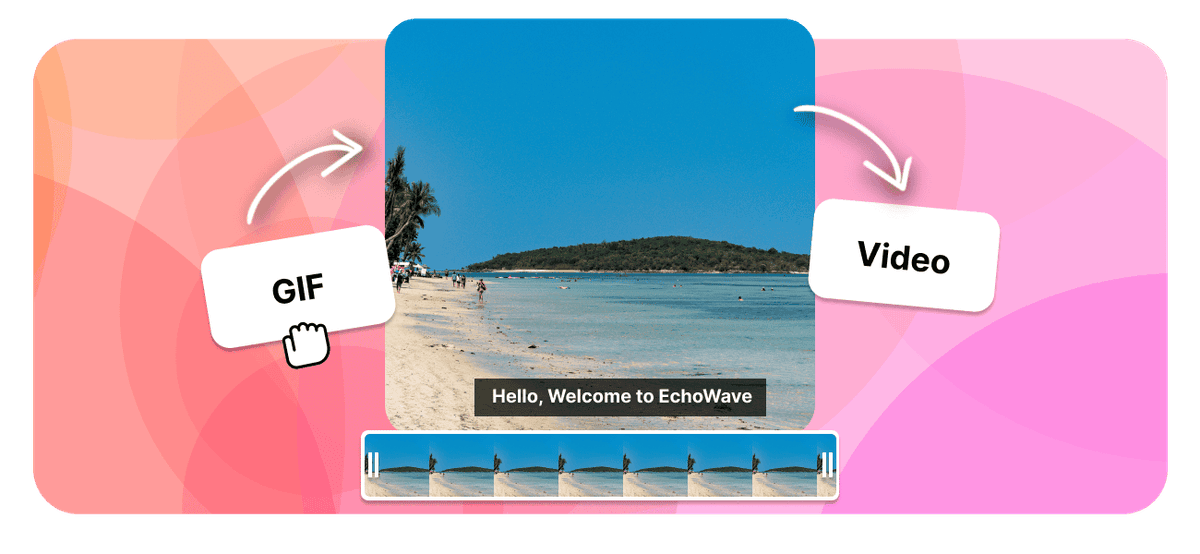
GIF to Video Converter Features
EchoWave is used by creators, marketers, educators, and businesses to convert and edit media online.





Turn an animated GIF into a standard video file in your browser, free and with no signup. The converter outputs a normal video that plays on phones, browsers, and social feeds, dropping the heavy GIF and its 256-color palette for a smaller, smoother clip. Pick this when you just want a regular video file and do not need a specific container.
How it works
How to convert GIF to Video
- 1
Upload your GIF
Drag your GIF onto the converter or pick it from your device. Nothing to install.
- 2
Choose Video and convert
Select Video as the output and start. Free, with no sign-up and no watermark.
- 3
Download your Video
Save the finished Video, or open it in the editor to trim it or add sound.
Try it
Estimate your Video
Pick a video bitrate and a length to see the Video file size before you convert.
Drag to set the clip length in minutes, from 1 to 30.
An estimate. Real size varies with resolution, frame rate, and how much the picture moves.
The formats
GIF vs Video
Graphics Interchange Format
A short animation made of still frames
- Type
- Animated image
- Holds
- Up to 256 colors per frame, no audio
- Typical size
- Large for a few seconds of motion
- Plays on
- Every browser, chat app, and image viewer
Best for:Short looping clips and reactions
Standard Video File
A standard video your devices can play
- Type
- Video file
- Holds
- Video with an audio track
- Typical size
- Large, it carries video
- Plays on
- Most players, phones, and browsers
Best for:Watching and sharing video
Will it look better?
- A GIF is limited to 256 colors, so the Video usually looks smoother and cleaner.
- The Video is often 5 to 30 times smaller than the same GIF, which makes it faster to load and share.
- The Video can carry an audio track if you add one, while a GIF can never hold sound.
Use cases
What people use it for
Troubleshooting
If something looks off
The video does not loop
The motion looks slightly different
There is no sound
FAQ
GIF to Video questions
Is the GIF to video converter free?
How do I turn a GIF into a video?
What video format will I get?
Why turn a GIF into a video at all?
Is the video smaller than the GIF?
Will the video loop like the GIF?
Does the video have sound?
Does the GIF to video converter work on iPhone, Android, Mac, and Windows?
Will I lose quality converting GIF to video?
What people are saying about EchoWave

About the EchoWave team
EchoWave is a browser-based video and audio editor built by Lemon Vault LLC since 2018. The people who build the editor write these guides and test every step in the production app before publishing.
Convert GIF to video for free Free online converter
Upload a GIF and get a small, smooth video file back. No signup, no file limits, and no watermark.
Convert Files →
Keep converting























































