
Screen Recorder With No Watermark, and the Fine Print to Prove It
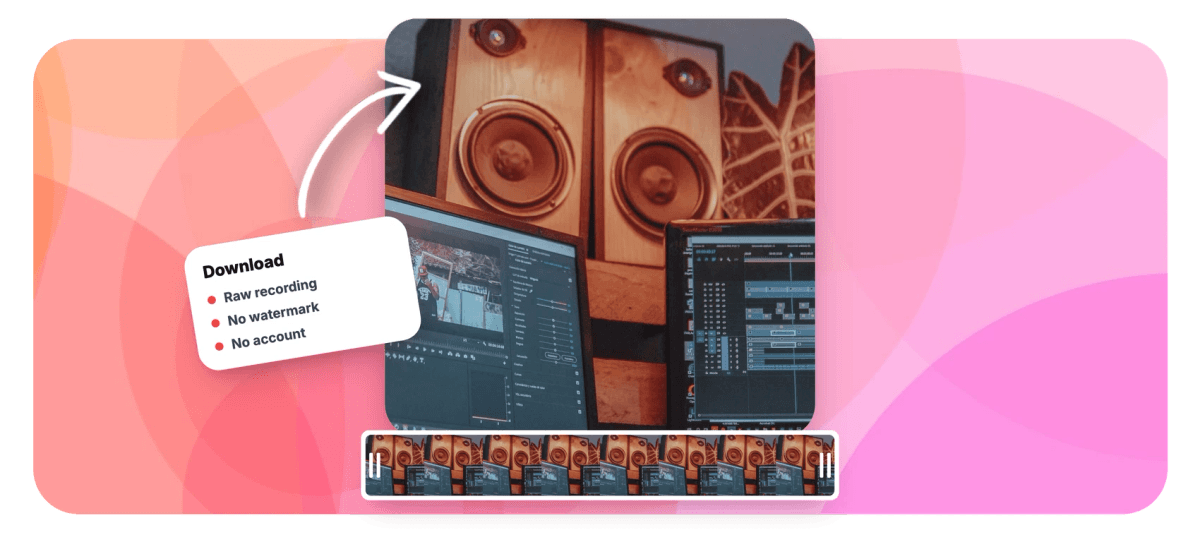
Your recording downloads as the raw capture file: no watermark, no account, free. The only watermark at EchoWave lives on free editor exports, and we say so up front.


Screen Recorder With No Watermark, and the Fine Print to Prove It Features
EchoWave's recording tools are used by freelancers, educators and product teams worldwide





Radical honesty
The recording is yours, unmarked. Here is the entire catch.
A screen recorder with no watermark should mean the file you download, not a trial that stamps your footage. EchoWave's screen recorder captures your screen, window or tab in the browser and saves the take on your device, so the download button hands you the raw recording: no watermark, no account, free, on every plan. Here is the entire fine print: if you edit the take in the video editor and export on the free plan, that export is 720p with a small watermark, while paid plans export clean up to 4K. Other tools stamp the capture itself or paywall the download. We would rather print the catch than hide it.
-
0 watermarks
On the raw recording you download, on every plan including free
-
1 place
Where a watermark exists at EchoWave: free editor exports, at 720p
-
60 minutes
Per take, with pause and resume that never count against the cap
-
No signup
Recording and downloading work anonymously in the browser
What you get
Everything captured, nothing stamped
The capture powers you expect, wrapped in a watermark policy you can quote.
-
The Raw File Is the Product
Stop recording and download immediately. The file is the actual capture saved from your device, not a re-encode with a corner logo, and it stays unmarked whether you ever pay us or not.
-
Fine Print, Printed
The complete watermark map: raw downloads, never. Free editor exports, yes, a small mark at 720p. Paid editor exports, clean at 1080p, 4K, or 8K on the top tier. That is the whole list.
-
Capture Any Surface
Record the full display, one app window or a single browser tab, and flip on system or tab audio when the video needs the sound your computer is making.
-
Camera Bubble on Top
Float your webcam over the screen in any corner, large or side-by-side, with camera quality from 480p to 1080p and live device switching before the take.
-
60-Minute Takes That Survive Crashes
Record up to an hour per take with pause and resume, start on a 3, 5 or 10 second countdown, and rely on local chunking to recover a take if the tab dies.
-
Editing Stays Optional
When a take needs trimming or auto captions, send it to the editor, where screen and camera land as separate layers. Just remember the one rule: free exports carry the small mark.
How it works
How to record your screen without a watermark
Four steps, and only the optional fourth has fine print.
-
Choose Your Capture
Open the recorder in your browser, no install, and pick a screen, window or tab, with an optional camera bubble, microphone and system audio.
-
Record the Take
Start after a 3, 5 or 10 second countdown and record up to 60 minutes, pausing and resuming whenever you need a breather.
-
Download the Raw File
Stop and download. You get the capture saved from your own device, with no watermark and no account required, on the free plan included.
-
Edit Only if You Want
For trims and captions, open the take in the editor. Free plan exports render at 720p with a small watermark; paid plans export clean up to 4K.
Who uses it
People who cannot ship a stamped video
-
Freelancers Delivering to Clients
A watermark on a client hand-off reads like a free trial. The raw download keeps deliverables clean and keeps the invoice credible.
-
Sales Engineers and Founders
Prospect walkthroughs and investor demos should carry your product's branding, not a recording tool's stamp in the corner.
-
Teachers and Students
Lecture captures and assignment submissions stay readable, with nothing parked over slides, code or worked examples.
-
Creators Feeding Another Editor
Need clean source footage for a different workflow? The unmarked raw file drops into any editing pipeline as b-roll.
-
Internal Trainers
Onboarding and process videos look official when they are not stamped with someone else's logo.
-
Anyone Burned Before
If you have ever finished a long take and only then met a surprise watermark, this page is the antidote.
Keep your footage yours
Record in the browser and walk away with an unmarked file, no account needed.
What people are saying about EchoWave

About the EchoWave team
EchoWave is a browser-based video and audio editor built by Lemon Vault LLC since 2018. The people who build the editor write these guides and test every step in the production app before publishing.
Screen recorder no watermark FAQ
How do I record my screen without a watermark?
Open EchoWave's screen recorder in your browser, pick the screen, window or tab to capture, add a camera bubble or microphone if you want them, and press record. When you stop, click download. The file you get is the raw capture saved from your device, and it has no watermark on any plan, including free, with no account required. A watermark only enters the picture if you edit the take and export it from the editor on the free plan.
When exactly does a watermark appear, and how do I avoid it?
One case: you open your recording in the EchoWave editor, make changes, and export on the free plan. That export renders at 720p with a small watermark. Everything else is clean. To avoid it, either download the raw recording, which is never marked, or export from a paid plan: Basic renders clean 1080p, Pro up to 4K, Business up to 8K. We put this in writing because discovering watermark rules after recording a 40-minute take is miserable.
Why do so many screen recorders put a watermark on the recording?
Usually the watermark is the marketing plan: your video advertises the tool, and removing the stamp is the upgrade hook. Some tools bake it into the capture itself, others record clean and then paywall the download. EchoWave takes a different line. The recording is yours, downloadable free and unmarked, and the paid plans sell editing headroom and clean high-resolution exports up to 4K and beyond, not ransom on your own footage.
Do I need an account or a card to download my recording?
No. Recording and downloading work anonymously: open the recorder, capture, download. No signup wall, no card, no trial timer. An account only matters when you want to save the take into a cloud project, edit it, or come back to it on another device, and even then the editor starts you off with a lightweight guest session first.
Can I record my webcam and computer audio too, and is that still unmarked?
Yes. Modes cover screen only, camera only, screen with a floating camera bubble in any corner, large or side-by-side, and microphone only. A separate toggle captures system or tab audio for the sound your screen makes. Whatever combination you record, the same rule applies: the raw file you download carries no watermark. And if you later open a screen-plus-camera take in the editor, the two arrive as separate layers you can rearrange.
What resolution is the file I download?
The raw download keeps whatever the capture produced: screen recording matches the resolution of the display, window or tab you shared, and camera capture offers 480p, 720p or 1080p settings. No downscaling and no watermark are applied to that file. Resolution caps only exist on editor exports, where the free plan renders 720p and paid plans go up to 4K and beyond.
Does my recording upload anywhere before I download it?
The recorder runs on the browser's own capture APIs and chunks the take on your device while you record, which is also what makes crash recovery possible. Downloading hands you that local file directly. Uploading only happens if you choose to save the recording into a project for editing, which is a separate button and entirely optional.
I exported on the free plan and got a watermark. How do I get a clean version?
Two routes. If you did not need the edits, download the original raw recording, which is always unmarked. If you need the edited version clean, upgrade and re-export: the watermark is applied at render time, not to your project, so the same project exports clean at 1080p on Basic, 4K with 50 or 60 fps on Pro, or 8K on Business. There is no way to scrub a watermark out of an already-rendered free export, so re-render rather than retouch.
Your recording, not our ad
Download the raw take unmarked and free, and know exactly what paid unlocks.
Record without a watermark























































