
Free Online Slideshow Maker with Photos and Music
Slideshow maker that turns photos into a video with music and smooth transitions. Arrange your pictures, set the timing and export. Free, in your browser, no watermark.


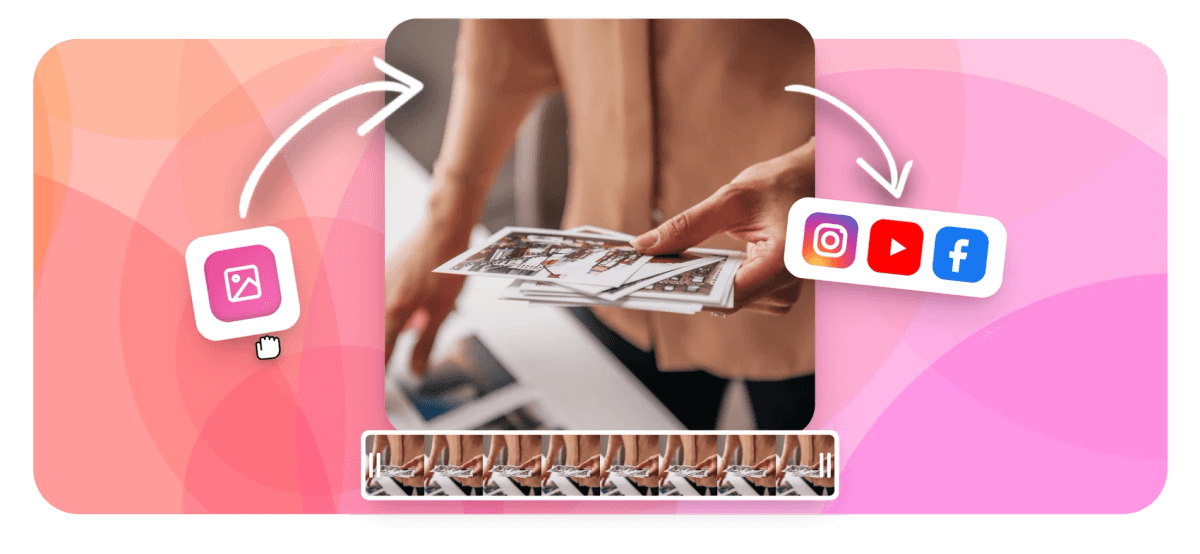
Free Online Slideshow Maker with Photos and Music Features
EchoWave's slideshow maker is used by families, creators, and businesses to turn photos into shareable video





Photos to video, free
A slideshow maker built on a real video editor
Most slideshow tools are template pickers with a music button attached. EchoWave gives you a full multi-track timeline, so you can mix still photos with video clips, layer multiple audio tracks, add animated captions, and trim each slide to the beat. The result is an MP4 you own and can post anywhere. Need to turn a photo collection into a video without the occasion framing? See the photo video maker for the broader creative workflow.
-
Free
Start for free in your browser, no install or sign-up required to try
-
4K
Export slideshows up to 4K H.264 resolution on paid plans
-
63 AI voices
Add narration in dozens of languages with streaming text-to-speech
-
160+ caption styles
Auto-subtitle presets including TikTok, MrBeast karaoke, and more
The toolkit
The full toolkit, in your browser
Each feature below is available in your browser today, no plugin or desktop app required.
-
Photos and Video Clips Together
Drag in JPGs, PNGs, and MP4 clips and arrange them on the timeline in any order. Mix still photos with short video moments for a dynamic, modern slideshow. Works just like the photo video maker but tuned for occasion-first storytelling.
-
Add Your Own Music
Upload any audio track from your device and set it as the slideshow background. Trim the audio, adjust volume, and fade it in or out to match your photos perfectly. Bring the song that actually means something, not a stock track. See add audio to video for more audio options.
-
AI Captions and Text
Add titles, date overlays, or auto-generated subtitles with 160+ preset styles including animated karaoke-style word highlighting. No design experience needed. Learn more at add text to video.
-
AI Text-to-Speech Narration
Turn your slideshow into a narrated story with 63 AI voices in multiple languages. Stream, preview, and drop narration directly onto the timeline. Useful for memorials, business pitches, and travel recaps. More at add voice over to video.
-
Any Aspect Ratio
Resize your slideshow to landscape (16:9), square (1:1), portrait (9:16), or any custom size. One project, every platform, with no re-editing required.
-
Animated Music Waveform
Add a live audio waveform or FFT spectrum visualizer to your slideshow to give it an audiogram-style energy that stands out on social feeds. See the music visualizer for all waveform styles.
-
Trim, Split and Merge
Precisely trim each photo's display duration, split clips, and merge multiple slideshows into one continuous video without leaving the browser. The video merger covers advanced multi-file joining.
-
Export up to 4K
Download your finished slideshow as an MP4 at up to 4K resolution. Free plan exports with a small watermark; paid plans remove it and unlock full 4K quality.
How it works
How to make a slideshow with music online
Four steps from photos on your phone to a finished MP4.
-
Upload Your Photos and Clips
Click Upload or drag your photos, PNG images, or short video clips directly onto the EchoWave timeline. Arrange them in the order you want them to appear in your slideshow.
-
Add Music, Text and Effects
Upload your background music track and trim it to fit. Add titles, date stamps, captions, or AI-generated subtitles. Set each photo's display duration and choose transition styles between slides.
-
Pick Your Aspect Ratio
Select the canvas size that matches where you plan to share: 16:9 for YouTube, 9:16 for Instagram Reels or TikTok, or 1:1 for Facebook. Resize once and it applies to every slide.
-
Export and Share
Hit Export and download your finished slideshow as an MP4 file. Free accounts include a small watermark; upgrade to remove it and unlock 4K resolution output.
Sized to post
The right shape for every platform
Pick a preset and EchoWave reframes your slideshow to fit, no re-editing needed.
-
9:16 Portrait
- TikTok
- Reels
- Shorts
-
1:1 Square
- X
-
16:9 Landscape
- YouTube
- Presentations
Popular uses
What people make with it
-
Birthday Slideshow
Compile photos from someone's life into a birthday tribute video with music and animated captions. Export in minutes and share directly to WhatsApp, Instagram, or a family group chat.
-
Wedding and Anniversary Video
Turn wedding photos and ceremony clips into a keepsake video with a meaningful song underneath. Add name overlays, date stamps, and a heartfelt narration track.
-
Vacation and Travel Recap
Relive your trip with a travel montage: arrange destination photos chronologically, drop in a soundtrack, and add location text overlays to create a shareable travel video.
-
Memorial and Tribute Video
Create a respectful tribute slideshow for a funeral or memorial service. Add a soft music track, AI voiceover narration, and animated captions to honor a loved one.
-
Social Media Content
Build an Instagram Reel or TikTok photo montage with beat-synced captions and an animated waveform. Export in 9:16 portrait format ready to post.
-
Business and Product Showcase
Create a product photo gallery video or company highlight reel with logo watermark, branded text overlays, and a professional music bed. Export in 4K for pitches and ads.
Start your slideshow now
Upload your photos and add a music track. Your slideshow is ready to export in minutes.
What people are saying about EchoWave

About the EchoWave team
EchoWave is a browser-based video and audio editor built by Lemon Vault LLC since 2018. The people who build the editor write these guides and test every step in the production app before publishing.
Slideshow maker FAQ
How do I make a slideshow with music online for free?
Open EchoWave in your browser, upload your photos or video clips, and drag a music file onto the audio track. Adjust the duration of each photo, add text or captions if you like, then click Export to download your slideshow as an MP4. The whole process takes a few minutes and requires no software installation.
Can I use my own music in the slideshow?
Yes. You can upload any audio file from your device, including MP3, WAV, AAC, and most other common formats. EchoWave does not provide a built-in music library, so you will need to bring your own track or record a voiceover using the built-in microphone recorder.
What file formats can I use for photos and clips?
EchoWave accepts JPG, PNG, WebP, and most common image formats for photos, along with MP4, MOV, WebM, and other video formats for clips. You can freely mix still images and short video clips in the same slideshow.
Does the free slideshow maker add a watermark?
The free plan adds a small EchoWave watermark to exported videos. Upgrading to a paid plan removes the watermark and unlocks 4K resolution export.
What aspect ratios can I export my slideshow in?
You can set the canvas to any aspect ratio before or during editing, including 16:9 (YouTube, landscape), 9:16 (Instagram Reels, TikTok, vertical), 1:1 (square for Instagram feed), and custom dimensions. The same project can be exported at different sizes without rebuilding from scratch.
Can I add captions or subtitles to my slideshow?
Yes. EchoWave has an AI auto-caption tool that transcribes any spoken audio in your slideshow and generates synced subtitles. You can also manually type text overlays, titles, and date stamps. There are 160+ subtitle style presets including animated karaoke-style highlights.
Can I add a voiceover or narration to my slideshow?
Yes, in two ways. You can record your own voice directly in the browser using the built-in recorder, or use the AI text-to-speech feature with 63 voices across multiple languages to generate a narration from typed text.
What is the difference between the slideshow maker and the photo video maker?
Both tools use the same EchoWave timeline editor and are suited to combining photos with music. The slideshow maker page is designed around the photo-plus-music occasion format, with how-to guidance for birthdays, weddings, and social media clips. The photo video maker focuses on the broader creative use case of turning photo collections into video content. They share the same engine and you can cross-link between projects.
Is EchoWave safe to use? Who runs it?
EchoWave is owned and operated by Lemon Vault LLC. Your uploaded files are processed on secure render servers and are not shared with third parties. You can delete your projects and media at any time from your account.
Ready to make your slideshow?
No credit card required. The free plan includes a small EchoWave watermark.
Get Started →























































