
Photo Collage Text
Write a word, add your photos, and watch the letters fill with a collage of your memories. Editable any time, with a transparent background made for video.


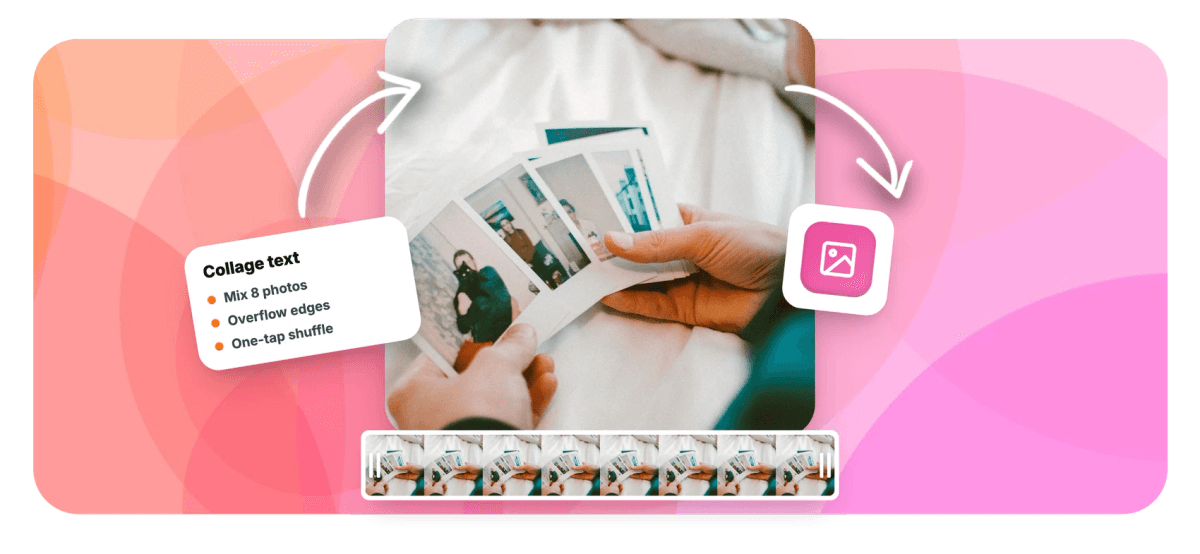
Photo Collage Text Features
EchoWave's design tools are used by creators, families, and event teams worldwide.





Collage typography
Your memories, arranged into a message
A photo collage usually means a grid. Photo collage text puts the pictures somewhere better: inside the words themselves. EchoWave scatters dozens of small copies of your photos through any word or phrase you type, a name, a year, LOVE, FAMILY, CLASS OF 2026, so the message and the memories become one image. Mix up to eight pictures, let them overflow the letter edges like real prints on a wall, or keep the outline razor sharp. It all happens in a free online video editor, so the collage drops straight onto footage, animates, and stays fully editable. Prefer a classic grid of clips instead? That is the video collage maker.
-
8
different photos mixed into one collage
-
100s
of photo copies arranged inside the letters
-
3
edge looks: clean cut, soft fade, or overflow
-
1
click to shuffle the whole arrangement
What you get
A collage maker that thinks in letters
Everything you need to turn a pile of pictures into a word people feel.
-
Letters Full Of Photos
Every letterform is packed with small copies of your pictures, sized and rotated so the word stays readable while each photo keeps its character.
-
Mix Up To Eight Pictures
Blend the trip, the team, or the whole year: add up to eight photos and the maker weaves them together through the text automatically.
-
Overflow Like Real Prints
Switch edges to Overflow and photos stay whole, spilling slightly past the letter outline: the hand-made look of prints pinned around a shape.
-
Photos From Anywhere
Upload from your device, drag and drop, reuse anything from your project's media library, or borrow the image already selected on your canvas.
-
Any Word, Any Font
Up to 120 characters across five stacked lines, set in quick styles or any of 1,000+ fonts: heavy weights give your photos the most room to shine.
-
Editable Forever
The collage is a living layer, not a flattened export. Click it to change words, swap photos, or restyle: months later, in the same project, nothing is locked.
-
Made For Video
Transparent background, video-ready: float the collage over footage, fade it in, hold it for exactly four seconds, and export as MP4.
-
Private By Default
Your photos upload only to your own EchoWave media library to build the collage: they are never published or shared anywhere by the tool.
How it works
How to make photo collage text
Four steps from a camera roll to a word made of memories.
-
Start A Text Art Style
In the editor's Elements panel, pick a Text art tile. Balanced is a great default; Packed gives the densest mosaic.
-
Write The Word
Type the word or phrase that carries the meaning: a family name, a year, a city, and stack up to five lines.
-
Add The Pictures
Drop in up to eight photos. Watch the letters fill instantly, then hit Shuffle until the arrangement feels right.
-
Place It And Export
Add the collage to your canvas, lay it over a video or a color, animate it, and export. Click it any time to keep editing.
Who uses it
Who makes photo collage text with EchoWave
-
Families and couples
Anniversaries, new babies, and holiday cards: one word, filled with a year of photos.
-
Graduates and schools
CLASS OF 2026 built from the semester's candids for slideshows and ceremonies.
-
Pet owners
A pet's name filled with every good boy photo you have ever taken.
-
Teams at work
Celebrate a launch or a milestone with the project name made from team photos.
-
Video editors
Recap intros and end cards where the title is literally made of the footage's best frames.
-
Event hosts
Wedding hashtags, reunion banners, and welcome screens that guests actually photograph.
Put your pictures where your words are
Type a word, add up to eight photos, and get a collage you can restyle, animate, and export as video. Free in your browser.
How creators use EchoWave in real projects

About the EchoWave team
EchoWave is a browser-based video and audio editor built by Lemon Vault LLC since 2018. The people who build the editor write these guides and test every step in the production app before publishing.
Photo Collage Text FAQ
How do I make text out of my photos?
Open EchoWave's editor and pick a Text art style from the Elements panel. Type your word or phrase, then add photos, upload them, drag them in, or choose from your project's media. The maker scatters small copies of your pictures through the letterforms so the text is literally built from your photos. Adjust the font, fill density, and edge style, then add it to your canvas. It is free to use in your browser; video exports are free with a small watermark at up to 720p, and paid plans remove the watermark and unlock higher resolutions.
How many photos can I use in one collage text?
Up to eight different photos per design, and the maker draws hundreds of small copies of them to fill your letters. Eight sounds small until you see it in action: because each photo repeats at different sizes and angles, even two or three pictures produce a rich, varied collage. You can add and remove photos at any point, including after the collage is already placed in your video, and one click of Shuffle rearranges everything into a fresh layout.
Can the photos overflow the letters instead of being cropped?
Yes, that is the Overflow edge style, and it is what makes the collage feel hand-made. In Clean mode every photo is trimmed exactly at the letter outline, like a mosaic. In Soft mode photos fade out near the edge. In Overflow mode each photo stays whole and pokes slightly past the letterform, the way real prints would if you arranged them on a table in the shape of a word. The words stay perfectly readable because photos are still centered along the letter strokes.
Do my photos need a transparent background?
No, any regular photo works, and the collage look comes from many small copies arranged together. That said, cutouts pop beautifully: a subject with the background removed reads more like a sticker inside the letters. If you want that look, run your picture through EchoWave's image background remover first, save the transparent PNG to your media, and use it as one of your collage photos. Mixing one or two cutouts with regular photos gives the design extra depth.
Can I write more than one word?
Yes. The text box takes up to 120 characters, and a new line starts a new stacked row, up to five lines in one design. That covers most real lockups: a first and last name, MERRY CHRISTMAS over 2026, a city over a date range. The maker automatically sizes the block so every line fits, and heavier fonts keep each letter wide enough for photos to show clearly even on longer words.
Can I change the photos after the collage is made?
Any time. The collage stays editable after you add it to your canvas: click it and the Text art panel reopens with everything live, words, photos, font, edges, density, and arrangement. Swap one photo out, add a new one, or shuffle the layout, and the collage re-renders in place while keeping its position, timing, and animations. It never flattens into a dumb image, so last-minute changes cost seconds, not a rebuild.
Are my photos private?
Yes. Photos you add are uploaded to your own EchoWave media library, the same private storage your other project media uses, so the collage can render on any of your devices. They are not published, shared, or used anywhere else. The finished video is yours too, it only goes where you post it. If you delete your media or project, the associated files follow your account's normal retention rules.
Can I use the collage in a video?
That is exactly what it is built for. The collage renders with a transparent background and lands in EchoWave's video editor as a normal layer: put it over footage or photos, animate it in and out, keyframe its motion, and time it on the timeline. Add music underneath and you have a moving tribute, an intro, or an end card. Export as MP4, free with a small watermark at up to 720p, or clean and higher-resolution on paid plans.
Ready to collage your words?
Letters filled with your own pictures, editable forever, ready for video. Free in your browser.
Get Started →























































