
Free Online Ringtone Maker
Turn any song, voice memo or video into a custom ringtone. Trim the best part in your browser with EchoWave's free video and audio editor, with no signup required.


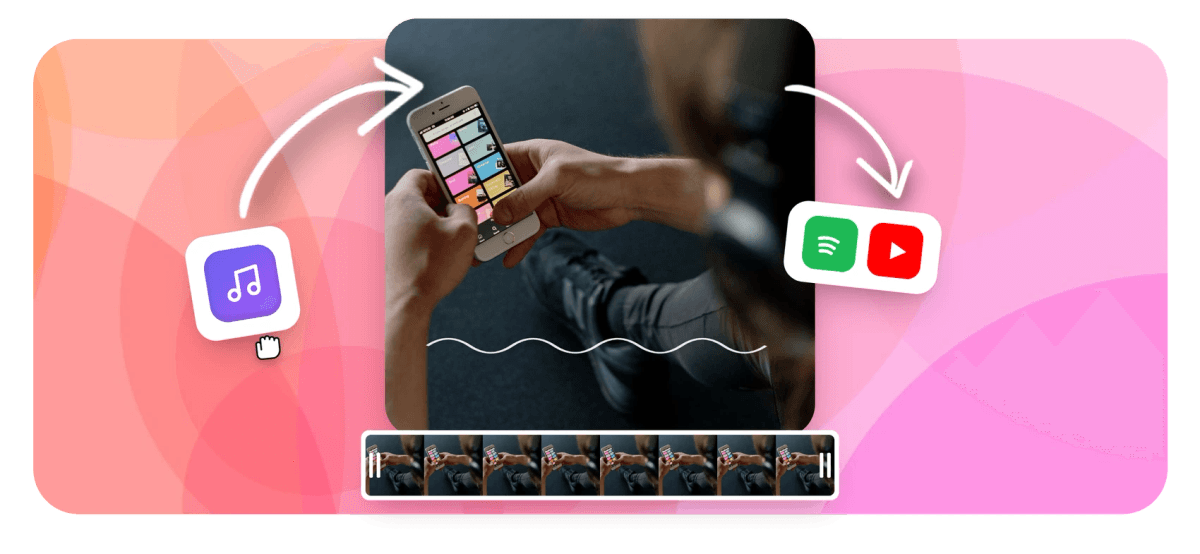
Free Online Ringtone Maker Features
To make a ringtone online, upload an MP3, song or video to EchoWave's free ringtone maker, drag the timeline handles to grab the catchiest 20 to 30 seconds, add a quick fade, and download. Save it as an MP3 for Android or convert it to M4R for iPhone. It runs in your browser with no signup.
Trusted by thousands of creators worldwide





How to make a ringtone
Create a custom ringtone from any song in three steps:
-
1. Upload Your Audio
Drag and drop an MP3, WAV, M4A or even a video into the EchoWave editor and the audio is extracted automatically. Start from any song, voice recording or sound effect you want as your ringtone.
-
2. Trim and Cut the Best Part
Drag the timeline handles or type exact start and end times to grab the catchiest hook. Keep it under 30 seconds for iPhone, add a short fade so it loops cleanly, and preview before you export.
-
3. Export Your Ringtone
Download your clip as an MP3 for Android, or convert it to M4R for iPhone. Transfer it to your phone and set it as your ringtone, alarm or text-message tone.
What creators say after trying EchoWave
How to make a ringtone from any song
Making a ringtone is really just trimming audio down to the catchiest part. Upload your MP3 or song to EchoWave's online ringtone cutter, then use the timeline to find the hook: the chorus, the drop, the intro riff, whatever you want to hear when your phone rings. Drag the start and end handles, or type precise times like 00:18 to 00:46, so you keep exactly the segment you love. Press play to preview, add a short fade-in and fade-out so the loop sounds smooth, and export.
The whole thing takes under a minute and runs entirely in your browser. Because EchoWave is also a full audio trimmer, you can fine-tune the cut down to a fraction of a second instead of guessing with a coarse slider. That precision matters: a ringtone that starts a beat late or cuts off mid-word always sounds off, while a clean cut on the downbeat sounds like it was made for the phone.
How long should a ringtone be?
Phones don't need a whole song, they need a short, punchy clip. A good ringtone is usually 20 to 40 seconds, and iPhone has a hard cap of 30 seconds for custom ringtones (text-message and alert tones max out around 30 seconds too). Android is more relaxed and will happily use a longer clip, but 30 seconds is still the sweet spot: long enough to recognise the song, short enough that it never drags before you answer.
With EchoWave you can see the exact duration as you trim, so you can land a clip that fits Apple's 30-second limit on the first try. If you want a longer alarm tone, or a clip that repeats so it fills the full ring cycle, use the audio merger to loop or stitch sections together before you export.
MP3 vs M4R: which format for iPhone and Android?
The right format depends on your phone:
| Device | Ringtone format | How to add it |
|---|---|---|
| iPhone / iOS | M4R (max 30 seconds) | Sync with Finder (Mac) or iTunes (Windows), or import via the Files app and GarageBand, then pick it under Settings, Sounds and Haptics |
| Android (Samsung, Pixel, OnePlus, etc.) | MP3 | Copy the file into your Ringtones folder, then choose it in Sound settings |
Make your cut in EchoWave and download it as a standard MP3, which is all Android needs. For iPhone, the only extra step is converting that MP3 to Apple's M4R ringtone format and dropping it onto your device. Either way the audio itself is identical: M4R is just AAC audio in an MP4 container with a ringtone-specific file extension. EchoWave reads WAV, M4A, FLAC, OGG and MP4 too, so you can drop in almost any source file and export the trimmed result as a clean MP3.
Make a ringtone from a song, voice memo or video
Anything with audio can become a ringtone. Use EchoWave's ringtone maker to cut:
- Your favourite song: grab the chorus or the most recognisable riff for your main ring.
- A voice memo or recording: turn a loved one's voice, a baby's laugh or a custom message into a personal text tone.
- A movie line, meme or sound effect: trim a quote into a short notification tone.
- Audio from a video: drop in an MP4 (or a clip you saved from YouTube, TikTok or Instagram) and EchoWave pulls the audio out automatically, so you can rip a sound straight from the footage.
You can set a different tone for calls, texts and alarms by exporting several short clips from the same track. And if you want to make something more creative, EchoWave doubles as a music visualizer and an audio-to-video tool for turning a sound clip into a shareable video.
Make ringtones without losing quality
Cutting a clip with EchoWave keeps your audio at full quality. Trimming the start and end of a track simply keeps the part of the waveform you selected and drops the rest, so the ringtone sounds exactly like the original, just shorter, with no muddy artefacts. Add an optional fade-in and fade-out at the cut points and the loop will sound clean and professional through a phone speaker.
A few practical tips from making a lot of these: start your cut a fraction before the beat so the first note isn't clipped, end on a natural pause or the start of the next bar, and keep the volume consistent across the clip so it isn't suddenly quiet when the phone rings. No software to install, no account to create, and the tool is free to use.
Works in any browser, on any device
There's nothing to download. EchoWave's ringtone maker runs entirely in your web browser, so you can create a ringtone on a Windows PC, a Mac, an iPhone, an Android phone or a tablet, anywhere you can open a website. It works in Chrome, Safari, Edge, Firefox and other modern browsers. Your files are processed privately and aren't shared with anyone, the tool is free to use, and no account is required. Upload a song, cut it to length, and download your custom ringtone in seconds.
One note on copyright: a ringtone made from a song you bought is fine for your own personal use, but commercial or public use of someone else's recording needs the rights holder's permission. For total freedom, cut your ringtone from a track you own, a royalty-free song or your own voice recording.

About the EchoWave team
EchoWave is a browser-based video and audio editor built by Lemon Vault LLC since 2018. The people who build the editor write these guides and test every step in the production app before publishing.
Frequently Asked Questions
How do I make a ringtone online for free?
Upload your MP3, song or video to EchoWave's free online ringtone maker, drag the timeline handles to grab the best part, then export your clip. There's no signup and nothing to install.
How do I make a song my ringtone?
Upload the song, find the chorus or hook on the timeline, trim to that section (keep it under 30 seconds for iPhone), then download it. Set it as your ringtone in your phone's sound settings.
How do I turn an MP3 into a ringtone?
Upload the MP3, trim it down to the section you want, then download it. Android uses the MP3 as-is; for iPhone you convert that clip to Apple's M4R ringtone format first.
What format do I need for an iPhone ringtone?
iPhone ringtones use the M4R format and must be 30 seconds or shorter. Cut your clip in EchoWave, convert it to M4R, then sync it with Finder or iTunes (or import it via the Files app and GarageBand) and select it under Settings, Sounds and Haptics.
What format do I need for an Android ringtone?
Android uses standard MP3 files. Export your trimmed clip as an MP3, copy it into your phone's Ringtones folder, and choose it in your Sound settings. No conversion needed.
How long can a ringtone be?
iPhone caps custom ringtones at 30 seconds, while Android is more flexible. A good ringtone is usually 20 to 40 seconds: long enough to recognise and short enough to answer before it ends.
Can I make a ringtone from a video?
Yes. Drop an MP4 (or a clip you saved from YouTube, TikTok or Instagram) into EchoWave and the audio is extracted automatically, so you can trim a ringtone straight from the footage.
Can I make a ringtone from a voice memo?
Yes. Upload your voice recording, trim it to the part you want, and export it. It makes a great personal text tone or notification sound for a specific contact.
Does making a ringtone reduce the audio quality?
No. Trimming with EchoWave keeps the original sound quality. The clip just gets shorter, not worse. Add an optional fade so the loop sounds clean through your phone speaker.
Can I make a ringtone on my phone?
Yes. EchoWave runs in your browser, so you can make a ringtone on an iPhone, Android phone, tablet or computer with no app to install.
How do I add a fade to my ringtone?
After you trim the clip, add a short fade-in at the start and a fade-out at the end. This stops the ringtone cutting off abruptly and makes it loop smoothly when your phone rings.
























































