
Free TikTok Video Editor Online
TikTok video editor with captions, music, effects and speed control. Edit vertical videos and export with no watermark, ready to post. Free, in your browser.


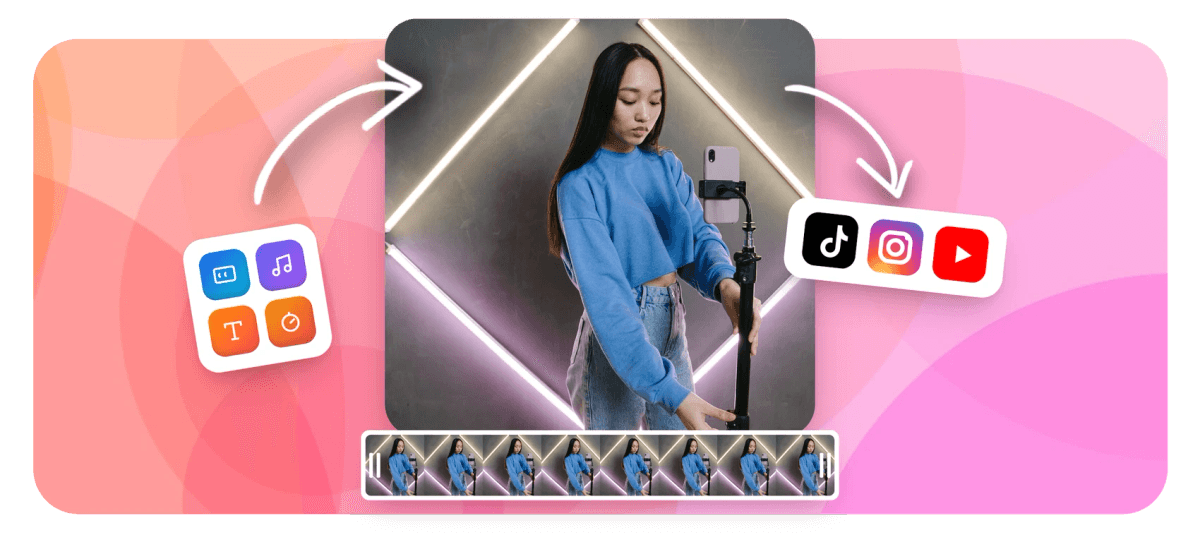
Free TikTok Video Editor Online Features
EchoWave's TikTok video editor is trusted by creators, brands, and podcasters around the world





Edit for TikTok
A full editor built around vertical video
Most browser editors are landscape-first tools that tolerate 9:16. EchoWave is different: the entire timeline, canvas, and caption system is built for the vertical short-form format TikTok expects. Crop and reframe any footage to 9:16 in one click, apply word-level karaoke captions from 160+ presets, layer on AI voiceover from 63 voices, and export a TikTok-ready MP4 in up to 4K. Need to create a TikTok from scratch? Try the TikTok Video Maker. This editor is for polishing footage you already have.
-
160+ caption presets
TikTok-style, MrBeast, Kendrick, karaoke, outline, pill, and more
-
4K H.264 export
Up to 3840x2160 on paid plan; free plan exports with watermark
-
63 AI voices
Text-to-speech in multiple languages with streaming generation and voice cloning
-
Free to start
No credit card, no install. Edit in your browser today; paid plan removes watermark
The toolkit
Everything a TikTok editor should have
Eight core features that cover the full edit-for-TikTok workflow, from crop to export.
-
9:16 Vertical Resize
Instantly crop and reframe any video to TikTok's native 9:16 aspect ratio. Drag the canvas position so your subject stays centered, then lock it in with one click. Need finer control? The full crop and reframe tool has you covered.
-
Karaoke Word Captions
AI auto-captions generate word-level animated subtitles with 160+ style presets including MrBeast pop-up, Kendrick bold, and sliding karaoke highlight. Every word lights up as it is spoken. You can also generate captions separately with the auto subtitle generator.
-
Trim, Cut, and Split
A magnetic multi-track timeline lets you trim handles, split clips at any point, and rearrange segments by drag. Cut dead air or blooper sections in seconds. The dedicated video trimmer is also available for quick single-clip edits.
-
Add Music and Waveforms
Upload your own audio track or layer in a music file and sync it to your visuals. Add an animated waveform or FFT spectrum visualizer to make audio-forward clips stand out on the For You Page. Good for the music video maker workflow too.
-
AI Text-to-Speech Voiceover
Choose from 63 AI voices to generate a voiceover from any script, or clone your own voice for consistent narration across multiple videos. Stream TTS directly onto your timeline. Explore the standalone voiceover tool for audio-only projects.
-
Text, Stickers, and Emoji
Overlay branded text, animated stickers, emoji, logos, and progress bars anywhere on your canvas. Keyframe any element to animate it across the clip so text reveals and logo pops stay frame-accurate.
-
Speed, Loop, and Reverse
Speed up or slow down clips with frame-accurate speed controls. Loop a clip for repeating content or create a boomerang-style effect without leaving the editor. The loop video tool handles this as a standalone step too.
-
Export Up to 4K
Export finished TikTok videos at up to 4K H.264. Free plan renders with a small watermark; upgrade to remove it and unlock full 4K. No queue wait, files are ready in minutes.
How it works
How to edit a TikTok video online
Four steps from raw footage to TikTok-ready MP4, all in your browser.
-
Upload Your Video
Drag and drop your footage into EchoWave or click to browse. MP4, MOV, WebM, and dozens of other formats are supported. Your file uploads directly in the browser with no software to install.
-
Edit for TikTok
Set the canvas to 9:16 in one click, then trim, cut, and rearrange clips on the multi-track timeline. Add karaoke captions, music, text overlays, stickers, a voiceover, or speed changes. All edits are non-destructive.
-
Preview and Refine
Play back your edit in real time inside the browser. Scrub the timeline to check caption timing, music sync, and pacing. Make any final tweaks before exporting.
-
Export and Share
Hit Export and download your TikTok-ready MP4 in up to 4K. Then upload directly to TikTok, save to your device, or share the link. The whole process stays in your browser.
Sized for every platform
One edit, every format
Start in 9:16 for TikTok, then export the same edit resized for Instagram or YouTube.
-
9:16 Vertical
- TikTok
- Reels
- Shorts
-
1:1 Square
- X
-
16:9 Widescreen
- YouTube
- X
Who uses it
From raw footage to TikTok-ready
-
Repurpose Long Videos for TikTok
Cut a YouTube video, podcast clip, or landscape recording into punchy vertical segments. Trim to under 60 seconds, resize to 9:16, and add captions so it works with sound off.
-
Add Karaoke Captions to Go Viral
Use word-level animated captions on talking-head videos, reaction clips, or voiceover content. Pick a MrBeast or bold-pop preset to match the aesthetic that dominates the For You Page.
-
Creators and Influencers
Polish raw phone footage with music, stickers, text, and emoji before uploading. No app needed. Edit from a laptop between shoots without syncing files to a separate device.
-
Small Business and Brand Videos
Produce product demos, announcements, and how-tos optimized for TikTok. Add your logo watermark, branded text, and a progress bar to keep viewers watching to the end.
-
Multilingual Content Creators
Generate captions in your spoken language, then use subtitle translation to reach a global audience. EchoWave auto-transcribes and lets you push translated subtitles into the same timeline.
-
Podcasters Turning Audio into Video
Drop your podcast audio onto a photo or branded background, add an animated waveform visualizer, and auto-caption the transcript. Export a TikTok audiogram in minutes.
Edit your TikTok video now
Start free. Upload your footage and have a TikTok-ready clip in minutes.
How creators use EchoWave in real projects

About the EchoWave team
EchoWave is a browser-based video and audio editor built by Lemon Vault LLC since 2018. The people who build the editor write these guides and test every step in the production app before publishing.
TikTok video editor FAQ
What is a TikTok video editor?
A TikTok video editor is a tool that lets you trim, crop, caption, and add music to videos before you upload them to TikTok. Unlike TikTok's built-in app editor, a dedicated browser-based editor like EchoWave gives you a full multi-track timeline, 160+ caption presets, AI voiceover, keyframe animation, and 4K export, all without leaving your browser or installing software.
Can I edit TikTok videos on a PC or Mac?
Yes. EchoWave runs entirely in your browser on any Mac, Windows, or Linux machine. Open the editor, upload your footage, and start editing without any app download or plugin.
How do I add captions to a TikTok video?
Upload your video to EchoWave, then click Auto Captions. EchoWave transcribes your audio and places word-level animated subtitles on the timeline. Choose from 160+ style presets including karaoke word-highlight and MrBeast pop-up, and adjust font, color, size, and position before exporting.
How do I resize a video to 9:16 for TikTok?
In EchoWave, select 9:16 from the canvas aspect ratio menu. Your video is automatically scaled to fit. Drag the clip to reposition the subject within the frame, then lock the crop before export.
Can I add music to a TikTok video without using TikTok's library?
Yes. Upload any audio file, MP3, WAV, M4A, or OGG, directly to the EchoWave timeline and sync it to your video. You can also generate a voiceover with AI text-to-speech and layer both a music track and a voice track at the same time using multi-track audio.
Is EchoWave free to use as a TikTok editor?
EchoWave has a free plan that includes the full editor: captions, music, trimming, text, and export. Free exports include a small watermark. Upgrading to a paid plan removes the watermark and unlocks 4K export. No credit card is needed to start.
What video formats can I upload to edit for TikTok?
EchoWave accepts all major formats including MP4, MOV, WebM, MKV, and AVI. Output is MP4 (H.264), which is the format TikTok requires for upload.
What is the difference between a TikTok video editor and a TikTok video maker?
A TikTok video editor (this page) is for polishing footage you already have: trimming, adding captions, syncing music, and resizing to 9:16. A TikTok video maker is for creating videos from scratch using templates or placeholders. EchoWave has both. Use the editor for existing clips and the maker for starting fresh.
Can I translate my TikTok captions into other languages?
Yes. After generating auto-captions in your spoken language, EchoWave can translate the subtitle track into other languages so you can reach international audiences with a single video.
Ready to edit your TikTok video?
No credit card required. The free plan includes a small EchoWave watermark.
Get Started →























































