
Video Quiz Maker
Make trivia quiz videos in your browser, free. Drop in your questions, set a countdown timer, reveal the answer, then export a clean vertical clip ready for TikTok, YouTube Shorts, and Instagram Reels. No download, no sign-up to start.


Video Quiz Maker Features
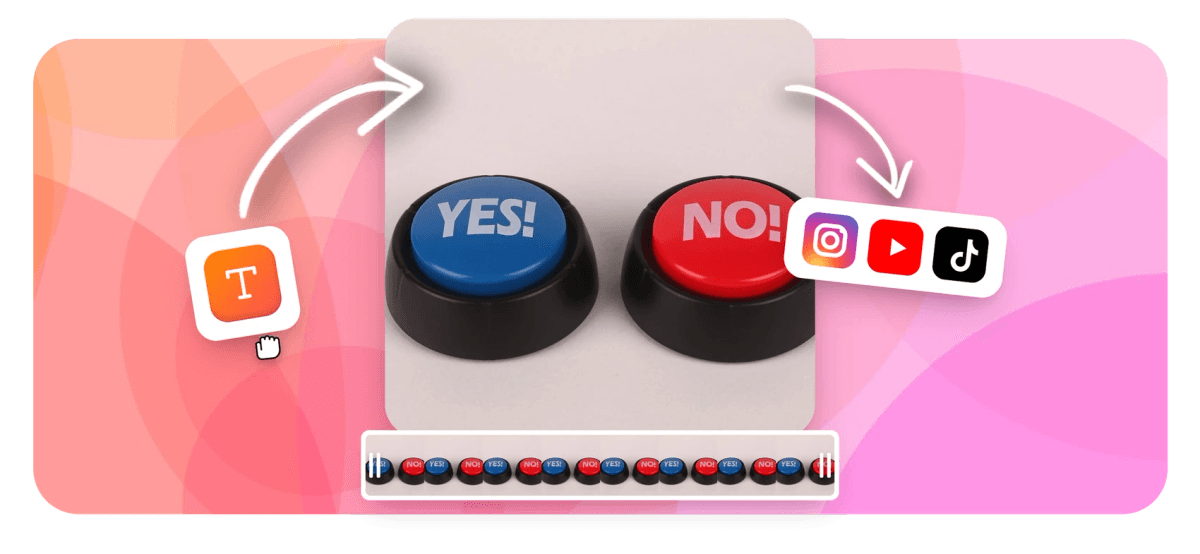
A video quiz maker is an online editor for building trivia and quiz videos: short clips that show a question, count down a few seconds, then reveal the correct answer. With EchoWave you add your questions as text and shapes, drop a countdown timer on the timeline, layer in music, and export a finished MP4. It runs in your browser, it is a free video quiz maker with no software to install, and the file you get is ready to post.
What a quiz video actually is
The format is simple and it is everywhere on short-form feeds. You ask a question on screen, give viewers a few seconds with a visible countdown to guess, then flash the answer with a sound effect or a quick animation. String four to ten of these together and you have a complete quiz video. People keep watching to see if they got each one right, which is why the format holds attention so well on TikTok, YouTube Shorts, and Instagram Reels.
EchoWave is a video editor, not an embedded quiz player. That distinction matters when you compare it to an interactive video quiz tool. Tools that build an interactive video quiz pause playback and wait for a click; this quiz video maker instead renders the questions, timers, and answer reveals directly into a single video file. The upside is that your quiz plays anywhere a normal video plays, with no plugin, no special host, and no broken interactivity when someone reposts it. The trade-off is that it does not collect clicks or scores from viewers, so if you need a graded interactive video quiz inside a learning system, a dedicated assessment platform is the better fit.
How the EchoWave video quiz maker works
You build the video on a layered timeline, the same way you would edit any clip. Each question gets its own section: a background (a solid color, an image, or a video clip), the question text, the answer options laid out as labelled boxes, and a countdown that ticks down on top. When the countdown ends you cut to the reveal, where the right answer is highlighted.
Text is fully editable. You control the font, size, color, alignment, and position, so questions stay readable inside the vertical safe zone where captions and buttons do not cover them. You can add emoji and stickers for personality, drop in a logo to keep a series on-brand, and time everything precisely against the audio. Because every element sits on its own layer, you can copy a finished question block, paste it, and just swap the text to build the next one quickly.
Audio is part of what makes the format work. A ticking countdown sound, a ding on the reveal, and a music bed under the whole thing turn a static set of slides into something that feels like a game. You can upload your own track or narration and line it up to each cut on the timeline.
Real ways people use it
Faceless trivia channels are the most common use, which is why a quiz video maker like this one gets opened daily. Creators batch general-knowledge, sports, music, movie, geography, or video game quizzes and post them without ever appearing on camera. The repeatable structure makes a series easy to keep going.
Teachers and trainers use quiz videos as a quick recap at the end of a lesson or module, where a downloadable MP4 is easier to share than a tool that needs an account. Marketers build product or brand quizzes that double as light entertainment, and social managers use "guess the" or "can you name" formats to drive comments and replays, since guessing in the comments is exactly the kind of engagement the algorithms reward.
Sizes, formats, and export
EchoWave exports standard MP4 (H.264) video, which uploads cleanly to every major platform. Set your canvas to the aspect ratio that matches where the video is going:
- 9:16 vertical (1080x1920) for TikTok, YouTube Shorts, and Instagram Reels. This is the right choice for most quiz videos.
- 1:1 square (1080x1080) for feed posts on Instagram and Facebook.
- 16:9 widescreen (1920x1080) for standard YouTube and in-class playback.
For source material you bring in, EchoWave accepts common formats including MP4, MOV, WebM, and image files like PNG and JPG for backgrounds. Keep questions in the central area of a vertical frame so the platform interface does not hide them, and aim for a countdown of three to five seconds per question, long enough to guess but short enough to keep the pace tight.
Privacy, browser support, and price
Editing happens in your browser, so you are working on your own files rather than handing them to a third party first. EchoWave runs in any modern browser, including Chrome, Edge, Safari, and Firefox, on desktop or laptop. A desktop machine is recommended for the editing itself, since aligning timers, text, and audio is far easier with a mouse and a larger screen, even though the finished video plays back perfectly on phones.
The tool is free to use. On a free plan, exports carry a small EchoWave watermark, which you can remove by upgrading to a paid plan. If all you need is a quick crop, trim, compress, or convert, EchoWave's dedicated quick tools export with no watermark; the full editor used to build a quiz video is where the free-plan watermark applies.
How to Make a Quiz Video
Build a trivia quiz video in the EchoWave editor in a few minutes. No software to install and no account needed to start.
-
1. Open the editor and set your size
Open EchoWave in your browser and choose your canvas size: 9:16 vertical for TikTok, Shorts, and Reels, or 16:9 for standard YouTube. Add a background color, image, or clip for your first question.
-
2. Add questions, answers, and a timer
Type your question and answer options as text layers, style the fonts and colors, then place a countdown timer over the question. Cut to a reveal section that highlights the correct answer. Repeat for each question.
-
3. Add audio and export
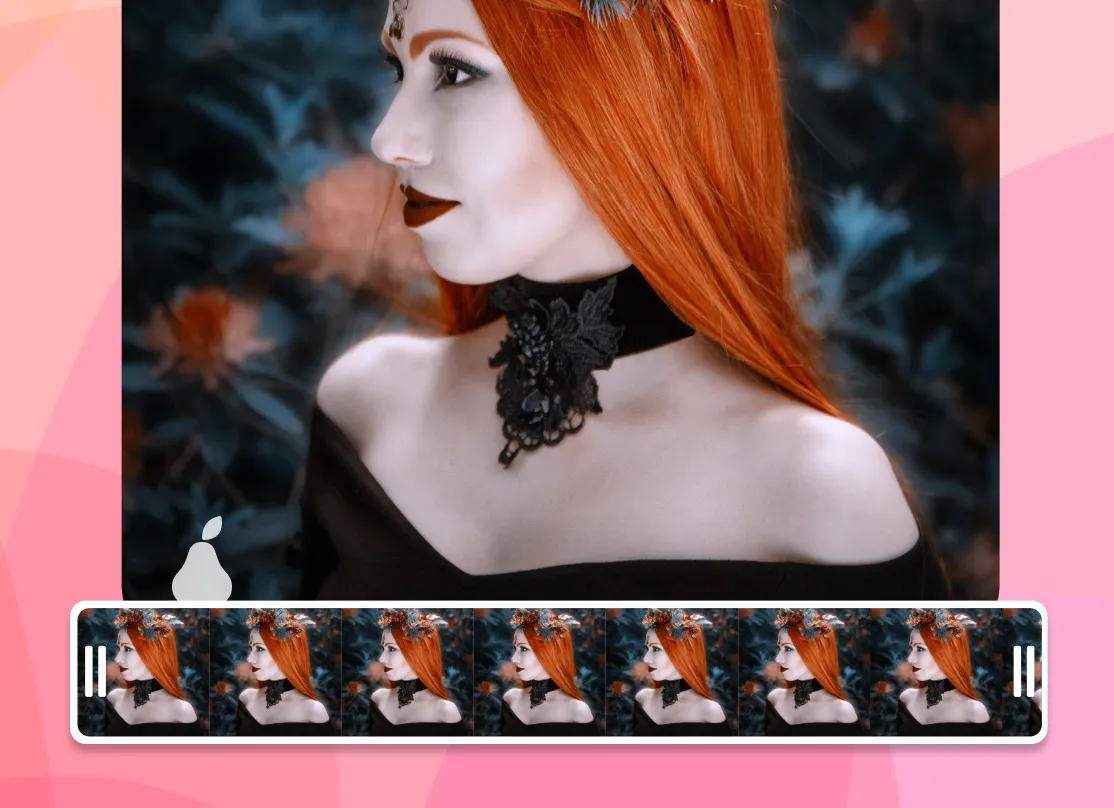
Drop in a music bed and reveal sound effects, line them up with each cut, then export your finished quiz as an MP4. The file is ready to upload to TikTok, YouTube, or Instagram.
What people are saying about EchoWave

About the EchoWave team
EchoWave is a browser-based video and audio editor built by Lemon Vault LLC since 2018. The people who build the editor write these guides and test every step in the production app before publishing.
Frequently Asked Questions
Is the video quiz maker free?
Yes. You can build and export quiz videos for free in your browser. On the free plan, exports include a small EchoWave watermark, which you can remove by upgrading to a paid plan.
Is this an interactive video quiz maker with clickable answers?
Not in the clickable sense. EchoWave renders your questions, timers, and answer reveals into a standard video file rather than an embedded interactive video quiz player. The benefit is that your quiz plays anywhere a normal video plays. If you need graded clicks or scores, use a dedicated quiz or LMS platform.
How do I add a countdown timer to each question?
Add a countdown timer element on the timeline over the question section and set how many seconds it should run. Three to five seconds works well: long enough to guess, short enough to keep the pace tight before you cut to the answer reveal.
What size should a quiz video be for TikTok and Shorts?
Use 9:16 vertical, 1080x1920 pixels, for TikTok, YouTube Shorts, and Instagram Reels. Use 1:1 square for feed posts and 16:9 for standard YouTube. Keep the question text in the centre so the platform interface does not cover it.
What file format does the quiz video export as?
EchoWave exports an MP4 (H.264) video, which uploads cleanly to TikTok, YouTube, Instagram, Facebook, and LinkedIn without any conversion.
Can I make a faceless trivia channel with this?
Yes. The question, timer, and reveal format is built for faceless content. You can batch general-knowledge, sports, music, movie, or video game quizzes and copy a finished question block to build the next one fast, which makes a daily series easy to keep up.
Do I need to install any software?
No. The editor runs entirely in your browser. There is nothing to download or install, and your files stay on your machine while you work.
Can I add my own music and sound effects?
Yes. Upload your own music bed, narration, or reveal sound effects and line them up with each question and answer on the timeline. A ticking countdown sound and a reveal ding go a long way toward making the quiz feel like a game.
Can I add a logo or brand colors to keep a series consistent?
Yes. Add a logo image as a layer and set your own fonts and colors for the question and answer text so every video in a series looks the same.
What kinds of questions can I create?
Because questions and answers are text and shape layers, you can build multiple choice, true or false, fill in the blank, "guess the" image rounds, or open questions. You design the on-screen layout yourself rather than picking from fixed question types.
Does it track who answered or show scores?
No. EchoWave produces a video file, so it does not collect viewer responses or scores. For viewer tracking and grading, pair your video with a dedicated assessment or LMS tool.
Can I edit a quiz video on my phone?
The finished video plays fine on any phone, but a desktop or laptop is recommended for building one. Aligning timers, text, and audio on the timeline is much easier with a mouse and a larger screen.
Ready to make your first quiz video? We have a free plan!
No credit card required. The free plan includes a small Echowave.io watermark, removable on a paid plan.
Get Started →























































