
Free AI Voice Generator with 63 Voices and Voice Cloning
AI voice generator that turns text into natural, studio quality speech. Pick a voice, paste your script and download the audio. Free, in your browser, no signup.


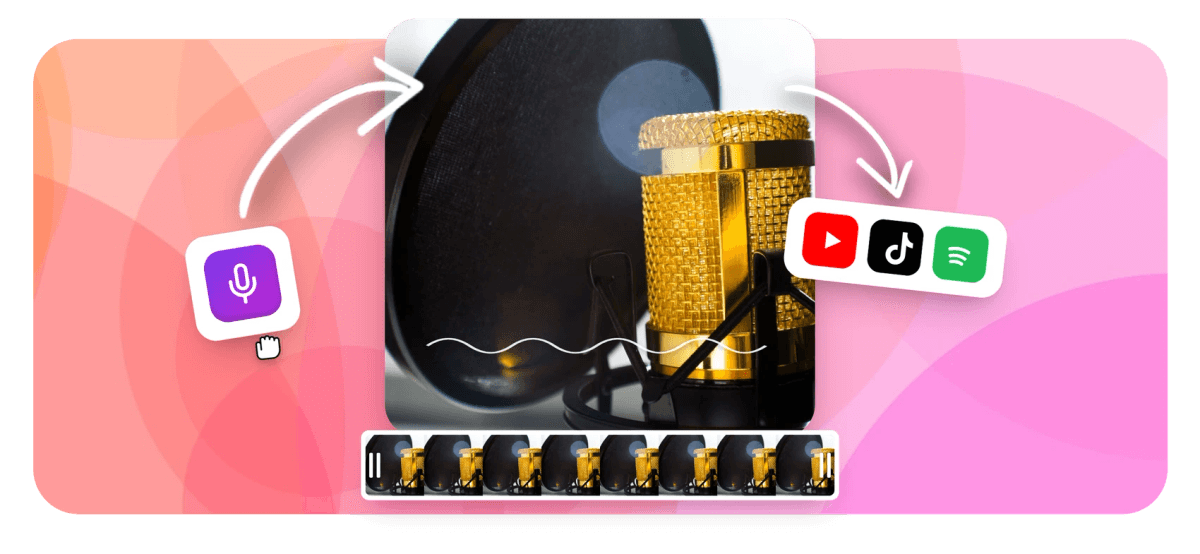
Free AI Voice Generator with 63 Voices and Voice Cloning Features
EchoWave's AI voice generator is used by creators, marketers, educators, and small business owners around the world





AI voices in your browser
The AI voice generator built into a full video editor
Most AI voice tools give you an audio file and leave you to figure out the rest. EchoWave's AI Studio generates your voiceover and drops it straight onto a multi-track video timeline, so you can trim, time, and layer it alongside your footage, music, and captions in one session. After generating, add auto-synced captions or attach the track to an existing clip with the add voiceover to video workflow.
-
63 AI voices
Spanning multiple accents, genders, and speaking styles including conversational, professional, and energetic tones
-
Free to use
Generate AI voiceovers at no cost; paid plans remove the watermark and unlock 4K export
-
4K H.264 export
Export finished video with AI voiceover in up to 4K resolution, no desktop software required
-
160+ caption presets
Auto-generate synced captions for your AI voiceover with styles including TikTok word-highlight and karaoke animations
What it does
Everything you need to go from script to finished video
Generate, fine-tune, and publish AI voiceovers without ever leaving your browser.
-
63 AI Voices to Choose From
Browse a curated library of 63 AI voices organized by gender, accent, and tone. Preview each voice live before committing to any script. When you are ready to attach the audio to footage, the add voiceover to video tool handles the sync.
-
AI Voice Cloning
Record a short voice sample and EchoWave builds a cloned voice model you can reuse forever. Keep your brand voice consistent across every video you make, without ever re-recording.
-
Real-Time Streaming Playback
Hear your generated voiceover as it renders, not after a long wait. Streaming TTS means you can preview, tweak the script, and regenerate in seconds inside the AI Studio.
-
Drop Voice Straight onto Your Timeline
Generated audio lands on a dedicated track in EchoWave's multi-track editor. Trim, time, and layer it alongside your video, music, and captions without exporting a separate file. See the add voiceover to video guide for the full editing workflow.
-
AI Auto-Captions That Follow Your Voice
Pair your AI voiceover with automatic captions in one click. EchoWave transcribes the generated audio and syncs word-level subtitles with 160+ style presets including karaoke animations. Learn more on the auto subtitle generator page.
-
Multilingual Voice Output
Generate voiceovers for international audiences by scripting in multiple languages. EchoWave's TTS engine handles a wide range of languages so you can localize content without re-recording.
-
No Software to Install
EchoWave's AI voice generator runs entirely in your browser. There is nothing to install, update, or configure. Open the tool and generate your first voiceover in under a minute.
-
Free to Start, No Credit Card Required
Generate AI voiceovers for free with a small watermark on exported video. Upgrade to a paid plan to remove the watermark and unlock 4K export for professional-grade content.
How it works
How to generate an AI voiceover online
Four steps from blank script to finished video with voiceover.
-
Open the AI Studio and Write Your Script
Go to EchoWave's AI Studio in your browser. Type or paste your script into the text field. No account is required to get started, though saving your project requires a free sign-up.
-
Pick a Voice or Clone Your Own
Browse the library of 63 AI voices and preview each one against your script. To use your own voice, record a short sample and let EchoWave build a cloned voice model you can reuse across projects.
-
Generate and Fine-Tune
Click Generate and hear streaming playback in real time. Edit the script, adjust pacing, or switch voices instantly. The AI Studio supports multi-segment scripts so you can assign different voices to different sections.
-
Add to Your Video and Export
Drop the generated voiceover onto your video timeline with one click. Add auto-captions, music, and subtitles, then export your finished video in up to 4K resolution as an MP4.
Who uses it
Built for creators, marketers, and teams
-
YouTube and Social Media Creators
Generate polished voiceovers for YouTube videos, TikToks, and Instagram Reels without recording in a quiet room. Choose an upbeat voice style, sync to your timeline, and add karaoke captions in one session.
-
Marketers and Ad Agencies
Produce consistent-sounding video ads and product demos at scale. Use voice cloning to lock in your brand voice, then generate new scripts for every campaign variant without booking voice talent.
-
Educators and Course Creators
Narrate slide decks, explainer videos, and online course modules with a clear, professional AI voice. No expensive studio time needed. Write the script, generate the voiceover, and publish the same day.
-
Podcasters Turning Episodes into Video
Pair AI-generated narration with audiogram visuals or waveform animations to share podcast highlights on social. EchoWave's audiogram creator and AI voice tools work together in the same editor.
-
Small Business Owners
Create professional explainer videos, how-to guides, and testimonial-style content without hiring voice actors. The free plan gets you started immediately, with no upfront cost.
-
Developers and Teams Localizing Content
Script once and generate voiceovers in multiple languages to reach international audiences. Combine with EchoWave's subtitle translation feature to localize captions at the same time.
Generate your first AI voiceover
Open the AI Studio, pick a voice, and play back your script as a finished voiceover in seconds.
How creators use EchoWave in real projects

About the EchoWave team
EchoWave is a browser-based video and audio editor built by Lemon Vault LLC since 2018. The people who build the editor write these guides and test every step in the production app before publishing.
AI voice generator FAQ
What is an AI voice generator?
An AI voice generator converts written text into spoken audio using deep learning models trained on human speech. You type a script, select a voice style, and the tool produces a natural-sounding voiceover in seconds. EchoWave's AI voice generator includes 63 voices and runs entirely in your browser with no software to install.
What is the difference between an AI voice generator and voice cloning?
An AI voice generator uses pre-built synthetic voices from a library. You pick one and it speaks your script. Voice cloning takes a recording of a specific person's voice and builds a personalized model from it, so the output sounds like that individual. EchoWave offers both: browse 63 ready-made AI voices or upload a short sample to clone your own voice.
Is EchoWave's AI voice generator free?
Yes. You can generate AI voiceovers on EchoWave's free plan with no credit card required. Free exports include a small EchoWave watermark on the video. Upgrading to a paid plan removes the watermark and unlocks 4K export resolution.
How do I clone my voice with EchoWave?
Open the AI Studio in EchoWave and select the voice cloning option. Record a short audio sample or upload an existing recording of your voice. EchoWave analyzes the recording and creates a voice model you can reuse across any project. You can only clone your own voice. Cloning another person's voice without consent is not permitted.
Can I use the AI voiceover on my video in the same tool?
Yes. EchoWave is a browser-based video editor as well as an AI voice generator. After generating your voiceover in the AI Studio, you can drop it directly onto the video timeline, adjust timing, add captions, and export, all without leaving the app.
How many languages does EchoWave's AI voice generator support?
EchoWave's TTS engine supports multiple languages for voiceover generation. You can write scripts in your target language and the AI voices will produce natural-sounding output. For localization workflows, combine the voice generator with EchoWave's subtitle translation feature to localize both audio and captions in the same project.
What can I use an AI voice generator for?
Common uses include: YouTube and social media video narration, explainer and product demo videos, online course and e-learning narration, podcast highlight clips, video ads and marketing content, and multilingual content localization. EchoWave is particularly well suited for creators who want to generate the voiceover and edit the full video in one browser-based tool.
Is the AI-generated voice suitable for commercial use?
EchoWave is a product of Lemon Vault LLC. Commercial usage rights for AI-generated voiceovers depend on the plan you are on. Check the current terms of service for details on commercial licensing. The paid plan is recommended for projects monetized on platforms like YouTube or used in client-facing ads.
How is EchoWave's AI voice generator different from text-to-speech tools?
Most standalone text-to-speech tools output audio only. EchoWave combines AI voice generation with a full multi-track video editor, automatic captions with 160+ style presets, audiogram and waveform visuals, and 4K export, so you go from script to finished video in one session instead of juggling multiple apps.
Ready to generate your AI voiceover?
No credit card required. The free plan includes a small EchoWave watermark.
Get Started →























































