
YouTube Video Editor Online, Free, Browser-Based, Exports 4K
YouTube video editor for full length videos and Shorts. Trim, caption, add music and voiceover, then export up to 4K. Free, in your browser, no watermark.


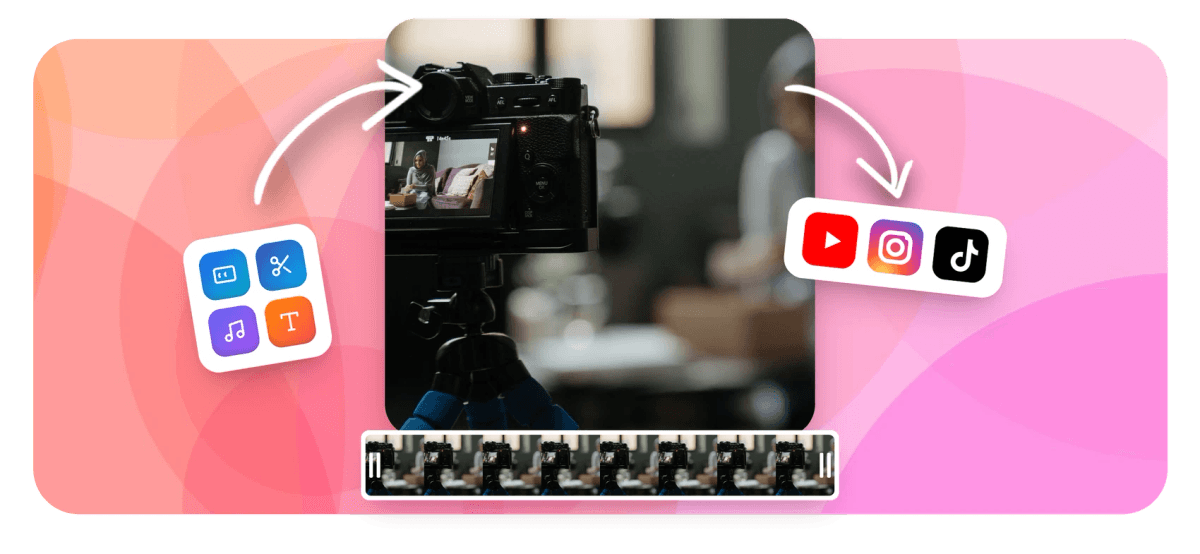
YouTube Video Editor Online, Free, Browser-Based, Exports 4K Features
EchoWave is used by YouTube creators, educators, podcasters, and marketers around the world





Full editor, browser-based
The YouTube editor built for complete productions
Most online tools handle one job: trim a clip, add a caption, or resize for Shorts. EchoWave combines all of that into a single magnetic multi-track timeline. Layer video, audio, text, waveforms, and overlays, generate AI captions with 160+ style presets, and export a 4K H.264 file ready to upload to YouTube. If you only need to cut a single clip, the YouTube cutter is the faster starting point. For a full production, you're in the right place.
-
4K H.264
Maximum export resolution (paid plan)
-
160+
Subtitle and caption style presets
-
63 AI voices
Text-to-speech with streaming generation and voice cloning
-
Free
Full editing access at no cost; paid plan removes watermark and enables 4K export
What you get
Every tool a YouTube creator needs
One editor covers your entire YouTube production workflow, from raw footage to finished upload.
-
Multi-Track Timeline Editing
Edit on a magnetic multi-track timeline with trim, cut, split, merge, and loop. Arrange video, audio, text, and overlay tracks exactly how you need them. For a deeper look at the core editor, see the online video editor.
-
AI Captions and Subtitles
Generate accurate auto-captions with one click. Choose from 160+ style presets including word-level karaoke animation and MrBeast-style highlights. Translate subtitles into multiple languages for global reach. The auto subtitle generator goes deeper on this feature.
-
4K H.264 Export
Export YouTube-ready 4K H.264 MP4 files directly from your browser. The paid plan removes the watermark and enables 4K resolution so your videos look sharp on any screen.
-
Text, Overlays, and Stickers
Add custom text, logos, watermarks, emoji, stickers, and image overlays with keyframe animation. Control position, opacity, and scale across the timeline for dynamic YouTube intros and outros. Learn more in the add text to video tool.
-
Music Visualizer and Waveform
Turn any audio track into an animated waveform, FFT spectrum, or music visualizer layer. Most YouTube editors don't offer this at all. Ideal for lyric videos, podcasts-on-video, and audiograms. See the audio waveform video generator for standalone use.
-
AI Text-to-Speech and Voice Cloning
Generate voiceovers from text using 63 AI voices with streaming playback. Clone a voice for consistent narration across videos, or use AI Studio to produce multi-segment TTS scripts. Full workflow in the voiceover tool.
-
Resize, Crop, and Aspect Ratios
Switch between 16:9 for standard YouTube, 9:16 for Shorts, and custom aspect ratios in seconds. Crop, rotate, flip, and apply speed changes without re-uploading.
-
Screen and Camera Recorder
Record your screen, webcam, or microphone directly in the editor. Capture tutorials, reactions, and commentary without leaving EchoWave, then edit the recording on the same timeline.
How it works
How to edit a YouTube video online
Four steps from raw footage to a finished upload.
-
Upload Your Video
Drag and drop your footage into the editor or paste a file from your device. EchoWave supports MP4, MOV, WebM, and many other formats. Your file uploads directly to the secure editing environment, no software to install.
-
Edit on the Timeline
Use the magnetic multi-track timeline to trim clips, add text overlays, drop in music or a voiceover, generate AI captions, and apply keyframe animations. Layer as many tracks as your YouTube video needs.
-
Add Captions and Audio Polish
Click Auto-Captions to generate subtitles from speech. Pick a style preset: word-level karaoke, bold pop, or MrBeast-style highlight. Add a music visualizer or waveform layer if your video has strong audio.
-
Export and Upload to YouTube
Choose your resolution (up to 4K on the paid plan) and export an H.264 MP4 ready to upload directly to YouTube. Download your file and publish to your channel in seconds.
Every format covered
The right shape for every YouTube format
Switch canvas ratio in one click and EchoWave reframes your project to fit.
-
16:9 Widescreen
- YouTube
- X
-
9:16 Vertical (Shorts)
- YouTube Shorts
- TikTok
- Reels
-
1:1 Square
- X
Who uses it
Made for every kind of YouTube creator
-
YouTube Content Creators
Edit vlogs, tutorials, and talking-head videos on a full timeline without expensive desktop software. Add captions, music, and branded overlays for consistent, professional uploads.
-
Podcasters Publishing to YouTube
Turn audio episodes into YouTube videos using the waveform visualizer, audiogram creator, and auto-transcription tools. EchoWave handles that workflow end-to-end; most YouTube editors don't.
-
Educators and Course Creators
Record your screen, edit the recording on the timeline, add captions for accessibility, and export a clean 1080p or 4K lesson video ready for YouTube or your LMS.
-
Musicians and Lyric Video Makers
Sync lyrics as animated text, add an FFT spectrum or music visualizer layer, and export a visual track for your YouTube music upload. No plugins required.
-
Marketers and Small Businesses
Produce polished promotional videos with text overlays, logo watermarks, and AI-voiced narration. Use templates and bulk CSV to generate multiple localized versions fast.
-
Creators Going Multilingual
Record once, then use subtitle translation to publish the same video with captions in multiple languages, growing a global YouTube audience without re-recording.
Start editing your YouTube video
Upload your footage and build your first project in minutes. No install required.
How creators use EchoWave in real projects

About the EchoWave team
EchoWave is a browser-based video and audio editor built by Lemon Vault LLC since 2018. The people who build the editor write these guides and test every step in the production app before publishing.
YouTube video editor FAQ
Is EchoWave's YouTube video editor really free?
Yes. The free plan gives you full access to the timeline editor, AI captions, text overlays, voiceover tools, and standard export. A small EchoWave watermark is added to free exports. Upgrading to a paid plan removes the watermark and enables 4K H.264 export.
What is the maximum export resolution for YouTube videos?
Paid plan users can export up to 4K (3840x2160) H.264 MP4, which is the format YouTube recommends for high-quality uploads. Free plan exports are available at 1080p with a watermark.
Do I need to download or install anything to edit YouTube videos?
No. EchoWave runs entirely in your browser using the Glowstone editor and cloud rendering. Any modern desktop or laptop browser works, no plugins, no downloads, no account required to start.
How do I add subtitles or captions to my YouTube video?
Click the Auto-Captions button in the editor. EchoWave transcribes your audio and places synced captions on the timeline. You can then pick from 160+ style presets, including word-level karaoke highlight styles, and translate the subtitles into other languages for a multilingual upload.
Can I add music or a voiceover to my YouTube video?
Yes. Upload your own music file as an audio track on the timeline. For voiceovers, use the built-in AI text-to-speech tool (63 voices with streaming playback) or record your microphone directly in the editor. Note: EchoWave does not include a royalty-free music library, so bring your own licensed music.
What is the difference between the YouTube video editor and the YouTube cutter or clip maker?
The YouTube video editor is EchoWave's full production tool: multi-track timeline, AI captions, overlays, audio layers, keyframe animation, and 4K export for complete YouTube uploads. The YouTube cutter is designed for quick trimming of a single clip. The YouTube clip maker is for turning long videos into short clips for Shorts or social media. All three tools cross-link so you can move between them easily.
Can I use EchoWave to create YouTube Shorts?
Yes. Change the canvas aspect ratio to 9:16, trim your content to under 60 seconds on the timeline, add captions, and export. For dedicated clip-making from a longer video, the YouTube clip maker tool is a faster starting point.
Does EchoWave support green screen or chroma key for YouTube videos?
Yes. The editor includes chroma key removal so you can replace a green or solid-colour background with any image or video layer. This works on the full multi-track timeline alongside your other edits.
Is my video data safe when I upload to EchoWave?
EchoWave is built by Lemon Vault LLC, a registered company. Files are processed on secure cloud infrastructure and are not shared with third parties. You retain full ownership of your content.
Ready to edit your next YouTube video?
No credit card required. The free plan includes a small EchoWave watermark.
Get Started →























































