
Karaoke Video Maker: Lyrics That Light Up Word by Word
Build sing-along videos where every word highlights exactly as it is sung: progressive wipe fills, color pops and highlight pills over your track. Free to start, in your browser.


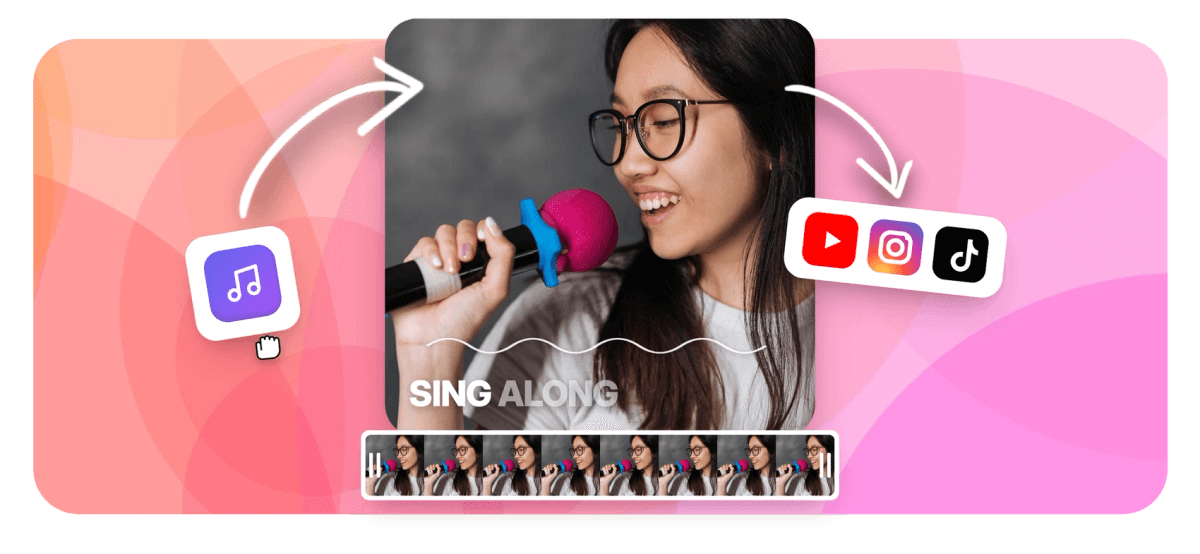
Karaoke Video Maker: Lyrics That Light Up Word by Word Features
EchoWave's music tools are used by singers, bands and event hosts worldwide





Sing-along videos
The bouncing-ball effect, rebuilt for modern video
A karaoke video lives or dies on word timing: the lyric has to light up at the exact moment it is sung. EchoWave gives every word its own timestamp, then animates it with true karaoke mechanics, a progressive wipe that fills the word as it is spoken, color pops, a highlight pill that travels with the vocal, and dimming for lines already sung. Transcribe the vocals automatically and correct them in the transcript editor, or import a timed SRT of the lyrics. Add a music visualizer or waveform behind the words and the video carries itself. For artistic lyric videos rather than sing-alongs, see the lyric video maker.
-
Word-level
Every word carries its own timing for true karaoke sync
-
10 karaoke styles
Wipe fills, color pops, pills and more animation modes
-
1 to 5 words
Choose how much of the line shows per cue
-
SRT in / out
Import timed lyrics or export the subtitle file
What you get
Real karaoke mechanics, not a scrolling text box
The details that make an audience actually able to sing along.
-
Progressive Wipe Fill
The signature karaoke effect: each word fills with color exactly as it is sung, so singers know not just which word but which syllable they should be on.
-
Highlight Pills and Color Pops
Put a rounded highlight behind the active word, control its color, roundness and padding, or switch to pop, pulse and slide animations from the karaoke preset family.
-
Auto-Synced Lyrics
Transcribe the vocal track and every word arrives timestamped. Fix any misheard lyric in the transcript editor and the timing holds; or import an SRT if your lyrics are already timed.
-
Dim What Was Sung
Already-sung words fade back so the eye always lands on the live word, the small courtesy that separates karaoke displays from subtitles.
-
Visuals Behind the Words
Layer a waveform, a music visualizer or your own footage under the lyrics, all on the same timeline.
-
Any Format, Any Screen
Render 16:9 for the venue projector, 9:16 for Shorts and Reels, or square for the feed; captions reposition safely for each.
How it works
How to make a karaoke video
From track to sing-along in four steps.
-
Add Your Track
Upload the song or backing track, with or without lead vocals, to the EchoWave editor.
-
Sync the Lyrics
Auto-transcribe the vocals to get word-timed lyrics, correct any word in the transcript editor, or import a timed SRT file.
-
Pick the Karaoke Style
Choose wipe fill, pop or pill highlighting, set words per line, fonts and colors, and add a visualizer or background footage.
-
Export
Render the video with the synced lyrics burned in, ready for the party screen, YouTube or the practice room.
Who uses it
Everyone who wants the room singing
-
Singers and Bands
Publish karaoke and acoustic versions of your songs so fans can perform them, a proven second audience for every release.
-
Event Hosts and Bars
Build custom karaoke screens for weddings, parties and quiz nights, with your own branding on the frame.
-
Choirs and Teachers
Word-timed lyrics make rehearsal videos self-guiding for choirs, classrooms and language students.
-
Churches and Communities
Worship and community singalongs run smoother when the words move with the music.
-
Short-Form Creators
Karaoke-style word pops are the native caption language of music content on TikTok and Reels.
-
Cover Artists
Sing-along versions of covers invite duets and stitches, the formats that spread.
Make your karaoke video now
Word-synced lyrics, real karaoke animation, free to start.
How creators use EchoWave in real projects

About the EchoWave team
EchoWave is a browser-based video and audio editor built by Lemon Vault LLC since 2018. The people who build the editor write these guides and test every step in the production app before publishing.
Karaoke video maker FAQ
How do I make a karaoke video with synced lyrics?
Upload your track to EchoWave, auto-transcribe the vocals so every word gets its own timestamp, correct any misheard lyrics in the transcript editor, then apply a karaoke caption style: wipe fill, color pop or highlight pill. Add a background or visualizer, and export. If you already have timed lyrics as an SRT file, import that instead of transcribing.
How accurate is the automatic lyric syncing?
Transcription quality depends on how clear the vocal is in the mix: clean lead vocals sync well, while heavily layered or distorted vocals need more corrections. Every word is editable in the transcript editor and cue timing can be adjusted on the timeline, so the automatic pass is a starting point you refine rather than a result you are stuck with.
Can I use an instrumental backing track?
Yes, and it is the classic karaoke setup: pair the instrumental with lyrics imported from a timed SRT, or transcribe the original vocal version first, then swap the audio track for the instrumental. The lyric timing stays where you set it.
What karaoke animation styles are available?
The karaoke family includes the progressive wipe fill that colors each word as it is sung, active-word color pops, a travelling highlight pill with adjustable color, roundness and padding, plus pulse and slide variants. Already-sung words can dim automatically, and you control how many words appear per line, from one to five.
Can I put a music visualizer behind the lyrics?
Yes. Waveforms and music visualizers are native EchoWave elements, so the classic karaoke look, reactive visuals under lit-up words, is a two-layer timeline: visualizer below, karaoke captions above. Your own photos or footage work as backgrounds too.
What is the difference between a karaoke video and a lyric video?
A lyric video is an artistic presentation of lyrics for listening; timing can be loose and stylistic. A karaoke video is functional: words must light up exactly on the vocal so people can sing. EchoWave makes both, this page covers the karaoke workflow, and the lyric video maker covers the artistic one.
What about copyright for karaoke videos?
The tool renders your files; the rights are yours to clear. Original songs, covers you have licensed and public-domain material are safe ground. Uploading a commercial recording with its lyrics may be claimed or blocked by platform copyright systems, exactly as it would for any other upload.
Is the karaoke video maker free?
Yes, you can build and preview karaoke videos for free. Free exports include a small watermark and are capped at 720p; paid plans remove the watermark and unlock exports up to 4K and beyond.
Ready to get the room singing?
Word-synced karaoke lyrics over your track. Free to start.
Get Started →























































