
Audio Speed Changer
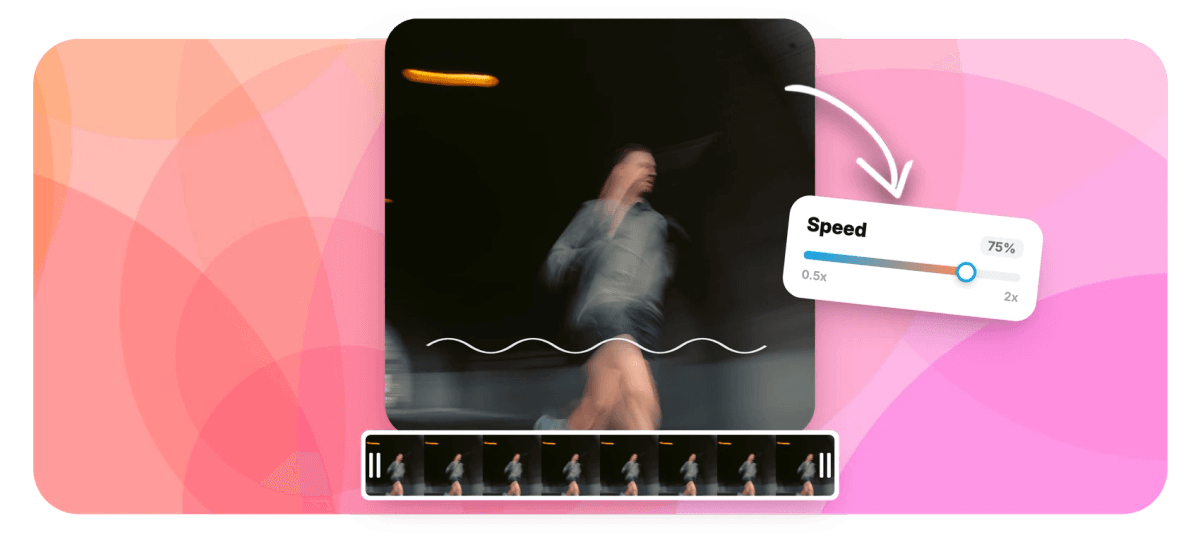
EchoWave's audio speed changer speeds up or slows down MP3, WAV, and M4A files from 0.25x to 4x, right in your browser. Set a podcast to 1.5x for a faster review pass, drop a track to 0.75x for a slowed edit, or crawl through an interview at half speed for transcription. Preview the result instantly, split the file to change speed on one section only, then export audio or a full video.


Audio Speed Changer Features
EchoWave's audio speed changer is used by podcasters, transcribers, language learners, and music editors around the world.





Speed control
An audio speed changer built into a full editor
Most speed tools process one file and stop. EchoWave puts speed control inside a multi-track timeline, so you can split a track, speed one clip, keep another at 1x, then trim and merge everything in the same audio editor. Working with footage instead? The same 0.25x to 4x range powers change video speed and slow motion video.
-
0.25x
slowest playback speed
-
4x
fastest playback speed
-
93
music visualizer styles
-
63
AI voice over voices
What you get
Speed control plus everything around it
Change the tempo of a file, then keep editing in the same project instead of bouncing between single-purpose tools.
-
Audio speed changer from 0.25x to 4x
Pick any speed between 0.25x and 4x. That covers quarter-speed listening for dense interviews, the 1.25x to 1.5x range podcast listeners favor, and 2x or faster for skimming long recordings. The change applies to the clip on the timeline, so you hear it immediately in the preview.
-
Change speed on one section only
Split the track at any point and give each piece its own speed. Slow a single verse to 0.5x for practice while the rest plays at 1x, or push through a sponsor read at 2x. Whole-file tools cannot do this; a timeline can.
-
MP3, WAV, and M4A in, audio files out
Upload common audio formats and export audio-only files, even though EchoWave is a video editor at heart. The free plan exports an HD MP4 with a small removable watermark badge; audio-only MP3 and M4A come with the Basic plan, and WAV and FLAC are on Pro. You can also tidy rough starts and dead air in the MP3 editor before exporting.
-
The same range for video
Speed is one control across the whole editor, so footage behaves exactly like audio. Use change video speed for clips with picture, or speed up video when you want a timelapse feel.
-
Transcripts that follow the audio
AI captions transcribe speech with word-level timestamps, which makes transcription review much quicker: slow the audio to 0.75x, read along, and fix any word in place. You can also cut the recording by editing the transcript text, and strip ums and silences automatically.
-
Turn the result into a video
Sped-up and slowed tracks usually end up on TikTok, Reels, or YouTube, and those platforms want video. Add one of 93 music visualizer styles or an audiogram waveform over cover art, resize to 9:16 or 1:1, and export the MP4 free with a small removable watermark badge.
-
Ask Echo to do it
Echo, the AI assistant inside the editor, handles speed changes on command. Type 'set the middle clip to 1.5x' or 'split at 2:10 and slow the second half' and it makes the edit, with a checkpoint so one click reverts everything.
-
Reverse, loop, trim, merge
Speed rarely travels alone. Reverse a riser, loop a section, trim silence from the ends, or merge several files into one track, all in the same project as the speed change.
How it works
How to change audio speed online
Four steps from upload to export, no software to install.
-
Upload your audio
Open the EchoWave editor and drop in an MP3, WAV, or M4A file. It runs in Chrome, Edge, Firefox, or Safari on Mac, Windows, Linux, and Chromebooks.
-
Set the speed
Select the clip and choose a speed from 0.25x to 4x. The clip's length on the timeline updates to the new duration and the preview plays at the new speed right away.
-
Fine-tune the edit
Split the track to speed only one section, trim the ends, or stack a second audio layer underneath. Press play and listen through before you commit.
-
Export your file
Export your result as an HD MP4 free, with a small removable EchoWave watermark badge and a short branded end card. Audio-only files come with paid plans: MP3 and M4A on Basic, WAV and FLAC on Pro. Paid plans also remove the badge and add 1080p up to 4K video.
Common jobs
What people use an audio speed changer for
-
Podcast review at 1.5x
Producers listen back to a full episode at 1.5x or 2x to catch flubs and pacing problems in half the time. Export the sped file to review on any player, or fix issues right there on the timeline.
-
Transcription review
Drop dictation or interview audio to 0.5x or 0.75x so typing keeps up with the speaker. Pair it with AI captions and you are correcting a draft transcript instead of typing from scratch.
-
Language practice
Slow native-speaker audio until each syllable is clear, then step the speed back up as your ear improves. 0.75x is a comfortable starting point for most learners.
-
Slowed and sped-up edits
The slowed-edit trend runs on exactly this control. Take a track down to 0.75x or 0.5x for a slowed version, or push past 1.2x for a sped-up cut, then add a visualizer and post it as a video.
-
Lectures and voice memos
Recorded a meeting or a lecture? Play it back at 1.75x, skim to the part that matters, then split and clip just that section to share with the rest of the team.
-
Fitting audio to a cut
When a voice over runs three seconds long, a small change like 1.05x can close the gap without re-recording. Preview against the video track to check the fit.
Compare
How EchoWave compares
| Feature | EchoWave | Audio Speed Changer (123apps) | Audacity | Music Speed Changer |
|---|---|---|---|---|
| Works in the browser, no install | Yes | Yes | No | Yes |
| Change speed on one section of a file | Yes | No | Yes | No |
| Pitch shift and pitch preservation controls | No | Yes | Yes | Yes |
| Multi-track timeline with video and audio | Yes | No | audio only | No |
| AI captions and transcript editing | yes (176 presets) | No | No | No |
| Music visualizers and audiograms | yes (93 styles) | No | No | No |
| AI voice over | yes (63 voices) | No | No | No |
| DAW-style effects (EQ, reverb, noise removal) | No | some (separate tools) | Yes | No |
| Free downloads of the result | MP4 video only (720p, watermark badge) | Yes | Yes | Yes |
| Batch rendering via API and templates | Yes | No | macros | No |
| Screen, webcam, and voice recorder built in | Yes | separate tools | audio recording | No |
| Works offline | no (cloud render) | No | Yes | Yes |
Based on each tool's public pages as of July 2026. Features and plans change, so check each site for current details.
Change audio speed without leaving your browser
Upload a file, set any speed from 0.25x to 4x, and hear it instantly. Export an HD MP4 free with a small removable watermark badge; paid plans remove the badge and add audio-only MP3, WAV, and M4A downloads.
What creators say after trying EchoWave

About the EchoWave team
EchoWave is a browser-based video and audio editor built by Lemon Vault LLC since 2018. The people who build the editor write these guides and test every step in the production app before publishing.
Audio Speed Changer FAQ
How do I change the speed of an audio file online?
Open the EchoWave editor in your browser, upload an MP3, WAV, or M4A file, select the clip on the timeline, and set a speed anywhere from 0.25x to 4x. The preview plays at the new speed immediately. When it sounds right, export the result as an audio file or as a video.
Does speeding up audio change the pitch?
It depends on how a tool processes the file. Simple resampling raises pitch as speed rises, the classic chipmunk effect, while time-stretching algorithms keep pitch steady. In EchoWave you preview the clip at your chosen speed before rendering, so you can hear how the file will sound and adjust the speed before you commit.
What is the best speed for listening to podcasts?
Most listeners settle between 1.2x and 1.5x, where speech stays natural but you save real time. Editors reviewing their own episodes often push to 2x since they already know the material. Try 1.5x first and nudge from there; EchoWave accepts any value in the 0.25x to 4x range.
Can I slow down a song for a slowed edit or for practice?
Yes. Drop the clip to 0.75x or 0.5x for a slowed edit, or all the way to 0.25x to pick apart a fast passage while practicing an instrument. For social posts, add one of the 93 visualizer styles and export a 9:16 video ready for TikTok or Reels.
Can I change the speed of only part of an audio file?
Yes, and this is where a timeline beats a single-file converter. Split the track at the points you want, then set a different speed for each clip. One section can run at 2x while the rest stays at normal speed, and the pieces stay joined in the final export.
Is EchoWave's audio speed changer free to use?
Yes. Uploading, editing, previewing, and exporting are all free with no install: the free plan renders an HD MP4 with a small removable EchoWave watermark badge and a short branded end card. Audio-only downloads come with paid plans, MP3 and M4A on Basic and WAV and FLAC on Pro, which also remove the badge and add 1080p up to 4K.
What audio formats can I upload and export?
Upload MP3, WAV, M4A, and other common audio formats, plus video files like MP4, MOV, WebM, and AVI if the audio you need lives inside a video. Exports cover MP4 video on every plan including free, which adds a small watermark badge, plus MP3 and M4A audio from Basic and WAV and FLAC from Pro, with bitrate controls at export.
Does changing audio speed reduce quality?
Moderate changes, roughly 0.75x to 1.5x, stay close to the original on most material. The further you push toward the extremes, the more any tool exposes artifacts, especially heavy slowdowns where the algorithm has to fill time that was never recorded. Start from the best source you have and keep the export bitrate high to avoid stacking compression on top.
Can I change the speed of a video too?
Yes. The same 0.25x to 4x control applies to video clips, with the audio staying in sync. Use the change video speed tool for that job, or slow motion video if you are after a dedicated slow-mo effect.
Ready to change your audio speed?
Upload a track, set any speed from 0.25x to 4x, and export a free HD MP4 with a small watermark badge, right from your browser.
Get Started →























































