
Animated Captions: Word-by-Word Subtitles That Hold Attention
Auto-transcribe your video and drop in animated captions that pop, bounce and highlight word by word. 170+ styles, tuned for Shorts, Reels and TikTok. Free to start.


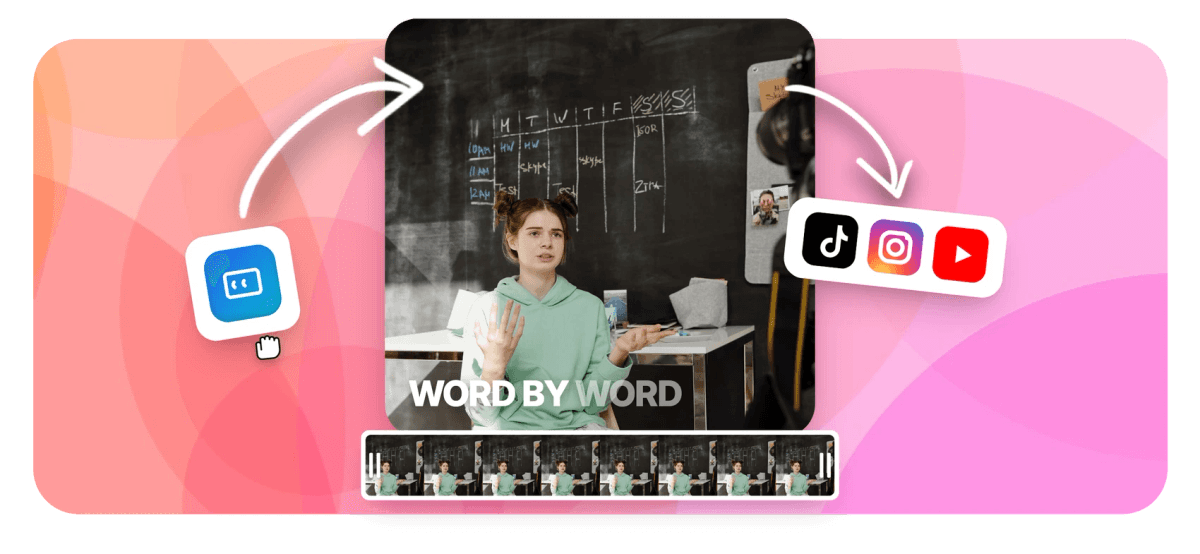
Animated Captions: Word-by-Word Subtitles That Hold Attention Features
EchoWave's caption tools are used by short-form creators, podcasters and brands worldwide





Captions in motion
Static subtitles inform. Animated captions retain.
Most viewers watch short-form video with the sound off, and plain white subtitles do not stop a scroll. EchoWave generates your transcript automatically, then styles it with animated caption presets where each word lands with its own motion: karaoke color fills, pop-in bounces, highlight pills behind the spoken word, neon glows and more. Everything stays editable, the text, the timing, the fonts, the animation, inside a full caption generator workflow. Working across languages? Pair it with the subtitle translator.
-
170+ presets
Named caption styles, from karaoke fills to neon and bounce
-
45 animations
Per-word motion types: reveals, karaoke, staggers and loops
-
Word-level sync
Every word is timed to the millisecond it is spoken
-
1 to 5 words
Choose how many words appear per caption cue
What you get
Every piece of the animated-caption look
The styles you see on viral clips are combinations of a few mechanics. You get all of them, as controls.
-
Auto-Transcribed, Word-Timed
The ASR engine transcribes your audio and times every single word, which is what makes true word-by-word animation possible. Fix any word in the transcript editor and the timing holds.
-
170+ Animated Presets
One click applies a complete look: font, colors, motion and highlight behavior. Karaoke fills, bold outlines, bouncing pops, neon glow, clean minimal and dozens more, each fully editable after you apply it.
-
Karaoke Word Highlighting
The signature short-form effect: the spoken word recolors, fills progressively as it is said, or gets a rounded highlight pill behind it, with control over the pill's color, roundness, padding and animation. Already-spoken words can dim so the active word always leads the eye.
-
45 Per-Word Animations
Choose how words arrive: basic fades, 20 reveal styles, 10 karaoke behaviors, staggered cascades and looping accents. Motion is grouped so finding the right energy for your clip takes seconds.
-
Smart Keywords and Emoji
Optionally auto-highlight key words in an accent color and drop fitting emoji into the caption track, the details that make captions feel hand-made rather than machine-pasted.
-
Built for Vertical
Presets are sized and positioned for 9:16 first, and captions reflow correctly when you resize the video between Shorts, Reels, TikTok and widescreen.
-
A Real Caption Track
Captions live on their own timeline track in the video editor, alongside your footage, music and overlays, so cue edits, splits and timing tweaks behave like any other edit.
-
Burn In or Export SRT/VTT
Export the video with animated captions burned in, or download a clean SRT or VTT file when a platform wants closed captions instead.
How it works
How to add animated captions to a video
From upload to word-popping captions in four steps.
-
Upload Your Video
Drag your clip into the EchoWave editor. Any video with speech works: talking heads, podcasts, vlogs, gameplay commentary.
-
Auto-Generate the Captions
One click transcribes the audio and lays word-timed caption cues onto their own track, synced to the speech.
-
Pick an Animated Style
Browse the preset gallery and apply a look. Adjust the animation, karaoke highlight, words per cue, font and colors until it matches your brand.
-
Export
Render the video with the animated captions burned in, ready for Shorts, Reels and TikTok, or export SRT/VTT for platform captioning.
Who uses it
Made for the sound-off feed
-
Short-Form Creators
Karaoke-style word pops are the house style of TikTok and Reels for a reason: they measurably hold viewers through the first seconds.
-
Podcast Clippers
Turn audio moments into caption-driven clips where the words are the visual, perfect when the source is two people and a microphone.
-
Educators and Coaches
Emphasize the key term of each sentence with keyword highlighting so lessons land even on mute.
-
Brands and Marketers
Apply one preset across every ad variant for a consistent, recognizable caption identity in the feed.
-
Music and Lyric Content
Word-level timing doubles as lyric animation; combine it with the lyric video maker for full songs.
-
Accessibility-First Teams
Animated does not mean inaccessible: the same track exports as clean SRT or VTT for closed-caption compliance.
Add animated captions now
Auto-transcription, 170+ styles, word-level animation. Free to start.
How creators use EchoWave in real projects

About the EchoWave team
EchoWave is a browser-based video and audio editor built by Lemon Vault LLC since 2018. The people who build the editor write these guides and test every step in the production app before publishing.
Animated captions FAQ
How do I add animated captions to a video?
Upload your video to EchoWave, click auto-generate in the captions tool, and apply one of the animated presets. The AI transcribes the speech with word-level timing, so effects like karaoke highlighting and word pops sync to the exact moment each word is spoken. You can then edit the text, change the style and export.
What are karaoke captions?
Karaoke captions animate the current word as it is spoken: it changes color, fills progressively, or gets a highlight pill behind it while the rest of the line stays muted. The name comes from karaoke lyric displays. EchoWave supports the full pattern, including progressive fill, active-word recolor, adjustable highlight pills and dimming of already-spoken words.
How many caption styles are there?
Over 170 named presets, each combining a font, color scheme, background treatment and animation behavior, plus 45 per-word animation types you can mix in: basic fades, reveal effects, karaoke behaviors, staggered cascades and looping accents. Every preset remains fully editable after you apply it.
Can I control how many words show at a time?
Yes, from one to five words per cue. Single-word cues give the punchy, one-word-at-a-time style; three to five words per cue reads more like traditional subtitles while keeping the word-level animation.
Will animated captions work for TikTok, Reels and Shorts?
That is what they are designed for. Presets are sized for vertical 9:16 video, you can reposition the caption block safely inside platform UI margins, and the export is a standard MP4 you upload like any other clip. The captions are burned in, so they look identical on every platform.
Are the captions accurate, and can I fix mistakes?
Transcription accuracy depends on audio quality, but every word is editable in the transcript editor, and corrections keep their timing. You can also fine-tune cue boundaries on the timeline like any other clip.
Can I export the captions as a file instead of burning them in?
Yes. Alongside the burned-in video export you can download the caption track as SRT or VTT for YouTube, LinkedIn or any platform that accepts closed-caption files. Note that external caption files display in the platform's own plain style; the animation only exists in the burned-in version.
How is this different from EchoWave's caption generator page?
Same engine, different focus. The caption generator page covers the whole captioning workflow: transcription, editing, translation and export. This page is about the animated layer on top, the presets, karaoke mechanics and per-word motion that make captions perform in the short-form feed. If you are starting from scratch, either entry point lands you in the same editor.
Ready to make your words move?
170+ animated caption styles, synced word by word. Free to start.
Get Started →























































