
Music Video Maker
Turn any song into a music video right in your browser. Drop in your track, add lyrics, photos, clips or an audio reactive visualizer, then export a sharp MP4 ready for YouTube, TikTok and Instagram. Free, no download, no editing experience needed.


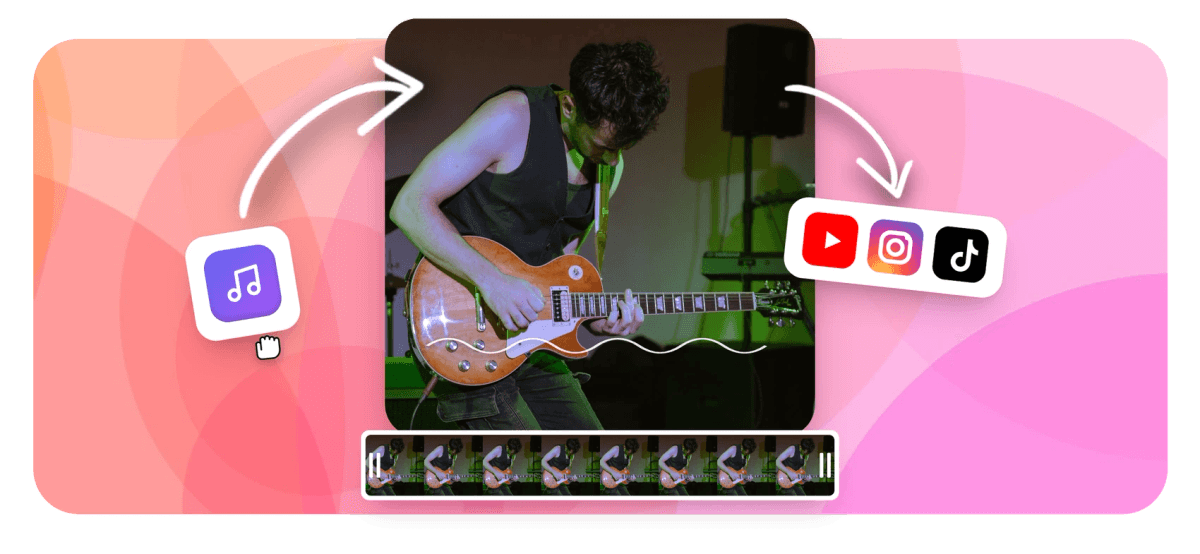
Music Video Maker Features
Featured Music Video Templates
Explore these and more in our library of customizable templates, built to suit various music genres and styles.
Lyric Music Videos
Let your audience sing along with interesting lyric music videos, improved with dynamic text effects and animation effects.
Slideshow Music Videos
Create emotional resonance by combining your favorite images and clips into a interesting slideshow music video.
Animated Music Videos
Bring your music to life with animated music videos featuring symbolic imagery and audio-reactive visual effects.
EchoWave's Music Video Maker is used by thousands of artists around the world to create stunning videos that resonate with their audience.





How to Make a Music Video Online
As a video maker with music built in, EchoWave lets you build a finished music video in three steps, straight from your browser. No software to install and nothing to learn first.
-
1. Upload your song and visuals
Drag your audio into the editor (MP3, WAV, M4A and most common formats work) along with any photos and video clips you want on screen. No footage of your own? Pull from the built-in library of stock video, backgrounds and looping textures, then drop everything onto the timeline.

-
2. Edit, set the size and time it to the beat
Pick a template or start from scratch, then add lyric text, a music visualizer, transitions and effects. Choose your aspect ratio (16:9 for YouTube, 9:16 for Shorts and Reels, 1:1 for feeds) and line up cuts and lyrics with the waveform so everything lands on the beat.
-
3. Export and share
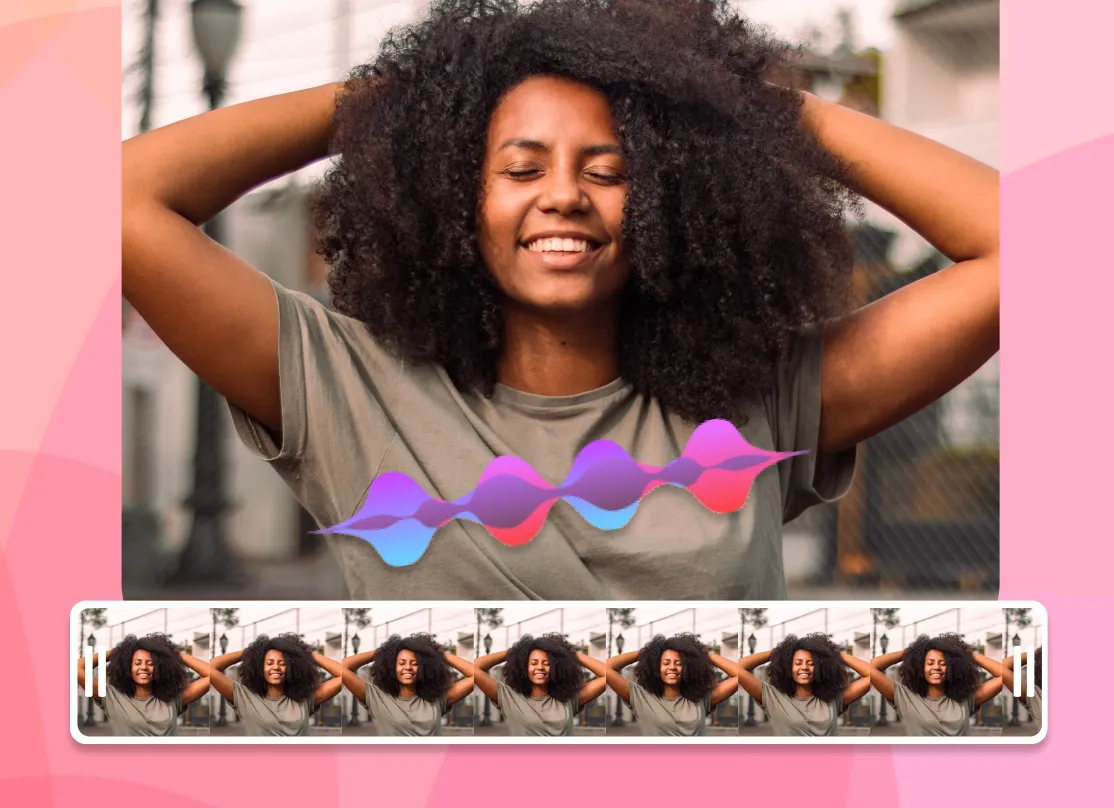
When it looks right, render on our cloud servers and download a clean MP4 at up to 1080p and 60fps, sized for the platform you picked. Upload it to YouTube, TikTok or Instagram, or save the project and come back to it later.
What creators say after trying EchoWave
EchoWave is a free, browser-based music video maker that turns your audio into a finished video. To make a music video online, upload a song, add lyrics, photos, clips or an audio reactive visualizer on a drag-and-drop timeline, choose a 16:9, 9:16 or 1:1 size, then export an MP4 for YouTube, TikTok or Instagram. No download and no editing experience required.
Why Make Your Music Video With EchoWave
A music video used to mean a camera crew, a location and weeks in an edit suite. For releasing a track online, you usually do not need any of that. A clean visual that matches the energy of the song, sits at the right size for the platform and keeps the audio crisp will do far more for streams than an empty thumbnail or a static cover image.
EchoWave runs entirely in the browser, so there is nothing to install and it works the same on Windows, macOS, ChromeOS and most tablets. Your files stay on your device while you edit, and rendering only happens when you choose to export. The whole thing is free to use, with a small EchoWave watermark on free exports that you can remove on a paid plan. If you only need to trim, crop, compress or convert a clip, our dedicated quick tools export with no watermark at all.
From a Single Track to a Finished Video
Size It Right for Each Platform
The single biggest reason a music video underperforms is the wrong shape. Set the canvas before you build the visuals: 16:9 (1920 by 1080) for a standard YouTube upload, 9:16 (1080 by 1920) for YouTube Shorts, TikTok and Instagram Reels, and 1:1 (1080 by 1080) for square feed posts. EchoWave lets you switch aspect ratio and reuse the same project, so you can publish a wide version for YouTube and a vertical cut for Shorts from one edit instead of starting over.
Keep the Audio Clean and the Motion on Beat
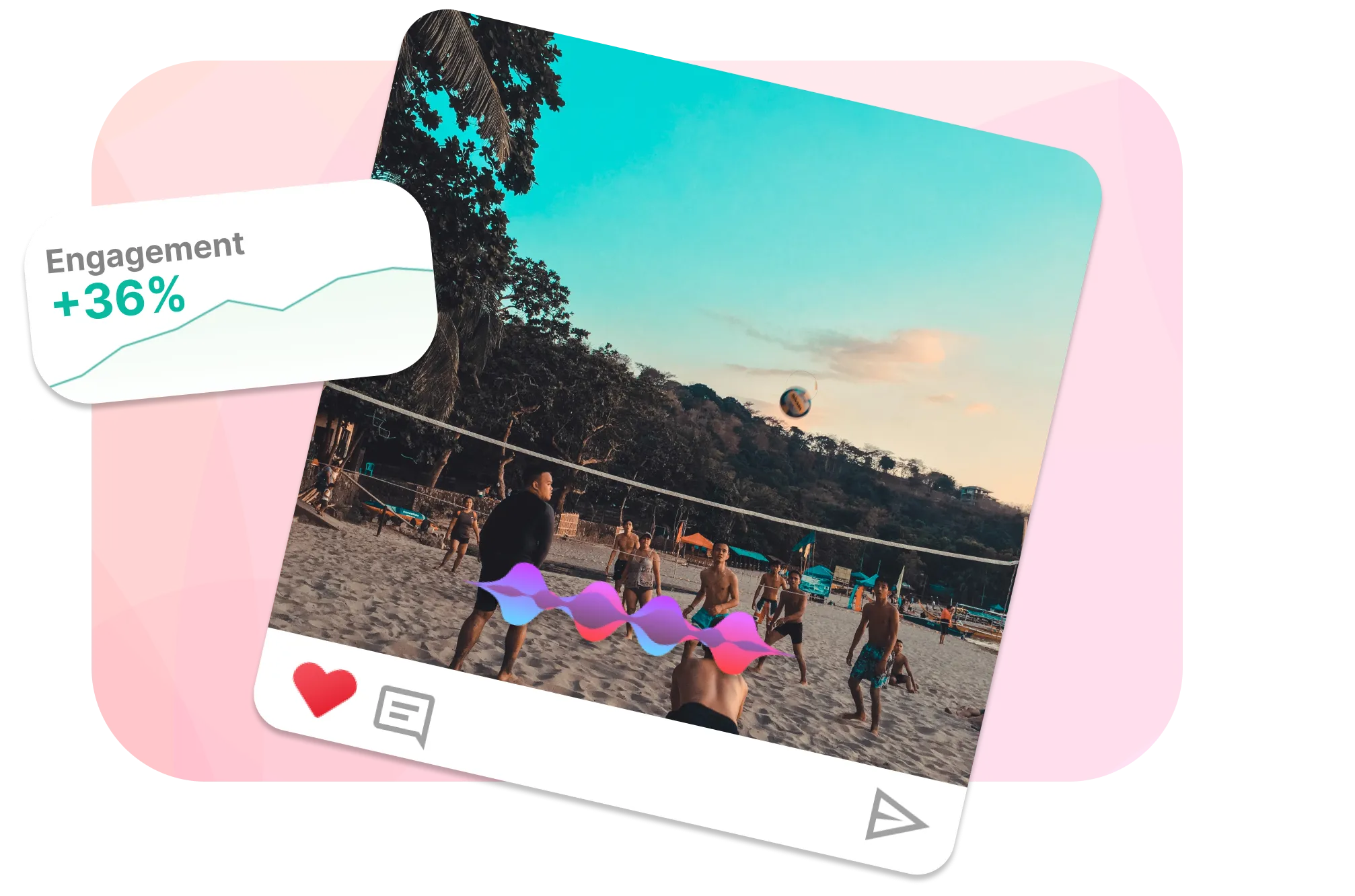
A music video lives or dies on its sound, so EchoWave keeps your audio crisp with high-bitrate AAC and renders video at up to 1080p and 60fps for smooth motion. The timeline shows the audio waveform, which makes it easy to drop cuts, lyric lines and visualizer hits exactly on the beat. Watch a draft back at full quality before you commit, then export once you are happy.
Types of Music Videos You Can Make
Supported Formats, Quality and Limits
For audio, EchoWave reads MP3, WAV, M4A, AAC and other common files. For images and footage, it handles JPG, PNG, WebP, MP4, MOV and WebM. If your phone or camera saved something in a less common container, the upload still goes through and the file is processed server-side, so you are not blocked by what one browser can decode.
Videos export as MP4 (H.264 video, AAC audio), the format every major platform accepts. You can render up to 1920 by 1080 (1080p) at 60fps, with 9:16 and 1:1 sizes scaled to match. There is no hard cap on length: make a fifteen-second teaser for Reels or a full song for YouTube. Longer projects with more layers take a little longer to render, which is handled on our cloud servers rather than tying up your machine.
Free exports carry a small EchoWave watermark in the corner. A paid plan removes it and raises export quality. Below are the features that do the heavy lifting once your media is in place.

Clean, Crisp Audio
High-bitrate AAC encoding keeps your mix sounding the way you intended, with no muddy compression on export.

Smooth 60fps Motion
Render at up to 60fps so visualizers, transitions and animated text move smoothly instead of stuttering.

Cloud Rendering
Our servers do the export, so you do not need a powerful computer and your machine stays free while it renders.
Editing Tools You Get in the Browser
-
Timeline and trimming: A multi-track timeline with the audio waveform on view, plus trimming and splitting so you can cut footage to the bar.
-
Lyric and title text: Add text for lyrics, titles and lower thirds, with fonts, animation and timing controls to sync each line to the vocal.
-
Visualizers and effects: Audio reactive visualizers, transitions, filters and overlays that respond to the music or run on their own.
-
Stock media and graphics: A library of stock video, backgrounds and graphics for the moments you do not have footage of your own.
Who Uses a Music Video Maker, and How
The same editor covers very different jobs depending on who is making the video and where it is going. Here is how each type of creator tends to use it.
Musicians and bands
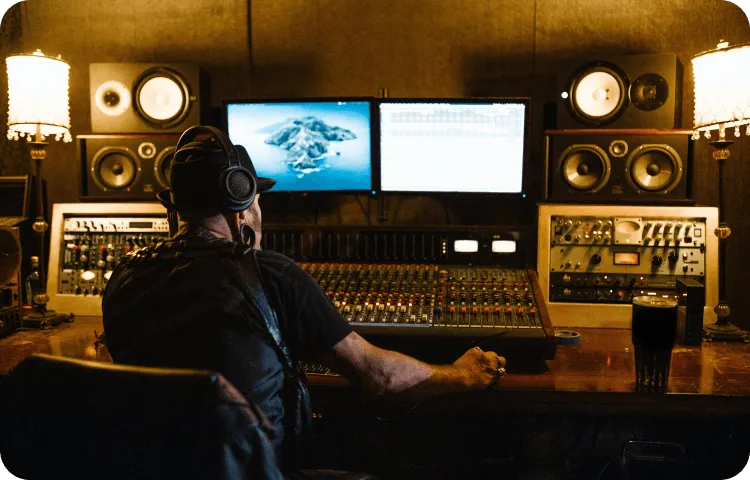
Releasing a single? A lyric video or a simple visual cut gives the track something to live on YouTube and Spotify Canvas, instead of a static cover. Pair the song with footage, a visualizer or on-screen lyrics, then post the same edit as a wide YouTube video and a vertical Short.
DJs and producers
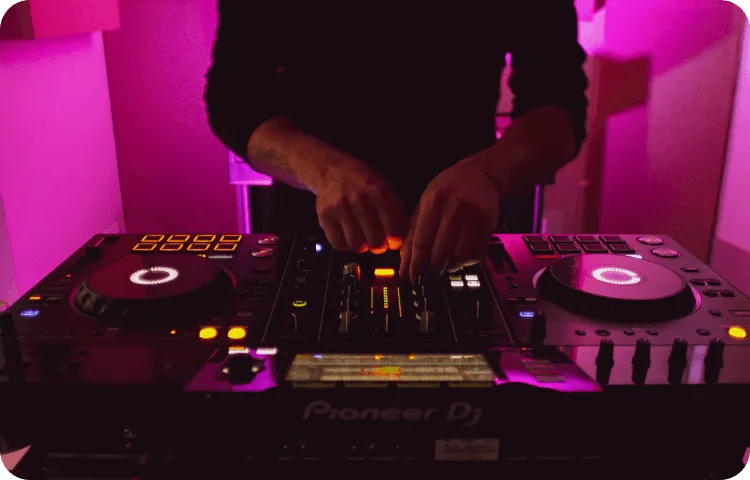
Instrumentals and beats rarely come with footage, so a visualizer does the work. Add an audio reactive visual that moves with the low end, drop in your logo and track title, and you have a clean upload for a beat tape, a mix or a loop you can run during a live set.
Content creators and podcasters
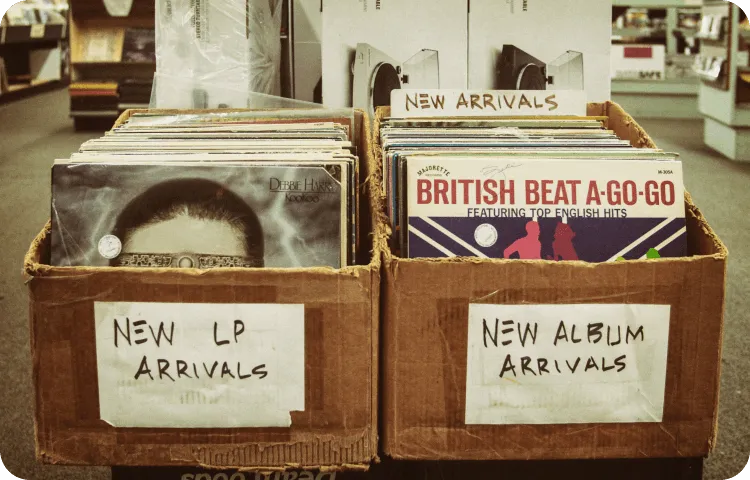
Turn a standout moment from an episode or a favourite track into a short, captioned clip for Reels, Shorts and TikTok. Vertical 9:16 sizing, animated text and a waveform or visualizer make audio watchable in a feed where most people scroll with the sound off until something catches them.

Events and promotion
Promoting a gig, a release party or a brand campaign works best when the visual carries the track that goes with it. Build a short teaser around the hook, add the date and venue as animated text, and export sizes for both a feed post and a story so the same idea covers every placement.

About the EchoWave team
EchoWave is a browser-based video and audio editor built by Lemon Vault LLC since 2018. The people who build the editor write these guides and test every step in the production app before publishing.
Frequently Asked Questions
What is the best free music video maker?
The best one is the tool that does what you actually need. EchoWave suits people who want to build a video from their own song and media in the browser, with lyric text, visualizers and per-platform sizing, without installing anything or paying upfront.
Is EchoWave's music video maker really free?
Yes. You can upload media, edit and export at no cost. Free exports include a small EchoWave watermark in the corner, which a paid plan removes along with raising export quality. No credit card is needed to start.
Does the music video have a watermark?
Free exports from the full editor carry a small, removable EchoWave watermark, and a paid plan removes it. EchoWave's dedicated quick tools, such as trim, crop, compress and convert, export with no watermark at all.
Do I need video editing experience?
No. The editor is drag-and-drop: add your song, drop in photos or clips, type your lyrics and pick a size. Templates give you a starting point, so most people make a first video in a few minutes.
Can I use my own audio and footage?
Yes. Upload your own MP3, WAV or M4A audio and your own images and video (JPG, PNG, MP4, MOV and more). You only need EchoWave's stock library if you do not have visuals of your own.
How do I make a lyric video?
EchoWave doubles as a lyric video maker: add your track, then add a text layer for each line of lyrics and drag it along the timeline so it appears as that line is sung. Use the audio waveform to line text up to the vocal, then style the font and animation to taste.
What size should a music video be for YouTube, TikTok and Instagram?
Use 16:9 (1920 by 1080) for a standard YouTube upload, and 9:16 (1080 by 1920) for YouTube Shorts, TikTok and Instagram Reels. Square 1:1 (1080 by 1080) works well for feed posts. You can re-export the same project at each size.
What format does the finished video download in?
Videos export as MP4 with H.264 video and AAC audio, the format YouTube, TikTok, Instagram and every major platform accept. You can render up to 1080p at 60fps.
Is there a limit on length?
There is no hard limit. Make a fifteen-second teaser or a full song. Longer projects with more layers take a little longer to render, which happens on our cloud servers rather than on your device.
Does it work on a phone or Chromebook?
Yes. EchoWave runs in the browser, so it works on Windows, macOS, ChromeOS and most modern tablets and phones. A larger screen makes timing edits easier, but nothing needs to be installed.
Do I have to sign up or download anything?
There is no software to download, and you can start editing straight away. You will need a free account to render and download your finished video so your projects are saved to your account.
Can I make a music video without any video footage?
Yes. Used as a photo video maker with music, EchoWave pairs your track with a set of photos as a slideshow, an audio reactive visualizer, or stock backgrounds from the library. Many lyric and visualizer videos use no original footage at all.
Ready to Create a Stunning Music Video? We have a free plan!
No credit card required, our free plan includes a small Echowave.io watermark.
Get Started →























































