
Montage Maker: Turn a Pile of Clips Into One Driving Cut
Trim every clip to its best second, chain them with whips and zooms, lay one track underneath and cut where it hits. Free to start in your browser.


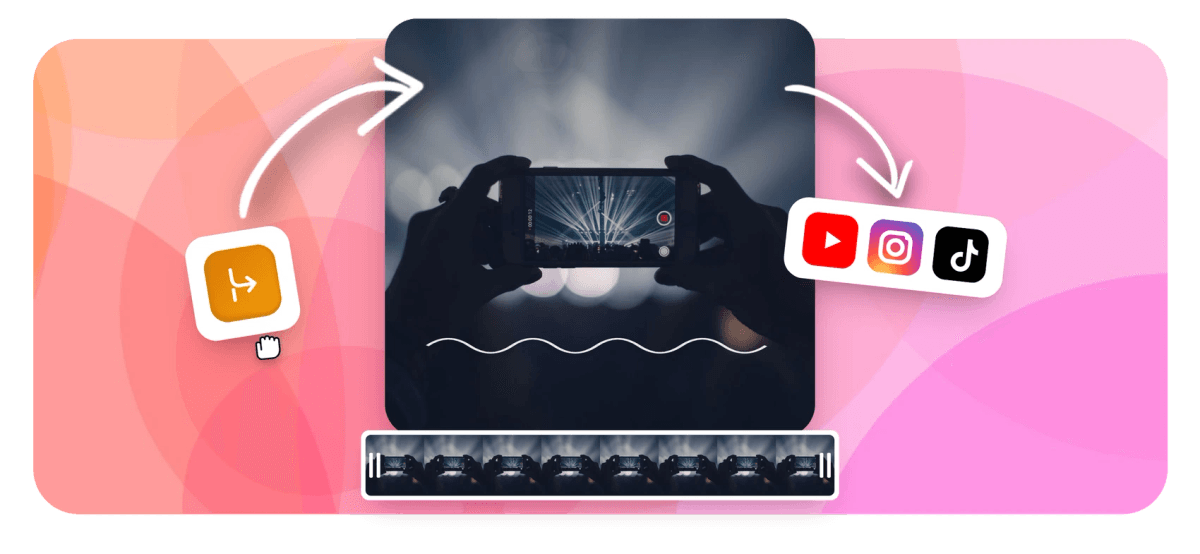
Montage Maker: Turn a Pile of Clips Into One Driving Cut Features
EchoWave's montage tools are used by coaches, travelers and creators worldwide





Many clips, one beat
A montage is rhythm. Cut like it.
A good montage maker is really a rhythm machine: dozens of short clips, each trimmed to its best second or two, chained with cuts that land where the music says they should. EchoWave puts a full multi-track timeline in your browser, with magnetic snapping, ripple delete and audio waveforms drawn on every clip so you can see the hits you are cutting to. Chain sections with whip pans, spin zooms and flashes, compress the slow middles with per-clip speed controls, and lay one driving music track under the whole thing. Trim tight, cut on action, and let the song decide where the edits fall. Free to start, no install, nothing to learn twice.
-
56 transitions
Whips, zooms, flashes, wipes and dissolves with duration and easing control
-
0.25x to 4x
The speed range: crawl through a payoff or blast through the setup
-
16:9 to 9:16
Canvas presets for YouTube, TikTok and Reels, plus 1:1 and 4:5 for feeds
-
720p free
Free exports include a small watermark; paid removes it, up to 4K and beyond
What you get
Built for many clips and one loud track
Tight trims, energetic joins, and a timeline that shows you the music.
-
Trims That Stay Tight
Split at the playhead, set in and out points, delete a range and let ripple close the gap. Magnetic snapping keeps every clip butted against the next, so the cut never breathes when it should not.
-
Joins With Real Energy
Whip pans, spin zooms, pop zooms and flash cuts, drawn from 56 transitions across five families, each with duration, easing, direction and intensity controls. Save the big moves for section changes and the montage keeps its punch.
-
Waveforms You Cut Against
Your music track draws its waveform right on the timeline, so the hits are visible, not guesswork. Zoom in, drop the playhead on a spike and split. Cutting to the beat is a craft, and this is the workbench.
-
One Driving Music Bed
Drop one track under the whole cut and let it set the pace. Detach or mute the clips' own sound so nothing fights the song. Need narration or a second layer? Add audio to video on its own track.
-
Speed Ramps for Slow Middles
Not every clip earns its full length. Speed through the walk, the setup, the drive between locations, and hold real time for the payoff. Per-clip speed leaves the rest of the edit untouched, and keyframes survive the remap.
-
Text Beats for Chapters
Title cards mark the quarters of a season or the legs of a trip. Full text styling with bold, italic and style presets, timed to sit on a downbeat between sections.
How it works
How to make a montage
Four steps from a camera roll to a cut that moves.
-
Upload the Clips
Drag every clip you might use into the EchoWave editor and lay them on the timeline in rough story order.
-
Trim Each Clip to Its Best Seconds
Split and trim every clip down to the one or two seconds that earn their place, and let ripple delete close the gaps as you go.
-
Add Transitions and the Music Bed
Lay your track under the cut, nudge each edit onto a hit using the waveform, and place whip pans or zooms where sections turn.
-
Export for Your Feed
Pick the canvas, 16:9 for YouTube or 9:16 for Reels and TikTok, then export an MP4 ready to post.
Who uses it
Any season, trip or build worth replaying
-
Sports Season Recaps
Coaches and athletes cut a season of game film into three minutes of goals, saves and celebrations.
-
Trip and Travel Recaps
Travelers compress two weeks of phone footage into ninety seconds that actually feel like the trip.
-
Year in Review
Families and brands stitch twelve months of moments into one watchable arc for the holiday post.
-
Project Build Logs
Makers turn weeks of workshop clips into a tight build montage: progress, fails, and the finished reveal.
-
Gaming Highlights
Streamers chain their best plays with whip cuts and one loud track, trimmed to the frame.
-
Fitness Progress Reels
Trainers and lifters line up months of PRs and check-ins so the progress reads in seconds.
Your clips already have a montage in them
Trim tight, ride one track, and export for any feed. Free to start.
How creators use EchoWave in real projects

About the EchoWave team
EchoWave is a browser-based video and audio editor built by Lemon Vault LLC since 2018. The people who build the editor write these guides and test every step in the production app before publishing.
Montage maker FAQ
How do I make a montage with music?
Upload your clips to the EchoWave editor, then add the song before you fine-cut anything: the track sets the pace, so it goes on the timeline first. Trim each clip to its best second or two, drag the cuts so they land on the hits you can see in the music's waveform, and add a whip pan or zoom where a section changes. Mute or detach the clips' own audio so the song carries the edit, then export as MP4. The whole flow runs in your browser with no install.
How long should each clip in a montage be?
For a fast, music-driven montage, one to three seconds per clip is the working range: long enough to register, short enough to keep pulling forward. Vary it. A run of quick one-second cuts builds energy; holding four or five seconds on the payoff, the goal, the summit, the finished build, gives it weight. If a clip needs context to make sense, it is probably a scene, not a montage beat, so trim to the single action that reads instantly.
How do I cut a montage to the beat?
By hand, and it is easier than it sounds. EchoWave draws the music's waveform on its clip, so drum hits show up as visible spikes. Zoom into the timeline, park the playhead on a spike, and split or drag the nearest cut to meet it; magnetic snapping helps edges land cleanly, and rebindable keyboard shortcuts keep the pass fast. Do not cut on every beat: pick the strong ones, usually the downbeat of each bar, and let two or three clips play between them. There is no automatic beat detection here; your ear makes the call, and that is what makes a montage feel edited.
Which transitions work in a montage, and which look cheesy?
Energy comes from motion that matches the music: whip pans, spin zooms, pop zooms and quick flash or dip cuts, kept short, a few tenths of a second. Cheese comes from novelty used evenly: a different slow wipe on every cut announces template, not taste. Make the hard cut your default, then spend one or two signature moves per section change. EchoWave's 56 transitions all expose duration, easing and intensity, so even a big move can be tightened until it reads as punctuation instead of decoration.
Can I mix photos into a video montage?
Yes. Photos sit on the timeline like any clip: give each one a second or two, and cut between stills and video freely, transitions work across both. Static photos read as dead air at montage pace, so add motion with a slow push-in or pan, the Ken Burns effect, and they blend right into the footage. This is the trick for year-in-review edits where half the moments only exist as pictures. If the whole piece is photos, the slideshow maker is the shorter path.
Can I make a vertical montage for TikTok or Reels?
Yes. Set the canvas to the 9:16 preset when you start, or resize an existing project and reframe each clip for the taller frame: position and crop are per-clip, so you decide what survives the crop shot by shot. Square 1:1 and 4:5 presets cover feed posts as well. Fast cuts and one loud track are native to TikTok and Reels, so the montage format needs no translation; just keep any chapter text large enough to read on a phone.
What order should I put montage clips in?
Start loose: drop everything on the timeline, do a first pass trimming each clip to its best moment, then reorder. The reliable arc is a strong opener, a build, a peak that lands on the biggest section of the song, and one closing shot that breathes. Chronology only matters when the point is progress, build logs and fitness recaps; otherwise order by energy. Multi-select and drag reordering make the shuffle painless, and a text card between sections buys you a reset wherever the arc changes direction.
Is the montage maker free?
Yes, you can build the whole montage free: the timeline, all 56 transitions, speed controls, text and music tracks are included, and projects autosave to the cloud. Free exports carry a small watermark and top out at 720p, which is fine for drafts and plenty of feeds. Paid plans remove the watermark and raise the ceiling: 1080p on Basic, 4K with 50 and 60 fps on Pro, and up to 8K on the top tier.
Ready to cut to the beat?
One timeline, 56 transitions, one driving track. Free in your browser.
Build my montage























































