
Video Resume Maker: A First Impression You Can Retake
Write your pitch, read it off a teleprompter while the webcam records, cut the ums, add captions and your name, and export an MP4 recruiters can open anywhere. Free to start.


Video Resume Maker: A First Impression You Can Retake Features
EchoWave's recording tools are used by job seekers, graduates and freelancers worldwide





Land the interview
A scripted talking head, done right
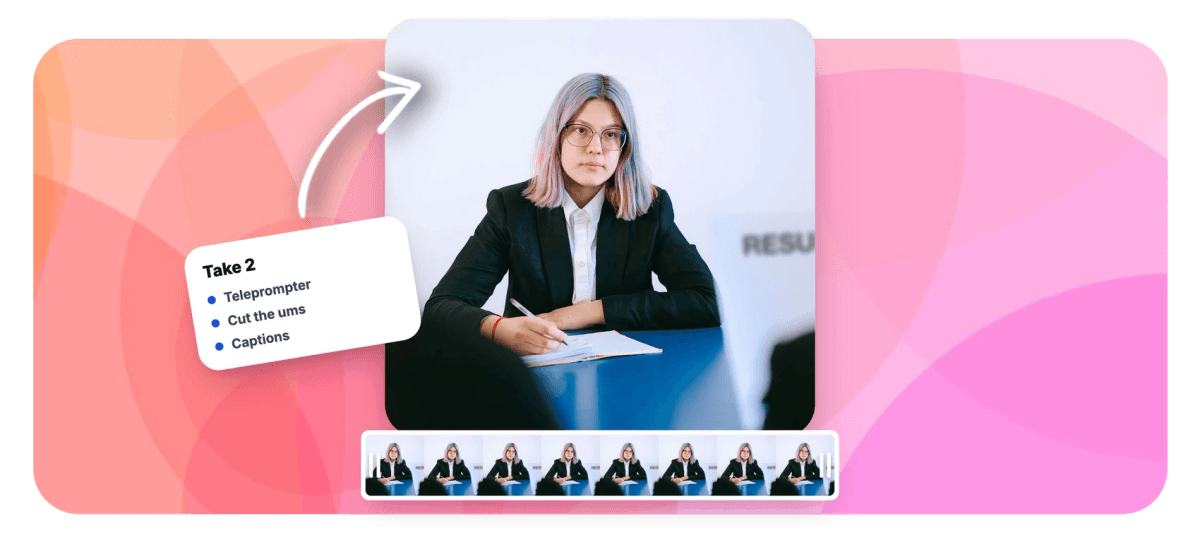
A video resume maker is really four tools in the right order: a place to write, a teleprompter, a camera and an editor. EchoWave chains them in one browser tab. Draft a 30 to 90 second pitch, load it into the online teleprompter so it scrolls near the lens, and record with the webcam recorder, mirror preview on, countdown set, retakes free. Then fix the take instead of re-shooting it: cut the ums and long pauses, soften the room with background blur, add a name-and-role lower third and captions, and export a 16:9 MP4 any recruiter can open.
-
30 to 90s
The video resume length recruiters actually finish
-
0/3/5/10s
Countdown options so every take starts composed
-
1080p
Top camera quality setting in the recorder
-
170+
Caption presets for recruiters screening on mute
What you get
Everything between blank page and send
Script support, a forgiving recorder and cleanup that rescues the almost-perfect take.
-
Teleprompter for a Steady Delivery
Load your script into the online teleprompter and it scrolls in a floating overlay near the lens, speed and font size (18 to 72px) under your control. It never appears in the recording.
-
A Recorder Built for Retakes
The webcam recorder runs in the browser with a mirror toggle so you frame yourself naturally, a countdown of 0, 3, 5 or 10 seconds, camera quality up to 1080p, and pause and resume mid-take.
-
Cut the Ums, Keep the Confidence
Clean Audio reads the transcript, flags every um, uh and awkward pause as a proposed cut, and removes the ones you approve in one ripple edit. A nervous take becomes a composed one.
-
Tasteful Retouch, Not a Filter
Face retouch smooths skin, whitens teeth and brightens tired eyes with 0 to 100 sliders, applied consistently through the whole clip. Enough to look rested after a week of applications, never enough to look airbrushed.
-
Background Blur for Real Apartments
On-device AI separates you from the room and blurs everything behind you, strength 1 to 100 with adjustable edge softness. Record at the kitchen table, look like you booked a studio.
-
Name, Role and Captions on Screen
Add a styled lower third with your name and target role, then auto-caption the whole pitch with word-level timing. Recruiters screening with the sound off still get every line.
How it works
How to make a video resume
From blank page to attached file in four steps.
-
Script It and Load the Prompter
Write 30 to 90 seconds: who you are, one proof point, why this company, and the next step you want. Paste it into the teleprompter and set the scroll speed.
-
Record With the Webcam Recorder
Turn on the mirror preview, frame yourself at eye level, pick a countdown and record. Retake until the delivery sounds like you on a good day.
-
Clean Up and Caption
Cut the ums and pauses, blur the background if the room distracts, add your name and role as a lower third, and auto-generate captions.
-
Export and Attach
Export a 16:9 MP4 and attach it to applications, or upload it wherever the posting asks and link it from your resume.
Who uses it
Job seekers who need more than a PDF
-
New Graduates
A thin resume but a strong presence: sixty seconds on camera shows the energy the paper cannot.
-
Career Changers
Explain the pivot in your own voice before a keyword filter decides the old title is all you are.
-
Sales and Support Candidates
The job is talking to people, so a confident minute on camera is the work sample itself.
-
International Applicants
Show communication skills directly, with captions carrying every word past accents and tinny laptop speakers.
-
Freelancers and Contractors
One strong profile video for marketplaces and pitches, trimmed and re-exported per client without re-recording.
-
Remote Job Seekers
Prove you present well on camera before the interview, since the job itself will happen on one.
Make the shortlist
Script, camera, cleanup and captions in one browser tab. Free to start.
What creators say after trying EchoWave

About the EchoWave team
EchoWave is a browser-based video and audio editor built by Lemon Vault LLC since 2018. The people who build the editor write these guides and test every step in the production app before publishing.
Video resume FAQ
How do I make a video resume?
Write a 30 to 90 second script, load it into EchoWave's teleprompter and record yourself with the webcam recorder in the same browser tab: mirror preview for framing, a countdown to compose yourself, retakes until it lands. Then edit instead of re-shooting: cut filler words and pauses, blur the background if the room distracts, add a lower third with your name and role, auto-generate captions and export a 16:9 MP4. Nothing installs, and recording works without an account.
What should I say in a video resume?
Four beats. Who you are: name, target role and one line of context. Proof: the single strongest result you can claim, with a number if you have one. Why this company: one specific, researched reason, not flattery. Call to action: what you want to happen next, usually a conversation. Write it the way you speak, short sentences and no jargon, then read it from the teleprompter so the structure survives the nerves. One sharp proof point beats three vague ones.
How long should a video resume be?
30 to 90 seconds. Under 30 feels like a clip rather than a pitch; past 90 you are spending attention a recruiter never promised you. A workable split: about 10 seconds for who you are, 30 for proof, 20 for why this company, 10 for the ask. If the first cut runs long, trim examples, never the call to action. Script tight, then let the filler and silence cuts pull the runtime down further; the tool shows the seconds saved as you approve each one.
How do I look professional on a laptop camera?
Raise the laptop so the lens sits at eye level, face a window instead of sitting in front of one, and use the recorder's mirror preview to center yourself with a little headroom. Pick the 1080p camera quality setting. The editor covers what the room cannot: face retouch smooths skin and brightens eyes with subtle 0 to 100 sliders, and background blur at strength 1 to 100 turns a bedroom wall into a soft backdrop. Light corrections read as effort; heavy ones read as a filter.
How do I read a script without looking like I'm reading?
Put the words near the lens, which is exactly where EchoWave's teleprompter floats: over the live preview, close to the camera, so your gaze stays on axis. Keep the font small enough that your eyes barely travel (it adjusts from 18 to 72px), sit back a little, and match the auto-scroll speed to your natural pace instead of chasing it. Read the script aloud twice before recording so the sentences feel spoken, and let retakes do the rest. The overlay is never captured in the video.
Should I add captions to my video resume?
Yes. Recruiters often screen videos at their desk with the sound off, and an uncaptioned video resume on mute is just a person mouthing words. EchoWave auto-transcribes the take with word-level timing, offers 170+ caption presets (pick something clean and legible rather than a flashy karaoke style), and burns the captions into the export so they survive every player. Captions also help when English is a second language for you or the person screening, because every word lands twice.
What video format can recruiters actually open?
MP4 with H.264, which is what EchoWave exports by default: it plays in every browser, email preview, phone and applicant portal that accepts video. Keep it 16:9 landscape, since that is what a recruiter expects on a desktop screen, and mind file-size limits on upload forms. If a posting asks for a link instead of a file, upload the same MP4 to any host and link it from your resume; the format works either way.
Is the video resume maker free?
Recording is free with no account: the webcam recorder, the teleprompter and downloading your raw takes all work anonymously. Editing is free too; exporting from the editor on the free plan adds a small watermark and caps resolution at 720p, which is fine for practice but not the impression most applicants want. Paid plans export clean at 1080p and up. A sensible path: script, record and rehearse free, then upgrade once for the final watermark-free export you actually send.
First impressions are recordable
Write it, read it, record it, and send the take that wins the interview.
Record my video resume























































