
Free YouTube Video Maker: Create Videos Online
YouTube video maker for tutorials, vlogs and promos. Build from clips and photos, add captions, music and intros, then export in HD. Free, in your browser.


Free YouTube Video Maker: Create Videos Online Features
EchoWave's YouTube video maker is trusted by creators, educators, and podcasters worldwide





Create in your browser
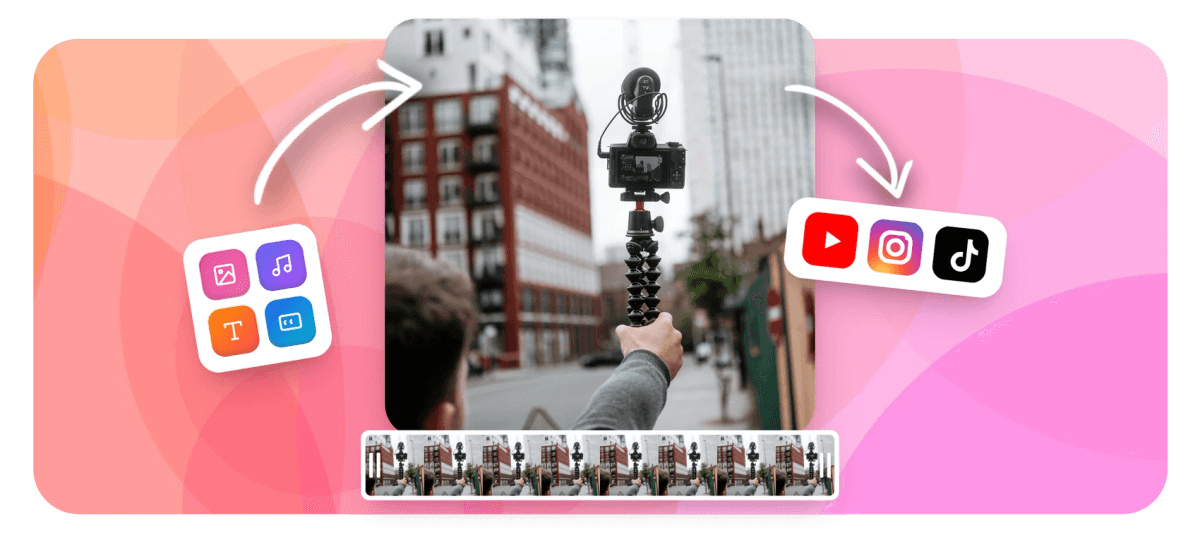
Go from raw assets to a YouTube-ready video in minutes
Most browser video tools are built for trimming existing footage. EchoWave is built for creation. Record your screen or webcam, import photos and audio, layer on AI captions and a music visualizer, then export as an MP4 optimized for YouTube. Already have footage to refine? The YouTube Video Editor is built for that workflow.
-
Up to 4K H.264
Export resolution on paid plan; 1080p on free
-
160+ caption presets
Including MrBeast karaoke, TikTok, and custom styles
-
63 AI voices
Text-to-speech voiceover generation with streaming
-
Free to start
No credit card required; small watermark on free exports
The toolkit
Every creation tool in one place
Build YouTube videos from scratch without installing any software.
-
Multi-Track Timeline Editor
Arrange video clips, images, voiceovers, and music on a magnetic multi-track timeline. Trim, split, merge, and reorder with drag-and-drop. No desktop software required. Start from the full video editor if you prefer a dedicated editing view.
-
AI Auto-Captions and Subtitles
Generate accurate captions automatically with 160+ style presets including MrBeast-style karaoke word-highlight animation. Translate subtitles into multiple languages with one click. Explore all preset options in the auto subtitle generator.
-
AI Text-to-Speech Voiceover
Add a professional voiceover to your YouTube video using 63 AI voices with streaming generation. Record live audio or clone your own voice for consistent narration across videos. Learn more on the add voiceover to video page.
-
Music Visualizer and Audiograms
Turn your audio track into a waveform, FFT spectrum, or full music visualizer overlay. Perfect for lyric videos, podcast clips, or adding energy to any YouTube video.
-
Add Text, Logos, and Stickers
Overlay animated text, watermarks, emoji, stickers, and your own logo with keyframe animation. Full control over font, size, color, position, and timing. See add text to video for more.
-
Record Screen or Webcam
Capture your screen, camera, or microphone directly inside the editor. Ideal for tutorials, product demos, and talking-head YouTube videos, all without leaving your browser.
-
Resize for Any YouTube Format
Instantly switch between 16:9 landscape, 9:16 Shorts, and square aspect ratios. Crop, rotate, and flip clips so your content fits every YouTube placement. The crop video tool handles any reframe.
-
Export Up to 4K, No Watermark on Paid
Export finished YouTube videos at up to 4K H.264. The free plan adds a small watermark. A paid plan removes it and enables 4K resolution for professional-quality uploads.
How it works
How to make a YouTube video online
Four steps from blank canvas to upload-ready.
-
Upload Your Clips or Photos
Drag and drop video files, images, or audio directly into the EchoWave timeline. You can also record your screen or webcam without leaving the browser.
-
Edit, Arrange, and Enhance
Trim, split, merge, and reorder clips on the multi-track timeline. Add text, captions, a voiceover, music, stickers, or a waveform visualizer. Adjust speed, crop, rotate, and apply keyframe animations to any element.
-
Add Captions and Audio
Run AI auto-captions on your spoken content, choose a caption style preset, and optionally translate into another language. Layer in background music or generate a TTS voiceover.
-
Export and Upload to YouTube
Hit Export and download your finished video as an MP4 at up to 4K resolution. The file is ready to upload directly to YouTube Studio, optimized for the platform's recommended specs.
Sized for YouTube
The right format for every YouTube placement
Pick a preset and EchoWave sets the canvas to the right dimensions.
-
16:9 Landscape
- YouTube
- YouTube Watch
- Embeds
-
9:16 Shorts
- YouTube Shorts
- TikTok
- Reels
-
1:1 Square
- Community Posts
- X
Inspiration
What you can make
-
YouTube Channel Intros
Build a branded intro in minutes using animated text, your logo, and a music visualizer. Keyframe animation lets you time every element to the beat.
-
Photo and Image Slideshows
Turn a folder of photos into a polished YouTube video with transitions, background music, and on-screen captions. Great for travel recaps, product showcases, and event highlights.
-
Talking-Head and Tutorial Videos
Record directly from your webcam or screen inside EchoWave, add AI captions automatically, and trim dead air before you export. No editing experience required.
-
Lyric and Music Videos
Sync waveform visualizers, FFT spectrum animations, and animated subtitle karaoke to your audio track for a fully produced music video or lyric clip.
-
Podcast Clips for YouTube
Upload your podcast audio, add a waveform audiogram or talking-head webcam track, generate a transcript and captions, then export as a YouTube-ready video.
-
Educational and Course Content
Combine screen recordings with voiceover narration, auto-captions in 160+ styles, and subtitle translation to reach global students on your YouTube channel.
Start making your YouTube video
No download, no credit card. Upload your first clip and start creating.
How creators use EchoWave in real projects

About the EchoWave team
EchoWave is a browser-based video and audio editor built by Lemon Vault LLC since 2018. The people who build the editor write these guides and test every step in the production app before publishing.
YouTube Video Maker FAQ
Is EchoWave's YouTube video maker free?
Yes. You can create, edit, and export YouTube videos for free with no account required. The free plan adds a small EchoWave watermark to exports. Upgrading to a paid plan removes the watermark and enables 4K export resolution.
Do I need to download software to make a YouTube video?
No. EchoWave runs entirely in your browser on Chrome, Firefox, Edge, or Safari. There is nothing to install. You can upload clips, edit on the timeline, and download the finished MP4 without ever leaving the tab.
What video formats can I upload?
EchoWave accepts the most common video formats including MP4, MOV, WebM, and many others via the convert library. You can also upload images and audio files to combine into a video.
Can I make YouTube Shorts with EchoWave?
Yes. You can switch your project to a 9:16 vertical aspect ratio to create YouTube Shorts. The crop and resize tools let you reframe horizontal footage for the vertical format.
How do I add captions to my YouTube video?
Open your project in EchoWave and click the Captions tool. The AI auto-caption generator transcribes your audio automatically. You can then pick from 160+ style presets, edit the text, and optionally translate captions into another language.
Can I add background music to my YouTube video?
Yes. You can upload any audio file, such as a royalty-free track you have sourced separately, and add it as a music layer on the timeline. You can adjust volume, trim the track, and fade it in or out.
What is the maximum video length I can export?
EchoWave does not impose a hard time limit on the editor. Export length may be subject to your plan limits. For very long projects such as full-length YouTube videos, a paid plan is recommended for reliable rendering.
How is a YouTube video maker different from a YouTube video editor?
A YouTube video maker is designed for creating a new video from scratch using clips, photos, voiceovers, and templates. A YouTube video editor is geared toward refining footage that already exists. EchoWave does both: you can create from raw assets or trim and polish a finished recording. See the YouTube Video Editor page for more detail.
Can EchoWave make YouTube intros?
Yes. You can build a branded intro using animated text, keyframe animation on your logo, a music visualizer, and any combination of video or image clips. Export just the intro segment and use it as the opening of every video on your channel.
Ready to make your next YouTube video?
No credit card required. The free plan includes a small EchoWave watermark.
Get Started →























































