
Podcast Transcript Generator: Your Episode, Word for Word
Upload the episode, audio-only or a video pod, and get a timestamped transcript you can correct, then export as TXT for show notes or SRT for captioned video. Free to start.


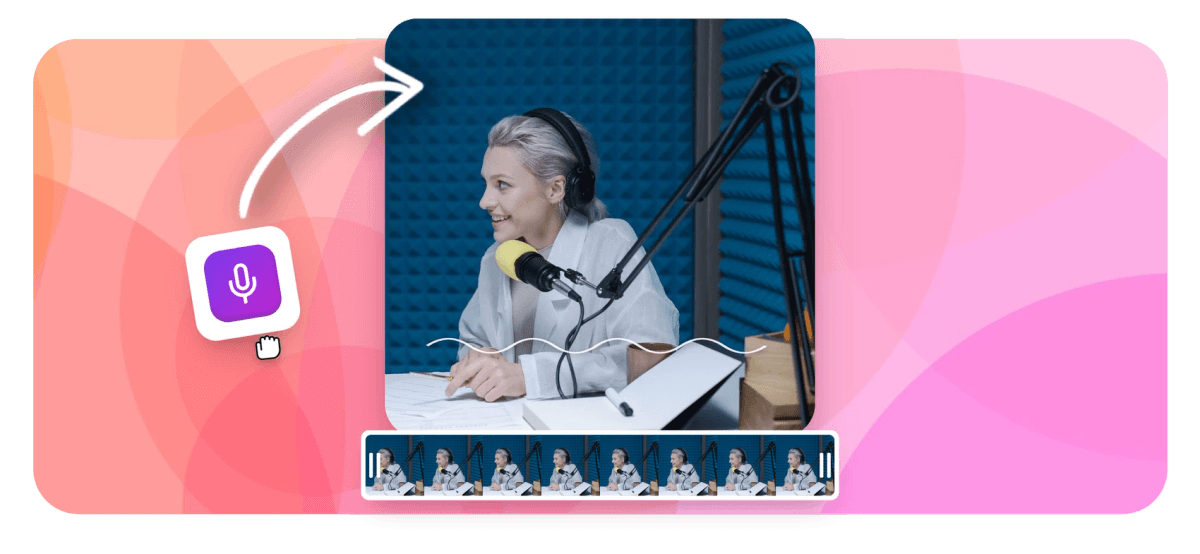
Podcast Transcript Generator: Your Episode, Word for Word Features
EchoWave's podcast tools are used by indie hosts, network producers and show editors worldwide





Text that works harder
One transcript feeds show notes, clips and search
A podcast transcript generator turns a finished episode into text, and that text is the highest-leverage file your show produces. Upload the recording, audio-only MP3 or WAV or a full video pod, and EchoWave transcribes it with a timestamp on every word. One corrected transcript then does four jobs: it becomes the show-notes page that lets search engines index the conversation, it hands you pull-quotes for social, it makes the episode accessible to people who read instead of listen, and it is the raw material for clips. Feed it into clip captions and social pull-quotes, or cut filler and silence before the episode ships. Whatever the source, audio to text and video to text run the same engine.
-
50+ languages
Auto-detected source language, with manual override
-
MP3, WAV, MP4
Audio-only shows and video pods both transcribe
-
TXT + SRT
Plus VTT and JSON, all from one transcript
-
±0.1s
Cue timing nudges when a boundary clips a line
What you get
From raw episode to publishable text
Transcribe once, then reuse the text everywhere the show lives.
-
Audio-Only or Video Pods
Drop in an MP3 or WAV from an audio show, or a full video episode, EchoWave transcribes both the same way. No need to export audio from your video pod first; upload the file you have.
-
Word-Level Timestamps
Every word gets its own timestamp, not just each paragraph. That reusability is the point: jump to any line, pull the exact runtime for a quote, or hand the timing straight to a captioned clip.
-
Correct Names Against the Audio
Every cue row has a play button that replays just that stretch. Fix guest names, brands and jargon while you hear them, edit cue text in place, and nudge boundaries in 0.1s steps when a line gets clipped.
-
Honest Speaker Labels
EchoWave does not auto-label speakers, and says so plainly. Add host and guest names to the cues where attribution matters while you edit, so a quote is credited by a real decision, not a model's guess.
-
50+ Languages, Auto-Detected
Transcription covers 50+ languages, with the spoken language detected automatically and a manual override when it guesses wrong. Non-English shows and multilingual interviews transcribe without extra setup.
-
TXT for Notes, SRT for Video
Export plain-text TXT for the show-notes page, the newsletter or a pull-quote doc, or SRT when the episode ships as captioned video. VTT and JSON export too, all from the one corrected transcript.
How it works
How to transcribe a podcast
From raw episode to exportable transcript in four steps.
-
Upload the Episode
Drag your episode into the EchoWave editor, an audio-only MP3 or WAV, or a video pod. Recorded calls and remote-interview files work the same way.
-
Auto-Transcribe
Open the captions panel and run auto-transcribe. The engine detects the spoken language, or you set it, and returns the episode as cues timed to the word.
-
Correct Names and Terms
Play each cue to hear the audio behind it. Fix guest names, brands and jargon, and add host and guest labels to the cues where attribution matters.
-
Export TXT or SRT
Download TXT for the show-notes page, or SRT if the episode publishes as captioned video. VTT and JSON export from the same corrected transcript.
Who uses it
Every show that lives beyond the audio feed
-
Interview Show Hosts
Turn every guest conversation into a show-notes page, a batch of pull-quotes and the SRT for a captioned episode.
-
Solo and Indie Podcasters
Publish a searchable transcript with every episode so listeners and search engines can find the moment they came for.
-
Podcast Editors and Producers
Hand the host clean text for approval, then reuse the same transcript for clips, chapters and captions.
-
SEO and Content Teams
Ship each episode with an indexable transcript page, turning a 60-minute audio file into words Google can actually read.
-
Video Podcasters
Caption a video episode straight from its transcript, so it plays with subtitles on YouTube and in muted social feeds.
-
Accessibility-First Shows
Give listeners who read instead of hear a full transcript, meeting the access expectations platforms and audiences increasingly assume.
Turn your next episode into text
Word-timed transcription for audio or video pods, corrected by you, exported as TXT or SRT. Free to start.
How creators use EchoWave in real projects

About the EchoWave team
EchoWave is a browser-based video and audio editor built by Lemon Vault LLC since 2018. The people who build the editor write these guides and test every step in the production app before publishing.
Podcast transcript FAQ
How do I transcribe a podcast?
Upload the episode to the EchoWave editor, an audio-only MP3 or WAV or a video pod, and run auto-transcribe in the captions panel. The engine detects the spoken language and returns the episode as cues with a timestamp on every word. Work down the cues, playing each to hear the audio and fixing guest names and jargon, then add speaker labels where they matter. Export TXT for the show-notes page or SRT for captioned video. It is far faster than typing the episode out, and you keep timing on every line.
Can I transcribe an audio-only episode?
Yes. Audio-only shows are the common case, and EchoWave takes MP3 or WAV files directly, no video required. Drop the episode file in and it transcribes exactly like a video pod, returning word-timed cues you can correct and export. If your show publishes as video too, the same upload works for both; you get one transcript that serves the audio feed's show notes and the video version's captions. There is no need to convert or wrap the audio in a video container first.
Does it label the guest and host separately?
No, and it is worth being clear about that. EchoWave does not run automatic speaker diarization, so the transcript comes back as one timed stream rather than pre-split by speaker. You add attribution while you edit: prefix the cues that need it with the host's or guest's name. On a two-person show the turns usually alternate, so this goes quickly, and the labels are ones you decided on rather than a model's guess you would have to re-check anyway. Where a passage's speaker does not matter, leave it unlabeled.
How do I use the transcript for SEO show notes?
Export the corrected transcript as TXT and publish it on the episode's page. Audio is invisible to search engines; a transcript turns 45 minutes of conversation into indexable text, so the page can rank for the questions your guest actually answered. Add a short summary and timestamps up top for readers, then the full transcript below. Because every line is already timed, you can build chapter links or jump-to markers from the same file. It is the single most effective thing you can do to make an episode discoverable in search.
Can I pull quotes and clips from the transcript?
Yes, that is one of its best uses. Because the transcript is timestamped to the word, you can scan the text for the strongest lines, then jump straight to that second in the audio, no scrubbing. Copy the wording into a pull-quote graphic or your social captions. For video, feed the same timing to the podcast clip maker, which cuts the moment and adds word-synced captions for Reels, Shorts and TikTok. One transcription pass supplies both the quote text and the exact timecodes the clip needs.
How accurate is it on a two-mic conversation?
Clean, separately-miked conversations transcribe well, which is exactly how most interview podcasts are recorded, so accuracy tends to be strong. Where any engine slips is overlapping crosstalk and proper nouns: guest names, company names, book titles and technical terms. Two things help. If the detected language is wrong, override it before transcribing. Then verify cue by cue, editing text while the audio plays so corrections come from the tape, not memory. Budget one pass for a jargon-heavy episode; it is still far quicker than transcribing the conversation by hand.
Can I publish the episode as captioned video?
Yes. The transcript you corrected doubles as the caption track. Export SRT and upload it alongside the video on platforms that accept subtitle files, or stay in EchoWave and burn styled captions directly into the episode before export. If you are turning an audio show into a video for YouTube, the podcast to video tool builds the visual and the transcript captions it. Need a subtitle file specifically? The SRT generator hands you a clean, correctly-timed SRT from the same cues.
Is the podcast transcript generator free?
Starting is free: upload the episode, transcribe it, correct the cues and download the transcript. If your deliverable is text, the show-notes page, the pull-quotes, the accessibility transcript, the free tier covers the whole workflow. Costs only appear when you render video: a free export adds a small watermark and caps resolution at 720p, while paid plans remove the watermark and raise the ceiling to 1080p, 4K and beyond. So a text transcript is free end to end; captioned or clipped video is where a paid plan comes in.
























































