
Video Background Remover: Cut Out Any Background, No Green Screen
Remove the background from any video with on-device AI. Keep yourself sharp, swap in a clean color or export true transparency, all without a green screen or a download.


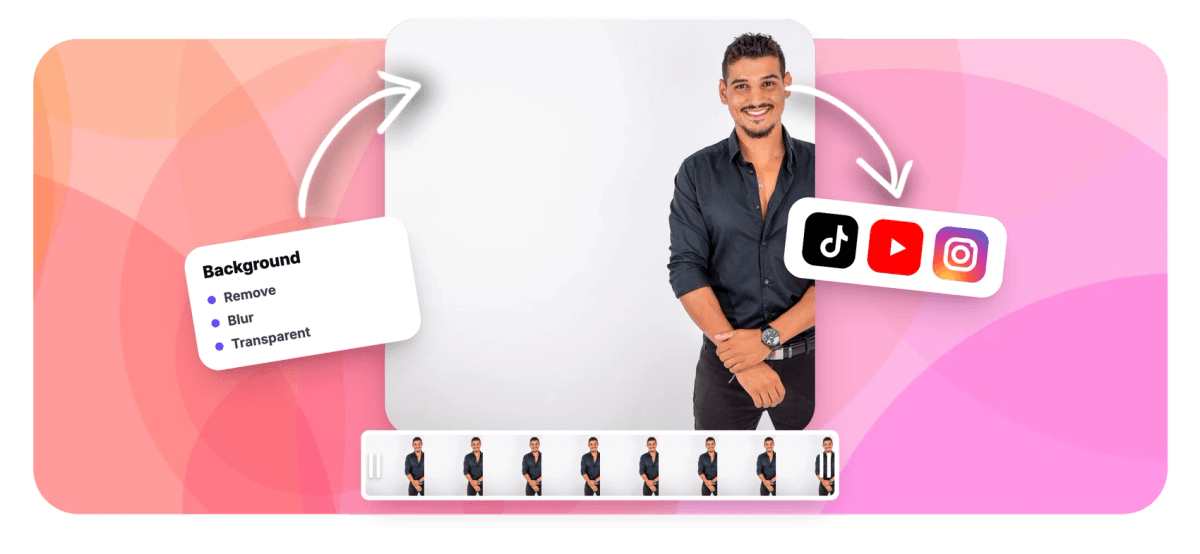
Video Background Remover: Cut Out Any Background, No Green Screen Features
EchoWave's AI tools are used by social creators, marketers and remote teams worldwide





AI background removal
Green-screen results without the green screen
EchoWave separates you from your background using AI that runs on your own device: a fast segmentation model for instant previews and a high-quality portrait matting model for crisp edges and hair detail. Your footage is never uploaded for analysis, only a tiny matte is sent at export so the final composite happens at full source quality. Choose a transparent export, a solid backdrop color, or open the clip in the video editor and put any image or video behind yourself. Prefer a softer look? Try the background blur tool.
-
On-device AI
Segmentation runs in your browser, footage is not uploaded for analysis
-
2 quality tiers
Standard for speed, High for hair-level matting detail
-
True transparency
Export an alpha WebM, or composite onto any color
-
No green screen
Works on normal footage shot in normal rooms
What you get
Everything a chroma key does, without the setup
Point it at ordinary footage and get a clean cutout you can place on anything.
-
AI Person Segmentation
A real-time segmentation model finds you in every frame, no colored backdrop, even lighting rig or manual masking required. A live preview shows the cutout before you commit.
-
High-Quality Matting Mode
Switch to the High tier and EchoWave runs a dedicated portrait matting model, accelerated by WebGPU where your browser supports it, for a true soft alpha matte that preserves hair and fine edges.
-
Private by Design
The AI analysis happens on your device. At export, only a small grayscale matte video is uploaded, and EchoWave's servers recomposite it with your original upload at full quality. Your raw footage is never shipped off for AI processing.
-
Transparent or Any Backdrop
Export with real transparency as an alpha WebM, or pick a backdrop: white, black, chroma green, blue or any custom color. The green option effectively turns any clip into green-screen footage for other editors.
-
Replace the Background in the Editor
Inside the online video editor, background removal is a per-clip effect: whatever sits on the layers below shows through. Put a beach, an office or brand artwork behind yourself in seconds.
-
Edge Softness Control
Tune how the cutout blends with its new backdrop using a softness slider, from a crisp silhouette to a gentle feathered edge that hides imperfect boundaries.
-
GPU-Accelerated Preview
The preview pipeline uses your GPU with automatic fallbacks, and a status chip shows the active engine and frame rate, so you always know it is running smoothly on your machine.
-
Finish the Video in One Place
After removing the background, stay in the same project to add captions, music, a logo or an outro, then export up to 4K on paid plans.
How it works
How to remove the background from a video
From raw clip to clean cutout in four steps.
-
Upload Your Video
Drag and drop your clip into the tool. Footage of a person filmed on any normal background works, no green screen needed.
-
Pick Remove and a Quality Tier
Choose Remove background, then Standard for speed or High for the sharpest edges. The on-device AI shows you a live preview of the cutout.
-
Choose the New Backdrop
Select transparent for an alpha WebM export, or a solid color including chroma green, blue, white, black or a custom shade. Adjust edge softness to taste.
-
Export
EchoWave composites the matte with your original footage at full quality and renders the result. Download it or keep editing in the timeline.
Who uses it
Wherever the background is the problem
-
Talking-Head Creators
Turn a bedroom recording into a clean branded frame. Remove the room, drop in a tidy backdrop and keep the focus on you.
-
Product and Demo Videos
Present a product or a presenter against pure white or brand colors without hiring a studio, matching the rest of your visual identity.
-
Streamers and Gamers
Create a facecam cutout to overlay on gameplay. Export the transparent WebM and drop it into your streaming or editing setup.
-
Marketing Teams
Repurpose one talking-head shoot across many campaigns by swapping backgrounds per placement, from Stories to landing pages.
-
Educators and Trainers
Put yourself in front of your slides instead of beside them. Remove the background and layer your camera over the deck in the editor.
-
VFX and Editors
Need green-screen source material from ordinary footage? Export with a chroma green backdrop and key it in any editor downstream.
Remove your video background now
Free to start, right in your browser. Upload a clip and see the AI cutout in seconds.
How creators use EchoWave in real projects

About the EchoWave team
EchoWave is a browser-based video and audio editor built by Lemon Vault LLC since 2018. The people who build the editor write these guides and test every step in the production app before publishing.
Video background remover FAQ
How can I remove a video background without a green screen?
Upload your clip to EchoWave, choose Remove background, and the built-in AI separates the person from the scene automatically. The model was trained to segment people from arbitrary backgrounds, so ordinary footage from a phone or webcam works. You then pick what goes behind you: transparency, a solid color, or other media in the editor.
Is the background removal really done on my device?
Yes. The segmentation and matting models download to your browser and run locally, using your GPU where available with an automatic CPU fallback. Your footage is not uploaded anywhere for the AI analysis. When you export, EchoWave uploads only a compact grayscale matte video alongside your original upload so the server can composite the final result at full quality.
What is the difference between Standard and High quality?
Standard uses a fast real-time segmentation model, ideal for previews and quick exports. High switches to a dedicated portrait matting model that produces a soft, detailed alpha matte, noticeably better around hair and fine edges. High takes longer to process, and where your browser supports WebGPU it is hardware accelerated. There is also a one-tap high-quality preview so you can check the result before applying it.
Can I export a video with a transparent background?
Yes. Choose the transparent backdrop and EchoWave exports a WebM file with a real alpha channel. That file can be layered over anything in editors and tools that support alpha video. If you need broader compatibility, export against chroma green or blue instead and key it out downstream.
Can I replace the background with an image or another video?
Yes, inside the EchoWave editor. Apply background removal to your clip as an effect, then place any image or video on the layer beneath it. The lower layer shows through wherever the background was removed, which is how you get a virtual set, branded backdrop or scenic location behind you.
Does it work on any kind of footage?
It is designed for footage of people: talking heads, presenters, streamers, dancers. It performs best when the subject is reasonably distinct from the background and adequately lit. It is not an object cutout tool for arbitrary items, and very busy scenes with multiple overlapping people will be harder for any segmentation model.
Do I need special hardware?
A reasonably modern browser with WebGL2 is required, which covers current Chrome, Edge, Firefox and Safari on typical hardware. The High quality tier is fastest on browsers with WebGPU, but it falls back automatically where WebGPU is unavailable. A status chip in the tool shows which engine is active and the preview frame rate.
Is the video background remover free?
You can upload a clip, run the AI and preview the cutout for free. Free editor exports include a small watermark and are capped at 720p, while paid plans remove the watermark and unlock resolutions up to 4K and beyond. No credit card is needed to try it.
How is this different from blurring the background?
Removal replaces the background entirely, with transparency, a color or new media. Blurring keeps the original scene but softens it behind you, like a portrait-mode webcam effect. Both run on the same on-device AI in EchoWave; if blur is the look you want, use the dedicated blur video background tool.
Ready to cut out your background?
No green screen, no download. Free to start, watermark-free exports on paid plans.
Get Started →























































