
AI Video Clipper: Set the Length, the Count, and the Topic
Turn one long recording into ranked, captioned short clips. Set the clip length, ask for 1 to 30 clips, or type a topic and let the clipper find it.


AI Video Clipper: Set the Length, the Count, and the Topic Features
EchoWave's AI clipping tools are used by video editors, course creators and social media managers worldwide





Speed plus control
Fast like an auto clipper, precise like an editor
An AI video clipper should do the boring part, the scrubbing, and leave the decisions to you. EchoWave transcribes your file in around 99 auto-detected languages, scores every candidate moment for hook, clarity, emotion, value, and trend, then hands over the controls: pick a genre preset, set clip length from Short 15-30 s to a custom range, choose 1 to 30 clips, and type a prompt like "find moments about pricing" to run a keyword search over the transcript. Prefer full automation? Leave everything on auto and it behaves like our AI clip generator. Each result opens as a normal project, so you can tighten wording in the text-based video editor or split a clip further before export.
-
1-30
clips per run, or leave the count on auto and let the scoring decide
-
15-90 s
Short, Medium, and Long presets, plus a custom clip length range
-
0-100
Viral Score on every clip, built from Hook, Clarity, Emotion, Value, and Trend
-
30 min
of free analysis every month, with paid plans up to 3,000 minutes
What you get
Automatic where it should be, adjustable where it counts
The scoring engine runs itself. Everything around it, length, count, topic, framing, is a setting you can change before a single clip is cut.
-
Clip Length You Control
Leave it on Auto or lock every clip to Short 15-30 s, Medium 30-60 s, Long 60-90 s, or your own custom range, because a strong moment might run 12 seconds or a full minute and a half.
-
Pick the Number of Clips
Set the number of clips anywhere from 1 to 30, or let scoring decide how many moments clear the bar. A 20-minute demo and a 3-hour webinar are no longer forced through the same defaults.
-
Prompt Search the Transcript
Type "find moments about pricing objections" and the clipper runs a keyword search over the word-timed transcript instead of you dragging a playhead for an hour. Keyword boosts weight the ranking toward topics you care about.
-
Add Your Own Clip
Spot a moment the scoring missed? Drag a custom clip from any range on the source strip and it joins the same ranked grid, with the same captions, reframe, and export path as the AI picks.
-
Viral Score With Reasons
Every clip carries a 0-100 Viral Score with five sub-scores and plain-English reasons like strong hook or big reactions, so you sort a batch by quality in one glance instead of rewatching everything.
-
Speaker-Aware Reframe
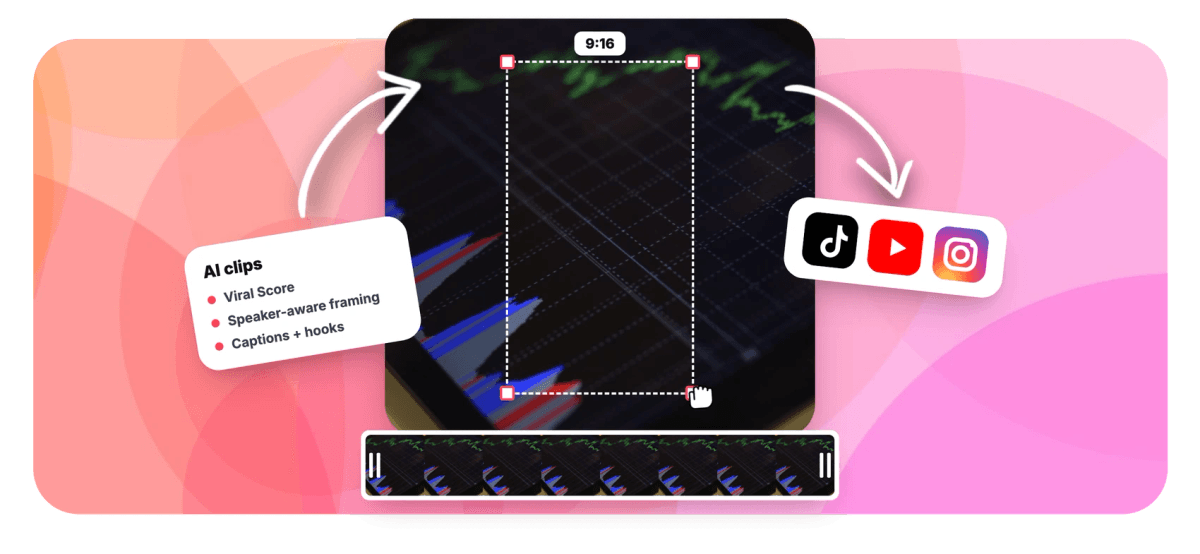
Smart camera finds faces and uses on-screen speaker detection, lip movement matched to the voice, to cut between people on their turns. Choose 9:16, 1:1, 4:5, or 16:9 with layouts like split, grid, or presenter plus slides.
-
Auto Captions in 60+ Styles
Word-timed auto captions in any EchoWave preset, including word punch, karaoke, and boxed styles, sized for portrait. Each clip also gets an AI title under 60 characters, a hook line, and 3-6 hashtags.
-
Adjust Clips by Asking Echo
Tell Echo, EchoWave's AI editor, to make #2 shorter, write a new title for #1, or make them all square, and the change lands on the clips. Not what you wanted? Ask it to undo.
How it works
How to use an AI video clipper
Four steps take you from one long file to a batch of finished, export-ready clips.
-
Load Your Recording
Upload a long video or audio file, pick one from your library, paste a direct media link, or start from an existing project. Podcasts, webinars, meetings, lectures, and stream VODs all work.
-
Dial In the Settings
Choose a genre preset, set clip length and the number of clips, pick an aspect ratio, limit analysis to a time range, and type a topic prompt if you want specific moments.
-
Review the Ranked Grid
Scan clips sorted by Viral Score, read the reasons behind each pick, drop weak ones, and add custom clips from the source strip where the AI missed something.
-
Edit or Export in Bulk
Open any clip as a full EchoWave project to change anything, or bulk select and export many at once. Free exports carry a small watermark at 720p; Basic renders 1080p, Pro 4K.
Who uses it
Built for people who need specific clips, not just clips
-
Freelance editors
Set Short 15-30 s and a count of 12 for a client demo, then swap two picks for custom-range clips.
-
Coaches and course creators
Search a 40-minute coaching call for pricing objections and pull five Medium clips without scrubbing the recording once.
-
Social media managers
Turn one upload into a week of vertical posts, ranked by Viral Score so the strongest clip goes out first.
-
Podcasters
Feed in an audio episode and get captioned highlight clips with AI titles and hashtags ready for short-form feeds.
-
Agencies
Start clip jobs for ten client webinars through the REST API or Zapier, then review each workspace-visible batch as it lands.
-
Streamers
Point the gaming preset at a long VOD and let reaction peaks surface the moments chat went wild over.
Stop scrubbing, start steering
Load one long file, set the length, count, and topic, and get back a ranked grid of captioned clips in minutes.
What people are saying about EchoWave

About the EchoWave team
EchoWave is a browser-based video and audio editor built by Lemon Vault LLC since 2018. The people who build the editor write these guides and test every step in the production app before publishing.
AI video clipper FAQ
How do I use an AI video clipper?
Open EchoWave's clipper and load a long video or audio file from an upload, your library, a direct media link, or an existing project. Pick a genre preset, set the clip length and how many clips you want, choose an aspect ratio, and optionally type a topic prompt. The clipper transcribes the file, scores every moment, and returns a ranked grid of clips with captions, titles, and hashtags already applied. Review, adjust, then export. The free plan includes 30 analysis minutes a month, so a typical episode fits without paying anything.
How do I choose how long each clip should be?
Clip length is a setting, not a fixed output. Choose Auto and the engine picks natural boundaries per moment, or lock a run to Short 15-30 s, Medium 30-60 s, Long 60-90 s, or a custom range you define. This matters because a punchy answer might land in 15 seconds while a full story needs 90, and tools with one fixed length cut both badly. Every clip in a run respects the same setting, so batches come back consistent and ready to compare side by side.
Can I tell the AI video clipper what topic to look for?
Yes. Type a prompt like "find moments about hiring" and the clipper searches the word-timed transcript for matching moments instead of relying only on automatic scoring. You can also add keyword boosts, which weight the ranking toward terms you care about without excluding everything else. This is the fix for the classic clipper problem: getting 20 generic clips when you only needed the part about pricing. Combine a topic prompt with a length preset and a count, and the output narrows to exactly what you asked for.
How many clips can an AI video clipper make from one video?
In EchoWave, the number of clips is your call: request anywhere from 1 to 30 per run, or leave it on auto and let the Viral Score decide how many moments genuinely clear the bar. Each clip is scored 0-100 across Hook, Clarity, Emotion, Value, and Trend, with plain-English reasons, so even a large batch sorts itself. Scoring combines the transcript with audio and visual signals like audio energy, reaction peaks, silences, and scene cuts, which keeps picks grounded in what actually happened on screen.
Does an AI video clipper work on audio-only files like podcasts?
Yes. You can feed the clipper a plain audio file, a podcast episode for example, and it transcribes it, finds highlight moments, and produces clips the same way it does for video. Transcription auto-detects around 99 languages, and AI titles come back in the language of the recording. Each clip becomes an ordinary EchoWave project, so you can add word-timed captions in any of the 60+ styles and dress the clip up for vertical feeds before exporting.
Can I clip just one part of a long video instead of the whole thing?
Yes, two ways. First, restrict analysis to a time range before you run the job, so a 3-hour recording only spends minutes on the segment you care about, which also protects your monthly analysis allowance. Second, add a custom clip from any range on the source strip; it joins the ranked grid alongside the AI picks and gets the same reframe, captions, and export options. Between the time range, the topic prompt, and custom clips, you never have to process footage you already know you will not use.
Can I bulk process multiple long videos into clips at once?
Yes, up to the minutes your plan covers each month: 180 on Basic, 600 on Pro, 3,000 on Business. Each run shows its progress live, and if you leave and come back the job picks up where it left off by itself. Jobs are workspace-scoped, so teammates can see and review batches, and bulk select lets you create many projects and exports in one pass. For hands-off pipelines, start jobs through the REST API, the hosted MCP server, or Zapier, with a "Clips ready" trigger and a "Generate clips" action.
Is there a free AI video clipper without a watermark?
EchoWave's free plan gives you 30 analysis minutes every month with full access to length controls, clip counts, topic prompts, scoring, reframing, and captions. Free exports carry a small watermark and are capped at 720p, which is enough to judge quality and test settings on real footage. Upgrading removes the watermark: Basic exports at 1080p and Pro at 4K, and paid plans raise the monthly analysis minutes so full-length podcasts and webinars fit comfortably.
One long video, many sharp clips
Set the length, count, and topic, then let the clipper cut, caption, and rank the rest.
Get Started →























































