
AI Highlight Generator: Best Moments Without the Rewatch
Upload a long recording and get back a ranked grid of highlight clips, each scored 0 to 100, captioned, and reframed. Hours of footage becomes a shortlist in minutes.


AI Highlight Generator: Best Moments Without the Rewatch Features
EchoWave's highlight tools are used by streamers, podcasters, and meeting teams worldwide





Best moments, found
Hours of footage in, a ranked shortlist of highlights out
An AI highlight generator earns its keep by watching the whole recording so you do not have to. EchoWave reads from two directions at once: a language model scores the word-timed transcript on Hook, Clarity, Emotion, Value, and Trend, while signals from the sound and picture catch what words miss, audio energy, reaction peaks, silences, speaker turns, and scene cuts. That combination finds the reaction spike in a gaming VOD and the decision buried at minute 74 of a meeting recording. Every candidate comes back with a 0 to 100 Viral Score and a plain reason, laid out in a ranked grid. Keep one clip or build a highlight reel from several, each already reframed and captioned.
-
0-100
Viral Score per highlight, built from Hook, Clarity, Emotion, Value, and Trend sub-scores
-
~99 languages
auto-detected during transcription before highlight scoring starts
-
Up to 30
separate highlight clips from a single recording, or leave the count on auto
-
12 genre presets
gaming, sports, podcast, meeting, webinar, sermon, and more tune what counts as a highlight
What you get
Detection that hears the room, not just the words
A scoring model that reads the whole recording, not a keyword filter.
-
Viral Score With Reasons
Every candidate highlight gets a 0 to 100 score built from five sub-scores: Hook, Clarity, Emotion, Value, and Trend. A plain-English note like strong hook or big reactions explains each ranking, so nothing feels like a black box.
-
Catches Non-Verbal Moments
Transcript-only tools miss the laugh, the gasp, the crowd spike. EchoWave measures audio energy and reaction peaks straight from the soundtrack, so a moment that lands because of how it sounded still makes the shortlist.
-
A Rubric, Not Keyword Spotting
A language model reads the full word-timed transcript the way a producer skims a script, looking for setups, payoffs, and clear value, then weighs silences, speaker turns, and scene cuts before anything gets clipped.
-
Ranked Grid, Not One Reel
A single auto-generated best-of is rigid. You get up to 30 separate highlight clips sorted by score, so you compare candidates, keep several for a highlight reel, and skip the ones only the model loved.
-
Genre Presets Tune Detection
A gaming highlight is a reaction spike; a webinar highlight is a takeaway. Presets for gaming, sports, podcast, interview, meeting, webinar, sermon, education, vlog, and comedy shift what the engine treats as worth keeping.
-
Prompt Search Over the Transcript
Type find moments about pricing objections and the engine searches the transcript for matching stretches. Add keyword boosts to weight topics you care about, or cut a custom clip from any range on the source strip.
-
Captioned and Reframed Automatically
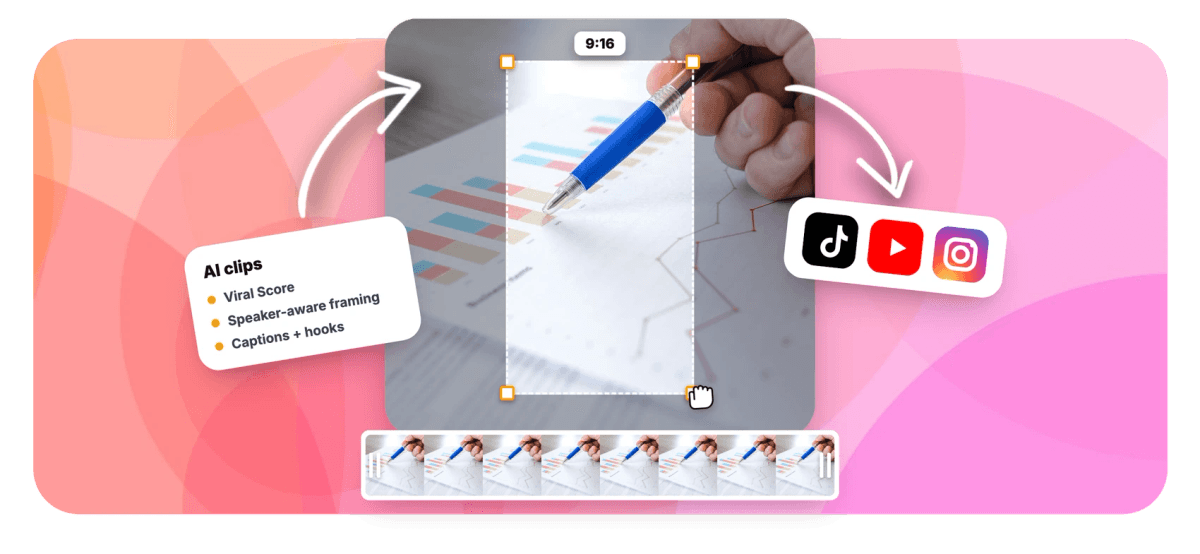
Smart camera detects faces and on-screen speakers (lip movement matched to the voice) and reframes to 9:16, 1:1, 4:5, or 16:9. Word-timed captions ship in any of 60+ presets, sized for portrait.
-
See Highlights Surface Live
Follow the pass while it runs: the waveform fills in, scene cuts mark the timeline, the transcript scrolls, and highlights drop into the grid already ranked. Step away mid-run and the job resumes on its own.
How it works
How to generate AI highlights from a long video
Four steps from a full recording to a shortlist worth sharing.
-
Upload the Recording
Drop in a long video or audio file, pick one from your library, paste a direct media link, or start from an existing project. Transcription auto-detects the language across roughly 99 options.
-
Tune the Detection
Choose a genre preset, set clip length from Short 15-30 seconds up to a custom range, ask for 1 to 30 clips or leave it on auto, and restrict analysis to a time range if only part of the recording matters.
-
Review the Ranked Grid
Compare Viral Scores and sub-scores, read the stated reason behind each pick, and run a find moments about prompt if a topic you expected is missing. Add your own clip from the source strip.
-
Polish and Export
Open any highlight as a full EchoWave project, adjust the camera keyframes or swap the caption style, then export. Bulk select to create projects and render many highlights at once.
Who uses it
One detector, very different highlight reels
-
Streamers and gamers
Hand it a 4-hour VOD and get a ranked shortlist of reaction spikes instead of rewatching the whole session.
-
Podcasters
Surface the funniest exchanges and sharpest insights from a 2-hour episode, scored, captioned, and reframed for vertical.
-
Meeting reviewers
Pull the two decisions and the demo out of a 90-minute recording, screen-share aware, without rewatching any of it.
-
Webinar hosts
Turn a full session into takeaway clips that promote the next one, with AI titles and hashtags already written.
-
Event and sports recorders
Crowd reactions and audio energy peaks flag the plays and moments that mattered across a long recorded stream.
-
Comedians and speakers
Rank a full set by the Emotion and Hook sub-scores to find the bits that actually landed with the room.
Stop scrubbing the timeline
Upload one recording, get a ranked grid of highlight moments back, and keep only the clips that earn their score. 30 free analysis minutes every month.
What creators say after trying EchoWave

About the EchoWave team
EchoWave is a browser-based video and audio editor built by Lemon Vault LLC since 2018. The people who build the editor write these guides and test every step in the production app before publishing.
AI highlight generator FAQ
How do I generate AI highlights from a long video?
Open the Clips tool in EchoWave and upload a long video or audio file, or pick one from your library or an existing project. Choose a genre preset, a clip length, and how many highlights you want, up to 30, then run the analysis. The engine returns a ranked grid of candidate highlights, each with a Viral Score, a title, a hook line, hashtags, and timestamps. Keep the ones you like, open any of them in the full editor, and export. Free accounts include 30 minutes of analysis a month.
What is an AI highlight generator?
It is software that scans a recorded video or audio file and pulls out the moments most worth sharing, so you skip the manual scrub. EchoWave's version transcribes the recording, has a language model score candidate moments on Hook, Clarity, Emotion, Value, and Trend, and cross-checks those picks against audio energy, reaction peaks, silences, speaker turns, and scene cuts. The output is a ranked set of clips, each with a score, a suggested title, a hook line, and hashtags, rather than one fixed best-of reel.
How does an AI highlight generator know what counts as a highlight?
Two layers work together. A language model reads the word-timed transcript for the shape of a good clip: a hook, a clear idea, an emotional beat, a payoff. Measured signals then confirm or challenge those picks with evidence the transcript cannot show, such as a spike in audio energy, a burst of reactions, a long silence, or a scene cut. The genre preset shifts the weighting, so a sports recording leans on crowd energy while a webinar leans on clarity and value. Every score arrives with a stated reason.
Can AI detect crowd reactions or laughter as highlights?
Yes. Reaction detection is one of the audio signals, so laughter, applause, and crowd spikes register even when the surrounding transcript reads flat. That is the gap most transcript-only highlight tools fall into: the words on the page score nothing while the room erupting after them scores plenty. Pick the comedy or sports preset to weight these reactions harder, and check the Emotion sub-score on each clip to see how much of a moment's ranking came from how the audience responded.
Can I make a highlight reel from a gaming stream with AI?
Yes, from a recorded VOD. Upload the recording, pick the gaming preset, and the engine hunts for reaction spikes, big audio swings, and scene changes rather than polished sentences. Ask for up to 30 clips, review the ranked grid, and keep the top scorers as separate shorts or assemble them into a reel in the editor. Analysis runs on uploaded or recorded footage, not on a live stream in progress, so export the VOD first. On a long session you can watch the waveform and transcript fill in as the pass runs, and if you leave, the job picks up where it left off.
How do I turn a long meeting recording into highlight clips?
Choose the meeting preset, which is screen-share aware, so a demo on screen is treated as part of the moment rather than a distraction. The Presenter + slides layout keeps the shared screen on top with the speaker below. Use the find moments about prompt to search the transcript for decisions, action items, or a project name, and add keyword boosts for topics that matter. Jobs are workspace-scoped, so teammates see the results without forwarded files. Ninety minutes of meeting typically reduces to a handful of clips people will actually watch.
How many highlights can I get from one video, and what does it cost?
Set the count yourself, anywhere from 1 to 30 clips per run, or leave it on auto and let the engine decide based on how many moments genuinely score well. The monthly limit is analysis minutes on the source recording: Free plans include 30 minutes, Basic 180, Pro 600, and Business 3,000. A weekly one-hour podcast fits comfortably on Basic, while heavy VOD work usually wants Pro or Business. On team plans, minutes are shared per workspace and every member can see the jobs.
Can I edit the highlights the AI picks before exporting?
Yes, and that is the point. Each highlight becomes an ordinary EchoWave project, so trims, caption style swaps, and layout changes are normal edits. Every smart camera move is stored as regular keyframes you can adjust shot by shot, so nothing is baked in. On export, free renders carry a small watermark and a 720p cap, Basic unlocks 1080p, and Pro renders 4K. Bulk select to create and render several highlights in one pass.
Best moments, already found.
Upload one long recording and get a ranked grid of scored, captioned highlight clips back.
Get Started →























































