
Color Correct a Video Online: Brightness, Contrast and Looks
Rescue dark, flat or off-color footage in your browser. Seven precise adjustments, six one-click looks and a live preview, no editing suite required. Free to use.


Color Correct a Video Online: Brightness, Contrast and Looks Features
EchoWave's tools are used by creators, marketers and small studios worldwide





Color correction
Good footage, wrong colors, easy fix
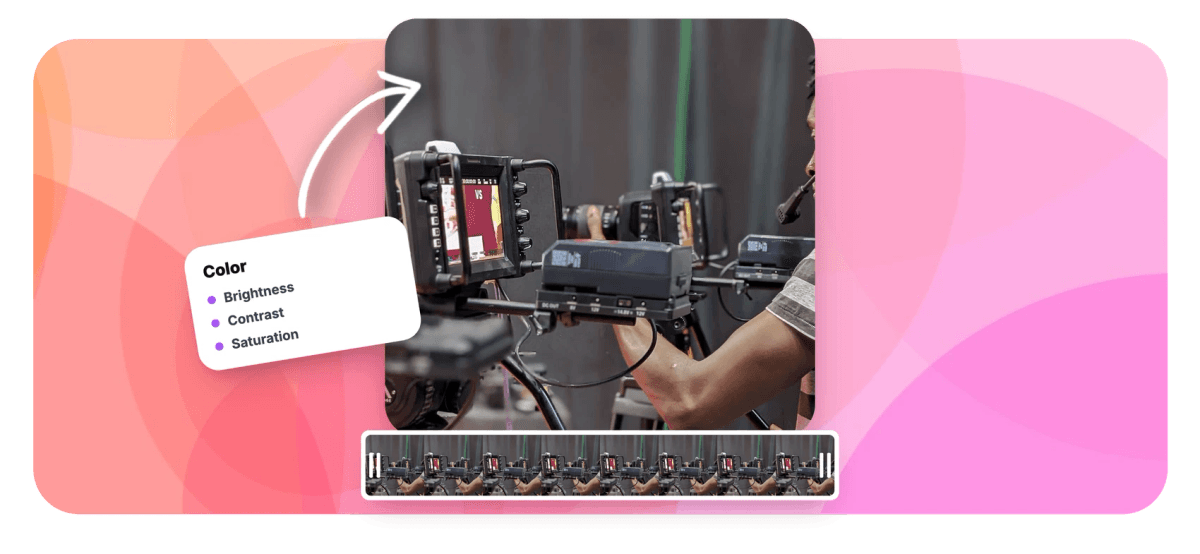
Most footage does not need a colorist, it needs ten seconds of honesty: a little brightness, a touch of contrast, warmth pulled back toward neutral. EchoWave gives you the seven adjustments that matter, brightness, contrast, gamma, saturation, vibrance, temperature and hue, plus six one-click looks when you want a direction instead of a dial. Everything previews live on your clip, every slider has its own reset, and the export renders the grade into the file. For faces specifically, pair it with the face retouch tool; for the final polish, finish in the video editor.
-
7 adjustments
Brightness, contrast, gamma, saturation, vibrance, temperature, hue
-
6 looks
Original, Vivid, Warm, Cool, Punchy and Mono, one click each
-
Live preview
See the grade on your footage as you drag
-
±180°
Full hue rotation for creative shifts and fixes
What you get
The corrections that fix real footage
Each control targets a specific, recognizable problem.
-
Brightness and Contrast
Lift underexposed clips out of the murk and give flat footage its depth back. The two most-used dials in color work, front and center.
-
Gamma for Midtones
Gamma from 0.1 to 3.0 adjusts the midtones without crushing shadows or blowing highlights, the right tool when a clip is dark but its bright areas are already at the limit.
-
Saturation and Vibrance
Saturation scales all color equally; vibrance boosts the muted tones while protecting the already-rich ones. Together they revive washed-out footage without turning skin neon.
-
Temperature and Hue
Cool down orange indoor lighting, warm up blue overcast shots, or rotate hue up to 180 degrees either way for corrections and creative shifts alike.
-
Six One-Click Looks
Vivid, Warm, Cool, Punchy and Mono apply balanced combinations instantly, and Original takes you back. Start from a look, then fine-tune the sliders it set.
-
Live Preview and Easy Resets
The grade renders on your clip as you drag, every slider resets individually, and one button returns the whole clip to neutral. Experimenting is free, in both senses.
How it works
How to color correct a video
Four steps from off to accurate.
-
Upload Your Video
Drag the clip into the color tool. It loads in the player with the adjustment panel alongside.
-
Start From a Look
Try Vivid, Warm, Cool, Punchy or Mono to set a direction in one click, or stay on Original and grade from scratch.
-
Fine-Tune the Sliders
Adjust brightness, contrast, gamma, saturation, vibrance, temperature and hue while the live preview tracks every change.
-
Export and Download
EchoWave renders the corrected video and hands you a standard MP4 with the grade baked in.
Who uses it
Every camera lies a little
-
Phone Shooters
Auto-exposure guesses wrong indoors constantly. Brightness, gamma and temperature undo the damage in seconds.
-
Social Sellers
Product colors must match reality. Correct the cast so the item in the video is the item in the box.
-
Vloggers
Match clips shot across different rooms and times of day so a single video feels like a single video.
-
Event Footage
Venue lighting runs orange and dim. Cool it, lift it, and the memory looks the way it felt.
-
Stylized Edits
Mono for the moody cut, Punchy for the hype reel, a hue shift for something nobody else posted today.
-
Archive Rescue
Old exports and digitized tapes drift flat and magenta. A minute of correction beats a decade of looking wrong.
Color correct your video now
Seven adjustments, six looks, live preview. Free, in your browser.
What creators say after trying EchoWave

About the EchoWave team
EchoWave is a browser-based video and audio editor built by Lemon Vault LLC since 2018. The people who build the editor write these guides and test every step in the production app before publishing.
Video color correction FAQ
How do I color correct a video online?
Upload the clip to EchoWave's color tool, apply one of the one-click looks or adjust the sliders directly, watch the live preview, and export. The adjustments cover brightness, contrast, gamma, saturation, vibrance, temperature and hue, which between them fix the overwhelming majority of everyday color problems.
How do I fix a video that is too dark?
Raise brightness first, then use gamma to lift the midtones without blowing out the areas that are already bright, and add a touch of contrast at the end so the lifted image does not look milky. That three-step pattern rescues most underexposed footage; the live preview shows when to stop.
What is the difference between saturation and vibrance?
Saturation multiplies the intensity of every color equally, which gets vivid fast but pushes skin tones orange. Vibrance boosts the most muted colors more than the already-saturated ones, adding life while protecting faces. For people footage, lead with vibrance and use saturation sparingly.
How do I fix white balance, when a video looks too orange or too blue?
Use the temperature slider: pull toward cool to neutralize orange indoor lighting, toward warm to fix blue overcast or shade-lit footage. If a colored cast remains, a small hue rotation finishes the job.
What do the one-click looks do?
Each look is a balanced combination of the underlying adjustments: Vivid brightens and enriches, Warm and Cool shift the temperature with matched contrast, Punchy adds bite for energetic edits, and Mono converts to black and white. They are starting points, not filters; after applying one you can still adjust every slider.
Can I make a video black and white?
Yes, either with the Mono look in one click or by pulling saturation to its minimum manually. Adding contrast after the conversion usually gives black and white footage its classic weight.
Is the preview exactly what I will download?
The preview is a real-time approximation rendered in your browser, and it tracks the sliders faithfully. The export applies the same adjustments with full video processing, so the delivered file matches the graded look, with the final render's color science applied at source quality.
Is the color editor free?
Yes. Upload, grade with all seven adjustments and the looks, and export, free and in your browser with no download required.
Ready to see true colors?
Correct exposure, cast and saturation in your browser. Free to use.
Get Started →























































