
MP4 Converter
This free online MP4 converter turns MOV, WebM, AVI, MKV and GIF files into MP4, and turns MP4 into MP3, GIF or WebM. Everything runs in your browser, with rendering handled on EchoWave's secure cloud, so an old laptop converts as fast as a new one. And because the converter lives inside a full video editor, you can trim dead air, burn in captions or shrink the file before you export.


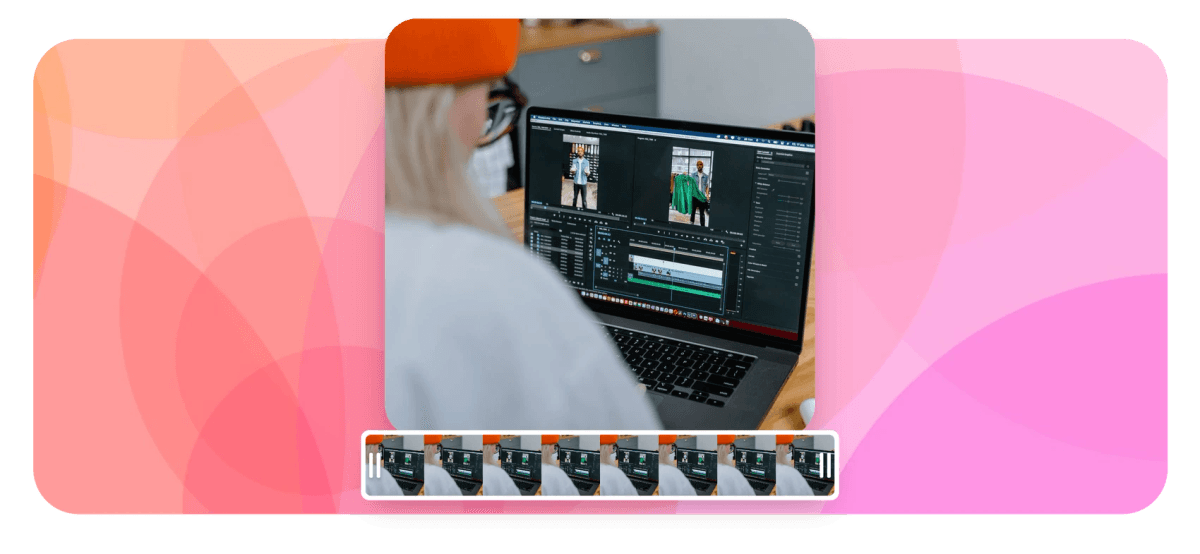
MP4 Converter Features
EchoWave's MP4 converter is used by video editors, marketers, teachers and content creators around the world.





Every direction
One MP4 converter hub for every direction
MP4 is the format that plays everywhere, so most conversions end there. Start with the pair you need: MOV to MP4 for iPhone and Mac footage, WebM to MP4 for screen recordings, or AVI to MP4 for older camera files. Going the other way, MP4 to MP3 pulls the audio out in one step. EchoWave hosts 176 converter pairs in total, all in the same editor.
-
176
converter pairs on EchoWave
-
8K
top export resolution
-
63
AI voice-over voices
-
56
transitions for quick edits
Convert and edit
A converter that finishes the job
Most converters hand you back a file; EchoWave hands you a file you have already trimmed, captioned and compressed.
-
An MP4 converter built into a full editor
Upload once and do everything in the same tab. Convert the file, then trim clips, cut silences, fix colors or add text in the MP4 editor before you render. Standalone converters make you download the result and re-upload it somewhere else for even a one-second trim.
-
Everything to MP4
Bring in MOV, WebM, AVI or MKV files and get an MP4 that plays on phones, smart TVs, consoles and every major browser. MKV to MP4 is the pair to pick when a TV or Windows laptop refuses to open a downloaded file.
-
GIF to MP4 and back
GIF to MP4 turns a heavy animated GIF into a small MP4 that autoplays smoothly on X, Reddit and embedded players. Going the other direction, MP4 to GIF export is available on Pro plans for making reaction loops from video clips.
-
Pull the audio out of any video
MP4 to MP3 extraction takes one export, useful for turning a recorded interview or webinar into a podcast episode. MP3 and M4A exports come with the Basic plan, and WAV and FLAC are on Pro for lossless masters.
-
Quality settings you actually control
Choose resolution, bitrate, frame rate and codec instead of accepting a default. If the target is a size limit for email or Discord, the MP4 compressor approaches the same export from the file-size side.
-
Captions burned in before you convert
AI speech-to-text generates captions with word-level timestamps in dozens of languages, styled with 176 presets including karaoke-style active-word fill. Burn them into the MP4 permanently, or export a separate SRT, VTT, TXT or JSON file alongside the video.
-
Cloud rendering, private by design
Conversion happens on EchoWave's secure render farm rather than your CPU, so the tab stays responsive and an aging laptop is no handicap. There is no software to install and no bundled toolbar, a real hazard with free desktop converters.
-
Runs anywhere you have a browser
Chrome, Edge, Firefox and Safari on Mac, Windows, Linux and Chromebooks all run the full editor and converter. Desktop apps for Mac and Windows exist too if you prefer an installed application.
How it works
How to convert a video to MP4
The same four steps work for MOV, WebM, AVI, MKV, GIF or any other supported source format.
-
Upload your source file
Drag the video into the editor or browse for it on your device. The canvas sizes itself to the first file you add, and there is nothing to install.
-
Edit if you want to
Trim the ends, split out a mistake, add captions or drop a logo in the corner. Skip this step entirely when all you need is the format changed.
-
Pick MP4 and set the quality
Choose MP4 as the export format, then set resolution, frame rate and bitrate. Pro plans go up to 4K and Business reaches 8K and 120fps, and the defaults are sensible if you would rather not decide.
-
Render in the cloud and download
EchoWave's render farm does the conversion, so your machine stays free while it works. Check the result in the preview player, then download the finished MP4. Free exports are HD (up to 720p) with a small removable EchoWave watermark badge, and paid plans remove it.
Who converts to MP4
Common MP4 conversion jobs
-
iPhone footage for Windows
MOV clips straight off an iPhone often stutter or fail to open on Windows machines. Converting to MP4 makes them play everywhere, including inside PowerPoint decks.
-
Screen recordings people can open
Browser-based screen recorders usually save WebM, which some apps and email clients cannot play. An MP4 copy embeds cleanly in Slack, Notion and slide decks.
-
Podcast episodes from video calls
A recorded interview holds good audio trapped in a video container. Convert MP4 to MP3, trim the intro chatter, and publish the sound on its own.
-
GIFs for social feeds
Platforms compress animated GIFs badly, and some reject large ones outright. The MP4 version autoplays, loops and looks sharper at a fraction of the file size.
-
Old archives worth keeping
AVI and MKV files from old cameras and hard drives play poorly on current devices. Convert the keepers to MP4 so they open on anything you own now.
-
Course and lecture uploads
Learning platforms nearly always want MP4 with H.264. Convert the recording, burn in captions for accessibility, and upload one file that works for every student.
Compare
How EchoWave compares
| Feature | EchoWave | CloudConvert | FreeConvert | HandBrake |
|---|---|---|---|---|
| Convert MOV, WebM, AVI and MKV to MP4 | Yes | Yes | Yes | Yes |
| Runs in the browser, no install | Yes | Yes | Yes | no (desktop app) |
| Full video editor included (trim, text, layers) | Yes | No | No | No |
| AI captions with styled presets | yes (176 presets) | No | No | No |
| Resolution, bitrate and fps controls | Yes | Yes | Yes | Yes |
| MP4 to MP3 audio extraction | yes (Basic plan) | Yes | Yes | No |
| GIF to MP4 | Yes | Yes | Yes | Yes |
| Burn SRT subtitles into the video | Yes | yes (via SRT option) | yes (separate tool) | Yes |
| Hundreds of niche formats (WMV, OGV, FLV) | no (dozens of pairs) | Yes | Yes | No |
| Works offline | No | No | No | Yes |
| Free downloads | yes (720p, watermark badge) | yes (daily limits) | yes (size limits) | Yes |
| Cloud rendering keeps your device fast | Yes | Yes | Yes | no (local CPU) |
Based on each tool's public pages as of July 2026. Free tiers and limits change often, so check current pricing before you decide.
Convert a file and judge the result yourself
Upload a video, choose MP4 and watch the converted result in the preview player. Free exports are HD (up to 720p) MP4 with a small removable EchoWave watermark badge and a short branded end card, and paid plans remove the badge and go up to 4K, with 8K on the Business tier.
How creators use EchoWave in real projects

About the EchoWave team
EchoWave is a browser-based video and audio editor built by Lemon Vault LLC since 2018. The people who build the editor write these guides and test every step in the production app before publishing.
MP4 Converter FAQ
Is it safe to use an online MP4 converter?
It depends on the service, so look for HTTPS, a real privacy policy and a named operator before uploading anything. EchoWave is operated by Lemon Vault LLC and converts files on its own secure render farm. Because it runs in the browser, there is also no installer, which removes the bundled-adware risk that free desktop converters sometimes carry.
Is MP4 the same as H.264?
No. MP4 is a container that holds video, audio and subtitle streams, while H.264 is a codec that compresses the video stream inside it. Most MP4 files use H.264 because nearly every device can decode it, but an MP4 can also carry HEVC or AV1, which is why two files with the same extension can behave very differently.
Why is MP4 the most compatible video format?
MP4 with H.264 video and AAC audio has hardware decoding on effectively every phone, TV, console and browser sold in the last decade. Platforms standardized on it too: YouTube, Instagram, TikTok and most course platforms all accept it. That makes converting to MP4 the safest default whenever you cannot control the device your video plays on.
Can I convert a video to MP4 without losing quality?
Re-encoding always involves some loss, but at a reasonable bitrate it is invisible in normal viewing. Keep the output resolution and frame rate matched to the source, and avoid converting the same file repeatedly, since generational loss stacks. EchoWave lets you set bitrate and resolution manually if you want to keep the ceiling high.
How do I convert MP4 to MP3?
Upload the MP4, choose MP3 as the export format and render; the audio comes out on its own. You can trim first so the file starts exactly where the conversation does. MP3 and M4A exports come with the Basic plan, while WAV and FLAC need Pro.
What is the difference between MP4 and MOV?
Both are containers and often hold the same H.264 video, but MOV is Apple's format and support outside Apple hardware is patchy, especially on Windows and Android. MP4 is the standardized version of the same idea. Converting MOV to MP4 fixes most playback problems with no visible change in quality.
Why won't my MP4 file play?
The extension only tells you the container, not the codec inside it. An MP4 carrying HEVC, AV1 or AC-3 audio can fail on devices that only decode H.264 and AAC. Running the file through a converter and re-encoding to H.264 with AAC audio fixes this in almost every case.
How do I make an MP4 file smaller?
Lower the bitrate first, since it has the largest effect on size, then consider stepping down the resolution, for example 4K to 1080p. Cutting unused footage helps too. EchoWave lets you trim clips and remove silences before compressing, so you are not spending bytes on material nobody watches.
Is EchoWave's MP4 converter free to use?
Yes. Uploading, converting, editing and exporting are free, with no install and no account hoops before you can try it. Free exports are HD (up to 720p) MP4 with a small removable EchoWave watermark badge and a short branded end card. Paid plans remove the badge and raise the ceiling to 1080p, 1440p and 4K, with 8K and 120fps on the Business tier, plus formats like WebM, MOV and GIF.
Ready to convert your next file?
Free HD exports with a small removable watermark badge, and paid plans remove it and go up to 4K.
Get Started →























































