
Green Screen Editor: Real Chroma Key, Right in the Browser
Key out a green or blue screen with an eyedropper and three pro controls, watch it update live, and put any footage behind yourself. No green screen? AI removal covers that too.


Green Screen Editor: Real Chroma Key, Right in the Browser Features
EchoWave's editor is used by streamers, filmmakers and content teams worldwide





Chroma key
The classic effect, with the controls that make it clean
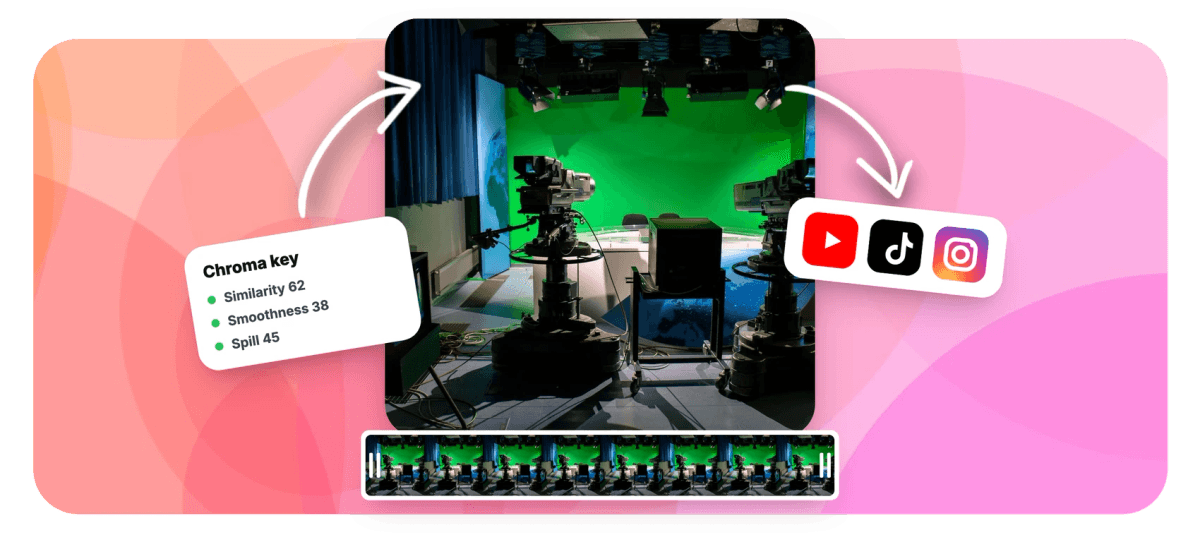
Chroma keying is simple to demo and hard to do well: the difference is edge control. EchoWave gives you the real toolkit, an eyedropper that samples the exact green of YOUR screen from the preview, plus similarity, smoothness and spill-suppression sliders, rendered live by a GPU keyer so you see the matte as you tune it. Whatever sits on the layers below shows through: footage, images, a virtual set. The export renders the identical key server-side, so the preview is the promise. Shot without a green screen? The AI background remover drops backgrounds from ordinary footage, and can even export chroma-green clips for this workflow.
-
Eyedropper
Sample the exact key color from your own footage
-
3 controls
Similarity, smoothness and spill, each 0 to 100
-
Live GPU preview
The keyer runs in real time as you adjust
-
Any backdrop
Layers below show through: video, images, color
What you get
A keyer built like the big editors do it
Same concepts as desktop NLEs, none of the install.
-
Eyedropper Key Color
Click the eyedropper and sample the actual green from your preview instead of trusting a generic swatch, the single biggest factor in a clean key, since no two screens photograph alike.
-
Similarity and Smoothness
Similarity sets how much of the color range keys out; smoothness feathers the matte's edge so hair and motion blur blend instead of crunching. Both run 0 to 100 with live feedback.
-
Spill Suppression
Green light bounces onto shoulders and hair. The spill control neutralizes that green cast on the subject, the finishing touch that separates keyed from pasted.
-
Composite With Anything
The keyed clip is transparent wherever green was, so layers beneath show through: b-roll, a branded frame, a beach, your slides. Build the stack on the video editor timeline.
-
Preview That Matches Export
The in-browser GPU keyer and the server-side render implement the same key, so the matte you approve is the matte you publish.
-
Works on Video and Images
Key green-screen video clips or still images with the same controls, useful for cutout graphics and photographed props.
-
No Green Screen? Two Outs.
The AI background remover segments people from any footage, and can export against chroma green, turning ordinary clips into keyable material for any editor.
How it works
How to remove a green screen from video
Four steps to a clean composite.
-
Add Your Green-Screen Clip
Upload the footage and place it on the timeline above whatever should show through behind it.
-
Enable Chroma Key and Eyedrop
Turn on the key in the clip's details and sample the green directly from the preview with the eyedropper.
-
Tune the Edge
Raise similarity until the screen disappears, add smoothness until edges look natural, and push spill to clear any green cast.
-
Export
The server renders the same key at full quality with your background layers composited in.
Who uses it
Everywhere a background is a lie worth telling
-
Streamers
Key webcam footage over gameplay and overlays, the look the entire category standardized on.
-
Filmmakers and Students
Composite scenes on a browser tab budget: locations, plates and effects shots without a suite.
-
Marketing Teams
One presenter shoot becomes every campaign backdrop the brand ships this quarter.
-
Educators
Stand inside your slides, maps and diagrams instead of beside them.
-
Meme and Remix Culture
The green-screen meme template pipeline, keyed properly instead of approximately.
-
Product Videos
Shoot the item once, place it on any background the listing needs.
Key your green screen now
Eyedropper, pro edge controls and a live GPU preview. Free to start.
How creators use EchoWave in real projects

About the EchoWave team
EchoWave is a browser-based video and audio editor built by Lemon Vault LLC since 2018. The people who build the editor write these guides and test every step in the production app before publishing.
Green screen and chroma key FAQ
How do I remove a green screen from a video online?
Add the clip to the EchoWave editor, enable chroma key in the clip's details, sample the green with the eyedropper, then raise similarity until the backdrop disappears and smoothness until the edges look natural. Place any footage or image on the layer below and it shows through where the green was. Export renders the same key at full quality.
What do similarity, smoothness and spill actually do?
Similarity widens the range of greens that count as background, which handles uneven lighting on the screen. Smoothness softens the matte's boundary so hair, fabric edges and motion blur fade out instead of cutting hard. Spill suppression removes the green light that bounced onto the subject, clearing the telltale green fringe on shoulders and hair.
Does it work with blue screens or other colors?
Yes. The eyedropper keys whatever color you sample, so blue screens and other solid backdrops work the same way. Green is standard because it is far from skin tones and bright on camera sensors, but the keyer does not care.
Can I replace the green screen with a video?
Yes. The keyed clip becomes transparent where the screen was, and the timeline's lower layers show through, so a video background is just a clip placed underneath. Images, solid colors and multi-layer stacks work identically.
What if my footage has no green screen?
Use EchoWave's AI background remover instead: it segments the person from ordinary footage with on-device models, no colored backdrop required. It can also composite you onto chroma green at export, effectively manufacturing green-screen footage for use in any editor.
Why does my key look bad around hair?
Usually the matte edge is too hard or the screen is unevenly lit. Add smoothness to feather the boundary, re-sample the key color from a patch near the problem edge, and use spill suppression to kill the green halo. Even lighting on the screen at shoot time remains the biggest lever.
Will the export match the preview?
Yes. The browser preview runs a GPU keyer and the server render applies the same chroma key with the same parameters, a deliberately mirrored implementation, so tuning in the preview is tuning the final file.
Is the green screen editor free?
Yes, keying and compositing are part of the free editor. Free exports carry a small watermark and are capped at 720p; paid plans export clean up to 4K and beyond.
























































