
Gaming Clip Maker: Every Peak in Your VOD, Found by AI
The clutch play is buried somewhere in a three hour recording. EchoWave scores every moment, keeps your facecam framed, and hands you a ranked grid of clips to review.


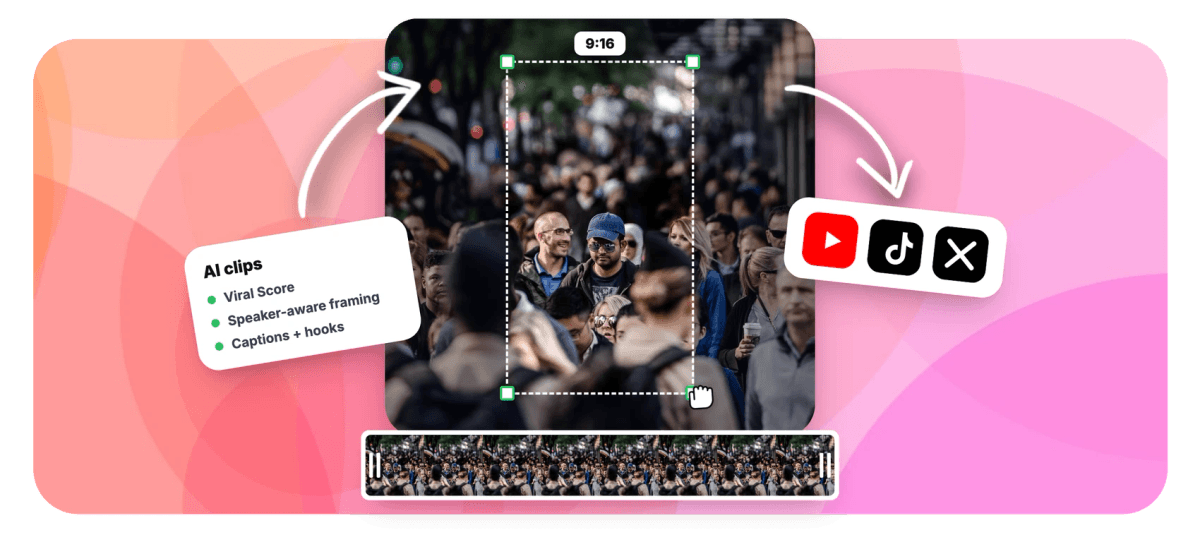
Gaming Clip Maker: Every Peak in Your VOD, Found by AI Features
EchoWave's gaming clip tools are used by streamers, gaming YouTubers and esports teams worldwide





AI gaming clips
Stop scrubbing hours of gameplay for five good seconds
A gaming clip maker has one real job: telling a clutch round from twenty minutes of farming. EchoWave reads the word-timed transcript of your VOD for callouts and commentary, then layers in what the audio and picture show, energy, reaction peaks, silences and scene cuts, so a silent headshot followed by a scream surfaces even when nobody said anything useful. Pick the gaming preset, set 9:16, and each clip arrives scored, captioned and framed with your facecam intact. The Viral Score tells you which one to post first. Every result opens in the gaming video editor as a normal project, ready for Shorts or Reels.
-
0-100
Viral Score on every clip, with Hook, Clarity, Emotion, Value and Trend sub-scores and plain-English reasons
-
7 layouts
Smart camera options including picture in picture and letterbox over blur, built for facecam plus gameplay
-
1-30 clips
Set an exact clip count or let auto decide, with lengths from 15 to 90 seconds or any custom range
-
30 min free
Analysis minutes each month on the free plan; Creator gets 180, Pro 600, Ultra 3,000
What you get
Detection that hears the play, not just the talking
Most AI clippers were built for podcasts and go quiet the moment you do. EchoWave listens to the game.
-
Works From Any Recorded Session
Feed it a file from your computer, your EchoWave library, a direct media link or an existing project. It works on recordings, not live streams, so export your VOD from the platform first, then upload it.
-
Audio Spikes Find Silent Plays
A clean headshot has no dialogue for a transcript tool to read. Audio energy and reaction-peak detection flag the scream, the laugh, the sudden chaos, so clutch moments and funny fails surface without a single spoken word.
-
Viral Score Picks the Post
Your memory of the best play is often wrong about what performs. Each clip gets a 0-100 score across Hook, Clarity, Emotion, Value and Trend, with reasons in plain English like "big reactions" or "strong hook".
-
Facecam and Gameplay, Both Readable
Letterbox over blur stacks the game feed over a softened backdrop; picture in picture pins your reaction in a corner. The camera keeps faces at eye level and never whip-pans across a scene cut.
-
Word-Timed Captions in 60+ Styles
Every clip ships with word-timed captions in any EchoWave preset, karaoke, boxed or word-punch, sized for portrait. Transcription auto-detects around 99 languages, so commentary in any language gets captioned correctly.
-
Prompt Search the Whole VOD
Type "find moments about every funny death" and the AI searches the transcript of a 90 minute playthrough for exactly that. Add keyword boosts or restrict analysis to a time range when you know roughly where to look.
-
Clip Length and Count You Control
Choose Short at 15-30 seconds, Medium at 30-60, Long at 60-90, or set a custom range. Ask for one clip or thirty, or add your own from any point on the source strip.
-
Live Progress on Long VODs
A four-hour session is not a black box. Watch frames get read with your facecam tracked, the waveform spike on every scream, scene cuts land, then clips drop in ranked. Leave and it resumes where it stopped.
How it works
How to use the gaming clip maker
From a raw session recording to a ranked grid of clips in four steps.
-
Upload the Session
Open the Clips tool and add your gameplay recording from your files, library, a direct media link or an existing project. Long files are fine; that is the point.
-
Set the Gaming Preset
Pick the gaming genre preset, choose 9:16 for vertical clips, set clip length and count, and optionally type a prompt like "every clutch round" to steer the search.
-
Review the Ranked Grid
Read each clip's Viral Score, sub-scores and reasons, then check the framing. Switch a clip to picture in picture or letterbox over blur, or refocus on a chosen face.
-
Edit and Export in Bulk
Open any clip as a full EchoWave project to tweak captions, cuts or camera keyframes, then bulk select and export the whole batch through the normal render pipeline.
Who uses it
Made for anyone sitting on hours of gameplay
-
Solo ranked grinders
Finish a three hour session and get the five clippable plays without rewatching a single minute of the VOD.
-
Gaming YouTubers
Cut long let's-plays into vertical clips for Shorts and TikTok, captioned and titled in the video's own language.
-
Duo and co-op streamers
Split and grid layouts keep both facecams and the shared gameplay visible, framed at eye level on every turn.
-
Campaign players
Prompt search a 90 minute playthrough for "every funny death" instead of dragging a playhead through the timeline.
-
Montage makers
Generate up to 30 scored clips per run, then assemble the keepers into a highlight reel in the editor.
-
Esports and creator teams
Jobs are workspace-scoped, so an editor can start a run and teammates see the ranked clips arrive.
Stop scrubbing the VOD
Upload one session and see which ten seconds actually spiked. The first 30 minutes of analysis each month are free.
What people are saying about EchoWave

About the EchoWave team
EchoWave is a browser-based video and audio editor built by Lemon Vault LLC since 2018. The people who build the editor write these guides and test every step in the production app before publishing.
Gaming clip maker FAQ
How do I use a gaming clip maker to clip gameplay automatically?
Upload your recorded session to EchoWave's Clips tool, pick the gaming genre preset, and choose an aspect ratio, clip length and clip count. The AI analyzes the word-timed transcript together with audio energy, reaction peaks, silences and scene cuts, then returns a grid of clips ranked by Viral Score, each with a title, hook line, hashtags and timestamps. Review the shortlist, adjust framing if you want, and export. It works from an already-recorded file, so download your VOD from the streaming platform before uploading it.
Can AI find clutch or funny moments if there's no commentary?
Yes, and this is where gaming breaks most clip tools. A tool that only reads the transcript misses a stealth kill or a clean headshot because nothing was said. EchoWave pairs the transcript with audio signals: energy spikes, reaction peaks, silences and scene cuts. A quiet buildup followed by a scream or a burst of laughter registers as a moment even with zero dialogue. The gaming preset tunes what counts as a highlight, so the results skew toward plays and reactions rather than idle chatter.
How do I keep my facecam and gameplay visible in a vertical clip?
Choose a camera layout built for it. Picture in picture pins your facecam over the full gameplay feed, letterbox over blur stacks the 16:9 game above a softened backdrop, and split gives you a stacked two-up. The smart camera detects on-screen faces and who is talking (lip movement matched to the voice), keeps subjects at eye level, and moves with a capped pan speed so nothing lurches. Every camera move is stored as ordinary keyframes, so if a shot guesses wrong you fix it shot by shot in the editor.
What's the best clip length for gaming content on Shorts?
Most gaming clips land in the 15 to 30 second range: one setup, one payoff, one reaction. EchoWave's Short preset targets exactly that, with Medium at 30-60 seconds for round-length plays and Long at 60-90 for story beats, plus a fully custom range. Rather than guessing, compare the Hook and Value sub-scores across lengths; a clip that opens on the reaction usually scores a stronger hook than one that opens on the loading screen.
Is there a free AI gaming clip maker?
EchoWave includes 30 free analysis minutes every month, enough to run a half hour of gameplay through the full pipeline: detection, Viral Scores, smart camera framing and captions. Free exports carry a small watermark and a 720p cap. Creator raises that to 180 minutes a month with 1080p exports, Pro gets 600 minutes with 4K, and Ultra covers 3,000 minutes per workspace. No trial timer, the free minutes reset monthly.
How do I turn a full gaming session into a highlight montage?
Run the session through the clip generator and ask for a higher clip count, up to 30 per run. Each result becomes an ordinary EchoWave project, so bulk select the keepers, open them in the gaming video editor, and arrange them into a single highlight reel with consistent captions and framing. Because every clip carries timestamps and a transcript excerpt, ordering the montage by round or by escalating chaos takes minutes, not an evening.
Can I search a long VOD for a specific kind of moment?
Yes. The "Find moments about ..." prompt searches the transcript in plain language, so "every rage moment" or "all the boss attempts" pulls matching sections from a multi-hour recording. Add keyword boosts for terms that matter to you, like a teammate's name or an ability callout, or restrict analysis to a time range when you know the good half. If the AI misses something you remember, add a custom clip from any point on the source strip and it gets the same framing and captions.
Can I see what the AI is picking up while it scans my VOD?
Yes. While a session is processed, the Clips page shows the analysis live: frames being read with faces tracked, so you can confirm it found your facecam, the audio waveform with its spikes, the scene cuts, and the transcript as it is written. Clips then appear in the grid ranked by Viral Score as they are found. If you leave the page partway through a long VOD and come back, the job picks up where it left off by itself, so there is no reason to babysit the screen.
Your best plays found and cut
Upload a session, get scored clips with your facecam framed and captions on. 30 free minutes a month.
Get Started →























































