
Vlog Highlight Maker That Knows Where a Scene Ends
Feed EchoWave a full day-in-the-life or travel vlog and get back scored highlight clips, framed vertical and captioned, that never straddle two unrelated scenes.


Vlog Highlight Maker That Knows Where a Scene Ends Features
EchoWave's vlog highlight tools are used by daily vloggers, travel creators, and family channels worldwide





Vlog highlights
Find the beat that made the day worth filming
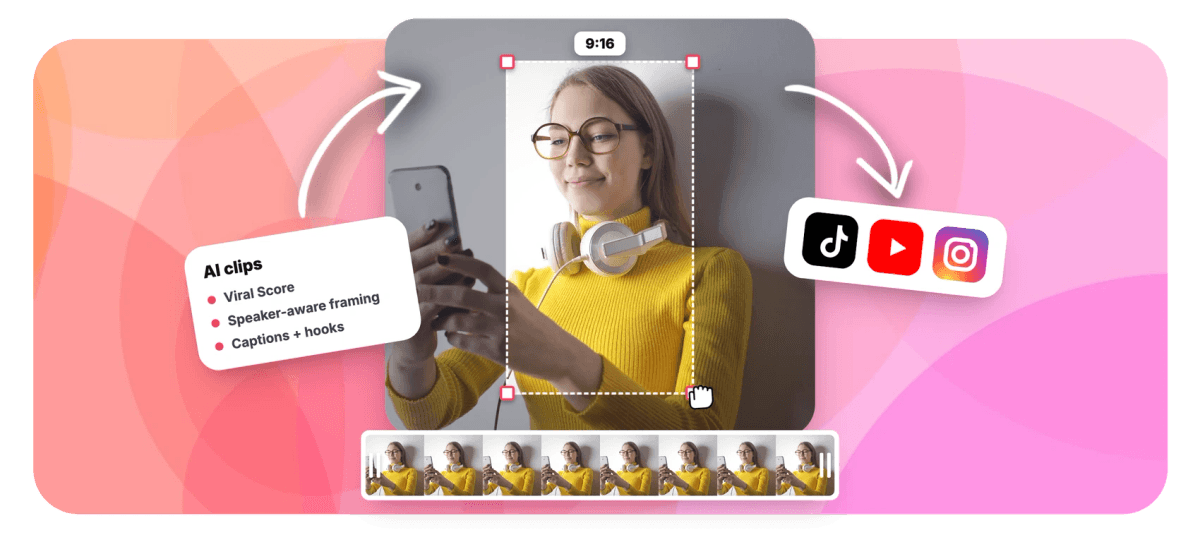
A vlog highlight maker only earns the name if it understands how a vlog is built: a chain of separate scenes, each with its own location, light, and energy. EchoWave reads the word-timed transcript with a language model, then layers in audio energy, reaction peaks, and your own scene cuts, and scores every candidate for Hook, Clarity, Emotion, Value, and Trend. Camera moves never pan across a scene cut, so each clip stays inside the moment it belongs to. Choose Fill for static shots or Follow speaker when you move, and every clip lands in the same portrait shape as our vertical video converter and Reels maker, captioned and ready to open in the editor.
-
5 sub-scores
Hook, Clarity, Emotion, Value, and Trend behind every 0-100 Viral Score, so a quiet felt moment can beat a loud one
-
7 layouts
Fill centre crop for static scenes, Follow speaker for moving ones, plus split, grid, picture in picture, and more
-
1-30 clips
Auto-pick the strongest moments from one long vlog, or set an exact count per run
-
~99 languages
Transcription auto-detects the spoken language, and captions plus AI titles follow it
What you get
Tuned for footage where the moment is felt, not stated
Most of a vlog is transit and setup. These are the pieces that get you from an hour of footage to the twenty seconds that matter.
-
Take the Whole Day
Upload a full vlog session from your files, media library, a direct media link, or an existing project. Analyze everything, or set a time range if the good part happened after lunch.
-
Emotion Gets Its Own Score
Every candidate clip carries an Emotion sub-score alongside Hook, Clarity, Value, and Trend, with a plain-English reason like "big reactions", so the unscripted laugh outranks a merely loud stretch of road noise.
-
Scene Cuts Stay Sacred
Scene detection maps where your scenes change, and the smart camera never pans across one of those cuts. A highlight from the beach stays on the beach instead of bleeding into the car ride home.
-
Fill or Follow, per Clip
Static kitchen shot? Fill centre-crops it clean. Walking tour? Follow speaker tracks you at eye level with capped pan speed. Switch layout per clip instead of forcing one crop onto every scene, powered by AI reframe.
-
Captions Sized for Portrait
Word-timed captions in any of 60+ presets, from word-punch to karaoke to boxed styles, drop onto every clip at a size that reads on a phone. Restyle them anytime with animated captions.
-
Titles and Hashtags Drafted
Each clip arrives with an AI title under 60 characters, a hook line, a description, and 3-6 hashtags, written in the language you filmed in, so posting takes seconds instead of a caption-writing session.
-
Clear a Backlog in Bulk
Point the tool at months of unposted vlogs, then bulk-select the winners to create many projects and exports at once. Frequent posting stops depending on how much editing time is left after the shoot.
-
Search the Day by Topic
Type find moments about the street food market and the search scans what you said on camera for matching stretches. If it skipped a favorite, drag a custom clip from any range on the source strip.
How it works
How to make vlog highlights
Four steps from a full memory card to captioned vertical clips, no rewatch required.
-
Upload the Vlog
Drop in the full video, pull it from your library, or start from an existing project. Long day-in-the-life files and travel vlogs both work; transcription picks up the spoken language automatically.
-
Set the Vlog Preset
Choose the vlog genre preset, pick a clip length such as Short 15-30 s or Medium 30-60 s, set aspect to 9:16, and type a "Find moments about" prompt if you remember roughly what happened.
-
Frame Each Scene
Review the ranked grid with Viral Scores and reasons. Switch a static scene to Fill, a walking scene to Follow speaker, and drag a custom clip from the source strip for anything the AI missed.
-
Caption, Nudge, Export
Apply a caption preset, open any clip as a normal project to nudge a boundary that landed a beat early, then bulk-export. Free exports carry a small watermark at 720p; Creator renders 1080p, Pro 4K.
Who uses it
Vloggers who post more than they edit
-
Daily vloggers
Pull two postable moments from a 25-minute day before the footage goes stale and the next shoot begins.
-
Travel creators
Split one destination vlog into five shorts, each starting and ending where a scene actually does.
-
Family channels
Find the one unscripted emotional moment in a long recording without rewatching an hour of footage.
-
Lifestyle creators
Keep a consistent Reels and Shorts cadence from long-form footage without hiring an editor for every upload.
-
Vlog editors
Use scored candidates and prompt search as a first pass, then refine boundaries by hand in the editor.
-
Backlog clearers
Batch months of unposted vlogs into highlight clips with bulk select, many projects and exports in one sitting.
Stop rewatching your own day
Upload the vlog, get scored highlight clips that respect your scene cuts, and post the moment while it is still fresh. 30 free analysis minutes every month.
What creators say after trying EchoWave

About the EchoWave team
EchoWave is a browser-based video and audio editor built by Lemon Vault LLC since 2018. The people who build the editor write these guides and test every step in the production app before publishing.
Vlog highlight maker FAQ
How do I make vlog highlights?
Upload the full vlog to EchoWave's Clips tool, pick the vlog genre preset, set your clip length and 9:16 aspect, and run the analysis. The AI scores candidate moments using the transcript plus audio energy, reaction peaks, and your scene cuts, then shows a ranked grid with a 0-100 Viral Score and a reason for each pick. Choose Fill or Follow framing per clip, apply a caption preset, and export. Every clip also opens as a normal project if you want to adjust a boundary first.
Can AI find the funny or emotional part of my vlog?
Yes, and this is where most clip tools fall short: the best moment in a vlog is usually a felt beat, not a spoken claim, so transcript-only analysis misses it. EchoWave combines the transcript with audio signals like reaction peaks and energy spikes, and every candidate gets a dedicated Emotion sub-score alongside Hook, Clarity, Value, and Trend. The plain-English reasons, such as "big reactions", tell you why a moment scored high before you even press play.
How do I keep highlight clips from cutting mid-scene?
A vlog is a sequence of unrelated scenes, so a clip that ignores those boundaries feels jarring. EchoWave detects scene cuts in the footage and feeds them into moment selection, and the smart camera never pans across a detected cut, so a clip stays inside one scene instead of straddling the market and the taxi. If the auto-cut still lands a beat early or late, open the clip as a project and drag the edge; every camera move is ordinary keyframes you can edit shot by shot.
How long should a vlog highlight be for Reels or Shorts?
For most vlog moments, 15 to 60 seconds works: long enough to set the scene, short enough to hold attention. EchoWave gives you presets for Short (15-30 s), Medium (30-60 s), and Long (60-90 s), plus a custom range and an Auto mode that lets each moment run its natural length. A quick reaction often fits Short, while a small story arc, like an ordering mishap on a travel vlog, usually needs Medium. Test both and let the scores guide you.
Should a highlight clip follow me around or show the whole scene?
It depends on the scene, which is exactly why a single one-size crop looks wrong on half of most vlogs. For static shots, a talking moment at the kitchen table, use Fill, a clean centre crop to vertical. For moving footage, use Follow speaker: face detection keeps you at eye level and the camera moves like an operator, with a dead zone, capped pan speed, and smoothing. You can switch layouts per clip and adjust steadiness, zoom, and cut-versus-pan behavior.
Is there a free tool to make vlog highlight clips?
Yes. EchoWave's free plan includes 30 analysis minutes per month, enough for a weekly vlog or a shorter daily one, with full access to scoring, framing layouts, and the 60+ caption presets. Free exports carry a small watermark and are capped at 720p; Creator removes the watermark and renders 1080p, and Pro renders 4K. Creator raises the monthly analysis allowance to 180 minutes and Pro to 600, which suits daily posting schedules and longer travel footage.
How do I turn one long travel vlog into several short videos?
Run one analysis and request up to 30 clips, or let Auto decide how many moments deserve a clip. Each candidate arrives with its own score, title, hook line, hashtags, and timestamps, and respects the scene it came from, so a five-clip set from one destination vlog reads as five distinct moments rather than five slices of the same crop. Bulk-select the keepers to create projects and exports at once, in 9:16, 1:1, 4:5, or 16:9 depending on the platform.
Can I edit a highlight clip after the AI picks it?
Every clip becomes an ordinary EchoWave project, not a locked render. Open it in the full editor to trim a scene boundary, swap the caption style, add music, or adjust the framing; each camera move is stored as regular keyframes you can edit shot by shot. That matters for vlogs because the emotional beat sometimes starts one breath before the AI's pick, and a two-second nudge is faster than regenerating. When it looks right, export through the normal render pipeline.
Post the moment skip the rewatch
The best part of your day is already on the memory card. Let the AI find it, frame it, and caption it.
Get Started →























































