
Video Collage Maker, Free and Online
Combine multiple videos and photos in one frame with EchoWave's free video editor. Pick a layout, drop in your clips, add music, then export an MP4. It all runs in your browser, with no signup and no install.


Video Collage Maker, Free and Online Features
To make a video collage online for free, upload your clips and photos to EchoWave, choose a layout such as a 2x2 grid or a side-by-side split, drag each video into a slot, and add music. Trim the clips so they line up, then export one MP4. Everything runs in your browser, with no signup and no install.
Trusted by thousands of creators worldwide





How to make a video collage
Building a video collage in EchoWave takes a few minutes. Follow these steps to combine your clips into a single frame:
-
1. Upload your videos and photos
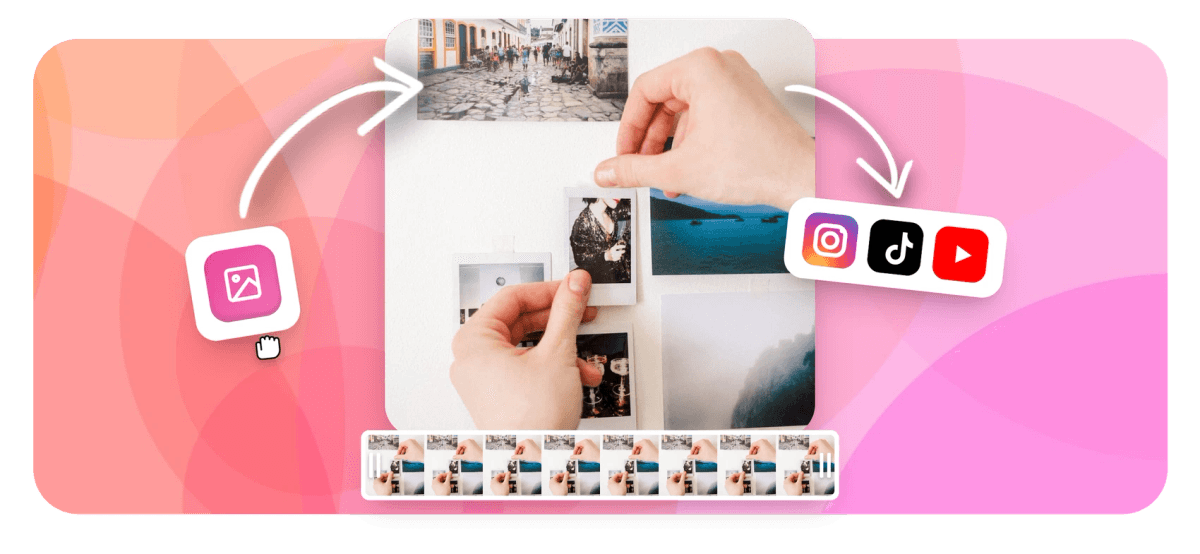
Drag and drop the videos and images you want in your collage into EchoWave. The maker reads almost every common file type, so whatever clips you have on hand, you can combine them.

-
2. Arrange your layout
Resize and drag each clip into position to build your grid: a 2x2 layout, a side-by-side split, or a free-form arrangement. Trim and align the clips so every moment plays at the same time.
-
3. Add music and text
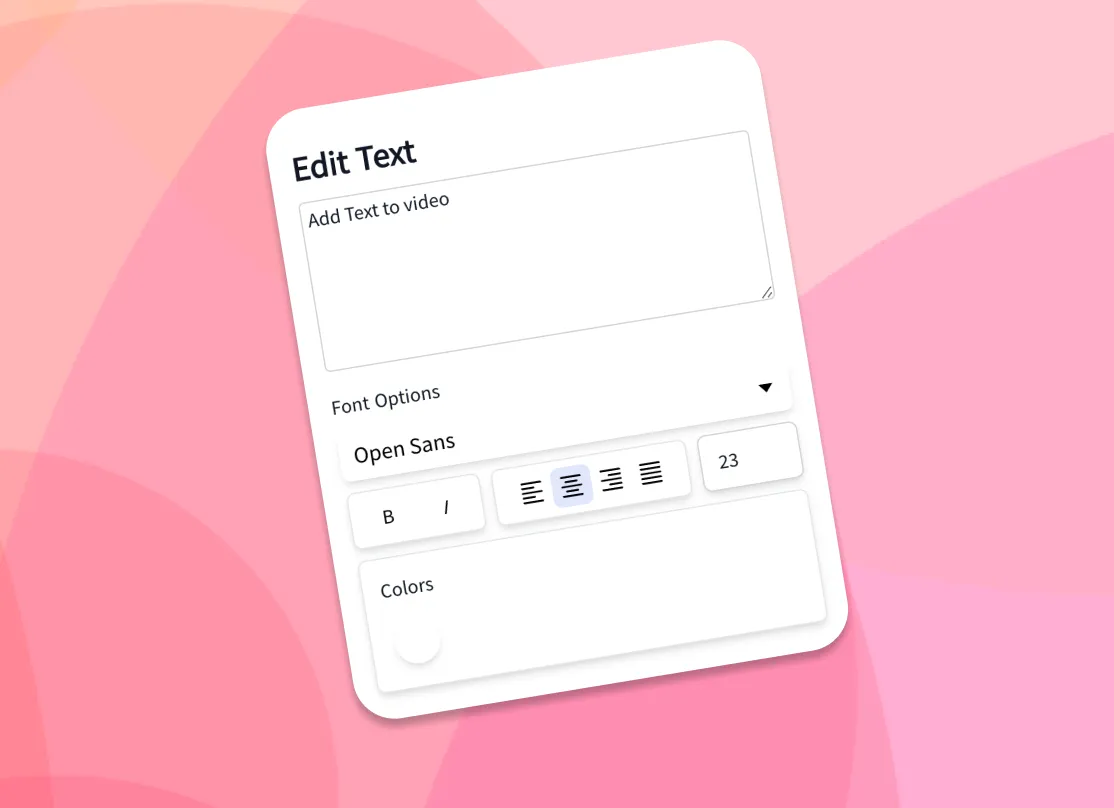
Drop in a background track, add captions or titles, and fine-tune the timing of each clip. This is where the separate clips come together as one polished collage video.
-
4. Download your collage
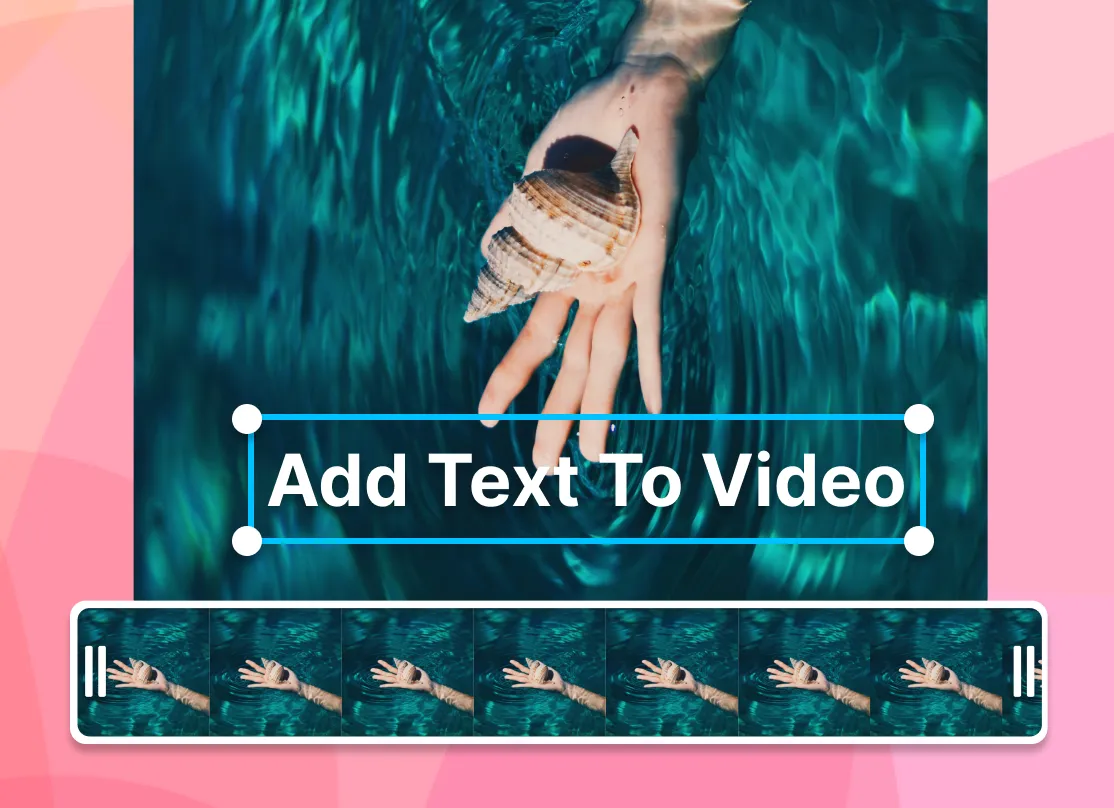
Export your finished video collage as an MP4 and post it anywhere: TikTok, Instagram, YouTube, or your camera roll. Your clips keep their resolution inside their slots.
What people are saying about EchoWave
What is a video collage?
A video collage is a single video that shows several clips at once, arranged in a grid, a split screen, or a free-form layout, so different moments play side by side at the same time. On Instagram, TikTok, or a Story you can normally only post one clip per frame, so a collage is how you fit two, three, or four videos into the same screen. EchoWave's collage video maker gives every clip its own slot on the canvas, lets you set when each one plays, then exports the whole thing as one MP4 you can share.
It is the difference between a slideshow, where clips play one after another, and a real collage, where they play together. People use video collages for reaction videos, before-and-after comparisons, group montages, gameplay highlight reels, and travel recaps that blend photos with footage.
Combine multiple videos into one frame
To put multiple videos in one frame, upload them all, drag each onto the canvas, then resize and reposition them until the layout looks right. Place two videos together for a comparison, build a 2x2 grid of four clips, or stack a row of reaction videos. Because EchoWave is a full video editor, you can trim each clip on the timeline so the action lines up before you export, and set each clip to start at a different moment if you want a staggered reveal.
There is no fixed cap on how many videos you can add. The practical limit is how many slots stay readable in your chosen frame: two or four clips usually look clean, while six or more get small fast on a phone screen. Want a strict two-up layout instead? Our split-screen tool is built for exactly that, and the video merger joins clips end to end rather than side by side.
Photo and video collage in one editor
You do not have to choose between photos and footage. EchoWave is a photo and video collage maker, so you can mix images and clips in the same grid: drop a still photo into one slot and a moving clip into the next, and they sit side by side in the finished video. Stills hold for as long as you set them, so you can hold a photo for three seconds while a video plays beside it.
This makes it easy to build memory montages, before-and-after reveals, or a slideshow-style collage that blends snapshots with short videos. Add a music track over the top and the whole collage plays as one continuous video. If you are working mostly with stills, our photo video maker and add image to video tools pair well with the collage layout.
Layouts and aspect ratios for every platform
Different platforms expect different frames, so EchoWave lets you set the canvas to the aspect ratio your destination needs, then arrange your clips inside it. Pick the size first and you will not have to redo the layout later.
| Layout | Best for | Aspect ratio |
|---|---|---|
| Side-by-side (2-up) | Reactions, comparisons, duets | 16:9 or 1:1 |
| 2x2 grid (4-up) | Highlight reels, group montages | 1:1 or 4:5 |
| Vertical stack | TikTok, Reels, and Shorts | 9:16 |
| Free-form | Picture-in-picture, creative mixes | Any |
The same set of clips can become a square 2x2 grid for an Instagram feed post (1:1 or 4:5) or a vertical 9:16 stack for TikTok and Reels in seconds, with no need to start over. For YouTube, a 16:9 side-by-side reads well on a wide screen. If you are unsure, 1:1 is the safest all-rounder because it crops cleanly to most feeds.
Add music to your video collage
A collage feels finished when it has a soundtrack. In EchoWave you add music to a video collage by dropping an audio file onto the timeline and dragging it to where you want it to start. Adjust the volume of the music against the clips' original audio, trim the track to length, and fade it in or out for a clean ending.
Because every clip and the music share one timeline, you control exactly when each video plays and how loud each track sits in the mix. You can mute individual clips so only your chosen track plays, or keep one clip's audio and duck the rest. If you want to pull the soundtrack from another video, our audio extractor gives you the file to drop in.
Quality, formats, and what to expect
Many collage apps quietly shrink your footage on export. EchoWave does not force a downscale: each clip keeps its original resolution inside its slot, and the finished collage exports in HD. You upload in HD, you download in HD. If the final file is larger than a platform needs, run it through our video compressor afterwards to shrink the size without a visible drop in quality.
For input clips, EchoWave reads MP4, MOV, WebM, MKV, AVI, and other common formats, plus JPG, PNG, and WebP for photos. The collage exports as an MP4 with H.264 video, which plays on every phone, browser, and social platform without conversion. One honest note on pricing: the editor is free to use, and free exports carry a small EchoWave watermark you can remove on a paid plan. EchoWave's dedicated quick tools, like crop and trim, export with no watermark.
Make a video collage on your phone or computer
EchoWave's collage maker runs entirely online, so it works the same on a computer, tablet, or phone with no app to install. To make a video collage on your computer, open EchoWave in Chrome, Edge, Safari, or Firefox on Windows, Mac, ChromeOS, or Linux, then drag clips in from your desktop. To make one on your iPhone or Android phone, open the same page in mobile Safari or Chrome and upload clips straight from your camera roll.
Your files are processed in the browser, so your videos are not uploaded to a third-party gallery just to build the layout, which keeps your footage private to you. Upload your videos and photos, arrange the layout, add music, and export, all from the browser you already have open.

About the EchoWave team
EchoWave is a browser-based video and audio editor built by Lemon Vault LLC since 2018. The people who build the editor write these guides and test every step in the production app before publishing.
Frequently Asked Questions
How do I make a video collage for free?
Upload your clips and photos to EchoWave's video collage maker, pick a layout, drag each video into a slot, add music, then export an MP4. It is free to use and needs no signup.
What is a video collage?
A video collage is one video that shows several clips at the same time in a grid, split screen, or free-form layout. Unlike a slideshow, where clips play one after another, a collage plays them together in a single frame.
How do you put two videos together in one frame?
Upload both clips, drop them onto the canvas, and resize each to sit side by side. For a dedicated two-up layout, use our split-screen tool, which places two videos in one frame automatically.
How many videos can I add to one collage?
There is no fixed limit. Two clips side by side or a 2x2 grid of four usually look clean, while six or more get small on a phone screen. You can resize and reposition each clip freely on the canvas.
How do I make a video collage with music?
Drop an audio file onto the timeline, position it under your clips, and adjust the volume. You can use your own track and mute the original clip audio if you want only the music to play.
Can I make a photo and video collage in the same project?
Yes. EchoWave is a photo and video collage maker, so you can mix still images and video clips in the same grid. Drop a photo in one slot and a moving clip in the next, and set how long each photo holds.
How do I make a video collage on my iPhone?
Open EchoWave in mobile Safari or Chrome on your iPhone, upload clips from your camera roll, arrange the layout, add music, and export. There is no app to install, and the same steps work on Android.
Can I make a vertical video collage for TikTok or Instagram Reels?
Yes. Set the canvas to 9:16 and stack your clips vertically to build a full-screen collage sized for TikTok, Instagram Reels, and YouTube Shorts. For a square feed post, use 1:1 or 4:5 instead.
Can I make a video collage on my computer without downloading software?
Yes. EchoWave runs in your browser on Windows, Mac, ChromeOS, and Linux, so there is nothing to install. Open it in Chrome, Edge, Safari, or Firefox and drag your clips straight in.
What video formats can I use?
EchoWave reads MP4, MOV, WebM, MKV, AVI, and other common formats for clips, plus JPG, PNG, and WebP for photos. The finished collage exports as an MP4 you can post anywhere.
Will making a collage lower my video quality?
No. Each clip keeps its original resolution inside its slot and the collage exports in HD. If you need a smaller file afterwards, use our video compressor.
























































