
The 10 Best Clipchamp Alternatives in 2026
Clipchamp is one of the few editors with watermark-free 1080p exports on its free plan, so an honest alternative has to win on depth, not price. EchoWave is our top pick: a browser editor that adds music visualizers, 170+ caption presets and 150+ file converters Clipchamp does not have. Free and cheaper options are ranked below too.



The 10 Best Clipchamp Alternatives in 2026 Features
Trusted by thousands of creators worldwide





Why people look for a Clipchamp alternative
Let's be fair first: Clipchamp has the most generous free policy in this category. Free exports are 1080p with no watermark, and the editor ships inside Windows 11. People leave for other reasons. Reviewers describe the toolset as shallow next to full editors, with limited effects and keyframing depth and no advanced color work. Browser performance is a recurring gripe: buffering, lag and slow exports on long timelines or modest hardware, with no offline mode. Official browser support covers Chrome and Edge only, and there is no Mac desktop app. 4K export and premium stock sit behind Premium, which Microsoft mostly sells through Microsoft 365 bundles, and the product keeps drifting deeper into the 365 and Copilot ecosystem. Capterra reviewers also rate the automatic AI tools poorly.
We tested every pick below in the browser (or installed it where relevant) and checked each pricing page in August 2026. For each tool we list what the free plan really allows, what paid costs, and where Clipchamp remains the better choice, because for free 1080p exports it often is.
TL;DR: EchoWave is the best overall alternative for creators who want more depth: music visualizers, 170+ caption presets and file converters in any browser; CapCut if you chase short-form trends and templates; Filmora if you want installed desktop software with a one-time license option.
The best Clipchamp alternatives in 2026, ranked
Every pick tested in the browser. Prices checked August 2026.
- 1
EchoWave
Our pickBest overall for creators who have outgrown Clipchamp's toolset
Switching from Clipchamp to EchoWave is not about the watermark, because Clipchamp's free 1080p exports do not have one. It is about depth and freedom. EchoWave opens in any modern browser with no install and no account to start, while Clipchamp's official browser support stops at Chrome and Edge. The free plan takes videos up to 60 minutes, and the dedicated quick tools for trimming, cropping, compressing and converting export with no watermark at all.
What you gain on top is the audio and caption toolkit Clipchamp lacks: music visualizers and waveform videos for turning tracks into clips, auto subtitles in 50+ languages with 170+ presets including karaoke word-by-word styles, translation to 80+ languages, plus 150+ file converters and a video compressor. The honest caveat: on free exports Clipchamp still wins, with watermark-free 1080p against EchoWave's 720p with a small badge.
- Pricing:
- Free plan; paid from $9/mo billed annually
- Free plan:
- Free forever: full editor, 720p exports with a small badge; quick tools export with no watermark
- Best for:
- Creators who want audio-first tools, serious captions and converters in any browser

Pros
- Starts in any modern browser with no install and no account
- Free plan handles videos up to 60 minutes
- Quick tools (trim, crop, compress, convert) export free with no watermark
- Auto subtitles in 50+ languages, 170+ caption presets, karaoke styles
- Music visualizers, waveform videos and audiograms built in
- Basic is $9/mo billed annually with no per-seat pricing
Cons
- Free full-editor exports are 720p with a small badge, while Clipchamp's free 1080p has none
- No AI avatars or text-to-video generation
- Stock library covers sound effects, not music tracks
- 2
VEED
veed.ioBroadest browser suite, with a far stingier free plan than Clipchamp
VEED is the opposite trade from Clipchamp: a much wider browser platform with a much tighter free tier. Free exports cap at 720p and 10 minutes with a watermark, so real use starts at Creator, $10 per user per month billed annually or $20 month to month. That buys unlimited auto subtitles, a recorder, AI avatars and a Gen-AI studio aggregating 25+ video models.
Two cautions from the review record: billing is the dominant complaint theme on its Trustpilot profile (auto-renewal charges and refused refunds), and every AI feature draws from a yearly credit allowance.
- Pricing:
- From $10/mo per user billed annually (Creator); $20 monthly
- Free plan:
- Free tier: 720p exports, 10-minute max length, watermark, limited AI credits
- Best for:
- Marketing teams that want subtitles, avatars and AI generation in one per-seat suite

Pros
- All-in-one: editor, auto subtitles, recorder, AI avatars, text-to-speech
- Unlimited auto subtitles from the Creator plan
- Gen-AI Studio with 25+ text-to-video models
- Brand kits and team workspaces
Cons
- Free plan is demo-grade next to Clipchamp's watermark-free 1080p
- Per-user pricing, with monthly rates about double the annual rate
- Recurring auto-renewal and refund complaints on Trustpilot (4.1)
- 3
CapCut
capcut.comDeepest free effects and templates, now with a watermark of its own
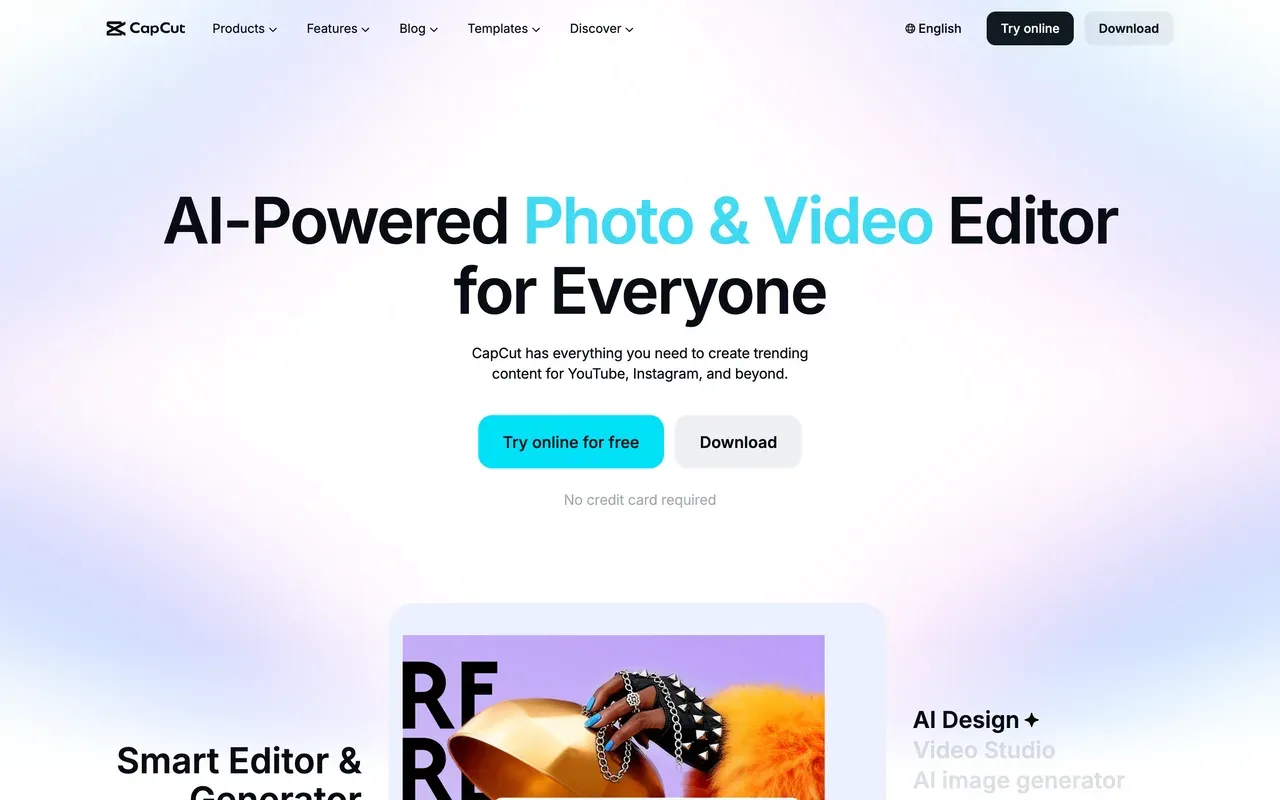
CapCut brings the effects depth Clipchamp lacks: multi-track editing with keyframes and chroma key stays free, and its 870K+ template ecosystem is unmatched for trend-driven short-form. Desktop apps cover both Windows and Mac, which already beats Clipchamp's Windows-only app.
The catch arrived through 2025: free exports now carry a watermark, formerly free features such as auto captions moved behind Pro, and prices roughly doubled in the restructure (Pro $19.99/mo or $179.99/yr, reported figures, since CapCut publishes no price list and cost varies by region and device).
- Pricing:
- Reported ~$9.99/mo (Standard) or $19.99/mo (Pro); not published, varies by region
- Free plan:
- Free core editing with keyframes and chroma key; exports watermarked, around 1080p
- Best for:
- Short-form creators chasing TikTok and Reels trends with templates
Pros
- 870K+ templates and trend effects for vertical video
- Free multi-track editing with keyframes and chroma key
- Desktop apps for Windows and Mac plus mobile and web
- Tight TikTok export integration
Cons
- Watermark added to free exports through 2025
- Auto captions and other once-free features moved behind Pro
- No public price list; pricing varies by region, device and promo
- 4
Kapwing
kapwing.comBest for teams that subtitle and repurpose clips together
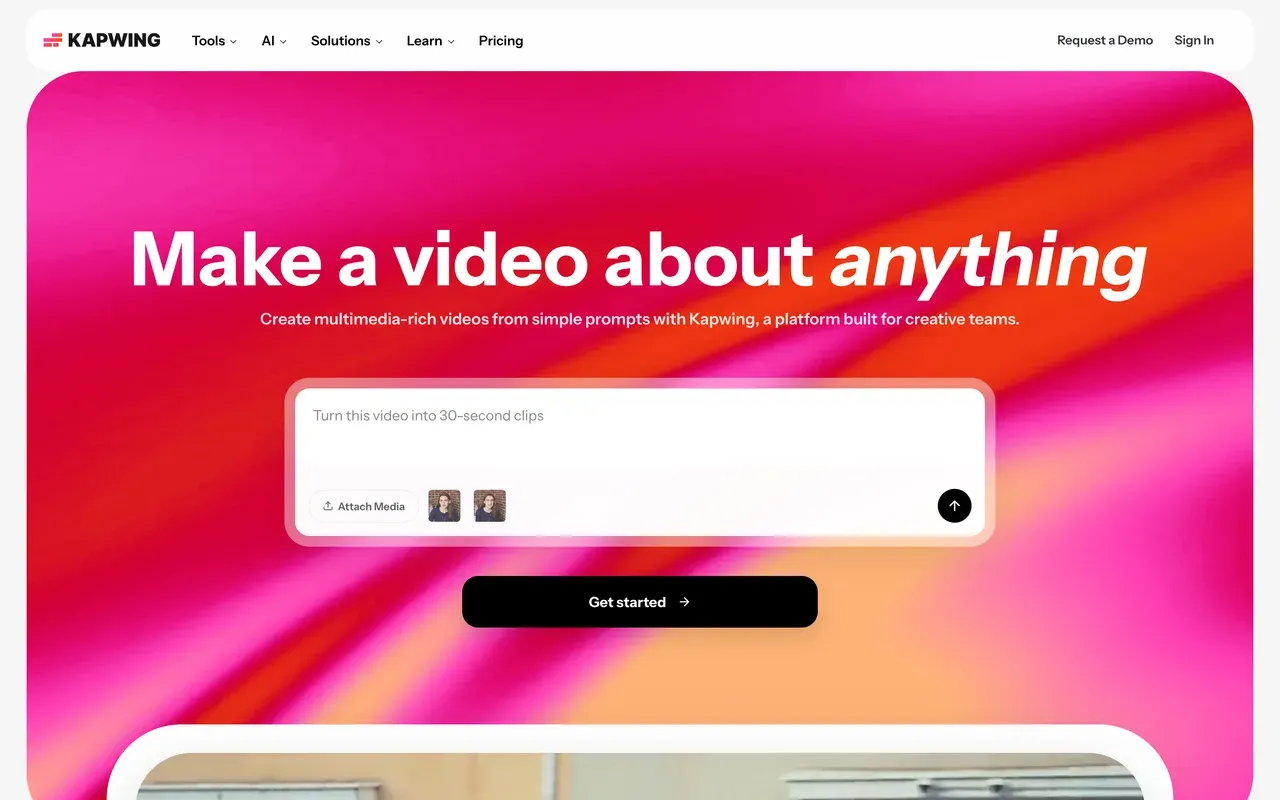
Kapwing goes well past Clipchamp on collaboration: browser workspaces, accurate auto subtitles and a strong repurposing toolkit with smart cut and resizing. The free plan is a demo though: 1-minute watermarked 720p exports, with projects deleted after 3 days. Paid starts at $16 per member per month billed annually.
Weigh the recurring complaints before committing: failed exports and lag on longer projects are the most consistent negative theme, and the billing policy is strictly no-refund.
- Pricing:
- From $16/mo per user billed annually (Pro); $24 monthly
- Free plan:
- Free tier: 1-minute max exports, 720p, watermark, projects stored 3 days
- Best for:
- Marketing and social teams working on short clips in a shared workspace
Pros
- Clean browser workflow with top-rated ease of use
- 1,000 subtitle minutes/mo on Pro, plus translation and dubbing allowances
- Team workspaces with in-browser review and commenting
- Kai AI assistant can generate and edit projects from prompts
Cons
- Free projects auto-delete after 3 days
- Export failures and lag reported on longer projects
- No refunds after upgrading, per its billing policy
- 5
FlexClip
flexclip.comTemplate-first editing at a low annual price
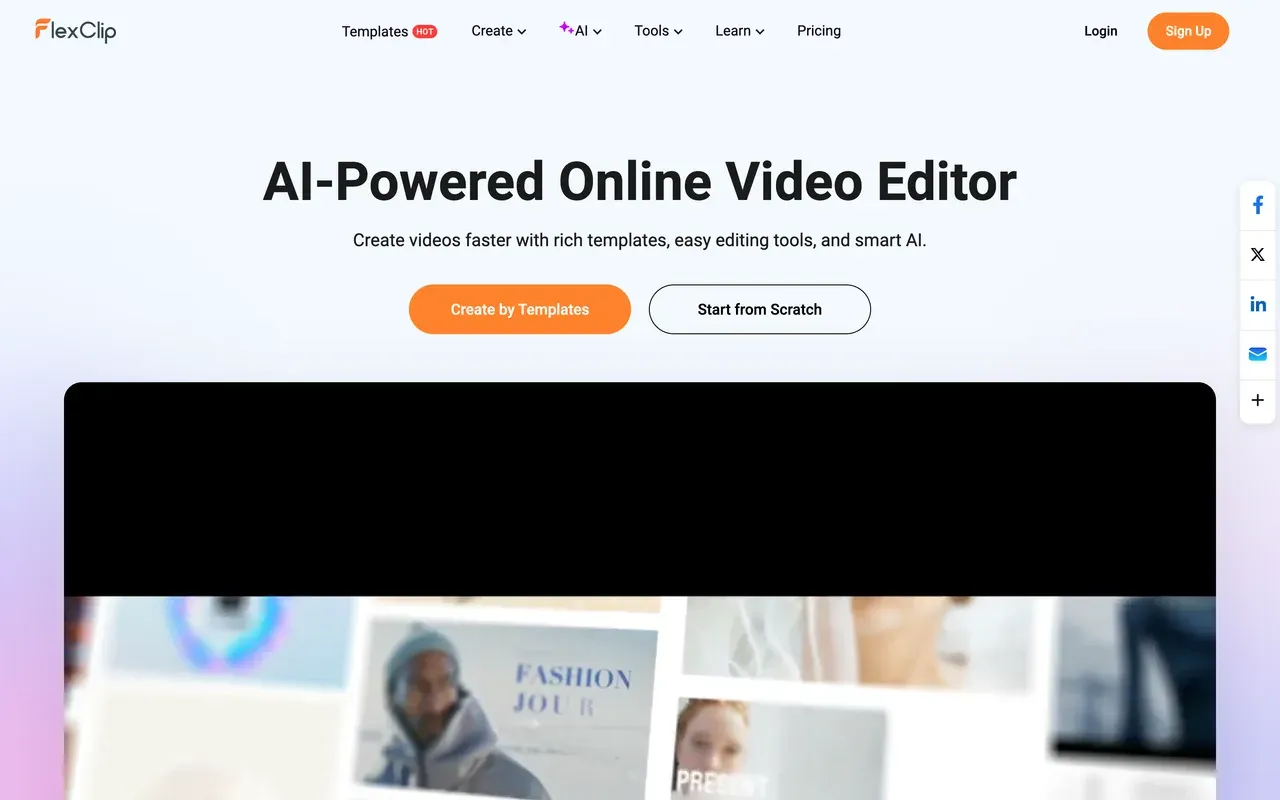
FlexClip competes on templates and price: 6,000+ ready templates, a 4M-item stock library and watermark-free 1080p at $11.99/mo billed annually. Non-editors can assemble a presentable video faster here than on Clipchamp's timeline.
Its free plan is weaker than Clipchamp's, though: 720p, and every free export opens with a mandatory FlexClip intro animation of about 3 to 4 seconds. Reviewers also report slow renders on longer videos, and even the paid Plus tier caps stock at 5 videos and 5 audio tracks per project.
- Pricing:
- From $11.99/mo billed annually (Plus); $19.99 monthly
- Free plan:
- Free tier: 720p, 10-minute videos, forced intro animation on exports, tight stock caps
- Best for:
- Beginners and small businesses making quick template-based videos
Pros
- 6,000+ templates across marketing, social and education
- 4M+ stock media items and 74,000+ audio tracks
- Cheap watermark-free 1080p entry at $11.99/mo annually
- AI extras: text-to-video, auto subtitles, TTS
Cons
- Mandatory intro animation on free exports
- Slow renders on longer or high-res videos
- Stock caps persist on the paid Plus tier
- 6
WeVideo
wevideo.comThe classroom pick, less compelling for solo creators
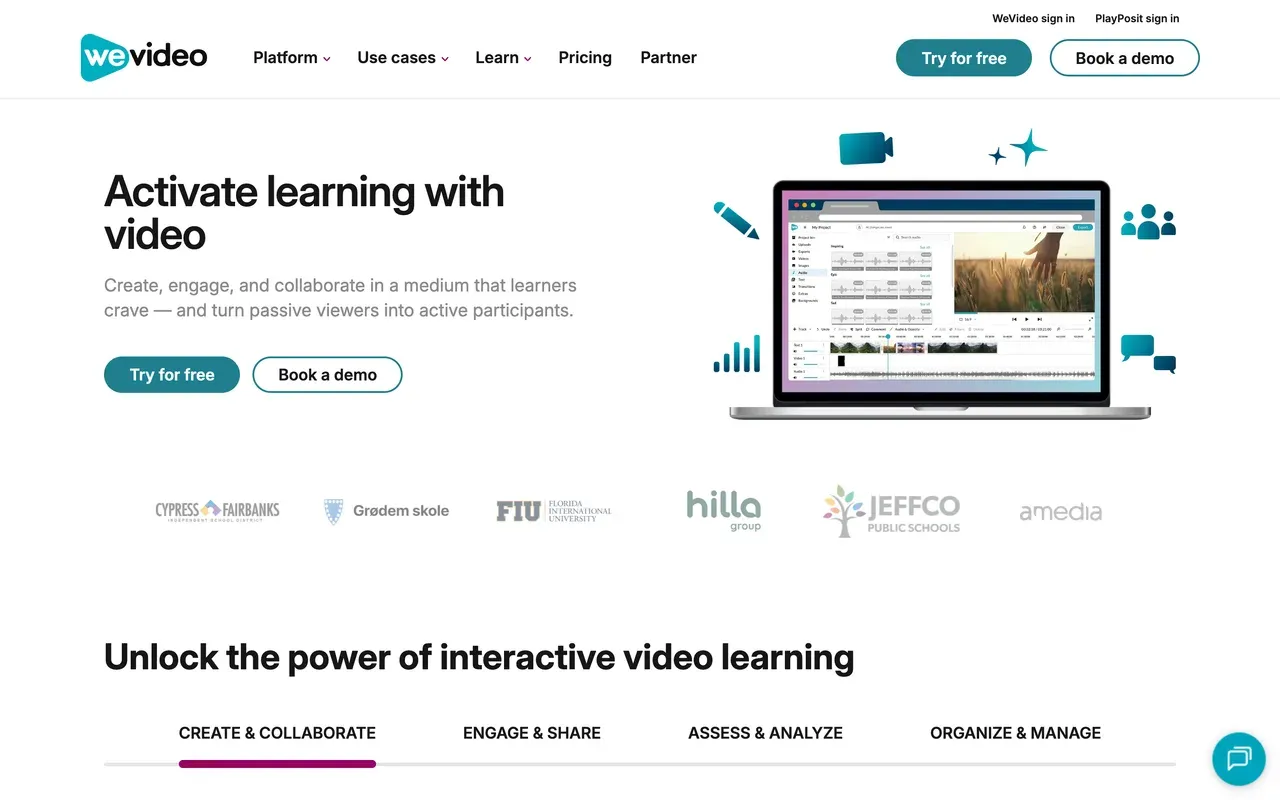
WeVideo now aims mainly at schools: interactive video with quizzes and polls from its PlayPosit acquisition, LMS integrations for Google Classroom and Canvas, and collaborative group editing. For classrooms it does things nothing else on this page does.
Solo creators get a rougher deal than on Clipchamp: the free plan caps at 480p with 5 minutes of publishing per month, the cheapest paid tier still caps at 720p, and its Trustpilot score sits at 2.9 with reports of surprise charges after trials.
- Pricing:
- From $4.99/mo billed annually (Power); education from $89/yr per teacher
- Free plan:
- Free tier: 480p max, 5 minutes of publishing per month, 1GB storage, watermark
- Best for:
- Teachers and schools that need interactive video and LMS integration
Pros
- Interactive video: quizzes, polls and assessment analytics
- Deep LMS integrations and student-privacy positioning
- Real-time collaborative cloud editing
- Education plans from $89/yr per teacher
Cons
- 480p free tier and 720p on the cheapest paid plan
- Recurring export failures and laggy performance reported
- Trustpilot 2.9 with surprise-charge complaints
- 7
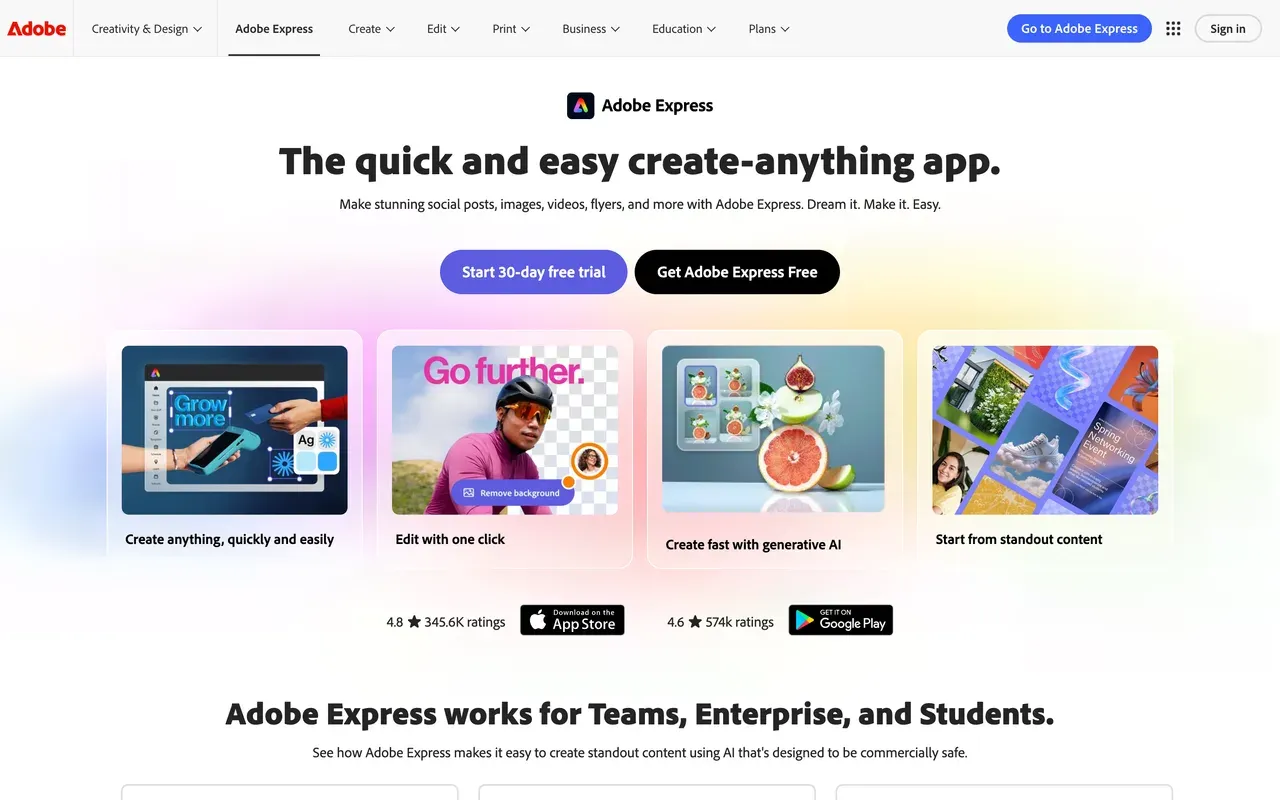
Adobe Express
adobe.comThe other big watermark-free free tier, design-first
Adobe Express is the closest match to Clipchamp's headline strength: its free exports carry no watermark either. It pairs video quick actions (caption, resize, trim, convert) with a huge licensed template library, 500K+ Adobe Stock photos on free, and a social scheduler.
It is a design tool first, and it shows: Capterra reviewers call the video customization 'not very advanced', Adobe's own forums carry bug threads about failing video uploads, and deeper edits push you toward Premiere. Premium is $9.99/mo with 4K export and 250 generative credits.
- Pricing:
- Premium $9.99/mo or $99.99/yr
- Free plan:
- Free tier without watermark: daily AI generations, 268K+ templates, videos up to 30 minutes, no 4K
- Best for:
- Social media managers making branded graphics plus quick captioned clips
Pros
- No watermark on free exports
- Huge licensed template and Adobe Stock library
- Quick actions for captioning, resizing and converting
- Content scheduler included
Cons
- Not a timeline editor; customization is limited
- Recurring video-editing bug reports on Adobe's forums
- 4K export and premium stock need Premium
- 8
Filmora
filmora.wondershare.comInstalled desktop editing Clipchamp cannot offer
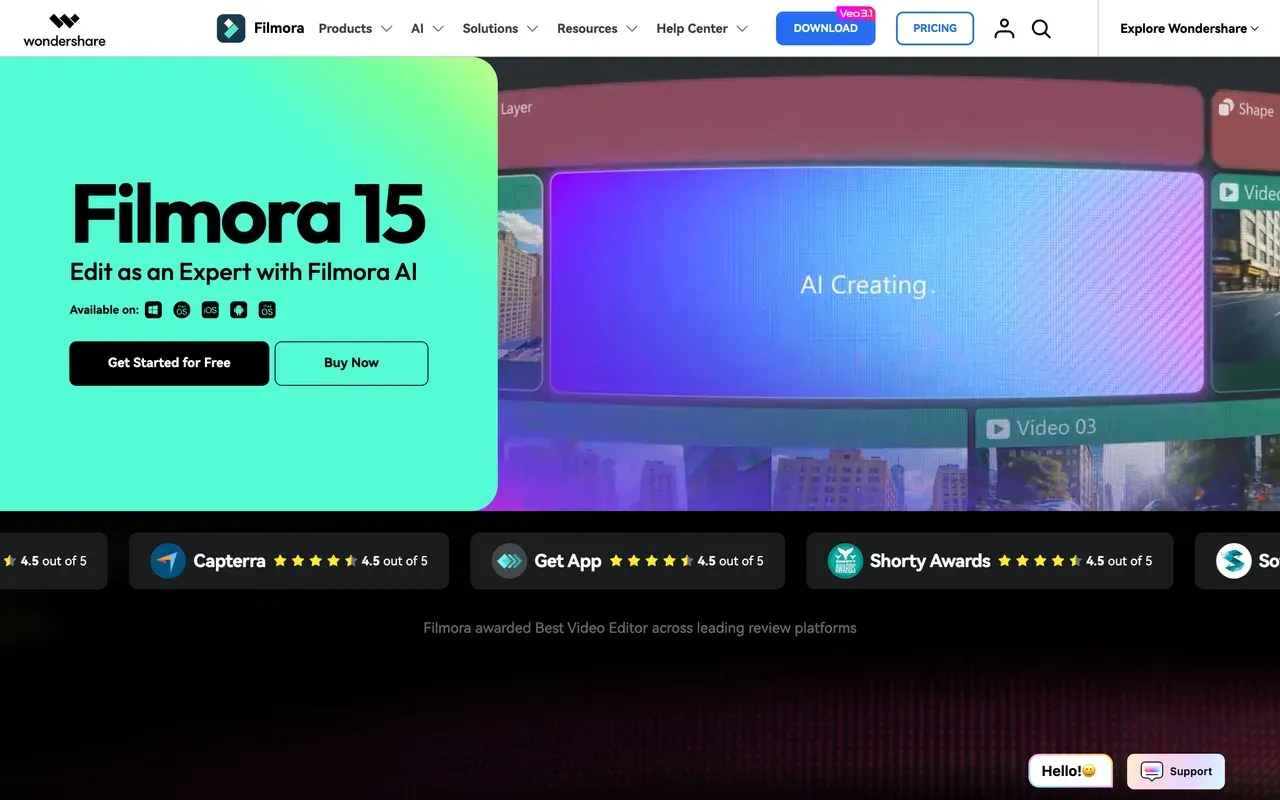
Filmora answers the request Clipchamp cannot: installed desktop software with a real NLE timeline (keyframes, motion tracking, multi-cam) that works offline. At $49.99/yr for the cross-platform Basic plan, or about $99.99 one time for a perpetual license, the sticker price is low.
Read the fine print: the perpetual license covers Filmora 15 updates only, on one platform; the free version watermarks every export; and AI features bill per credit on top, with the Basic plan including no monthly credits at all.
- Pricing:
- From $49.99/yr (Basic); perpetual license about $99.99 one time
- Free plan:
- Free version: full editor, but every export is watermarked
- Best for:
- Hobbyists who want a real desktop timeline editor on a budget
Pros
- Full desktop timeline: keyframes, motion tracking, multi-cam
- One of the last mainstream editors with a perpetual license option
- Cross-platform annual license covers Windows and Mac
- 30-day money-back guarantee
Cons
- Watermark on every free export
- AI features cost credits on top of paid plans
- Perpetual license is version-locked to Filmora 15 on a single platform
- 9
InVideo
invideo.ioPrompt-to-video AI, with the least predictable costs here
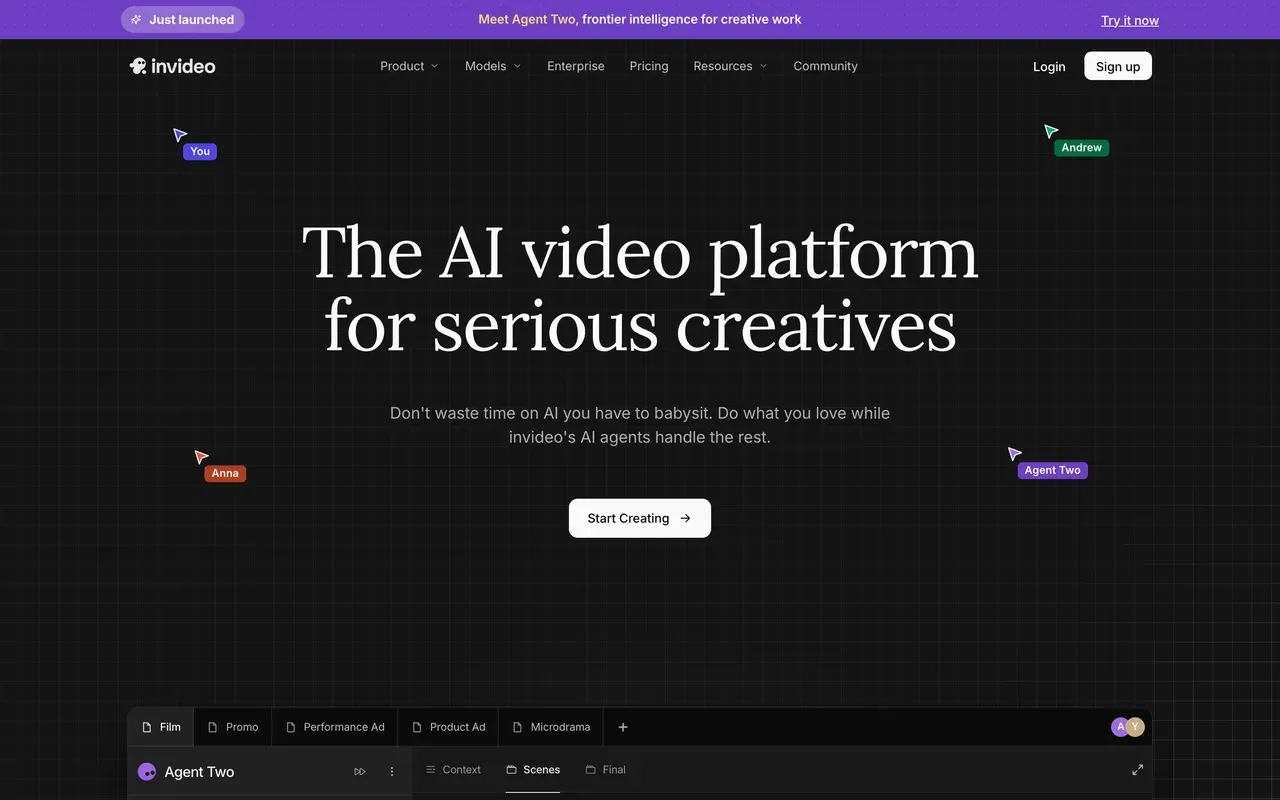
InVideo has pivoted into a prompt-driven AI agent: describe the video and it scripts, voices and assembles it from stock and generative models, including Sora 2 and Veo 3.1 on upper tiers. Nothing in Clipchamp works this way.
It is also the least predictable spend on this page: everything runs on credits that do not roll over, failed generations still consume them, refunds are routinely refused, and tier prices are only fully visible after signup (reported from $25/mo). Its Trustpilot rating sits at 3.4.
- Pricing:
- Reported from $25/mo (Plus); prices login-gated on invideo.io
- Free plan:
- Free tier: small credit allocation, weekly export cap, watermark on every export
- Best for:
- Prompt-first creators who want finished AI videos without editing
Pros
- Generates finished videos from a text prompt
- Aggregates 200+ AI models including Sora 2 and Veo 3.1
- Bundled iStock and Storyblocks access on paid plans
Cons
- Credits burn on edits and failed generations, with no rollover
- Prices hidden behind signup
- Trustpilot 3.4, with refund refusals a recurring theme
- 10
Clideo
clideo.com50+ one-shot tools for quick jobs, all watermarked on free
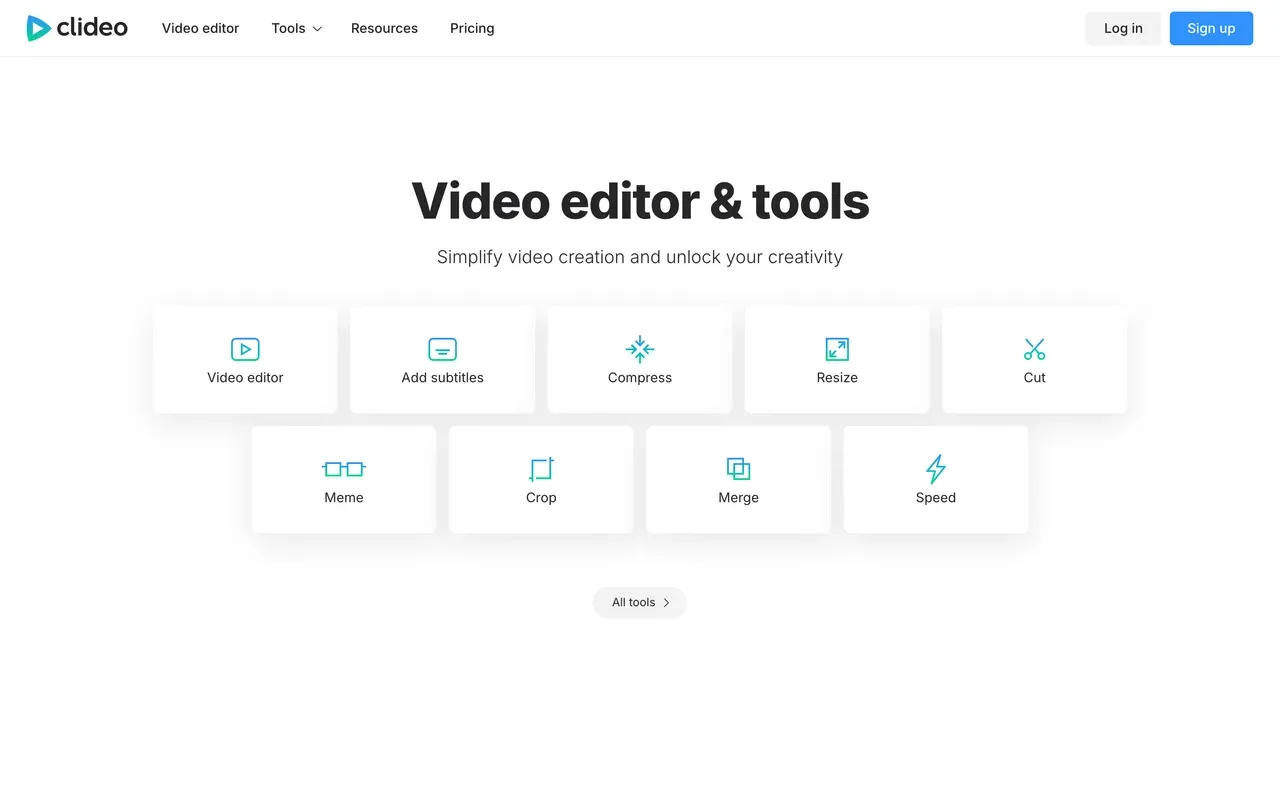
Clideo is not one editor but 50+ single-purpose browser tools: trim, merge, compress, convert, add subtitles. For a one-off job on any device it is hard to beat for simplicity, and Pro is cheap at $6/mo billed annually.
The free trade-off is the reverse of Clipchamp's: every free export carries a watermark, even a simple crop, and files cap at 500MB with slower processing. There is also no way to chain tools, so multi-step edits mean repeated upload and download cycles.
- Pricing:
- Pro from $6/mo billed annually; $9 monthly
- Free plan:
- All 50+ tools free with a watermark on every export; 500MB file cap
- Best for:
- Quick one-off utility jobs without learning an editor
Pros
- Dead-simple single-purpose tools with zero learning curve
- Cheapest paid plan on this page at $6/mo annually
- Works in the browser on any device
Cons
- Watermark on every free export, unlike Clipchamp
- No real timeline; one tool at a time
- 500MB free file cap and slow processing on large files
Clipchamp vs EchoWave at a glance
| Feature | EchoWave | Clipchamp |
|---|---|---|
| Free plan reality | Free forever: full editor, videos up to 60 minutes, 720p exports | Free editor with 1080p exports; free stock and filters only |
| Watermark on free exports | Small badge in the full editor; none on quick tools (trim, crop, compress, convert) | None on free exports |
| Cheapest paid plan | $9/mo billed annually (Basic: no watermark, 1080p) | Premium $11.99/mo, or bundled with Microsoft 365 from $9.99/mo |
| Per-seat pricing | No per-seat pricing on Basic and Pro | Premium is per user; the work add-on is about $7 per user/mo |
| Max export resolution | 1080p on Basic, 4K on Pro, 8K on Business | 1080p free; 4K UHD on Premium |
| Subtitles and captions | Auto-transcribe 50+ languages, 170+ presets, karaoke styles, translation to 80+ languages | Auto subtitles in 80+ languages |
| Music visualizer and audiogram tools | Yes: visualizers, waveform videos, audiograms, podcast-to-video | Not offered; the focus is general editing and screen recording |
| AI voiceover | Text-to-speech studio plus voice cloning | AI voiceovers with 400+ voices |
| Screen and camera recorder | Screen, camera or both; 60-minute takes with a teleprompter | Camera, screen and voice recording built in |
| Browser and platform support | Any modern browser, plus desktop apps for Mac, Windows and Linux | Chrome and Edge officially, plus a Windows app; no Mac desktop app |
| Team features | Business plan: team collaboration, 8K, unlimited renders ($69/mo annually) | Work tiers sold through Microsoft 365, with deep 365 and Copilot integration |
Best free Clipchamp alternative
Judge free plans by what they let you publish. Adobe Express is the closest match to Clipchamp's headline strength, since its free exports carry no watermark either. EchoWave takes a different path: the free editor handles videos up to 60 minutes and the quick tools for trimming, cropping, compressing and converting export clean, though full-editor exports are 720p with a small badge. CapCut still has the deepest free toolset, but since 2025 its free exports are watermarked.
Clipchamp alternatives without a watermark
To be clear, Clipchamp itself does not watermark free exports. If you are seeing watermarks elsewhere, the usual culprits are CapCut, Clideo and FlexClip, which all mark or brand free output. Watermark-free free routes: Adobe Express for quick social clips, and EchoWave quick tools for trim, crop, compress and convert jobs. Any paid EchoWave plan, from $9/mo billed annually, removes the badge everywhere; see pricing.
Apps like Clipchamp for Mac and Linux
Clipchamp has no Mac desktop app and officially supports only Chrome and Edge. EchoWave runs in any modern browser and also ships desktop apps for Mac, Windows and Linux. Filmora is a solid installed option on Mac (it covers Windows and Mac, not Linux). Kapwing and VEED are browser-only, so they run anywhere a modern browser does.
Clipchamp alternative for Windows without Microsoft 365
If you like Clipchamp but not the pull toward a Microsoft 365 subscription, three routes work. Filmora sells a perpetual license, about $99.99 one time, locked to Filmora 15 on a single platform. CapCut has a capable free Windows desktop app if you accept the watermark or pay for Pro. EchoWave needs no install at all, and its paid plans are flat: $9/mo billed annually for Basic, with nothing tied to a bigger software bundle.
How to switch from Clipchamp to EchoWave
Move a project over in three steps, all in your browser.
-
1. Upload your video
Open EchoWave in your browser and drag in your footage, or record a fresh take with the built-in screen recorder. No install, and no account needed to start.

-
2. Edit, caption and polish
Trim on the multi-track timeline, generate auto subtitles in 50+ languages with 170+ presets, then add text, a voiceover or a music visualizer.
-
3. Download and share
Export free at 720p, or from $9/mo billed annually for watermark-free 1080p. Quick jobs like the video compressor export free with no watermark.

What people are saying about EchoWave

About the EchoWave team
EchoWave is a browser-based video and audio editor built by Lemon Vault LLC since 2018. The people who build the editor write these guides and test every step in the production app before publishing.
Clipchamp alternative FAQ
What is the best free Clipchamp alternative?
It depends on what free needs to include. Adobe Express is the nearest like-for-like, because its free exports have no watermark, just like Clipchamp's. EchoWave's free plan trades a small 720p badge in the full editor for things Clipchamp does not offer: videos up to 60 minutes, music visualizers, 170+ caption presets, and quick tools that export with no watermark. CapCut's free tier has the deepest effects, but its exports have carried a watermark since 2025.
What is cheaper than Clipchamp?
For free use, nothing beats Clipchamp's watermark-free 1080p, and if you already pay for Microsoft 365, Premium is effectively included. Among paid plans, several undercut the standalone $11.99/mo Premium: Clideo Pro at $6/mo billed annually, EchoWave Basic at $9/mo billed annually, and FlexClip Plus at $11.99/mo annually. Note that Clipchamp Premium includes 4K, while EchoWave's 4K starts on Pro at $17/mo billed annually, so heavy 4K exporters should compare carefully. See pricing for the full EchoWave breakdown.
Does Clipchamp put a watermark on videos?
No. Free Clipchamp exports at up to 1080p carry no watermark as long as you stick to free stock and filters; 4K export and premium stock require Premium. That policy is the most generous in this category and a genuine reason to stay. If you want the same on a quick one-off job elsewhere, EchoWave's quick tools, like the video compressor, also export free with no watermark.
Clipchamp vs EchoWave: which should I pick?
Pick Clipchamp for free watermark-free 1080p social clips, especially if you live in Windows and Microsoft 365. Pick EchoWave for depth and reach: auto subtitles in 50+ languages with 170+ presets, audio waveform videos and visualizers, 150+ file converters, and a browser editor not limited to Chrome and Edge. On price, Clipchamp's 4K (Premium, $11.99/mo) is cheaper than EchoWave's 4K (Pro, $17/mo billed annually), which matters if 4K is your default.
Is Clipchamp free?
Yes. The free plan exports up to 1080p with no watermark using free assets. Clipchamp Premium, at $11.99/mo standalone, unlocks 4K UHD export, premium stock and the brand kit. It also comes bundled at no extra cost with Microsoft 365 Personal ($9.99/mo) and Family ($12.99/mo), and Microsoft mostly sells Premium through those bundles rather than as a standalone product.
Is Clipchamp safe?
Clipchamp is owned by Microsoft and ships as the default video editor of Windows 11, so it is mainstream, maintained software. The complaints in reviews are about performance, not safety: buffering, lag and slow exports on longer projects, and automatic AI tools that Capterra reviewers rated poorly. If your actual constraint is a locked-down work or school machine, a no-install browser editor like EchoWave is the practical route.
What is the best Clipchamp alternative for Mac?
Clipchamp has no Mac desktop app, and its browser support officially covers Chrome and Edge. On a Mac you have two good routes: a browser editor such as EchoWave, which runs in any modern browser and also offers a Mac desktop app, or installed software such as Filmora ($49.99/yr, Windows and Mac) or CapCut's free Mac desktop app, keeping in mind CapCut now watermarks free exports.
Is there a Clipchamp alternative for Android?
CapCut is the strongest native Android option: its mobile app is the default editor of short-form culture, though free exports are watermarked and many features have moved behind Pro. Adobe Express also ships Android and iOS apps for quick captioned clips. EchoWave takes the no-app route: it is browser-based with nothing to install, and you can start editing without an account.
Which Clipchamp alternative exports 60fps?
On EchoWave, 50/60fps export unlocks with Pro at $17/mo billed annually, alongside 4K, and the Business plan raises the ceiling to 120fps and 8K. Frame-rate caps are usually tied to top tiers across this market and rarely advertised on pricing pages, so check the export panel before paying if 60fps is a must for your gameplay or sports clips.
Why is Clipchamp lagging or exporting slowly?
Performance is the most common technical complaint in Clipchamp reviews: browser-based rendering can buffer and lag, and exports slow down on long timelines or low-end hardware, with no offline editing to fall back on. Shorter projects help. If your projects keep growing, installed editors like Filmora or CapCut's desktop app handle sustained work on local hardware, while EchoWave's free plan at least lets you test a 60-minute browser project before paying anything.
The honest verdict
Ready to try a Clipchamp alternative with more depth? Free plan, no account needed to start
Open the editor in your browser and see for yourself. No credit card required.
Try EchoWave Free →
How we checked
Prices and limits on this page are as checked August 2026, against these sources:
- Clipchamp pricing (clipchamp.com) (Clipchamp)
- What Clipchamp products are there and what's their cost (support.microsoft.com) (Microsoft Support)
- Clipchamp review (techradar.com) (TechRadar)
- VEED pricing (veed.io) (VEED)
- How much does CapCut Pro cost (capcut.com) (CapCut Help Center)
- Kapwing pricing (kapwing.com) (Kapwing)
- FlexClip pricing (flexclip.com) (FlexClip)
- WeVideo pricing (wevideo.com) (WeVideo)
- Adobe Express pricing (adobe.com) (Adobe)
- Filmora purchase page (filmora.wondershare.com) (Wondershare)
- How do InVideo credits work (invideo.io) (InVideo Help Center)
- Clideo pricing (clideo.com) (Clideo)
Every competitor claim on this page was re-verified against the sources above on August 3, 2026.
Pricing and limits change often. If anything here is out of date, email hello@echowave.io with a link and we'll correct it. Our editorial policy explains how we test and update comparisons.
Trademark and comparison notice. Clipchamp and all related names, logos, product names and trademarks are the property of their respective owners. EchoWave is an independent product and is not affiliated with, associated with, authorised by, endorsed by, sponsored by, or in any way officially connected to Clipchamp or its owners. Any third-party names, logos and trademarks are used here only to identify and compare the products honestly (nominative fair use) and do not imply any endorsement, partnership or affiliation.
This comparison reflects EchoWave's own opinion and our understanding of publicly available information believed accurate at the time of writing. Third-party features, pricing and availability change frequently and can vary by region, so figures may be out of date; please confirm the current details on Clipchamp's official website before making a decision. EchoWave makes no representation or warranty as to the accuracy or completeness of any third-party information shown here. If you believe anything on this page is inaccurate or out of date, please contact us and we will review it promptly.























































