Lyric Video Maker
Μετάτρεψε ένα τραγούδι σε ολοκληρωμένο lyric video στον browser σου. Ανέβασε το κομμάτι σου και αυτός ο AI δημιουργός lyric video προσθέτει αυτόματα στίχους στο βίντεό σου, συγχρονίζοντας τις λέξεις με το beat, και μετά διαμόρφωσε τις γραμματοσειρές, τα animations και ένα φόντο ή μια κυματομορφή. Δεν χρειάζονται δεξιότητες μοντάζ και ξεκινάς δωρεάν.


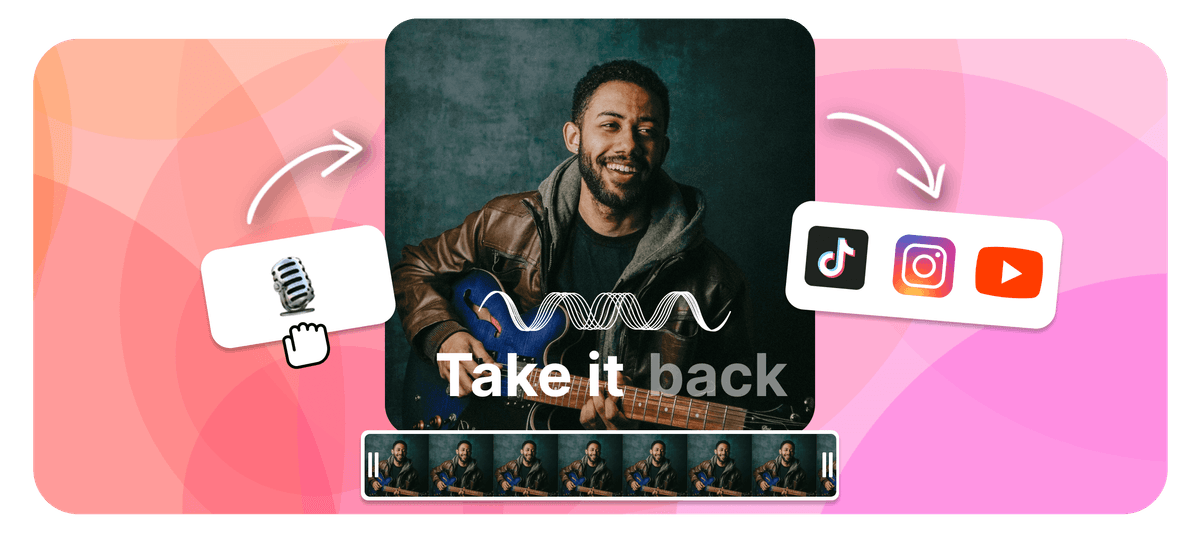
EchoWave is a free lyric video maker that runs online in your browser. To make a lyric video, upload your song, then add the words by typing them in or letting the AI lyric video maker transcribe and auto-sync them to the beat. Style the fonts and animations, add a background image, video, or waveform, set the aspect ratio, then export an MP4 right in your browser. As a lyrical video maker it works the same for any track, and it is free to start.
Echowave: online editor βίντεο και ήχου για δημιουργούς


Πώς να φτιάξεις ένα lyric video
Πήγαινε από ένα ακατέργαστο τραγούδι σε ολοκληρωμένο lyric video σε τέσσερα βήματα, όλα στον browser σου.
-
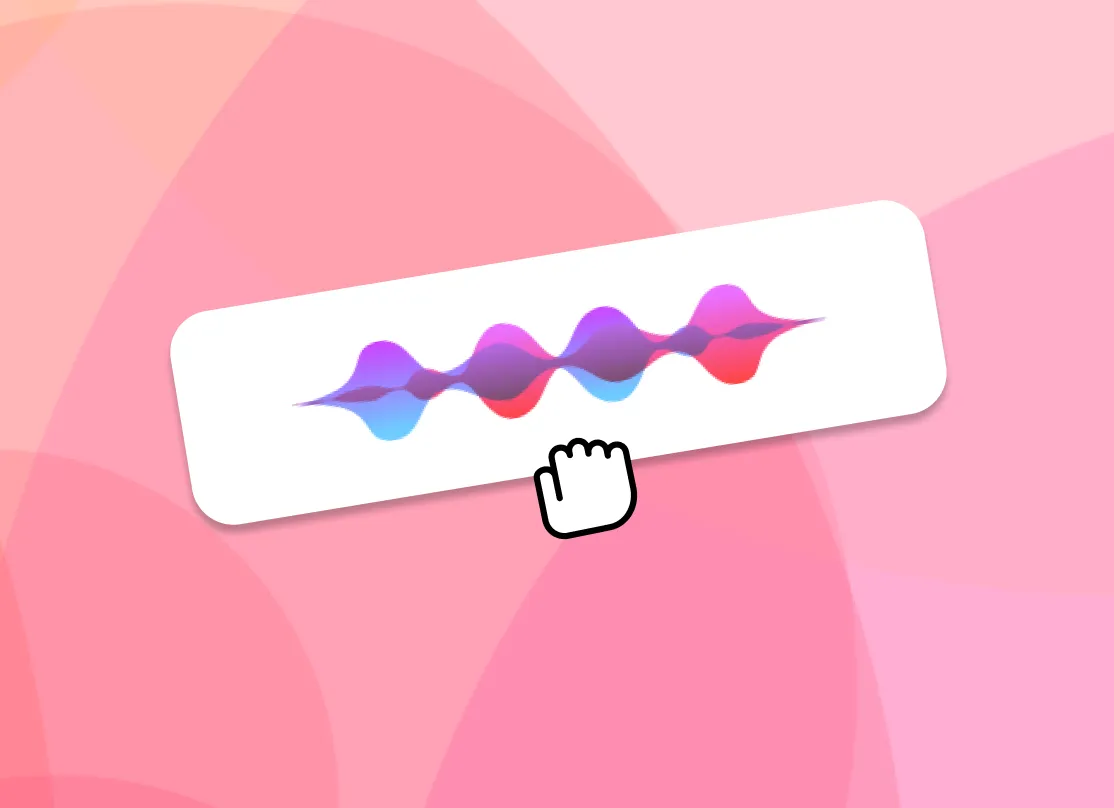
1. Ανέβασε το τραγούδι σου
Ρίξε ένα MP3, WAV, M4A ή AAC. Το EchoWave διαβάζει τον ήχο και τον ετοιμάζει για στίχους, χωρίς λογισμικό για λήψη.

-
2. Πρόσθεσε στίχους (με AI ή χειροκίνητα)
Άσε την AI να απομαγνητοφωνήσει αυτόματα το τραγούδι και να συγχρονίσει τους στίχους με τον ήχο ή πληκτρολόγησέ τους μόνος σου. Και στις δύο περιπτώσεις μπορείς να ρυθμίσεις με ακρίβεια το timing κάθε στίχου.
-
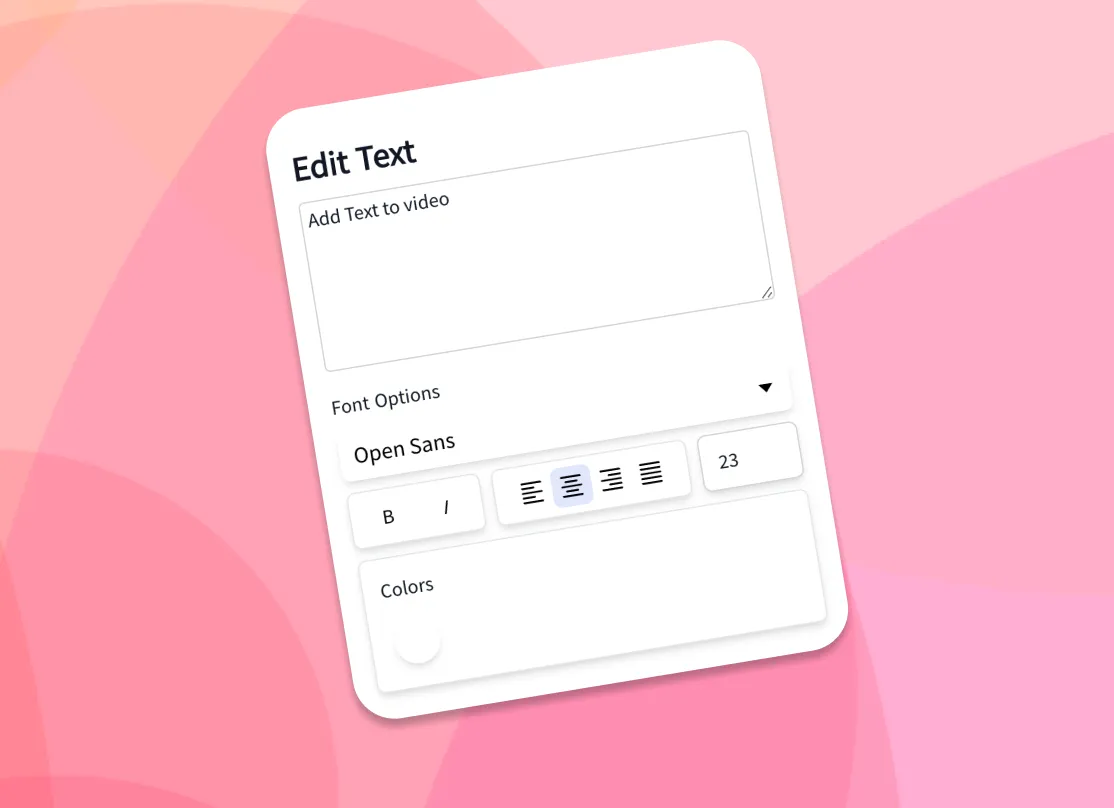
3. Διαμόρφωσε κείμενο και φόντο
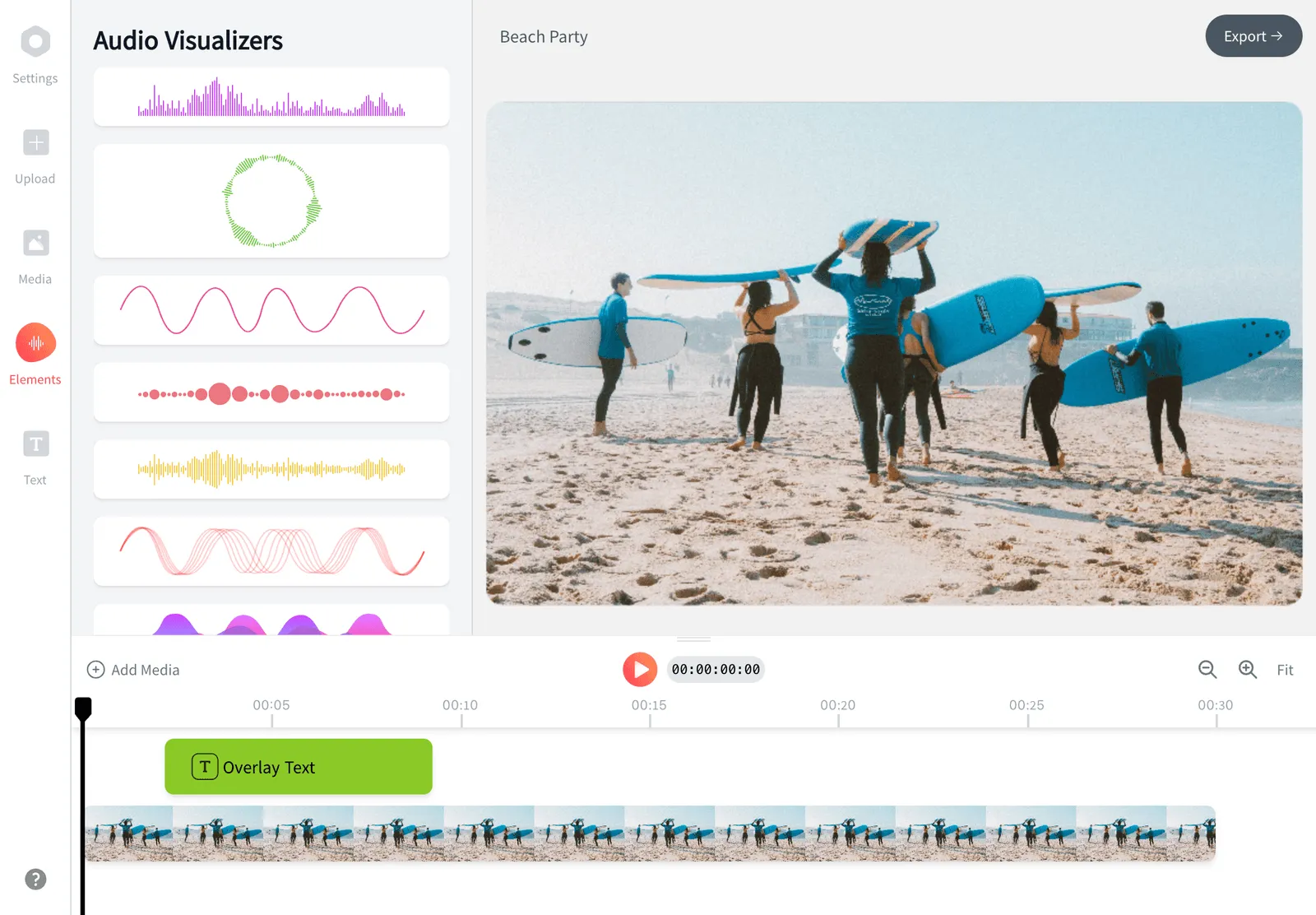
Διάλεξε γραμματοσειρές, χρώματα και animated εφέ και μετά πρόσθεσε τη δική σου εικόνα ή βίντεο φόντου ή έναν music visualizer ή κυματομορφή.
-
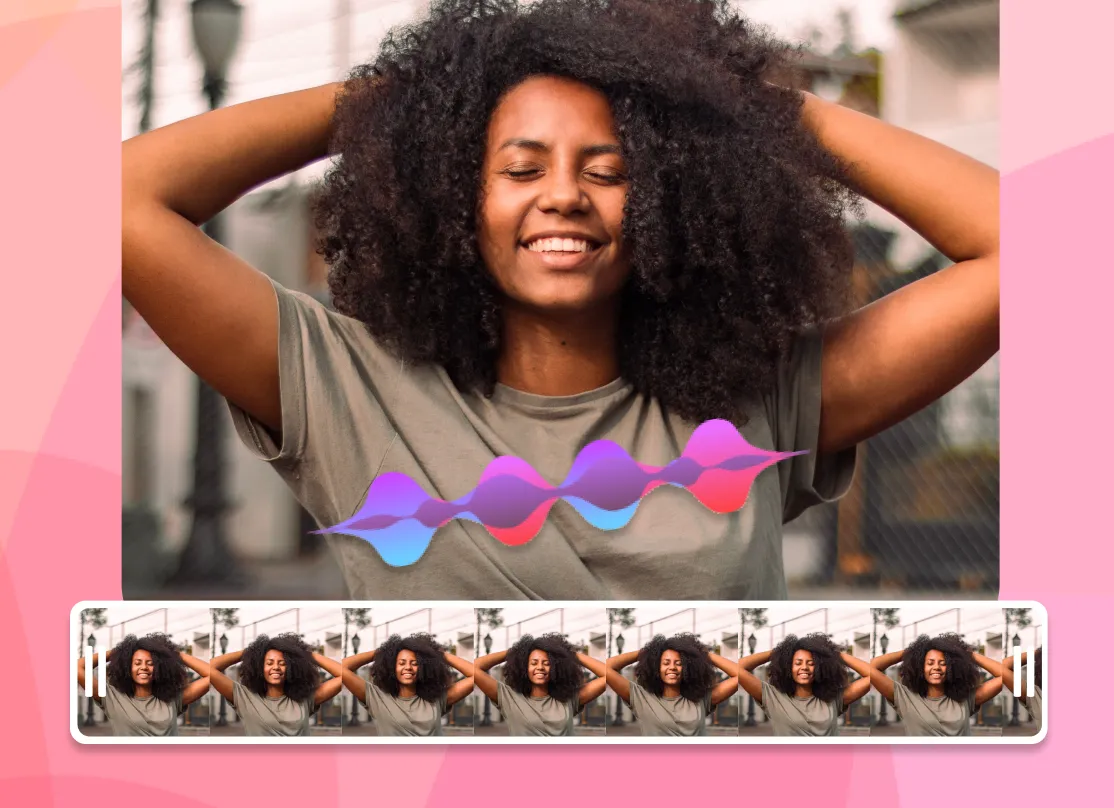
4. Εξαγωγή MP4
Διάλεξε την αναλογία διαστάσεων για την πλατφόρμα σου, κάνε render και κατέβασε το lyric video σου ως MP4, έτοιμο για κοινοποίηση.
Πώς χρησιμοποιούν οι δημιουργοί το EchoWave σε πραγματικά έργα
AI lyric video maker: auto lyrics generator and beat sync
The slowest part of making a lyric video by hand is typing the words and dragging each line so it lands when it is sung. As an auto lyrics generator, EchoWave's AI handles both. Drop in a song and the AI transcription listens to the vocals, writes out the lyrics, and time-stamps each line so the words appear in time with the audio. This is how you add lyrics to video automatically: the AI does the transcription and the sync, with no manual typing required. If you already have the lyrics, paste them in and the AI still aligns them to the track for you.
That auto-sync is what separates a real lyric video generator from a plain caption tool. You get a full first pass in seconds, then open the timeline to nudge any line that needs adjusting: shift a line a few frames, split a long line in two, or stretch a held note so the word stays on screen as long as the singer holds it. Auto transcription works best on clear lead vocals; dense mixes, heavy effects, or fast rap can need a few manual edits, which is why the line-by-line controls are always there.
Animate the lyrics so they move with the song
Static captions sit flat on the screen. Animated lyrics carry the energy of the track, and that is what people actually watch and share. EchoWave gives you a library of fonts, colors, outlines, and kinetic text effects, so words can fade, slide, pop, scale, or type on in time with the music. Pick a ready-made style to get a polished look in one click, or build your own and reuse it across every line for a consistent look from start to finish.
Because the text is tied to the synced timing, the animations land on the beat automatically. A few practical tips from making a lot of these: keep one or two lines on screen at a time rather than a full verse, use a font size large enough to read on a phone, and add a subtle shadow or outline so the words stay legible over a busy background. High contrast between the text and the backdrop is the single biggest factor in whether a lyric video reads well at a glance.
Backgrounds, waveforms, and visualizers
A lyric video is more than text, so EchoWave lets you set the backdrop however you like. Upload your own image or video background, or drop in a music visualizer or animated waveform that reacts to the track. Use album art, a brand color, a looping clip, or a gradient to match the mood of the song. You can layer more than one element too: a video background behind a waveform behind the lyrics. To add song lyrics to a photo online, set a still image as the background and let the words animate over it for a simple photo lyrical video.
For a clean, low-effort look, a single dark background with bright animated text reads well on every platform and keeps file sizes down. For a richer scene, a slow-moving video loop under a reactive waveform gives the frame motion even during instrumental sections. Everything renders into one MP4 with the audio baked in, so what you preview is exactly what you download.
Ξεκινάς δωρεάν
Supported formats and export specs
EchoWave accepts the common audio formats for your song, including MP3, WAV, M4A, and AAC, plus image backgrounds (JPG, PNG, WebP) and video backgrounds (MP4, MOV, WebM). The browser cannot always read every exotic codec the way a desktop app can, so if a file does not preview cleanly, re-saving it as a standard MP3 or MP4 usually fixes it.
Exports are H.264 MP4 with the audio muxed in, which plays everywhere and uploads directly to every social platform. Pick your aspect ratio before exporting so the video fills the frame instead of sitting in letterbox bars. Render time depends on the length of the song and the resolution; a typical three to four minute track exports in a couple of minutes. For most songs, 1080p is the right balance of quality and file size.
Sizes for TikTok, YouTube, Instagram, and Reels
Every platform wants a different shape, so set the canvas size up front and your lyric video fills the frame on upload:
- TikTok, Instagram Reels, and Stories: 9:16 vertical, 1080 by 1920.
- YouTube: 16:9 widescreen, 1920 by 1080, or 9:16 for Shorts.
- Instagram feed: 1:1 square (1080 by 1080) or 4:5 portrait (1080 by 1350).
- Facebook and X: 16:9 or 1:1 both work well in-feed.
The workflow is the same for all of them: upload the song, let the AI sync the words, style the text and background, choose the preset, and export. If you are posting the same song to several places, export the vertical 9:16 cut for short-form first, then duplicate the project and switch to 16:9 for the full YouTube version without redoing the timing.
Who uses a lyric video maker, and when
Independent musicians use a lyric video maker as the cheapest way to get a new single onto YouTube while the official music video is still in the works, since a lyric video can go live the same day a track drops. Labels and managers use them to push pre-saves and announce release dates. Creators and fans make them for favorite songs, covers, and karaoke-style clips. Podcasters and brands use the same workflow to turn an audio quote or jingle into a captioned clip for social.
A lyric video earns its place when the words matter and the budget or timeline does not allow a full shoot. It keeps a song discoverable on search and feeds, gives listeners something to watch, and is quick enough to make that you can ship one for every release. EchoWave runs in your browser, and you only pay if you want extras like removing the watermark or exporting at a higher resolution.

Σχετικά με την ομάδα του EchoWave
Το EchoWave είναι ένας επεξεργαστής βίντεο και ήχου στο πρόγραμμα περιήγησης, που αναπτύσσεται από τη Lemon Vault LLC από το 2018. Οι άνθρωποι που φτιάχνουν τον επεξεργαστή γράφουν αυτούς τους οδηγούς και δοκιμάζουν κάθε βήμα στην πραγματική εφαρμογή πριν από τη δημοσίευση.
Συχνές Ερωτήσεις
Πώς φτιάχνω ένα lyric video δωρεάν;
Το EchoWave είναι ένας δωρεάν δημιουργός lyric video. Ανέβασε το τραγούδι σου, πρόσθεσε τους στίχους με αυτόματο συγχρονισμό AI ή πληκτρολογώντας τους, διαμόρφωσε τις γραμματοσειρές και το φόντο και μετά εξήγαγε και κατέβασε ένα MP4. Ξεκινάς δωρεάν και τα κύρια πληρωμένα έξτρα είναι η αφαίρεση του υδατογραφήματος και η έξοδος υψηλότερης ανάλυσης.
Πώς προσθέτω στίχους σε βίντεο αυτόματα;
Η AI του EchoWave απομαγνητοφωνεί το τραγούδι και συγχρονίζει αυτόματα κάθε στίχο με τον ήχο, ώστε οι λέξεις να εμφανίζονται όταν τραγουδιούνται. Μετά μπορείς να ρυθμίσεις με ακρίβεια το timing κάθε στίχου στο timeline.
Υπάρχει δωρεάν AI lyric video maker;
Ναι. Ο AI συγχρονισμός στίχων, οι γραμματοσειρές, τα animations και τα φόντα του EchoWave είναι δωρεάν και δουλεύουν στον browser, χωρίς λογισμικό για λήψη.
Θα έχει υδατογράφημα το lyric video μου;
Οι εξαγωγές από τον πλήρη editor περιλαμβάνουν ένα μικρό υδατογράφημα EchoWave στο δωρεάν πλάνο, που μπορείς να αφαιρέσεις όποτε θες με αναβάθμιση. Τα ειδικά γρήγορα εργαλεία μας, όπως crop, trim και συμπίεση, εξάγουν χωρίς υδατογράφημα.
Μπορώ να προσθέσω δική μου εικόνα ή βίντεο φόντου;
Ναι. Ανέβασε οποιαδήποτε εικόνα (JPG, PNG, WebP) ή βίντεο (MP4, MOV, WebM) ως φόντο ή χρησιμοποίησε μια animated κυματομορφή ή έναν music visualizer που αντιδρά στο κομμάτι.
Πώς συγχρονίζω τους στίχους με τη μουσική;
Η AI συγχρονίζει κάθε στίχο αυτόματα όταν απομαγνητοφωνεί το τραγούδι. Για να προσαρμόσεις, άνοιξε το timeline και μετακίνησε, χώρισε ή άπλωσε οποιονδήποτε στίχο ώστε να πέφτει ακριβώς πάνω στη φωνή.
Μπορώ να προσαρμόσω γραμματοσειρές, χρώματα και animations;
Ναι. Υπάρχουν πολλές γραμματοσειρές, χρώματα, περιγράμματα και κινητικά εφέ κειμένου, καθώς και έτοιμα στυλ που εφαρμόζεις με ένα κλικ και ξαναχρησιμοποιείς σε κάθε στίχο.
Ποιες μορφές ήχου και βίντεο υποστηρίζει το EchoWave;
Δέχεται ήχο MP3, WAV, M4A και AAC, καθώς και εικόνες JPG, PNG, WebP και βίντεο MP4, MOV, WebM για φόντα. Οι εξαγωγές είναι H.264 MP4 με τον ήχο ενσωματωμένο.
Τι μέγεθος πρέπει να έχει ένα lyric video για TikTok, YouTube και Instagram;
Χρησιμοποίησε 9:16 (1080 επί 1920) για TikTok, Reels και Shorts· 16:9 (1920 επί 1080) για YouTube· και 1:1 ή 4:5 για το Instagram feed. Το EchoWave έχει presets για καθένα, οπότε διάλεξε ένα πριν την εξαγωγή.
Πόση ώρα παίρνει να φτιαχτεί ένα lyric video;
Με αυτόματο συγχρονισμό AI, ένα πρώτο προσχέδιο ενός τραγουδιού τριών με τεσσάρων λεπτών παίρνει λίγα λεπτά. Η διαμόρφωση και η λεπτομερής ρύθμιση του timing προσθέτουν λίγο ακόμα, ανάλογα με το πόσο προσεγμένο το θέλεις.
Μπορώ να φτιάξω lyric video για το YouTube;
Ναι. Όρισε τον καμβά σε 16:9 για κανονικό ανέβασμα στο YouTube ή σε 9:16 για Shorts και μετά εξήγαγε το MP4 και ανέβασέ το. Τα lyric videos είναι ένας γρήγορος τρόπος να βγάλεις ένα νέο single στο YouTube όσο ετοιμάζεται ένα πλήρες βίντεο.
Χρειάζεται να κατεβάσω ή να εγκαταστήσω λογισμικό;
Όχι. Ο δημιουργός lyric video δουλεύει στον browser σου σε υπολογιστή και κινητό, οπότε δεν υπάρχει τίποτα για εγκατάσταση.
Έτοιμος να φτιάξεις ένα lyric video;
Ξεκινάς δωρεάν
Ξεκινάς δωρεάν, δουλεύει στον browser, χωρίς λογισμικό για εγκατάσταση.
Ξεκίνα