Lyric video maken
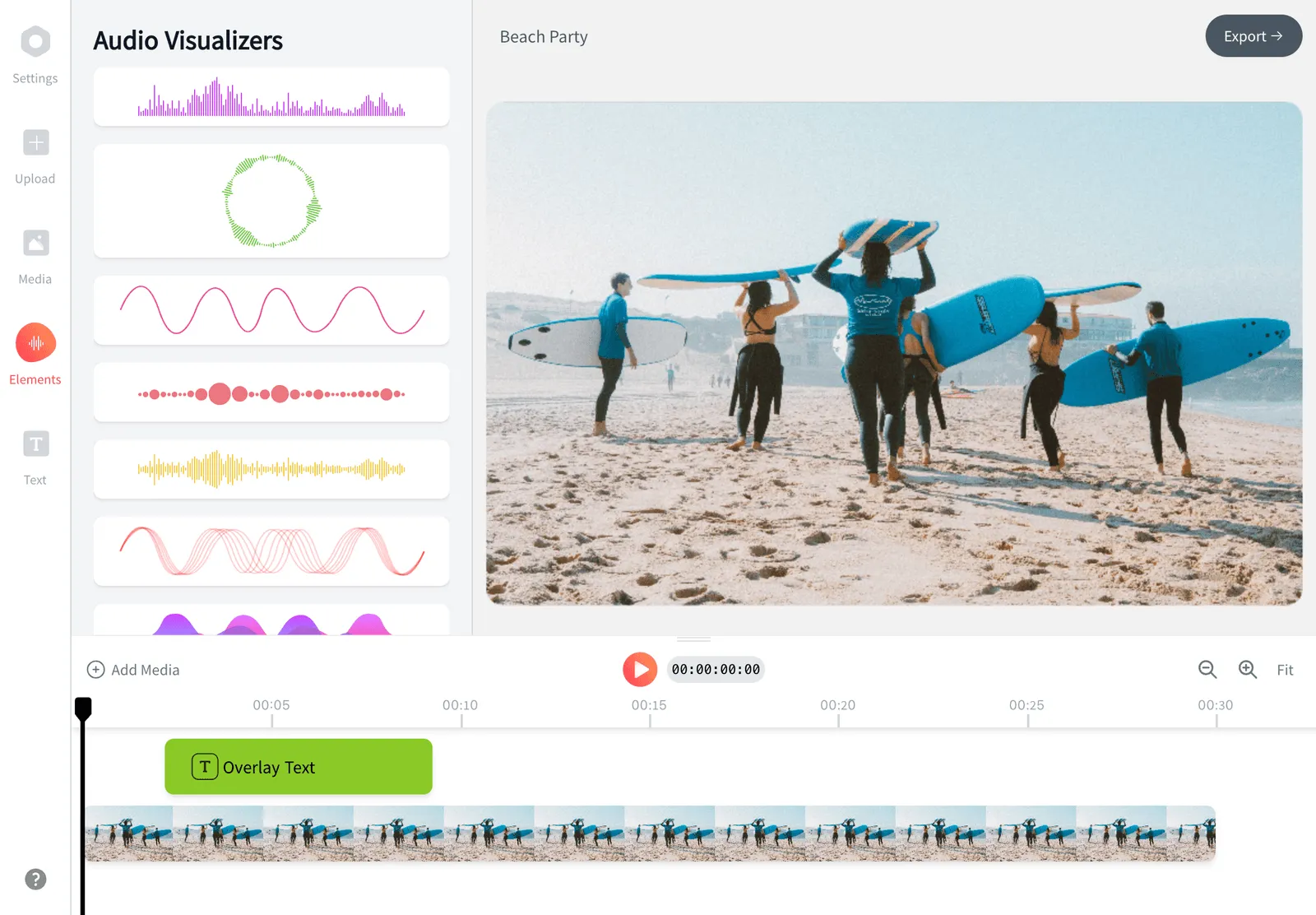
Maak van een nummer een complete lyric video in je browser. Upload je track en deze AI-lyric video maker zet de songtekst automatisch in je video en synchroniseert de woorden op de beat. Pas daarna lettertypen, animaties en een achtergrond of golfvorm aan. Je hebt geen montagevaardigheden nodig en je start gratis.


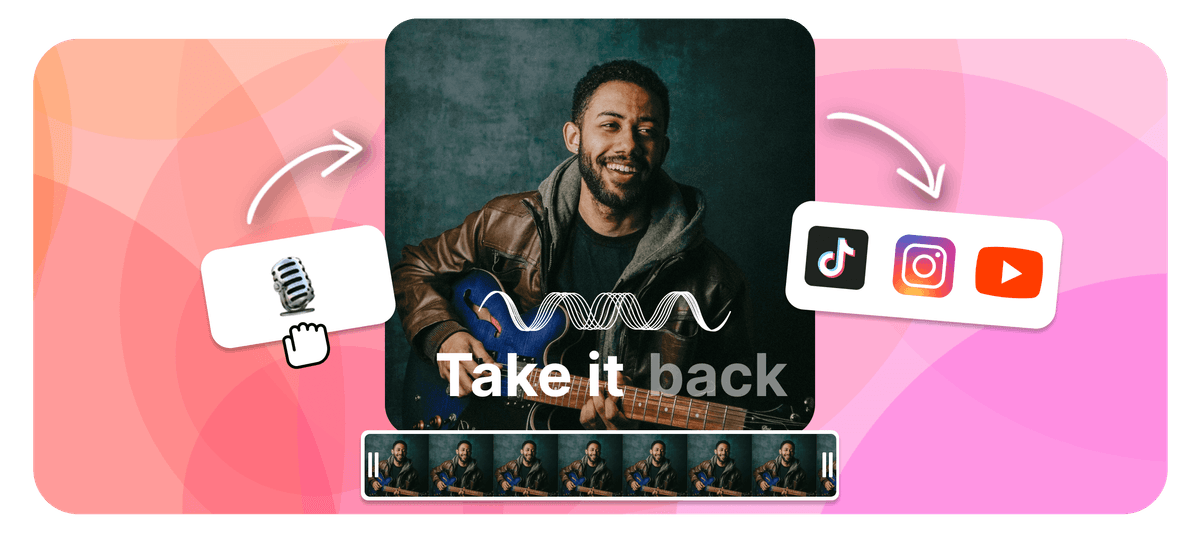
EchoWave is a free lyric video maker that runs online in your browser. To make a lyric video, upload your song, then add the words by typing them in or letting the AI lyric video maker transcribe and auto-sync them to the beat. Style the fonts and animations, add a background image, video, or waveform, set the aspect ratio, then export an MP4 right in your browser. As a lyrical video maker it works the same for any track, and it is free to start.
Maak met EchoWave in je browser een lyric video van je nummer


Hoe maak je een lyric video
Ga in vier stappen van een kaal nummer naar een complete lyric video, helemaal in je browser.
-
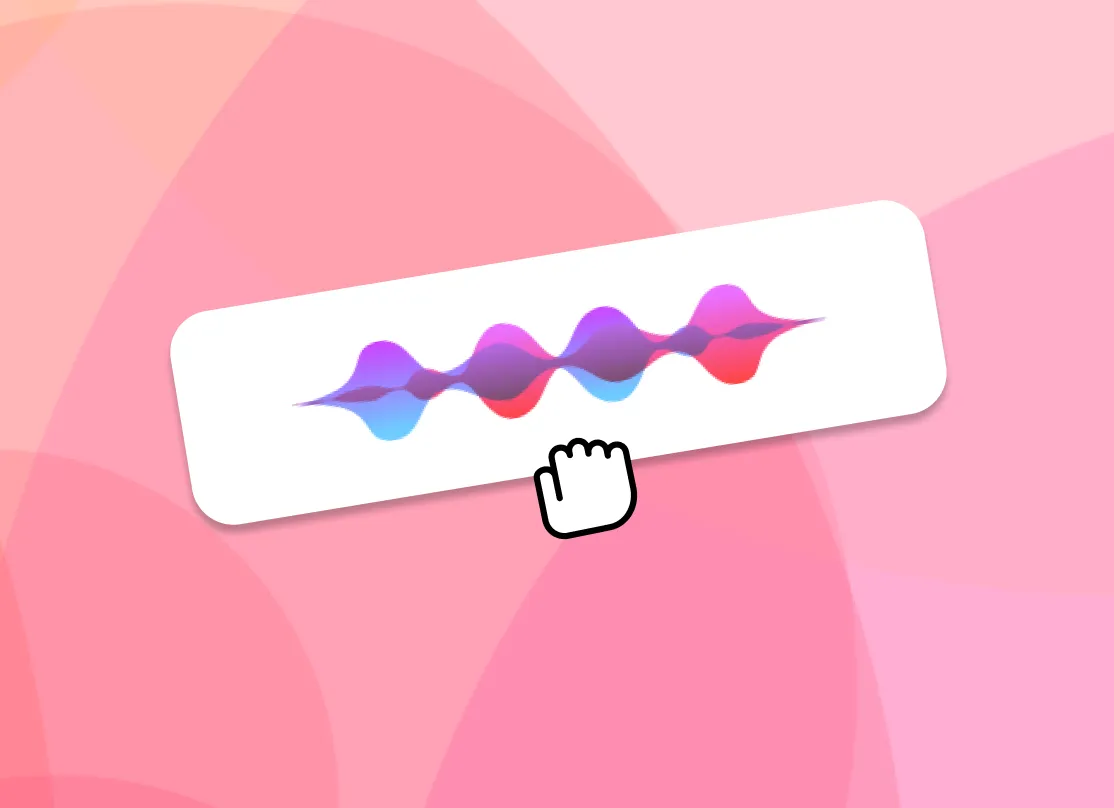
1. Upload je nummer
Sleep een MP3, WAV, M4A of AAC erin. EchoWave leest de audio en maakt hem klaar voor songteksten, zonder software om te downloaden.

-
2. Voeg songteksten toe (AI of handmatig)
Laat de AI het nummer automatisch transcriberen en de songtekst op de audio synchroniseren, of typ hem zelf in. Hoe dan ook kun je de timing van elke regel bijstellen.
-
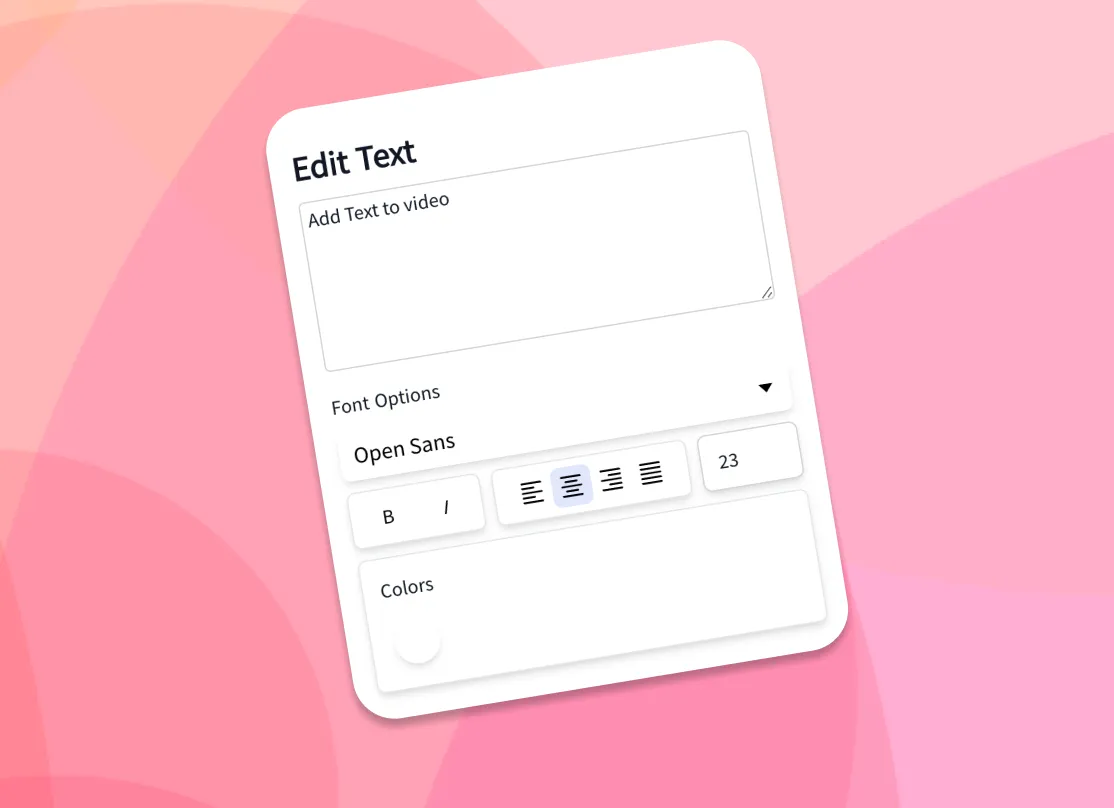
3. Stijl tekst en achtergrond
Kies lettertypen, kleuren en geanimeerde effecten en voeg dan je eigen achtergrondafbeelding of -video toe, of een muziekvisualizer of golfvorm.
-
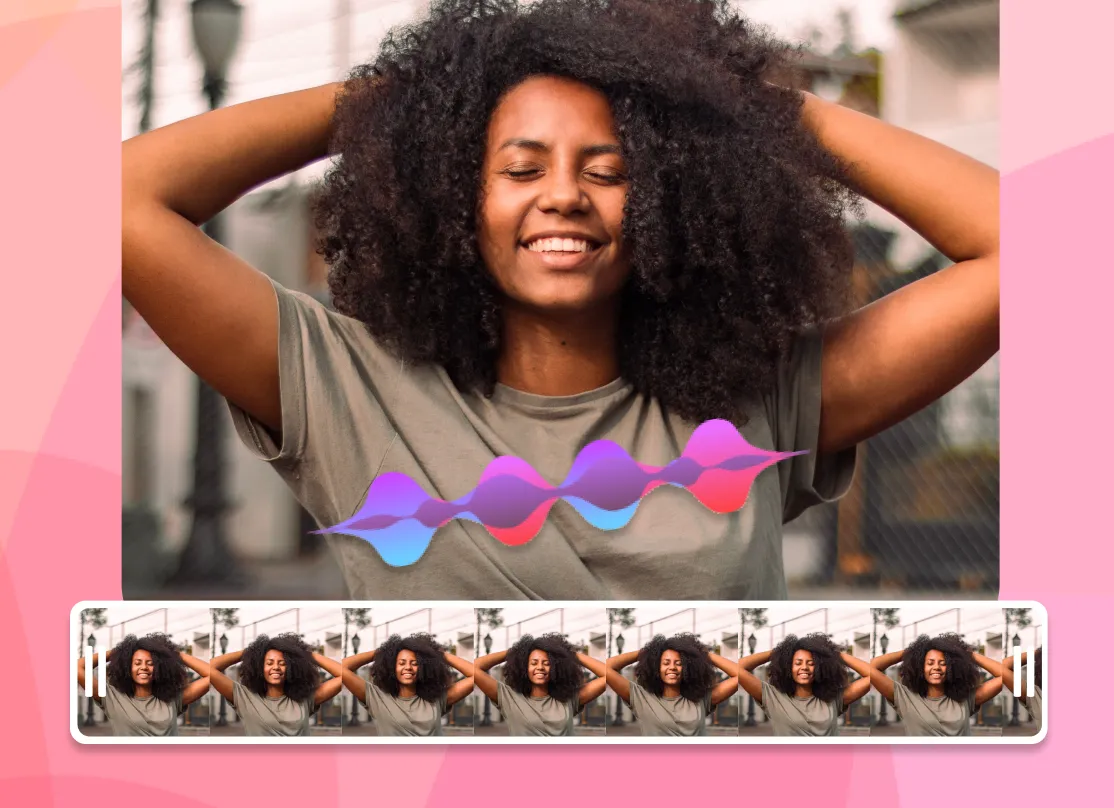
4. Exporteer MP4
Kies de beeldverhouding voor je platform, render en download je lyric video als MP4, klaar om te delen.
Hoe makers EchoWave gebruiken in echte projecten
AI lyric video maker: auto lyrics generator and beat sync
The slowest part of making a lyric video by hand is typing the words and dragging each line so it lands when it is sung. As an auto lyrics generator, EchoWave's AI handles both. Drop in a song and the AI transcription listens to the vocals, writes out the lyrics, and time-stamps each line so the words appear in time with the audio. This is how you add lyrics to video automatically: the AI does the transcription and the sync, with no manual typing required. If you already have the lyrics, paste them in and the AI still aligns them to the track for you.
That auto-sync is what separates a real lyric video generator from a plain caption tool. You get a full first pass in seconds, then open the timeline to nudge any line that needs adjusting: shift a line a few frames, split a long line in two, or stretch a held note so the word stays on screen as long as the singer holds it. Auto transcription works best on clear lead vocals; dense mixes, heavy effects, or fast rap can need a few manual edits, which is why the line-by-line controls are always there.
Animate the lyrics so they move with the song
Static captions sit flat on the screen. Animated lyrics carry the energy of the track, and that is what people actually watch and share. EchoWave gives you a library of fonts, colors, outlines, and kinetic text effects, so words can fade, slide, pop, scale, or type on in time with the music. Pick a ready-made style to get a polished look in one click, or build your own and reuse it across every line for a consistent look from start to finish.
Because the text is tied to the synced timing, the animations land on the beat automatically. A few practical tips from making a lot of these: keep one or two lines on screen at a time rather than a full verse, use a font size large enough to read on a phone, and add a subtle shadow or outline so the words stay legible over a busy background. High contrast between the text and the backdrop is the single biggest factor in whether a lyric video reads well at a glance.
Backgrounds, waveforms, and visualizers
A lyric video is more than text, so EchoWave lets you set the backdrop however you like. Upload your own image or video background, or drop in a music visualizer or animated waveform that reacts to the track. Use album art, a brand color, a looping clip, or a gradient to match the mood of the song. You can layer more than one element too: a video background behind a waveform behind the lyrics. To add song lyrics to a photo online, set a still image as the background and let the words animate over it for a simple photo lyrical video.
For a clean, low-effort look, a single dark background with bright animated text reads well on every platform and keeps file sizes down. For a richer scene, a slow-moving video loop under a reactive waveform gives the frame motion even during instrumental sections. Everything renders into one MP4 with the audio baked in, so what you preview is exactly what you download.
Gratis om te starten
Supported formats and export specs
EchoWave accepts the common audio formats for your song, including MP3, WAV, M4A, and AAC, plus image backgrounds (JPG, PNG, WebP) and video backgrounds (MP4, MOV, WebM). The browser cannot always read every exotic codec the way a desktop app can, so if a file does not preview cleanly, re-saving it as a standard MP3 or MP4 usually fixes it.
Exports are H.264 MP4 with the audio muxed in, which plays everywhere and uploads directly to every social platform. Pick your aspect ratio before exporting so the video fills the frame instead of sitting in letterbox bars. Render time depends on the length of the song and the resolution; a typical three to four minute track exports in a couple of minutes. For most songs, 1080p is the right balance of quality and file size.
Sizes for TikTok, YouTube, Instagram, and Reels
Every platform wants a different shape, so set the canvas size up front and your lyric video fills the frame on upload:
- TikTok, Instagram Reels, and Stories: 9:16 vertical, 1080 by 1920.
- YouTube: 16:9 widescreen, 1920 by 1080, or 9:16 for Shorts.
- Instagram feed: 1:1 square (1080 by 1080) or 4:5 portrait (1080 by 1350).
- Facebook and X: 16:9 or 1:1 both work well in-feed.
The workflow is the same for all of them: upload the song, let the AI sync the words, style the text and background, choose the preset, and export. If you are posting the same song to several places, export the vertical 9:16 cut for short-form first, then duplicate the project and switch to 16:9 for the full YouTube version without redoing the timing.
Who uses a lyric video maker, and when
Independent musicians use a lyric video maker as the cheapest way to get a new single onto YouTube while the official music video is still in the works, since a lyric video can go live the same day a track drops. Labels and managers use them to push pre-saves and announce release dates. Creators and fans make them for favorite songs, covers, and karaoke-style clips. Podcasters and brands use the same workflow to turn an audio quote or jingle into a captioned clip for social.
A lyric video earns its place when the words matter and the budget or timeline does not allow a full shoot. It keeps a song discoverable on search and feeds, gives listeners something to watch, and is quick enough to make that you can ship one for every release. EchoWave runs in your browser, and you only pay if you want extras like removing the watermark or exporting at a higher resolution.

Over het EchoWave-team
EchoWave is een browsergebaseerde video- en audio-editor, sinds 2018 ontwikkeld door Lemon Vault LLC. De mensen die de editor bouwen, schrijven deze handleidingen en testen elke stap in de echte app vóór publicatie.
Veelgestelde vragen
Hoe kan ik gratis een lyric video maken?
EchoWave is een gratis lyric video maker. Upload je nummer, voeg de songtekst toe met AI-automatische synchronisatie of door hem in te typen, kies lettertypen en achtergrond, en exporteer en download een MP4. Je start gratis; de belangrijkste betaalde extra's zijn het weghalen van het watermerk en uitvoer in hogere resolutie.
Hoe kan ik automatisch songteksten aan een video toevoegen?
De AI van EchoWave transcribeert het nummer en synchroniseert elke regel automatisch op de audio, zodat de woorden verschijnen wanneer ze worden gezongen. Daarna kun je de timing van elke regel op de tijdlijn bijstellen.
Is er een gratis AI lyric video maker?
Ja. De AI-synchronisatie van songteksten, de lettertypen, animaties en achtergronden van EchoWave zijn gratis te gebruiken en werken in je browser, zonder software om te downloaden.
Krijgt mijn lyric video een watermerk?
Exports uit de volledige editor hebben in het gratis abonnement een klein EchoWave-watermerk, dat je op elk moment kunt weghalen door te upgraden. Onze aparte snelle tools, zoals bijsnijden, trimmen en comprimeren, exporteren zonder watermerk.
Kan ik mijn eigen achtergrondafbeelding of -video toevoegen?
Ja. Upload elke afbeelding (JPG, PNG, WebP) of video (MP4, MOV, WebM) als achtergrond, of gebruik een geanimeerde golfvorm of muziekvisualizer die op de track reageert.
Hoe synchroniseer ik de songtekst met de muziek?
De AI synchroniseert elke regel automatisch wanneer hij het nummer transcribeert. Om bij te stellen open je de tijdlijn en verschuif, splits of rek je een regel zodat hij precies op de zang valt.
Kan ik lettertypen, kleuren en animaties aanpassen?
Ja. Er zijn meerdere lettertypen, kleuren, omlijningen en kinetische teksteffecten, plus kant-en-klare stijlen die je met één klik toepast en op elke regel hergebruikt.
Welke audio- en videoformaten ondersteunt EchoWave?
Het accepteert MP3-, WAV-, M4A- en AAC-audio, plus JPG-, PNG- en WebP-afbeeldingen en MP4-, MOV- en WebM-video voor achtergronden. Exports zijn H.264 MP4 met de audio erbij.
Welk formaat moet een lyric video hebben voor TikTok, YouTube en Instagram?
Gebruik 9:16 (1080 bij 1920) voor TikTok, Reels en Shorts, 16:9 (1920 bij 1080) voor YouTube en 1:1 of 4:5 voor de Instagram-feed. EchoWave heeft voor elk een preset, dus kies er een voordat je exporteert.
Hoe lang duurt het om een lyric video te maken?
Met AI-automatische synchronisatie kost een eerste versie van een nummer van drie tot vier minuten een paar minuten. Stijl geven en de timing bijstellen kost iets meer, afhankelijk van hoe verzorgd je het wilt hebben.
Kan ik een lyric video voor YouTube maken?
Ja. Zet het canvas op 16:9 voor een standaard YouTube-upload of op 9:16 voor Shorts, exporteer dan de MP4 en upload hem. Lyric video's zijn een snelle manier om een nieuwe single op YouTube te krijgen terwijl de volledige clip nog in productie is.
Moet ik software downloaden of installeren?
Nee. De lyric video maker werkt in je browser op desktop en mobiel, dus je hoeft niets te installeren.
Klaar om een lyric video te maken?
Gratis om te starten
Gratis om te starten, werkt in je browser, zonder software om te installeren.
Aan de slag