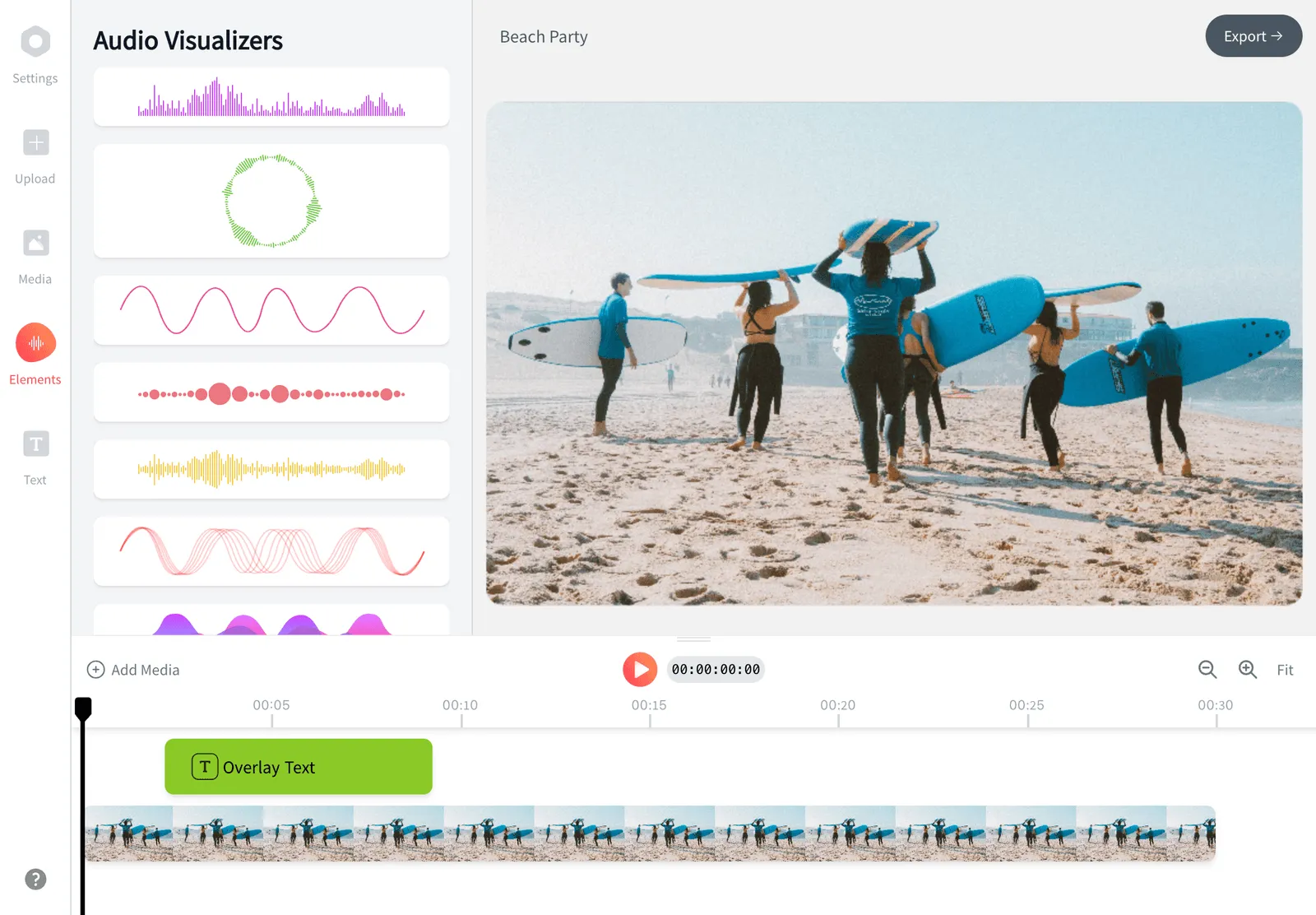
To loop a video, upload it to EchoWave's video looper, use the plus and minus buttons to set how many times it plays, from 2 to 11, and press Loop video. The page shows the original length and the new length, so a 6 second clip set to 10 plays becomes a 60 second video. The looped MP4 has no watermark, the sound repeats with the picture, and nothing needs to be installed.
全球的创作者、店铺和工作室都在使用 EchoWave 的快捷工具





如何让视频循环播放
免费视频循环播放工具只需三步:
-
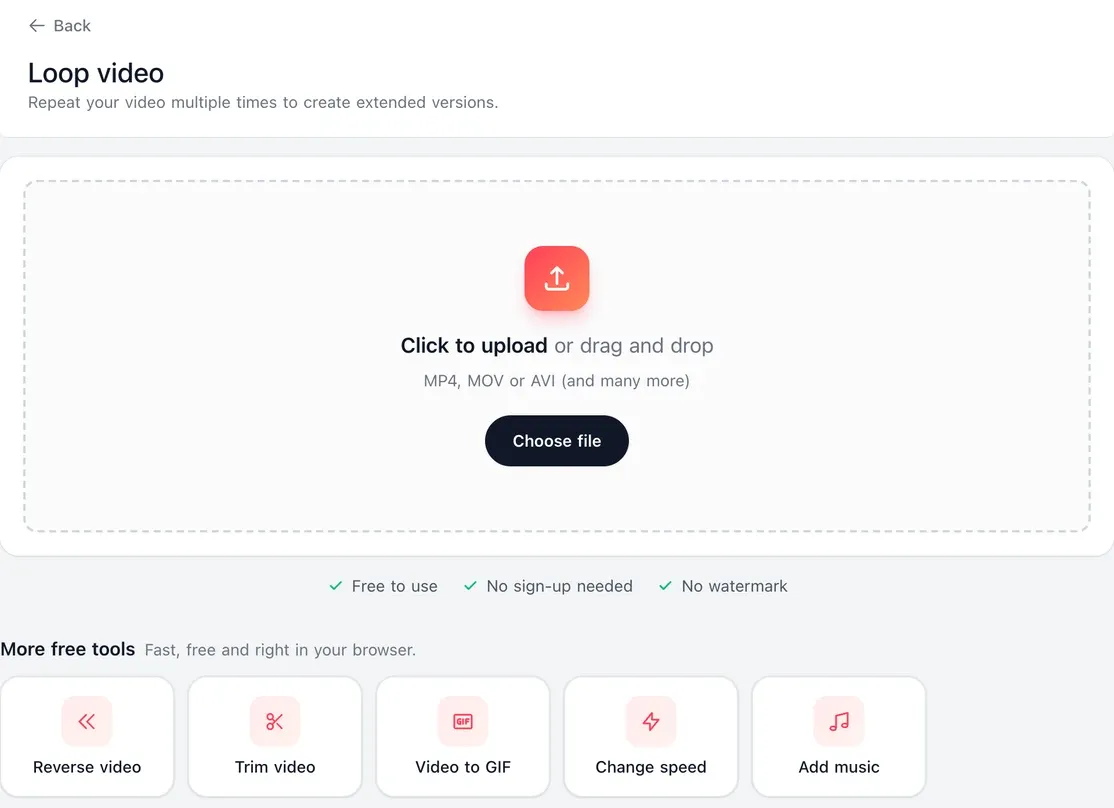
1. 上传视频
把片段拖到页面上,或从相册、电脑桌面中选择。常见视频格式都可以,如 MP4、MOV、WebM 或 AVI。
-
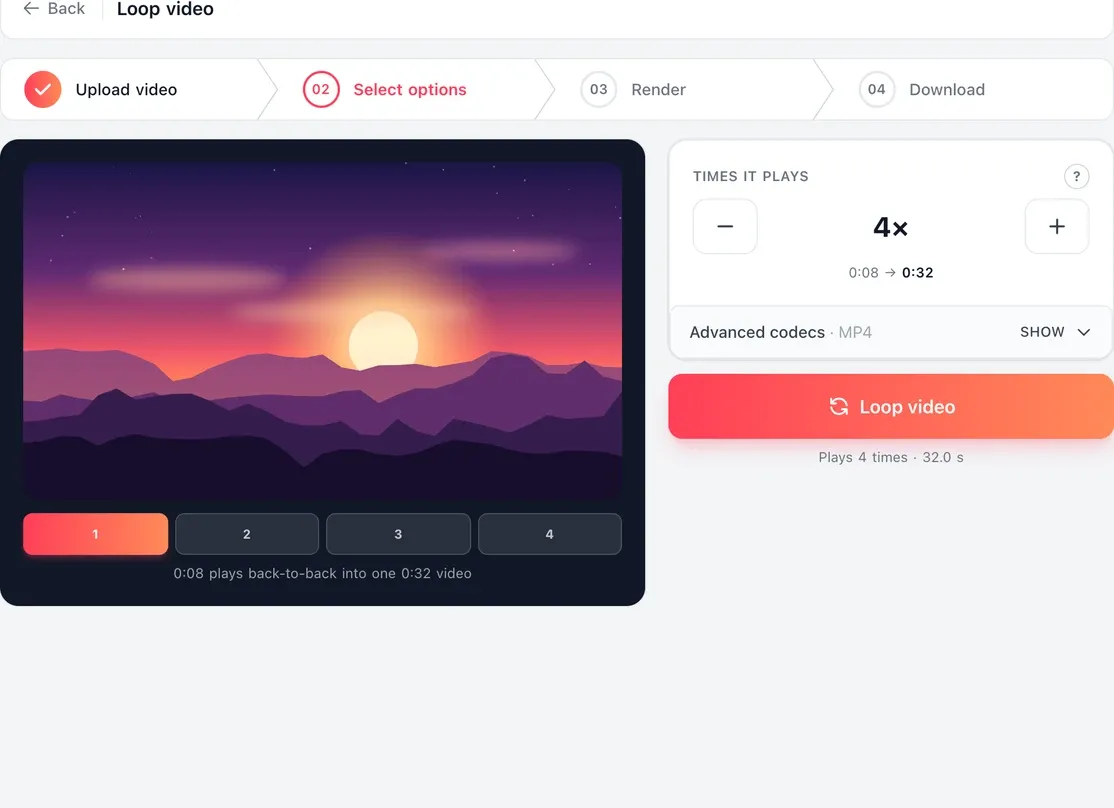
2. 设置播放次数
次数默认从 3 次开始。点击加号或减号,可选择 2 到 11 次。播放器下方的条带会按顺序显示重复的片段,以及原始时长和新时长。
-
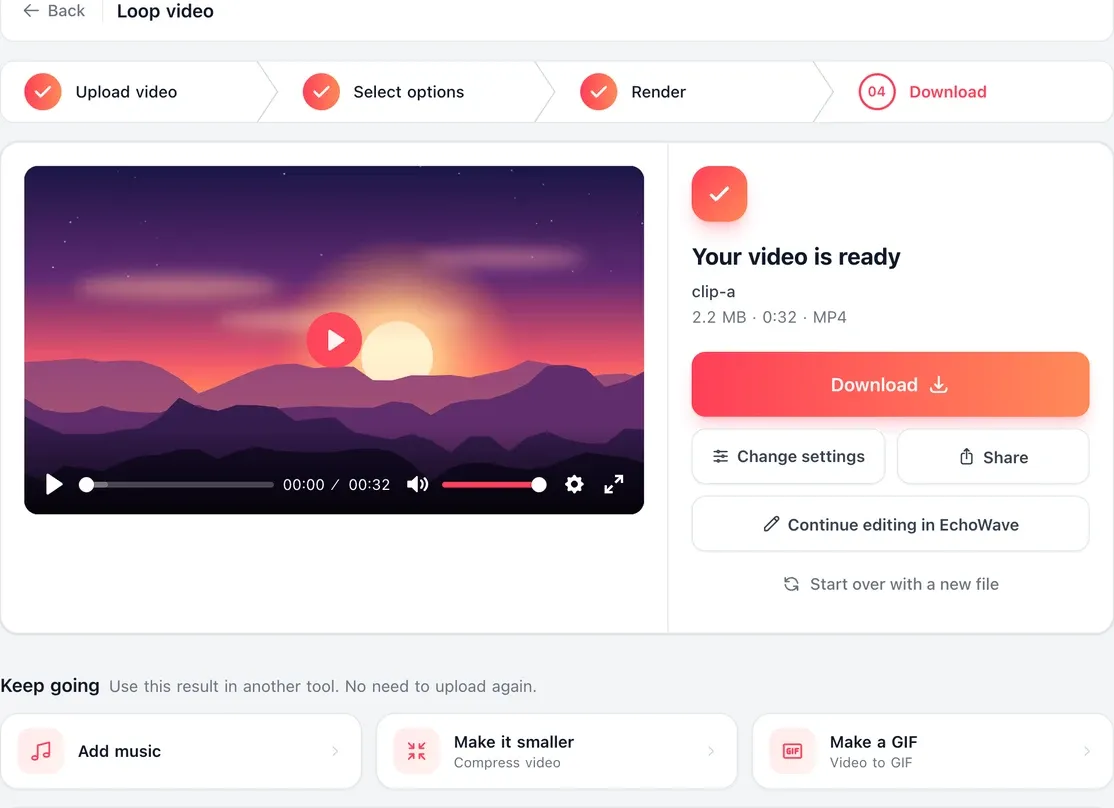
3. 生成循环并下载
点击“循环视频”,等待渲染完成,然后下载 MP4。它保持原视频的分辨率,且无水印。
用户如何评价 EchoWave
What a video looper does
There are two kinds of looping. One is a player setting, like YouTube's Loop option, that replays a video on your own screen. The other, which this tool does, makes a new video file with the repeats built in, so it plays the same way for everyone, in any app or feed, with no setting needed.
EchoWave plays your clip back to back the number of times you choose and saves it as one MP4.
Seamless loops
How to make a seamless loop
The repeats are joined with no gap or pause, but the join is only invisible when the last frame matches the first. If they do not match, you see a jump each time the clip restarts.
-
让画面首尾衔接
静态场景最适合循环:一支蜡烛、窗上的雨滴、结束位置与起点一致的缓慢摇镜。找一个首帧和尾帧画面相同的镜头。
-
按动作裁剪
用视频剪切工具裁掉开头或结尾的几帧,直到动作在衔接处连贯,再把裁剪好的片段带回循环工具。
-
留意声音
声音会随画面一起重复。结尾与开头落在同一拍上的音乐能自然衔接,而说话说到一半被截断,则每次衔接都会有爆音。
-
控制长度
想让循环看起来连续不断,三到十秒最合适。需要更长的文件?可以增加播放次数(最多 11 次),或者把循环后的文件再循环一次。
Made for
Why people loop a video
-
把片段拉长到目标时长
通过设置播放次数来得到你需要的时长。渲染前页面会显示原始时长和新时长,方便你对照时间位或平台的时长限制检查结果。
-
填满背景视频位
把一个短暂的瞬间延长到足够发布,或足够填满背景视频位。在网站上,更长的循环文件在播放器重复时重启得更少。
-
快拍、Reels 和 TikTok
Reels 和 TikTok 会自动重播视频,所以短片段在信息流里本来就会循环。在这里循环能让文件本身变长,当片段对快拍时间位或配乐来说太短时就很有用。
Can a video loop forever, as an infinite or endless loop?
A video file plays once and stops; looping forever is something the player does. To get an infinite loop:
- On a website, add the loop attribute to the video tag, and use a looped file from this tool so it restarts less often.
- On YouTube, right-click the player and choose Loop, or turn on Loop video in the mobile settings. That only repeats it for you.
- As a GIF, turn the clip into an animated GIF with video to GIF. GIFs repeat by default wherever they are shown, though they have no sound.
For a file that plays a set number of times in any app, use the looper above.
Loop vs boomerang vs reverse
| Effect | What it does | Tool |
|---|---|---|
| Loop | Plays the clip start to finish, then again, as many times as you set | This page |
| Boomerang | Plays the clip forward, then backward, so the motion bounces | Boomerang maker |
| Reverse | Plays the clip backward once, last frame first | Video reverser |
They combine well: make a boomerang, then loop it here so the bounce repeats several times in one file.

关于 EchoWave 团队
EchoWave 是一款浏览器端视频与音频编辑器,由 Lemon Vault LLC 自 2018 年持续开发。编辑器的开发团队亲自撰写这些指南,并在发布前于真实应用中测试每一个步骤。
关于视频循环播放的常见问题
如何免费实现视频循环播放且无水印?
把片段上传到 EchoWave 的视频循环播放工具,用加号和减号设置播放次数,然后点击“循环视频”,完成后下载 MP4。它不收费、无需账号,也没有水印。渲染前页面会显示新时长,方便你达到目标时长。
视频最多能循环几次?可以做 1 小时的循环吗?
循环工具可在一个文件中让片段播放 2 到 11 次。想要更长的结果,可以把循环后的文件再循环一次:36 秒的片段播放 10 次是 6 分钟,该文件再播放 10 次就是 1 小时。重复的部分之间没有间隔。
声音也会循环吗?
会。每次片段播放时,音频都会随画面一起重复。如果声音在衔接处被生硬截断,可以先用视频去除音频工具去掉声音再循环,然后在编辑器中添加一条贯穿整个循环视频的音乐轨道。
iPhone 或安卓手机上如何让视频循环播放?
iPhone 的“照片”App 可以循环播放实况照片,但不能循环普通视频。请在 Safari 中打开本页面,从相册上传片段,设置播放次数并点击“循环视频”,然后把 MP4 存回“照片”。在安卓手机或电脑上,用 Chrome、Edge、Firefox 或 Safari 同样的步骤即可,无需安装任何软件。
循环会降低视频画质吗?
循环后的视频保持你上传时的分辨率,1080p 还是 1080p,4K 还是 4K。它会重新编码一次为 MP4。文件大小会随播放次数成比例增大,如果太大不方便发送,可以事后用视频压缩工具处理。