사진에 음악 또는 오디오 추가하기
사진 한 장과 노래 한 곡으로 어디서든 올릴 수 있는 영상을 만들어보세요. 사진과 오디오를 업로드하거나 로열티 프리 음악을 선택한 뒤, EchoWave의 온라인 영상 편집기로 Instagram, TikTok, WhatsApp, YouTube용 MP4를 내보내세요. 무료로 시작할 수 있고, 다운로드할 필요도 없으며, 스마트폰에서도 바로 이용 가능합니다.


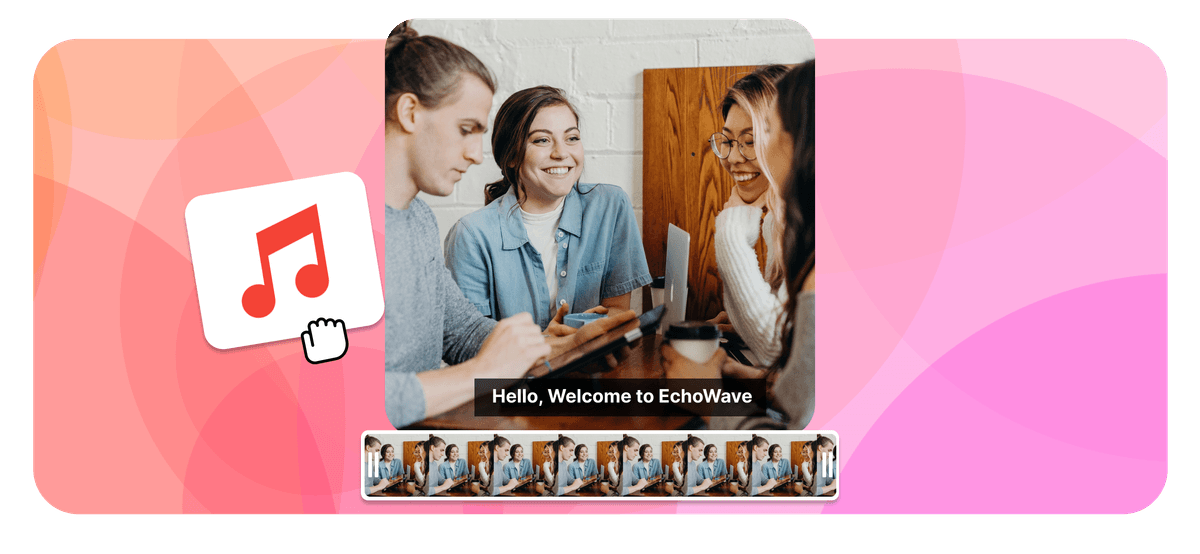
사진에 음악 또는 오디오 추가하기 Features


EchoWave는 전 세계 수천 개 기업이 사용하고 있습니다





사진에 음악 추가하는 방법
세 가지 간단한 단계만으로 정지 사진을 공유 가능한 영상으로 변환할 수 있습니다. 모두 브라우저에서 이루어집니다.
-
1. 사진 업로드
JPG, PNG, WebP, 또는 iPhone HEIC 사진을 편집기로 드래그 앤 드롭하세요. 캔버스 비율(9:16 세로, 1:1 정방형, 16:9 와이드스크린)을 선택하거나 사진 크기에 맞게 캔버스를 자동 조정할 수 있습니다.

-
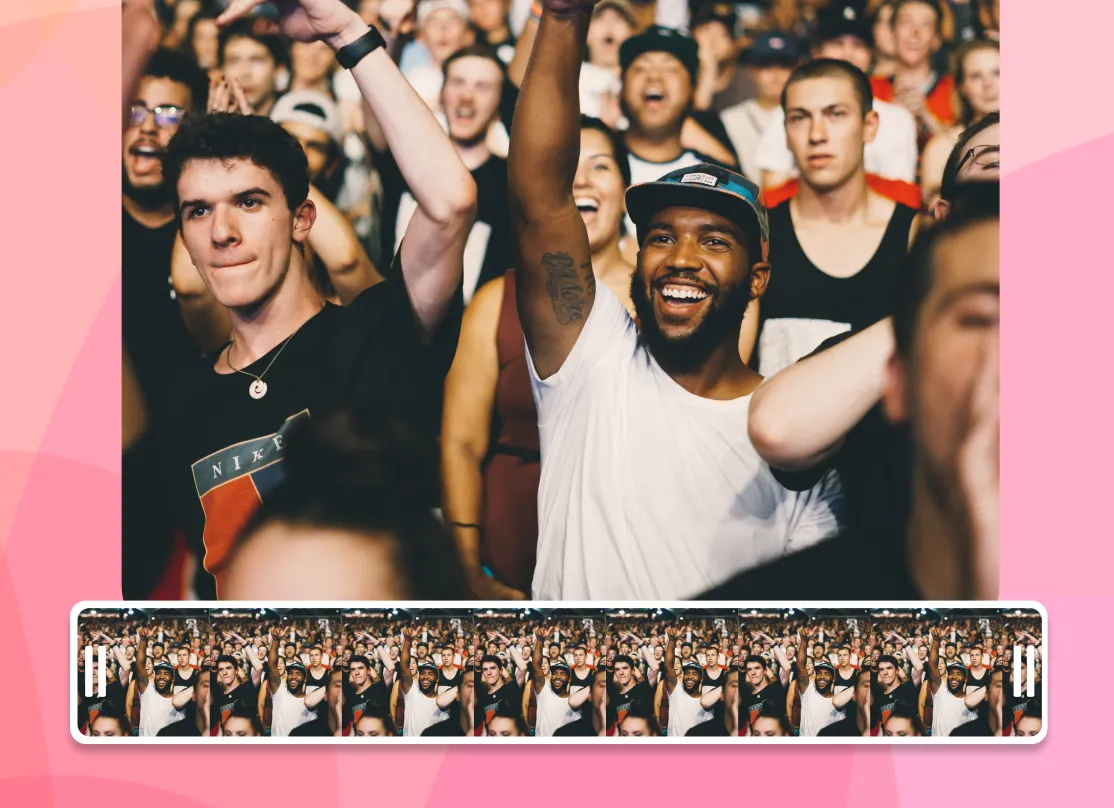
2. 음악 또는 오디오 추가
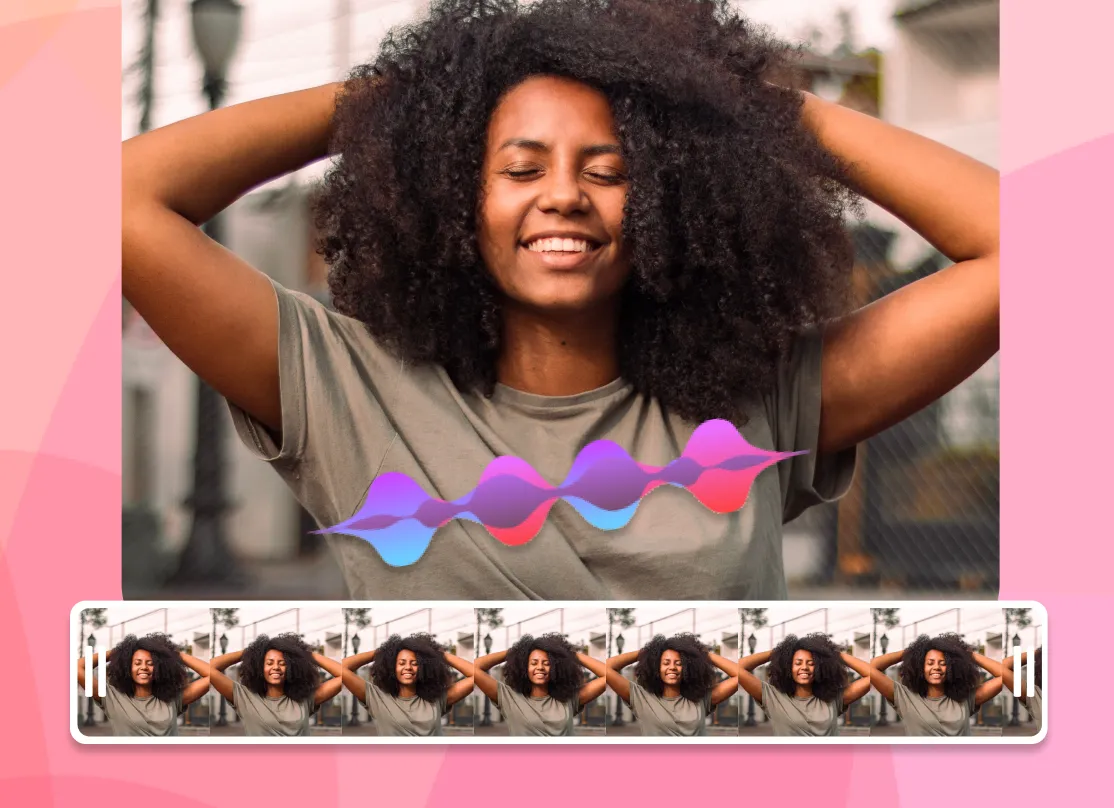
MP3, WAV, M4A를 업로드하거나 로열티 프리 라이브러리에서 곡을 선택하세요. AI 보이스오버를 생성하는 것도 가능합니다. 오디오를 원하는 구간으로 잘라내고, 볼륨을 조절하고, 소리가 시각적으로 보이도록 음악 시각화 효과를 추가해보세요.
-
3. 내보내기 및 공유
내보내기를 누르면 EchoWave가 노래 전체 길이 동안 사진이 표시되는 MP4 영상을 렌더링합니다. 다운로드 후 Instagram, TikTok, WhatsApp, YouTube에 바로 게시하세요.
EchoWave에 대한 사용자 이야기
Photo + audio = video
Why adding sound to a photo makes a video
Image files like JPG and PNG cannot hold sound, because there is no audio track inside a photo. EchoWave does what every professional tool does and merges your picture and your audio into an MP4 video. Your photo stays on screen for the full length of the track, and the result plays anywhere a video plays, from Instagram and TikTok to WhatsApp, YouTube, and your camera roll.
Any photo plus any song becomes an MP4 that plays everywhere
-
10+ image formats
including iPhone HEIC
-
12+ audio formats
MP3, WAV, M4A and more
-
Up to 4K export
-
Files up to 1 GB
The full toolkit
More than a photo audio mixer
EchoWave is a complete online editor, so adding a song to a picture is just the start. Everything below works on the same canvas, with no extra apps.
-
Use your own audio
Upload an MP3, WAV, or M4A. It can be a song, a voice note, or a podcast clip. If you can play it, you can put it on a photo.
-
Royalty-free music library
No track on hand? Browse built-in royalty-free background music and add it to your photo without copyright worries.
-
Music visualizers
Add an animated waveform or spectrum that moves with the beat, so your still photo never looks static.
-
AI voiceover
Type a script and lay a natural AI voice over your picture, with no microphone needed. Great for narrated posts and tributes.
-
Trim, fade, and mix
Cut the audio to the exact section you want, set the volume, and fade in or out for a clean finish.
-
Subtitles and text
Add captions and titles over your image, which is ideal for feeds that autoplay on silent.
-
Any aspect ratio
One click switches the canvas between 9:16, 1:1, and 16:9, framing your photo for the platform you're posting to.
-
HD and 4K export
Export a crisp MP4. Free exports carry a small EchoWave watermark, and paid plans remove it and unlock 4K.
Built for sharing
The right size for every platform
A photo with music only works if the platform accepts the file. Pick a preset and EchoWave frames your picture to fit.
-
9:16 Vertical
- TikTok
- Instagram Reels & Stories
- YouTube Shorts
- WhatsApp Status
-
1:1 Square
- Instagram feed
- X
-
16:9 Widescreen
- YouTube
- presentations
- web
| Platform | Best size | Max length | Good to know |
|---|---|---|---|
| Instagram Reels | 9:16 · 1080×1920 | 3 min | Under 90 seconds tends to reach further |
| Instagram Story | 9:16 · 1080×1920 | 60 s per card | Longer videos split into cards |
| TikTok | 9:16 · 1080×1920 | 10 min | Keep mobile uploads under 287 MB |
| YouTube Shorts | 9:16 · 1080×1920 | 3 min | 9:16 is required for the Shorts shelf |
| WhatsApp Status | 9:16 | 90 s | Keep the file under 16 MB |
| YouTube | 16:9 · 1920×1080 | Up to 12 hours | The standard for full uploads |
Platform limits as published, June 2026.
Ideas
What people make with one photo and one song
-
Share a song with cover art
Put album or single artwork behind a track and post your music to YouTube, Reels, or TikTok.
-
WhatsApp status with music
A photo with background music makes a 90-second status that friends stop to hear.
-
Birthday & anniversary wishes
Put their favourite song on a photo and send a greeting that feels like a gift.
-
Memorial tributes
Pair a treasured photo with a meaningful piece of music for a respectful, shareable remembrance.
-
Podcast & audio clips
Turn a quote from an episode into a photo and waveform clip, also known as an audiogram.
-
Voice notes on photos
Merge a photo and audio of a recorded message to make a picture that speaks.
Any device
Add music to a photo on iPhone, Android, Windows, or Mac
EchoWave runs in the browser, so the steps are the same on every device and there is nothing to install from an app store.
-
iPhone (Safari)
Upload straight from your camera roll, and HEIC photos work without conversion. Add your song, export, and save the MP4 back to Photos. The built-in Photos app cannot export a video with a custom song, but this can.
-
Android (Chrome)
Android has no universal built-in photo-music tool. Open the editor in Chrome, upload your image and MP3, and download the finished video to your gallery.
-
Windows
Skip the project setup in the Photos app. Drag a picture and an MP3 into the browser editor, line them up, and export. There is nothing to install.
-
Mac (Safari or Chrome)
Faster than building an iMovie timeline for one image. Upload, add audio, and export an MP4 in about a minute.
Compare
How EchoWave compares to other photo and music tools
| Feature | EchoWave | Kapwing | Clideo | addmusictophoto.com |
|---|---|---|---|---|
| Works in the browser, no install | Yes | Yes | Yes | Yes |
| Royalty-free music library | Yes | Yes | No | No |
| Music visualizers on photos | Yes | No | No | No |
| AI voiceover (text to speech) | Yes | Yes | No | No |
| Subtitles & text styling | Yes | Yes | No | No |
| Aspect ratio presets (9:16, 1:1, 16:9) | Yes | No | Yes | No |
| iPhone HEIC photos | Yes | No | No | No |
| 4K export available | Yes | No | No | No |
| Image formats accepted | JPG, PNG, HEIC, WebP, GIF + more | JPEG, PNG | JPEG, TIFF, PNG, GIF | JPEG only |
Based on what each tool advertises on its own add audio to image page as of June 2026. A dash means the feature is not mentioned there. EchoWave's 4K export and watermark removal are part of paid plans.
Private by default
Uploads travel over an encrypted connection and live in your project, where only you can access them. They are only used to create your video, and you can delete projects whenever you like. Read more on our security page.
Add music to your photo now
Start free. Upload a picture and give it a soundtrack.
자주 묻는 질문
사진에 음악, 노래, 오디오를 온라인으로 추가하는 방법에 대한 빠른 답변입니다.
사진에 음악을 추가하려면 어떻게 하나요?
EchoWave 편집기에 사진을 업로드하고, 오디오 파일을 추가하거나 로열티 프리 라이브러리에서 음악을 선택한 뒤 내보내기를 누르세요. 편집기가 사진과 소리를 MP4 영상으로 합쳐줍니다. 오디오 길이만큼 사진이 화면에 표시되며, 바로 다운로드하여 공유할 수 있습니다.
JPEG나 PNG 사진에 소리가 포함될 수 있나요?
아니요. JPEG, PNG 같은 이미지 형식은 픽셀 데이터만 저장하므로 오디오 트랙이 없습니다. 사진과 소리를 합치려면 이미지와 오디오를 모두 담을 수 있는 MP4 같은 영상 파일을 만들어야 합니다. 바로 이 도구가 그 역할을 합니다.
사진에 오디오를 추가하는 것이 무료인가요?
네. EchoWave 무료 플랜으로 사진에 음악이나 오디오를 추가하고 영상을 내보낼 수 있습니다. 무료 내보내기에는 작은 EchoWave 워터마크가 포함되며, 유료 플랜으로 업그레이드하면 워터마크 제거 및 4K 내보내기가 가능합니다.
영상에 워터마크가 생기나요?
무료 플랜에서는 내보낸 영상에 작은 EchoWave 배지가 표시됩니다. 워터마크 없는 영상이 필요하다면 유료 플랜으로 업그레이드하면 워터마크가 완전히 제거되고 4K를 포함한 고해상도 내보내기 옵션이 추가됩니다.
어떤 이미지 및 오디오 형식을 업로드할 수 있나요?
이미지: JPG, PNG, WebP, GIF, BMP, TIFF, SVG, AVIF, iPhone HEIC/HEIF. 오디오: MP3, WAV, M4A, AAC, OGG, Opus, FLAC, AIFF, WMA. 최대 1GB 파일을 지원하며, 완성된 영상은 MP4로 내보내집니다.
완성된 영상의 형식은 무엇인가요?
MP4로, 가장 널리 지원되는 영상 형식입니다. iPhone, Android, Windows, Mac에서 기본 재생이 가능하며, Instagram, TikTok, YouTube, WhatsApp, Facebook에 바로 업로드할 수 있습니다.
iPhone에서 사진에 음악을 추가하려면 어떻게 하나요?
Safari에서 EchoWave 편집기를 열고 카메라 롤에서 사진을 업로드하세요(HEIC 파일도 변환 없이 사용 가능). 노래를 추가하고 내보내면 됩니다. Apple 사진 앱은 공유할 수 없는 Apple Music 트랙으로만 추억 영상을 만들 수 있지만, 브라우저 도구를 사용하면 어디서든 저장하고 공유할 수 있는 실제 MP4가 만들어집니다.
Android에서 사진에 음악을 추가하려면 어떻게 하나요?
Android에는 모든 기기에서 작동하는 사진에 음악 추가 기능이 기본으로 내장되어 있지 않습니다. Chrome에서 편집기를 열고 이미지와 MP3를 업로드한 뒤 MP4를 갤러리에 다운로드하세요. 앱 설치 없이 이용 가능합니다.
Instagram용 음악이 담긴 사진 영상을 만들려면 어떻게 하나요?
릴스와 스토리에는 9:16 프리셋을, 피드 게시물에는 1:1을 선택하고 음악을 추가한 뒤 내보내세요. 최대 3분까지 허용되지만, 릴스는 90초 이내로 만들어야 도달률이 가장 높습니다.
WhatsApp 상태 영상은 얼마나 길 수 있나요?
최대 90초이며, 파일 크기는 16MB 이하를 권장합니다. 9:16 세로 프리셋을 사용하고, 원하는 구간으로 음악을 자른 뒤 내보내세요. 결과물을 바로 상태에 업로드할 수 있습니다.
직접 가진 MP3나 음성 녹음을 사용할 수 있나요?
네. 노래, 음성 메모, 팟캐스트 클립 등 직접 소유한 오디오를 업로드하거나, 편집기 안에서 AI 보이스오버를 텍스트로 생성할 수 있습니다. 자르기, 볼륨 조절, 페이드 인/아웃도 가능합니다.
노래 전체 동안 사진이 화면에 표시되나요?
네. 기본적으로 영상 길이는 오디오 길이와 동일하며, 그동안 사진이 계속 표시됩니다. 오디오를 미리 잘라 원하는 길이만큼만 영상을 만들 수도 있습니다.
사진이 음악에 맞춰 움직이게 할 수 있나요?
네. 음악 시각화 효과를 추가하면 애니메이션 음파, 바, 스펙트럼이 비트에 맞춰 사진 위에서 반응합니다. 정지 이미지를 생동감 있게 만드는 가장 쉬운 방법입니다.
내 파일은 안전하게 보호되나요?
업로드된 파일은 암호화된 연결로 전송되어 내 프로젝트에 저장되며, 본인만 접근할 수 있습니다. 영상 제작에만 사용되며 언제든지 프로젝트를 삭제할 수 있습니다. 자세한 내용은 보안 페이지를 확인하세요.
사진에 음악을 입힐 준비가 되셨나요? 무료 플랜 이용 가능
신용카드 없이 시작하세요. 무료 내보내기에는 작은 Echowave.io 워터마크가 포함됩니다. 언제든지 업그레이드하여 워터마크를 제거하고 4K를 잠금 해제하세요.
사진에 음악 추가하기 →