Lyric video maker
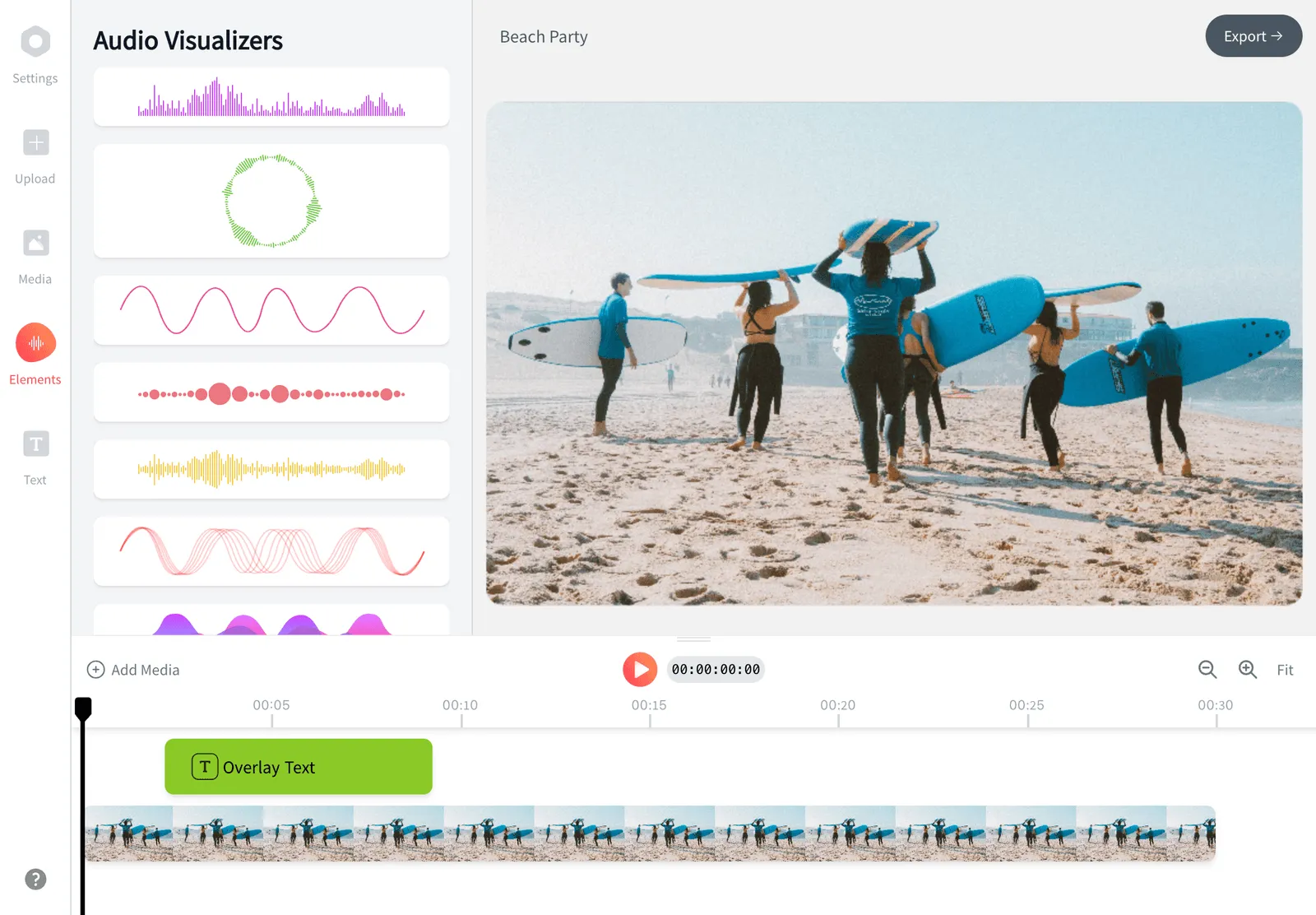
Lav en sang om til en færdig lyric video i din browser. Upload dit nummer, og denne AI-baserede lyric video maker tilføjer sangteksterne til din video automatisk og synkroniserer ordene til beatet. Derefter kan du style skrifttyper, animationer og en baggrund eller bølgeform. Du behøver ingen redigeringserfaring, og det er gratis at komme i gang.


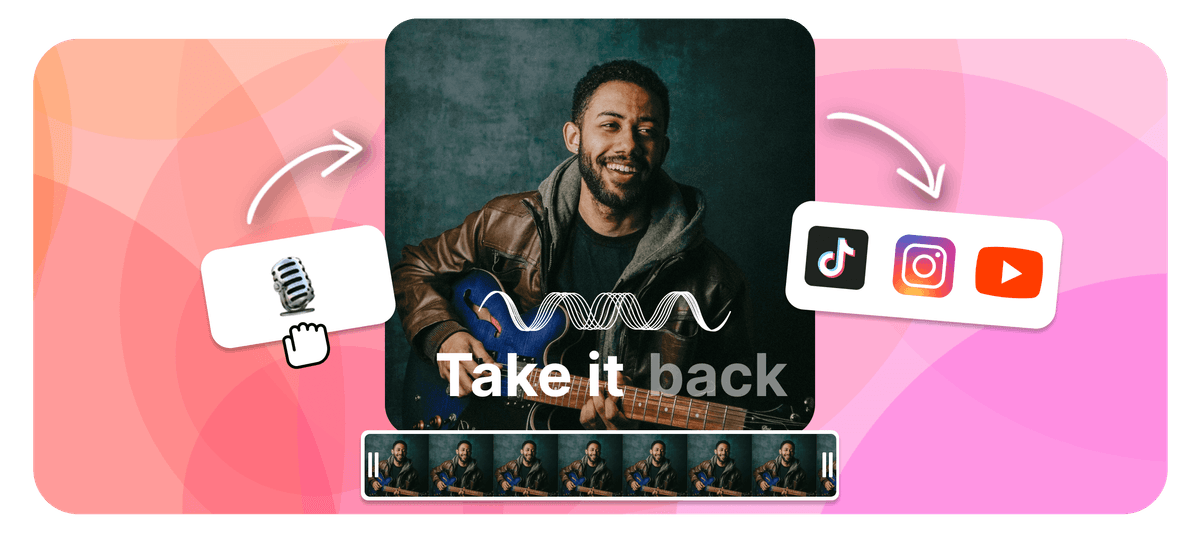
EchoWave is a free lyric video maker that runs online in your browser. To make a lyric video, upload your song, then add the words by typing them in or letting the AI lyric video maker transcribe and auto-sync them to the beat. Style the fonts and animations, add a background image, video, or waveform, set the aspect ratio, then export an MP4 right in your browser. As a lyrical video maker it works the same for any track, and it is free to start.
Redigér video og lyd i din browser, uden noget at installere


Sådan laver du en lyric video
Fra rå sang til færdig lyric video i fire trin, alt sammen i browseren.
-
1. Upload din sang
Træk en MP3-, WAV-, M4A- eller AAC-fil ind. EchoWave læser lyden og gør den klar til sangtekster, uden at du skal downloade software.
-
2. Tilføj sangtekster (AI eller manuelt)
Lad AI'en automatisk transskribere sangen og synkronisere teksterne til lyden, eller skriv dem selv ind. Uanset hvad kan du finjustere timingen på hver enkelt linje.
-
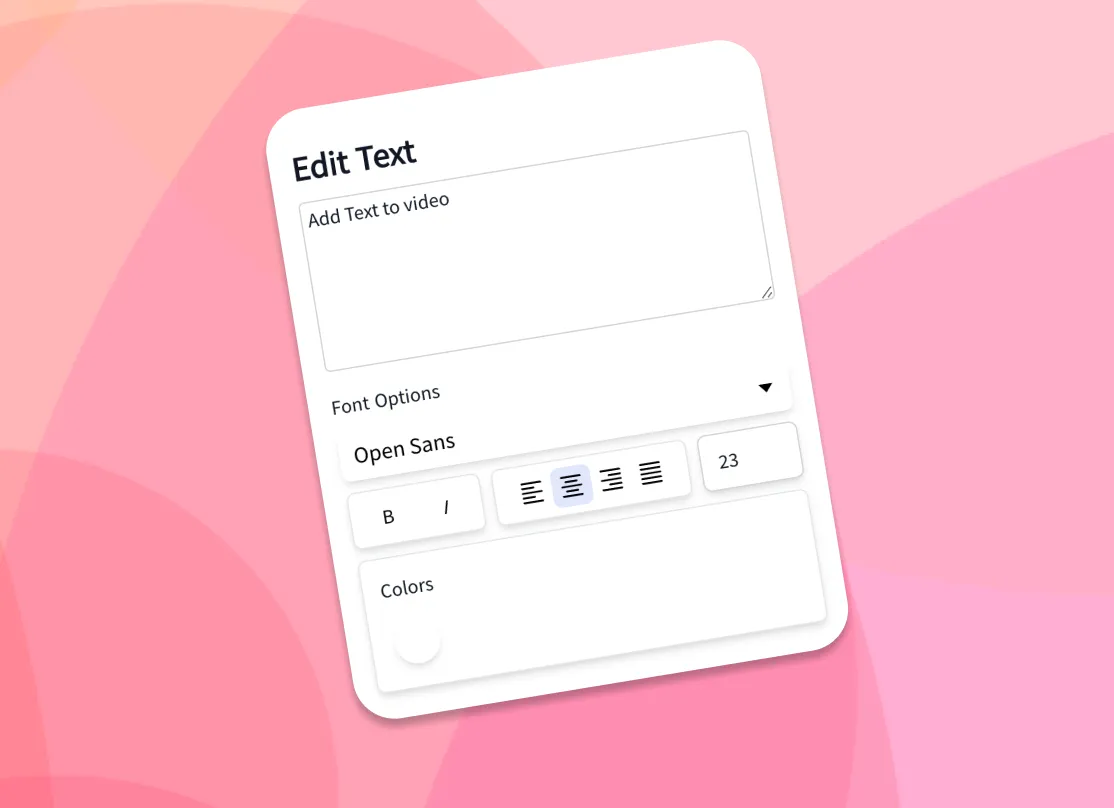
3. Style tekst og baggrund
Vælg skrifttyper, farver og animerede effekter, og tilføj dit eget baggrundsbillede eller din egen baggrundsvideo, en musikvisualizer eller en bølgeform.
-
4. Eksportér MP4
Vælg det billedformat, der passer til din platform, render, og download din lyric video som MP4, klar til at dele.
Sådan bruger skabere EchoWave i rigtige projekter
AI lyric video maker: auto lyrics generator and beat sync
The slowest part of making a lyric video by hand is typing the words and dragging each line so it lands when it is sung. As an auto lyrics generator, EchoWave's AI handles both. Drop in a song and the AI transcription listens to the vocals, writes out the lyrics, and time-stamps each line so the words appear in time with the audio. This is how you add lyrics to video automatically: the AI does the transcription and the sync, with no manual typing required. If you already have the lyrics, paste them in and the AI still aligns them to the track for you.
That auto-sync is what separates a real lyric video generator from a plain caption tool. You get a full first pass in seconds, then open the timeline to nudge any line that needs adjusting: shift a line a few frames, split a long line in two, or stretch a held note so the word stays on screen as long as the singer holds it. Auto transcription works best on clear lead vocals; dense mixes, heavy effects, or fast rap can need a few manual edits, which is why the line-by-line controls are always there.
Animate the lyrics so they move with the song
Static captions sit flat on the screen. Animated lyrics carry the energy of the track, and that is what people actually watch and share. EchoWave gives you a library of fonts, colors, outlines, and kinetic text effects, so words can fade, slide, pop, scale, or type on in time with the music. Pick a ready-made style to get a polished look in one click, or build your own and reuse it across every line for a consistent look from start to finish.
Because the text is tied to the synced timing, the animations land on the beat automatically. A few practical tips from making a lot of these: keep one or two lines on screen at a time rather than a full verse, use a font size large enough to read on a phone, and add a subtle shadow or outline so the words stay legible over a busy background. High contrast between the text and the backdrop is the single biggest factor in whether a lyric video reads well at a glance.
Backgrounds, waveforms, and visualizers
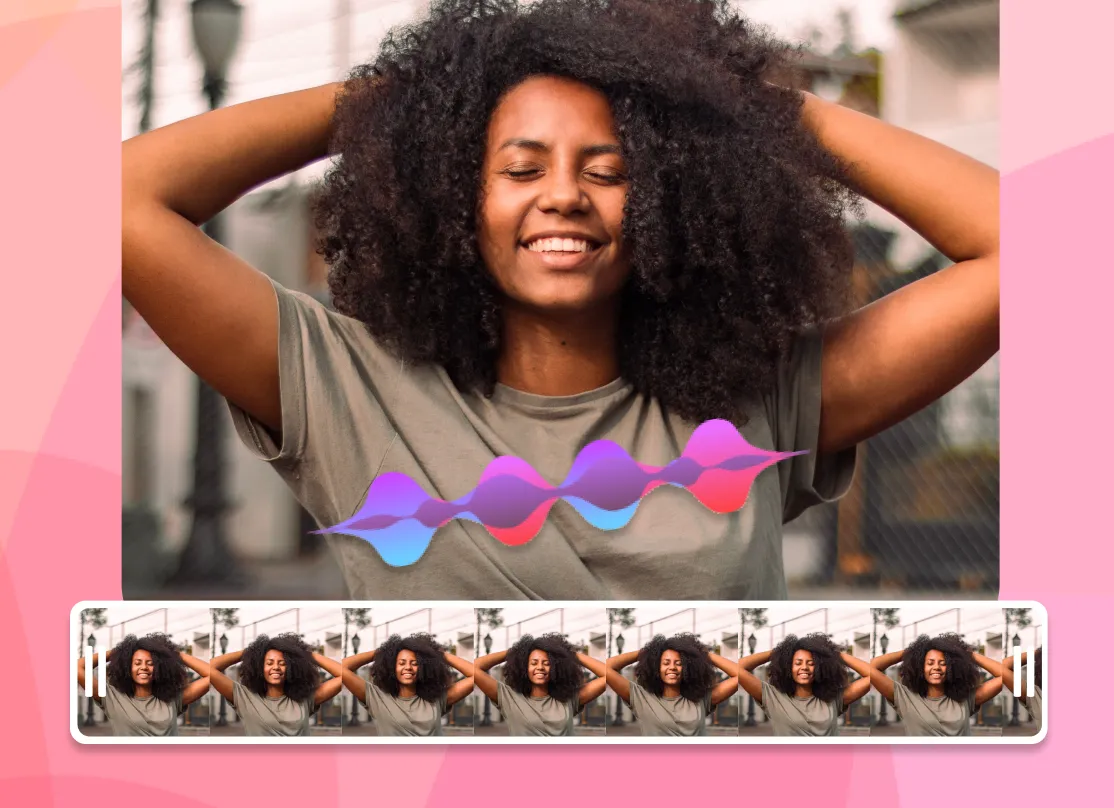
A lyric video is more than text, so EchoWave lets you set the backdrop however you like. Upload your own image or video background, or drop in a music visualizer or animated waveform that reacts to the track. Use album art, a brand color, a looping clip, or a gradient to match the mood of the song. You can layer more than one element too: a video background behind a waveform behind the lyrics. To add song lyrics to a photo online, set a still image as the background and let the words animate over it for a simple photo lyrical video.
For a clean, low-effort look, a single dark background with bright animated text reads well on every platform and keeps file sizes down. For a richer scene, a slow-moving video loop under a reactive waveform gives the frame motion even during instrumental sections. Everything renders into one MP4 with the audio baked in, so what you preview is exactly what you download.
Gratis at komme i gang
Supported formats and export specs
EchoWave accepts the common audio formats for your song, including MP3, WAV, M4A, and AAC, plus image backgrounds (JPG, PNG, WebP) and video backgrounds (MP4, MOV, WebM). The browser cannot always read every exotic codec the way a desktop app can, so if a file does not preview cleanly, re-saving it as a standard MP3 or MP4 usually fixes it.
Exports are H.264 MP4 with the audio muxed in, which plays everywhere and uploads directly to every social platform. Pick your aspect ratio before exporting so the video fills the frame instead of sitting in letterbox bars. Render time depends on the length of the song and the resolution; a typical three to four minute track exports in a couple of minutes. For most songs, 1080p is the right balance of quality and file size.
Sizes for TikTok, YouTube, Instagram, and Reels
Every platform wants a different shape, so set the canvas size up front and your lyric video fills the frame on upload:
- TikTok, Instagram Reels, and Stories: 9:16 vertical, 1080 by 1920.
- YouTube: 16:9 widescreen, 1920 by 1080, or 9:16 for Shorts.
- Instagram feed: 1:1 square (1080 by 1080) or 4:5 portrait (1080 by 1350).
- Facebook and X: 16:9 or 1:1 both work well in-feed.
The workflow is the same for all of them: upload the song, let the AI sync the words, style the text and background, choose the preset, and export. If you are posting the same song to several places, export the vertical 9:16 cut for short-form first, then duplicate the project and switch to 16:9 for the full YouTube version without redoing the timing.
Who uses a lyric video maker, and when
Independent musicians use a lyric video maker as the cheapest way to get a new single onto YouTube while the official music video is still in the works, since a lyric video can go live the same day a track drops. Labels and managers use them to push pre-saves and announce release dates. Creators and fans make them for favorite songs, covers, and karaoke-style clips. Podcasters and brands use the same workflow to turn an audio quote or jingle into a captioned clip for social.
A lyric video earns its place when the words matter and the budget or timeline does not allow a full shoot. It keeps a song discoverable on search and feeds, gives listeners something to watch, and is quick enough to make that you can ship one for every release. EchoWave runs in your browser, and you only pay if you want extras like removing the watermark or exporting at a higher resolution.

Om EchoWave-teamet
EchoWave er en browserbaseret video- og lydeditor, udviklet af Lemon Vault LLC siden 2018. De mennesker, der bygger editoren, skriver disse guider og tester hvert trin i den rigtige app, før de udgives.
Ofte stillede spørgsmål
Hvordan laver jeg en lyric video gratis?
EchoWave er en gratis lyric video maker. Upload din sang, tilføj sangteksterne med AI-autosynkronisering eller ved at skrive dem ind, style skrifttyper og baggrund, og eksportér og download derefter en MP4. Det er gratis at komme i gang, og de vigtigste betalte ekstra er fjernelse af vandmærket og output i højere opløsning.
Hvordan tilføjer jeg sangtekster til en video automatisk?
EchoWaves AI transskriberer sangen og synkroniserer automatisk hver linje til lyden, så ordene dukker op, når de bliver sunget. Bagefter kan du finjustere timingen på enhver linje på tidslinjen.
Findes der en gratis AI lyric video maker?
Ja. EchoWaves AI-synkronisering af sangtekster, skrifttyper, animationer og baggrunde er gratis at bruge og virker i browseren, uden software at downloade.
Får min lyric video et vandmærke?
Eksporter fra den fulde editor har et lille EchoWave-vandmærke på den gratis plan, som du til enhver tid kan fjerne ved at opgradere.
Kan jeg bruge mit eget baggrundsbillede eller min egen baggrundsvideo?
Ja. Upload et vilkårligt billede (JPG, PNG, WebP) eller en video (MP4, MOV, WebM) som baggrund, eller brug en animeret bølgeform eller en musikvisualizer, der reagerer på nummeret.
Hvordan synkroniserer jeg sangteksten med musikken?
AI'en synkroniserer hver linje automatisk, når den transskriberer sangen. Vil du justere, åbner du tidslinjen og flytter, deler eller strækker en linje, så den rammer præcis på vokalen.
Kan jeg tilpasse skrifttyper, farver og animationer?
Ja. Der er flere skrifttyper, farver, omrids og kinetiske teksteffekter, plus færdige stilarter, du kan anvende med ét klik og genbruge på hver linje.
Hvilke lyd- og videoformater understøtter EchoWave?
Den accepterer MP3-, WAV-, M4A- og AAC-lyd samt JPG-, PNG- og WebP-billeder og MP4-, MOV- og WebM-video til baggrunde. Eksporter er H.264 MP4 med lyden inkluderet.
Hvilken størrelse skal en lyric video have til TikTok, YouTube og Instagram?
Brug 9:16 (1080 gange 1920) til TikTok, Reels og Shorts, 16:9 (1920 gange 1080) til YouTube og 1:1 eller 4:5 til Instagram-feedet. EchoWave har forudindstillinger til hver af dem, så vælg en, før du eksporterer.
Hvor lang tid tager det at lave en lyric video?
Med AI-autosynkronisering tager et første udkast til en sang på tre til fire minutter nogle få minutter. Styling og finjustering af timingen lægger lidt til, alt efter hvor poleret du vil have den.
Kan jeg lave en lyric video til YouTube?
Ja. Sæt lærredet til 16:9 for en almindelig YouTube-upload eller 9:16 til Shorts, eksportér derefter MP4-filen og upload den. Lyric videoer er en hurtig måde at få en ny single ud på YouTube, mens den fulde video stadig er under produktion.
Skal jeg downloade eller installere software?
Nej. Lyric video makeren virker i din browser på computer og mobil, så der er intet at installere.
Klar til at lave en lyric video?
Gratis at komme i gang
Gratis at komme i gang, browserbaseret og uden software at installere.
Kom i gang