
The 9 Best Flixier Alternatives in 2026
Flixier's cloud editor is quick, but its plans are per seat, its free tier meters exports to 10 minutes a month, and its AI credits vanish fast: one 8-second Veo 3.1 clip costs more than a whole month of Creator-plan credits. EchoWave is our top alternative: a browser video editor with flat plans, no monthly export meter, and captions that are not rationed. Free and cheaper picks follow.



The 9 Best Flixier Alternatives in 2026 Features
Trusted by thousands of creators worldwide





Why people look for a Flixier alternative
Flixier earns its reputation for speed: cloud rendering typically finishes exports in under a minute, and the editor runs on weak hardware. The complaints are about everything around the render button. Billing first: Trustpilot carries recurring reports of users rebilled after cancelling and struggling to find the cancel flow, with a roughly 43 percent one-star share in an earlier snapshot, and Flixier answers only around 44 percent of negative reviews, typically taking over a month. Then the meters: the free plan allows 10 minutes of video exports and 5 subtitle minutes per month at 720p with a watermark, Starter at $19 per seat caps exports at 60 minutes a month, and even Creator's unlimited exports carry a fair-use queue at peak times. The 2025-26 pivot to AI generation added a third trap: credits. One 8-second Veo 3.1 clip costs 12,800 credits, more than the Creator plan's entire 10,000 monthly allowance.
How we picked: we ran the same edit, caption, and export jobs through each tool in the browser and re-checked every pricing page in August 2026.
TL;DR: EchoWave is the best overall alternative with flat plans and unmetered captions; Clipchamp if you want free watermark-free 1080p exports; Kapwing if you want a per-seat team workspace anyway but with a stronger subtitle allowance.
The best Flixier alternatives in 2026, ranked
Every pick tested in the browser. Prices checked August 2026.
- 1
EchoWave
Our pickBest overall: flat plans and no monthly export or subtitle meters
EchoWave removes the three meters that push people off Flixier. There is no monthly export-minute cap: the free plan edits videos up to 60 minutes in a full multi-track online video editor, and quick tools like trim, crop, and the video compressor export watermark-free at $0. Subtitles are not rationed either: free fast subtitles come with no monthly minute cap, in 50+ languages with 170+ presets via add subtitles. And pricing is flat: Basic is $9/mo billed annually and Pro $17/mo annually, with no per-seat math on either.
Text-based editing (delete transcript words to cut), filler-word removal, and audio tools like visualizers and audiograms are included rather than tier-gated. The honest caveat: Flixier's in-timeline AI generation with Sora 2, Veo 3.1, and Kling, and its consistently sub-minute cloud exports, are real advantages; EchoWave has no text-to-video generation at all.
- Pricing:
- Free plan; paid from $9/mo billed annually
- Free plan:
- Free forever: full editor, 720p exports with a small badge; quick tools export with no watermark
- Best for:
- Creators and small teams who want predictable flat pricing and unmetered everyday editing

Pros
- Flat pricing: Basic and Pro are not per seat
- No monthly export-minute meter like Flixier's 10 free or 60 Starter minutes
- Free fast subtitles with no monthly minute cap
- Text-based editing and filler-word removal included, not tier-gated
- Quick tools export watermark-free on the free plan
- Music visualizer, waveform, and audiogram tools for audio content
Cons
- No AI video generation in the timeline
- Free full-editor exports cap at 720p with a small badge
- Team collaboration arrives only on the Business plan
- 2
VEED
veed.ioSame per-seat browser category, much bigger toolbox
If you accept Flixier-style per-seat pricing, VEED gives you more for it: a broader suite spanning editor, unlimited auto subtitles on paid plans, screen recorder, AI avatars, TTS, and a Gen-AI studio that aggregates 25+ video models, overlapping Flixier's generation pitch with more model choice. Entry is cheaper too: Creator is $10 per user/mo billed annually against Flixier Starter's $19.
It shares the category's diseases: AI metered by yearly credit allowances users call too small, monthly billing at roughly double the annual rate, a watermarked 720p free tier capped at 10-minute exports, and Trustpilot negatives dominated by auto-renewal and refund disputes.
- Pricing:
- From $10/mo per user billed annually ($116/yr); $20 monthly
- Free plan:
- 720p, 10-minute export cap, 2GB storage, watermark
- Best for:
- Teams wanting one per-seat suite for subtitles, recording, and AI generation

Pros
- Cheaper per-seat entry than Flixier Starter
- Unlimited auto subtitles on paid plans
- Gen-AI Studio with 25+ text-to-video models
Cons
- Yearly AI credit allowances drain fast
- Billing and cancellation complaints mirror Flixier's
- Demo-grade free tier
- 3
Kapwing
kapwing.comFlixier's closest rival for teams, with fatter subtitle allowances
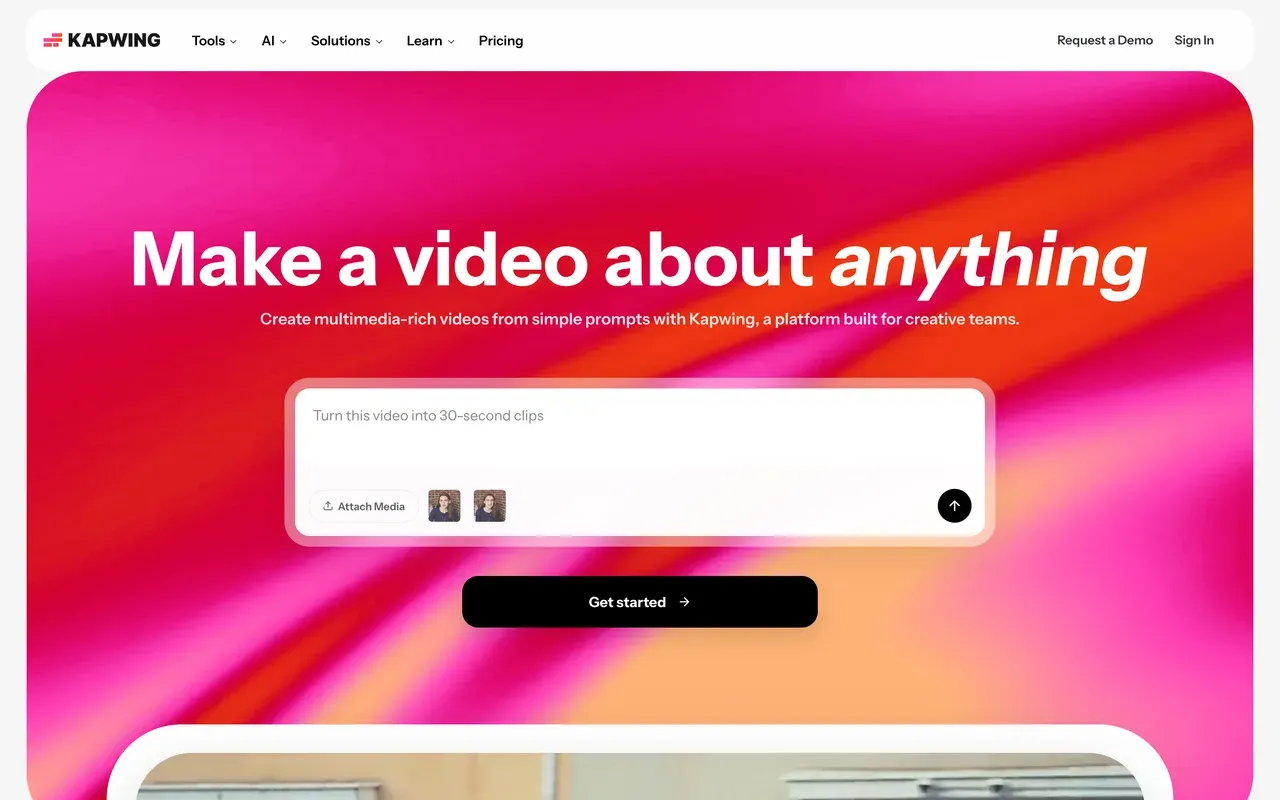
Kapwing is the most direct swap: a per-seat browser editor with team workspaces, in-browser commenting, and the Kai AI assistant. The numbers beat Flixier where it hurts: Pro at $16 per member/mo billed annually includes 1,000 subtitle minutes a month against Flixier Starter's 120, plus exports up to 120 minutes long and 100GB storage.
Its weaknesses are Flixier-shaped too: the free tier is a demo (1-minute watermarked exports, projects deleted after 3 days), failed exports and lag on longer projects are the most consistent complaint, and the no-refund policy has produced disputed charges.
- Pricing:
- From $16/mo per user billed annually (Pro, $192/yr); $24 monthly
- Free plan:
- 1-minute watermarked 720p exports; projects deleted after 3 days
- Best for:
- Social teams that caption heavily and want per-seat collaboration
Pros
- 1,000 subtitle minutes a month on Pro, versus Flixier Starter's 120
- Highly rated subtitles and translation workflow
- Team workspaces with commenting and the Kai assistant
Cons
- Free tier more restrictive than Flixier's
- Export failures and lag on longer projects
- Strict no-refund policy
- 4
CapCut
capcut.comDeeper editing craft, installable apps, no export meters
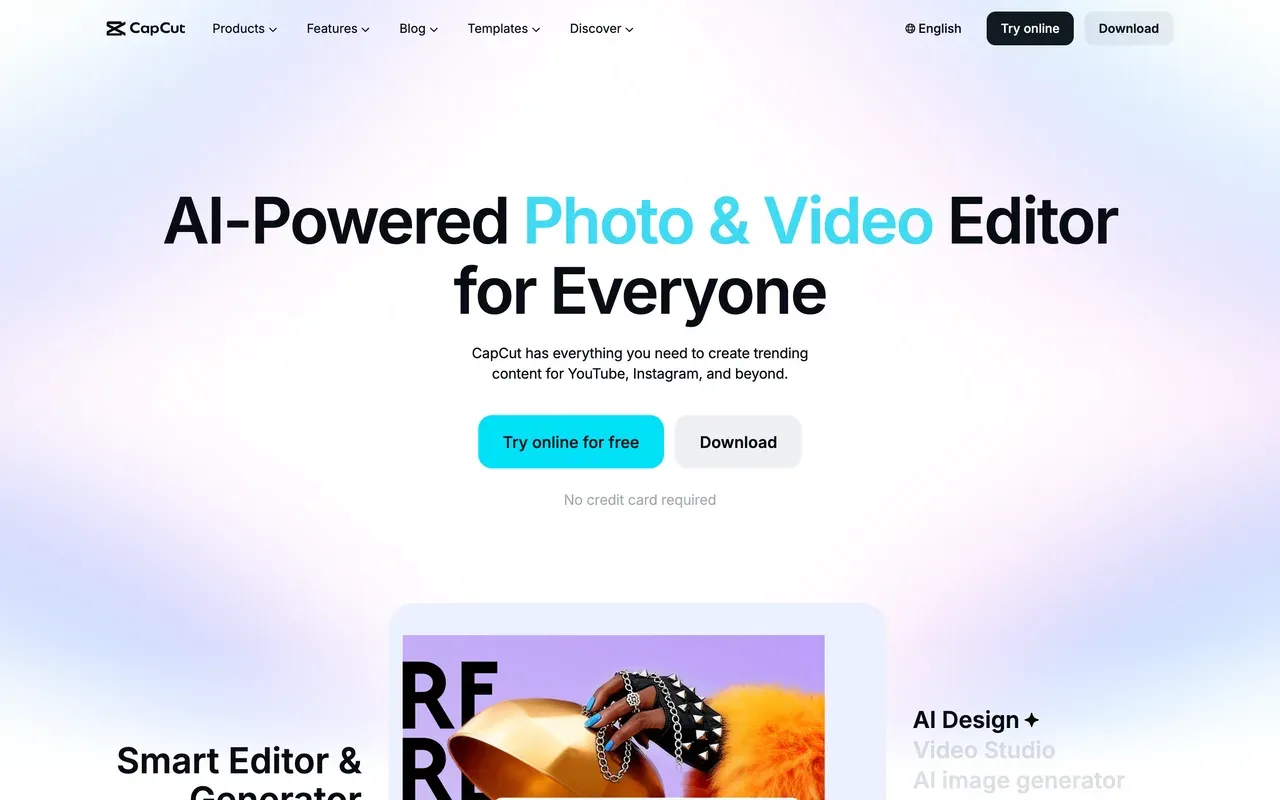
CapCut out-edits Flixier on craft: multi-track timeline with keyframes, chroma key, trend effects, and 870K+ templates, with no monthly export-minute meter on the free tier, and installable desktop apps for Windows and Mac alongside mobile and web, where Flixier is web-only with no offline editing.
Its direction of travel is the warning: free exports gained a watermark through 2025, formerly free features like auto captions moved behind Pro, prices roughly doubled in the late-2025 restructure, and there is no public price list; trackers report about $9.99/mo Standard and $19.99/mo Pro, varying by region and device.
- Pricing:
- About $9.99/mo (Standard) or $19.99/mo (Pro), third-party reported; no public price list
- Free plan:
- Core editing free; exports watermarked and capped around 1080p
- Best for:
- Short-form creators who want editing depth and desktop apps
Pros
- Keyframes, chroma key, and 870K+ templates
- Desktop and mobile apps, not browser-only
- No monthly export-minute metering
Cons
- Watermark on free exports since 2025
- Auto captions and more moved behind Pro
- Opaque region-dependent pricing
- 5
Clipchamp
clipchamp.comThe free escape hatch: watermark-free 1080p with no export meter
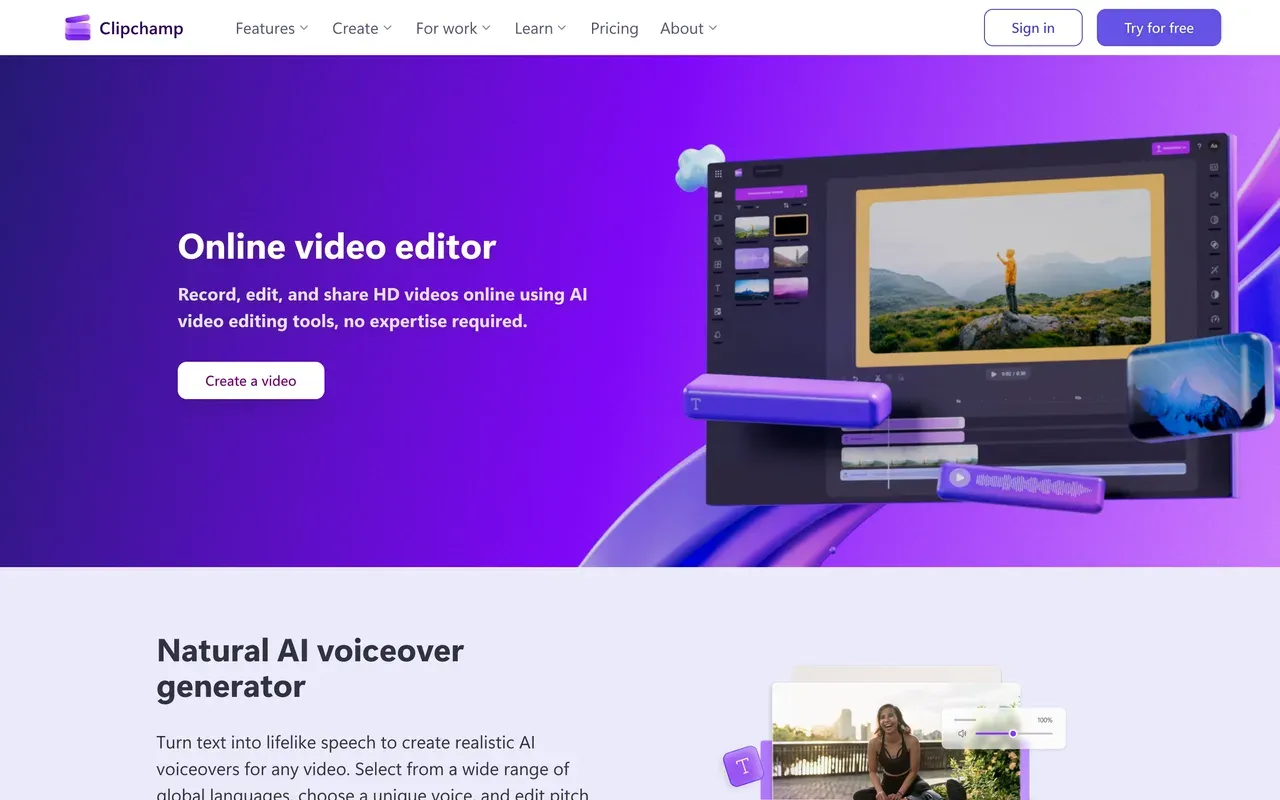
Where Flixier's free tier allows 10 watermarked export minutes a month, Clipchamp's allows watermark-free 1080p exports, full stop. Microsoft's browser editor is simple but complete for everyday cuts, with screen and camera recording, 400+ AI voices, and auto subtitles in 80+ languages, and it ships inside Windows 11.
It will not replace Flixier for power users: reviewers describe shallow effects, browser performance lags on long timelines, official support is Chrome and Edge only with no Mac app, and 4K requires Premium, mostly sold via Microsoft 365 bundles ($11.99/mo standalone).
- Pricing:
- Free; Premium $11.99/mo, or included with Microsoft 365 Personal at $9.99/mo
- Free plan:
- Watermark-free 1080p exports, free stock and filters only
- Best for:
- Anyone who mainly needs free, clean 1080p exports from a simple timeline
Pros
- Watermark-free 1080p free, with no monthly export cap
- Built into Windows 11
- Subtitles in 80+ languages and AI voiceovers included
Cons
- Shallow toolset for advanced work
- Chrome and Edge only, no offline editing
- 4K locked behind Premium
- 6
Clideo
clideo.comCheapest paid escape for quick one-off jobs
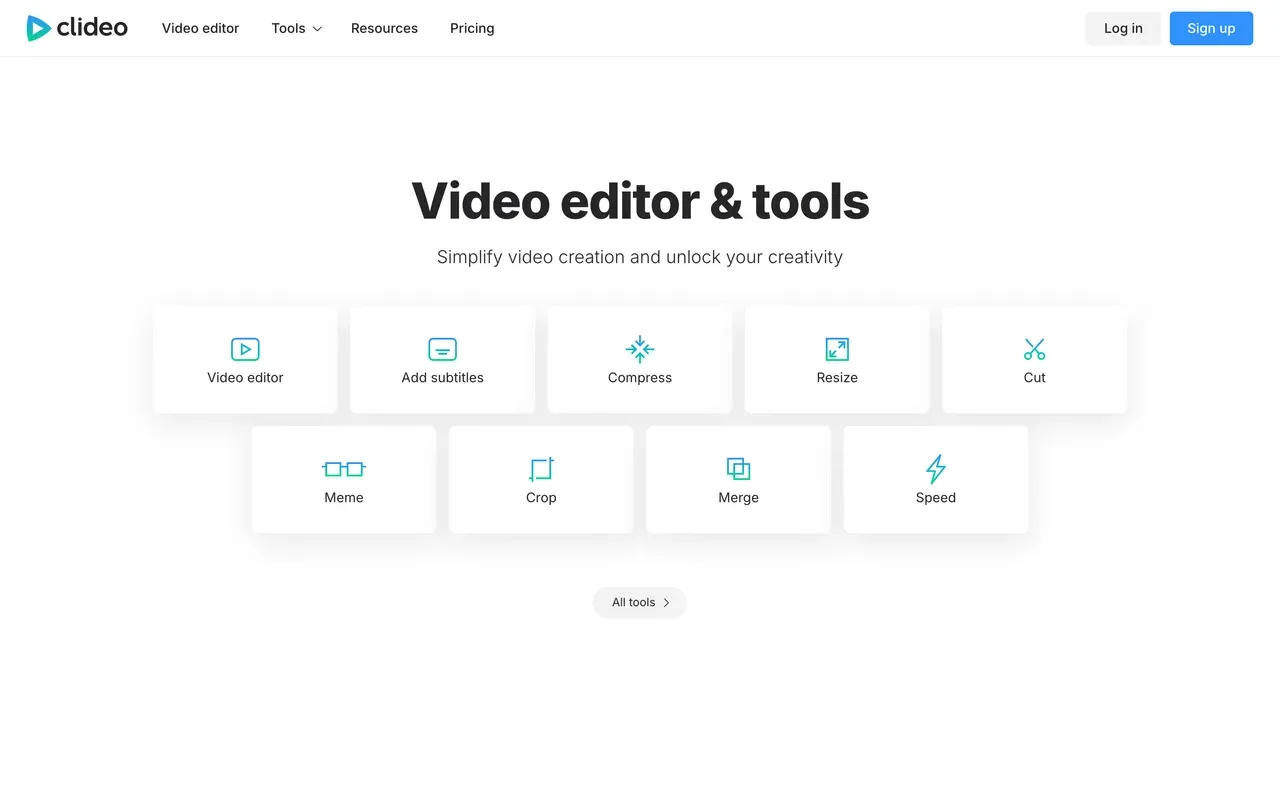
If you only used Flixier for occasional trims and conversions, Clideo's 50+ single-purpose browser tools cover that at the lowest paid price here: Pro is $6/mo billed annually, removing the watermark, raising file limits to 4GB, and speeding up processing. No account is needed for basic use.
The caveats are structural: every free export is watermarked no matter how small the edit, there is no unified timeline so multi-step jobs mean re-uploading between tools, and free files cap at 500MB with slower processing. Trustpilot billing complaints (post-cancellation charges) echo Flixier's.
- Pricing:
- Pro $9/mo, or $6/mo billed annually ($72/yr)
- Free plan:
- All 50+ tools free with watermark, 500MB per-file cap
- Best for:
- One-off utility edits where price beats power
Pros
- Cheapest watermark removal here at $6/mo billed annually
- Dead-simple tools with no account for basic use
- Covers trim, merge, compress, convert, subtitles, and GIF jobs
Cons
- Watermark on every free export
- No timeline; steps require repeated re-uploads
- Billing complaints around cancellation
- 7
FlexClip
flexclip.comTemplate-first and cheap, but renders much slower than Flixier
FlexClip trades Flixier's speed for templates and price: 6,000+ templates, 4M+ stock items, and watermark-free 1080p at $11.99/mo billed annually with unlimited video length, no 60-minute monthly export cap. Its AI extras (text-to-video, subtitles, TTS) run on small annualized credit packs.
Be honest about the swap: rendering is FlexClip's weak point, with one test clocking about 15 minutes to export a 7-minute video, exactly where Flixier shines. Free exports also carry a forced 3 to 4 second intro animation, and the Plus tier caps stock at 5 videos and audios per project.
- Pricing:
- From $11.99/mo billed annually (Plus); $19.99 monthly
- Free plan:
- 720p, 10-minute videos, 12 projects, mandatory FlexClip intro animation on exports
- Best for:
- Template-driven marketing videos on a budget, when render speed is not critical

Pros
- 6,000+ templates with a huge stock library
- No monthly export-minute caps on paid plans
- Cheap watermark-free 1080p
Cons
- Slow renders, the exact thing Flixier is good at
- Forced branded intro on free exports
- Stock caps persist on paid Plus
- 8
WeVideo
wevideo.comCloud editing at the lowest paid price, if you accept its caps
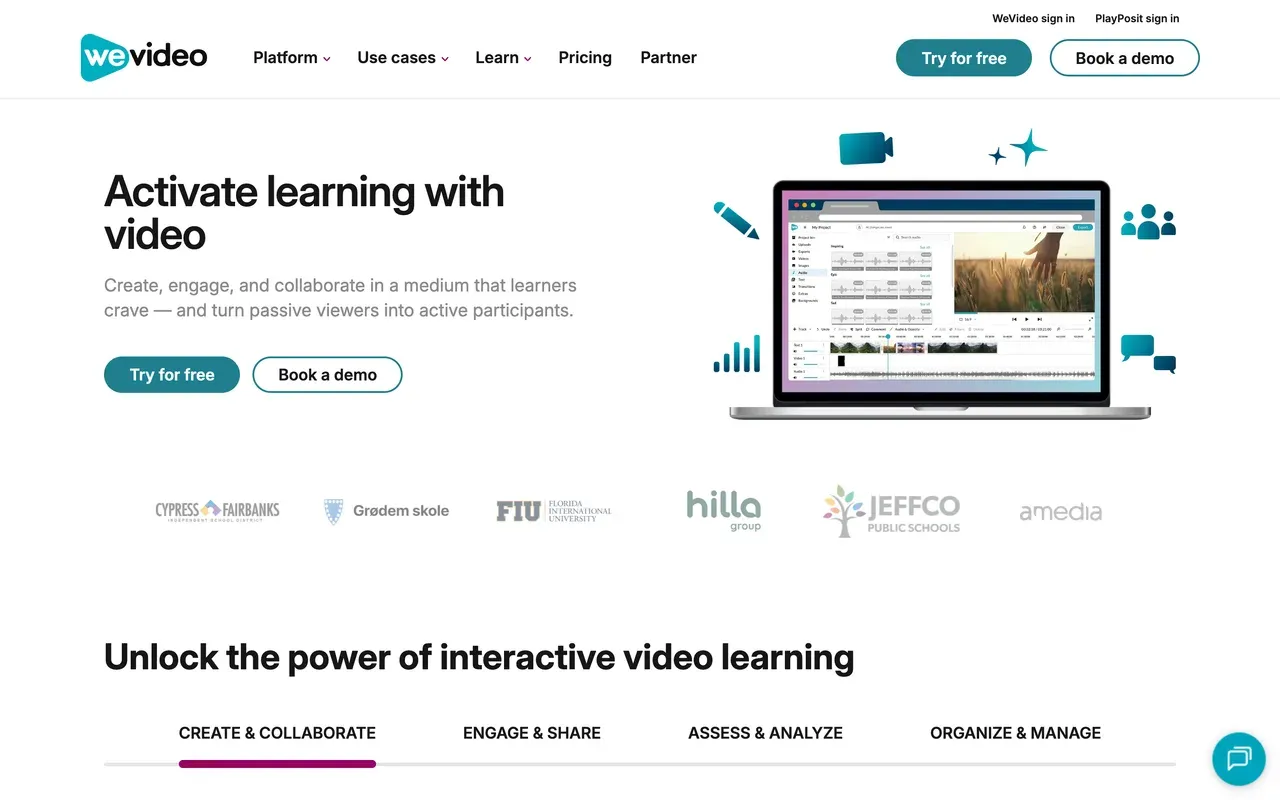
WeVideo undercuts everything here: Power is $4.99/mo billed annually and Unlimited at $7.99/mo annually brings 4K with unlimited publishing and storage, in a collaborative cloud editor with screen recording and green screen. For pure price hunters leaving Flixier's $19 Starter, that is a two-thirds cut.
The catches are heavy: the free plan caps at 480p with 5 publish minutes a month, Power itself tops out at 720p with 30 publish minutes, reviewers report lag, long renders, and export-blocking import errors, the product now targets education first, and Trustpilot sits at 2.9 with surprise-charge complaints.
- Pricing:
- From $4.99/mo billed annually (Power, 720p); Unlimited $7.99/mo annually for 4K
- Free plan:
- 480p max, 5 minutes of publishing per month, 1GB storage, watermark
- Best for:
- Budget buyers and classrooms; check the resolution caps first
Pros
- Lowest paid entry price in this comparison
- 4K and unlimited publishing from $7.99/mo annually
- Real-time collaborative editing
Cons
- Publish-minute meters on free and Power, like Flixier's
- Lag, slow renders, and export failures reported
- Education-first focus; Trustpilot 2.9
- 9
InVideo
invideo.ioIf Flixier's AI generation was the draw, this goes further
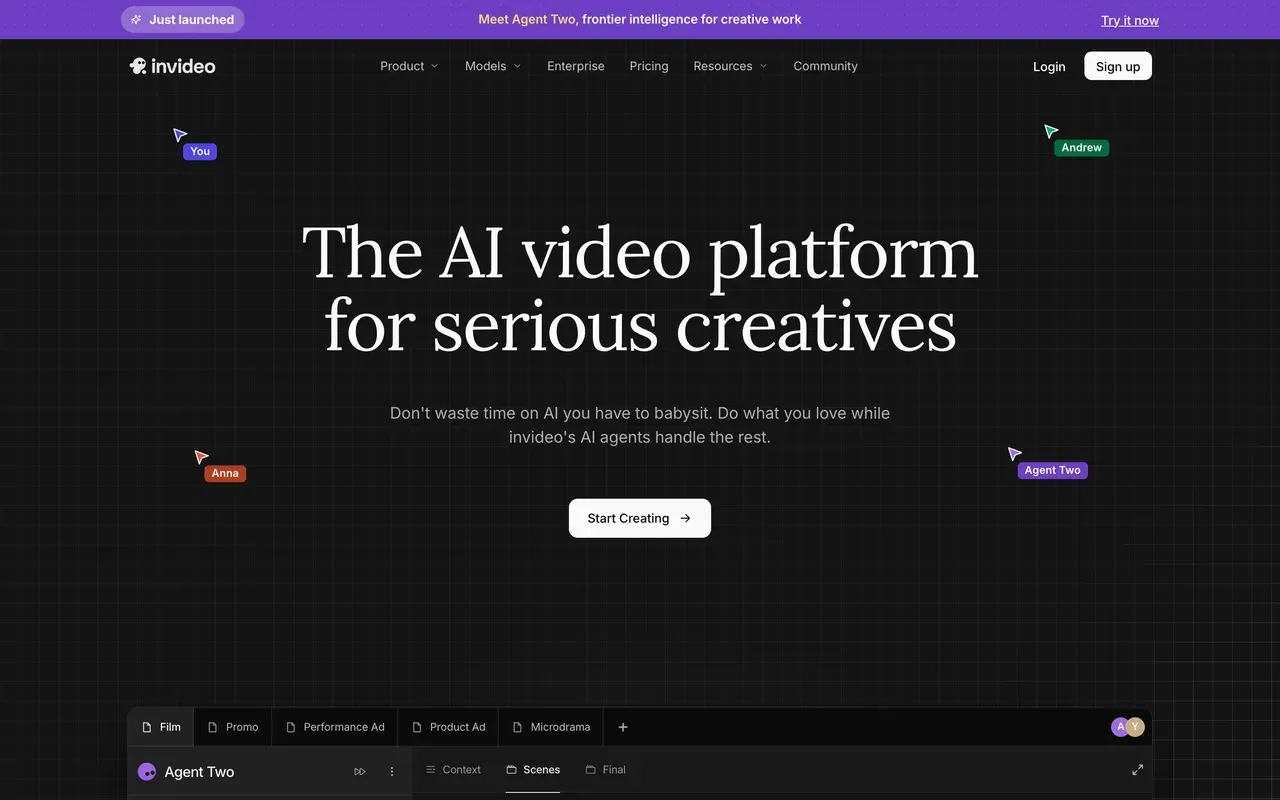
Came to Flixier for the Sora 2 and Veo 3.1 integration rather than the editor? InVideo is the deeper generation bet: an agentic platform that scripts, voices, and assembles videos across 200+ models, with stock libraries bundled on paid plans. Its Generative tier is built specifically around premium-model access.
It runs on the same credit logic that stings at Flixier, harder: credits expire with no rollover, users report failed generations consuming credits with refunds refused, tier prices are hidden until signup (reportedly $20 to $25/mo entry), every free export is watermarked, and Trustpilot sits at 3.4 with a 23 percent 1-star share.
- Pricing:
- Plus about $20 to $25/mo, third-party reported; prices hidden until signup
- Free plan:
- Small credit allocation, weekly export cap, watermark on every export
- Best for:
- Prompt-first AI video production at volume
Pros
- 200+ generation models including Sora 2 and Veo 3.1
- Agentic workflow: script, voiceover, stock, and edit in one pass
- Stock libraries bundled on paid plans
Cons
- Credits expire, and costs can change without notice
- Refund refusals for failed generations are a recurring complaint
- No public pricing; watermarked free exports
Flixier vs EchoWave at a glance
| Feature | EchoWave | Flixier |
|---|---|---|
| Free plan reality | Free forever: full editor, videos up to 60 minutes, 90+ tools | 10 minutes of video exports per month, 5 subtitle minutes, 720p, 2GB storage |
| Watermark | None on quick tools; small badge on free full-editor exports | Watermark on all free exports; removed from the $19/mo Starter tier |
| Starting price | Basic $19/mo, or $9/mo billed annually | Starter $19/mo per seat; a 53% yearly discount is advertised, but the exact USD annual price is not shown in all regions |
| Per-seat pricing | No per-seat pricing on Basic and Pro | Yes, every tier is priced per seat |
| Monthly export caps | No monthly export-minute meter; unlimited renders on Business | 60 minutes per seat per month on Starter; unlimited on Creator with a fair-use queue at peak times |
| Subtitles and captions | No monthly minute cap on free fast subtitles; 50+ languages, 170+ presets, karaoke styles | 5 minutes per month free, 120 on Starter, 1,500 on Creator |
| AI video generation | None; AI voices, voice cloning, and background removal instead | Yes, in-timeline with Sora 2, Veo 3.1, Kling, and Seedance; one 8-second Veo 3.1 clip costs 12,800 credits |
| Max export resolution | 720p free, 1080p on Basic, 4K on Pro, 8K on Business | 720p free, 1080p on Starter, 4K on Creator and Business |
| Audio and visualizer tools | Music visualizer, waveform videos, audiograms, scrub-accurate spectrum previews | AI voiceover included; no visualizer tools advertised |
| Platforms | Any browser, plus Mac, Windows, and Linux desktop apps | Web only; no offline editing |
| Privacy and AI training | Files processed for your session, not used to train AI models | Not stated on the pages we checked |
Is Flixier free? What the free plan really gets you
Flixier has a free tier, but read it as a trial: 10 minutes of video exports per month, 5 subtitle minutes, 720p resolution, 2GB storage, 500 AI credits, and a watermark on everything. Two free plans on this page publish clean instead: Clipchamp exports watermark-free 1080p with no monthly export cap, and EchoWave's quick tools export watermark-free while its free editor handles videos up to 60 minutes with unmetered fast subtitles.
Flixier alternative without a watermark
Removing Flixier's watermark costs $19 per seat per month on Starter. For $0, EchoWave's trim, crop, compress, and convert tools export clean, and Clipchamp gives watermark-free 1080p timeline exports. On paid plans, Clideo Pro at $6/mo billed annually is the cheapest removal for utility jobs, and EchoWave Basic at $9/mo billed annually removes the editor badge with 1080p. Beware CapCut: its free exports gained a watermark in 2025.
Flixier vs Kapwing
The two closest rivals in per-seat browser editing. Kapwing Pro costs $16 per member/mo billed annually against Flixier Starter's $19 per seat, and its 1,000 monthly subtitle minutes dwarf Flixier's 120 on Starter. Flixier counters with faster cloud exports and in-timeline AI generation. Both have demo-grade free tiers and billing complaints on Trustpilot. If subtitles drive your workload, Kapwing; if render speed does, Flixier; if you want neither meter, EchoWave.
Flixier vs CapCut
Different bodies: CapCut is an installable editor (Windows, Mac, mobile) with deeper craft tools like keyframes and chroma key and no export-minute meters, while Flixier is browser-only with cloud speed and collaboration. Both watermark free exports now. CapCut's pricing is opaque (reportedly $9.99 to $19.99/mo, varying by region); Flixier's is published but per-seat. Trend-driven short-form leans CapCut; shared browser workflows lean Flixier or EchoWave.
How to switch from Flixier to EchoWave
Same browser convenience, none of the monthly meters.
-
1. Upload your project media
Open the online video editor in any browser, drag in your files, and start cutting. No account, no install, no seat assignment.

-
2. Edit and caption without rationing
Cut on the multi-track timeline, or delete words in the transcript to ripple-cut talk content, then style captions from 170+ presets with add subtitles. No subtitle minutes to count.
-
3. Export as often as you need
Download at 720p free or up to 4K and 8K on paid plans, with no monthly export-minute cap. Quick jobs like the video compressor export watermark-free.

Why people choose EchoWave

About the EchoWave team
EchoWave is a browser-based video and audio editor built by Lemon Vault LLC since 2018. The people who build the editor write these guides and test every step in the production app before publishing.
Flixier alternative FAQ
What is the best free Flixier alternative?
EchoWave and Clipchamp, for different jobs. EchoWave's free plan is a full editor with videos up to 60 minutes, fast subtitles with no monthly minute cap, and quick tools that export watermark-free. Clipchamp exports watermark-free 1080p from a simple free timeline. Both beat Flixier's free tier, which meters you to 10 export minutes and 5 subtitle minutes a month, watermarked, at 720p.
Is Flixier free?
There is a free plan, but it is metered like a trial: 10 minutes of video exports per month, 5 subtitle minutes, 500 AI credits, 720p maximum, 2GB storage, and a watermark on exports. Real use starts at Starter, $19/mo per seat, which itself caps exports at 60 minutes a month. If free actually needs to work, EchoWave and Clipchamp are the two picks here that publish clean at $0.
What is cheaper than Flixier?
Plenty, because Flixier is per seat. EchoWave Basic is a flat $9/mo billed annually. Clideo Pro is $6/mo annually for utility jobs. WeVideo Power is $4.99/mo annually, capped at 720p. FlexClip Plus is $11.99/mo annually. VEED Creator is $10 per user/mo annually. Flixier's own yearly billing advertises 53 percent off Starter's $19/mo, but the exact USD annual price is not displayed in all regions.
Which Flixier alternative has no watermark?
Free of charge: EchoWave's quick tools (trim, crop, compress, convert) and Clipchamp's 1080p exports are both watermark-free. On paid plans, Clideo removes its watermark from $6/mo billed annually and EchoWave from $9/mo billed annually. Flixier removes its own watermark only from the $19 per-seat Starter tier, and CapCut's free exports carry a watermark since 2025, so check before assuming.
Flixier vs EchoWave: which should I pick?
Pick Flixier for its two genuine edges: cloud exports that typically finish in under a minute, and AI video generation with Sora 2, Veo 3.1, and Kling inside the timeline, if you will police credit spend. Pick EchoWave for predictability: flat plans from $9/mo billed annually with no per-seat pricing on Basic or Pro, no monthly export or subtitle meters, watermark-free quick tools, and audio tools like visualizers and audiograms Flixier does not advertise.
Flixier vs Kapwing: which browser editor is better?
On numbers: Kapwing Pro is $16 per member/mo billed annually versus Flixier Starter at $19 per seat, and Kapwing includes 1,000 subtitle minutes a month against Flixier's 120. Flixier answers with faster cloud rendering and in-timeline AI generation. Both have watermarked demo free tiers and recurring billing complaints. Caption-heavy teams should lean Kapwing; speed-sensitive editors lean Flixier.
How far do Flixier's AI credits actually go?
Not far with current models. Flixier's free plan includes 500 credits, Starter 2,000, Creator 10,000, and Business 30,000 per month, but a single 8-second Veo 3.1 generation costs 12,800 credits, more than Creator's entire monthly allowance. Add-on packs cost $10/mo per 50,000 credits and are only available on Creator and Business. Budget accordingly, or treat the AI generation as a paid extra rather than a plan feature.
Why do people cancel Flixier?
Four patterns dominate the review record: billing friction, with users reporting rebilling after cancelling and difficulty finding the cancel flow, and a roughly 43 percent one-star share in an earlier Trustpilot snapshot; AI credits vanishing at current model prices; Starter's 60-minute monthly export cap forcing upgrades to the $39 Creator tier; and per-seat costs stacking up for small teams. Its 4.2 Trustpilot score is polarized rather than uniformly bad.
Do any alternatives match Flixier's cloud export speed?
Honestly, speed is Flixier's best feature: exports typically finish in under a minute regardless of your hardware. Among alternatives, FlexClip is documented as slow (about 15 minutes for a 7-minute video in one test) and Kapwing draws slow-render complaints. EchoWave renders in the cloud from your browser and publishes no speed claims we can cite; its free plan lets you test a real export before paying anything.
The honest verdict
Browser editing without the meters EchoWave has a free plan
No export-minute caps, no per-seat pricing on Basic or Pro. No credit card required.
Get Started →
How we checked
Sources used for the claims on this page, as checked August 2026:
- Flixier pricing (flixier.com) (Flixier)
- Flixier reviews (trustpilot.com) (Trustpilot)
- Flixier review 2026 (toolcenter.ai) (ToolCenter)
- VEED pricing (veed.io) (VEED)
- Kapwing pricing (kapwing.com) (Kapwing)
- How much does CapCut Pro cost? (capcut.com) (CapCut Help Center)
- Clipchamp products and cost (support.microsoft.com) (Microsoft Support)
- Clideo Pro plans (help.clideo.com) (Clideo Help Center)
- FlexClip pricing (flexclip.com) (FlexClip)
- WeVideo pricing (wevideo.com) (WeVideo)
- How do credits work? (invideo.io) (invideo Help Center)
Every competitor claim on this page was re-verified against the sources above on August 3, 2026.
Pricing and limits change often. If anything here is out of date, email hello@echowave.io with a link and we'll correct it. Our editorial policy explains how we test and update comparisons.
Trademark and comparison notice. Flixier and all related names, logos, product names and trademarks are the property of their respective owners. EchoWave is an independent product and is not affiliated with, associated with, authorised by, endorsed by, sponsored by, or in any way officially connected to Flixier or its owners. Any third-party names, logos and trademarks are used here only to identify and compare the products honestly (nominative fair use) and do not imply any endorsement, partnership or affiliation.
This comparison reflects EchoWave's own opinion and our understanding of publicly available information believed accurate at the time of writing. Third-party features, pricing and availability change frequently and can vary by region, so figures may be out of date; please confirm the current details on Flixier's official website before making a decision. EchoWave makes no representation or warranty as to the accuracy or completeness of any third-party information shown here. If you believe anything on this page is inaccurate or out of date, please contact us and we will review it promptly.























































