
The 8 Best Vizzy Alternatives in 2026
Credit where due: Vizzy is genuinely free, watermark-free up to 4K 60fps, funded by donations. People shop for a Vizzy alternative for two reasons: renders run on your own computer, and it only makes visualizers. EchoWave is our top pick because its visualizer sits inside a full editor with captions and audio tools, and exports do not tie up your machine. Free and paid picks follow.


The 8 Best Vizzy Alternatives in 2026 Features
Trusted by thousands of creators worldwide





Why people look for a Vizzy alternative
Not because of price. Vizzy.io has no paid plan at all: everything, including 4K 60fps export, lyric videos and the effects stack, is free with no watermark, supported by Ko-fi donations from 650+ supporters. Blogs claiming Vizzy costs around $14/mo are wrong; the live site confirms it is entirely free.
The real friction is architectural. Vizzy renders in your browser on your own hardware, so export speed depends on your machine and the tab has to stay open, which hurts on long tracks, 4K jobs or older laptops. It is a visualizer and lyric-video tool only: no captions or subtitles, no stock library, no publishing, no team features. Power comes from manual configuration, so there is a real learning curve, the built-in template variety is thinner than commercial rivals (the community project gallery fills the gap), and as a donation-funded passion project it offers Discord community support rather than an SLA, which gives some commercial users pause.
We tested every alternative in the browser and checked pricing pages in August 2026, and we say plainly where Vizzy remains the better deal, which on pure price is everywhere.
TL;DR: EchoWave is the best overall alternative, putting a visualizer inside a full editor with cloud-side exports; Specterr for a dedicated visualizer with cloud rendering and one-off pricing; Headliner for podcast audiograms with a genuinely useful free tier.
The best Vizzy alternatives in 2026, ranked
Every pick tested in the browser. Prices checked August 2026.
- 1
EchoWave
Our pickBest overall: a visualizer inside a full editor, with renders off your machine
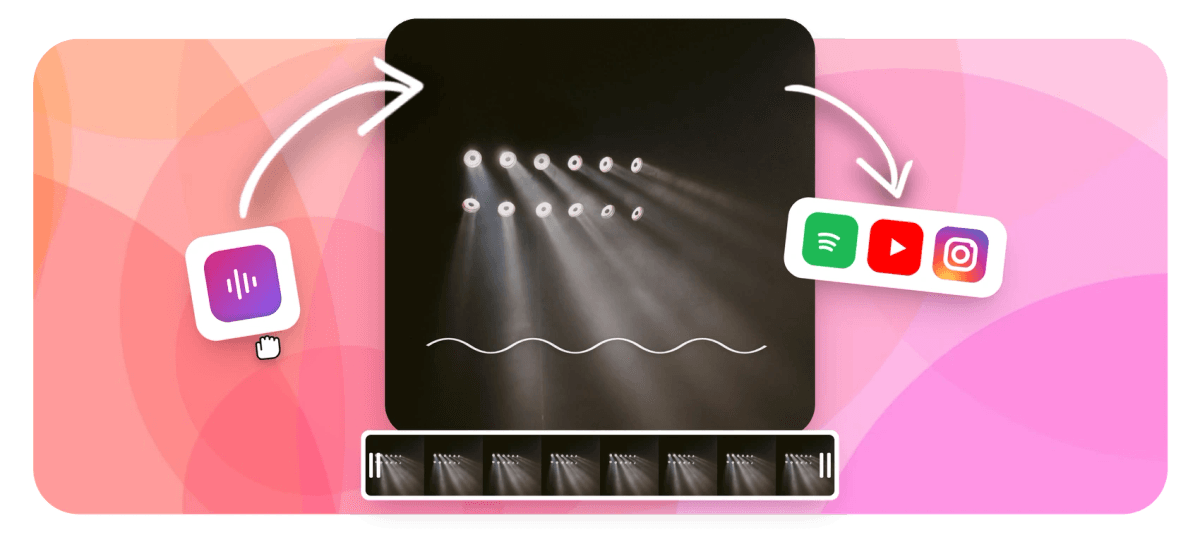
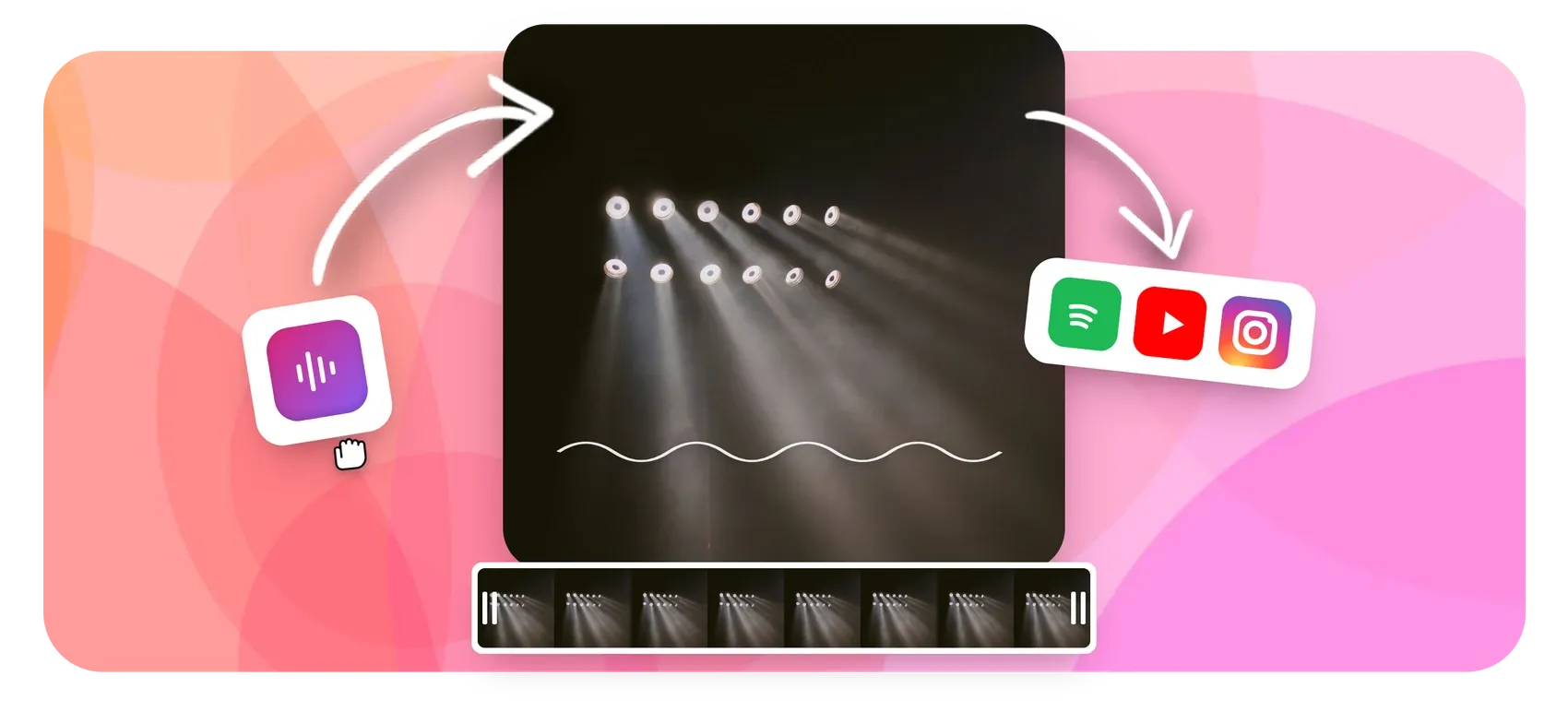
EchoWave fixes Vizzy's two structural limits at once. Exports render in the cloud, so a 4K visualizer does not monopolize your laptop or require a babysat browser tab. And the music visualizer is one element in a multi-track editor: in the same project you can add karaoke-style captions for lyrics, a progress bar, cover artwork and text, or build audio waveform videos and audiograms for podcast clips. The spectrum is baked into the preview, so scrubbing stays accurate to the beat.
The honest caveat is price, and it favors Vizzy: EchoWave's free plan exports 720p with a small badge, and 4K with 50/60fps needs Pro at $17/mo billed annually, while Vizzy does 4K 60fps free with no watermark. You are paying for cloud renders and the editor around the visualizer, not for the visualizer itself.
- Pricing:
- Free plan; paid from $9/mo billed annually
- Free plan:
- Free forever: full editor, 720p exports with a small badge; quick tools export with no watermark
- Best for:
- Musicians who want visualizers plus captions, artwork and editing in one project
Pros
- Renders happen in the cloud, not on your machine
- Visualizer, waveform and audiogram tools inside a full multi-track editor
- Scrub-accurate audio spectrum previews
- Karaoke word-by-word captions for lyric-style videos
- Free plan takes videos up to 60 minutes
- No account needed to start
Cons
- Free exports are 720p with a small badge, while Vizzy is free at 4K with none
- 4K and 50/60fps export require Pro at $17/mo billed annually
- More interface to learn than a single-purpose visualizer
- 2
Specterr
specterr.comThe dedicated cloud-rendered visualizer, with quotas to watch
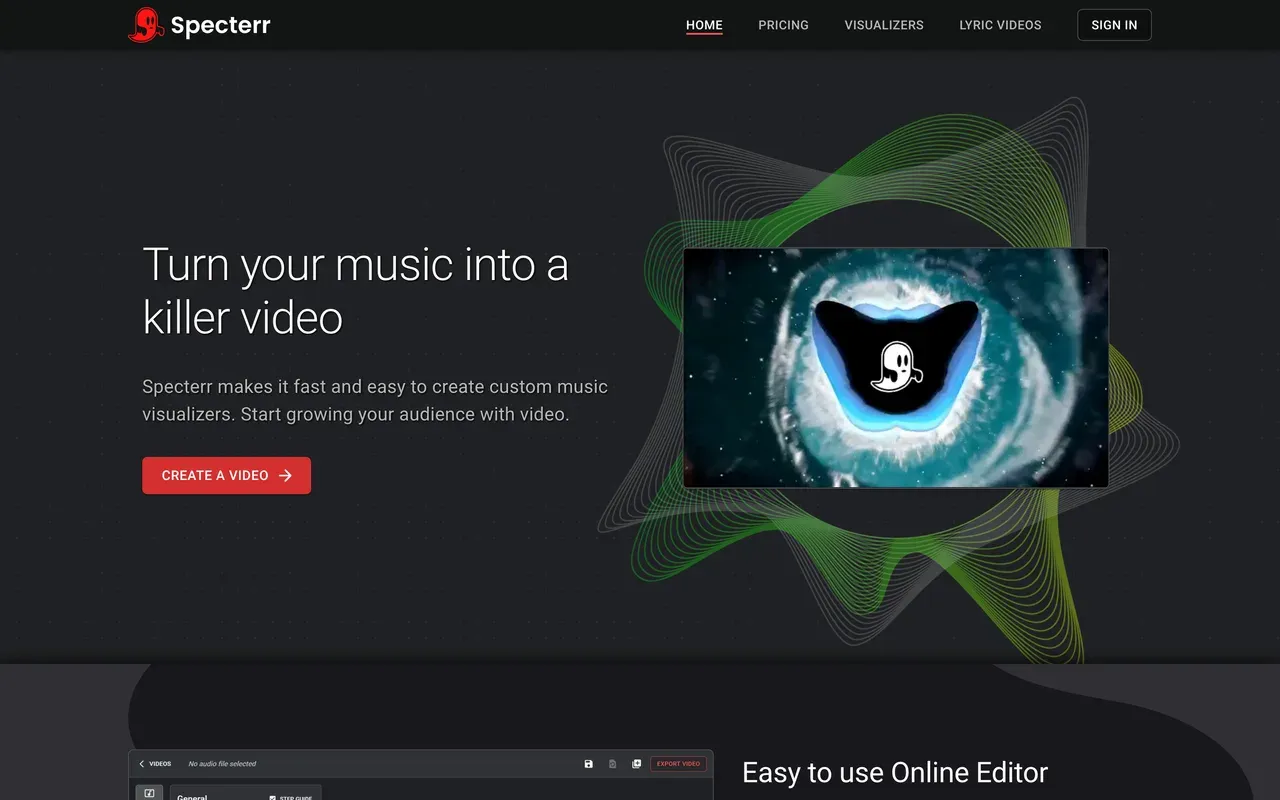
Specterr is the closest like-for-like swap: a purpose-built music visualizer and lyric video editor with real-time preview, 18+ presets, up to 7 reactive wave colors and audio-reactive backgrounds. Crucially for ex-Vizzy users, rendering is server-side, so your machine is free and finished videos can be fetched from any device.
You pay for that render farm in quotas. The free tier is 720p 30fps with a watermark, 1 video per day, 5-minute tracks, and exports that expire after 10 days. Pro at $16.50/mo billed annually still caps output (5 videos a month on monthly billing, 60 a year on annual), true unlimited 4K60 costs $49/mo annual, and there is a handy no-subscription option: single videos at $14.99 to $29.99 each.
- Pricing:
- Pro $29/mo, or $16.50/mo billed annually; one-off videos from $14.99
- Free plan:
- Free tier: 720p 30fps, watermark, 1 video/day, 5-minute cap, exports expire after 10 days
- Best for:
- Musicians who want cloud-rendered visualizers or pay-per-video pricing
Pros
- Cloud rendering with live real-time preview
- Deep visualizer controls and lyric video editor
- Pay-per-video option with no subscription
- 120-minute videos on Unlimited for DJ mixes
Cons
- Video-count quotas even on the paid Pro tier
- Free exports expire after 10 days
- Visualizers and lyric videos only; no captions or general editing
- 3
Renderforest
renderforest.comVisualizer templates inside a big template-and-AI suite
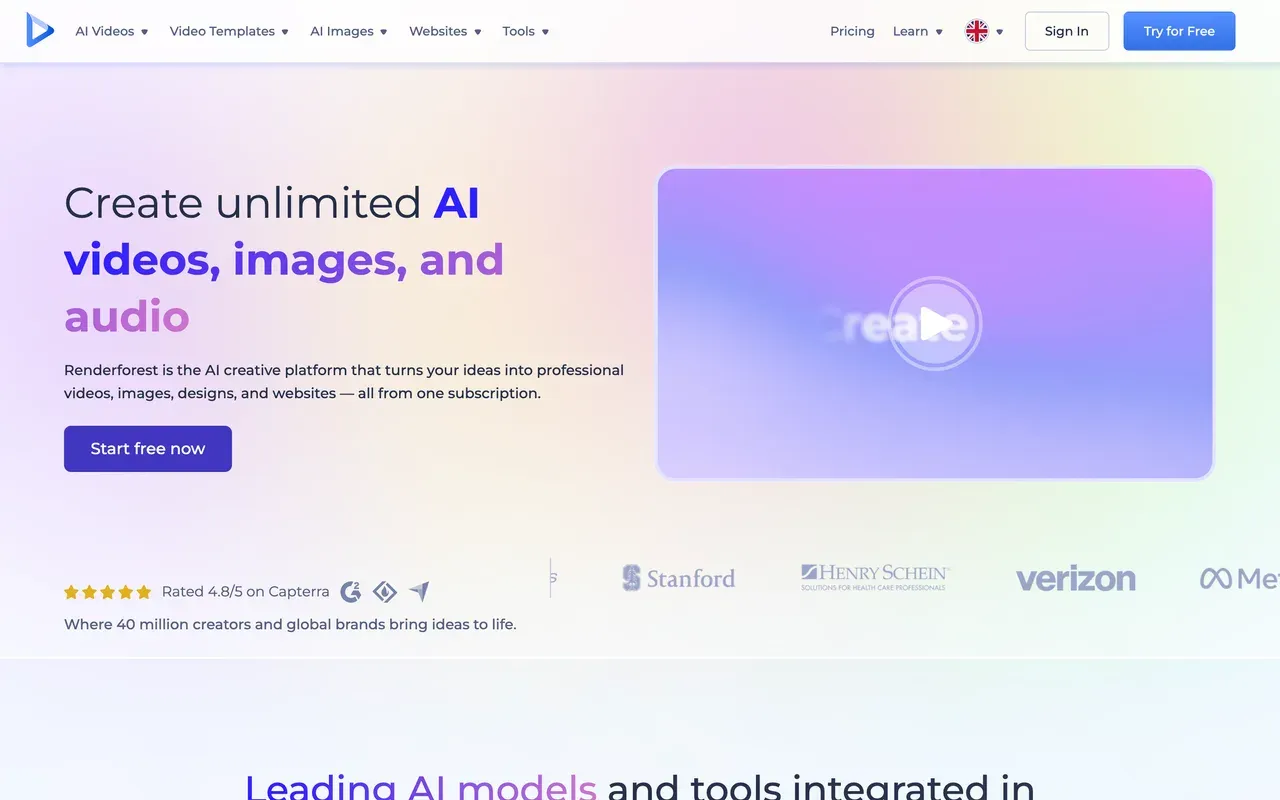
Renderforest comes at visualizers from the template angle: a large music-visualizer category inside a catalog of 1,200+ video templates, plus logos, mockups and a website builder, all cloud-rendered with mobile apps. If you want a branded channel package around your visualizer, one subscription covers it.
Check the pricing mechanics closely: the free plan is a 360p watermarked preview tier, Lite at $9/mo still limits you to 60 watermark-free exports, and the annual Pro and Business rates are first-year teasers ($12/mo becoming $24, $34.30 becoming $49 at renewal). Trustpilot complaints center on surprise annual charges and a strict no-refund policy.
- Pricing:
- Lite $9/mo ($8/mo annual); Pro annual $12/mo first year, then $24/mo
- Free plan:
- Free tier: 360p exports, watermark, about 3-minute videos
- Best for:
- Small channels that want templated visualizers plus branding assets
Pros
- Large music-visualizer template category
- Cloud rendering plus iOS and Android apps
- Logos, graphics and website builder in the same subscription
- Pay-per-export option at $24 per HD video
Cons
- First-year teaser pricing jumps at renewal
- 60 watermark-free exports cap on Lite
- Template-driven editing, not free-form design like Vizzy
- 4
Headliner
headliner.appPodcast audiograms with the most usable free tier here
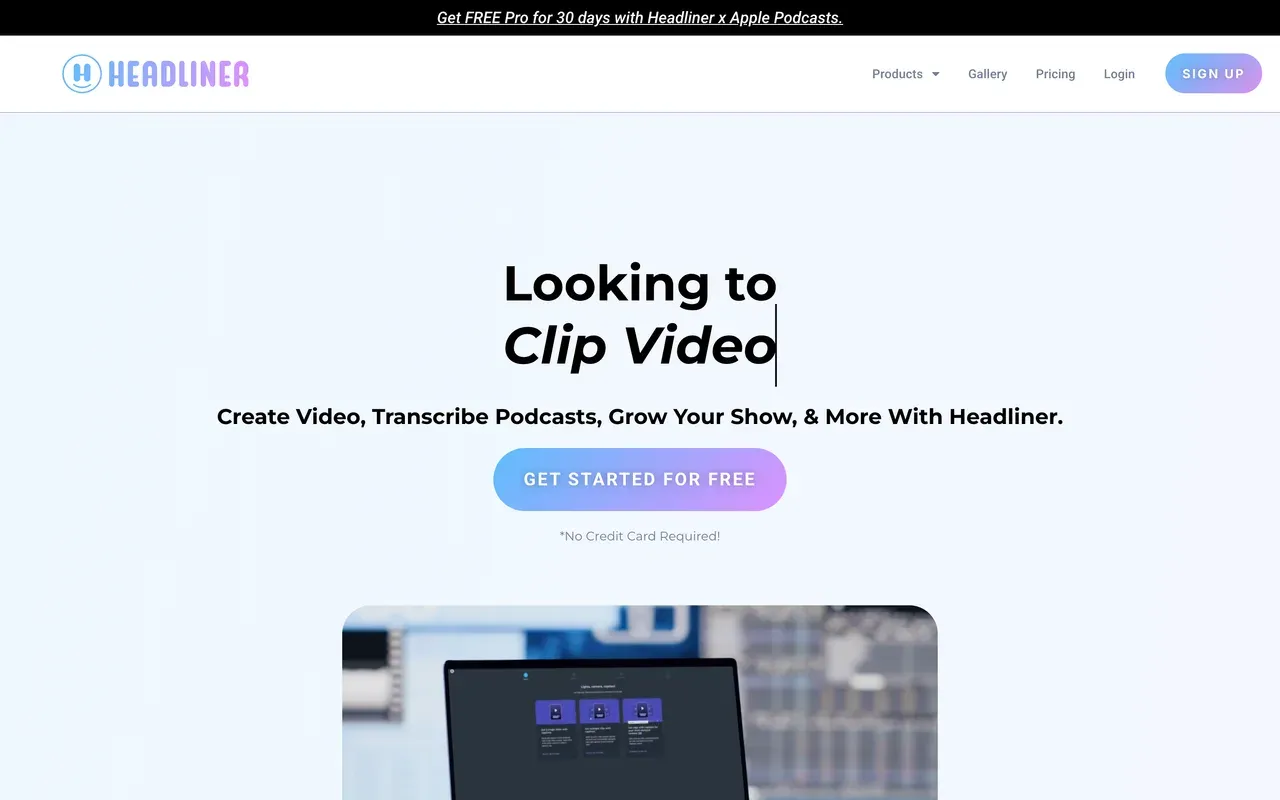
Headliner is where to go if your waveform videos promote a podcast rather than a music release. Its templates are built for episode clips, RSS automations create clips for each new episode automatically, and it can push full episodes to YouTube. The free tier is genuinely usable: 5 unwatermarked videos every month, plus unlimited watermarked ones, with the trade-off of ads in the app.
Limits to know: exports top out at 1080p (no 4K, where Vizzy shines), the mobile app caps clips at 10 minutes of audio, and Play Store reviewers report flaky share and export flows. Basic starts at $7.99/mo billed annually.
- Pricing:
- Basic $9.99/mo, or $7.99/mo billed annually (tracker-reported)
- Free plan:
- Forever Free: 5 unwatermarked videos/mo, unlimited watermarked, ad-supported
- Best for:
- Podcasters automating waveform clips from an RSS feed
Pros
- 5 unwatermarked free videos every month
- RSS automation clips each new episode
- Full-episode YouTube upload automation
- Transcription in 100+ languages
Cons
- 1080p ceiling, no 4K
- Ads inside the free app
- Mobile app export hangs reported by users
- 5
Wavve
wavve.coClassic audiograms, now under Disctopia with tight minute caps
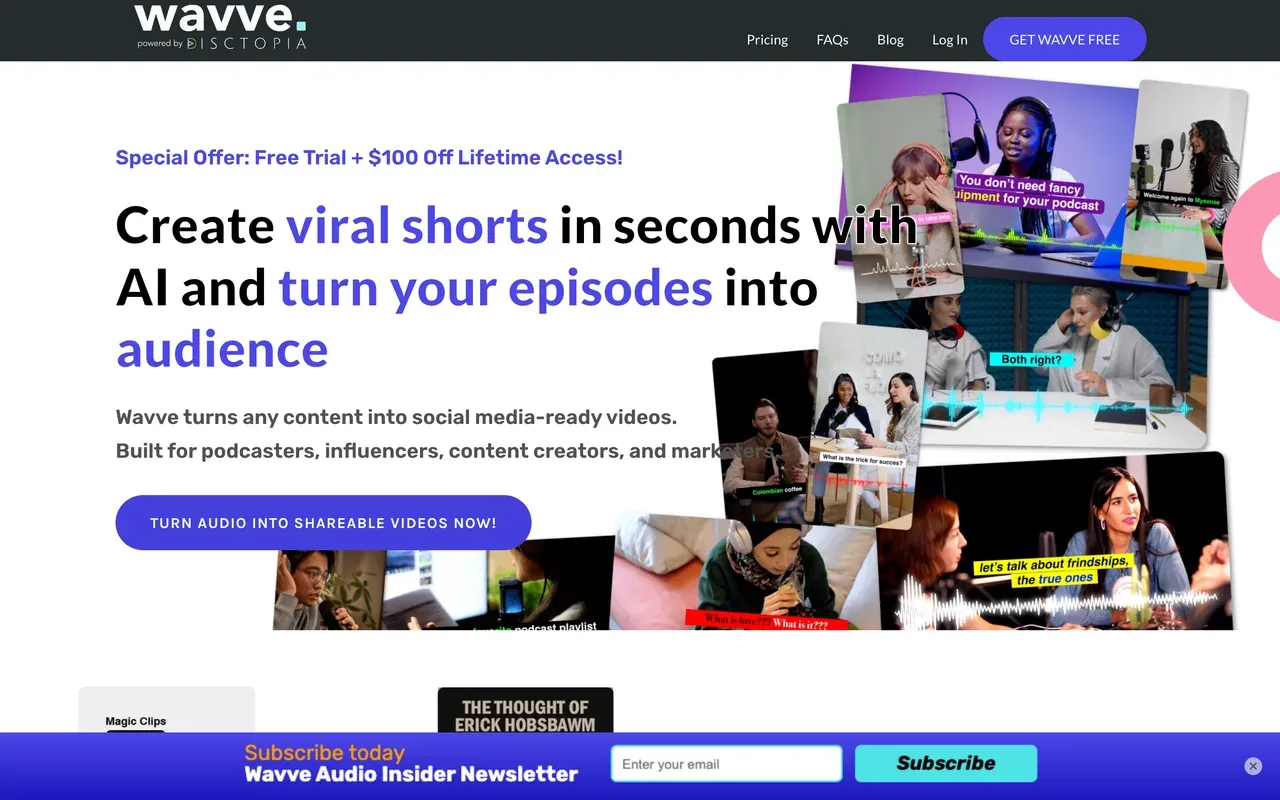
Wavve helped define the audiogram category, and the product still does the job: waveform videos with captions, AI hot-spot detection to find shareable moments, and a built-in social scheduler. In May 2025 it was acquired by podcast host Disctopia and is being folded into that dashboard, so the standalone roadmap is uncertain.
The metering is the opposite of Vizzy's anything-goes: no ongoing free plan (trial only), 70 upload minutes and 18 video exports a month on Starter at $7.99 promo pricing, and only 410 minutes even on the $98.99 Agency tier. Saasworthy-collected reviews cite billing and support complaints.
- Pricing:
- Starter $7.99/mo promo (regular $9.99); no free plan
- Free plan:
- No ongoing free plan; free trial only
- Best for:
- Podcasters on Disctopia who want audiograms plus scheduling
Pros
- Simple audiogram templates with captions
- AI hot-spot detection for shareable moments
- Social scheduler included
- Lifetime-access promo currently offered
Cons
- 70 upload minutes/mo on the entry plan
- No permanent free tier
- Post-acquisition product direction unclear
- 6
Audiogram
getaudiogram.comDead-simple waveform clips, on a product that has gone quiet
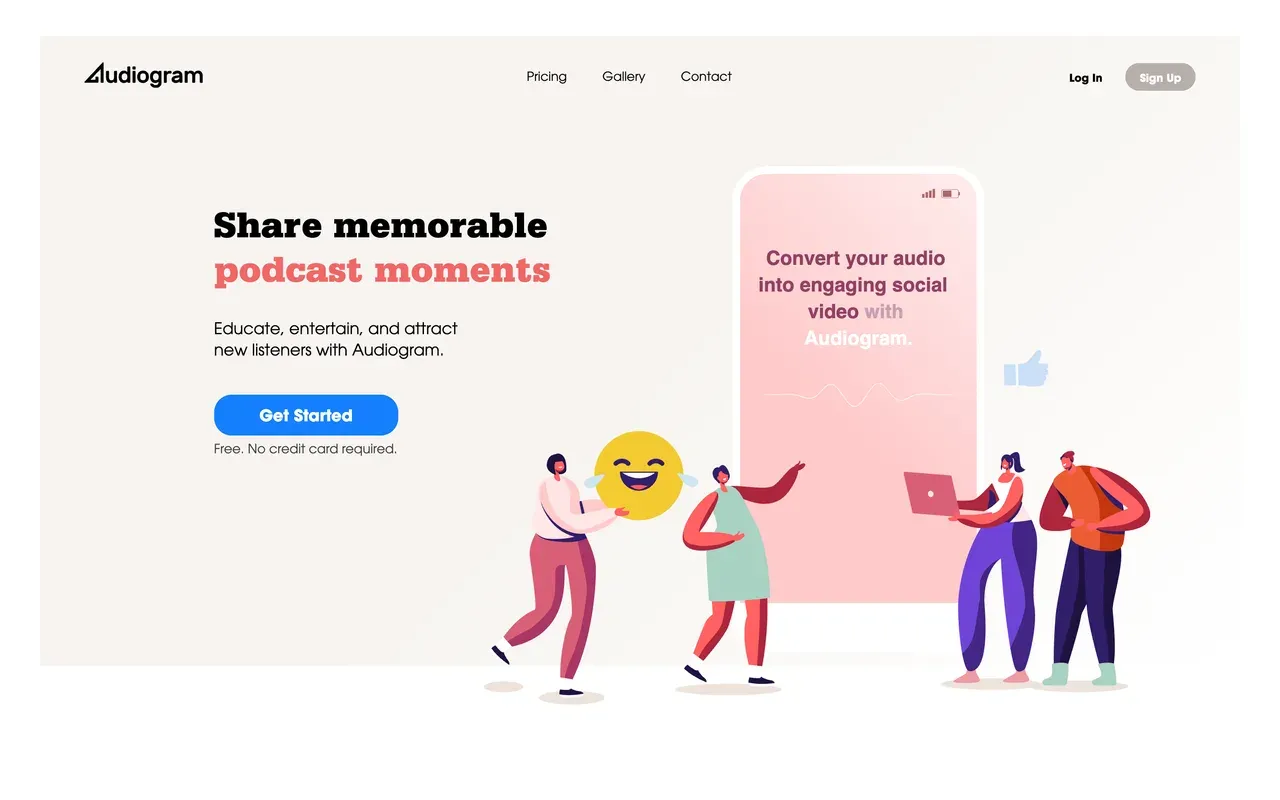
Audiogram strips the job to its essentials: upload audio, pick a clip, get a captioned waveform video sized for each social network. For an occasional podcast promo it is about as low-friction as this category gets.
The caps are strict at every level: 2 watermarked videos a month free with captions limited to 60 seconds, 15 videos on the $19 Pro plan, 30 on Elite, and captions never exceed 5 minutes per video even at the top tier. The showcased case studies date from 2019 and 2020, no 2025 or 2026 product news is visible, and reviewers report unresponsive support, so treat it as a utility rather than a platform bet.
- Pricing:
- Pro $19/mo; no annual pricing published
- Free plan:
- Free tier: 2 videos/mo, watermark, captions capped at 60 seconds
- Best for:
- Occasional podcasters needing a couple of captioned clips a month
Pros
- Fastest path from audio file to social clip
- Editable auto-captions in the browser
- Multi-aspect export for each platform
Cons
- 5-minute caption ceiling even on the $29 Elite plan
- Low monthly video caps with no unlimited tier
- Little visible product development since 2020
- 7
VEED
veed.ioA general editor for when the visualizer is just the start
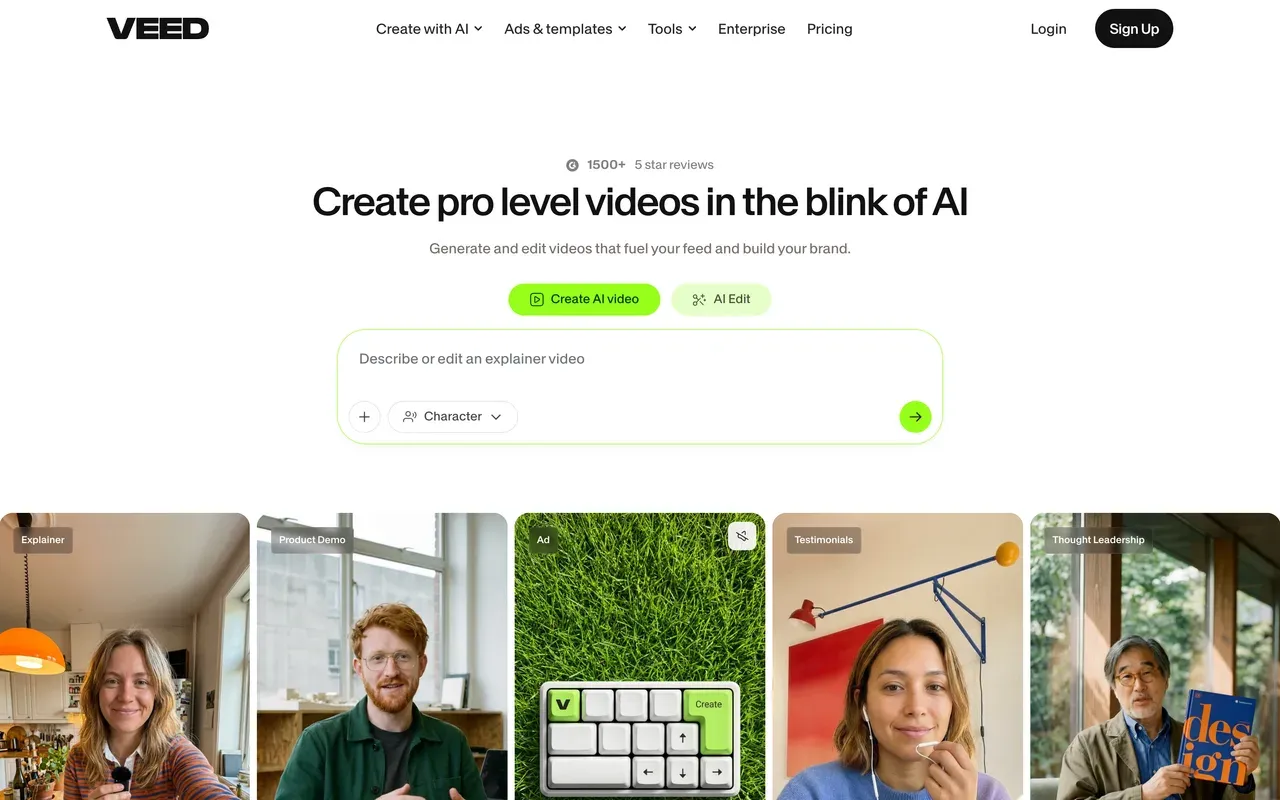
VEED belongs on this list for the musician whose needs have outgrown visuals-reacting-to-audio: it is a broad browser platform with an editor, unlimited auto subtitles on paid plans, a recorder, text-to-speech and AI generation tools, useful for tour promos, interviews and ad cuts around a release.
It is not a music tool by design, and the free tier is the anti-Vizzy: 720p, 10-minute max, watermarked, with limited AI credits. Paid runs per user at $10/mo billed annually ($20 monthly), and its Trustpilot profile (4.1) leads with auto-renewal and refund complaints.
- Pricing:
- From $10/mo per user billed annually (Creator); $20 monthly
- Free plan:
- Free tier: 720p, 10-minute exports, watermark, limited AI credits
- Best for:
- Musicians producing general promo content beyond visualizers
Pros
- Full editor with subtitles, recorder and AI tools
- Unlimited auto subtitles on paid plans
- Brand kits for consistent artist branding
Cons
- No dedicated music-visualizer focus
- Watermarked 720p free tier
- Per-user pricing with recurring billing complaints
- 8
Wave.video
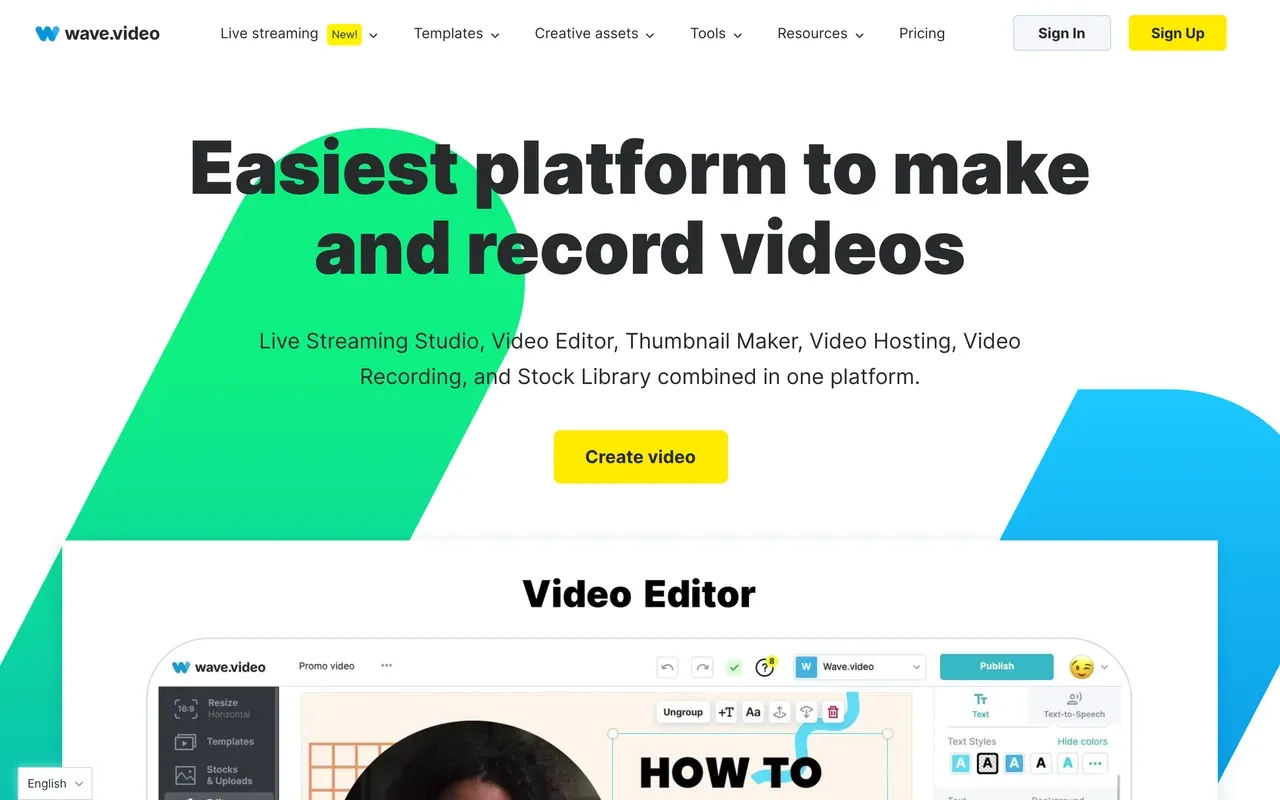
wave.videoDespite the name, a streaming and hosting bundle, not a waveform tool
Clear the name confusion first: Wave.video is not a waveform or visualizer generator. It is an all-in-one bundle of editor, multistreaming live studio, video hosting with embeds, recorder and a 200M-asset stock library, which can genuinely replace several subscriptions for a marketing-minded musician running live sessions.
The editor is the weak link for this audience: the free plan caps edited videos at 15 seconds with a watermark on everything, reviewers report glitchy rendering and dated templates, and its Trustpilot score is the lowest on this page at 2.6. Paid starts at $16/mo (Streamer), with 30-minute videos arriving on Creator at $24/mo.
- Pricing:
- Streamer $16/mo, or $12.80/mo billed annually
- Free plan:
- Free tier: 15-second edited videos, watermark on all outputs, 720p 1-hour streams
- Best for:
- Musicians live-streaming sessions who also need hosting and light editing
Pros
- Editor, live multistreaming and hosting in one subscription
- 200M stock assets on the Creator tier
- Auto-captions in 20+ languages
Cons
- No visualizer or waveform features at all
- 15-second video cap makes the free editor unusable
- Trustpilot 2.6 with stream-reliability complaints
Vizzy vs EchoWave at a glance
| Feature | EchoWave | Vizzy |
|---|---|---|
| Price | Free plan; paid from $9/mo billed annually | Entirely free, donation-funded; no paid plans exist |
| Watermark | Small badge on free full-editor exports; none on quick tools or paid plans | No watermark, ever |
| Best free export quality | 720p on the free plan; 4K at 50/60fps needs Pro | Up to 4K 60fps free |
| Where renders happen | In the cloud; your computer stays free | On your own computer; the browser tab must stay open |
| Scope | Full multi-track editor: visualizers, captions, text, recording, converters | Music visualizers and lyric videos only |
| Captions and subtitles | Auto-transcribe 50+ languages, 170+ presets, karaoke word-by-word styles | None |
| Audiogram and podcast tools | Audiograms, waveform videos, podcast-to-video, progress bars | Not the focus; reactive visualizer elements instead |
| Preview accuracy | Baked audio spectrum, scrub-accurate previews | Real-time reactive preview in the browser |
| Templates and reuse | Turn your own projects into templates; bulk CSV creation | Community gallery of remixable projects |
| Account required to start | No, start editing without signing up | No account or credit systems |
| Support | Standard product support | Discord community; donation-funded, no SLA |
Best free Vizzy alternative
Be realistic: on pure price, nothing here beats Vizzy, because free 4K 60fps with no watermark has no catch beyond your own render times. The closest free experiences: Headliner gives 5 unwatermarked videos a month, aimed at podcast clips rather than music. EchoWave is free without metering and adds captions and editing, with a small badge on 720p full-editor exports. Specterr has a free tier, but it is 720p 30fps, watermarked, one video a day, and exports self-delete after 10 days.
Vizzy alternative with cloud rendering
If the reason you are leaving is a hot laptop and a browser tab you cannot close, pick by where the pixels get computed. Specterr renders server-side with a live preview, and even sells single rendered videos for $14.99 to $29.99 with no subscription. EchoWave renders exports in the cloud too, and its music visualizer sits in a full editor so captions and artwork ride along in the same render. Renderforest is cloud-based template rendering with mobile apps, best when you want a preset look fast.
Vizzy alternatives for lyric videos
Vizzy's animated lyrics are one of its best free features, so match them deliberately. Specterr has a dedicated lyric video editor alongside its visualizers. EchoWave approaches lyrics through its caption engine: karaoke word-by-word animation timed to the track, with 170+ styles, which also doubles as subtitles for audio-to-video uploads. If your lyric clips are podcast quotes rather than songs, Headliner and its transcript-driven templates are the shortcut.
How to switch from Vizzy to EchoWave
From audio file to finished visualizer video, rendered off your machine.
-
1. Upload your track
Drop an MP3 or WAV into the browser editor, or start from the audio to video tool. No account, no install.

-
2. Build the visualizer scene
Add a music visualizer or waveform element, then layer cover art, a progress bar and karaoke-style lyric captions in the same project. The spectrum preview stays accurate as you scrub.
-
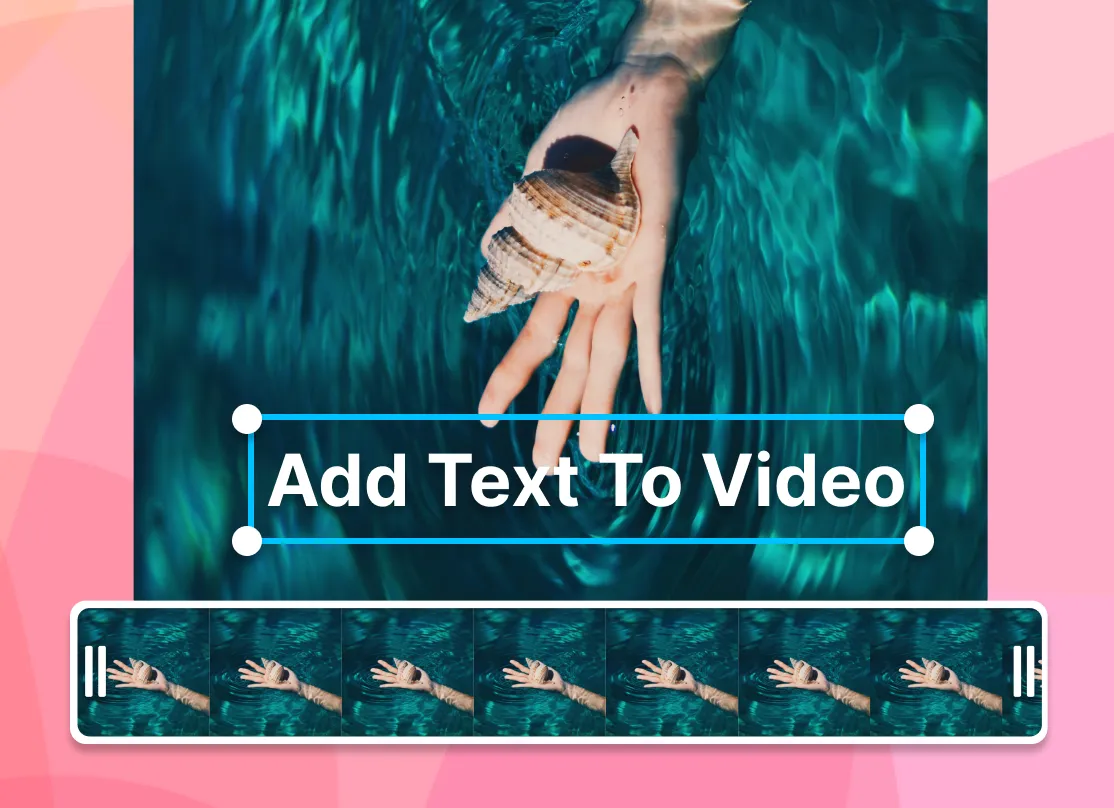
3. Export while you do something else
Render in the cloud and download when it is done; your laptop is not doing the work. Free exports are 720p, and Pro unlocks 4K at 50/60fps.
Why people switch to EchoWave

About the EchoWave team
EchoWave is a browser-based video and audio editor built by Lemon Vault LLC since 2018. The people who build the editor write these guides and test every step in the production app before publishing.
Vizzy alternative FAQ
Is Vizzy really free?
Yes, completely. Vizzy.io has no paid tier at all: up to 4K resolution, 60 FPS, portrait, landscape and square formats, lyric videos and unlimited use, with no watermark. It is funded by optional Ko-fi donations from 650+ supporters. Third-party blogs claiming Vizzy has a paid plan around $14/mo are wrong; the live site confirms everything is free. The costs are indirect: renders use your own computer's time, and support comes from a Discord community rather than a company SLA.
Does Vizzy add a watermark?
No. Vizzy exports carry no watermark at any resolution up to 4K 60fps, which makes it more generous than the free tiers of every paid tool on this page: Specterr, Renderforest, Wavve-style audiogram makers and VEED all watermark or restrict free output. EchoWave sits in between: the free full editor adds a small badge, quick tools export clean, and any paid plan from $9/mo billed annually removes the badge everywhere.
What is the best free Vizzy alternative?
Honestly, for a pure music visualizer, nothing free matches Vizzy; that is why it anchors this page. The useful free adjacents solve different problems: EchoWave's free plan adds captions, editing and audiogram tools with unmetered use and a small 720p badge; Headliner gives podcasters 5 unwatermarked audiogram videos a month; Specterr's free tier exists but limits you to one watermarked 720p video a day that expires after 10 days.
What is cheaper than Vizzy?
Nothing; Vizzy is free with no paid plan. The real question is what paying buys you elsewhere. $9/mo billed annually on EchoWave buys watermark-free 1080p exports rendered in the cloud, inside a full editor with captions ($17/mo Pro adds 4K 50/60fps). $14.99 to $29.99 buys a single cloud-rendered Specterr video with no subscription. $7.99/mo on Headliner buys 10 unwatermarked podcast audiograms monthly. If none of that matters to you, keep Vizzy and donate.
Why are Vizzy renders slow?
Because Vizzy renders client-side: the video is computed in your browser on your own hardware, not on a server. That design keeps the tool free and means your master audio never sits in a render-farm queue, but export speed scales with your machine, long or 4K jobs can take a while, and the tab must stay open throughout. Cloud-rendering alternatives move that work off your computer: Specterr renders server-side, and EchoWave exports render in the cloud while you do something else.
Vizzy vs EchoWave: which should I pick?
Pick Vizzy if you want a deep, hands-on visualizer for free: 4K 60fps, no watermark, effects like Glitch and VHS, and remixable community projects, accepting local renders and no captions. Pick EchoWave if the visualizer is part of a bigger video: karaoke lyric captions, artwork, progress bars and editing in one project, with cloud exports and a music visualizer that previews scrub-accurately. Free EchoWave exports are 720p with a small badge; 4K needs Pro at $17/mo billed annually.
Vizzy vs Specterr: what is the difference?
Vizzy is free, renders on your computer, and rewards manual tinkering with deep reactive controls and community projects. Specterr is a commercial visualizer with server-side cloud rendering and a live preview, but it meters output: the free tier is one watermarked 720p video a day that expires in 10 days, Pro at $16.50/mo billed annually still has video-count quotas, and unlimited 4K60 costs $49/mo annual. Specterr's one-off option ($14.99 to $29.99 per video) is great for a single release; Vizzy is better for constant experimentation.
Can these tools make lyric videos?
Vizzy itself supports lyric videos with animated lyrics, free. Among alternatives, Specterr includes a dedicated lyric video editor with its visualizer presets. EchoWave gets there through its caption system: auto-transcribe the vocal or import timings, then apply karaoke word-by-word animation from 170+ caption presets, which suits lyric-style videos and subtitled promos alike. Renderforest covers lyric-flavored looks through templates rather than a dedicated editor.
Is Vizzy safe to rely on for commercial work?
The tool is real and proven; the research notes channels with millions of subscribers, such as xKito Music, using it. The commercial concern is structural: it is a donation-funded passion project with community support on Discord, no SLA, and no team or publishing features, so a label workflow has nothing contractual to lean on. Local rendering also means deadlines depend on your hardware. Many musicians run a pragmatic split: Vizzy for experiments, and a supported tool like EchoWave or Specterr when a release date is on the line.
The honest verdict
Build your next visualizer without tying up your laptop Free plan, no account needed to start
Visualizers, captions and audiograms in one browser editor. No credit card required.
Try EchoWave Free →
How we checked
Prices and limits on this page are as checked August 2026, against these sources:
- Vizzy.io (Vizzy homepage: free, donation-funded, no paid plans)
- Specterr pricing (specterr.com) (Specterr)
- Renderforest subscription plans (renderforest.com) (Renderforest)
- Headliner pricing via SpotSaaS (spotsaas.com) (tracker; headliner.app gates automated access, so figures are triangulated from 2026 trackers)
- Wavve pricing (wavve.co) (Wavve)
- Audiogram pricing (getaudiogram.com) (Audiogram)
- VEED pricing (veed.io) (VEED)
- Wave.video pricing (Wave.video)
Every competitor claim on this page was re-verified against the sources above on August 3, 2026.
Pricing and limits change often. If anything here is out of date, email hello@echowave.io with a link and we'll correct it. Our editorial policy explains how we test and update comparisons.
Trademark and comparison notice. Vizzy and all related names, logos, product names and trademarks are the property of their respective owners. EchoWave is an independent product and is not affiliated with, associated with, authorised by, endorsed by, sponsored by, or in any way officially connected to Vizzy or its owners. Any third-party names, logos and trademarks are used here only to identify and compare the products honestly (nominative fair use) and do not imply any endorsement, partnership or affiliation.
This comparison reflects EchoWave's own opinion and our understanding of publicly available information believed accurate at the time of writing. Third-party features, pricing and availability change frequently and can vary by region, so figures may be out of date; please confirm the current details on Vizzy's official website before making a decision. EchoWave makes no representation or warranty as to the accuracy or completeness of any third-party information shown here. If you believe anything on this page is inaccurate or out of date, please contact us and we will review it promptly.























































