
The 9 Best Klap Alternatives in 2026
Compare Klap with other tools that clip long videos.
That file did not work
Free to start. No sign-up.
4.9 of 5 from 336 reviews
No video handy? Try a sample
Ranked clipsExample
Try it yourself
Klap meters everything by clip credits: 100, 300, or 1,000 clips a month depending on tier, with one free video before payment and Trustpilot complaints about surprise auto-upgrades mid-workflow. EchoWave does the same core job, AI moment-picking with a Viral Score, speaker-aware auto-reframe across 7 layouts, and captions in 60+ styles from the same engine behind our caption generator, with 30 free analysis minutes every month and no clip counter anywhere. Every alternative below was tested hands-on and priced on September 3, 2026.
Teams that use EchoWave





Why people look for a Klap alternative
Klap's clipping AI is not the complaint. AI Reframe 2 handles split screen, screencast, and gaming layouts plus a general subject-focus crop, a virality score ranks the output, and captions cover 52 languages. The friction is everything around the AI. Pricing (checked September 3, 2026) lists three tiers billed yearly: Basic at $14/mo for 100 clips, Pro at $39/mo for 300, and Pro+ at $94/mo for 1,000, with a "Yearly Save 50%" toggle that roughly doubles those figures for monthly billing, which is where the ~$29 entry price on the homepage comes from. The only free option is a one-time trial to create one video, not a recurring allowance. And on Trustpilot, Klap sits at 3.6 from 40 reviews (47% five-star, 35% one-star), with recurring reports of deceptive billing, cancellation that is hard to find, auto-upgrades to a pricier tier mid-workflow without clear disclosure, and one reviewer waiting nearly three weeks for support.
We tested each alternative hands-on and checked every pricing page in September 2026. One thing to know up front: EchoWave, our top pick, auto-picks and auto-reframes clips too, with a Viral Score (0-100 across five sub-scores, with plain-English reasons) and 7 speaker-aware camera layouts. The difference is the meter. EchoWave counts source minutes analysed, 30 free every month, and never counts clips: generate one clip or thirty from the same recording and the cost is identical.
TL;DR: EchoWave is the best overall alternative, AI clipping with no per-clip credits and a real recurring free plan; Vizard if you want the most upload minutes per dollar; Submagic for caption-styled short-form when your clips already exist.
The best Klap alternatives in 2026, ranked
Every pick tested hands-on. Prices checked September 2026.
-
EchoWave
Our pickBest overall: AI auto-clipping metered by minutes, never by clips
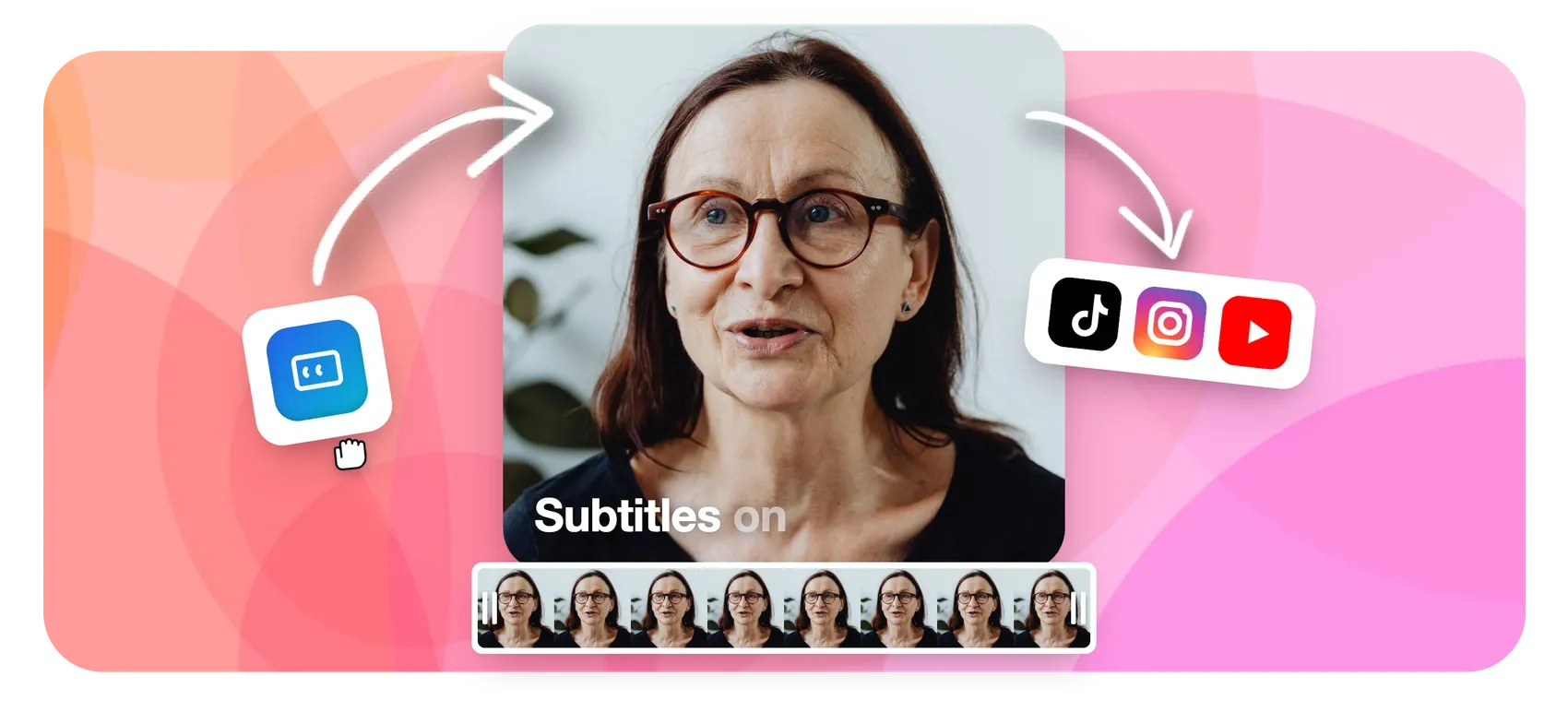
Where Klap counts every clip against a 100, 300, or 1,000 monthly cap, EchoWave counts only the source minutes it analyses. Upload a long recording and the AI picks highlight moments from the word-timed transcript plus audio energy, reaction peaks, and speaker turns, then scores each one 0-100 with a Viral Score built from five sub-scores (Hook, Clarity, Emotion, Value, Trend) and readable reasons like "strong hook" or "big reactions". Auto-reframe detects who is talking on screen (lip movement matched to the voice) and cuts between speakers across 7 layouts, including split, grid, and presenter plus slides. Every clip arrives with an AI title, hook line, hashtags, and word-timed captions in any of 60+ styles, and opens as a normal project in the full editor, where the caption generator adds 176 presets and translation to 86 languages (free to translate, paid plan to export). You watch the analysis run live, Echo, the AI editor, reworks clips on request, 30 minutes are free every month, and paid plans run flat by tier. A REST API, hosted MCP server, and Zapier integration cover batch workflows.
The honest caveats: no social scheduler or auto-posting, no AI B-roll, no dubbing. Klap's direct publishing covers ground EchoWave leaves to you, and free full-editor exports are 720p with a small badge.
- Pricing:
- Free plan; flat paid plans, see the pricing page
- Free plan:
- Free forever: 30 AI clip-analysis minutes a month, full editor, 720p exports with a small badge; quick tools export with no watermark
- Best for:
- Creators who want AI auto-clipping without a clip counter or upgrade traps
Pros
- Viral Score 0-100 with five sub-scores and plain-English reasons, not one opaque number
- 7 speaker-aware auto-reframe layouts versus Klap's split-screen, screencast, and gaming set
- Minutes-based metering: clip count never affects the bill, and free minutes reset monthly
- Echo, the AI editor, changes one clip or all of them on request ("make #2 shorter", "bigger captions on every clip")
- REST API, hosted MCP server, npm MCP package, and Zapier trigger and action
- Bulk-select clips into projects and exports in one pass
Cons
- No built-in social scheduler or auto-posting
- No AI B-roll or dubbing
- Free plan analyses 30 source minutes a month; free full-editor exports are 720p with a small badge
-
Vizard
vizard.aiMost upload minutes per dollar of any metered auto-clipper
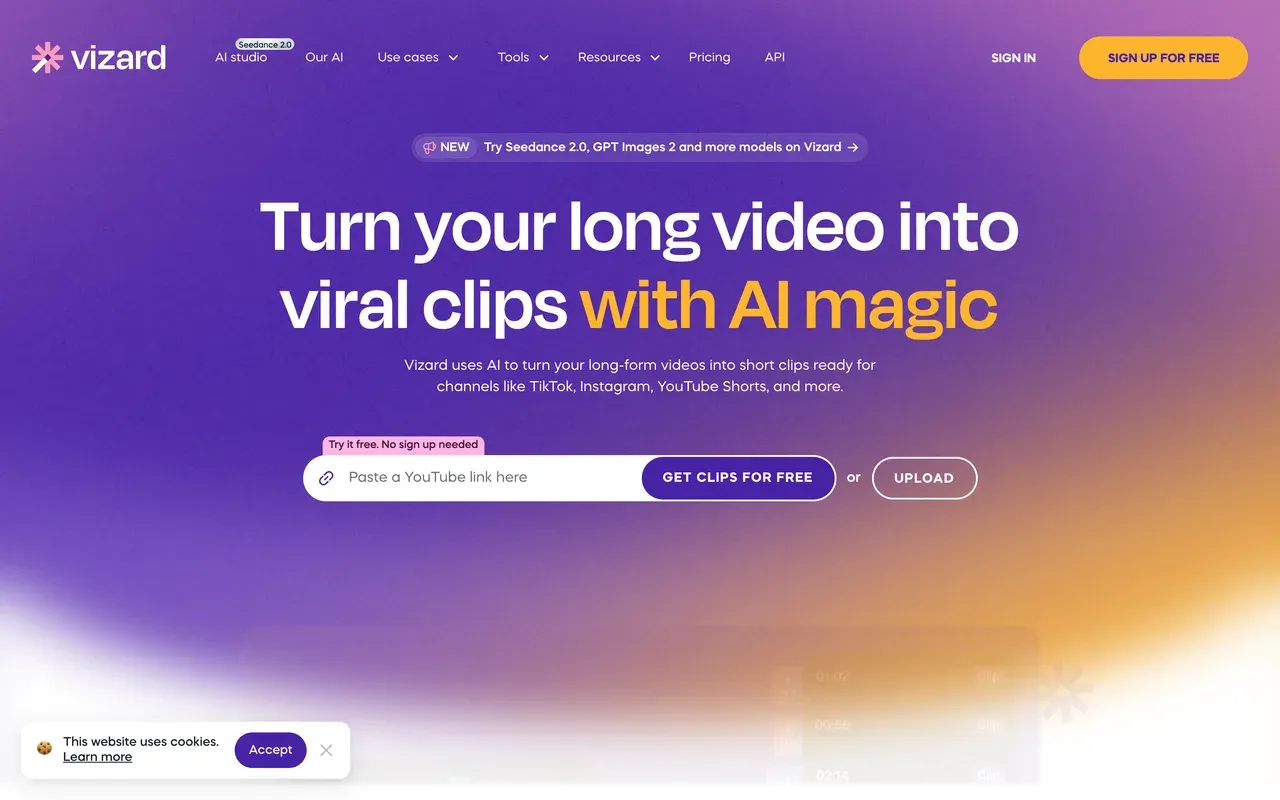
Vizard swaps Klap's clip counter for an upload-minute meter with generous math: 600 minutes a month from $14.50/mo billed annually, roughly the price of Klap Basic on annual billing. G2 reviewers (4.7 from about 340 reviews) praise its moment detection and caption accuracy, and the feature set includes AI B-roll, caption translation in 100+ languages, and a built-in social scheduler that Klap users will recognize.
Read the meter's fine print before switching. Editing sessions consume extra credits on top of the upload itself, monthly-plan credits expire after 2 months, and the free tier is 720p and watermarked with a 10-minute export cap and 3-day storage.
- Pricing:
- From $14.50/mo billed annually (Creator; $29 monthly)
- Free plan:
- 60 credits/month, 720p, watermark, 10-minute export cap, 3-day storage
- Best for:
- High-volume creators clipping hours of talk content automatically on a budget
Pros
- 600 upload minutes a month from $14.50/mo billed annually
- Highly rated moment detection and caption accuracy (G2 4.7)
- Caption translation in 100+ languages plus AI B-roll
- Built-in social scheduler
Cons
- Editing sessions burn extra credits beyond upload minutes
- Credits expire after 2 months on monthly plans
- Fine-grained editing gets shallow once clips need real polish
-
quso.ai (formerly vidyo.ai)
quso.aiClipping, scheduling, and analytics for less than Klap Pro
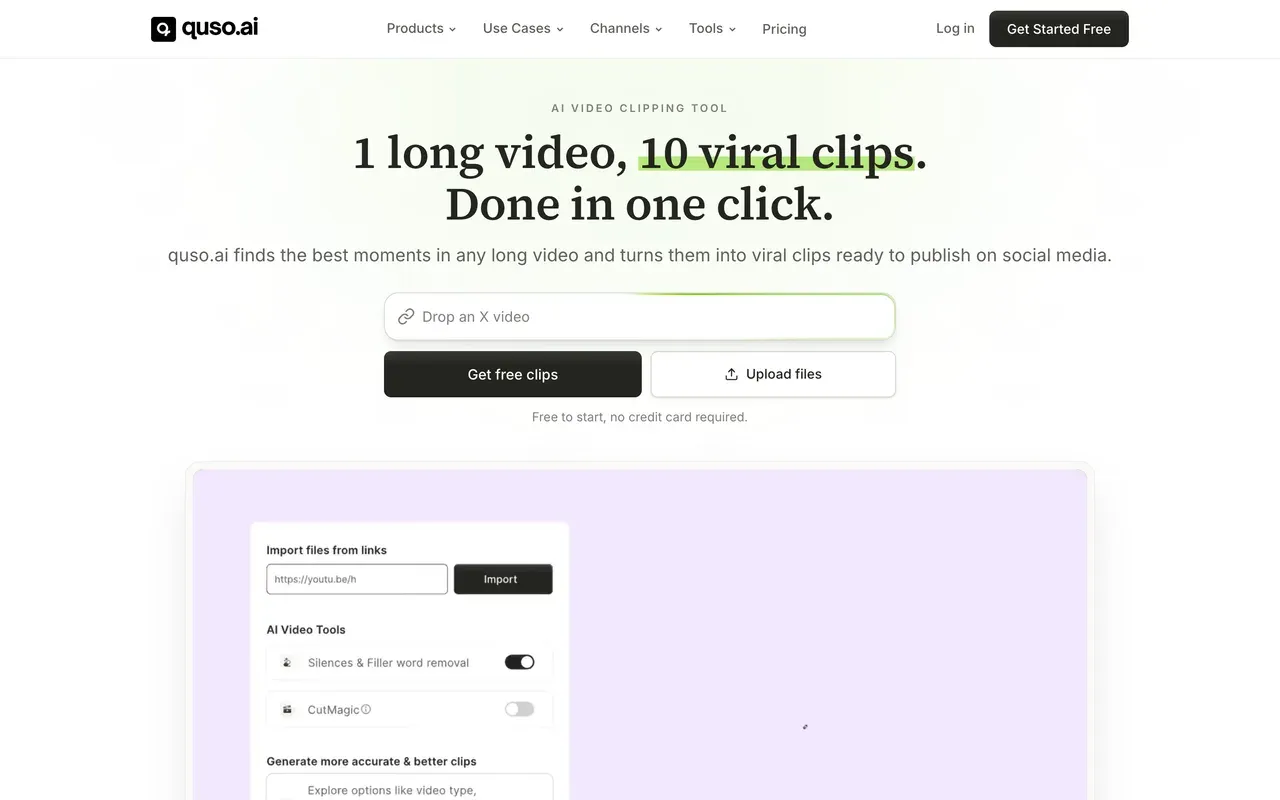
quso.ai, the 2025 rebrand of vidyo.ai, sells a social suite rather than a bare clipper: AI clipping plus native scheduling to six platforms, analytics, brand-kit templates, and subtitles in 100+ languages with filler-word removal. Lite at $19/mo billed annually with 200 credits a month undercuts Klap Pro's $39/mo for 300 clips while bundling distribution Klap charges nothing extra for but quso does better.
The pricing wrinkle to know: annual billing doubles the credit allowance on top of the discount, so paying $29 month-to-month gets only 100 credits. Reviewers also rank its clip precision behind the category leaders and report bugs that force redone edits.
- Pricing:
- From $19/mo billed annually (Lite; $29 monthly with half the credits)
- Free plan:
- 75 credits/month, 720p, watermark, 7-day data retention
- Best for:
- Solo creators consolidating clipping, scheduling, and analytics into one bill
Pros
- Clipping plus scheduling to six platforms and analytics
- Subtitles in 100+ languages with filler-word removal
- Annual billing doubles the monthly credit allowance
- Cheaper than Klap Pro with distribution included
Cons
- Monthly billing gets half the credits of annual at the same tier
- Clip precision rated behind category leaders
- Recurring reports of bugs forcing redone edits
-
Submagic
submagic.coCaption styling and auto-editing for clips you already cut
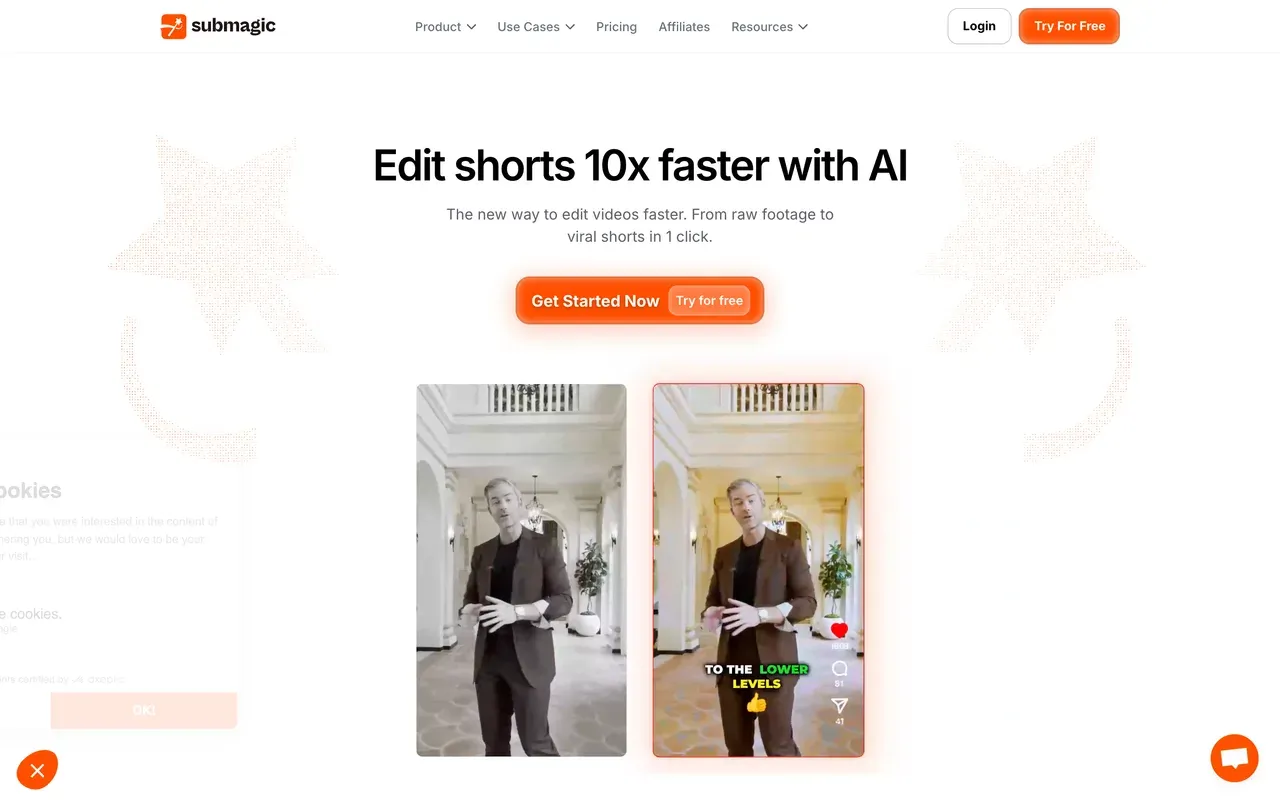
Submagic starts where Klap ends: it takes short clips and makes them watchable, with stylized captions in 123 languages at a claimed ~99% accuracy and one-click auto-editing that adds zooms, transitions, sound effects, and silence cuts. Plans meter videos rather than clips or minutes: Starter at $12/mo billed annually covers 15 videos of up to 2 minutes each.
The part that competes directly with Klap, clipping long videos automatically, is a separate Magic Clips add-on at $19/mo, not included in base plans. Trustpilot reviewers also flag surprise annual renewals paired with a strict no-refund stance, so calendar the renewal date.
- Pricing:
- From $12/mo billed annually (Starter; $19 monthly); Magic Clips add-on $19/mo
- Free plan:
- 3 videos/month, 90-second and 200MB caps, watermark
- Best for:
- Short-form creators dressing up sub-5-minute clips with trend-styled captions
Pros
- Standout caption templates in 123 languages
- One-click auto-editing: zooms, transitions, sound effects, silence removal
- Per-video pricing instead of per-clip credits
- Scheduler and public API included
Cons
- Caps both video count and per-video length on every plan
- Long-video clipping is a $19/mo add-on
- Surprise annual renewals reported on Trustpilot
-
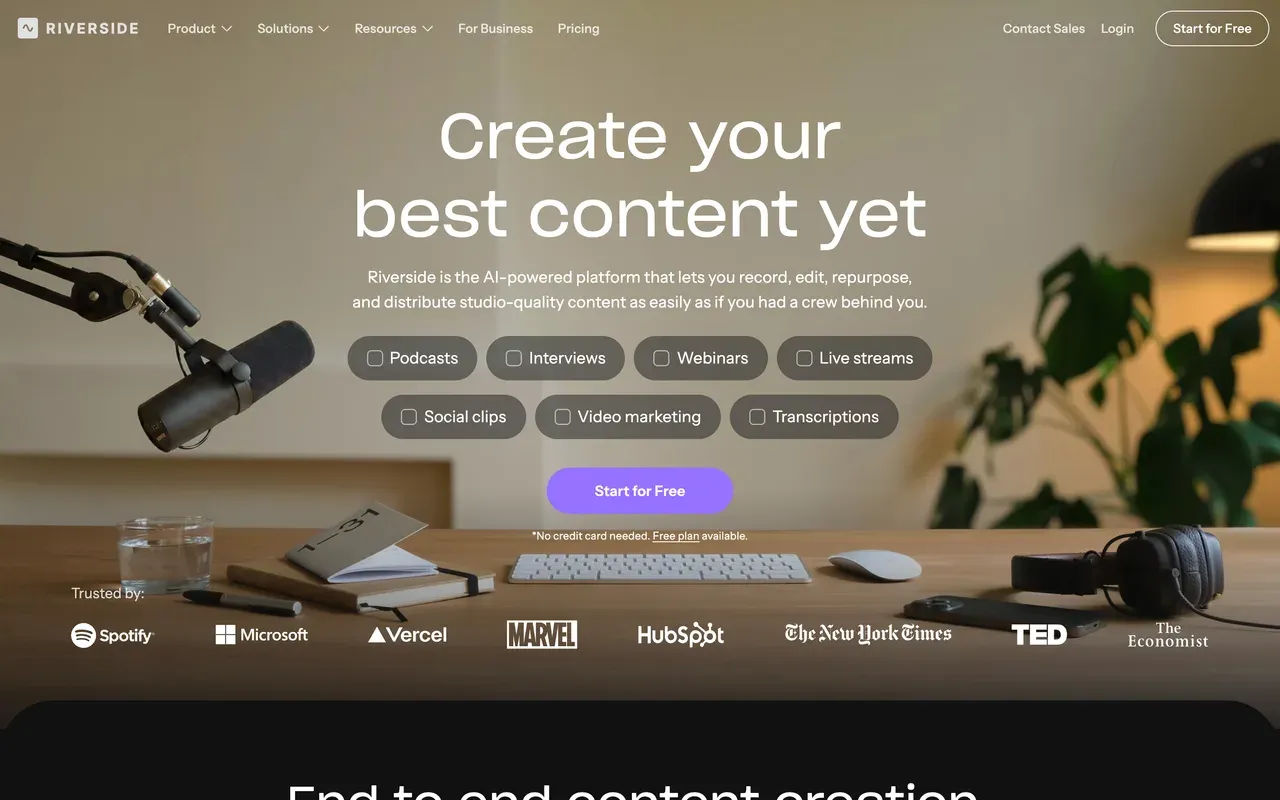
Riverside
riverside.comCapture the interview properly, then clip it in the same tool
Riverside attacks the problem one step upstream of Klap: if the source recording is bad, no clipper saves it. Local multi-track recording up to 4K survives flaky guest internet, Magic Clips then generates shorts from the session, and AI captions and translation cover 30+ languages. 2026 additions include social scheduling and newsletters, and G2 rates it 4.8 from roughly 1,600 reviews.
The meter here is hours, not clips: the free tier caps multi-track recording at 2 hours total with a watermark, and Pro at $24/mo billed annually includes 15 hours of separate-track downloads a month. Guests outside Chrome or Edge hit friction.
- Pricing:
- From $24/mo billed annually (Pro; $29 monthly)
- Free plan:
- 2 hours of multi-track recording total, 720p, watermarked exports
- Best for:
- Interview shows that need studio-grade capture plus clips in one subscription
Pros
- Local multi-track recording up to 4K with progressive upload
- Magic Clips generates shorts with no per-clip charge
- AI captions and translation in 30+ languages
- Livestreaming, webinars, and publishing in one subscription
Cons
- Monthly hour caps on separate-track downloads
- Guests effectively limited to Chrome and Edge
- Expensive if clipping is your only need
-
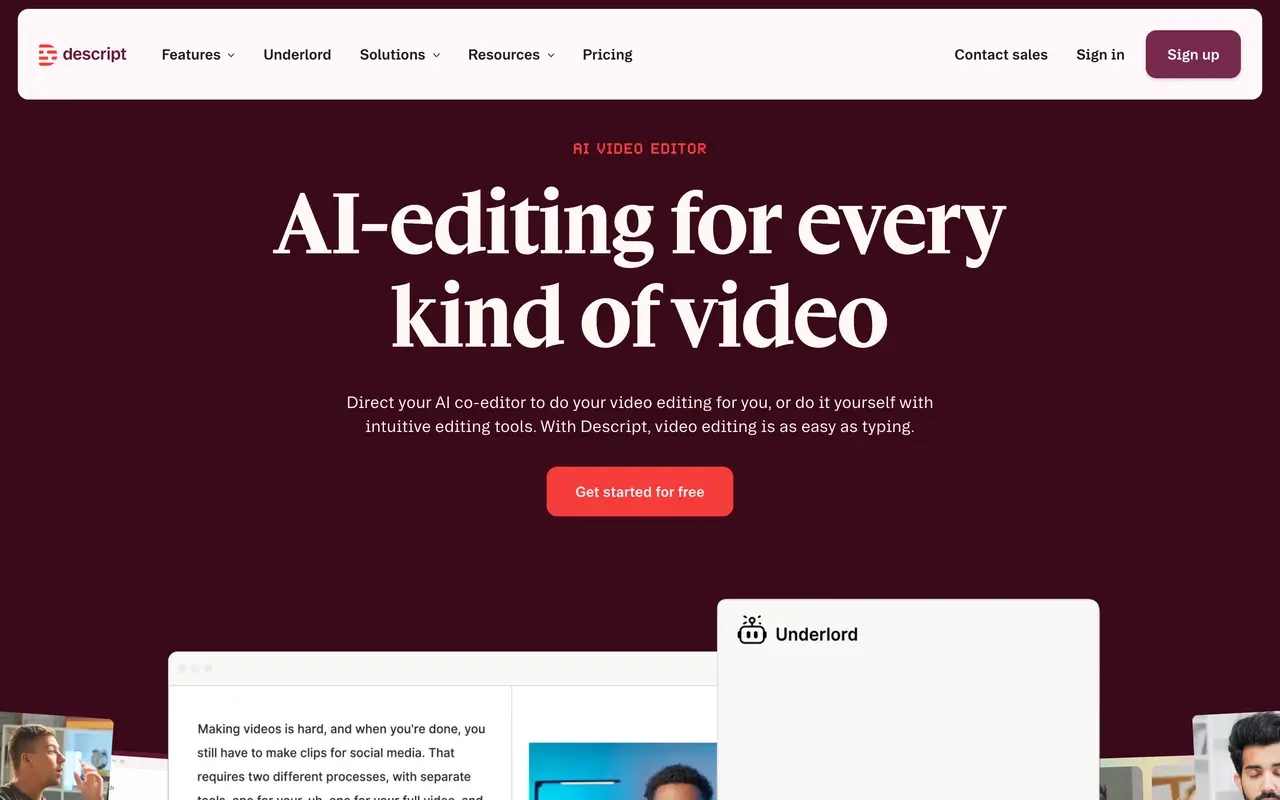
Descript
descript.comFind clips by searching the transcript, not by spending credits per clip
Descript's answer to auto-clipping is the fastest manual workflow in the category: search the episode transcript, highlight the sentence you want, and the clip exists, with no per-clip cost attached. Underlord, its AI co-editor, rough-cuts, captions, and polishes from a prompt, and the production toolkit (multitrack, Studio Sound, filler-word removal) handles the source episodes too.
It still meters, just along different lines than Klap: media hours and AI credits are billed as separate currencies, and users report a month of credits can disappear in a day. Hobbyist starts at $16/mo billed annually with 10 media hours a month, and stability complaints have followed the editor rebuild on long projects.
- Pricing:
- From $16/mo billed annually (Hobbyist; $24 monthly)
- Free plan:
- 60 transcription minutes/month, 100 one-time AI credits, 720p export
- Best for:
- Podcasters who clip deliberately from episodes they edit end to end
Pros
- Transcript search makes manual clip-finding fast, with no per-clip fee
- Underlord AI co-editor runs multi-step edits from one prompt
- Excellent episode production: multitrack, Studio Sound, filler removal
- Industry-leading transcription in 25 languages
Cons
- Dual meter: media hours plus AI credits, with fast credit burn reported
- Stability complaints on longer projects since the rebuild
- No automatic virality-style clip ranking
-
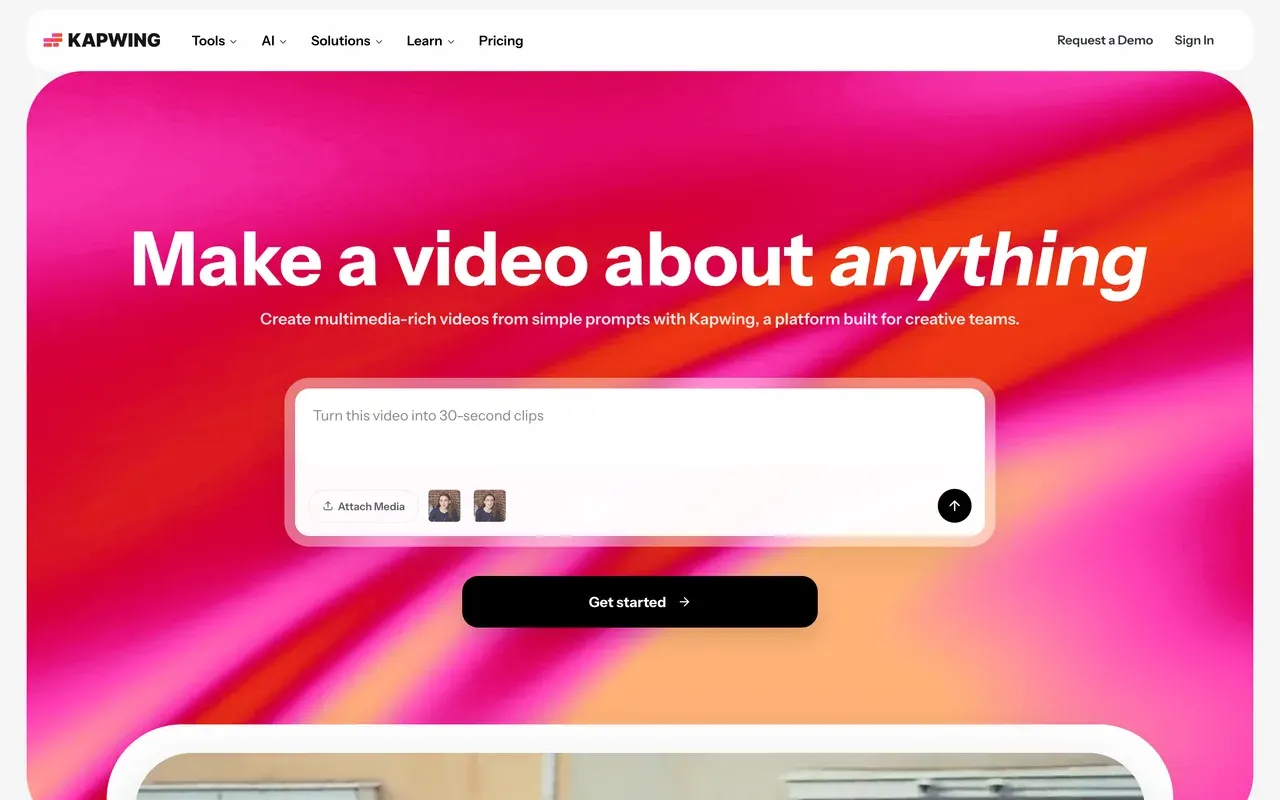
Kapwing
kapwing.comA team browser editor metered by subtitle minutes, not clips
Kapwing is the pick when clips are a team sport: a browser workspace with review and commenting, polished subtitle editing, brand assets, and the Kai AI assistant that generates and edits projects from prompts. Pro at $16/mo per member billed annually includes 1,000 subtitle minutes a month, a meter most teams never notice, unlike Klap's clip caps.
Treat the free plan as a demo: exports cap at 1 minute, carry a watermark at 720p, and projects are deleted after 3 days. The recurring complaints are export failures on longer projects and a no-refund policy, and per-member pricing compounds as the team grows.
- Pricing:
- From $16/mo per member billed annually ($24 monthly)
- Free plan:
- 1-minute watermarked 720p exports, projects stored only 3 days
- Best for:
- Marketing teams captioning and repurposing clips together in one workspace
Pros
- Polished subtitle editing praised for ease of use
- Team workspace with in-browser review and commenting
- 1,000 subtitle minutes a month on Pro instead of a clip cap
- Kai AI assistant edits projects from prompts
Cons
- Free plan caps exports at 1 minute
- Per-member pricing adds up for teams
- Export reliability complaints on longer projects
-
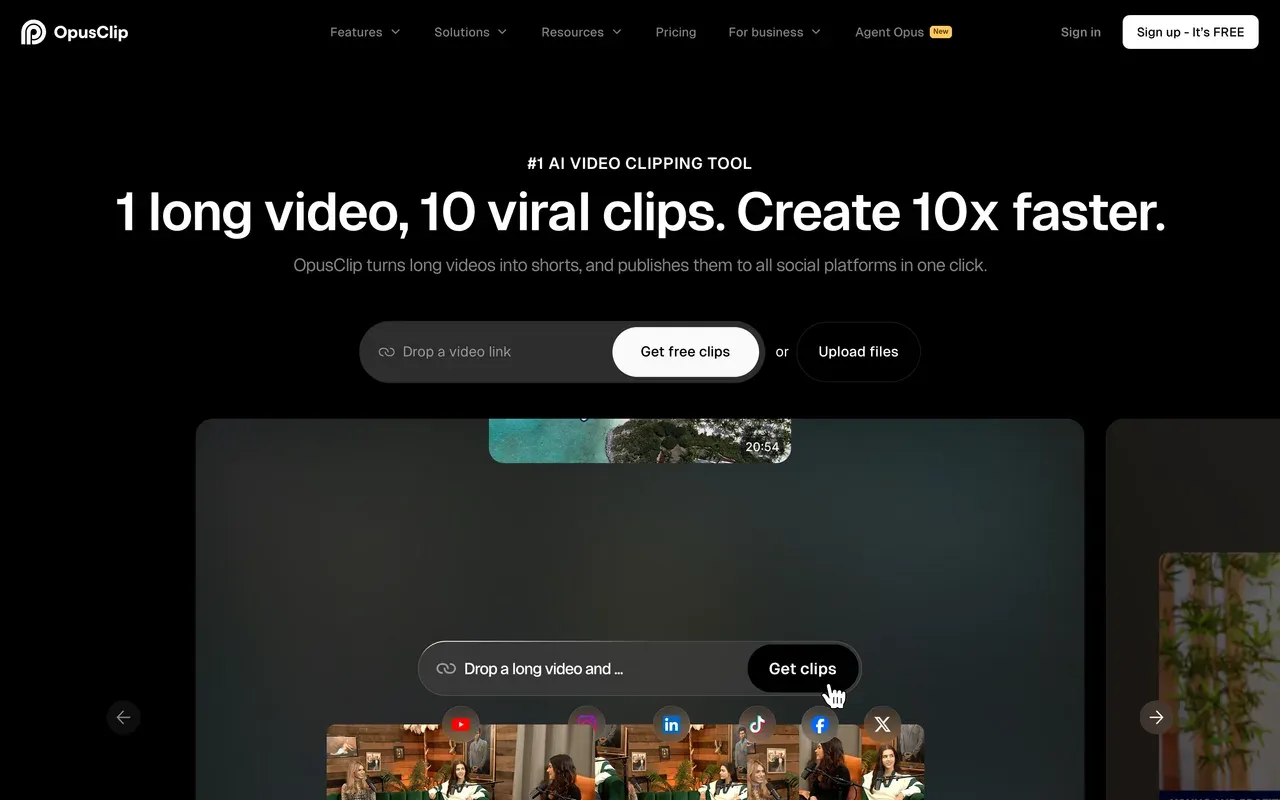
OpusClip
opus.proThe most mature clipping AI, metered by source minutes instead of clips
OpusClip is Klap's most direct rival and the most advanced automation on this page: ClipAnything clips any genre using spoken-word, visual, and emotion cues, every clip gets a virality score, and Agent Opus assembles finished platform-ready shorts. A scheduler and API make it a full repurposing pipeline, and its credits map to source minutes, so generating extra clips from one upload costs nothing extra, the opposite of Klap's model.
The catches: monthly-plan credits expire after 60 days, media becomes inaccessible about 3 days after a subscription ends, independent testing discarded roughly 40% of generated clips as unusable, and Starter at $15/mo has no annual discount.
- Pricing:
- Starter $15/mo (monthly billing only); Pro $14.50/mo billed annually
- Free plan:
- 60 credits/month (about 60 source minutes), watermark, up to 1080p, media and exports expire after 3 days
- Best for:
- Creators who want the strongest automatic clip selection plus publishing
Pros
- ClipAnything clips any genre, with virality scores per clip
- Agent Opus builds finished shorts end to end
- Scheduler and API included
- Billed by source minute, not by finished clip
Cons
- Credits expire after 60 days on monthly plans
- Projects inaccessible about 3 days after cancelling
- Roughly 40% of generated clips discarded in independent testing
-
Munch Studio (formerly GetMunch)
munchstudio.comNo longer a clipper: the self-serve product shut down December 31, 2025
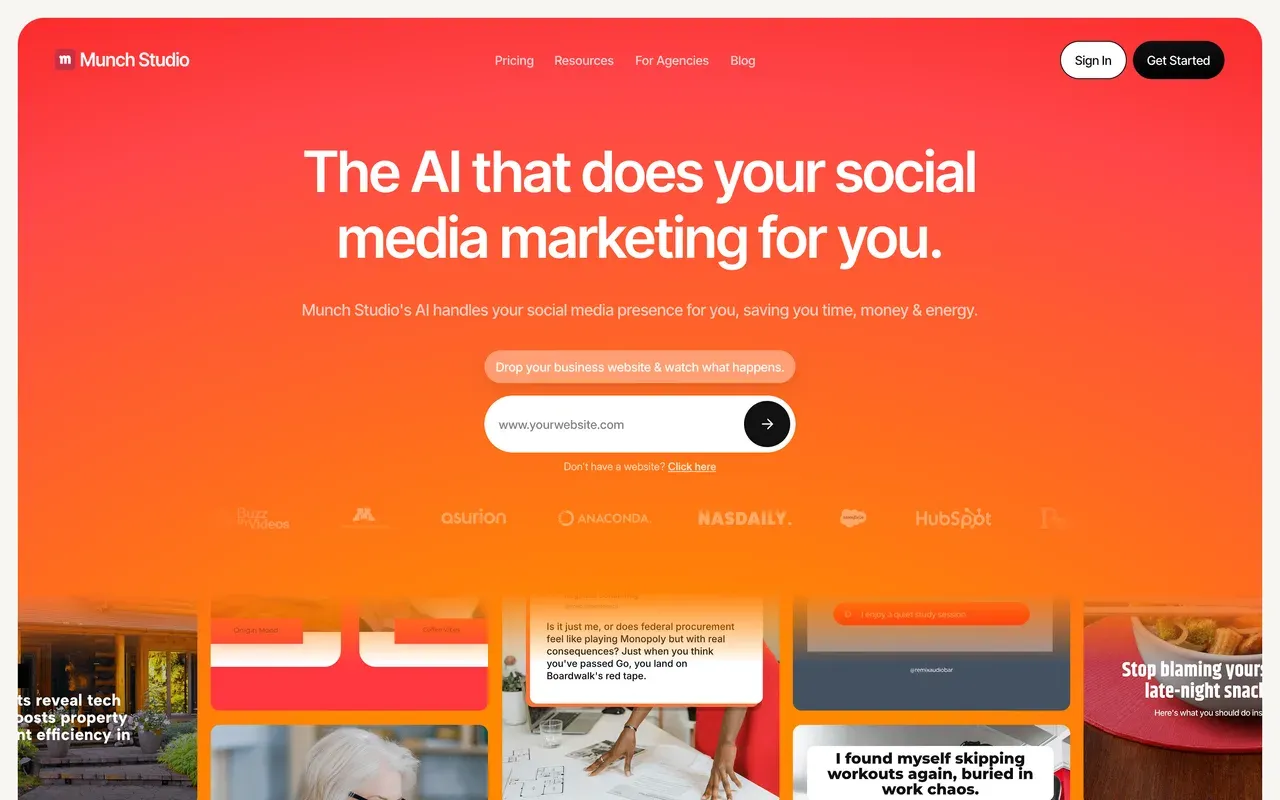
The news most roundups still miss: the self-serve GetMunch AI clipper stopped working on December 31, 2025. getmunch.com now redirects to munchstudio.com, and Munch Studio is a different product entirely, a done-for-you AI system that trains on your brand materials and generates social content (scripts, videos, posters) for approval and posting. There is no free plan, only a 7-day trial, and billing is annual only: Essential at $38/mo ($456/yr) and Premium at $60/mo ($720/yr).
If you arrived comparing clippers like Klap, Munch is no longer in that category; former GetMunch users should look at Vizard or OpusClip instead. The legacy Trustpilot page sits at 2.1 with cancellation and billing complaints, so read the annual terms carefully before committing to the new product.
- Pricing:
- From $38/mo billed annually ($456/yr); no monthly billing shown
- Free plan:
- No free plan; 7-day trial
- Best for:
- Small businesses that want hands-off AI-generated social content, not a clipping tool
Pros
- Fully automated content strategy trained on your brand
- Generates captions, videos, and posters, then schedules them
- Per-client workspaces for agencies
- Cross-platform performance analytics
Cons
- The AI clipper you are probably searching for was discontinued at the end of 2025
- Annual-only billing with just a 7-day trial
- Legacy Trustpilot at 2.1 with cancellation complaints
Klap vs EchoWave at a glance
| Feature | EchoWave | Klap |
|---|---|---|
| Billing model | Flat plans metered by source minutes analysed; clip count never affects the bill | Per-clip credits: 100, 300, or 1,000 clips/mo at $14, $39, or $94/mo billed yearly |
| Monthly billing | Flat paid plans, no clip counter (see the pricing page) | A 'Yearly Save 50%' toggle roughly doubles the yearly rates, matching the ~$29 entry price on the homepage |
| Free plan | Free forever: 30 AI clip-analysis minutes a month plus the full editor, resets monthly | One-time trial to create 1 video free; no recurring free tier |
| Watermark on free exports | Small badge at 720p in the free full editor; quick tools export with no watermark | Not published on the pricing page as of September 3, 2026 |
| Auto-clipping (AI finds the moments) | Yes: transcript analysis plus audio energy, reactions, silences, and speaker turns | Yes: AI extracts topics from long videos and generates clips |
| Virality scoring | Viral Score 0-100 with five sub-scores (Hook, Clarity, Emotion, Value, Trend) and plain-English reasons | A virality score that ranks clips by potential |
| Auto-reframe layouts | 7 speaker-aware layouts: follow, split, grid, presenter + slides, picture in picture, fill, letterbox | AI Reframe 2: split screen, screencast, and gaming layouts plus a subject-focus crop |
| Captions and languages | 60+ caption styles in the clip tool, 176 presets in the editor; clip transcription auto-detects ~99 languages | Transcription and captioning in 52 languages |
| Publishing and scheduling | No scheduler; REST API, hosted MCP server, and Zapier for automation | Direct publishing to social platforms built in |
| Edit clips by asking | Echo, the AI editor, finds a moment, changes one clip or all of them, and undoes on request | Not covered on the pages we checked (Sep 2026) |
| Reviews | No billing-surprise pattern to report; per-workspace minutes are visible to the team | Trustpilot 3.6/5 from 40 reviews; complaints cite deceptive billing, hard cancellation, and slow support |
| Max export resolution | 720p free, 1080p on Creator, 4K on Pro | Not stated on the pricing page |
Is there a free alternative to Klap?
Yes, and this is Klap's softest spot: its only free option is a one-time trial to create a single video, so there is nothing to come back to next month. EchoWave gives you 30 minutes of AI clip analysis every month, forever, with Viral Scores, auto-reframe, and captions included, and free full-editor exports at 720p with a small badge. Vizard offers 60 free credits a month, watermarked at 720p with a 10-minute export cap, and OpusClip offers 60 credits with media wiped after 3 days. If ongoing free testing matters, those three are the field.
Cheaper alternatives to Klap
Compare output per dollar, not stickers. Klap Basic is $14/mo billed yearly for 100 clips, and volume spikes push you toward Pro at $39/mo for 300, the exact mid-cycle upgrade Trustpilot reviewers complain about. Vizard delivers 600 upload minutes a month from $14.50/mo billed annually. quso.ai bundles scheduling and analytics at $19/mo billed annually. Submagic starts at $12/mo billed annually but counts videos, with long-video clipping as a $19/mo add-on. EchoWave has flat paid plans with no clip counter at all: paid plans add more analysis minutes a month.
Klap alternative without per-clip credits
Every tool here meters something, so pick the meter that matches how you work. EchoWave and OpusClip count source minutes, which rewards squeezing many clips from one upload. Vizard and quso.ai count upload minutes or credits, Submagic counts videos and lengths, Descript bills media hours and AI credits separately, and Kapwing counts subtitle minutes. Only Klap bills by finished clip, which is the one meter that punishes you for the AI doing its job well.
Is there an open source Klap alternative?
Nothing on this page is open source, and we have not tested an open-source clipper we would recommend with a straight face. If the real goal is escaping the billing model rather than reading source code, the practical routes are EchoWave's recurring free plan (30 AI analysis minutes a month plus manual cutting in the editor) and Vizard's 60 free monthly credits, watermark included. Treat anything promising unlimited free clip generation as a security risk, not a bargain.
How to switch from Klap to EchoWave
Three steps, with no clip counter running in the corner.
-
Drop the full episode, webinar, or VOD into the AI clip generator. Watch the analysis run live while the ranked clips arrive.
-
Scan the grid by Viral Score, read the reasons, then tune genre, clip length, aspect ratio, and camera layout. Open any clip in the full editor to change anything shot by shot.
-
Bulk-select the keepers and render them all at once: 720p free with a small badge, 1080p on Creator, 4K on Pro. Generating ten clips from one upload costs the same minutes as generating one.

Klap alternative FAQ
What is the best free Klap alternative?
EchoWave, mainly because its free plan actually recurs. Klap's only free option is a one-time trial to create a single video, so once it is spent, testing is over. EchoWave resets 30 minutes of AI clip analysis every month, with Viral Scores, speaker-aware auto-reframe, and captions included, plus manual editing in the editor; free full-editor exports are 720p with a small badge, and quick tools export with no watermark. Among the metered clippers, Vizard's free tier is the strongest at 60 credits a month, though exports are watermarked 720p with 3-day storage.
What is cheaper than Klap?
Measured by real output, most of this page. Klap Basic is $14/mo billed yearly for 100 clips, and outgrowing it means Pro at $39/mo. Vizard gives 600 upload minutes a month for $14.50/mo billed annually, roughly Klap Basic money for far more source material. quso.ai is $19/mo billed annually with scheduling and analytics bundled. EchoWave has flat paid plans with no per-clip charge: paid plans add more analysis minutes a month, and how many clips you generate from those minutes is up to you.
How much does Klap cost per month?
As of September 3, 2026, Klap lists three tiers billed yearly: Basic at $14/mo for 100 clips a month, Pro at $39/mo for 300 (marked Popular), and Pro+ at $94/mo for 1,000. A 'Yearly Save 50%' toggle roughly doubles those figures for month-to-month billing, which lines up with the ~$29/mo entry price the homepage advertises separately. Prices change, so confirm on klap.app before buying, and note Trustpilot reviewers report being moved to a pricier tier mid-workflow without clear disclosure of the extra cost.
Does Klap have a free trial?
Yes, but it is one-and-done: Klap's homepage offers the chance to create one video for free, and after that every plan is paid. There is no recurring monthly free allowance, which matters if you want to keep testing clip quality on your own content across a few episodes before committing to annual billing. If you have already used your one Klap video, EchoWave's free plan gives you 30 fresh AI analysis minutes every month, and Vizard's free tier gives 60 credits a month, both without a purchase.
Klap vs EchoWave: which should I use?
Use Klap if built-in publishing to social platforms and its 52 caption languages fit your workflow, and your monthly clip volume sits comfortably inside a tier so the per-clip cap never bites. Use EchoWave if you would rather never think about a clip counter: the same auto-picking with a five-part Viral Score, 7 speaker-aware reframe layouts, and 60+ caption styles run on flat plans, with 30 free analysis minutes a month, a live view of the analysis, and a full editor behind every clip. EchoWave does not schedule or post for you; its API, MCP server, and Zapier integration handle automation instead.
Is Klap better than Opus Clip?
They meter opposite things, which decides it for most people. Klap bills per clip generated (100, 300, or 1,000 a month by tier), so a productive upload eats your allowance faster. OpusClip bills per source minute, so extra clips from one upload cost nothing more, and its ClipAnything and Agent Opus automation is the most mature in the category. Opus has its own catches: monthly credits expire after 60 days, media goes inaccessible about 3 days after cancelling, and independent testing discarded roughly 40% of its clips. Test both on one real episode before picking a meter.
How do I cancel my Klap subscription?
Through your Klap account's billing settings, but budget time for it: Trustpilot reviewers repeatedly describe cancellation as hard to find and report charges continuing unexpectedly, and one cited a support wait of nearly three weeks, most of a billing cycle. Practical steps: start well before your renewal date, screenshot your plan and cancellation confirmation, and watch your card statement the following cycle. Since Klap bills yearly at the listed rates, a missed cancellation is an annual charge, not a monthly one, which is why billing transparency shows up so often in reviews.
What languages does Klap support?
Klap advertises transcription and captioning in 52 languages. Several alternatives publish broader lists: Submagic covers 123 caption languages, Vizard and quso.ai both advertise 100+ for translation and subtitles, and EchoWave's clip transcription auto-detects around 99 languages, with free caption translation to 86 in the full editor, paid to export. Published counts are marketing, though, and accuracy varies far more than the numbers do, so run the same two-minute test clip in your language through each free option and judge the transcripts side by side before you pay anyone.
What happened to Munch?
The self-serve GetMunch AI clipper was shut down on December 31, 2025. getmunch.com now redirects to munchstudio.com, where the company relaunched as Munch Studio, a done-for-you AI social content service billed annually at $38/mo ($456/yr) or $60/mo ($720/yr), with a 7-day trial and no free plan. It no longer offers upload-and-clip editing, so former Munch users comparing tools like Klap should look at Vizard or OpusClip for metered auto-clipping, or EchoWave for minutes-based clipping with a recurring free tier.
Is Klap AI worth it?
The AI probably is; the billing is where opinions split. On Trustpilot, Klap holds 3.6 from 40 reviews with 47% five-star, and the positive reviews credit the clip quality and time saved. The 35% one-star share tells the other half: deceptive billing, cancellation that is hard to find, surprise auto-upgrades to pricier tiers mid-workflow, and slow support. If your clip volume is predictable and you track your usage, Klap can earn its fee. If your output spikes month to month, a minutes-based or flat-priced tool removes the risk entirely.
The honest verdict
Pick Klap if built-in publishing and its 52 caption languages fit your pipeline and your monthly output reliably stays inside a tier, because the per-clip cap is the whole risk. Pick EchoWave if you want the same job done without counting clips: AI moment-picking with a five-part Viral Score, 7 speaker-aware reframe layouts, and captions in 60+ styles, on flat plans with 30 free analysis minutes every month and a full editor behind every clip. Pick Vizard for the most upload minutes per dollar, and quso.ai if scheduling and analytics in one bill matter more than clip precision.
What people are saying about EchoWave
Loading the reviews
Stop counting clips
Start clipping free
Auto-pick, reframe, and caption highlights, with 30 free AI minutes every month.

How we checked
Sources we relied on for the claims above, as checked September 3, 2026:
- Klap pricing (klap.app/pricing) (Klap)
- Klap homepage, free trial, languages, and AI Reframe 2 details (klap.app) (Klap)
- Klap reviews on Trustpilot (trustpilot.com) (Trustpilot)
- Vizard pricing (vizard.ai) (vizard.ai)
- Vizard subscription help (help.vizard.ai) (Vizard Help)
- quso.ai pricing (quso.ai)
- Submagic pricing (submagic.co) (submagic.co)
- Riverside pricing (riverside.com) (riverside.com)
- Descript pricing (descript.com) (descript.com)
- Kapwing pricing (kapwing.com) (kapwing.com)
- OpusClip pricing (opus.pro) (opus.pro)
- Munch transition notice (intercom.help) (Munch Help Center)
- Munch Studio pricing (munchstudio.com) (munchstudio.com)
Every competitor claim on this page was re-verified against the sources above on September 3, 2026. Klap's pricing page does not publish a watermark policy or a standalone monthly price list as of that check, so we described only what the pricing page and homepage state, and SaaS prices change, so treat all figures as of the check date.
Pricing and limits change often. If anything here is out of date, email hello@echowave.io with a link and we'll correct it. Our editorial policy explains how we test and update comparisons.
Trademark and comparison notice. Klap and all related names, logos, product names and trademarks are the property of their respective owners. EchoWave is an independent product and is not affiliated with, associated with, authorised by, endorsed by, sponsored by, or in any way officially connected to Klap or its owners. Any third-party names, logos and trademarks are used here only to identify and compare the products honestly (nominative fair use) and do not imply any endorsement, partnership or affiliation.
This comparison reflects EchoWave's own opinion and our understanding of publicly available information believed accurate at the time of writing. Third-party features, pricing and availability change frequently and can vary by region, so figures may be out of date; please confirm the current details on Klap's official website before making a decision. EchoWave makes no representation or warranty as to the accuracy or completeness of any third-party information shown here. If you believe anything on this page is inaccurate or out of date, please contact us and we will review it promptly.