
The 8 Best Munch Alternatives in 2026
Tools that still turn long videos into ranked clips.
That file did not work
Free to start. No sign-up.
4.9 of 5 from 336 reviews
No video handy? Try a sample
Ranked clipsExample
Try it yourself
If your GetMunch login now lands on Munch Studio, you are not imagining it: the self-serve AI clipper ended on December 31, 2025, and getmunch.com redirects to a done-for-you social content service. Here are the tools that still let you upload a long video and get ranked clips back, led by EchoWave, which finds and scores highlights, reframes them around the speaker and captions every clip, with 30 free analysis minutes a month. Prices checked November 10, 2026.
Teams that use EchoWave





What happened to Munch
Munch, sold for years as GetMunch, was one of the first AI tools that turned long videos into short clips with trend-aware picks and captions. Per the company's own transition notice, the self-serve clipper kept working until December 31, 2025, and then the business became Munch Studio. As of November 10, 2026, both getmunch.com and www.getmunch.com redirect to munchstudio.com.
Munch Studio is a different kind of product. Its homepage describes done-for-you social media content: you add your business website plus videos, photos and call recordings, an AI builds a content strategy and drafts posts, and you approve, edit or publish them from a dashboard with performance tracking. The pricing page lists two plans, Essential at $38/mo ($456 a year) and Premium at $60/mo ($720 a year), each with a 7-day trial and no free plan. What it does not describe anymore is the workflow most former users came for: upload one long video, get a ranked set of clips, edit them yourself.
So this list answers two questions. If you want that self-serve workflow back, which tools do it best now? And if you liked having the work done for you, is Munch Studio the right fit?
We tested each alternative hands-on and checked every pricing page on November 10, 2026, except where noted.
TL;DR: EchoWave is the best overall replacement for the old Munch workflow, with ranked, reframed, captioned clips and a recurring free plan; OpusClip if you want the most established dedicated clipper; Munch Studio only if you want a done-for-you content service rather than a clipping tool.
The best Munch alternatives in 2026, ranked
Every pick tested hands-on. Prices checked November 2026.
-
EchoWave
Our pickBest overall: the upload-and-clip workflow Munch used to offer, plus a full editor
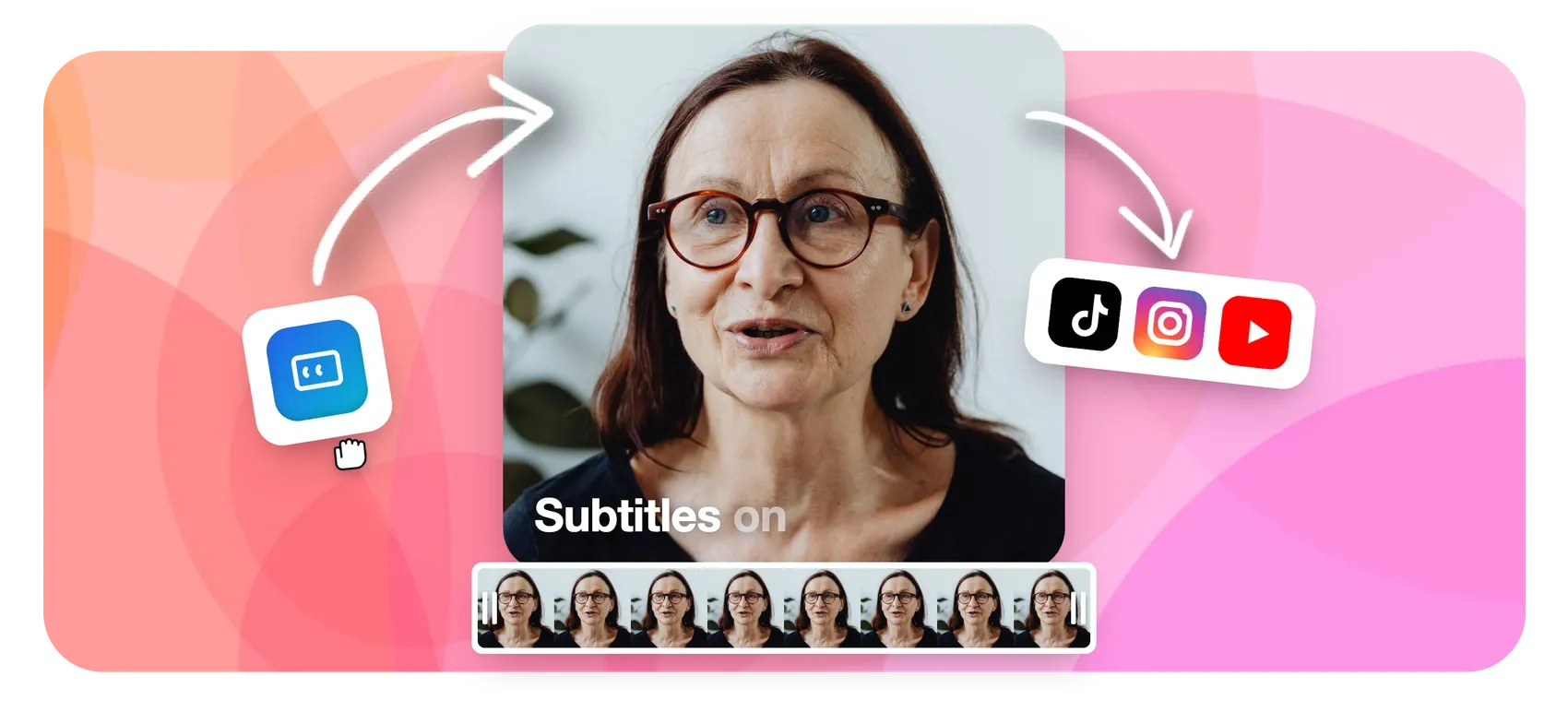
EchoWave does what GetMunch was known for and keeps you in control of every clip. Upload a podcast, webinar, interview or stream VOD, and the AI picks highlight moments from the word-timed transcript plus audio energy, reaction peaks, speaker turns and scene cuts, then scores each one with a 0-100 Viral Score built from Hook, Clarity, Emotion, Value and Trend sub-scores, each with a written reason. Smart camera reframes to 9:16, 1:1, 4:5 or 16:9 using on-screen speaker detection (lip movement matched to the voice) across 7 layouts, and every clip arrives with word-timed captions in 60+ styles, an AI title, a hook line and hashtags. You watch the analysis happen live, and Echo, the AI editor, takes notes like "make #2 shorter" or "bigger captions on every clip". Each clip opens as a normal project in the full editor, and the caption generator adds 176 presets and translation to 86 languages (free to translate, paid plan to export).
The honest caveats: no social scheduler or auto-posting, no AI-generated content strategy, no B-roll generation and no social analytics. Munch Studio's planning and publishing side is not something EchoWave replaces.
- Pricing:
- Free plan; flat paid plans, see the pricing page
- Free plan:
- Free forever: 30 AI clip-analysis minutes a month, full editor, 720p exports with a small badge
- Best for:
- Former GetMunch users who want to upload a long video and get editable, ranked clips back
Pros
- Ranked clips with a 0-100 Viral Score, five sub-scores and plain-English reasons
- 7 speaker-aware reframe layouts, every camera move editable as keyframes
- Echo, the AI editor, changes one clip or the whole batch on request
- Recurring free plan with 30 analysis minutes every month
- REST API, hosted MCP server and Zapier trigger and action
- Prompt search: find moments about any topic in the transcript
Cons
- No built-in social scheduler, publishing or social analytics
- No AI B-roll or dubbing
- Free exports are 720p with a small badge
-
OpusClip
opus.proThe best-known dedicated AI clipper, with low entry pricing
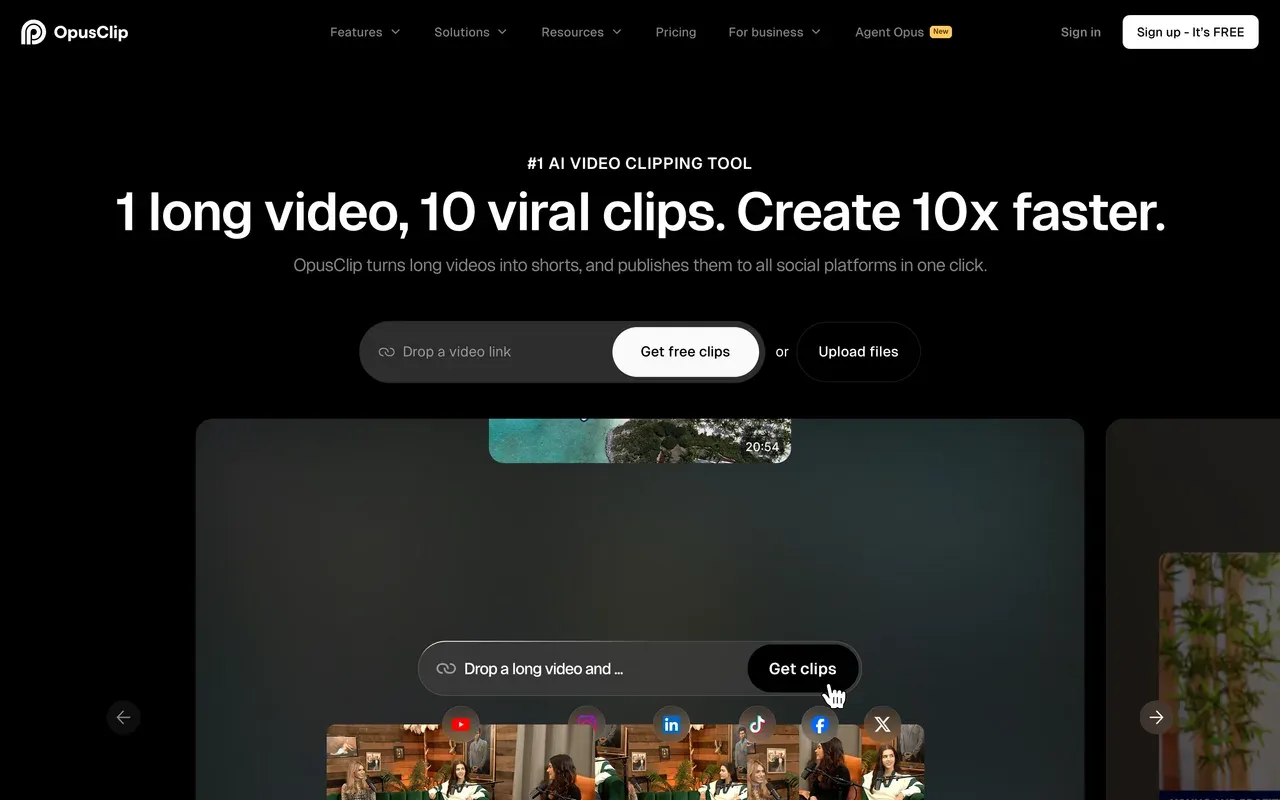
OpusClip is the tool most former Munch users try first, and it covers the same core job: upload a long video, get AI-picked short clips with captions and a virality score. Its pricing page lists Starter at $15/mo and Pro at $29/mo, with Business on custom pricing, and the paid tiers add stock and AI B-roll, AI voice-over and brand templates.
Read the free plan closely. Free exports carry a watermark, animated caption templates are watermarked, and uploaded media expires after 3 days. The pricing page we checked showed monthly prices only and did not list per-plan credit allowances, so confirm how much video each tier processes before you commit.
- Pricing:
- From $15/mo (Starter, as listed on the pricing page)
- Free plan:
- Free plan with watermarked exports; media expires after 3 days
- Best for:
- Creators who want a mature, dedicated clipper and are comfortable with a credit-style meter
Pros
- Long-established AI clipping with virality scoring
- Low entry price on Starter
- AI and stock B-roll plus AI voice-over on paid plans
- Brand templates and team seats on Pro
Cons
- Free media expires after 3 days
- Per-plan processing allowances not listed on the pricing page we checked
- Watermark on free exports and free animated captions
-
Vizard
vizard.aiA generous free tier metered by upload minutes
Vizard meters by upload minutes, one credit per minute of video, which suits people who liked processing long recordings without counting clips. The free plan includes 60 credits a month with 720p exports, a 10-minute export cap and 3-day storage; the paid Creator tier starts from 600 credits a month with 4K exports and no watermark, plus a built-in social scheduler. In September 2026 we recorded Creator at $14.50/mo billed annually; on November 10 the pricing page did not display legible prices, so confirm the current figure at checkout.
Vizard's own help pages note that editing can consume credits beyond the upload itself, so heavy revisers should watch the meter.
- Pricing:
- Creator from 600 credits/mo (price not legible on Nov 10; $14.50/mo billed annually in Sep 2026)
- Free plan:
- 60 credits/month, 720p, 10-minute export cap, 3-day storage
- Best for:
- High-volume creators who want lots of upload minutes per dollar

Pros
- 1 credit = 1 minute of uploaded video, easy to predict
- Strong free tier for testing
- 4K exports and no watermark on Creator
- Built-in social scheduler
Cons
- Free storage lasts only 3 days
- Editing can draw extra credits
- Pricing display was not legible at our latest check
-
Klap
klap.appFast long-to-short clipping, billed per finished clip
Klap turns a long video into short clips with reframing and a virality score, and it bills by finished clip: Basic covers 100 clips a month at $29/mo or $14.50/mo billed yearly ($174), Pro covers 300 at $79/mo or $39.50/mo yearly, and Pro+ covers 1,000 at $189/mo or $94.50/mo yearly. The free option is a single trial video with no credit card, and you can preview and edit those clips, but downloading or posting them requires a paid plan.
Per-clip billing is easy to understand and easy to outgrow. Our Klap alternatives page covers its tradeoffs in detail.
- Pricing:
- From $14.50/mo billed yearly (Basic; $29 monthly)
- Free plan:
- One trial video; downloads require a paid plan
- Best for:
- Creators with a steady, predictable number of clips each month
Pros
- Simple per-clip meter
- Half price on yearly billing
- Reframing and virality scoring built in
Cons
- No recurring free plan
- Monthly billing costs double the yearly rate
- Clip caps force upgrades when volume spikes
-
quso.ai (formerly vidyo.ai)
quso.aiClipping plus scheduling and analytics in one subscription
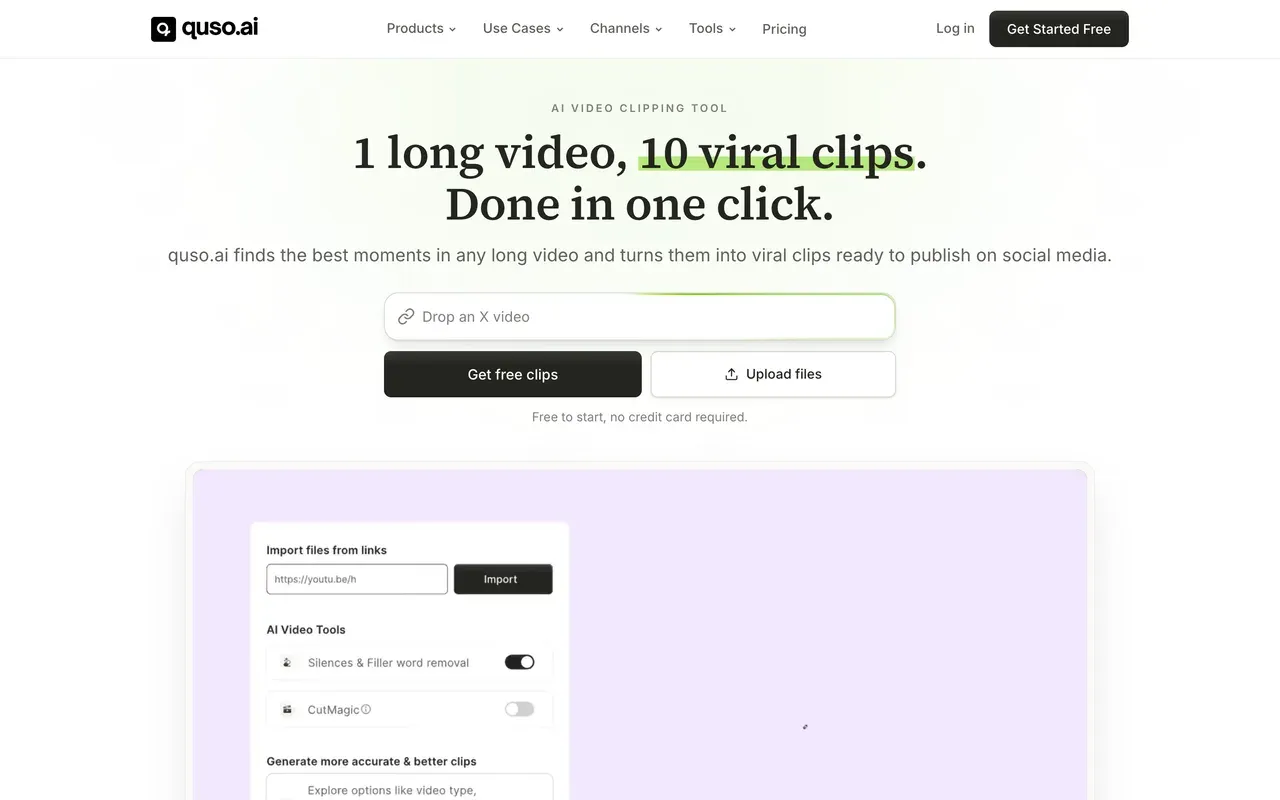
quso.ai, the rebrand of vidyo.ai, pairs AI clipping with distribution, which makes it the closest self-serve match to Munch Studio's publishing side. On November 10 its pricing page listed Lite at $29/mo with 100 credits, Essential at $39/mo with 300 credits and scheduling to 7 platforms, and Growth at $49/mo with 600 credits plus social analytics, with annual prices equal to twelve months of the monthly rate. A credit is roughly one minute of processed video.
The free plan includes 75 credits a month with 720p, watermarked output and 7 days of data retention.
- Pricing:
- From $29/mo (Lite)
- Free plan:
- 75 credits/month, 720p, watermark, 7-day data retention
- Best for:
- Solo creators who want clipping, scheduling and analytics without a done-for-you service
Pros
- Scheduling to 7 platforms from Essential
- Social analytics on Growth
- Minute-style credits, about 1 credit per minute
Cons
- No annual discount on the pricing we checked
- Scheduling not included on Lite
- Free data kept only 7 days
-
Submagic
submagic.coCaption-first editing with Magic Clips included in each plan
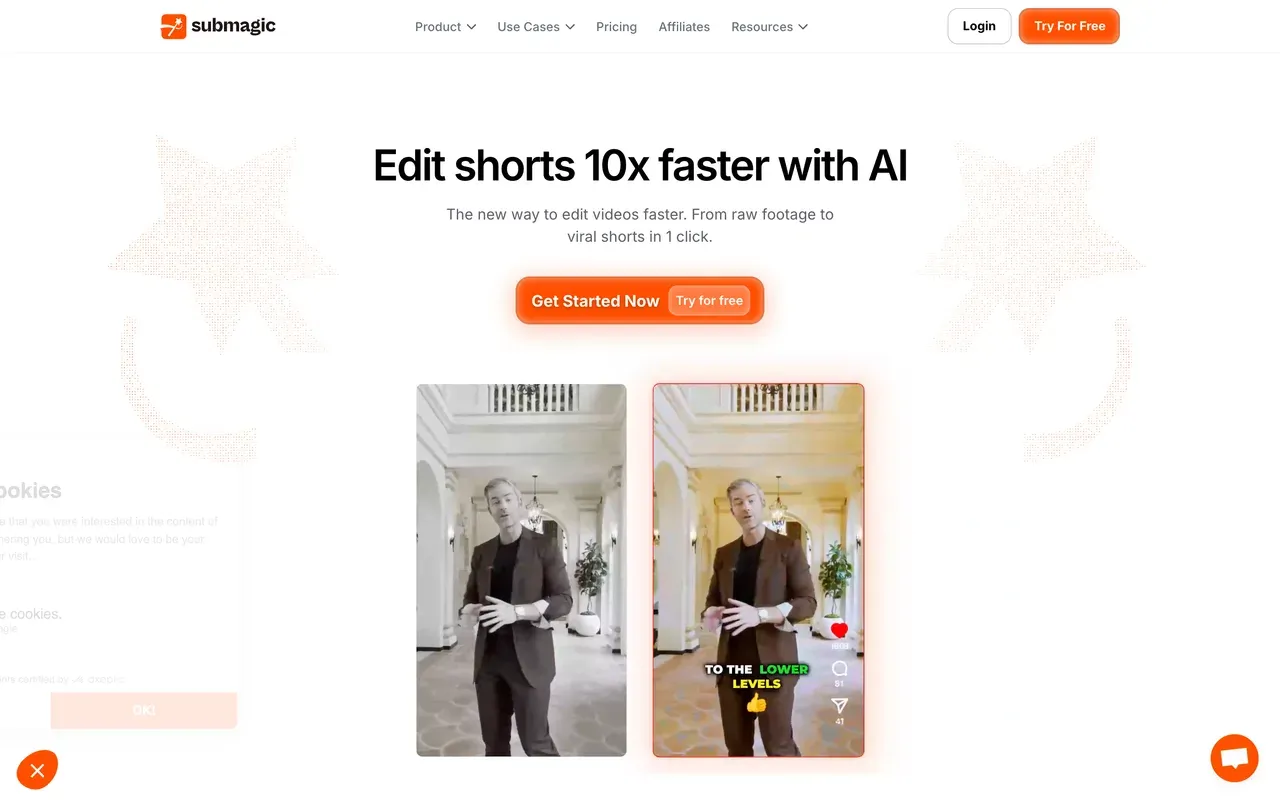
Submagic is strongest at making short clips look finished: stylized captions, zooms, transitions and sound effects. Its Magic Clips feature for cutting long videos is now drawn from each plan's credit pool rather than sold separately: Starter at $12 per member per month billed yearly covers 15 videos of up to 2 minutes and 5 Magic Clips runs, Pro at $23 covers 40 videos up to 5 minutes and 15 Magic Clips, and Business at $41 covers up to 100 videos up to 30 minutes and 37 Magic Clips.
The pricing page says no credit card is required to start but does not spell out trial terms, and the per-video length caps matter if your source recordings are long.
- Pricing:
- From $12 per member/mo billed yearly (Starter)
- Free plan:
- Trial with no credit card required; terms not stated on the pricing page
- Best for:
- Short-form creators who care most about caption style and polish
Pros
- Polished caption styles and auto-edits
- Magic Clips included in every plan's credits
- API minute packs for developers
Cons
- Video length caps of 2, 5 and 30 minutes by plan
- Per-member pricing adds up for teams
- Trial terms unclear
-
Munch Studio (formerly GetMunch)
munchstudio.comA done-for-you AI content service, not a self-serve clipper
If what you valued about Munch was not editing at all, Munch Studio may still suit you. You add your website, videos, photos and call recordings, an AI builds a content strategy and drafts posts, and you approve, edit or publish them from a dashboard that also tracks performance. Essential is $38/mo ($456 a year) with 500 minutes of video repurposing, 10 generated videos and 5 scripts a week; Premium is $60/mo ($720 a year) with 1,000 minutes, 30 generated videos, unlimited scripts and unlimited team members. Both start with a 7-day trial.
What it no longer advertises is the hands-on clip editor GetMunch users knew, so judge it as a content service rather than as a clipping tool.
- Pricing:
- From $38/mo ($456/yr, Essential)
- Free plan:
- No free plan; 7-day trial
- Best for:
- Small businesses that want social content drafted for them and only approve it

Pros
- Content strategy and post drafts generated from your materials
- One-click publishing and a performance dashboard
- Unlimited team members on Premium
Cons
- The self-serve GetMunch clipper ended December 31, 2025
- No free plan, only a 7-day trial
- Less direct control over how each clip is cut
-
Descript
descript.comA full transcript-based editor when clips are one job among many
Descript is an editing suite rather than a clipper: you edit video by editing its transcript, and short-clip tools sit alongside recording, AI voice and audio cleanup. Plans meter media minutes and AI credits separately. Free includes 60 media minutes a month, 100 one-time AI credits and 720p exports; Hobbyist is $16/mo billed annually ($24 monthly) with 600 minutes and 400 AI credits at 1080p; Creator is $24/mo billed annually ($35 monthly) with 1,800 minutes, 800 credits and 4K.
It is a strong pick if you also produce the long-form episode, and a heavy one if all you want is clips.
- Pricing:
- From $16/mo billed annually (Hobbyist; $24 monthly)
- Free plan:
- 60 media minutes/month, 100 one-time AI credits, 720p
- Best for:
- Podcasters and video teams who edit the full episode and want clips from the same tool

Pros
- Edit video by editing text
- Recording, AI voice and audio tools in one app
- 4K export on Creator
Cons
- Two meters to track: media minutes and AI credits
- More tool than you need for clipping alone
- Free AI credits are one-time, not monthly
Munch Studio vs EchoWave at a glance
| Feature | EchoWave | Munch Studio |
|---|---|---|
| What it is | Self-serve AI clip generator plus a full multi-track editor | Done-for-you AI social content service; the self-serve GetMunch clipper ended December 31, 2025 |
| Upload a long video, get ranked clips | Yes: 1-30 clips per run, ranked by Viral Score | Not described on the pages we checked; posts are drafted for approval |
| Entry price | Flat paid plans, see the pricing page | $38/mo ($456/yr) Essential; $60/mo ($720/yr) Premium |
| Free plan | Free forever: 30 analysis minutes a month | No free plan; 7-day trial |
| Clip scoring | Viral Score 0-100 with Hook, Clarity, Emotion, Value, Trend and reasons | Not described on the pages we checked |
| Speaker-aware reframing | 7 layouts from on-screen speaker detection; every move editable | Not described on the pages we checked |
| Editing control | Full editor per clip, plus Echo for plain-language changes and undo | Approve or edit drafted posts in a dashboard |
| Content strategy | No; you choose what to post | AI builds a strategy from your website and media |
| Publishing and scheduling | No; export files and post them yourself | One-click publishing and a content planner |
| Social analytics | No | Performance dashboard across platforms |
| Developer access | REST API, hosted MCP server, npm MCP package, Zapier | Not described on the pages we checked |
Is there a free alternative to Munch?
Yes, and it is where the field differs most. EchoWave resets 30 minutes of AI clip analysis every month with no time limit on the free plan, and free exports are 720p with a small badge. Vizard offers 60 credits a month with a 10-minute export cap and 3-day storage, and quso.ai offers 75 credits with watermarked 720p output. OpusClip has a free plan whose media expires after 3 days. Munch Studio itself has no free plan, only a 7-day trial.
Munch alternative for podcast and interview clips
Talk-heavy recordings need two things a generic clipper often fumbles: picking complete answers rather than fragments, and keeping both people in a vertical frame. EchoWave scores moments with a Clarity sub-score that favors complete thoughts and uses on-screen speaker detection to cut between host and guest or stack both in a split layout. Our podcast to Shorts page shows that workflow end to end.
Munch alternative if you want it done for you
If you never wanted to touch an editor, the honest answer may be Munch Studio itself, or a scheduler-centric tool like quso.ai that bundles clipping with publishing and analytics. EchoWave is the better fit when you want the clips found for you but the final say on every cut, caption and title.
Cheaper alternatives to Munch
Compared with Munch Studio's $38/mo entry price, every self-serve tool here costs less to start: EchoWave on flat paid plans (see its pricing page), Submagic from $12 per member per month billed yearly, Klap from $14.50/mo billed yearly, OpusClip from $15/mo and Descript from $16/mo billed annually. The meter matters as much as the price: EchoWave counts source minutes analyzed and never counts clips, Klap counts finished clips, and Vizard and quso.ai count credits that track minutes of video.
How to switch from Munch to EchoWave
Three steps to get the upload-and-clip workflow back.
-
Drop the episode, webinar or VOD into the AI clip generator and pick a genre preset. Watch the analysis run live as ranked clips arrive.
-
Sort by Viral Score, read the reasons, and ask Echo for changes like a shorter cut or a new title. Open any clip in the full editor for frame-level control.
-
Bulk-select the keepers and export them: 720p free with a small badge, 1080p on Creator, 4K on Pro. Then post them on your own schedule.

Munch alternative FAQ
What happened to Munch (GetMunch)?
Per the company's transition notice, the self-serve GetMunch AI clipper kept working until December 31, 2025, and the business then became Munch Studio. As of November 10, 2026, getmunch.com redirects to munchstudio.com. Munch Studio describes itself as done-for-you social media content: an AI builds a strategy from your website and media and drafts posts you approve. It no longer advertises the upload-a-long-video, get-clips editor that most former users relied on.
What is the best alternative to Munch?
For the old self-serve workflow, EchoWave is our top pick: upload a long video, get clips ranked by a 0-100 Viral Score with reasons, reframed around whoever is speaking and captioned word by word, then edit any clip in a full editor or by asking Echo. It also has a recurring free plan with 30 analysis minutes a month. OpusClip is the most established dedicated clipper, and Vizard offers the most generous free tier among the credit-metered tools.
Is there a free Munch alternative?
Several. EchoWave's free plan includes 30 minutes of AI clip analysis every month with 720p exports and a small badge. Vizard's free plan includes 60 credits a month with a 10-minute export cap and 3-day storage, quso.ai's includes 75 credits with watermarked 720p output, and OpusClip's free plan expires uploaded media after 3 days. Munch Studio has no free plan, only a 7-day trial, so former free users of GetMunch need one of the others.
Does Munch Studio still make clips from long videos?
Its pricing page lists minutes of video repurposing per month, 500 on Essential and 1,000 on Premium, but the product is presented as a done-for-you service: you supply materials, the AI drafts content, and you approve or edit it. The hands-on editor where you uploaded a video, reviewed ranked clips and adjusted each one is not described on its site. If that level of control is what you want, a self-serve clipper is the better fit.
How much does Munch Studio cost?
On November 10, 2026, Munch Studio's pricing page listed Essential at $38/mo ($456 a year) with 500 minutes of video repurposing, 10 generated videos a month and 5 scripts a week, and Premium at $60/mo ($720 a year) with 1,000 minutes, 30 generated videos, unlimited scripts, 1 TB of storage and unlimited team members. Both plans start with a 7-day free trial, and there is no free plan.
Which Munch alternative is cheapest?
By entry price among the competitors, Submagic at $12 per member per month billed yearly, Klap at $14.50/mo billed yearly, OpusClip at $15/mo and Descript at $16/mo billed annually. The cheapest tool depends on how you work, though: Klap charges per finished clip, Submagic caps video length by plan, and credit-based tools charge per minute processed. EchoWave meters source minutes analyzed and never charges per clip.
Can I move my old GetMunch clips to another tool?
Any clips you downloaded from GetMunch are ordinary video files, so you can upload them to EchoWave or any other editor to recaption, reframe or trim them. For new work, upload the original long recordings and let the replacement tool generate fresh clips, since each tool's moment picking, captions and framing are its own. EchoWave works from uploads, direct media links, your library or existing projects; it does not import from YouTube or other social links.
Does EchoWave post clips to social media like Munch Studio?
No. EchoWave finds, scores, frames, captions and exports clips, with drafted titles and hashtags, but it does not publish, schedule or report social analytics. You upload the exported files yourself or hand them to whoever runs your accounts. If built-in publishing matters more than editing control, quso.ai bundles scheduling and analytics with clipping, and Munch Studio handles publishing as part of its service.
The honest verdict
If you miss the GetMunch workflow, uploading a long video and getting clips you can edit yourself, pick EchoWave: ranked clips with a five-part Viral Score and reasons, 7 speaker-aware reframe layouts, word-timed captions, Echo for plain-language changes and a full editor behind every clip, on flat paid plans with 30 free analysis minutes a month. Pick OpusClip for the most established dedicated clipper, Vizard or quso.ai if you want scheduling bundled in, and Munch Studio only if you would rather approve content than make it.
What people are saying about EchoWave
Loading the reviews
Get the clipper back
Start free today
Upload a long video and get ranked, reframed, captioned clips, with 30 free AI minutes every month.
How we checked
Sources we relied on for the claims above, checked November 10, 2026 unless noted:
- Munch Studio pricing (munchstudio.com/pricing) (Munch Studio)
- Munch Studio homepage (munchstudio.com) (Munch Studio)
- getmunch.com and www.getmunch.com redirects to munchstudio.com, checked November 10, 2026
- Munch transition notice (intercom.help), checked September 3, 2026
- OpusClip pricing (opus.pro/pricing) (OpusClip)
- Vizard pricing (vizard.ai/pricing) (Vizard); the Creator price is from our September 3, 2026 check because prices were not legible on November 10
- Vizard subscription help (help.vizard.ai) (Vizard Help), checked September 3, 2026
- Klap pricing (klap.app/pricing) (Klap)
- quso.ai pricing (quso.ai/pricing) (quso.ai)
- Submagic pricing (submagic.co/pricing) (Submagic)
- Descript pricing (descript.com/pricing) (Descript)
SaaS prices and plan limits change often, so treat every figure as of its check date. If anything here is out of date, email hello@echowave.io with a link and we'll correct it. Our editorial policy explains how we test and update comparisons.
Trademark and comparison notice. Munch and all related names, logos, product names and trademarks are the property of their respective owners. EchoWave is an independent product and is not affiliated with, associated with, authorised by, endorsed by, sponsored by, or in any way officially connected to Munch or its owners. Any third-party names, logos and trademarks are used here only to identify and compare the products honestly (nominative fair use) and do not imply any endorsement, partnership or affiliation.
This comparison reflects EchoWave's own opinion and our understanding of publicly available information believed accurate at the time of writing. Third-party features, pricing and availability change frequently and can vary by region, so figures may be out of date; please confirm the current details on Munch's official website before making a decision. EchoWave makes no representation or warranty as to the accuracy or completeness of any third-party information shown here. If you believe anything on this page is inaccurate or out of date, please contact us and we will review it promptly.