
Podcast SEO: The Complete 2026 Guide
Podcast SEO is the work of making your show and its episodes easy to find in search, whether that search happens inside Apple Podcasts and Spotify, on YouTube, or in Google. Get it right and a single episode keeps pulling new listeners for years. Get it wrong and great episodes sit unheard because nothing tells the apps or the search engines who the show is for or what it covers.
Here is the part most guides skip. SEO for podcasts is really two jobs wearing one name, and they work differently:
- In-app search and ranking (often called PSO, podcast search optimization). This is ranking inside Apple Podcasts, Spotify, Amazon Music, and YouTube. The apps cannot hear your audio, so they match queries against your text fields and your engagement data.
- Website and Google SEO. This is ranking episode pages, show notes, and transcripts in regular Google search so people who are not yet in a podcast app can find you.
Around 40% of listeners discover new shows through in-app search, and roughly a third find podcasts through web search engines, so both jobs are worth doing. This guide covers both, with the exact fields each platform reads, the levers that actually move rankings, and how to turn one episode into clips and pages that keep working.
Quick answer: how to do podcast SEO
- Pick a narrow, searchable show topic and audience.
- Write descriptive episode titles with the search phrase near the front.
- Fill every metadata field your host gives you (author, category, subcategory, tags).
- Publish a dedicated web page for each episode with show notes and a transcript.
- Add timestamps, chapters, and links to resources.
- Internally link related episodes into topic hubs.
- Repurpose episodes into captioned clips, audiograms, and waveform videos for YouTube and social.
- Submit the show once to every major directory (never twice to the same one).
- Earn follows, completions, and downloads early, because momentum drives chart rankings.
- Refresh old episode pages when facts, links, or platforms change.
How podcast discovery actually works
People find shows in very different places, and each surface reads different signals. This is why a single tactic rarely fixes everything.
| Surface | What it reads | Biggest levers |
|---|---|---|
| Apple Podcasts search | Show title, episode titles, author tag, channel name | Keywords in title and author; follows, plays, completion rate |
| Apple Podcasts charts | Listening, follows, completion rate, recency | Momentum (a burst of activity beats a slow trickle) |
| Spotify search | Title, episode titles, descriptions, category | Descriptions and metadata; saves and follows |
| YouTube | Title, description, chapters, captions, thumbnail | Watch time, click-through rate, keyword-rich metadata |
| Google search | Episode pages, transcripts, show notes, links | Helpful text, internal links, backlinks, page quality |
| Social platforms | Hooks, captions, saves, shares | Short clips, audiograms, watchable first 3 seconds |
| Your own site | Internal links, topic hubs, email capture | Depth, structure, related-episode linking |
The big takeaway: Apple Podcasts does not index your show notes or descriptions for search. It ranks on the title and author fields plus behavior. Spotify, Amazon Music, and YouTube Music do use descriptions. Google indexes everything you publish on a real web page. So you write for all three at once: a sharp title for Apple, a keyword-rich description for Spotify, and a full transcript page for Google.
Start with topic clarity
Vague shows lose. A podcast "about business" competes with everything; a podcast about "pricing strategy for solo SaaS founders" has a clear audience, clear language, and clear keywords. Before you optimize a single field, define:
- Who the show is for, in one sentence
- The specific problems each episode solves
- The words your listeners actually type and say
- Topics you will deliberately skip
- What makes the show different from the next ten in your category
This clarity feeds every later decision: the show name, the category you pick, the episode titles, and the topic hubs on your site.
Keyword research for podcasters
Keywords tell you what demand exists. They are not a license to cram phrases into every sentence. Find them by mining:
- Questions listeners and guests ask repeatedly
- YouTube and Google autocomplete for your topic
- The exact phrasing inside podcast app categories
- Community threads (Reddit, Discord, niche forums)
- Your website's Google Search Console queries
- Free tools like Google Keyword Planner, AnswerThePublic, and Ubersuggest
Map each keyword to one home: an episode, a guide, a clip, or a topic hub. Do not spin up five thin episodes chasing the same phrase; that splits your authority instead of building it. Place the chosen phrase near the front of the title, naturally in the description, and a few times in the show notes and transcript page. Natural density is roughly 0.5% to 1.5% of the text. If a sentence reads awkwardly, the keyword loses.
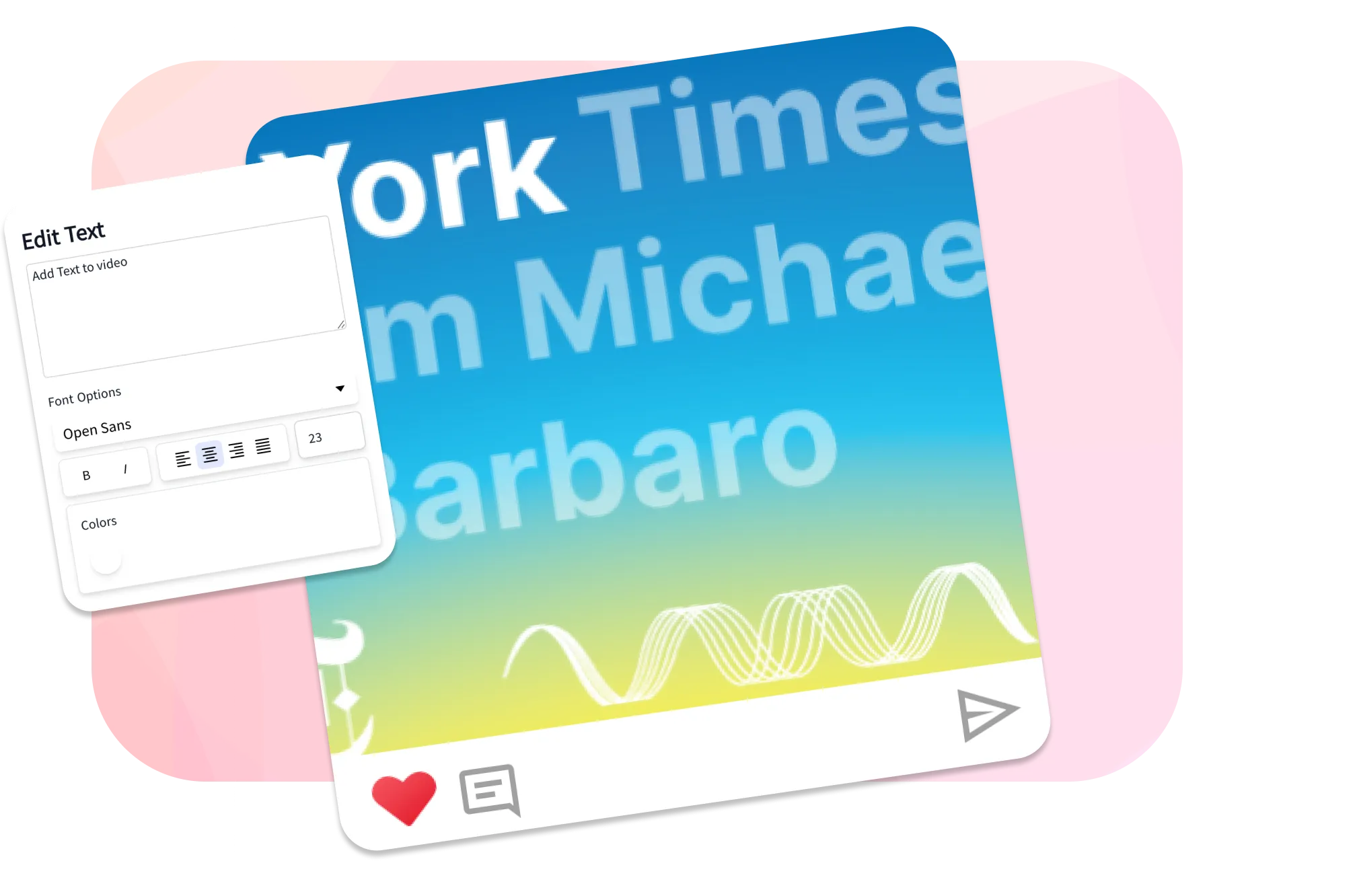
SEO improves when episodes become useful pages
Apps and search engines cannot hear audio. Give every important episode a clear title, useful show notes, full transcript text, internal links, and a shareable clip that reinforces the topic. That is what makes an episode rank and keep ranking.
What creators say after trying EchoWave
Show titles, names, and the author tag
Your show name and episode titles do the heaviest lifting in app search. A clear, searchable name beats a clever one. "The Hustle Pod" tells an app nothing; "Freelance Writing for Beginners" tells it exactly when to surface you.
Show name. Front-load a real topic word if you can, and consider a tagline that adds searchable context, for example "Freelance Writing for Beginners: get hired faster." Apple weighs the author tag almost as heavily as the title, so put a niche descriptor there, not just your name. "Baseball Hitting Coach, Greg Wasserman" out-ranks a bare "Greg Wasserman."
Episode titles. Around 80% of listeners decide whether to play based on the title alone, so balance curiosity with clarity:
- Weak: "Episode 42: Big Lessons"
- Better: "How to Price a SaaS Product Without Copying Competitors"
Keep the episode number if your audience expects it, but never let the number replace the topic. On YouTube, keep the visible title under 60 characters so it does not truncate in results.
Categories and metadata
The boring fields move rankings more than people expect. Fill all of them.
- Category and subcategory. Pick the most specific subcategory you legitimately fit. "Investing" or "Careers" beats a generic "Business" because there is less competition and clearer intent.
- Author tag. Add expertise keywords, as above.
- Episode descriptions. Front-load the first 20 words with the value and the keyword, because apps and previews cut off there. Spotify, Amazon Music, and YouTube Music read these for ranking even though Apple does not.
- File names. Rename audio, transcript, cover art, and thumbnail files with real words, not "Untitled-123.mp3." It is a small signal, but it is free.
- Artwork. Make it legible at thumbnail size. It will not rank you, but it drives the clicks and follows that do.
Show notes and transcripts (your Google engine)
Show notes and transcripts are where website SEO is won. Apple ignores them for in-app search, but Google indexes every word, and a transcript turns a 40 minute episode into a long, keyword-rich page that can rank for dozens of phrases.
For each important episode, publish a page with:
- A short summary that leads with the value
- Key takeaways in bullets
- Timestamps and chapter markers
- Guest bio and links
- Resources and tools mentioned
- A full transcript with speaker labels
- Links to related episodes
- One clear call to action (subscribe, join the list, buy)
Auto-generated transcripts run roughly 60% to 70% accurate; a quick human cleanup pushes that past 95% and protects your credibility. For the full template, read our guide on how to write podcast show notes.
Build topic hubs and internal links
A topic hub is a page that gathers related episodes and guides under one theme, for example sponsorships, audience growth, or production. Hubs help listeners binge and help Google understand your expertise on a subject.
Every new episode page should link out to:
- The guest's previous appearance, if there is one
- Two or three related episodes
- A beginner guide for the topic
- A deeper resource for advanced listeners
- A conversion page such as a newsletter or product
Internal links keep old episodes alive and spread ranking strength across the site.
Use video and clips for discovery
Video is now a primary discovery channel for audio. YouTube indexes into Google, Spotify supports video, and TikTok, Reels, and Shorts reward short clips. You do not have to film full episodes. Audio-only shows can still produce:
- Captioned highlight clips
- Audiograms
- Quote cards with sound
- Waveform videos
- Guest highlight reels
- A short teaser trailer
Captions matter because most social video is watched on mute, and the on-screen text is also crawlable. You can do all of this free in the browser: EchoWave handles adding subtitles and captions, turning an episode into a waveform video, converting a podcast to video, and trimming clips in the online video editor.
Directories, reviews, and momentum
Submit your RSS feed to every major directory: Apple Podcasts, Spotify, Amazon Music, and YouTube Music. Two rules:
- Submit once per directory. Duplicate submissions split your downloads and reviews across two listings and hurt both.
- Chase momentum, not just totals. Apple's charts weight a burst of follows, listens, and completions; 100 follows in one day beats 100 spread over a month. Plan launch pushes and guest cross-promotion around release day.
A myth worth killing: ratings and reviews do not directly rank you in Apple Podcasts search. They help socially (people trust a show with reviews) and they nudge downloads, but the search algorithm leans on title, author, and behavior.
Does podcast SEO actually work?
Yes, and the effects compound. Shows that tighten metadata and apply basic SEO commonly report download jumps in the range of 15% to 40% within the first month or two, then steady monthly growth as evergreen episode pages accumulate search traffic. The catch is timing: in-app metadata changes can show up within days, while Google rankings for new pages usually take a few weeks to a few months to mature. Treat older episodes as your testing ground, change one variable at a time, and give each experiment two to three weeks before you judge it.
Where to put your keyword, by platform
The same keyword belongs in different places depending on what each platform reads. This table is the cheat sheet.
| Field | Apple Podcasts | Spotify | YouTube | Google (your site) |
|---|---|---|---|---|
| Show title | Ranks strongly | Ranks | Ranks | Ranks |
| Author tag | Ranks strongly | Minor | n/a | Minor |
| Episode title | Ranks | Ranks | Ranks (under 60 chars) | Ranks |
| Episode description | Not indexed for search | Ranks | Ranks (front-load) | Ranks |
| Show notes / transcript | Not indexed | Limited | Captions help | Ranks strongly |
| Category / subcategory | Helps placement | Helps | Tags help | n/a |
Read it as a sequence: a sharp, keyword-led title satisfies Apple, a keyword-rich description satisfies Spotify and YouTube, and a full transcript page satisfies Google. One episode, written for all four.
Podcast SEO checklist
Run this before you hit publish:
- Is the show positioning clear in one sentence?
- Does the show name contain a real topic word?
- Does the author tag include a niche descriptor?
- Does the episode title lead with the search phrase?
- Are you in the most specific subcategory you fit?
- Do the first 20 words of the description carry the value and keyword?
- Is there a dedicated episode page with show notes and a transcript?
- Are timestamps and chapters added?
- Are related episodes and a conversion page linked?
- Is there at least one captioned clip or waveform video?
- Are file names real words, not auto-generated junk?
- Did you submit to each directory exactly once?
Final recommendation
Podcast SEO rewards shows that treat every episode as a resource, not just an audio file. Write a title that works in app search, a description that works on Spotify and YouTube, and a transcript page that works in Google. Then turn the best moments into clips people can watch, quote, and share. Do that consistently and your back catalog becomes a discovery engine that keeps growing while you sleep.
Turn every episode into searchable video
Sources & further reading
- Apple Podcasts Charts, Apple Podcasts for Creators
- Update your podcast metadata, Apple Podcasts for Creators
- How to write episode descriptions, Spotify for Creators
- Google Search Essentials, Google Search Central

About the EchoWave team
EchoWave is a browser-based video and audio editor built by Lemon Vault LLC since 2018. The people who build the editor write these guides and test every step in the production app before publishing.
Frequently Asked Questions
What is podcast SEO?
Podcast SEO is the practice of making your show and episodes easy to find in search. It splits into two jobs: ranking inside apps like Apple Podcasts and Spotify (often called PSO), and ranking your episode pages and transcripts in Google. The first relies on titles, author tags, and engagement; the second relies on helpful web pages with transcripts and links.
Does SEO for podcasts actually work?
Yes. Shows that tighten metadata and add transcripts often see download increases of 15% to 40% within a month or two, then steady growth as evergreen episode pages collect search traffic. In-app changes can show within days, while Google rankings for new pages take a few weeks to a few months.
How do I rank higher on Apple Podcasts?
Apple ranks search on your show title, episode titles, and author tag, not your show notes. Put your keyword in the title, add a niche descriptor to the author field, pick a specific subcategory, and build early momentum, because Apple's charts reward a burst of follows, plays, and high completion rates over a slow trickle.
How do I rank my podcast on Spotify?
Unlike Apple, Spotify reads your episode descriptions for search, so write keyword-rich descriptions and front-load the value in the first 20 words. Keep titles specific, complete your show page and category, and earn saves and follows. Adding video episodes can also help discovery on Spotify.
How do I get my podcast to show up on Google?
Google cannot hear audio, so publish a dedicated web page for each episode with show notes and a full transcript. Add timestamps, link related episodes, and earn a few backlinks. Submitting to major directories and posting video to YouTube also helps, since YouTube results appear in Google.
Are transcripts necessary for podcast SEO?
For Google SEO they are close to non-negotiable, because the transcript is the text Google indexes and can rank for many phrases. For in-app search they matter less, since Apple ignores show notes. Auto transcripts run about 60% to 70% accurate, so a quick human cleanup to 95% is worth it for important episodes.
Do reviews and ratings help my podcast rank?
Not directly in Apple Podcasts search, which Apple has said does not use ratings to rank. Reviews still help indirectly: they build trust, encourage more downloads, and the resulting engagement feeds the behavior signals that do affect charts. Ask for reviews, but do not expect them to move search rankings on their own.
What makes a good podcast episode title for SEO?
Lead with the search phrase, stay specific, and create curiosity without clickbait. Roughly 80% of listeners decide to play based on the title, so describe the actual topic rather than relying on an episode number. On YouTube, keep the visible title under 60 characters so it does not get cut off.
How important is keyword research for a podcast?
Important for direction, not for stuffing. Use it to learn what listeners search for, then map each keyword to one episode, guide, or topic hub. Mine YouTube and Google autocomplete, your Search Console queries, and community threads, and place the phrase naturally in the title, description, and transcript.
Should I put my podcast on YouTube for SEO?
Yes. YouTube is a major discovery channel and its results surface in Google. You can publish a full video version, or repurpose audio into captioned clips, audiograms, and waveform videos. Use a keyword-rich title under 60 characters, add chapters and captions, and front-load the description.
Can I do podcast SEO if my show is audio only?
Absolutely. You do not need to film to benefit from video discovery. Turn audio into waveform videos, audiograms, and captioned clips for YouTube and social, and publish transcript pages for Google. EchoWave makes the visuals free in your browser from your existing audio.
How long does podcast SEO take to work?
It depends on the surface. In-app metadata edits can change results within days. New episode pages in Google usually take a few weeks to a few months to rank, and they keep improving as you add internal links and earn backlinks. Test on older episodes, change one thing at a time, and judge each change after two to three weeks.
Make your episodes searchable We have a free plan!
Turn any episode into a captioned clip, audiogram, or waveform video for YouTube and social. No credit card required; the free plan adds a small Echowave.io watermark.
Get Started →























































