
The 9 Best Happy Scribe Alternatives in 2026
Happy Scribe is an accurate transcription and subtitle service, but it meters everything by the minute: 120 AI minutes a month on the cheapest plan, then $0.20 per extra minute. EchoWave tops this list because its auto subtitles have no monthly minute cap, even on the free plan, and they live inside a full video editor. Free and cheaper picks follow.



The 9 Best Happy Scribe Alternatives in 2026 Features
Trusted by thousands of creators worldwide





Why people look for a Happy Scribe alternative
The recurring theme in Happy Scribe reviews is the meter. The Basic plan ($17/mo, or $8.50/mo billed annually) includes 120 AI minutes a month, and every extra minute costs $0.20, so anyone publishing weekly video or podcast episodes burns through the allowance fast. The free tier is a one-time 10-minute trial, and reviewers describe a bait-and-switch feel: you can upload and edit, then discover that exporting requires payment. Accuracy is strong on clean audio (the company claims up to 99%) but drops to roughly 85 to 95% with background noise, multiple speakers or strong accents, and the human proofreading upsell starts at $2.00 per minute, about $120 an hour. Reviewers also call the pricing confusing, and the product has repositioned around an AI meeting notetaker, which dilutes focus for subtitle-first users.
We tested each alternative below in the browser and checked every pricing page in August 2026. Rankings weigh caption quality, language coverage, honest free tiers and what a month of real output actually costs.
TL;DR: EchoWave is the best overall alternative for subtitling videos without a monthly minute cap; Descript if you want to edit podcasts and video by editing the transcript; Zubtitle for a handful of simple social clips a month.
The best Happy Scribe alternatives in 2026, ranked
Every pick tested in the browser. Prices checked August 2026.
- 1
EchoWave
Our pickBest overall for subtitles without a monthly minute meter
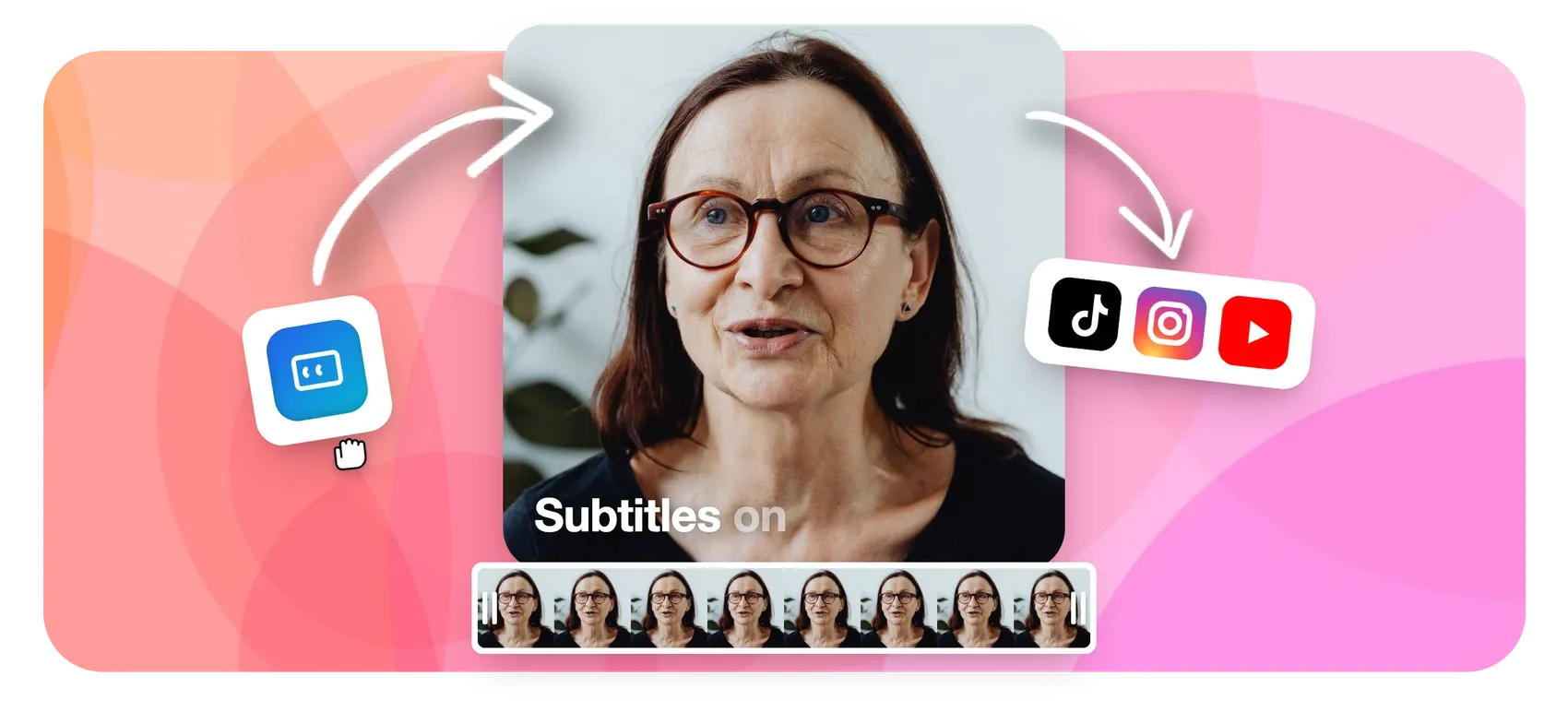
Happy Scribe sells you transcription minutes; EchoWave gives you subtitles as a feature of a video editor, with no monthly minute cap on free fast subtitles. Upload a video, auto-transcribe in 50+ languages, style the result with 170+ caption presets including karaoke word-by-word animation, translate captions into 80+ languages, and export SRT or VTT files or burn the subtitles in. Your existing Happy Scribe workflow survives the move: EchoWave imports and exports SRT and VTT both ways.
Because the subtitle tool sits inside a multi-track editor, you can also trim the video by deleting words in the transcript, cut filler words and silence, and finish the clip in one place. The honest caveat: Happy Scribe still does two things EchoWave does not: human-made transcription with 99%+ accuracy for a per-minute fee, and a dedicated professional subtitle-file workflow with 150+ languages.
- Pricing:
- Free plan; paid from $9/mo billed annually
- Free plan:
- Free forever: full editor, 720p exports with a small badge; quick tools export with no watermark
- Best for:
- Creators who subtitle videos every week and refuse to count minutes
Pros
- No monthly minute cap on free fast subtitles
- 170+ caption presets with karaoke and word-level animation
- Auto-transcribe in 50+ languages, translate captions to 80+
- SRT and VTT import and export
- Full multi-track editor attached: trim, text-based cuts, filler-word removal
- Start without an account; no install
Cons
- No human transcription service; it is AI-only
- Free full-editor exports are 720p with a small badge
- Fewer transcription languages than Happy Scribe's 150+
- 2
Descript
descript.comEdit the media, not just the transcript
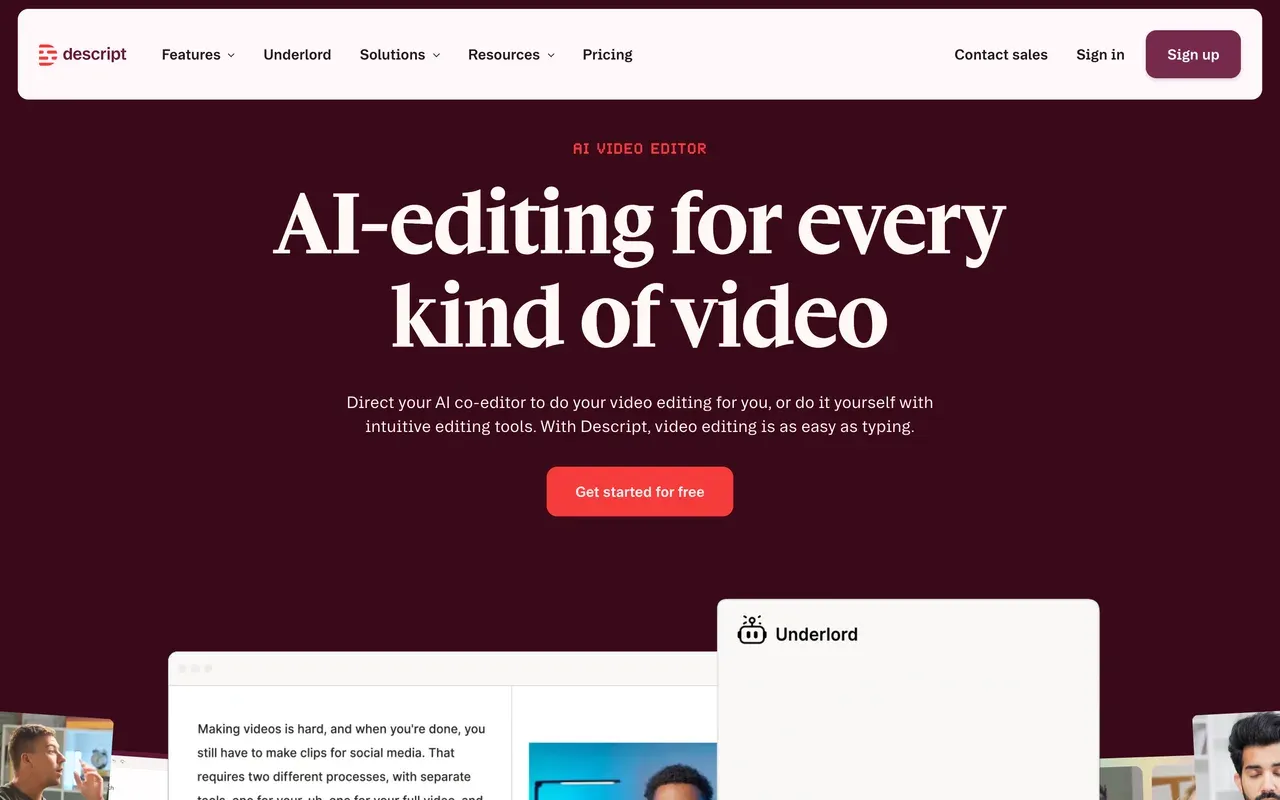
Descript turns the Happy Scribe idea inside out: instead of transcribing finished media, you edit audio and video BY editing the transcript, with industry-leading accuracy in 25 languages, filler-word removal and a serious podcast workflow. The free plan includes 60 media minutes of transcription a month, which already beats Happy Scribe's one-time 10-minute trial.
Know the meters before switching: since late 2025 Descript bills in two currencies, media hours plus AI credits, and users report the credits vanish fast ('a month's worth of credits lasts about a day'). The rebuilt editor also draws stability complaints on long projects. Hobbyist starts at $16/mo billed annually.
- Pricing:
- From $16/mo per user billed annually (Hobbyist); $24 monthly
- Free plan:
- Free tier: 60 media minutes/mo transcription, 720p exports, 100 one-time AI credits
- Best for:
- Podcasters and talking-head creators who edit by transcript
Pros
- Category-defining text-based editing of audio and video
- Free 60 transcription minutes every month
- Excellent podcast tools: multitrack, Studio Sound, filler-word removal
- Screen and remote recording built in
Cons
- Dual metering: media hours plus AI credits make costs unpredictable
- Stability complaints on longer projects since the editor rebuild
- Transcription covers 25 languages to Happy Scribe's 150+
- 3
VEED
veed.ioUnlimited auto subtitles inside a big browser suite
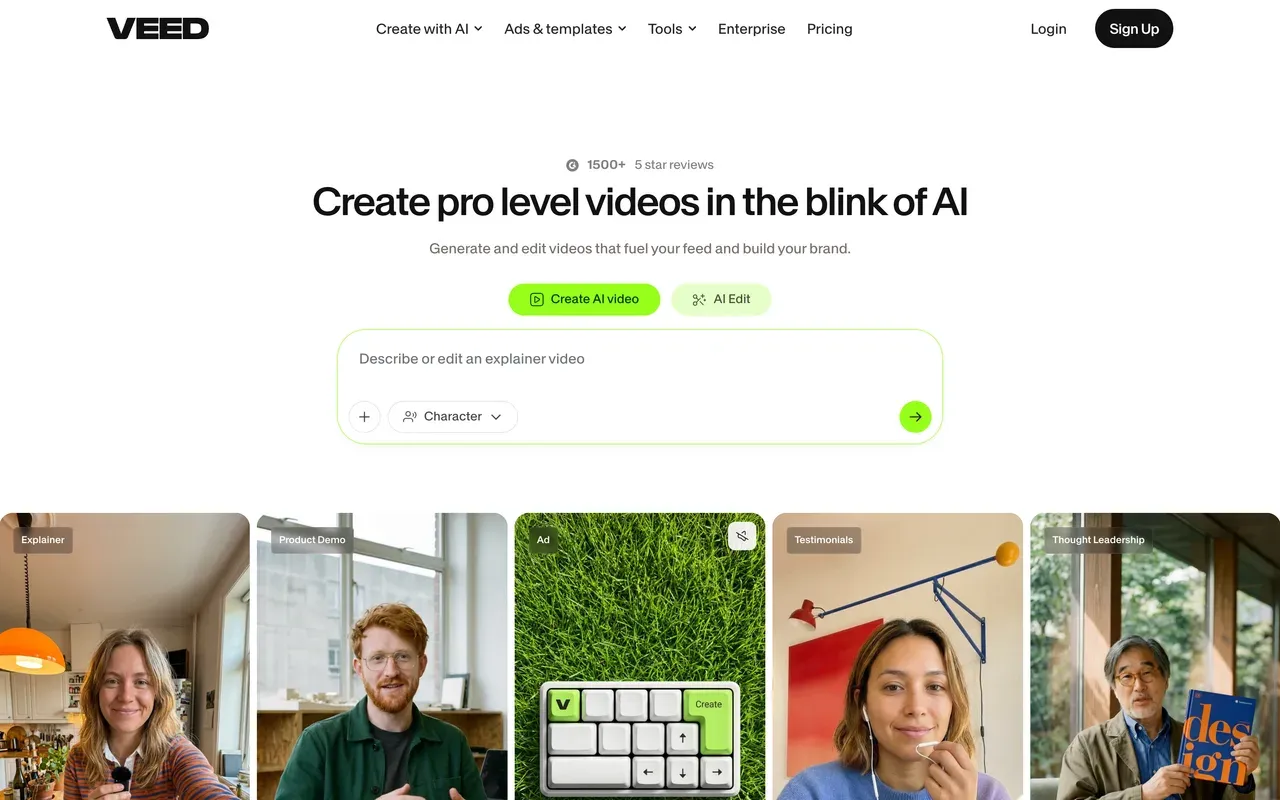
For the specific pain that sends people away from Happy Scribe, the minute meter, VEED's answer is direct: paid plans include unlimited auto subtitles, and Pro adds translation across 50+ languages. Around that sits a full creative platform with an editor, recorder, AI avatars and text-to-speech.
The economics differ from Happy Scribe's rather than beating them outright: Creator costs $10 per user per month billed annually ($20 monthly), AI features draw on yearly credits, the free tier watermarks 720p exports capped at 10 minutes, and billing complaints dominate its Trustpilot profile (4.1).
- Pricing:
- From $10/mo per user billed annually (Creator); $20 monthly
- Free plan:
- Free tier: 720p, 10-minute exports, watermark, limited AI credits
- Best for:
- Teams that want unlimited subtitling plus a general-purpose video suite
Pros
- Unlimited auto subtitles on paid plans
- Translation in 50+ languages on Pro
- Editor, recorder and AI tools in one browser app
- Brand kits for consistent caption styling
Cons
- Per-user pricing roughly doubles on monthly billing
- Watermarked 720p free tier
- Auto-renewal and refund complaints recur on Trustpilot
- 4
Submagic
submagic.coTrend-styled captions for short-form, capped by video count
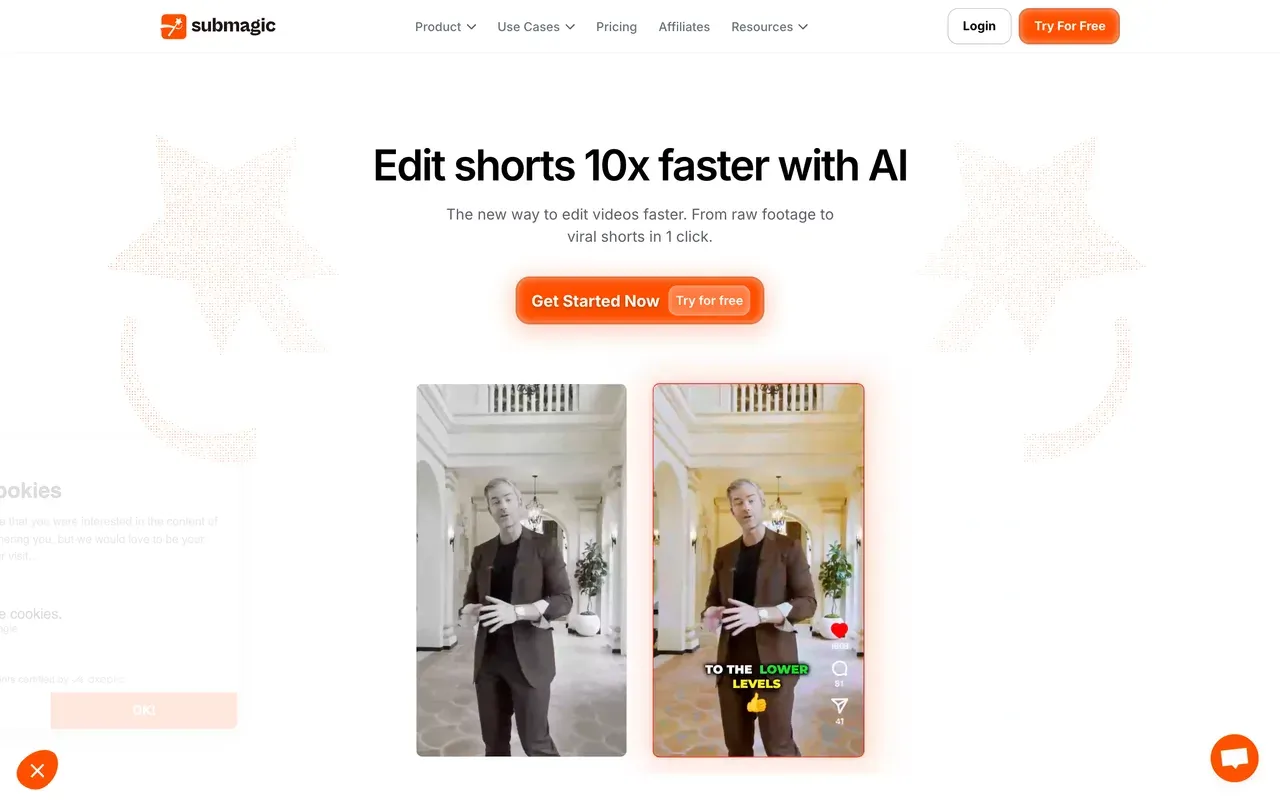
Where Happy Scribe outputs professional subtitle files, Submagic outputs TikTok-ready captioned clips: stylized templates in 123 languages with a claimed ~99% accuracy, plus one-click auto-editing with zooms, sound effects and silence removal.
Its meter is different but just as real: plans cap both video count and per-video length (Starter, $12/mo per member billed annually, allows 15 videos of up to 2 minutes), long-video clipping costs a separate $19/mo add-on, and Trustpilot reviewers report surprise annual renewals with a strict no-refund stance.
- Pricing:
- From $12/mo per member billed annually (Starter); $19 monthly
- Free plan:
- Free tier: 3 videos/mo, 90-second and 200MB caps, watermark
- Best for:
- Short-form creators who want stylized captions, not subtitle files
Pros
- Caption styles built for Reels and TikTok, 123 languages
- Auto-editing: silence removal, zooms, sound effects
- Fast, praised support
Cons
- Caps on video count and per-video length on every plan
- Magic Clips long-video clipping is a paid add-on
- Surprise annual renewal complaints on Trustpilot
- 5
Zubtitle
zubtitle.comSimplest path from clip to captioned social post
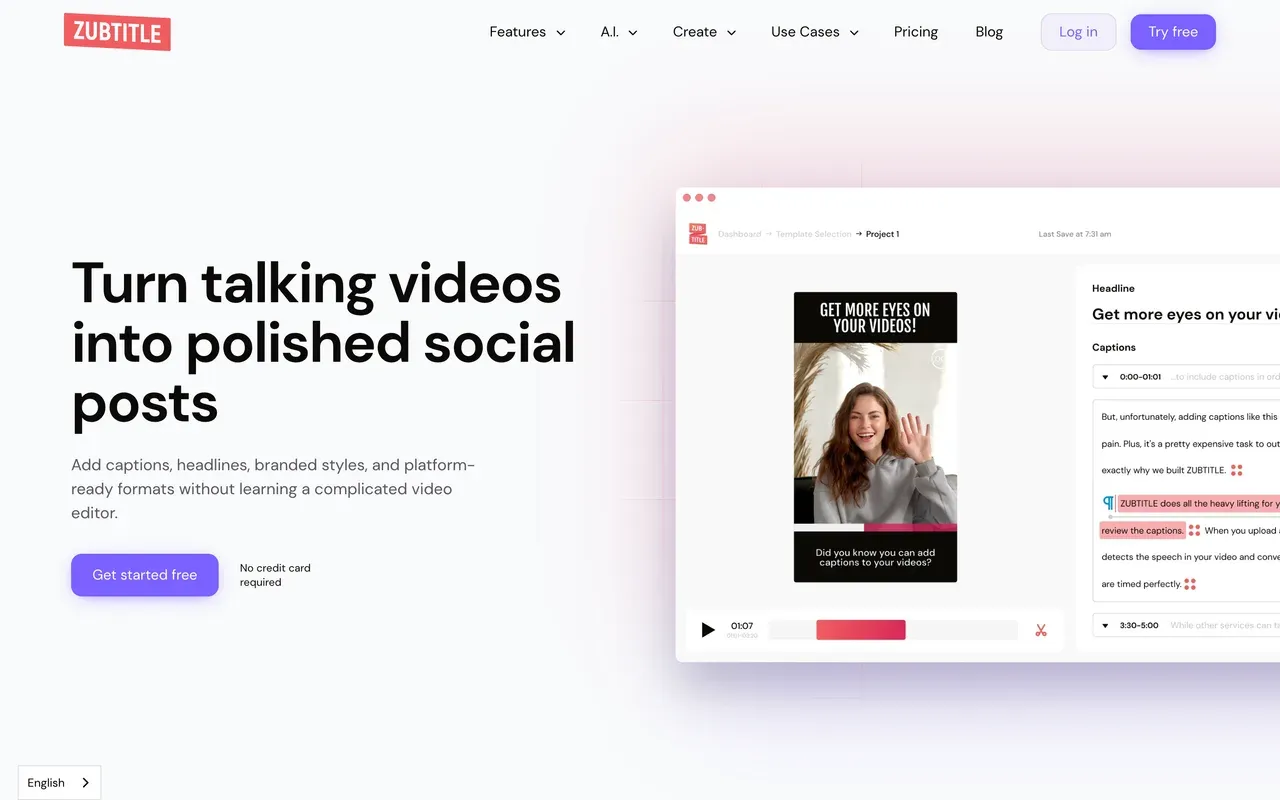
Zubtitle keeps the scope tiny on purpose: upload a clip, get automatic captions, add its signature headline text and progress bar, resize for each platform, download. SRT files are included on every plan, which makes it a friendly landing spot for Happy Scribe users with light needs.
The caps are the whole story: 2 free videos a month at 720p with a watermark, 10 videos on the $19 Guru plan, 30 on Agency, and uploads max out at 20 minutes on every tier, so full episodes must be trimmed elsewhere first.
- Pricing:
- Guru $19/mo, or about $15.83/mo billed annually
- Free plan:
- Free tier: 2 videos/mo, 720p, watermark, uploads to 20 minutes
- Best for:
- Coaches and marketers posting a few captioned clips a month
Pros
- Zero learning curve: captions, headline and progress bar in minutes
- SRT downloads on all plans, including free
- One-click resize for TikTok, Instagram and LinkedIn
Cons
- 20-minute upload cap on every plan, even the $49 Agency tier
- Monthly video caps with no unlimited option
- Captions and resizing only; no real editing
- 6
Kapwing
kapwing.comBig subtitle allowances inside a team editor
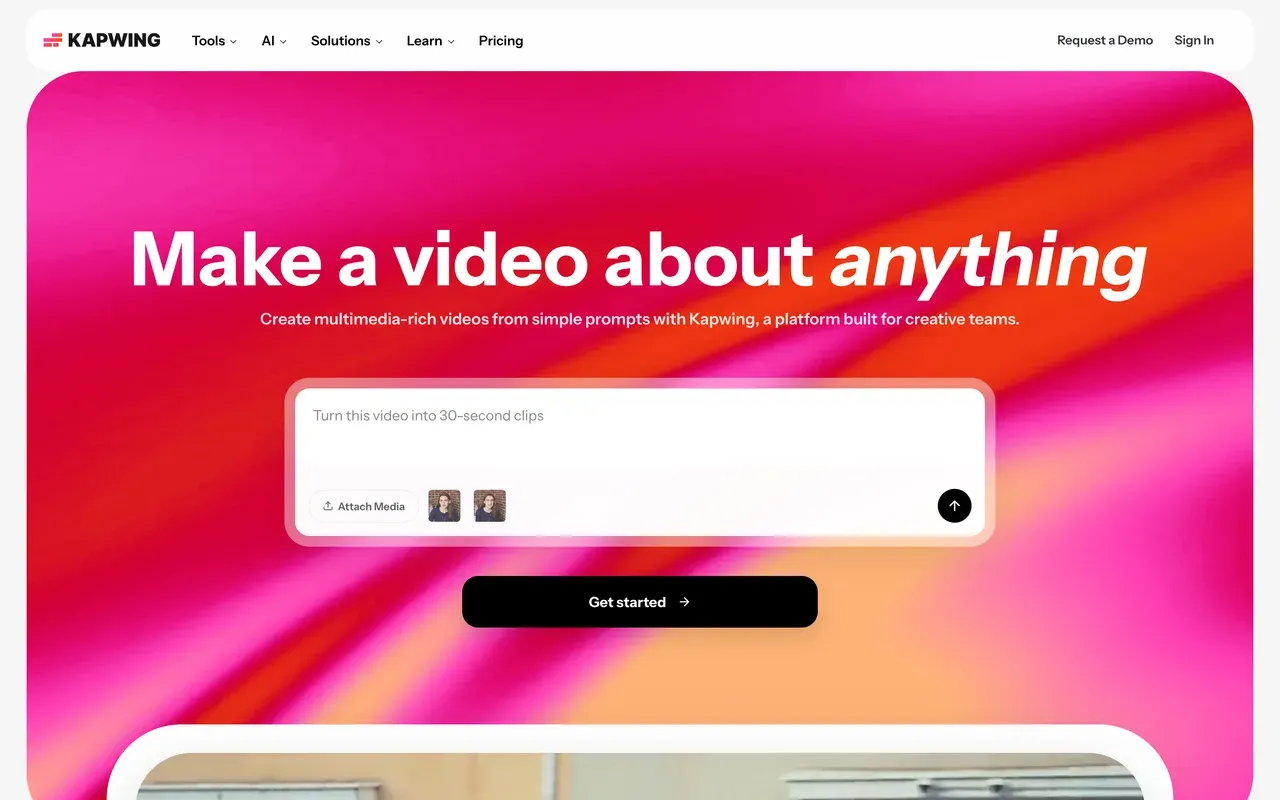
Kapwing's Pro plan bundles 1,000 subtitle minutes, 500 translation minutes and 50 dubbing minutes a month into a collaborative browser editor for $16 per member billed annually. Compared with Happy Scribe Basic's 120 minutes at a similar price, that is a much bigger pool, and G2 reviewers rate the subtitle workflow's ease of use highly.
It is still a metered system, just a roomier one, and the operational record needs weighing: failed exports and lag on longer projects are the most consistent complaint, the free tier caps exports at 1 watermarked minute, and the billing policy is no-refund.
- Pricing:
- From $16/mo per user billed annually (Pro); $24 monthly
- Free plan:
- Free tier: 1-minute exports, 720p, watermark, 10 subtitle minutes/mo, projects kept 3 days
- Best for:
- Social teams subtitling batches of clips together in the browser
Pros
- 1,000 subtitle minutes/mo on Pro, far above Happy Scribe Basic's 120
- Accurate auto subtitles with a clean browser workflow
- Team workspaces with review and commenting
Cons
- Still credit-metered, and per-member pricing adds up
- Export failures and lag reported on longer projects
- No refunds after upgrading
- 7
Async (formerly Podcastle)
async.comAn AI studio with transcription bundled in
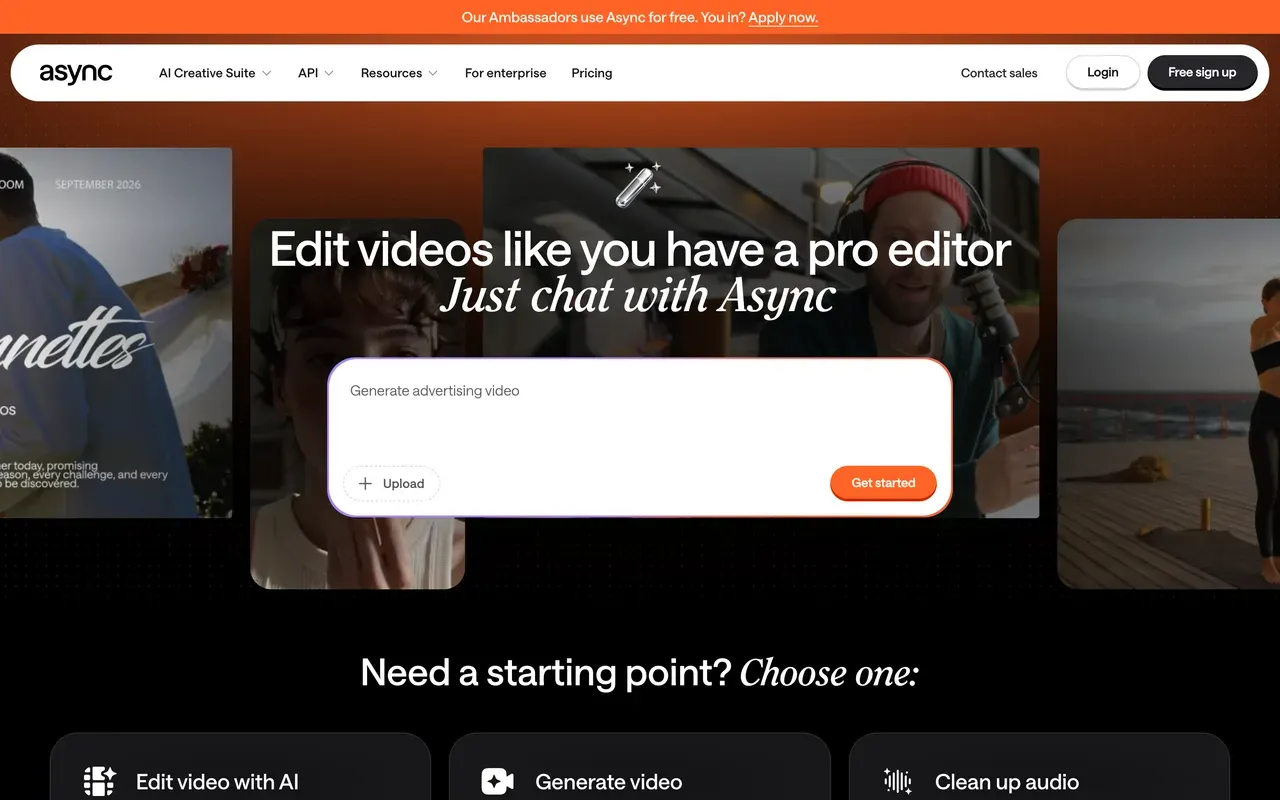
Podcastle rebranded to Async on January 28, 2026 (podcastle.ai now redirects to async.com), keeping accounts and pricing intact. It bundles recording, chat-driven AI editing, AI voices and transcription into one studio: Storyteller, $11.99/mo billed annually, includes 1 hour of transcription a month, and Pro raises that to 10 hours.
Against Happy Scribe it is a workflow swap rather than a pure transcription upgrade: you gain recording and editing, but AI actions run on monthly credits, and Trustpilot carries recurring complaints about trials rolling into annual charges and features moving between tiers.
- Pricing:
- Storyteller $14.99/mo, or $11.99/mo billed annually
- Free plan:
- Free Basic plan: watermark on videos, 3-hour video recording cap, 1 hour lifetime remote recording
- Best for:
- Podcasters who want recording, editing and transcripts in one subscription
Pros
- Recording studio, editor and AI voices alongside transcription
- Chat-driven AI editing agent
- Pro includes 10 transcription hours a month
Cons
- AI credits on every paid tier make costs unpredictable
- Billing and auto-renewal complaints on Trustpilot
- Reliability reports: failed recordings and processing errors
- 8
Vizard
vizard.aiCaptioned clips from long recordings, priced by upload minute
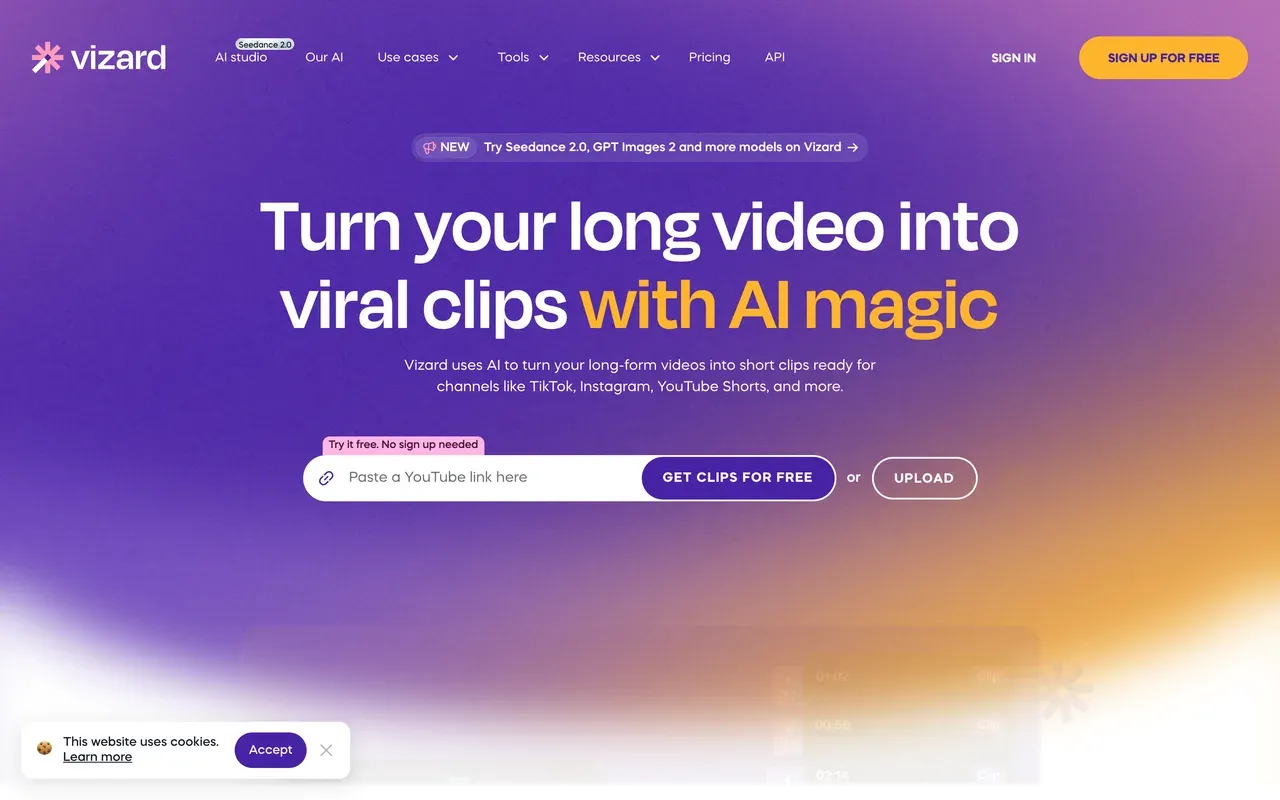
Vizard is for a different job than Happy Scribe: feed it a long recording and it returns captioned social clips, with subtitles translatable into 100+ languages and text-based editing where you cut by deleting transcript lines. At $14.50/mo billed annually for 600 upload minutes, its minutes-per-dollar ratio is the best in the clipping category.
It is still credit arithmetic, though: editing sessions consume extra credits beyond the upload, monthly-plan credits expire after 2 months, and the free tier is a watermarked 720p demo with 3-day storage.
- Pricing:
- Creator $29/mo, or $14.50/mo billed annually
- Free plan:
- Free tier: 60 credits/mo, 720p, watermark, 3-day storage
- Best for:
- Turning webinars and podcasts into captioned clips at volume
Pros
- 600 upload minutes/mo from $14.50 billed annually
- Caption translation in 100+ languages
- Text-based editing: delete transcript lines to cut
Cons
- Edits burn extra credits beyond upload minutes
- Credits expire: 2 months on monthly plans
- Shallow manual editing once clips need polish
- 9
CapCut
capcut.comFull mobile-first editor, but captions moved behind Pro
CapCut earns a spot for people leaving Happy Scribe because they want an editor rather than a service, especially on a phone: free multi-track editing with keyframes, plus a giant template ecosystem tuned for vertical video.
For captions specifically the trend runs the wrong way: auto captions are among the formerly free features CapCut moved behind Pro through 2025, free exports now carry a watermark, and pricing is unpublished, varying by region and device (Pro reported at $19.99/mo or $179.99/yr).
- Pricing:
- Reported ~$9.99/mo (Standard) or $19.99/mo (Pro); not published, varies by region
- Free plan:
- Free core editing; exports watermarked, auto captions require Pro
- Best for:
- Mobile-first creators who caption inside a full editor
Pros
- Free multi-track editing with keyframes and chroma key
- Huge template library for short-form
- Apps across mobile, desktop and web
Cons
- Auto captions paywalled since 2025
- Watermark on free exports
- Opaque, region-dependent pricing
Happy Scribe vs EchoWave at a glance
| Feature | EchoWave | Happy Scribe |
|---|---|---|
| Free tier reality | Free forever: full editor, 60-minute videos, fast subtitles with no monthly minute cap | One-time 10-minute trial; 45-minute max per recording |
| Watermark | Small badge on free full-editor exports; quick tools export clean | Exports gated or watermarked until you pay |
| Cheapest paid plan | $9/mo billed annually, no minute metering | $8.50/mo billed annually (Basic) with 120 AI minutes/mo |
| Monthly minute caps | None for auto subtitles | 120 to 6,000 AI minutes/mo by tier; overage $0.20/min |
| Language coverage | Transcribe 50+ languages; translate captions to 80+ | 150+ languages for transcription, subtitles and translation |
| Caption styling | 170+ presets, karaoke and word-level animations, bilingual captions | Subtitle editor with burned-in styles |
| Video editing | Full multi-track editor with text-based cuts and filler-word removal | Transcription and subtitles only; no video editing |
| Human transcription | Not offered | Yes, human proofreading from $2.00/min for 99%+ accuracy |
| SRT and VTT files | Import and export both | Full subtitle editor with SRT/VTT export |
| Account required to start | No, start editing without signing up | Sign-up flow with a one-time trial allowance |
| Privacy and compliance | Files processed for your session, not used to train AI models | SOC 2 Type II, GDPR, EU data residency |
Best free Happy Scribe alternative
Happy Scribe's free tier is a one-time 10-minute trial, so almost anything recurring beats it. EchoWave gives you fast auto subtitles with no monthly minute cap on the free plan, plus SRT and VTT export from the subtitle tool. Descript includes 60 transcription minutes every month free, useful if you want a text transcript more than a captioned video. Zubtitle allows 2 free captioned videos a month with SRT downloads included.
Happy Scribe alternative without minute caps
If the meter is the problem, three picks remove or loosen it. EchoWave does not meter auto subtitles at all, on any plan. VEED includes unlimited auto subtitles from its Creator plan at $10 per user per month billed annually. Kapwing still meters, but the pool is generous: 1,000 subtitle minutes a month on Pro, roughly eight times Happy Scribe Basic's 120 minutes at a comparable price.
Happy Scribe alternatives for podcasters
Podcasters usually need more than a transcript: episode edits, clips and promo assets. Descript remains the transcript-first podcast editor of record, with multitrack audio and filler-word removal. EchoWave covers the video side: turn episodes into clips with podcast-to-video, cut them in the podcast editor by deleting words from the transcript, and caption everything without watching a minute counter. Async (formerly Podcastle) bundles recording, editing and 1 to 10 transcription hours a month into one subscription.
How to switch from Happy Scribe to EchoWave
From upload to captioned, exported video in three steps.
-
1. Upload your audio or video
Drop your file into the browser editor, or bring audio to life first with the audio to video tool. No account needed to start.

-
2. Auto-transcribe and style captions
Generate subtitles in 50+ languages with the caption generator, pick from 170+ presets including karaoke styles, and fix any word inline. You can also import an existing SRT from Happy Scribe.
-
3. Export video or subtitle files
Download the captioned video, or export clean SRT and VTT files. Need a smaller file for upload? The video compressor exports free with no watermark.

Why people switch to EchoWave

About the EchoWave team
EchoWave is a browser-based video and audio editor built by Lemon Vault LLC since 2018. The people who build the editor write these guides and test every step in the production app before publishing.
Happy Scribe alternative FAQ
What is the best free Happy Scribe alternative?
EchoWave, for most people. Its free plan generates fast auto subtitles with no monthly minute cap, styles them with 170+ presets, and exports SRT or VTT files, while Happy Scribe's free tier is a one-time 10-minute trial. If you mainly want text transcripts rather than captioned videos, Descript's free 60 transcription minutes per month is the better shape. Zubtitle's free tier covers 2 short captioned clips a month with SRT downloads.
What is cheaper than Happy Scribe?
On sticker price, Happy Scribe Basic at $8.50/mo billed annually is already cheap; the cost problem is the 120-minute monthly cap and $0.20/min overage. EchoWave Basic costs $9/mo billed annually with no minute metering on subtitles, so heavy users pay the same flat price whether they caption one video or fifty. VEED Creator ($10 per user, annual) includes unlimited auto subtitles. For very light use, Zubtitle's free 2 videos a month costs nothing.
Does Happy Scribe add a watermark?
During the free trial, exports are gated or watermarked until you pay, which is where the bait-and-switch complaints in reviews come from: you can upload and edit, then hit the paywall at export. Paid plans export clean subtitle files and videos. On EchoWave, the free full editor adds a small badge to video exports, subtitle SRT and VTT files are clean, and quick tools like the video compressor export with no watermark.
Happy Scribe vs EchoWave: which should I pick?
Pick Happy Scribe if you need maximum language coverage (150+ languages), human-made transcription with 99%+ accuracy from $2.00/min, or SOC 2 and EU data-residency compliance for enterprise work. Pick EchoWave if you subtitle videos regularly and want no monthly minute cap, 170+ caption styles with karaoke animation, translation to 80+ languages, and a full editor to finish the video in the same tab. Flat paid pricing starts at $9/mo billed annually; see pricing.
Is Happy Scribe free?
Only briefly. The free tier is a one-time 10-minute trial of AI transcription, subtitles and translation, with a 45-minute cap per recording and limited history, and exports stay gated until you pay. Ongoing use starts at $17/mo, or $8.50/mo billed annually, for 120 AI minutes a month. Extra minutes cost $0.20 each, and optional human proofreading starts at $2.00 per minute.
Is Happy Scribe legit and safe?
Yes. Happy Scribe is an established Barcelona company founded in 2017, holds a 4.6 Trustpilot rating, and runs an enterprise-grade compliance posture: SOC 2 Type II, GDPR and EU data residency. The complaints in reviews are commercial rather than trust-related: confusing pricing, the minute meter, and accuracy dropping to roughly 85 to 95% on noisy multi-speaker audio, which means proofreading time. It is a legitimate service whose pricing model simply does not fit everyone.
How much does Happy Scribe cost?
Three subscription tiers, as checked August 2026: Basic at $17/mo (or $8.50/mo billed annually) with 120 AI minutes a month; Pro at $29/mo ($19 annual) with 600 minutes and 3 seats; Business at $89/mo ($59 annual) with 6,000 minutes and 5 seats. Extra AI minutes cost $0.20 each, and human-made transcription starts at $2.00 per minute, among the highest rates in the market.
What is Happy Scribe?
Happy Scribe is an AI transcription, subtitling and translation service covering 150+ languages, with an optional human-proofreading upgrade and a subtitle editor that exports SRT, VTT and other formats. Since 2025 it has also positioned itself as an AI meeting notetaker that joins Zoom, Teams and Meet calls. It is a service for producing transcripts and subtitle files; it is not a video editor, which is why creators pair it with, or replace it by, tools like EchoWave.
Can I export SRT files from a Happy Scribe alternative for free?
Yes. EchoWave exports SRT and VTT from its caption generator on the free plan, with no monthly minute cap on fast subtitles. Zubtitle includes SRT downloads on every plan, including its free 2-videos-a-month tier. Descript's free plan covers 60 transcription minutes a month. If you need per-format professional deliverables across 150+ languages, that remains Happy Scribe's home turf.
The honest verdict
Subtitle your next video without counting minutes Free plan, no account needed to start
Auto subtitles, 170+ styles, SRT and VTT export. No credit card required.
Try EchoWave Free →
How we checked
Prices and limits on this page are as checked August 2026, against these sources:
- Happy Scribe pricing (happyscribe.com) (Happy Scribe)
- Descript pricing (descript.com) (Descript)
- VEED pricing (veed.io) (VEED)
- Submagic pricing (submagic.co) (Submagic)
- Zubtitle pricing (zubtitle.com) (Zubtitle)
- Kapwing pricing (kapwing.com) (Kapwing)
- Async pricing (async.com) (Async) and Podcastle is now Async (async.com) (Async announcement)
- Vizard pricing (vizard.ai) (Vizard)
- How much does CapCut Pro cost (capcut.com) (CapCut Help Center)
Every competitor claim on this page was re-verified against the sources above on August 3, 2026.
Pricing and limits change often. If anything here is out of date, email hello@echowave.io with a link and we'll correct it. Our editorial policy explains how we test and update comparisons.
Trademark and comparison notice. Happy Scribe and all related names, logos, product names and trademarks are the property of their respective owners. EchoWave is an independent product and is not affiliated with, associated with, authorised by, endorsed by, sponsored by, or in any way officially connected to Happy Scribe or its owners. Any third-party names, logos and trademarks are used here only to identify and compare the products honestly (nominative fair use) and do not imply any endorsement, partnership or affiliation.
This comparison reflects EchoWave's own opinion and our understanding of publicly available information believed accurate at the time of writing. Third-party features, pricing and availability change frequently and can vary by region, so figures may be out of date; please confirm the current details on Happy Scribe's official website before making a decision. EchoWave makes no representation or warranty as to the accuracy or completeness of any third-party information shown here. If you believe anything on this page is inaccurate or out of date, please contact us and we will review it promptly.























































