
EchoWave Alternatives: The Honest List
Yes, this is EchoWave's own site. You searched for our alternatives, so here they are, with real prices and the specific things each one does better than we do. If one fits your work better, use it. If not, the editor is free to try with no signup.



EchoWave Alternatives: The Honest List Features
Trusted by thousands of creators worldwide





Why you might want an EchoWave alternative
Fair reasons first. EchoWave's free plan caps exports at 720p with a small badge, and only the quick tools (trim, crop, compress, convert) export without a watermark until you pay. We do not generate AI avatars or text-to-video clips, we do not bundle a licensed stock music library (our stock library is sound effects), and remote multi-guest recording is not what our recorder is for. If any of those is your core need, one of the tools below will serve you better, and we say which.
What we think we do best: turning audio into video. Music visualizers, waveform videos and audiograms are first-class tools here, subtitles come with 170+ presets and no monthly minute cap, and you can open the editor and start working without creating an account. Paid plans are flat, not per-seat, from $9/mo billed annually.
TL;DR: VEED for the deepest AI suite, CapCut for trend templates, Clipchamp for watermark-free free exports, Descript for recording plus overdub-style workflows, Riverside for remote interviews, Specterr or Vizzy if you only need a visualizer.
What people are saying about EchoWave
9 real EchoWave alternatives in 2026
Ranked by how often EchoWave users actually cross-shop them. Prices checked August 2026.
- 1
VEED
veed.ioThe deepest all-in-one AI suite, if you will pay per seat
VEED is the closest overall substitute for EchoWave and adds a genuinely bigger AI stack: AI avatars, a text-to-video Gen-AI studio aggregating 25+ models, eye-contact correction and AI dubbing. The trade: everything is metered by yearly AI credits, plans are per user, and the free tier caps exports at 720p and 10 minutes with a watermark. If avatars or text-to-video are why you are leaving EchoWave, VEED is the right destination.
- Pricing:
- From $10/mo per user billed annually ($20 monthly); Pro $21/$44
- Free plan:
- 720p, 10-minute export cap, watermark, limited AI credits
- Best for:
- Teams that want one subscription covering editing plus generative AI

Pros
- Broadest AI feature set in the category
- Polished captions and translation
- Team workspaces and brand kits
- Gen-AI studio with major video models
Cons
- Per-seat pricing adds up fast
- AI metered by yearly credit allowances
- Free tier is a demo
- 2
CapCut
capcut.comUnmatched template ecosystem for trend-driven short video
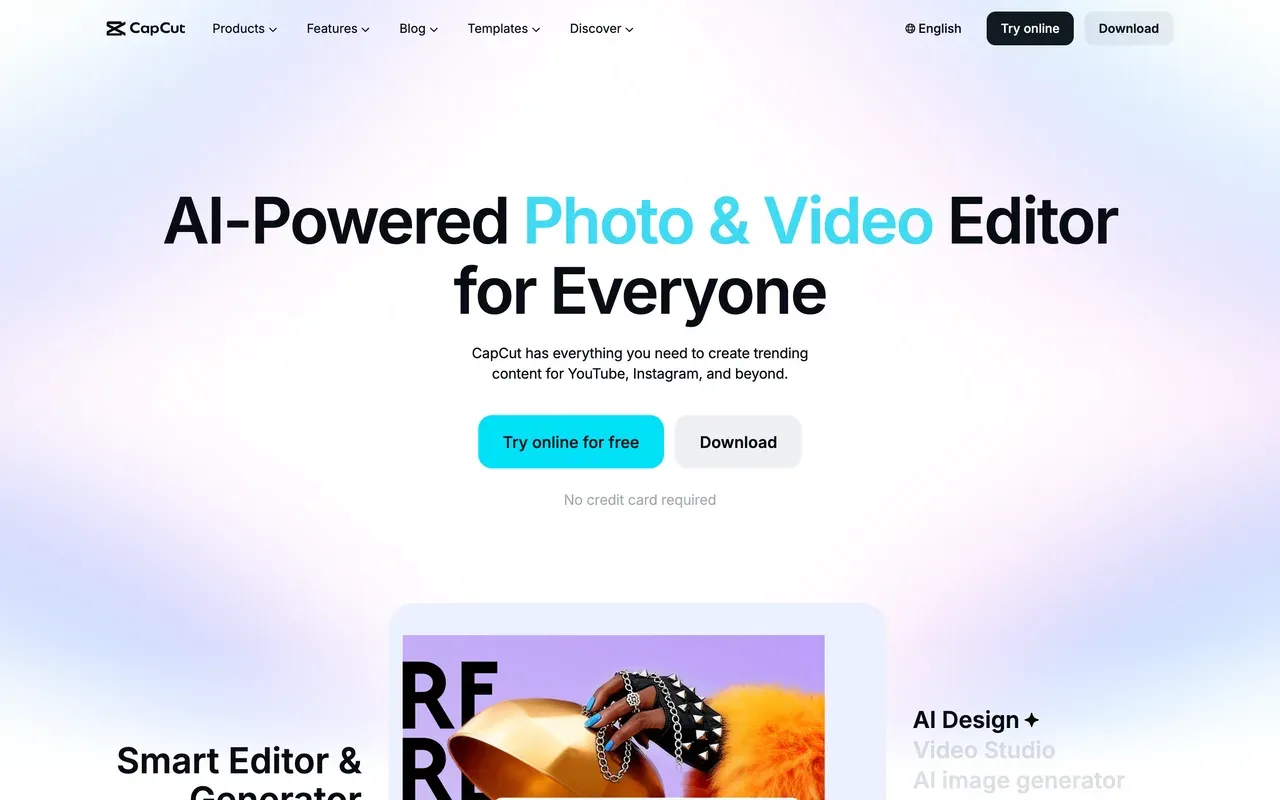
If you make TikTok-style content and want this week's trending template, CapCut's ecosystem has no equal, and its desktop app is a real editor with keyframes and effects depth. Know the 2025-26 changes before switching: prices roughly doubled in the restructure, formerly free features like auto captions moved behind Pro, free exports now carry a watermark, and exact pricing is region-dependent and only shown in-app.
- Pricing:
- Reported around $9.99/mo Standard, $19.99/mo Pro; not published officially
- Free plan:
- Yes, with watermark on exports and fewer features than before
- Best for:
- Trend-chasing shorts creators inside the TikTok ecosystem
Pros
- Massive trending-template library
- Strong desktop app with pro-level effects
- Tight TikTok integration
Cons
- Prices rose sharply in late 2025
- Watermark added to free exports
- Region-dependent, unpublished pricing
- 3
Clipchamp
clipchamp.comThe best free-tier watermark policy in the category
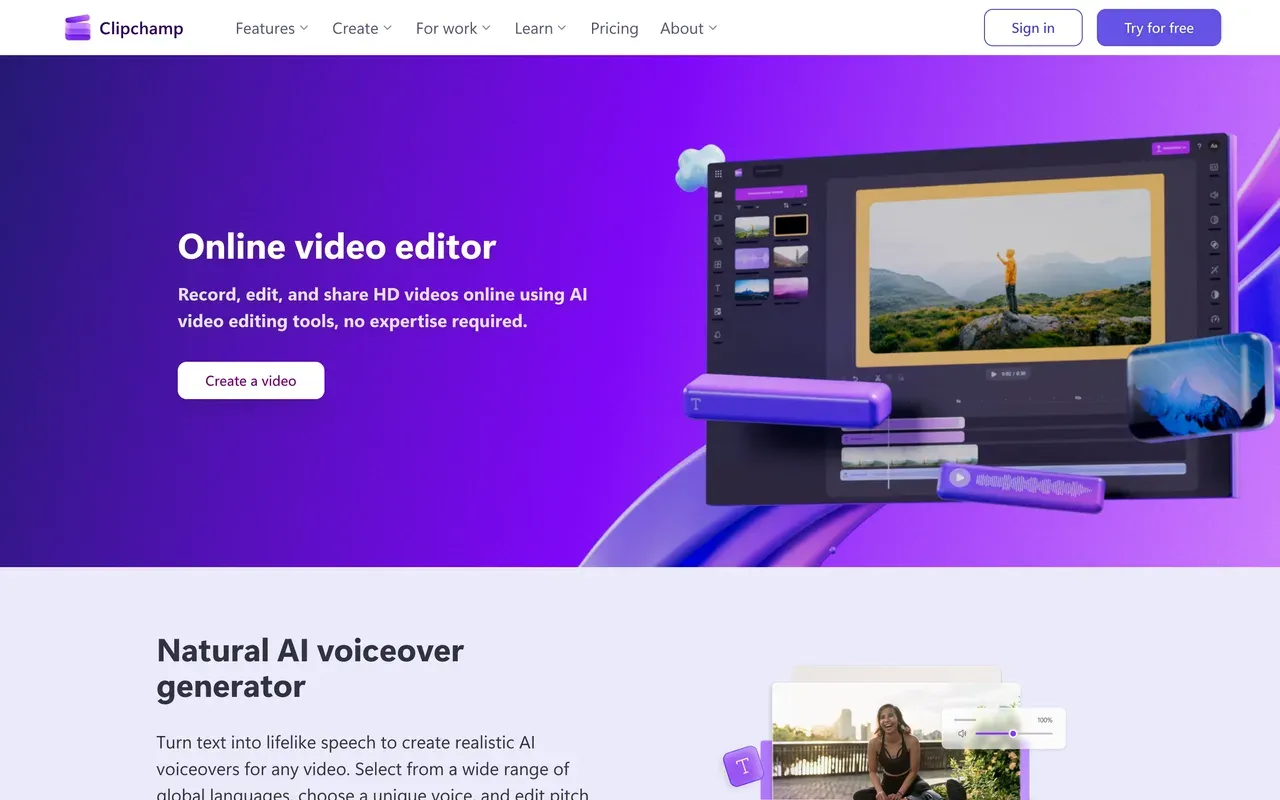
Credit where due: Clipchamp's free plan exports watermark-free 1080p, which beats EchoWave's free 720p-with-badge policy outright. It is the honest pick if a clean free export is your single requirement. The trade-off is depth: fewer audio tools, no visualizer or audiogram tools, shallower caption styling, and a product that is being progressively folded into Microsoft 365.
- Pricing:
- From $11.99/mo standalone; effectively bundled with Microsoft 365
- Free plan:
- Watermark-free 1080p exports, the category's most generous
- Best for:
- Windows users who want clean free exports for simple edits
Pros
- No watermark on free exports
- Simple, familiar interface
- Microsoft 365 bundling
Cons
- Shallow feature depth
- Browser lag on longer projects
- Increasingly tied to Microsoft accounts
- 4
Descript
descript.comRecording studio plus the deepest text-based editing
EchoWave's text-based editor cuts video by deleting transcript words, but Descript goes further: it records, it regenerates audio, and its Underlord assistant edits alongside you. Podcasters who produce full episodes in one tool cross-shop it constantly. Check the late-2025 pricing model before you commit: plans meter both media hours and AI credits, and heavy AI users report burning a month's credits in days.
- Pricing:
- From $16/mo billed annually ($24 monthly) with 10 media hours
- Free plan:
- Limited free tier with watermarked exports and small hour caps
- Best for:
- Podcasters producing full episodes with heavy transcript editing

Pros
- Recording, editing and publishing in one app
- Deepest transcript-editing workflow
- Underlord AI co-editor
Cons
- Dual metering of hours plus AI credits
- Reported instability on long projects
- Credits do not roll over
- 5
Riverside
riverside.comThe remote recording studio EchoWave is not
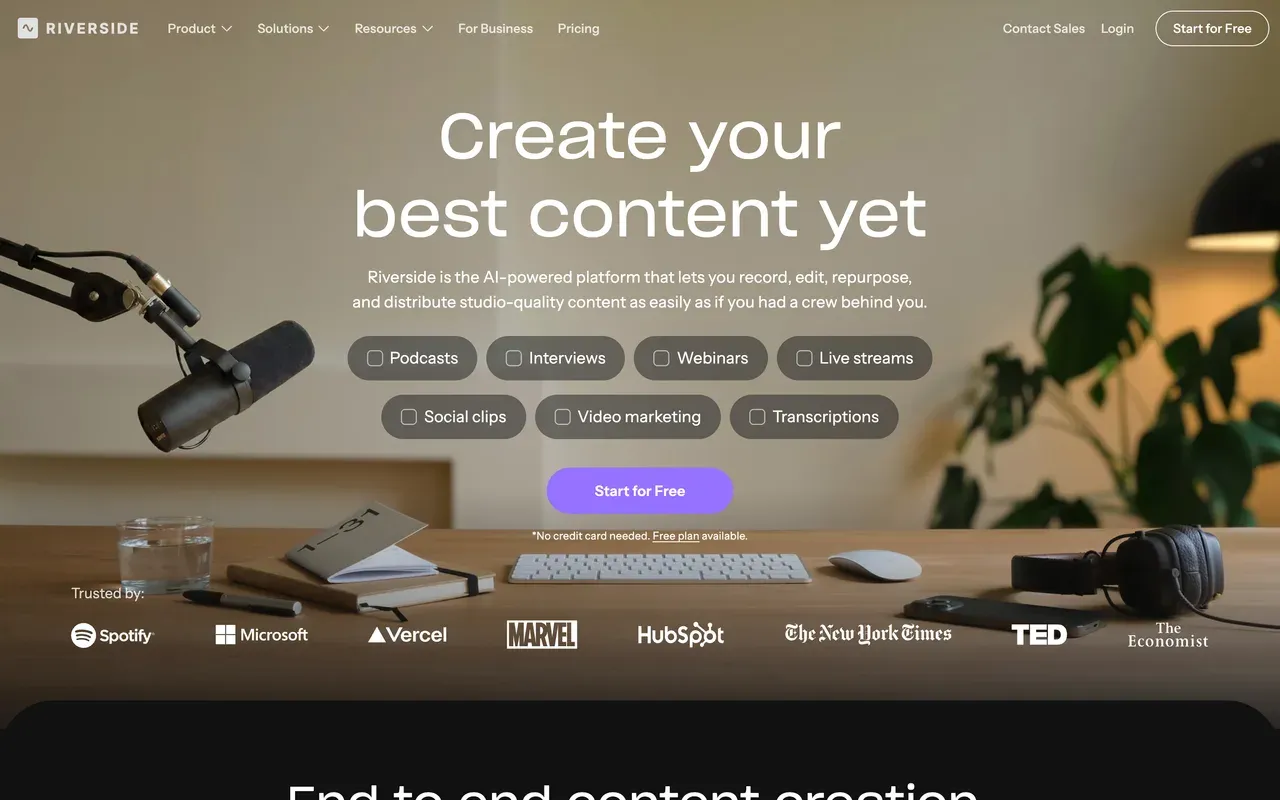
EchoWave's recorder captures your screen, camera and mic, solo. Riverside (now riverside.com, formerly riverside.fm) records multi-guest remote interviews in separate local tracks up to 4K, which is a different job and one it leads with a G2 4.8 from over 1,500 reviews. If your show has remote guests, record there; plenty of people then edit, caption and clip the result in EchoWave without per-minute caps.
- Pricing:
- From $29/mo billed monthly ($24 annual)
- Free plan:
- Free tier with hour caps and watermarked exports
- Best for:
- Interview shows and podcasts with remote guests
Pros
- Separate local tracks per guest
- Up to 4K remote capture
- Strong AI show notes and clipping
Cons
- Recording hour caps per plan
- Works best only in Chrome and Edge
- Entry price has crept upward
- 6
Kapwing
kapwing.comPolished team workflows for social repurposing
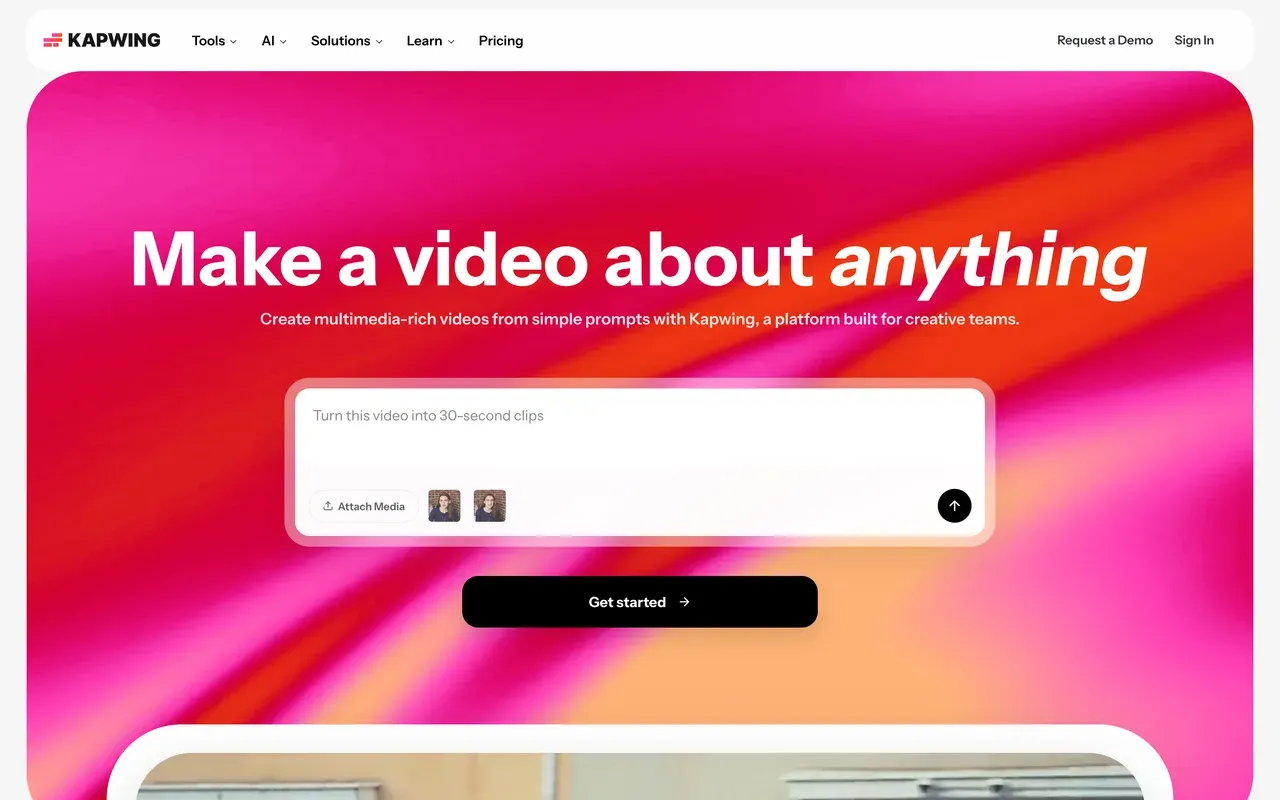
Kapwing's repurposing and subtitle workflows are genuinely polished, and its team features (shared workspaces, comments, brand kits) are stronger than EchoWave's Business tier for agency-style collaboration. Weigh that against a demo-grade free plan (1-minute watermarked 720p exports, projects deleted after 3 days) and per-seat pricing from $16/mo billed annually.
- Pricing:
- From $16/mo per user billed annually ($24 monthly)
- Free plan:
- 1-minute 720p watermarked exports; projects expire in 3 days
- Best for:
- Small teams repurposing content together
Pros
- Excellent subtitle and repurposing UX
- Real team collaboration
- Big template and tool surface
Cons
- Free tier is effectively a demo
- Per-seat pricing
- No-refund billing policy complaints
- 7
Specterr
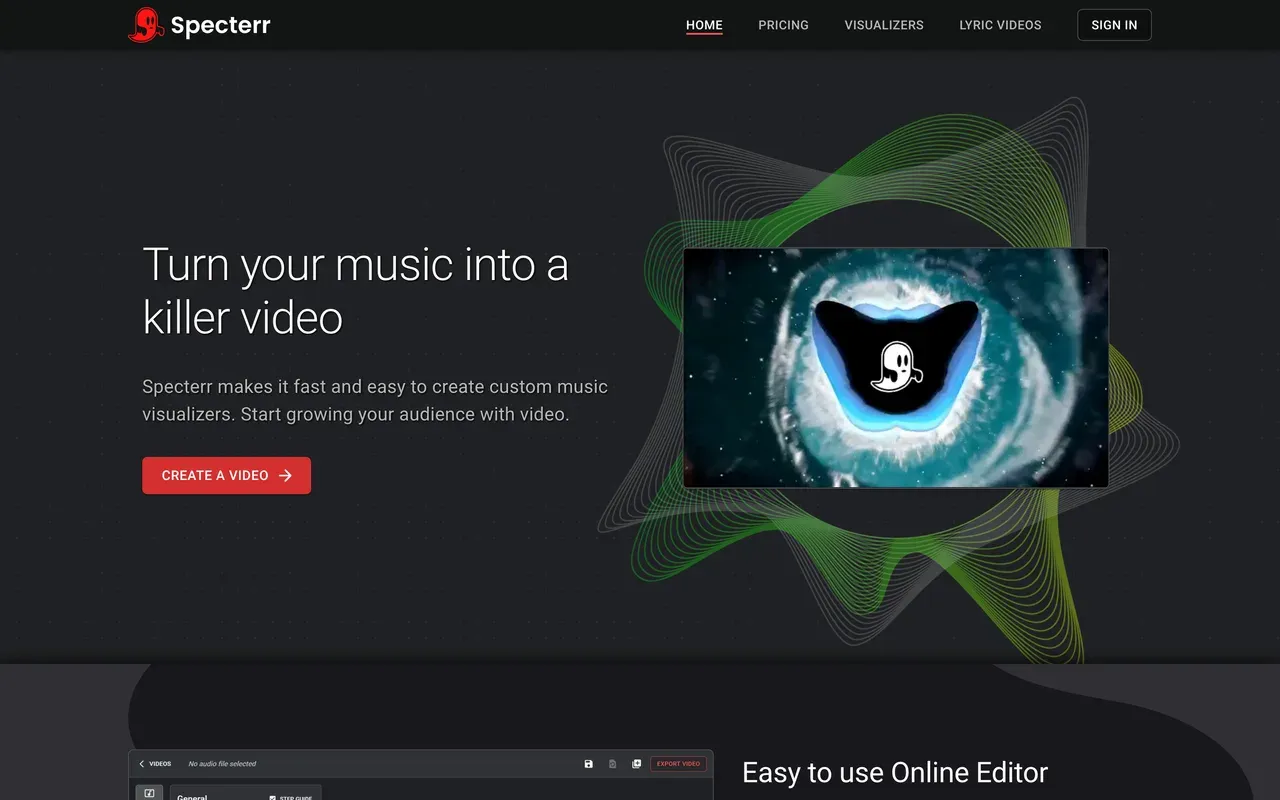
specterr.comDedicated music visualizer with lyric video templates
If all you want is a music visualizer and EchoWave's full editor feels like more than you need, Specterr is the specialist: visualizer and lyric-video templates with deep customization. Its limits are quota-shaped: free exports are 720p, watermarked and expire after 10 days, and even the $29/mo Pro plan caps you at 5 videos a month with one render at a time.
- Pricing:
- From $16.50/mo billed annually ($29 monthly); per-video from $14.99
- Free plan:
- 720p watermarked exports that expire after 10 days
- Best for:
- Musicians who only make visualizer and lyric videos
Pros
- Purpose-built visualizer and lyric templates
- Deep visual customization
- Per-video purchase option
Cons
- Video-count quotas even on paid plans
- Cloud render queue at busy times
- It is only a visualizer, not an editor
- 8
Vizzy
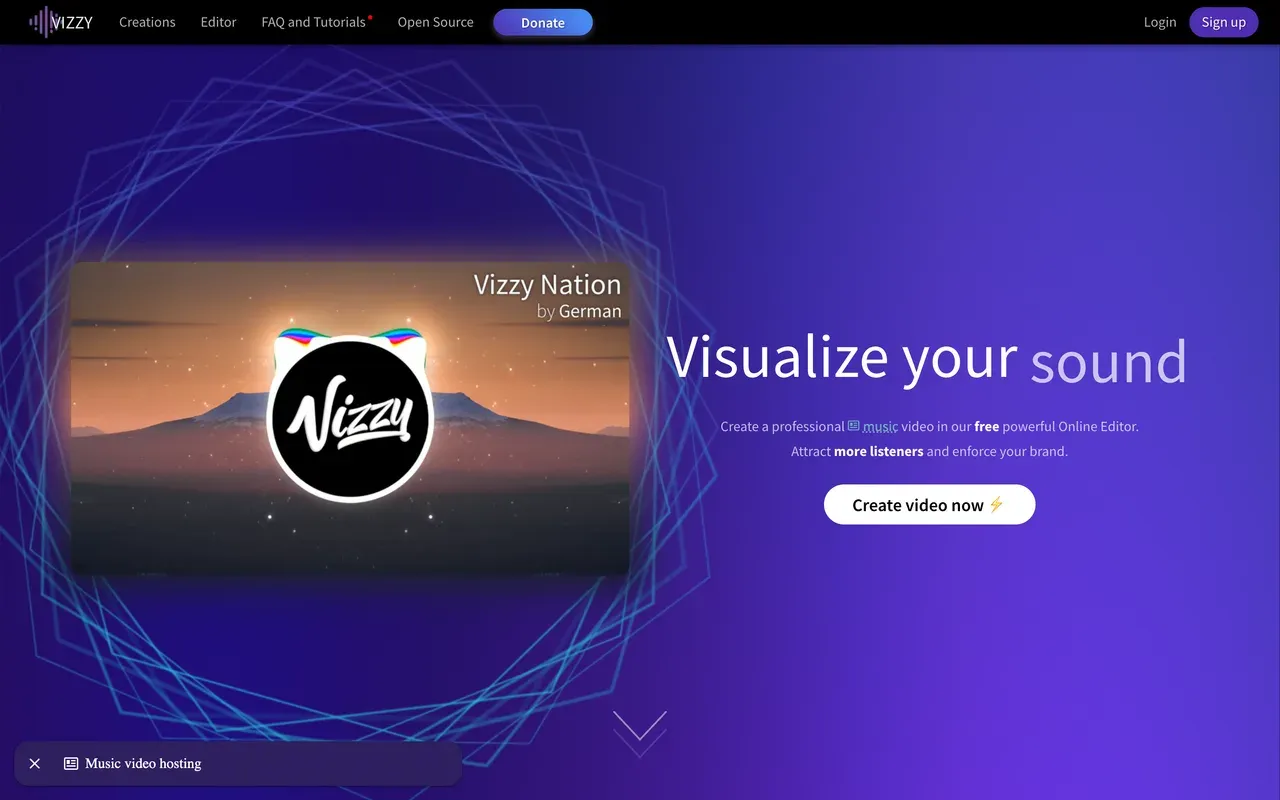
vizzy.ioGenuinely free visualizer, rendered on your own machine
Vizzy deserves its cult following: it is donation-funded, has no paid plan at all, and exports watermark-free up to 4K 60fps. The catch is architectural, not commercial: rendering happens client-side in your browser, so export speed depends on your hardware and the tab has to stay open. For a free pure visualizer it is the strongest option anywhere, including against us.
- Pricing:
- Free; donation-supported, no paid tier exists
- Free plan:
- Everything free: 4K 60fps, no watermark
- Best for:
- Anyone wanting a free visualizer and owning decent hardware
Pros
- Completely free, no watermark
- 4K 60fps output
- No account required
Cons
- Renders on your machine, slow on weak hardware
- Visualizer only, no wider editing
- Browser must stay open during export
- 9
Submagic
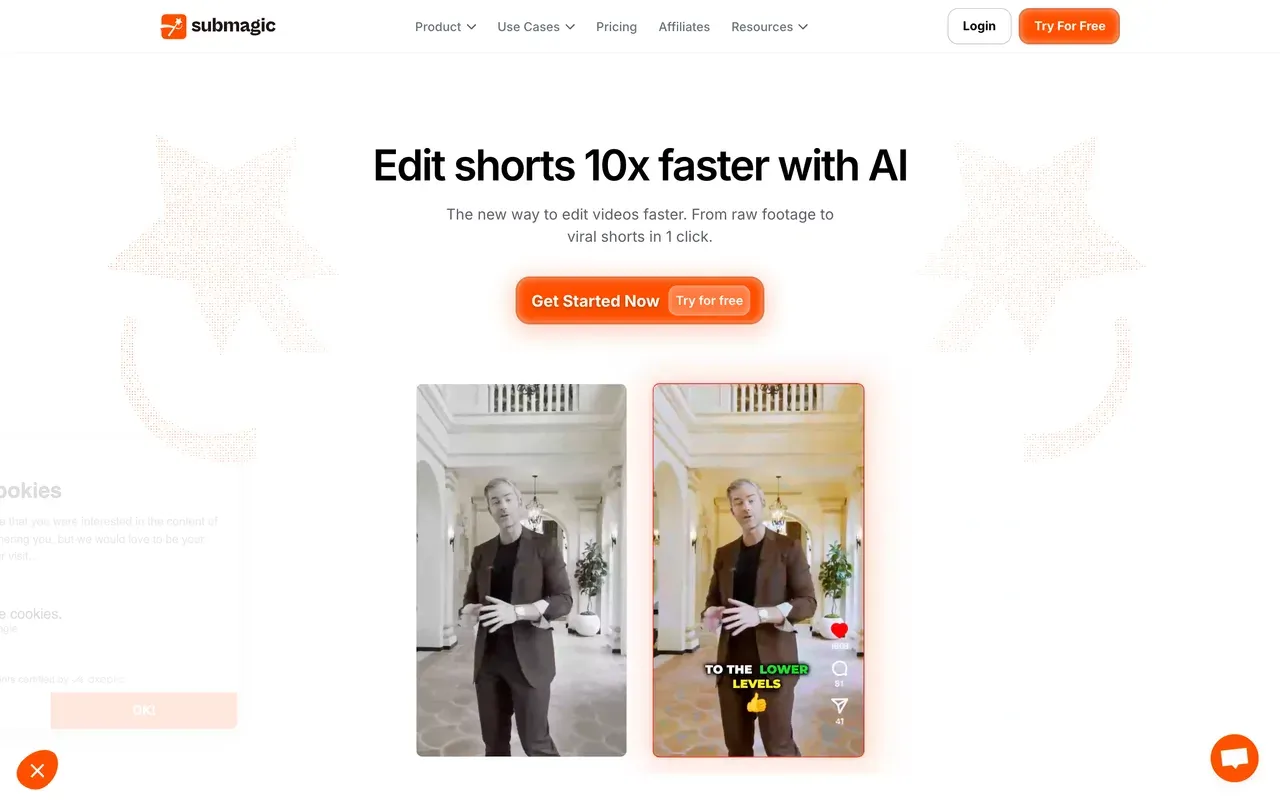
submagic.coFastest auto-captions with B-roll and SFX automation
For shorts creators who want captions plus automatic B-roll, sound effects and zoom cuts applied in one pass, Submagic automates polish that EchoWave leaves to you. Its plans cap both how many videos you process a month and how long each can be, and long-video clipping is a separate $19/mo add-on, so do the math against your monthly output first.
- Pricing:
- From $12/mo billed annually ($19 monthly)
- Free plan:
- Trial-style free tier with watermarked exports
- Best for:
- Shorts creators who want hands-off caption-and-effects polish
Pros
- Auto B-roll, SFX and zoom cuts
- Fast, trendy caption styles
- Good multi-language support
Cons
- Caps on video count and length per plan
- Magic Clips costs extra
- Surprise annual renewal complaints
What EchoWave still does best
Since you are comparing, here is our side, stated the same way we state everyone else's. The music visualizer, waveform video generator and audiogram maker are first-class tools, not add-ons, and previews scrub accurately because the spectrum is baked, not approximated. Subtitles ship with 170+ presets, karaoke word animations and translation to 80+ languages, with no monthly minute cap even on the free plan. The quick tools (trim, crop, compress, convert) export with no watermark without paying. You can start with no account, plans are flat rather than per-seat, and purchasing-power pricing makes paid plans cheaper in many countries. Files are processed for your session and never used to train AI models.
The free plan's 720p-with-badge export cap is real, and so are the missing AI avatars and stock music. If those did not make you close the tab, the fastest way to decide is to open the editor and try your actual project.

About the EchoWave team
EchoWave is a browser-based video and audio editor built by Lemon Vault LLC since 2018. The people who build the editor write these guides and test every step in the production app before publishing.
EchoWave alternatives FAQ
What is the best free EchoWave alternative?
For a completely free workflow it depends on the job. Clipchamp is the standout for general editing because its free plan exports watermark-free 1080p, which is more generous than EchoWave's free 720p with a small badge. For pure music visualizers, Vizzy is genuinely free at up to 4K 60fps with no watermark, with the caveat that it renders on your own hardware. EchoWave's free plan counters with unlimited 60-minute videos, uncapped auto-subtitles and watermark-free quick tools.
Which alternative should podcasters pick?
If you record remote interviews, Riverside is the class leader for capture with separate local tracks per guest, and Descript is the strongest single app for producing full episodes with transcript editing. Many podcasters record in one of those and then make clips, audiograms and captions in EchoWave because those steps are not metered per minute here. If you only publish audiograms and clips, you may not need the specialist tools at all.
Is there an EchoWave alternative with AI avatars or text-to-video?
Yes, and this is a category EchoWave simply does not compete in. VEED has AI avatars, eye-contact correction, AI dubbing and a Gen-AI studio that aggregates major text-to-video models. CapCut and others also generate video with AI. If generated footage or talking-head avatars are central to your content, VEED is the strongest pick on this list and we say so plainly.
Why does EchoWave publish a page listing its own competitors?
Because the search exists and someone will answer it. We would rather you compare with accurate, current numbers than with a third-party page running stale pricing. Every claim here follows the same rules as the rest of our comparisons: verified against each vendor's own pages, dated, and corrected when readers flag changes at hello@echowave.io. Our editorial policy explains the process.
What does EchoWave cost compared to these alternatives?
EchoWave's paid plans are flat, not per-seat: Basic at $19/mo or $9/mo billed annually removes the watermark and unlocks 1080p, Pro at $39/mo or $17/mo annually adds 4K and 50/60fps, and Business at $99/mo or $69/mo annually adds 8K, 120fps and team collaboration. Purchasing-power pricing lowers those numbers in many countries. Most tools on this list price per user per month, so compare against your whole team size, not just the sticker.
Can I try EchoWave without creating an account?
Yes. The editor opens and works with no signup and no credit card, which none of the paid tools on this list offer for their full product. You only need an account to save projects to the cloud and export. If you are cross-shopping, the quickest honest test is to run the same project through EchoWave and your shortlisted alternative and compare the results.
The honest verdict
Still deciding? The editor is free to try
No signup, no credit card. Bring your own project and see.
Get Started →
How we checked
Every claim about the tools above was verified against their own published pages on August 3, 2026:
- VEED Pricing (veed.io), VEED.IO
- CapCut pricing help page (capcut.com), CapCut (prices shown in-app; figures above are widely reported and marked as such)
- Clipchamp (clipchamp.com), Microsoft Clipchamp
- Descript Pricing (descript.com), Descript
- Riverside Pricing (riverside.com), Riverside
- Kapwing Pricing (kapwing.com), Kapwing
- Specterr Pricing (specterr.com), Specterr
- Vizzy (vizzy.io), Vizzy
- Submagic Pricing (submagic.co), Submagic
Pricing and limits change often. If anything here is out of date, email hello@echowave.io with a link and we'll correct it. Our editorial policy explains how we test and update comparisons.























































