
MP3 to AVI Converter
Wrap your MP3 in an AVI video so it plays in older Windows tools and legacy players. Free, in your browser, with no signup.


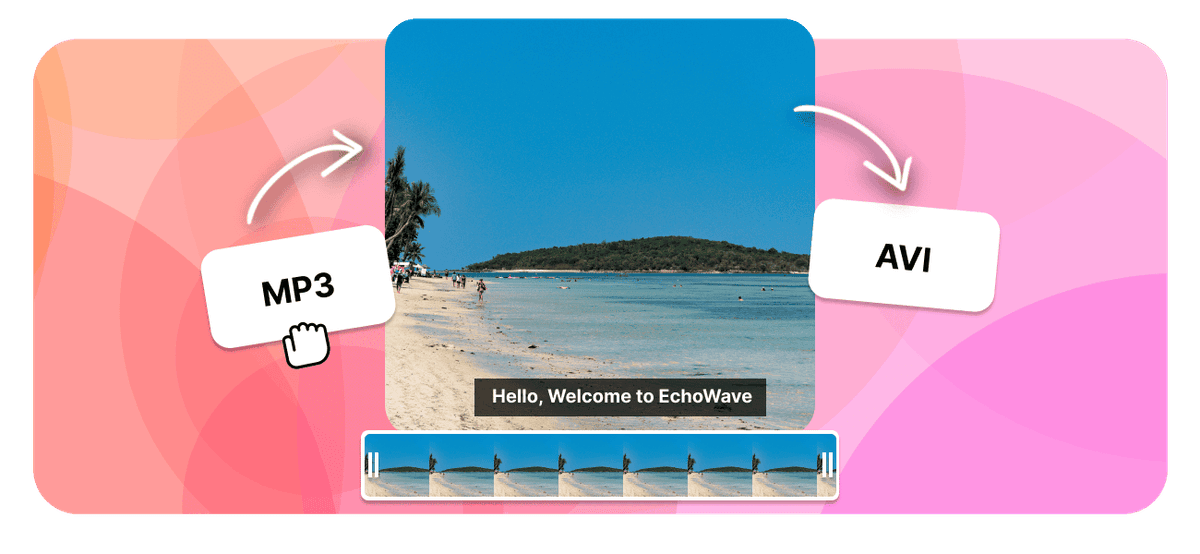
MP3 to AVI Converter Features
EchoWave is used by creators, marketers, educators, and businesses to convert and edit media online.





AVI is a legacy Microsoft video container, so converting MP3 to AVI is about packaging audio as video for older Windows software or a tool that refuses audio-only files. EchoWave places your MP3 inside an AVI with a simple visual, keeping the sound intact. If you are uploading to a modern site, MP4 is the more widely accepted choice.
How it works
How to convert MP3 to AVI
- 1
Upload your MP3
Drag your MP3 onto the converter or pick it from your device. Nothing to install.
- 2
Choose AVI and convert
Select AVI as the output. Your audio is placed into a video with a clean background.
- 3
Download your AVI
Save the AVI ready to upload, or open it in the editor to add a cover image first.
Try it
Estimate your AVI
Pick a video bitrate and a length to see the AVI file size before you convert.
Drag to set the clip length in minutes, from 1 to 30.
An estimate. Real size varies with resolution, frame rate, and how much the picture moves.
The formats
MP3 vs AVI
MPEG-1 Audio Layer III
The most universal audio format ever made
- Type
- Lossy audio format
- Holds
- Audio only
- Typical size
- Small, about 1 MB per minute at 128 kbps
- Plays on
- Effectively everything
Best for:Music, podcasts, and audio you listen to
Audio Video Interleave
A legacy Microsoft video container
- Type
- Legacy video container
- Holds
- Older codecs like DivX or Xvid with MP3 or PCM audio
- Typical size
- Large for the quality it gives
- Plays on
- Windows and VLC, patchy on phones
Best for:Playing older Windows video files
Will it look and sound right?
- Your audio is kept at full quality inside your new AVI video, so nothing is lost from the sound.
- The picture is a simple visual because the source is audio only. Add a cover image or waveform in the editor for a richer look.
- A longer track makes a larger video, since the file carries a picture for every second.
Use cases
What people use it for
Troubleshooting
If something looks off
The video is just a still image
It will not upload to YouTube or Instagram
The file is large
FAQ
MP3 to AVI questions
Is the MP3 to AVI converter free?
How do I convert MP3 to AVI?
Why turn an MP3 into an AVI video?
What does the video show if my MP3 has no picture?
Should I convert my MP3 to AVI or MP4?
Is the audio quality kept?
Why is the AVI larger than the MP3?
Does the MP3 to AVI converter work on iPhone, Android, Mac, and Windows?
Can I convert several MP3 files to AVI?
What people say after converting with EchoWave

About the EchoWave team
EchoWave is a browser-based video and audio editor built by Lemon Vault LLC since 2018. The people who build the editor write these guides and test every step in the production app before publishing.
Convert MP3 to AVI for free Free online converter
Upload an MP3 and get an AVI video for older Windows tools or a player that needs video. No signup, no watermark.
Convert Files →
Keep converting























































