
WEBM to MOV Converter
Get a WEBM into MOV so it imports into iMovie, Final Cut, and QuickTime on your Mac. Free, in your browser, no signup.


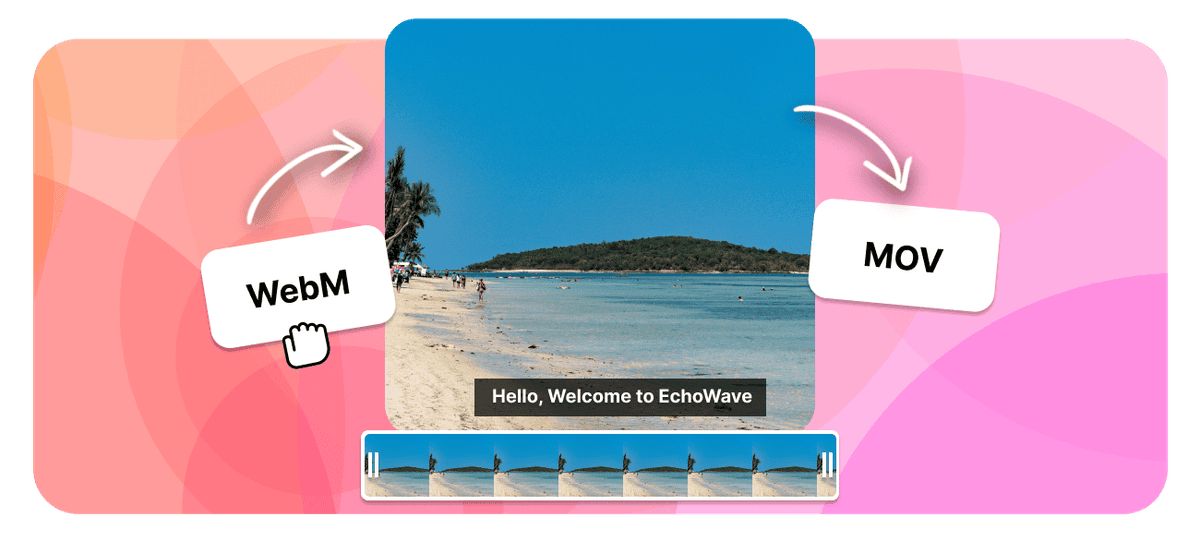
WEBM to MOV Converter Features
EchoWave is used by creators, marketers, educators, and businesses to convert and edit media online.





WEBM is a web format, and Apple software was never built to read it. Drop one into iMovie, Final Cut Pro, or QuickTime and it usually refuses to import. MOV is QuickTime's native container, so converting solves the problem at the source. EchoWave re-encodes the VP8 or VP9 video and Opus audio inside your WEBM into H.264 and AAC in a MOV file, free and right in your browser with no signup.
How it works
How to convert WebM to MOV
- 1
Upload your WebM
Drag your WebM onto the converter or pick it from your device. Nothing to install.
- 2
Choose MOV and convert
Select MOV as the output and start. Free, with no sign-up and no watermark.
- 3
Download your MOV
Save the finished MOV, or open it in the editor to trim, crop, or resize it first.
Try it
Estimate your MOV
Pick a video bitrate and a length to see the MOV file size before you convert.
Drag to set the clip length in minutes, from 1 to 30.
An estimate. Real size varies with resolution, frame rate, and how much the picture moves.
The formats
WebM vs MOV
WebM
Open video built for the web
- Type
- Open web video container
- Holds
- VP8 or VP9 video with Vorbis or Opus audio
- Typical size
- Small at good quality
- Plays on
- Chrome, Firefox, Edge, and Android
Best for:Video embedded on web pages
QuickTime File Format
Apple QuickTime video, common on iPhone and Mac
- Type
- Video container (QuickTime)
- Holds
- H.264 or HEVC video with AAC audio
- Typical size
- Large, often bigger than MP4
- Plays on
- iPhone, Mac, QuickTime, most modern players
Best for:Recording and editing on Apple devices
Will it lose quality?
- When the codecs already match MOV, the converter can change the container without re-encoding, so the picture stays identical.
- When the video has to be re-encoded for MOV, a high bitrate keeps it visually close to the WebM.
- Converting cannot add detail the WebM never had. The output is at best as good as the source.
Use cases
What people use it for
Troubleshooting
If something looks off
The MOV will not play
The file got larger
Audio and video drift out of sync
FAQ
WebM to MOV questions
Why will my WEBM not import into iMovie or Final Cut Pro?
How do I convert WEBM to MOV?
Does WEBM to MOV work for QuickTime Player?
Will converting WEBM to MOV lose quality?
Why is the MOV bigger than my WEBM?
Does the WEBM to MOV converter work on Mac and Windows?
Is the WEBM to MOV converter free?
Will the audio carry over to the MOV?
What people say after converting with EchoWave

About the EchoWave team
EchoWave is a browser-based video and audio editor built by Lemon Vault LLC since 2018. The people who build the editor write these guides and test every step in the production app before publishing.
Convert WEBM to MOV for free Free online converter
Upload a WEBM and get a MOV that imports into iMovie, Final Cut, and QuickTime. No signup, no watermark.
Convert Files →
Keep converting























































