
The 9 Best Biteable Alternatives in 2026
Biteable has no free plan, its 7-day trial will not let you download a finished video, and longtime customers report repeated price hikes. Our top pick is EchoWave, a browser editor you can use free without an account, though Biteable keeps the edge on polished HR templates and AI avatars. Free and cheaper options for business video are ranked below.


The 9 Best Biteable Alternatives in 2026 Features
Trusted by thousands of creators worldwide





Why people look for a Biteable alternative
Biteable's product is not the complaint; its terms are. There is no free plan, and the 7-day trial shows watermarked previews without letting you download a finished video, so you cannot judge final quality before paying. Longtime customers on Trustpilot report the subscription doubling twice in one year, auto-renewals landing without reminder emails under a strict no-refund policy, including one surprise $828 annual charge, and the score there has slid to 2.3, though Biteable still holds a 4.4 on G2, so experiences clearly split. The plans themselves carry tight caps: 10-minute videos and 1 user on Pro, 20 minutes and 3 users on Premium. Reviewers also report slow uploads and renders, in one case a 120-minute wait to upload footage for a 10-minute video.
We tested every alternative in the browser and re-checked each pricing page in August 2026, favoring tools that let you try the real product before paying.
TL;DR: EchoWave is the best overall alternative, actually free to start with no account; Animoto for template slideshows with licensed music and Getty stock; Adobe Express if you already live in Adobe, with a free tier that has no watermark.
The best Biteable alternatives in 2026, ranked
Every pick tested in the browser. Prices checked August 2026.
- 1
EchoWave
Our pickBest overall: actually free to start, with no seat math for solo users
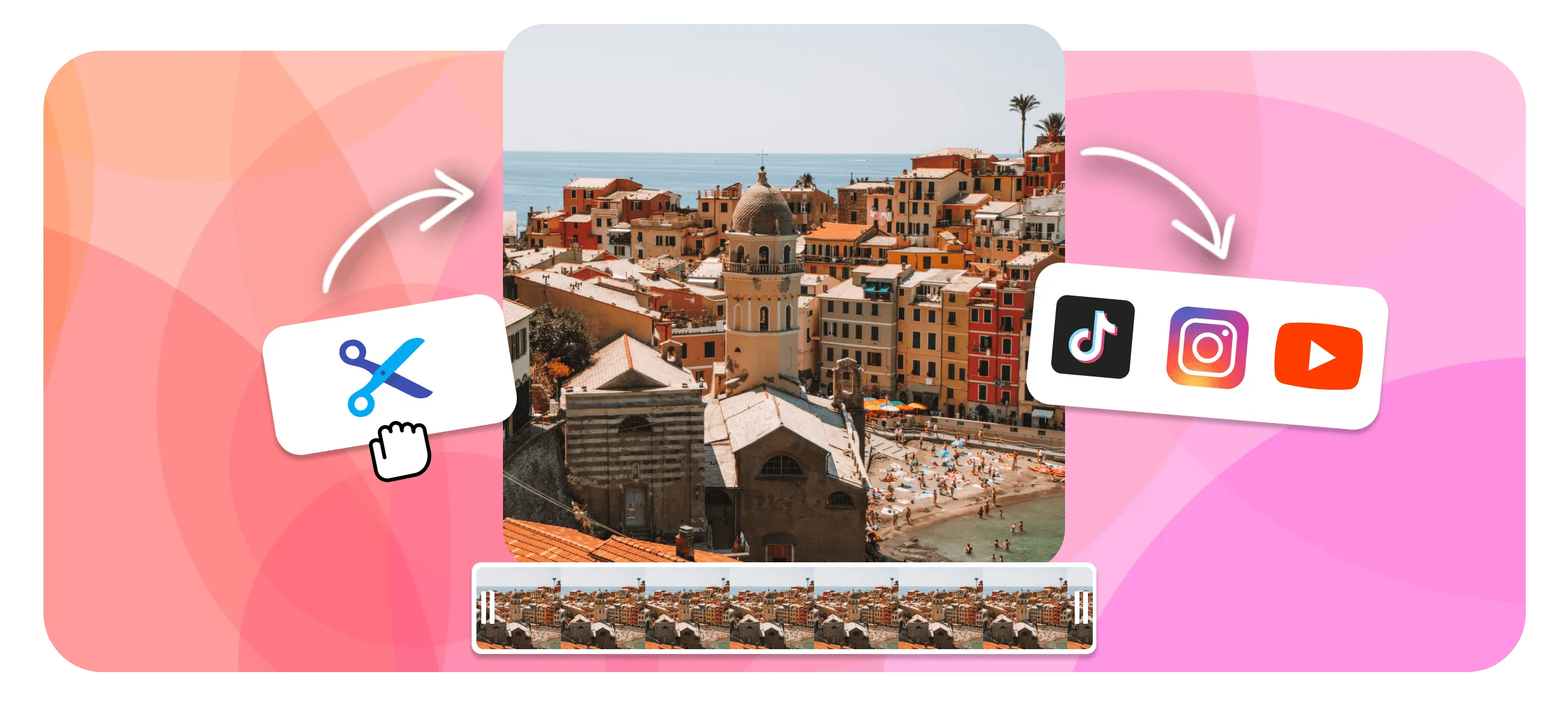
The first difference is the price of finding out. Biteable has no free plan and its trial will not let you download a finished video; EchoWave is free forever. Open the online video editor without an account, edit videos up to 60 minutes with 90+ tools, and export at 720p with a small badge, or use quick tools like trim and compress with no watermark at all. Paid starts at $9/mo billed annually, and Basic and Pro have no per-seat pricing to multiply.
For explainer-style work, the text-to-speech voiceover studio and voiceover video maker cover narration, and your own projects become reusable templates with placeholders, including bulk CSV where one row makes one video. The honest caveat: Biteable's HR and internal-comms template polish and AI avatars have no EchoWave equivalent; there is no avatar presenter here.
- Pricing:
- Free plan; paid from $9/mo billed annually
- Free plan:
- Free forever: full editor, 720p exports with a small badge; quick tools export with no watermark
- Best for:
- Small businesses and solo marketers who want to make real videos before spending anything
Pros
- Actually free: full editor, videos up to 60 minutes, no account to start
- Quick tools (trim, crop, compress, convert) export with no watermark
- No per-seat pricing on Basic or Pro
- AI voiceovers: text-to-speech plus voice cloning
- Your projects become templates; bulk CSV makes one video per row
- Paid from $9/mo billed annually for 1080p
Cons
- No AI avatars or presenter videos
- No stock template gallery: templates come from your own projects
- Free editor exports cap at 720p with a small badge
- 2
Animoto
animoto.comTemplate slideshows with Getty stock and licensed music built in
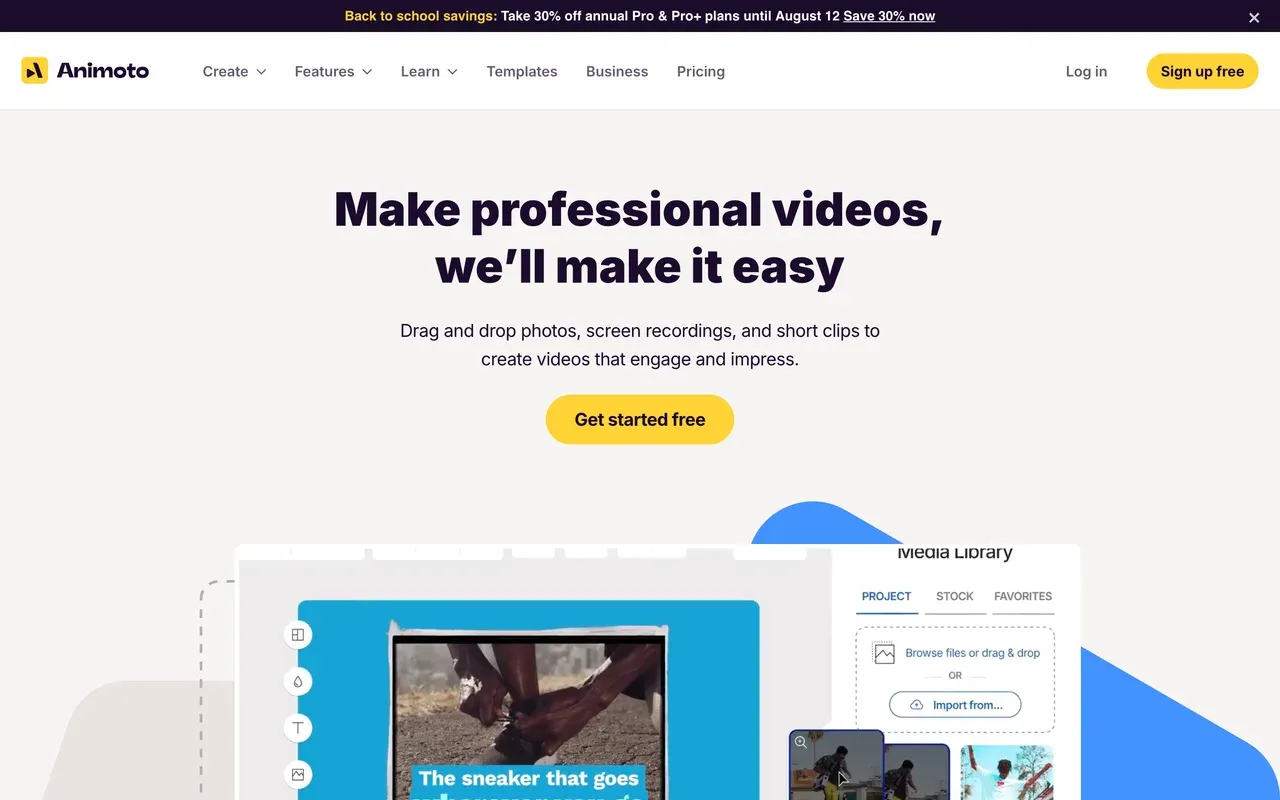
Animoto, now owned by Redbrick, is the closest match for Biteable's make-a-video-fast promise, and unlike Biteable it has a real free plan: unlimited video creation at 720p with a watermark, plus 50 licensed music tracks. Paid starts at just $9/mo billed annually, and the $19/mo Professional tier bundles 1M+ Getty stock images, around 3,000 licensed songs, and 4K export, a media package nothing else at this price includes.
The trade-offs are creative: templates are rigid and dated, with no keyframes or custom transitions, so if a layout does not fit you pick another. Billing complaints about auto-renewal recur in reviews, and monthly prices run about double the annual rates.
- Pricing:
- From $9/mo billed annually (Basic; $19 monthly)
- Free plan:
- Free: unlimited video creation, 720p max, watermark, 50 licensed music tracks
- Best for:
- Non-editors making slideshow-style marketing videos with safe licensed media
Pros
- Real free plan with unlimited creation and licensed music
- Getty stock (1M+ images) and about 3,000 songs on Professional
- Fastest photos-to-video workflow for non-editors
- Screen and webcam recording included
Cons
- Rigid, dated templates: no keyframes or custom transitions
- 720p and watermark on the free plan
- Auto-renewal billing complaints in reviews
- Monthly prices roughly double the annual rates
- 3
FlexClip
flexclip.com6,000+ templates at the lowest usable paid price
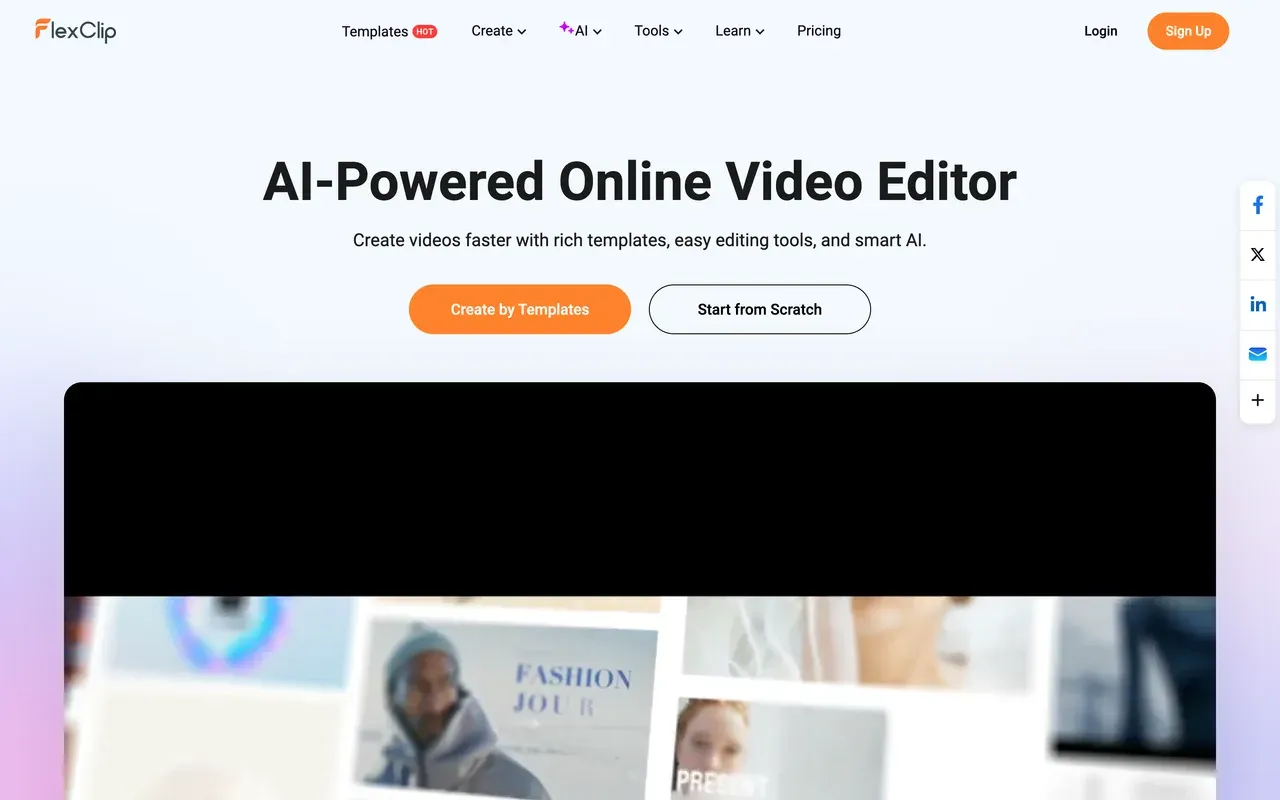
FlexClip undercuts Biteable's Pro plan at $11.99/mo billed annually for watermark-free 1080p with unlimited video length, backed by 6,000+ templates, 4M+ stock items, and an AI suite covering text-to-video, auto-subtitles, and translation. For template-first business video on a budget, it is hard to beat on sticker price.
Know its quirks: free exports carry a mandatory FlexClip intro animation of a few seconds rather than a corner badge, renders run slow on longer videos (a 7-minute video took about 15 minutes in one test), the Plus tier caps stock at 5 videos and audios per project, and 1080p is the ceiling until Business.
- Pricing:
- From $11.99/mo billed annually (Plus; $19.99 monthly)
- Free plan:
- 720p max, videos up to 10 minutes, 12 projects, mandatory intro animation on exports
- Best for:
- Beginners and small businesses making quick template videos on a tight budget
Pros
- 6,000+ templates and 4M+ stock media items
- Cheap: watermark-free 1080p from $11.99/mo billed annually
- AI extras: text-to-video, auto-subtitles, translation, TTS
- Unlimited video length on paid plans
Cons
- Free exports carry a forced intro animation
- Slow renders on longer or high-res videos
- Stock caps persist on the Plus tier
- 1080p ceiling until the Business plan
- 4
Renderforest
renderforest.comTemplates plus logos and a website builder, with renewal-price fine print
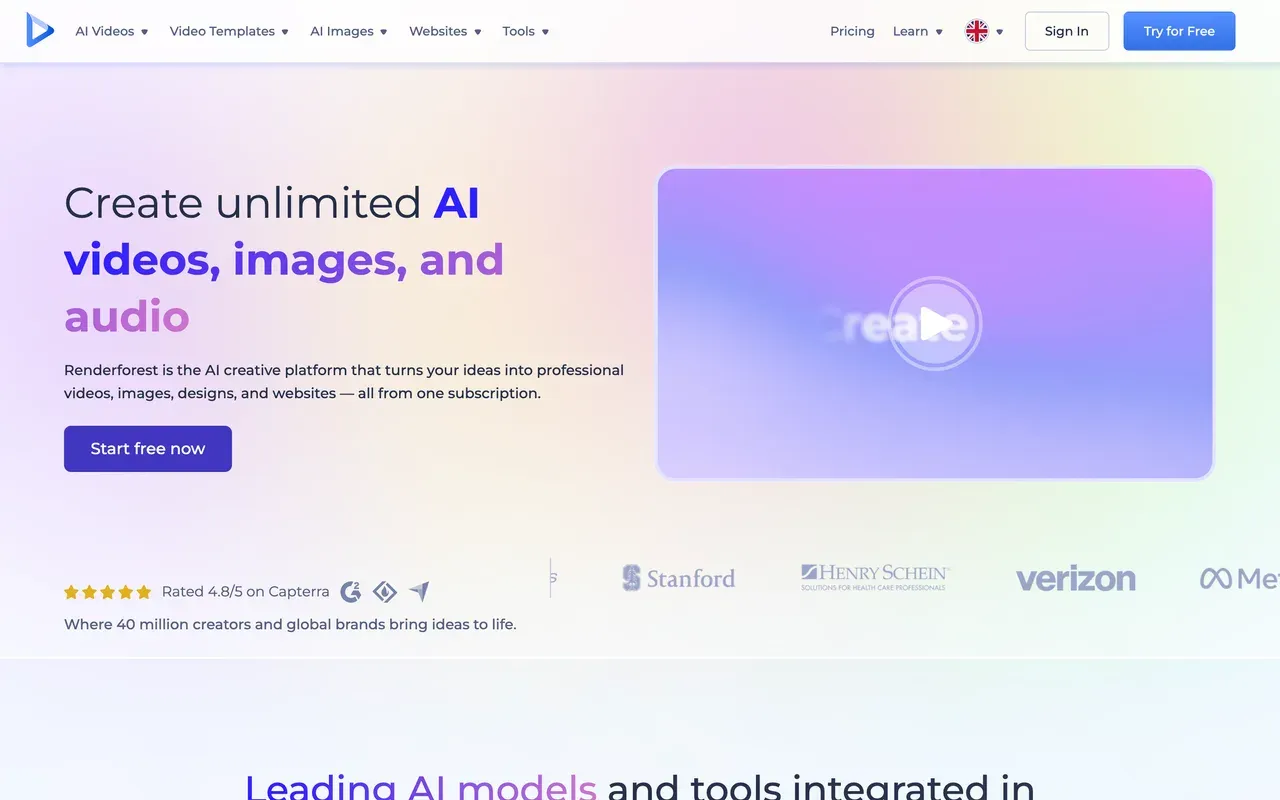
Renderforest bundles what a small business buys separately: 1,200+ video templates, logo and mockup makers, a website builder, and now multi-model AI generation on credits, from $8/mo billed annually. Against Biteable it wins on breadth and entry price.
The fine print echoes the Biteable complaints you are escaping: the free plan is 360p with a watermark, Lite caps watermark-free exports at 60, annual Pro is a first-year teaser that renews from $12 to $24/mo, 4K is locked to Business, and Trustpilot reviewers report surprise annual charges under a no-refund policy. Go in with a calendar reminder.
- Pricing:
- From $8/mo billed annually (Lite; $9 monthly)
- Free plan:
- 360p SD exports, about a 3-minute video cap, watermark
- Best for:
- Businesses that want video, logo, and website assets from one subscription
Pros
- Video templates plus logo maker and website builder in one
- Cheapest entry on this page at $8/mo billed annually
- Cloud rendering with mobile apps
- AI generation credits across major models
Cons
- Free tier is 360p with a watermark
- First-year teaser pricing: Pro annual renews from $12 to $24/mo
- 60 watermark-free exports cap on Lite; 4K locked to Business
- Surprise-charge and no-refund complaints on Trustpilot
- 5
invideo AI
invideo.ioPrompt-to-finished-video, further up the automation curve than Biteable
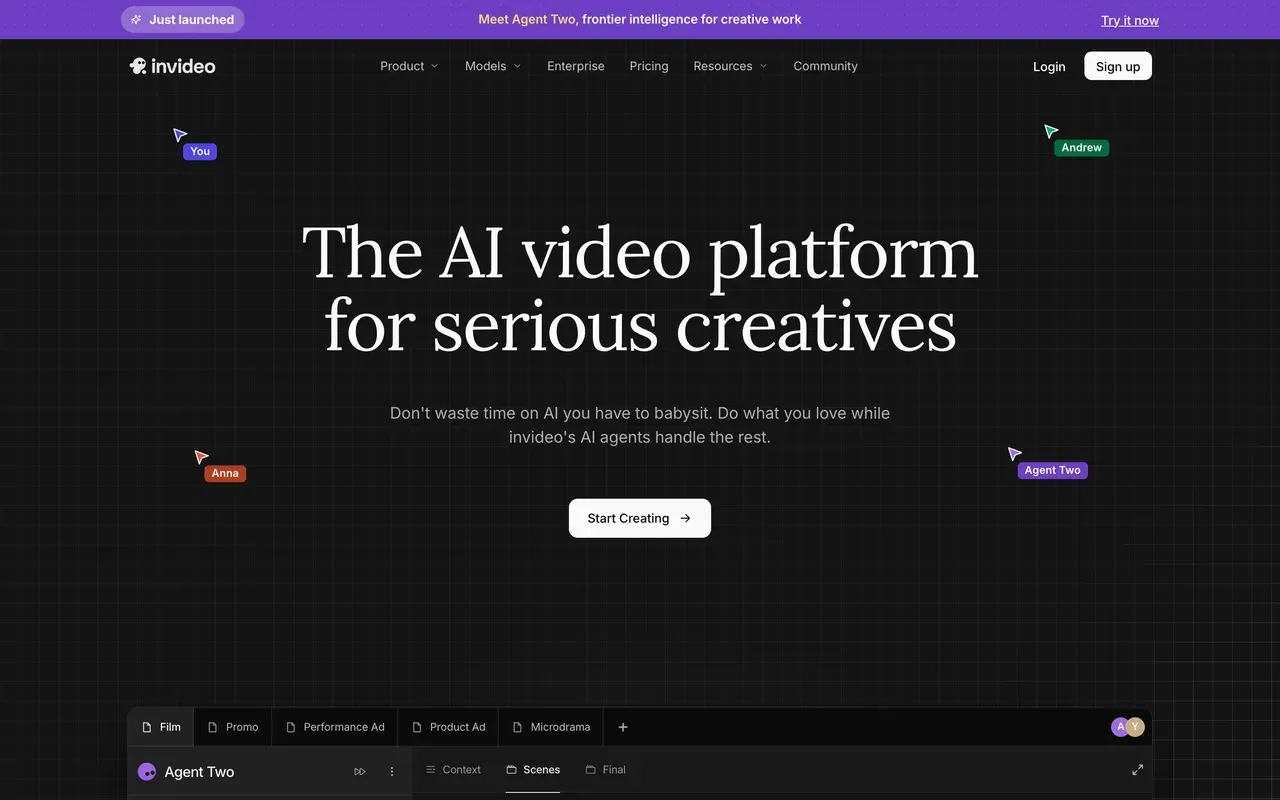
Where Biteable's AVA turns a prompt into an editable storyboard, invideo AI goes all the way to a finished video: its Agent Two writes the script, adds voiceover, stock, subtitles, and edits in one generation pass, drawing on 200+ models including Sora 2 and Veo 3.1. For faceless explainer channels it automates the most.
Its economics demand caution: credits burn on edits and even failed generations with refunds refused under a real-time-compute clause, credits do not roll over, tier prices are hidden behind login (third parties report Plus around $20 to $25/mo), and its Trustpilot sits at 3.4 with 23% one-star reviews.
- Pricing:
- Reported from $20/mo billed annually (Plus, $25 monthly); prices login-gated, verify at checkout
- Free plan:
- Small credit allocation, weekly export cap, watermark on every free export
- Best for:
- Prompt-first marketers generating explainer videos without editing skills
Pros
- Agent Two generates finished videos from a prompt
- Access to 200+ AI models under one subscription
- Stock library access bundled in paid plans
Cons
- Credits consumed by edits and failed generations, without refunds
- No credit rollover, and credit costs can change without notice
- Prices not shown publicly before signup
- Trustpilot 3.4 with billing and cancellation complaints
- 6
Lumen5
lumen5.comBlog-to-video with brand governance for marketing teams
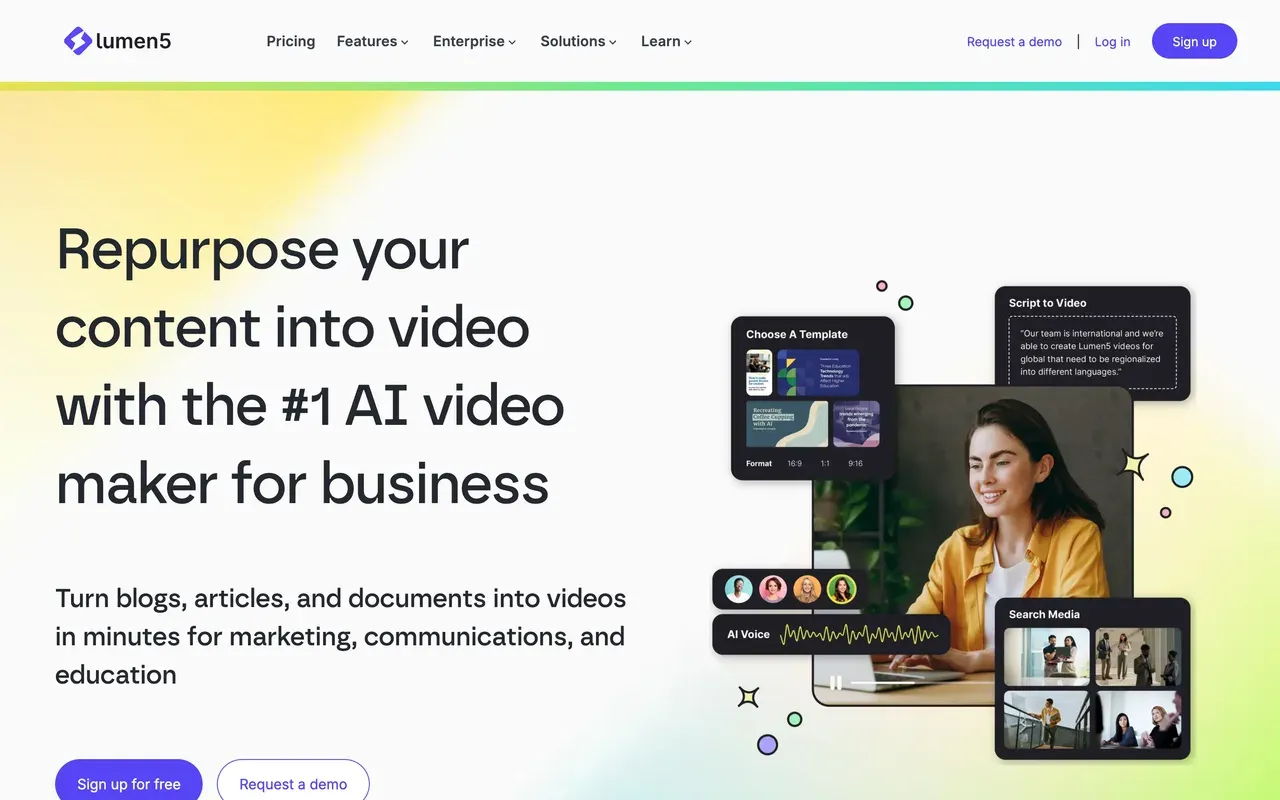
Lumen5 turns blog posts, scripts, and documents into branded social videos with an AI first cut, backed by brand kits, blueprint templates, 1,000+ AI voices with cloning, and enterprise workflow on its Team plan. For content-marketing teams repurposing articles, it is more purpose-built than Biteable ever was.
The ladder is steep: the free plan allows 5 videos a month at 2 minutes with a branded outro, the $19/mo annual Basic tier still exports below 1080p, full HD starts at the $59/mo annual Starter tier, and 4K does not exist on any plan. Trustpilot includes cancellation complaints, one user reporting charges continuing for two years.
- Pricing:
- From $19/mo billed annually (Basic; $29 monthly)
- Free plan:
- 5 videos/month, max 2-minute videos, Lumen5-branded outro
- Best for:
- Marketing teams converting blog content into branded social videos
Pros
- Strong blog-post and script to video workflow
- Brand kits and templates for team consistency
- 1,000+ AI voices plus voice cloning
- Large licensed stock pool from the Starter tier up
Cons
- 1080p locked behind the $59/mo annual Starter tier; no 4K at all
- AI voice and animation minutes metered even on paid plans
- Billing and cancellation complaints on Trustpilot
- Free plan capped at 5 short branded videos a month
- 7
VEED
veed.ioThe all-round browser suite, avatars included
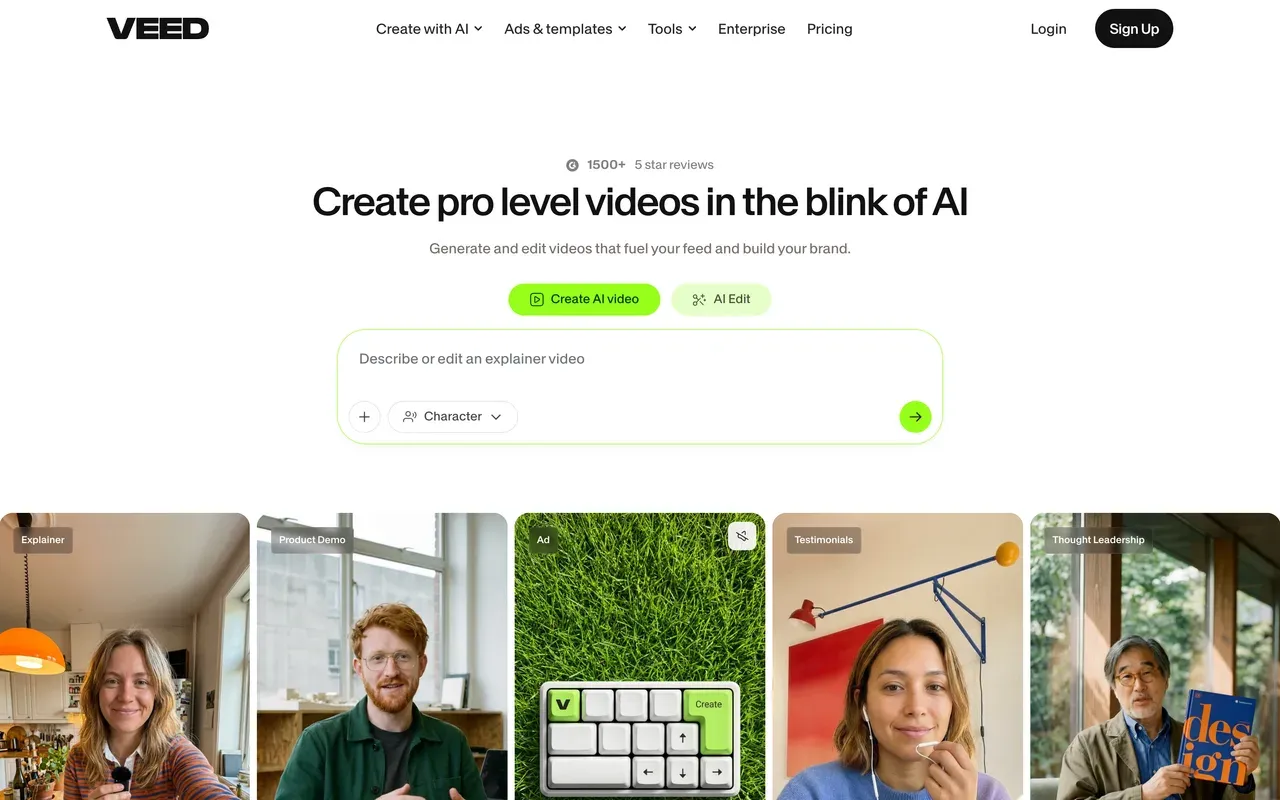
VEED keeps the feature Biteable users most fear losing, AI avatars, and wraps it in a broad browser platform: a real timeline editor, auto-subtitles in 50+ languages on Pro, screen recording, text-to-speech with voice cloning, brand kits, and a Gen-AI studio spanning 25+ models. For teams producing varied business video, it is the most capable single replacement here.
Budget for its structure: per-user plans from $10/mo billed annually with monthly billing at about double, AI metered by yearly credits users report exhausting, a demo-grade free tier, and Trustpilot reviews led by auto-renewal and refund complaints.
- Pricing:
- From $10/mo billed annually (Creator; $20 monthly), per user
- Free plan:
- Free: 720p, 10-minute export cap, 2GB storage, limited AI credits, watermark
- Best for:
- Teams that want avatars, subtitles, and a real editor in one browser tool
Pros
- AI avatars, TTS, and voice cloning alongside a full editor
- Auto-subtitles and translation in 50+ languages on Pro
- Brand kits and team controls
Cons
- Per-user pricing; monthly billing about doubles the rate
- AI runs on yearly credit allowances
- Free tier is a watermarked demo
- Billing complaints dominate its Trustpilot reviews
- 8
Pictory
pictory.aiScript and document to video, with everything metered
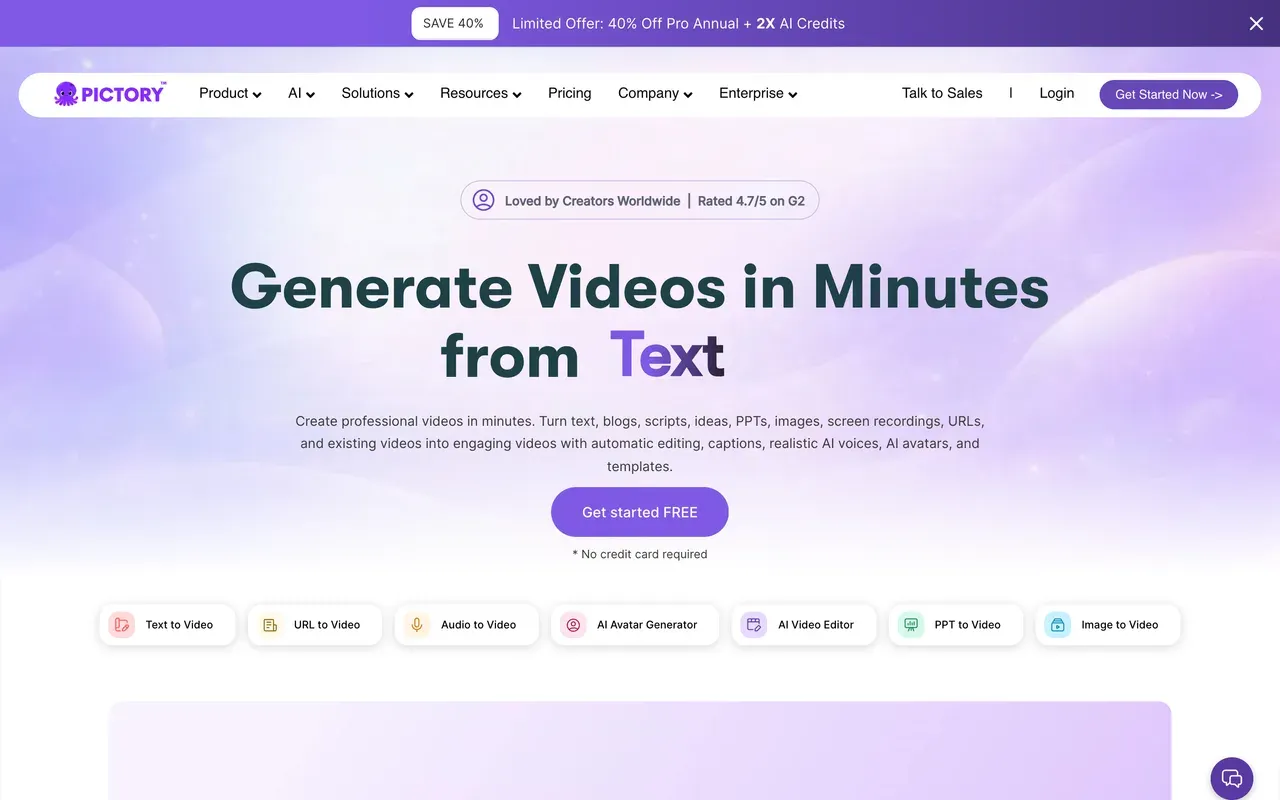
Pictory converts scripts, blog URLs, PDFs, and even slide decks into stock-footage videos with auto-captions, AI dubbing, and custom avatar and voice clones on higher tiers, plus an API. For course creators and marketers bulk-converting existing content, the input flexibility beats Biteable's storyboards.
It shares Biteable's trial problem: no permanent free plan, and the 14-day trial caps you at 3 projects, counting failed exports, with watermarked output. Every plan meters annual video minutes and AI credits, and reviewers report the AI picking context-blind stock footage that needs heavy manual replacement.
- Pricing:
- From $25/mo billed annually (Starter; $29 monthly)
- Free plan:
- No permanent free plan; 14-day trial with 3 projects and watermarked exports
- Best for:
- Course creators and marketers bulk-converting text content into video
Pros
- Script, URL, PDF, and PPT to video conversion
- Auto-captions, highlight extraction, and AI dubbing
- Custom avatar and voice clones on Professional and up
- API for programmatic video
Cons
- No free plan, and trial exports are watermarked
- Annual minute and credit meters on every plan
- AI stock selection is often context-blind
- Failed renders count against trial project caps
- 9
Adobe Express
adobe.comThe free tier with no watermark, for teams already in Adobe
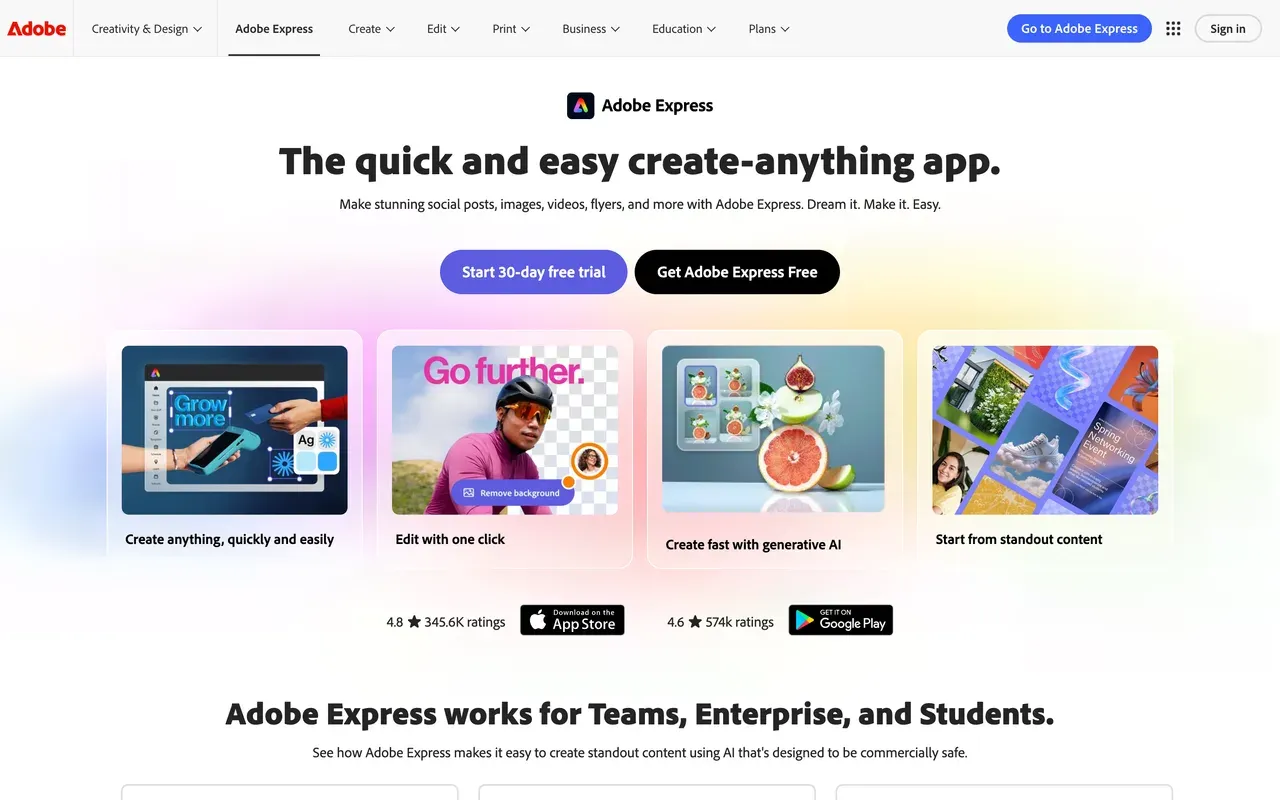
Adobe Express deserves a specific credit no one else on this page gets: its free plan exports without a watermark, alongside 268K+ templates, 500K+ Adobe Stock photos, daily free AI generations, and quick actions for captioning, resizing, and converting video. Premium is cheap at $8.33/mo billed annually ($99.99/yr) and adds 4K, 2-hour videos, 350M+ stock, and brand kits.
It is a design tool with video attached, not an editor: Adobe's own forums carry bug threads about video uploads failing and edits not loading, media limits have broken ultrawide workflows, and reviewers call deep customization limited. Fine for branded social cuts; wrong for real timeline work.
- Pricing:
- Premium $8.33/mo billed annually ($99.99/yr; $9.99 monthly)
- Free plan:
- Free with no watermark: daily AI generations, 268K+ templates, video up to 30 minutes, 5GB storage
- Best for:
- Social media managers in the Adobe ecosystem making branded graphics plus quick clips
Pros
- Free plan exports carry no watermark
- Huge licensed template and Adobe Stock library
- Quick actions: caption, resize, trim, convert
- Cheap Premium with 4K and 2-hour videos
Cons
- Not a timeline editor; deeper edits push you toward Premiere
- Recurring video reliability bugs on Adobe's own forums
- Generative credit rules are confusing across Adobe plans
- Premium templates and stock locked on free
Biteable vs EchoWave at a glance
| Feature | EchoWave | Biteable |
|---|---|---|
| Free plan | Free forever: full editor with 90+ tools, videos up to 60 minutes | No free plan; 7-day trial only |
| Try before you buy | Yes: edit and export free, no account or card | Trial shows watermarked previews; finished videos cannot be downloaded |
| Watermark | Small badge on free editor exports; quick tools export with no watermark | Watermarked trial previews; paid plans include unlimited clean exports |
| Starting price | $9/mo billed annually (Basic; $19 monthly) | $15/mo billed annually (Pro; $29 monthly) |
| Users included | No per-seat trap on Basic or Pro | 1 user on Pro; 3 users on Premium |
| Video length caps | Up to 60 minutes on the free plan | 10 minutes max on Pro, 20 minutes on Premium |
| Max export resolution | 8K on Business, 4K on Pro, 1080p on Basic | 1080p on Pro; 4K on Premium |
| AI avatars | No avatars; AI voiceovers and voice cloning instead | Yes: life-like and animated avatars, custom from a photo |
| Templates | Your own projects become templates with placeholders; bulk CSV, one row per video | 500+ templates aimed at HR, L&D, and internal comms |
| Subtitles and captions | Auto-transcribe 50+ languages, 170+ presets, translate to 80+ languages | AI voiceovers in 50+ languages; storyboard-led editing |
| Platforms | Any browser, plus Mac, Windows, and Linux desktop apps | Web only |
Is Biteable free? The best truly free alternatives
No. Biteable dropped to a 7-day trial: no credit card required, but previews are watermarked and you cannot download a finished video. If free matters, start with EchoWave, free forever with 60-minute videos and watermark-free quick tools, no account needed. Adobe Express is the only other pick here whose free exports carry no watermark. Animoto offers unlimited free creation at 720p with a watermark, and FlexClip is free with a forced intro animation on exports.
Cheapest Biteable alternative
Biteable Pro runs $15/mo billed annually ($29 monthly) for 1 user and 10-minute videos. Undercutting it: Renderforest Lite at $8/mo annual, with the warning that annual Pro pricing jumps at renewal and Lite caps clean exports at 60; Adobe Express Premium at $8.33/mo annual with 4K; EchoWave Basic at $9/mo annual with no video-count or 10-minute caps; Animoto Basic at $9/mo annual; and FlexClip Plus at $11.99/mo annual with unlimited video length.
Best Biteable alternative for HR and internal comms
Honesty first: templated announcement videos with avatars are Biteable's home turf, and its 500+ workplace templates and AVA storyboarding are genuinely polished, so weigh the billing record against the fit. Among alternatives, VEED keeps avatars, brand kits, and per-user team plans; Lumen5 adds approval workflows and brand governance on its Team plan; Pictory converts existing policy docs and scripts into video. EchoWave fits teams that narrate with AI voiceover instead of avatars and reuse formats via its template-from-project and bulk CSV workflow, with collaboration on the Business plan.
How to switch from Biteable to EchoWave
Make the video first, judge the result, then decide if you ever need to pay.
-
1. Upload your footage or slides
Open the online video editor in any browser, no account or trial clock, and drop in footage, images, or audio. Files are processed for your session, not used to train AI models.

-
2. Build the video and add narration
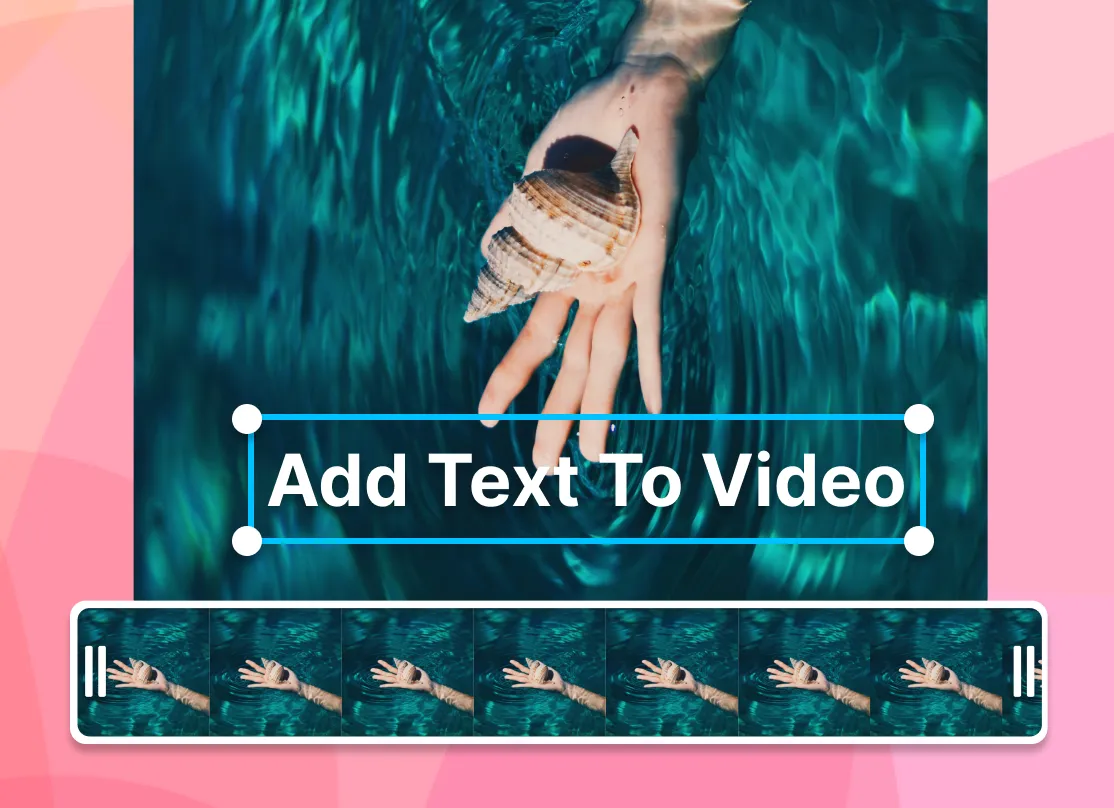
Arrange scenes on the timeline, brand them with text and your logo, and narrate with the text-to-speech voiceover studio or your own recording. Auto-captions come from 170+ presets.
-
3. Download and reuse the format
Export free at 720p, or from $9/mo billed annually for 1080p without the badge (pricing). Save the project as a template with placeholders, then batch future announcements with bulk CSV, one row per video.
What people are saying about EchoWave

About the EchoWave team
EchoWave is a browser-based video and audio editor built by Lemon Vault LLC since 2018. The people who build the editor write these guides and test every step in the production app before publishing.
Biteable alternative FAQ
What is the best free Biteable alternative?
EchoWave. Biteable has no free plan at all, while EchoWave's free tier is a working product: the full editor handles videos up to 60 minutes, no account is needed, and quick tools like trim, crop, compress, and convert export with no watermark. The free editor export is 720p with a small badge. If you want a second free option, Adobe Express is notable because its free exports carry no watermark, and Animoto allows unlimited free creation at 720p, watermarked.
What is cheaper than Biteable?
Biteable's cheapest path is Pro at $15/mo billed annually, which jumps to $29 on monthly billing and covers 1 user with 10-minute videos. Cheaper annual-billed picks from this page: Renderforest Lite at $8/mo (watch its renewal pricing), Adobe Express Premium at $8.33/mo, EchoWave Basic and Animoto Basic at $9/mo, and FlexClip Plus at $11.99/mo. EchoWave and FlexClip also remove the 10-minute-style length anxiety: EchoWave takes 60-minute videos even free, and FlexClip lifts length limits on paid plans.
Does Biteable have a watermark?
During the trial, yes: the 7-day trial shows watermarked previews and does not let you download finished videos at all, which is the bigger restriction. Once you pay, Pro includes unlimited 1080p exports and Premium adds 4K. On EchoWave the logic is reversed: you can export real videos before paying, at 720p with a small badge from the editor, or with no watermark from the quick tools, and $9/mo billed annually removes the badge.
Biteable vs EchoWave: which should I pick?
Pick Biteable if your job is templated workplace video: 500+ HR and internal-comms templates, AVA storyboarding from a prompt, and AI avatars, including custom ones from a photo, are its real strengths, provided you track the renewal terms its reviewers complain about. Pick EchoWave if you want to start free, keep videos up to 60 minutes, narrate with AI voiceover, caption in 50+ languages, and reuse your own projects as templates, without per-seat pricing on Basic or Pro.
Is Biteable free?
No. There is no free plan; Biteable offers a 7-day free trial that requires no credit card but limits you to watermarked previews, and you cannot download a finished video to judge the final quality before subscribing. Paid plans start at $15/mo billed annually or $29 month-to-month. That look-but-do-not-download trial is one of the most cited reasons people search for alternatives, since most rivals on this page let you export something real for free.
Why are longtime Biteable users leaving?
The published review record points at billing more than product. Trustpilot reviewers report the subscription doubling twice in one year, prices reaching about five times what early customers paid, auto-renewals arriving without reminder emails under a strict no-refund policy, and one unexpected $828 annual charge. The Trustpilot score now sits at 2.3, down from around 4.2 in earlier years, while Biteable still rates 4.4 on G2. Add the 10-minute video cap on Pro and reports of slow uploads, and the switching motivation is clear.
Which Biteable alternatives include AI avatars?
On this page: VEED offers AI avatars alongside its editor and per-user plans from $10/mo billed annually; invideo AI generates avatar-led videos as part of its prompt-to-video platform; and Pictory offers custom avatar clones and voice clones on its Professional tier and up. EchoWave does not have avatars, by design its narration route is AI text-to-speech and voice cloning. If a presenter on camera is non-negotiable and you refuse avatars entirely, record yourself with EchoWave's built-in camera recorder instead.
What video length limits should I watch for?
Biteable caps videos at 10 minutes on Pro and 20 minutes on Premium, which surprises teams making training content. Elsewhere: Lumen5's free plan stops at 2 minutes, FlexClip's free tier at 10 minutes with unlimited length on paid plans, and Adobe Express allows 30 minutes free and 2 hours on Premium. EchoWave's free plan takes videos up to 60 minutes, and no plan meters video counts, which is usually enough headroom for internal training and webinar edits.
Can my whole team use one subscription?
Check the seat rules before buying. Biteable includes 1 user on Pro and 3 on Premium, with custom pricing beyond that. VEED and Lumen5 price per user or per workspace tier, and Animoto's Professional Plus includes 3 users. EchoWave's Basic and Pro plans have no per-seat pricing, and team collaboration arrives on the Business plan at $69/mo billed annually, which also includes 8K export and unlimited renders. For a solo marketer, that means no seat math at all until the team genuinely grows.
The honest verdict
Try a video maker that starts free EchoWave has a free plan
Export real videos before you spend anything. No card, no trial clock.
Get Started →
How we checked
Prices and limits on this page come from the tools' own published pages, as checked August 2026:
- Biteable pricing (biteable.com) - Biteable
- Biteable reviews (trustpilot.com) - Trustpilot
- Animoto pricing (animoto.com) - Animoto
- FlexClip pricing (flexclip.com) - FlexClip
- Renderforest subscription (renderforest.com) - Renderforest
- How invideo credits work (invideo.io) - invideo help center (tier prices are login-gated)
- Lumen5 pricing (lumen5.com) - Lumen5
- VEED pricing (veed.io) - VEED
- Pictory pricing (pictory.ai) - Pictory
- Adobe Express pricing (adobe.com) - Adobe
Every competitor claim on this page was re-verified against the sources above on August 3, 2026.
Pricing and limits change often. If anything here is out of date, email hello@echowave.io with a link and we'll correct it. Our editorial policy explains how we test and update comparisons.
Trademark and comparison notice. Biteable and all related names, logos, product names and trademarks are the property of their respective owners. EchoWave is an independent product and is not affiliated with, associated with, authorised by, endorsed by, sponsored by, or in any way officially connected to Biteable or its owners. Any third-party names, logos and trademarks are used here only to identify and compare the products honestly (nominative fair use) and do not imply any endorsement, partnership or affiliation.
This comparison reflects EchoWave's own opinion and our understanding of publicly available information believed accurate at the time of writing. Third-party features, pricing and availability change frequently and can vary by region, so figures may be out of date; please confirm the current details on Biteable's official website before making a decision. EchoWave makes no representation or warranty as to the accuracy or completeness of any third-party information shown here. If you believe anything on this page is inaccurate or out of date, please contact us and we will review it promptly.























































